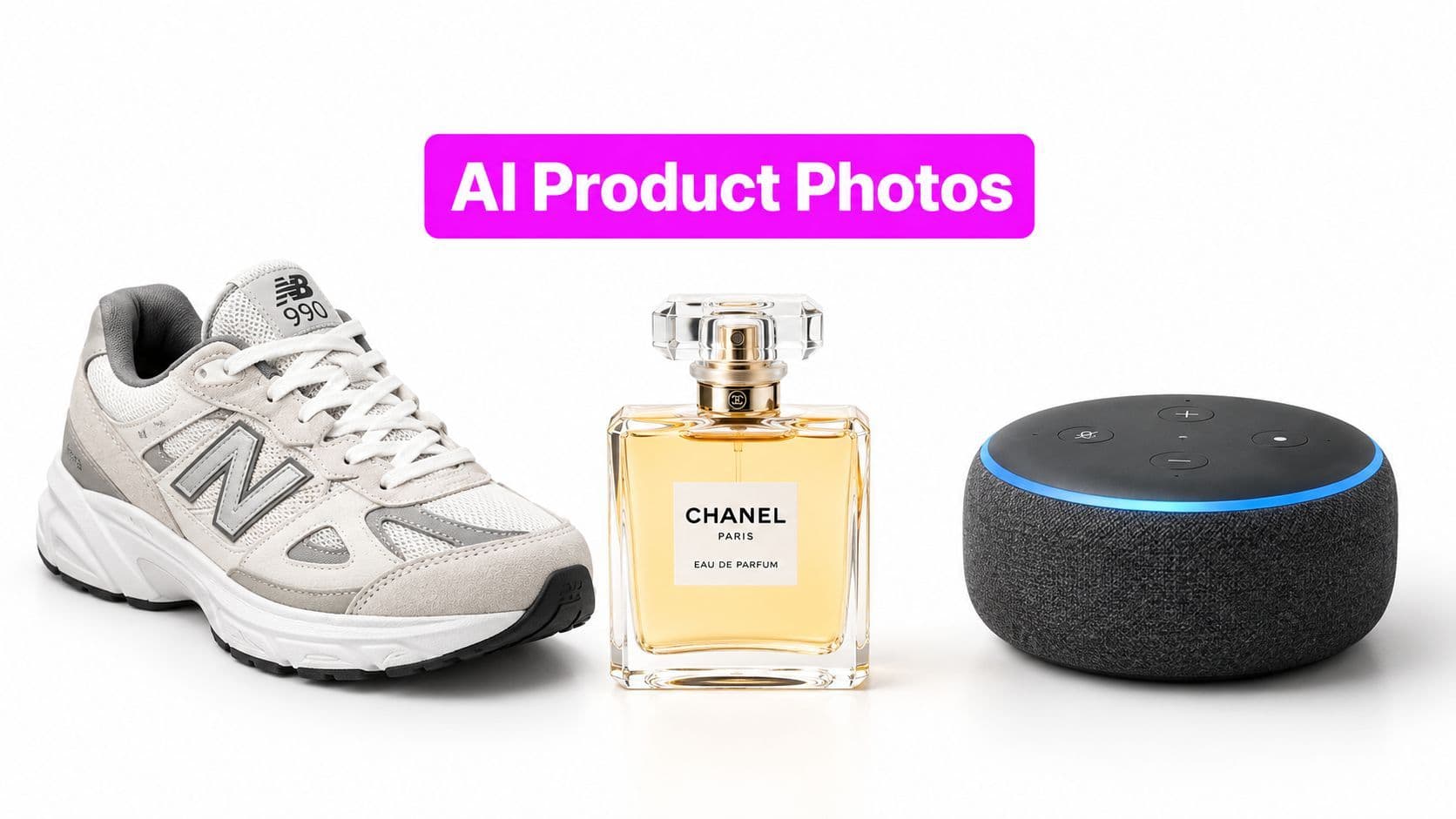
AI Product Photography Free: 10 Tools to Try

Ryan Bennett • September 27, 2026
Compare 10 tools for ai product photography free, with practical workflows, limitations, and guidance on when paid features are worth it.
“Free AI product photography” isn't a single category, and the tools aren't interchangeable. A one-off lifestyle image, an on-model apparel shot, a campaign resized for several channels, and a repeatable catalog batch each demand a different workflow. The fastest generator can still be the wrong choice if it changes a label, loses product geometry, or leaves you correcting every image by hand.
This comparison evaluates starting image quality, scene control, batch potential, editing effort, free access, commercial-use clarity, and the point where paid limits become relevant. The practical workflow is consistent: begin with a clean source image, isolate and inspect the product, create controlled variations, check every important detail, then finish the strongest assets for the channel where they'll appear. That approach matters because leading image-editing models passed product-accuracy checks in only 25–29% of generations in a July 2026 benchmark, according to Photoroom's product-fidelity analysis.
The market is expanding, but adoption doesn't remove quality control. One 2026 estimate places AI product photography at about $450 million in 2024, with a projection of roughly $5 billion by 2035, while another study uses a broader scope and estimates $1.47 billion in 2025 with a projection of $5 billion by 2035. The difference reinforces the need to compare workflow fit rather than headline market size. If you're also evaluating Rapid Ads product photography, use the same test image and the same approval criteria across every tool.
1. Bulk Image Generation
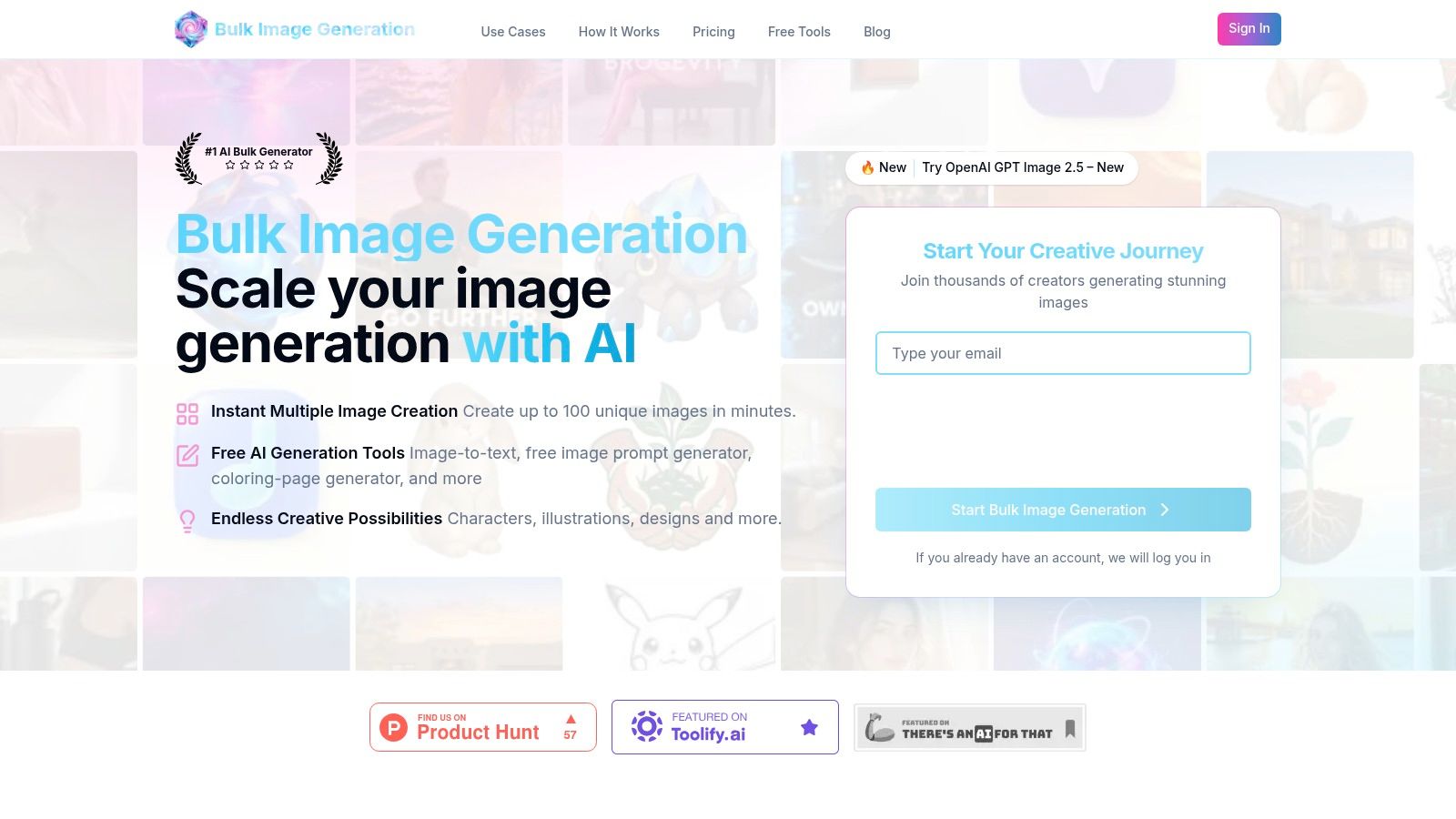
Bulk Image Generation is the most natural fit when the bottleneck is volume rather than one perfect hero image. The platform combines Flux 1.1 and OpenAI's GPT-Image-1, and its product materials state that it can generate up to 100 unique images in under 20 seconds. That makes it relevant for marketers producing product-scene variations, social assets, campaign concepts, or large batches from a shared brief.
The useful distinction is the natural-language workflow. You can describe the scene and desired outcome without building a complex prompt manually, then move the results into a batch editor for background removal, face swaps, resizing, and enhancement. The platform also provides prompt generators, aspect-ratio tools, image-to-prompt conversion, templates, and product-photography use cases. These extras reduce the setup work around generation, especially for small teams without dedicated design support.
Where it fits best
Use it when you need many creative directions quickly, then plan a deliberate review and finishing pass. It's less attractive if your workflow depends on pixel-level retouching, locked camera angles, or highly sensitive packaging details that need verification in every output.
The batch editor is the stronger workflow advantage. Instead of generating images in one place and correcting them elsewhere, you can handle common cleanup and format changes across a group. The platform's own guidance on creating product photos with AI is especially relevant for teams testing whether bulk generation can replace repetitive production work.
Practical rule: Treat high-volume generation as a first-pass production engine. Keep real product imagery as the accuracy reference, and approve outputs only after checking logos, text, color, shape, and surface details.
Where free access ends
The supplied product information doesn't specify current free quotas, pricing, customer results, certifications, or licensing terms. The site also returned a client-side error during the supplied review, so verify availability, commercial rights, export conditions, and current limits directly before using it for revenue-critical assets. Its headline speed is compelling, but reliability and fidelity still need to be tested with your own products.
Best for: Catalog teams, agencies, social managers, and anyone whose main constraint is batch throughput.
Trade-off: Exceptional scale potential, but you'll need a structured QA process and current confirmation of plans and usage rights.
2. Photoroom
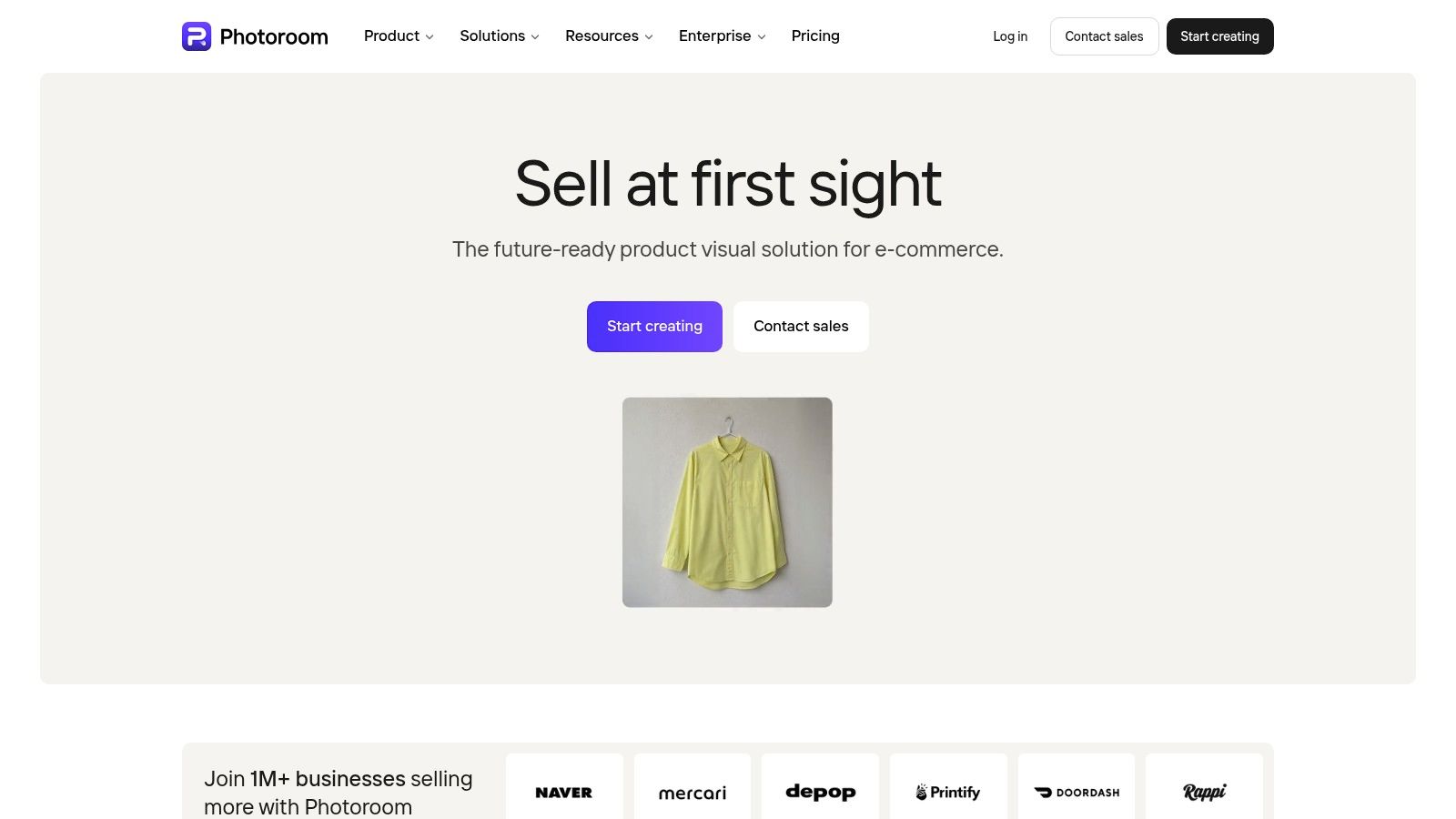
Photoroom is built around the practical needs of ecommerce sellers. Its workflow starts with a real product image and quickly moves through background removal, AI backgrounds, shadows, staging, retouching, and export. That makes it a strong option for marketplace listings and small teams that need usable assets without opening a full design application.
The mobile experience is one of its clearest advantages, while the web app is more comfortable for larger review and editing sessions. Templates help standardize common listing formats, and batch tools make it easier to keep a catalog visually coherent. Product Staging and Virtual Model features extend the workflow beyond simple cutouts, although those advanced tools are where credit consumption and paid access become more relevant.
What works and what doesn't
Photoroom works best when the source image is already clear and the goal is a clean listing photo, a restrained lifestyle scene, or a consistent batch of channel assets. It isn't the best choice for highly complex art direction where you need detailed control over every prop, camera position, and lighting relationship.
The free experience is useful for testing the core workflow, but advanced AI features consume credits and the strongest controls sit on paid tiers. Before committing, map your real process, including how many source images you'll process, how many variations you need, and whether you need batch exports. A separate batch image background removal workflow can help clarify whether background isolation or scene generation is the bigger production constraint.
Best for: Marketplace sellers, mobile-first teams, and quick store-ready images.
Trade-off: Fast and mature, but credit rules and advanced-feature limits can complicate predictable production.
3. Pixelcut
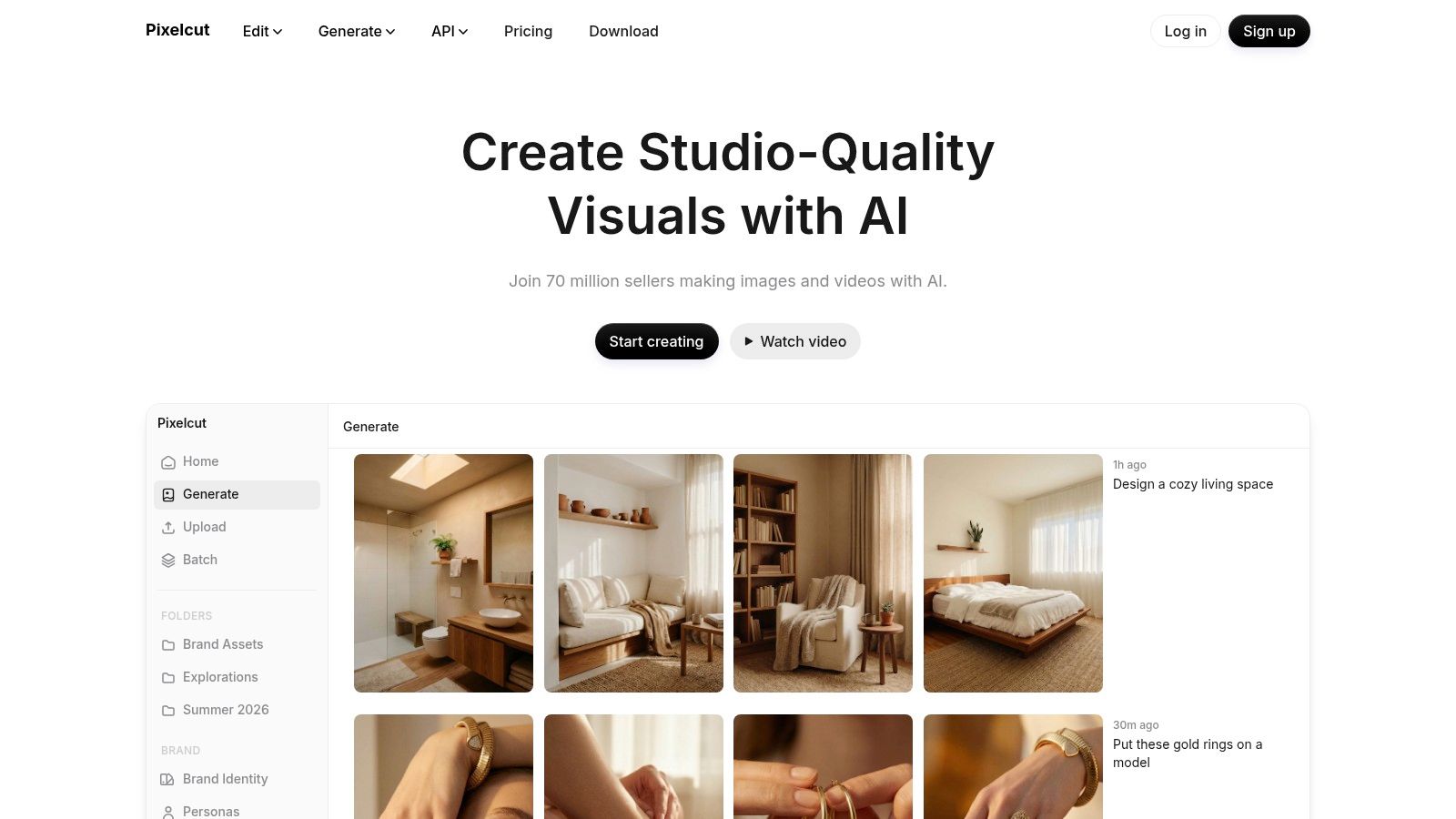
Pixelcut makes the free trial phase approachable. Its interface is simple, and the main workflow is easy to understand: upload a product image, remove or replace the background, add a shadow or scene, enhance the result, and export. That low learning curve matters for solo sellers who need to publish rather than learn a complex creative suite.
The product-photo tools are useful for lightweight lifestyle variants and social content. Batch editing also helps when the task is repetitive, while upscaling can improve a source file that needs a cleaner presentation. The limitation is that free access is capped, with low daily usage, and higher-quality or HD exports and some AI models require Pro access.
The practical test
Use Pixelcut with one representative product rather than a visually simple item. Check whether the tool preserves edges, materials, reflective surfaces, and small branding details. If the first output looks good but the next variations drift, the problem isn't the interface. It's consistency, and that matters more once you're processing a catalog.
The batch photo editor guidance is relevant when you're deciding whether a tool should handle correction across multiple images or only generate a few concepts. Pixelcut is strongest as a fast starting point and a learning environment. It becomes less attractive when daily limits interrupt a recurring production schedule.
Best for: Beginners, creators, and small stores testing core AI product-image workflows.
Trade-off: Easy to learn and useful for trial work, but free usage and premium export quality can constrain regular publishing.
4. Pebblely
Pebblely focuses on one job: turning a product cutout into lifestyle scenes. That narrow scope is an advantage when you don't need a full editor and just want several on-brand backgrounds for a product page, social post, or email campaign.
The workflow is quick. Upload the isolated product, choose a theme, adjust a simple prompt or scene direction, and generate variants. Because the tool is product-aware, it's easier to get a coherent result than it is with a general text-to-image system that treats the product as just another visual element.
Where it starts to strain
Pebblely is a good choice for small catalogs and rapid creative exploration. It's less suitable for detailed retouching, complex composites, or production teams that need deep control over lighting and object placement. The free experience can validate the concept, but credits and volume limits become relevant once you need repeated variations across many products.
Start with products that have clear silhouettes and relatively simple surfaces. For jewelry, transparent packaging, intricate patterns, or reflective finishes, inspect every generation closely. A convincing background can distract from a product error, which is exactly why the product itself needs to remain the approval reference.
Best for: Fast lifestyle scenes and social or catalog variants.
Trade-off: Very low friction, but less flexible than a full editor and not designed for intensive correction.
5. Flair AI
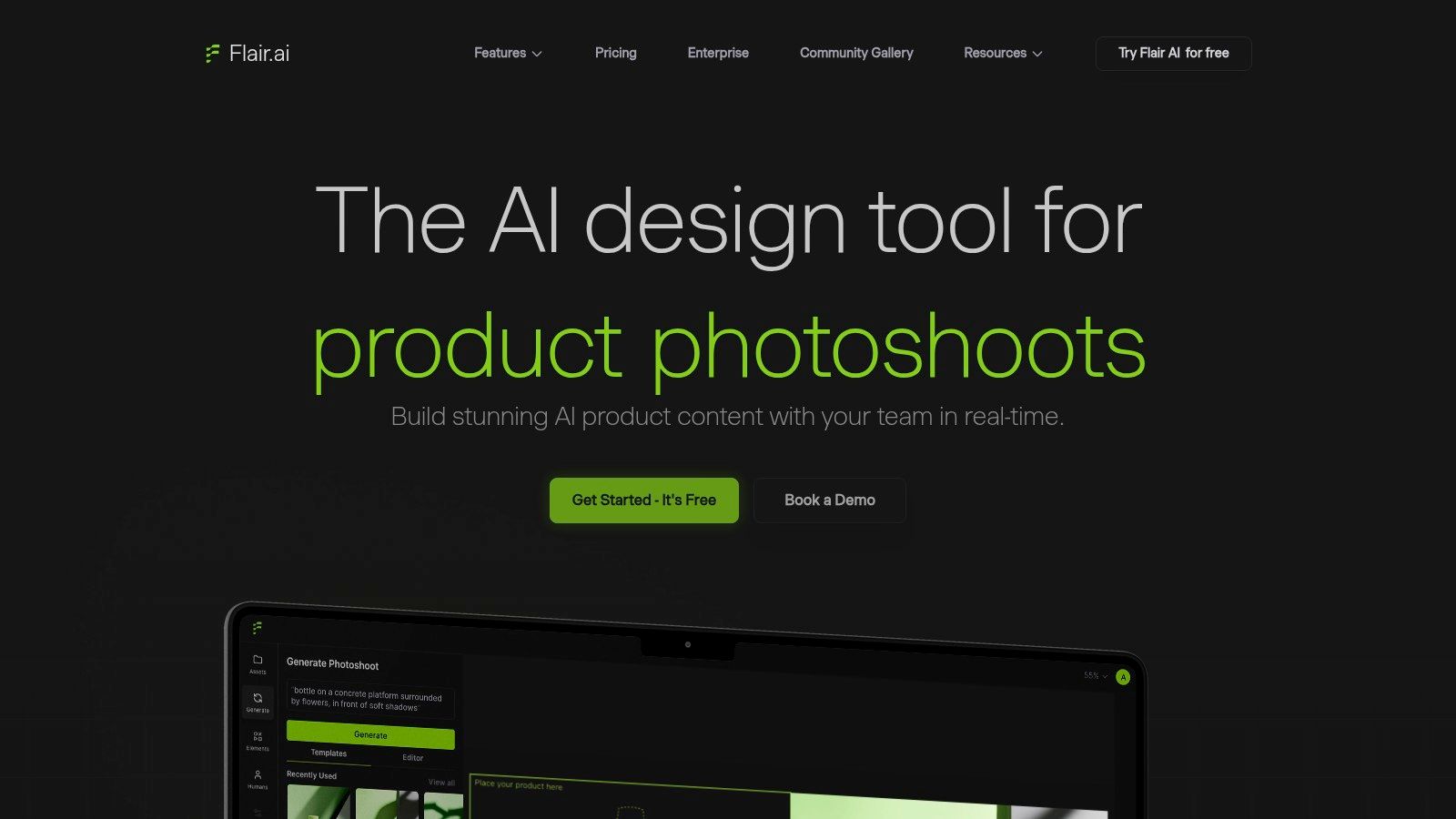
Flair AI treats product photography as a scene-design problem. Instead of relying only on one-click background replacement, it gives teams a workspace for arranging props, shadows, layouts, and brand assets. That makes it useful when visual consistency matters across campaigns and when several people need to work from repeatable templates.
The platform can support product and human custom models at higher tiers, alongside API and enterprise-oriented options. The free tier's stated commercial-use position is a meaningful consideration for businesses, but you should still review the current terms before publishing. “Commercial use allowed” doesn't remove the need to check asset ownership, uploaded-source rights, marketplace rules, or disclosure expectations.
A better fit for brand systems
Flair AI is stronger than a simple generator when you want reusable art direction. A team can establish a visual pattern for a product range, then adapt the composition instead of inventing a new scene from scratch each time. That reduces creative drift, although it introduces a learning curve that one-click tools largely avoid.
Advanced custom models, API access, and enterprise controls require paid plans. If you only need occasional lifestyle imagery, the extra structure may be unnecessary. If you're building repeatable campaign assets, the template-based approach can justify the additional setup.
Best for: Brand teams that need controlled scenes, reusable layouts, and explicit commercial-use positioning.
Trade-off: More strategic control, but more setup and less instant than lightweight scene generators.
6. Booth
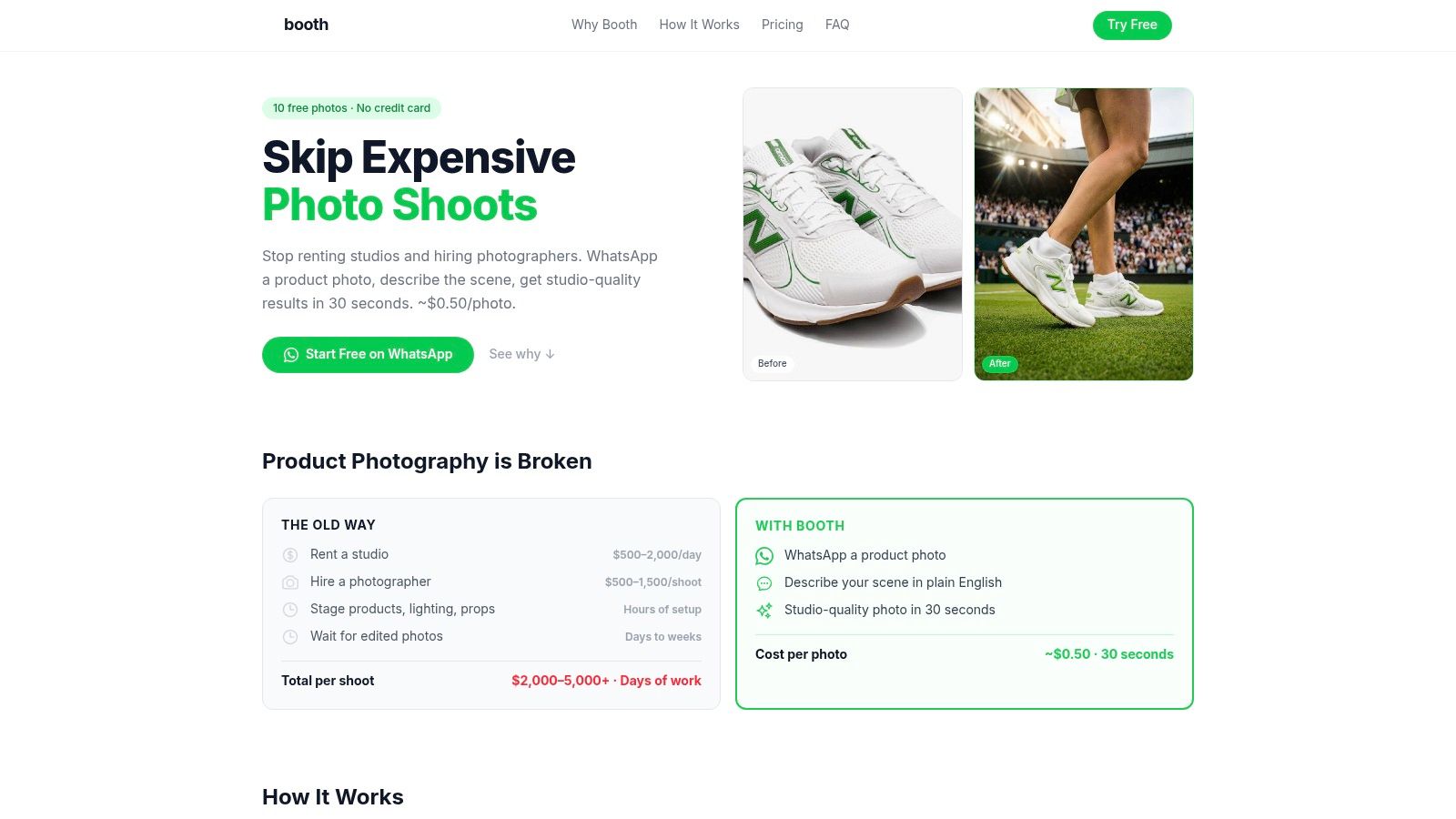
Booth is designed for sellers who want the shortest possible route from a product image to a finished scene. You send a product image through WhatsApp, describe the desired setting, and receive a generated studio or lifestyle image. That chat-first approach removes the editor from the workflow, which is useful when speed and convenience matter more than manual control.
The service states that it offers 10 free generations without requiring a card to start. It also provides commercial licensing for ecommerce, while higher tiers add features such as HD exports and bulk uploads. Because free limits and licensing terms can change, confirm the current plan details before building a repeatable store process around them.
Convenience versus control
Booth works well for a solo seller who needs a few credible variations and doesn't want to learn a design interface. It's less suitable for a team that needs shared templates, precise corrections, or a structured approval queue. If the generated shadow is wrong or the product needs an edge cleanup, you may have to move the file into another editor.
Use the free generations to test a real product, not a generic sample. Check whether the service follows your instructions, keeps the product intact, and produces files that match your store's requirements. The faster the workflow, the more important that final inspection becomes.
Best for: Solo sellers and quick one-off lifestyle images.
Trade-off: Minimal friction, but limited editing control and a chat-based process that may not scale comfortably for teams.
7. Canva
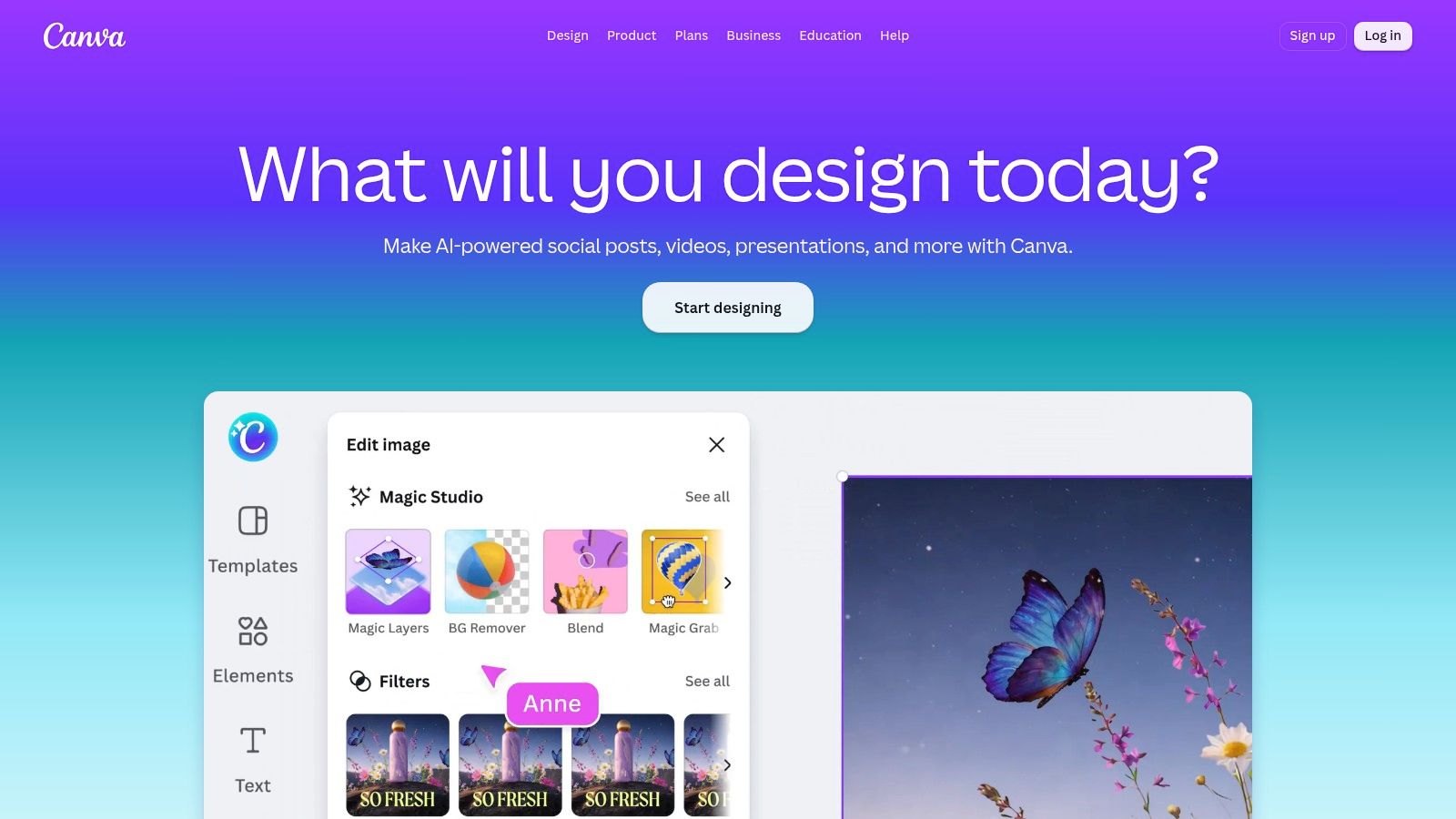
Canva is the most useful option here when product photography is only one part of a broader campaign. Its editor combines AI background generation and replacement with templates, brand kits, Magic Edit, Magic Expand, resizing, collaboration, and publishing workflows. A marketer can move from a product image to a social post, ad variation, email graphic, or landing-page asset without switching platforms.
That breadth is also the main limitation. Canva isn't as product-specialized as dedicated ecommerce tools, so you'll need to take responsibility for object preservation, shadows, and realistic integration. The free tier lets you test AI features, but some advanced background and editing functions require Pro access.
The right use case
Choose Canva when your final deliverable is a campaign system rather than a standalone product photo. It's particularly practical when non-design stakeholders need to review or adjust layouts, or when the same product asset must be adapted for several channels.
For a marketplace hero image, a specialized editor may produce a cleaner starting point. For a promotional campaign that needs copy, brand elements, and multiple aspect ratios, Canva can reduce handoffs. Keep the original product photo available so you can compare every generated version against the actual item.
Best for: Marketers building complete campaign assets around product images.
Trade-off: Strong collaboration and design flexibility, but less specialized product fidelity and more feature limits on free access.
8. Picsart
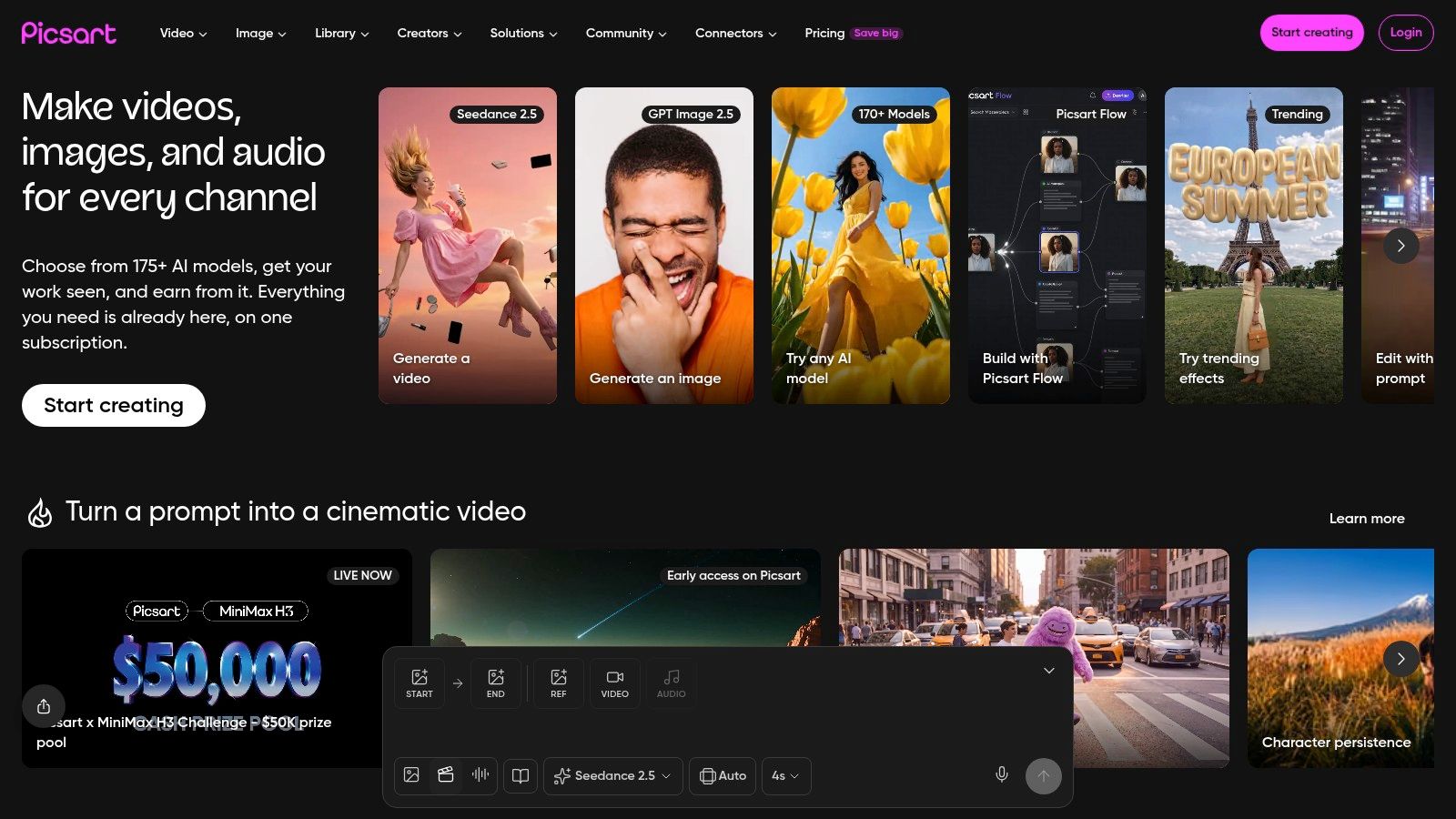
Picsart combines a consumer-friendly editor with enough product-image functionality for quick commercial content. Its AI Background Creator can place products in lifestyle scenes, while background removal, object cleanup, and upscaling help prepare the result for social posts and lightweight catalog use.
The mobile and web editors make it easy to move between quick edits and more deliberate composition. Picsart also offers an API for bulk and background-removal workflows, which creates a path from manual experimentation to automation. That path is useful if your team wants to validate the creative approach before integrating repetitive operations.
Where manual work remains
The free tier has limited generations or credits, so it's best used to test whether Picsart's scene style suits your products. Fine lighting and shadow control may still require manual steps, particularly when the source image and generated environment don't naturally match.
It's a better fit for social content and quick touch-ups than for a rigid catalog system where every SKU must follow locked photographic rules. Before moving to the API, test a batch of varied products. A workflow that works on one clean packshot can fail on transparent, reflective, or highly textured items.
Best for: Mobile-first social production, quick corrections, and teams considering background-removal automation.
Trade-off: Broad creative tooling, but limited free credits and less precise lighting control.
9. ZMO.ai
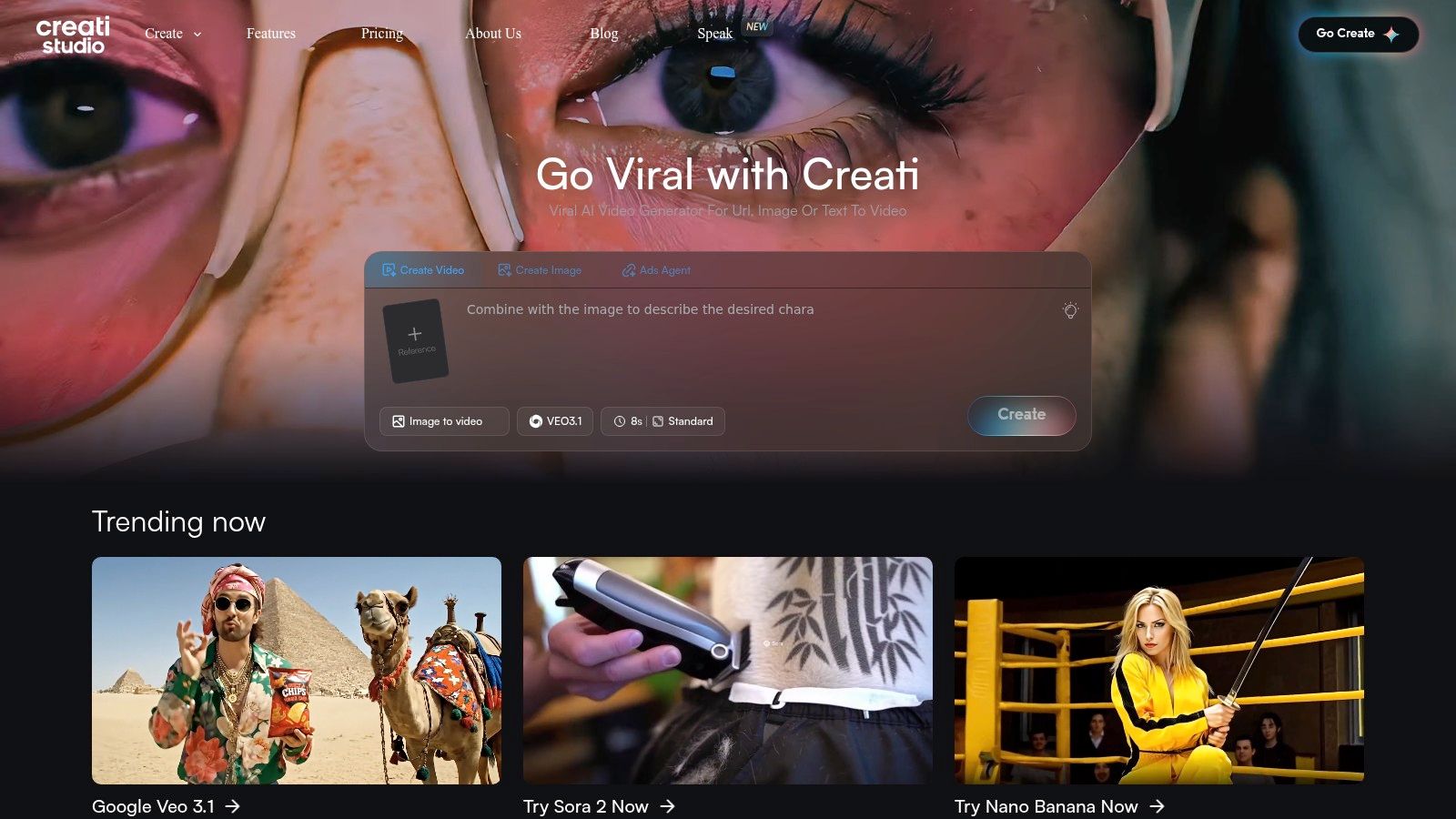
ZMO.ai is aimed at ecommerce and fashion use cases where the desired output includes a person, an editorial setting, or a more polished studio presentation. Its AI Photo Studio supports background generation and on-model imagery, so it's more relevant than a simple background tool when apparel or retail presentation is the central problem.
The source product still matters. Flatlays and garment images can be transformed into model scenes, but you need to inspect fit, seams, patterns, logos, and color. A model can look convincing while the clothing has changed in ways a buyer would notice, so on-model generation should support product communication rather than replace product verification.
When the credits make sense
ZMO.ai's free or low-cost entry is useful for comparing model styles and testing whether an apparel workflow produces credible results. The credit-based system can make budgeting harder, and plan details may change, so record the actual number of approved outputs you get from a test rather than judging the tool only by its interface.
Use it for editorial and campaign imagery, then keep a verified product image in the listing set. That separation helps prevent an attractive generated scene from becoming the only visual evidence of what the customer will receive.
Best for: Apparel, fashion, and retail teams that need on-model or editorial imagery.
Trade-off: Stronger category fit than general editors, but credit planning and garment-fidelity review are essential.
10. Mokker
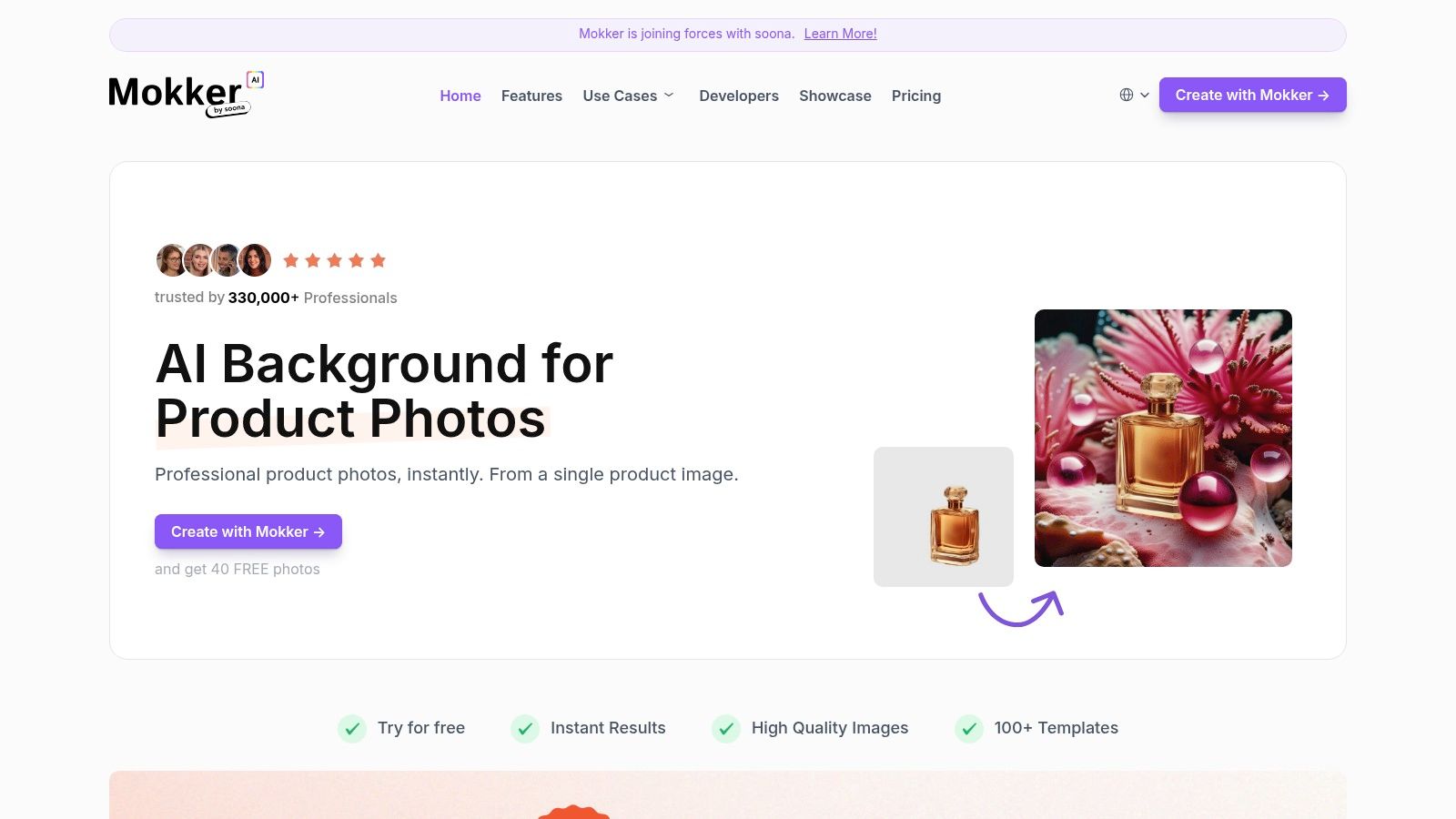
Mokker keeps the workflow focused on product scenes. Upload a single-product image, choose a studio or lifestyle preset, and generate variants through a simple web interface. It's a sensible first test for a small catalog because you can assess the quality quickly without learning a large design system.
The tool is strongest when you want a fast background replacement or a handful of product-centric scene options. It's less useful when you need detailed retouching, complex layouts, or tightly controlled brand systems. In those cases, Mokker can still act as a generation step before finishing the chosen images in another editor.
The upgrade signal
Mokker's free trial is most valuable when you test a product with real difficulty, such as a reflective package, a detailed label, or an unusual silhouette. If the results need only minor correction, the tool may fit a lightweight workflow. If every image needs rebuilding, a broader editor or batch platform will probably save more time.
Public pricing and feature details can evolve, so confirm current access before planning volume production. The practical decision is simple: compare the time spent correcting Mokker outputs with the time required to create the same assets elsewhere.
Best for: Small catalogs that need quick studio or lifestyle variants.
Trade-off: Fast and accessible, but limited professional controls and changing public plan details.
Top 10 Free AI Product Photography Tools Comparison
| Product | Core features | UX & quality | Unique value / USP | Target audience | Pricing & licensing |
|---|---|---|---|---|---|
| Bulk Image Generation | Flux 1.1 + GPT-Image-1; up to 100 images <20s; natural‑language prompts; batch editor; templates & utilities | Extremely fast; professional-quality outputs; halves post-production time | High-speed bulk generation without prompt engineering; integrated batch post-production | Digital marketers, SMBs, agencies, educators, hobbyists | Pricing not disclosed, verify site; confirm licensing before use |
| Photoroom | AI Backgrounds / Studio; product staging; virtual models; batch exports; retouch tools | Mature mobile + web apps; fast store-ready results | Mobile-first ecommerce staging with rich templates & retouch | Ecommerce sellers, SMBs, marketplace merchants | Free tier; advanced features use credits / paid tiers |
| Pixelcut | Background replacement; batch editing; shadows; upscaling; HD exports | Clear UI; quick learning curve; good docs | Creator-friendly toolkit with free trial for core tools | Creators, small sellers, social sellers | Free plan (limited); Pro for HD & advanced models |
| Pebblely | Product-aware scene generation; themed presets; simple prompts | Very easy, fast iterations for consistent scenes | Rapid on-brand lifestyle scenes from one cutout | Social/catalog creators, small ecommerce teams | Clear pricing; credits/limits may require paid plan |
| Flair AI | Scene builder with props & brand assets; custom model training; API/SSO | Templateable system; scales to teams; steeper learning curve | Brand-consistent templates + commercial-use clarity | Teams, brands, agencies, enterprise | Free tier (commercial use available); advanced features paid |
| Booth (trybooth.ai) | WhatsApp-based generation; AI backgrounds; HD exports; bulk uploads | Ultra-simple chat-first workflow; fastest no-editor option | Convenient WhatsApp delivery for rapid studio/lifestyle shots | Solo sellers, micro merchants, time‑pressed users | 10 free generations to start; paid plans with monthly allowances |
| Canva (Magic Media) | AI background generator/replace; Magic Edit/Expand; templates & brand kit | All-in-one design system; easy collaboration | Integrates AI into full campaign design workflows | Marketers, teams, non-design stakeholders | Free tier; Pro required for some advanced AI tools |
| Picsart | AI Background Creator; remover; upscaling; mobile/web editors; API | Mobile-first; broad touch-up tools; good for social content | Wide toolset + developer API for automation at scale | Social creators, marketers, developers | Free tier limited; paid plans for more capacity |
| ZMO.ai | AI Photo Studio; on-model / editorial imagery; background generation | Strong apparel/fashion results; realistic on-model outputs | Specialized for fashion/editorial ecommerce without photoshoots | Fashion & apparel brands, retail teams | Credit-based model; free/low-cost entry options |
| Mokker | One-click background replacement; product presets; web workflow | Fast variant generation; simple web interface | Quick generation of multiple catalog variants | Small catalogs, sellers prepping exports | Free trial available; public pricing details vary |
Choose the Workflow Before the Upgrade
The best “AI product photography free” tool is the one that removes your current bottleneck without creating a larger quality-control problem. If you need only a few lifestyle variants, start with Pebblely, Mokker, Booth, or another focused scene generator. These tools reduce setup time, but they're most useful when the source image is clean and the scene brief is straightforward.
Choose an editor when the work includes background cleanup, shadows, resizing, retouching, and campaign adaptation. Photoroom is a practical ecommerce choice, Pixelcut is approachable for testing, Picsart suits mobile and social work, and Canva is stronger when the image must become part of a broader campaign layout. The right choice depends on whether your team needs product-specific editing or general design flexibility.
For apparel, ZMO.ai is the more relevant test because on-model imagery changes the workflow entirely. Don't judge an output only by the model or setting. Zoom into seams, patterns, logos, closures, proportions, and color. A beautiful editorial image that changes the garment can create customer confusion and weaken trust.
If catalog volume is the constraint, test a batch-oriented platform such as Bulk Image Generation. Its stated ability to produce up to 100 visuals in under 20 seconds is relevant when you need many variations, but speed should be evaluated alongside fidelity, review time, export quality, and current licensing terms. A fast system isn't efficient if a person must rebuild most of the results.
Before paying for any tool, run the same source image through your shortlist and record:
- Product preservation: Does the output retain shape, color, text, texture, and markings?
- Scene control: Can you reproduce a visual style rather than generate unrelated concepts?
- Batch consistency: Do several products look like they belong to the same catalog?
- Editing effort: How much manual correction does each approved image need?
- Commercial terms: Are paid ads, marketplace listings, and brand use covered by the current license?
- Free limits: Do credits, watermarks, resolution caps, or daily restrictions interrupt the actual workflow?
- Channel readiness: Can you export the formats and quality your store, ads, and social channels require?
Keep the first source image real and clean. Generate several controlled variations, inspect the product at full size, reject anything with altered branding or misleading details, and finish only the strongest outputs. For high-trust categories such as jewelry, cosmetics, apparel, and products with reflective packaging, retain a verified product image even when you use AI scenes for discovery and promotion.
The market's growth makes experimentation easier to justify, but it doesn't make free output automatically commercial-ready. One 2026 market study projects the AI product photography tool market to reach $5 billion by 2035, while another uses a different scope and projects the same endpoint from a different starting estimate, as documented in Photta's 2026 market overview. Treat those projections as context, not proof that any individual tool will improve conversion or replace a shoot.
Upgrade only when a specific limit repeatedly slows production. That might be a credit cap, missing batch controls, insufficient export quality, weak product preservation, or too much correction time. The strongest workflow is usually hybrid: real source photography for accuracy, AI for controlled scenes and variations, human review for trust, and a paid plan only where it removes a measurable production constraint.
Bulk Image Generation is designed for high-volume AI visuals, with Flux 1.1, GPT-Image-1, natural-language generation, and batch editing for tasks such as background removal, resizing, and enhancement. If catalog throughput is your main problem, visit Bulk Image Generation and test it with a real product source image before committing to a larger workflow.