The 12 Best Midjourney Free Alternatives for AI Art in 2026

Ryan Bennett • February 8, 2026
Discover the top 12 Midjourney free alternatives for 2026. This guide details the best free AI image generators for creators, marketers, and designers.
Midjourney has set a high bar for AI image generation, but its paid-only model and Discord-based interface aren't the right fit for everyone. Whether you're a digital marketer needing a high volume of assets, an educator creating custom coloring pages, or a small business owner developing brand visuals on a budget, finding powerful and accessible tools is crucial. The good news is the field of AI art is filled with incredible, and often free, options that can rival Midjourney's output without the subscription fee.
This guide is designed to help you navigate the ever-growing ecosystem of Midjourney free alternatives. We've moved beyond surface-level lists to provide a comprehensive resource that details the specific strengths and weaknesses of each platform. You won't find generic marketing copy here. Instead, you'll get a practical breakdown of what makes each tool unique, who it's best for, and what its limitations are.
Inside this resource, you will discover:
- Detailed analysis of 12 top-tier free or freemium AI image generators.
- Real output examples and screenshots for a clear quality comparison.
- Actionable use cases tailored for marketers, hobbyists, and businesses.
- Clear pricing information, outlining exactly what you get for free.
- Privacy and usage rights notes to ensure your creations are safe to use.
We’ll explore everything from powerful platforms like Leonardo.ai and Playground to seamlessly integrated tools like Microsoft Copilot’s Image Creator and Canva's Magic Media. Each entry includes direct links, so you can start creating immediately. Let's find the perfect AI art generator to bring your vision to life, no subscription required.
1. Bulk Image Generation
Bulk Image Generation stands out as a powerful and highly efficient Midjourney free alternative, specifically engineered for creators and teams needing professional-quality visuals at an unprecedented scale. Its core strength lies in bypassing complex prompt engineering entirely. Instead of tweaking intricate text prompts, you simply describe your objective in natural language, and the platform’s integrated AI handles the artistic direction, composition, and style automatically.
This unique approach, powered by advanced models like Flux 1.1 and OpenAI’s GPT-Image-1, allows for the creation of up to 100 distinct images in as little as 15–20 seconds. This capability transforms workflows that previously took hours of manual effort into a task completed in moments, making it an indispensable tool for high-volume projects.
Key Strengths and Use Cases
The platform excels by integrating generation and post-production into a single, streamlined interface. This eliminates the common need to export images to separate applications like Photoshop for basic edits.
- Integrated Batch Editor: Perform essential post-production tasks like background removal, face swaps, resizing, and image enhancements across entire image sets simultaneously. This feature alone can cut editing time in half for large projects.
- Automated Prompt Engineering: Ideal for users without deep technical knowledge. Just state your goal (e.g., “modern logos for a coffee shop” or “fantasy game assets”) and the AI generates diverse, high-quality options.
- Comprehensive Toolset: A suite of free utilities, including an aspect-ratio calculator, image-to-prompt converters, and specialized prompt generators for various AI models, provides significant value and supports rapid prototyping.
- Template and Use Case Library: Get started instantly with pre-built templates for social media campaigns, product photography, coloring pages, and more, which is perfect for marketers, educators, and branding agencies. You can learn more about its capabilities for producing commercial-grade visuals with its AI stock image generator.
Practical Considerations
While the platform emphasizes a quick email sign-up for trial access, it does not publicly display its pricing plans. Users will need to register to explore the full feature set and understand potential costs. The AI-generated outputs are professional, but a final human review is always recommended for brand alignment and to ensure ethical usage.
For those seeking to produce a high volume of visual content efficiently, exploring resources like the article on the Top 5 AI Ad Generators For Ecommerce can offer valuable insights into various AI generation capabilities.
When to Choose Bulk Image Generation: Select this platform when your primary needs are speed and scale. If your workflow involves creating large batches of consistent, on-brand images for marketing campaigns, e-commerce, or educational materials, its automated prompting and integrated batch editor offer a significant advantage over Midjourney’s one-at-a-time, prompt-heavy process.
Website: https://bulkimagegeneration.com
2. Microsoft Copilot – Image Creator (DALL·E-based)
For those already integrated into the Microsoft ecosystem, Copilot's Image Creator is a remarkably convenient and powerful Midjourney free alternative. It leverages an advanced version of OpenAI's DALL·E model directly within the Copilot chat interface, eliminating the need for Discord or separate software installations. This streamlined accessibility makes it an excellent choice for quick ideation, social media content mockups, and generating illustrative graphics without a steep learning curve.
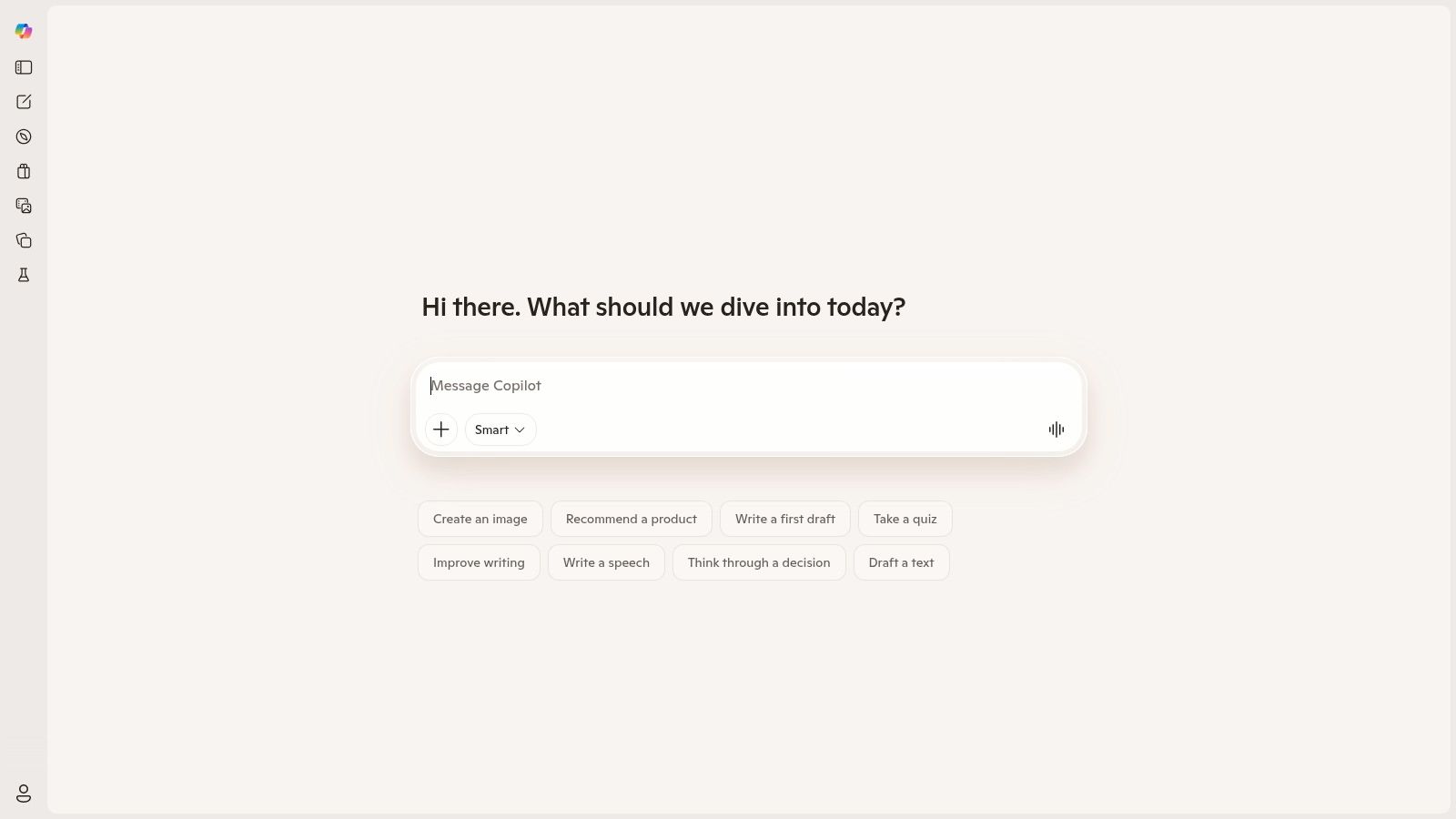
The platform operates on a freemium model using a "boost" system. Users with a free Microsoft account receive a daily or weekly allotment of priority credits, which generate images in seconds. Once these boosts are depleted, you can still create images for free, but your requests are placed in a slower queue, which can sometimes take several minutes.
Key Features and User Experience
- Seamless Integration: Directly accessible at copilot.microsoft.com and integrated into Windows and Microsoft Edge, making it incredibly easy to start.
- Priority "Boosts": Free users get a set number of fast-generation credits that refresh periodically, ensuring quick results for initial daily tasks.
- DALL·E 3 Power: The underlying model is excellent at interpreting complex, natural language prompts and accurately rendering text within images, a common weakness in other models.
- Conversational Refinement: Since it’s built into a chat assistant, you can refine your images through conversation. For example, after an image is generated, you can ask Copilot to "make the background blue" or "change the art style to watercolor."
Best For: Digital marketers and social media managers needing quick, high-quality visuals for campaigns, or educators creating custom illustrative content for lessons. Its ability to render text makes it ideal for creating simple logos or branded social posts.
3. Adobe Firefly
For creators seeking commercially safe and professionally integrated AI image generation, Adobe Firefly emerges as a top-tier Midjourney free alternative. Trained exclusively on Adobe Stock's licensed library and public domain content, Firefly is designed from the ground up to be safe for commercial use, mitigating copyright risks. This makes it an invaluable tool for designers, marketers, and businesses that need to produce brand-safe assets with confidence.
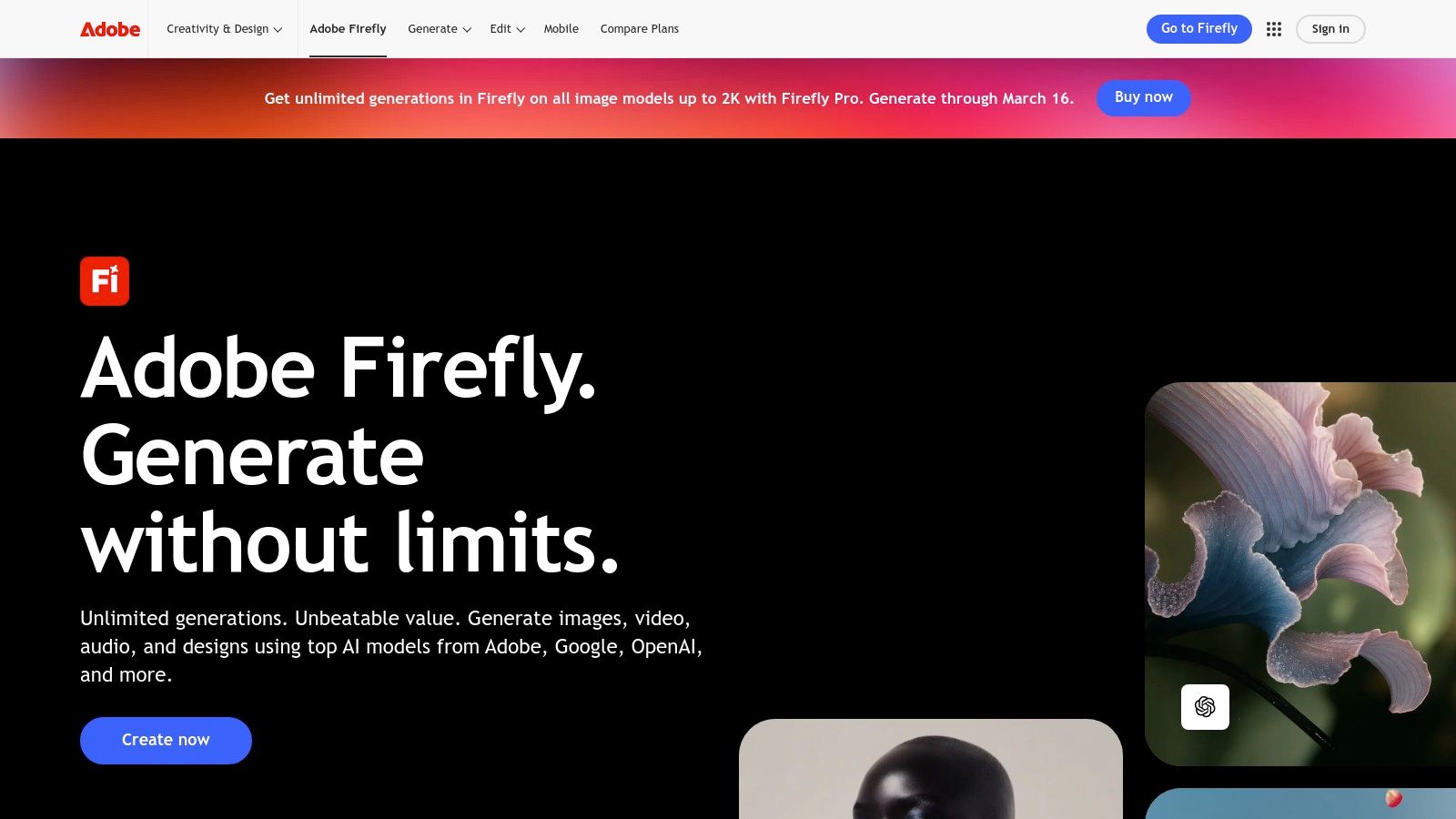
Adobe operates on a "generative credits" system. Free users receive a monthly allotment of 25 credits to use across the Adobe ecosystem for features like Text to Image, Generative Fill, and Text Effects. Once credits are used, free users can still generate images at a slower speed, making it a sustainable option for light to moderate use without requiring a paid subscription.
Key Features and User Experience
- Designed for Commercial Safety: Because its model is trained on a licensed and vetted dataset, the outputs are intended to be commercially safe, a critical distinction for professional projects.
- Deep Adobe Ecosystem Integration: Firefly is seamlessly built into flagship products like Photoshop and Adobe Express, allowing users to generate and edit assets within their existing workflows.
- Generative Fill and Expand: Beyond simple image creation, its powerful inpainting and outpainting tools (Generative Fill and Expand) allow for complex photo editing and canvas extension directly at www.adobe.com/firefly.
- Credit-Based Freemium Model: The free tier provides a monthly allowance of fast generative credits, with unlimited, slower-speed generations available afterward, offering a clear path for both casual and power users.
Best For: Graphic designers, marketing agencies, and corporate content creators who require legally sound, high-quality AI imagery that integrates directly into professional design software like Photoshop for further refinement.
4. Playground (Playground v3)
Playground offers a polished, web-based studio that serves as a powerful Midjourney free alternative for users who want both creative freedom and fine-tuned control. It centers around its proprietary Playground v3 model but also allows users to experiment with other models like Stable Diffusion. Its all-in-one interface combines image generation with in-browser editing tools, making it a versatile choice for creators who enjoy iterating and refining their work in one place.
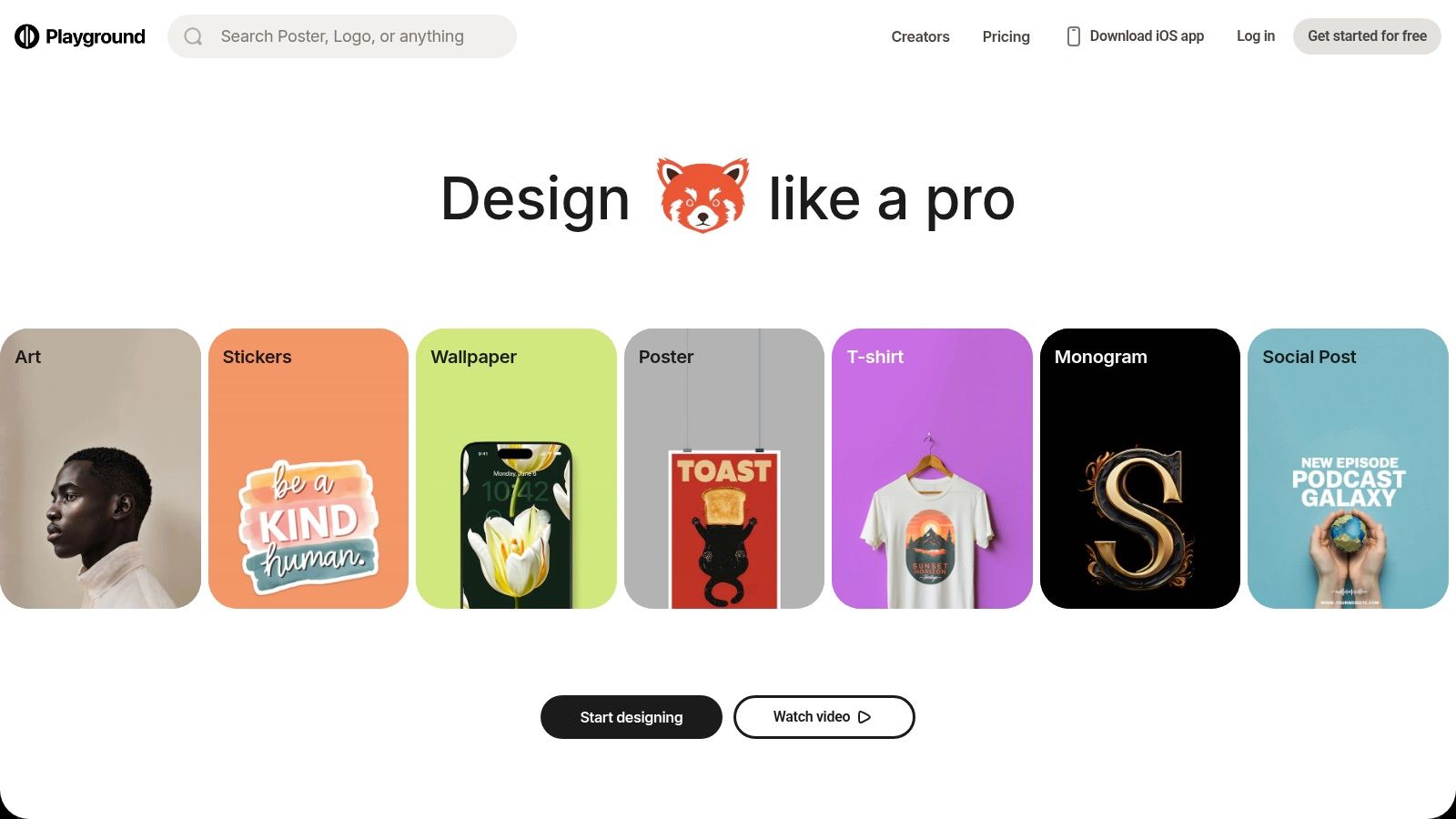
The platform’s free tier allows for the creation of up to 500 images per day with the Playground v3 model, though with some limitations on quality settings and potential delays during peak times. While core generation is free, more advanced features like background removal and upscaling are reserved for Pro users. For those who need more, Playground offers flexible Day Pass options and token top-ups alongside its subscription plans.
Key Features and User Experience
- Integrated Editor: The interface at playground.com includes built-in tools for image-to-image generation, inpainting, and outpainting, allowing for detailed edits without leaving the browser.
- Multi-Model Access: Easily switch between Playground v3 and other models to compare outputs, with clear usage counters for each to help you manage your free allowance.
- Advanced Controls: Power users can adjust parameters like prompt guidance, quality, and seed to gain precise control over the final image.
- Inspiration Feed: A community feed showcases creations from other users, providing excellent examples and prompt ideas for AI image generators to help you get started.
Best For: Hobbyists and artists who want a single platform for both generating and refining images. Its user-friendly UI, combined with advanced editing controls, makes it ideal for iterative creative projects, character design, and concept art exploration.
5. Leonardo.ai
Leonardo.ai is a feature-rich, community-driven platform that stands out as a powerful Midjourney free alternative for users seeking greater creative control. Beyond simple text-to-image generation, it offers a suite of advanced tools, including custom model training, a variety of fine-tuned community models, and robust image editing capabilities, making it a favorite among designers and artists who need a comprehensive creative workflow.
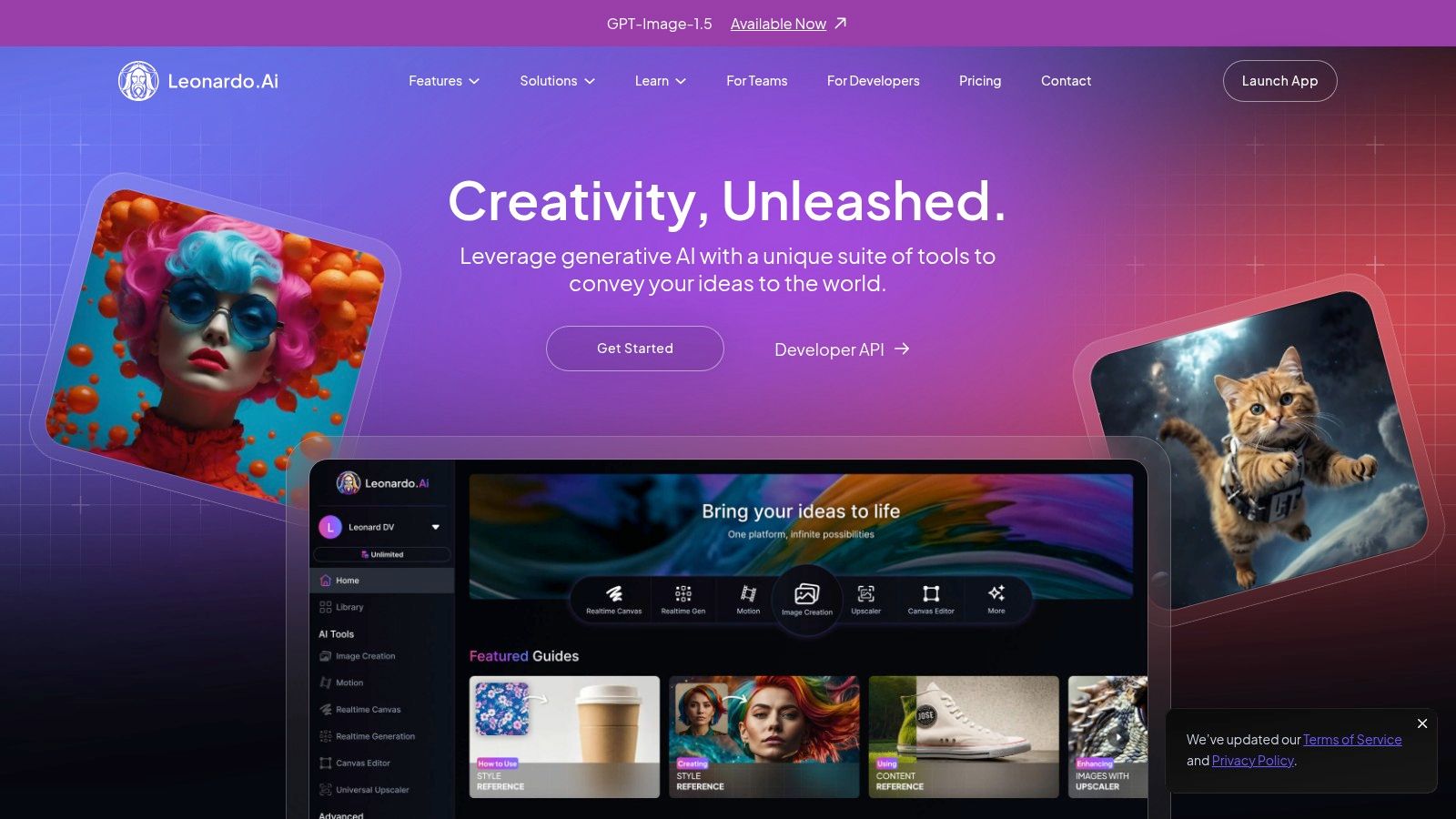
The platform operates on a daily token system. Free users receive 150 tokens every day, which can be used for generating images, upscaling, or using other features. While free generations are publicly visible, the generous daily allowance is more than enough for experimentation and small-scale projects. Paid plans introduce features like private generations, faster "priority" queues, and even an "unlimited" relaxed generation mode.
Key Features and User Experience
- Daily Free Tokens: A generous daily allotment of 150 tokens allows for consistent, cost-free creation without needing a subscription for moderate use.
- Custom Model Training: Users can train their own AI models on specific art styles or subjects, offering unparalleled control over the final output.
- Advanced Control Tools: Features like Image Guidance, Prompt Magic, and a range of fine-tuned community models give creators precise control over composition and style.
- Integrated Tool Suite: The platform includes tools for AI-powered upscaling, unzooming, and background removal, creating a more holistic editing environment. You can learn more about how to create stunning digital product images using AI generators and see how these features can be applied.
Best For: Digital artists, game developers, and designers who want to create a consistent aesthetic or train custom models. Its extensive toolset also makes it ideal for marketers and small business owners developing unique brand assets.
6. Ideogram
Ideogram has carved out a niche as a powerful Midjourney free alternative by excelling where many other models struggle: typography. It's renowned for its ability to reliably generate images with coherent and stylistically integrated text, making it a go-to for creating logo concepts, posters, and branded graphics. The platform provides a simple web-based interface that feels more like a creative social feed, showcasing recent creations and inspiring new prompts.
Ideogram operates on a credit-based system. Free users get a daily allotment of credits that are used for "slow" generation, which can take a minute or more. Paid plans offer "priority" credits for fast results, private generations, and the ability to run multiple jobs concurrently. This freemium approach allows anyone to test its core typography strengths without any initial investment.
Key Features and User Experience
- Reliable Text Generation: Its standout feature is the model's superior capability to render accurate text within images, perfect for logos and custom designs.
- Style Presets: The editor includes helpful tags for style, such as "typography," "cinematic," "3d render," and "poster," which guide the AI to produce specific visual outcomes.
- Web-Based Simplicity: The entire experience is accessible directly at ideogram.ai, with no software or Discord server required.
- "Remix" Functionality: Users can easily iterate on any public image by clicking "Remix," which copies the prompt and seed for quick modification and creative exploration.
Best For: Small business owners and branding agencies prototyping logos, graphic designers creating posters or t-shirt designs, and social media managers who need text-heavy, visually appealing posts.
7. Stability AI – DreamStudio
DreamStudio is the official web interface from Stability AI, the creators of the Stable Diffusion models. It serves as a direct-access, powerful Midjourney free alternative for users who want to experiment with the latest official models like SDXL and SD3 without the technical overhead of a local installation. Its strength lies in providing granular control over the generation process, appealing to artists and developers who need to fine-tune their outputs precisely.
The platform operates on a credit-based system. New users receive a small number of free credits upon signing up, which is enough to generate a handful of images. After the initial credits are used, you must purchase more on a pay-as-you-go basis. While not a perpetually free option, its trial credits make it an excellent testing ground for the core Stable Diffusion technology.
Key Features and User Experience
- Direct Model Access: Use the latest official Stable Diffusion models, including specialized variants like SDXL Turbo for near-instant generations.
- Granular Parameter Control: Advanced users can adjust settings like image dimensions, CFG scale (prompt adherence), and the number of generation steps for meticulous control.
- Pay-As-You-Go Credits: Instead of a recurring subscription, you can buy credit packs starting from $10, which are shared with the Stability Platform API.
- Clean and Focused Interface: The UI at dreamstudio.ai is straightforward, with a clear separation between the prompt area, settings panel, and image gallery.
Best For: AI art enthusiasts and developers who want to test the raw capabilities of new Stable Diffusion models. It’s ideal for those who prefer precise control over generation parameters and a flexible, pay-per-use pricing model over a monthly subscription.
8. Canva – AI Image Generator (Magic Media)
Canva's Magic Media integrates AI image generation directly into its widely-used design suite, creating a powerful, all-in-one workflow. This makes it an outstanding Midjourney free alternative for those who need to not only generate an image but also immediately place it into a design like a social media post, presentation slide, or marketing flyer. Instead of downloading an AI-generated asset and re-uploading it elsewhere, you can create, edit, and publish from a single workspace.
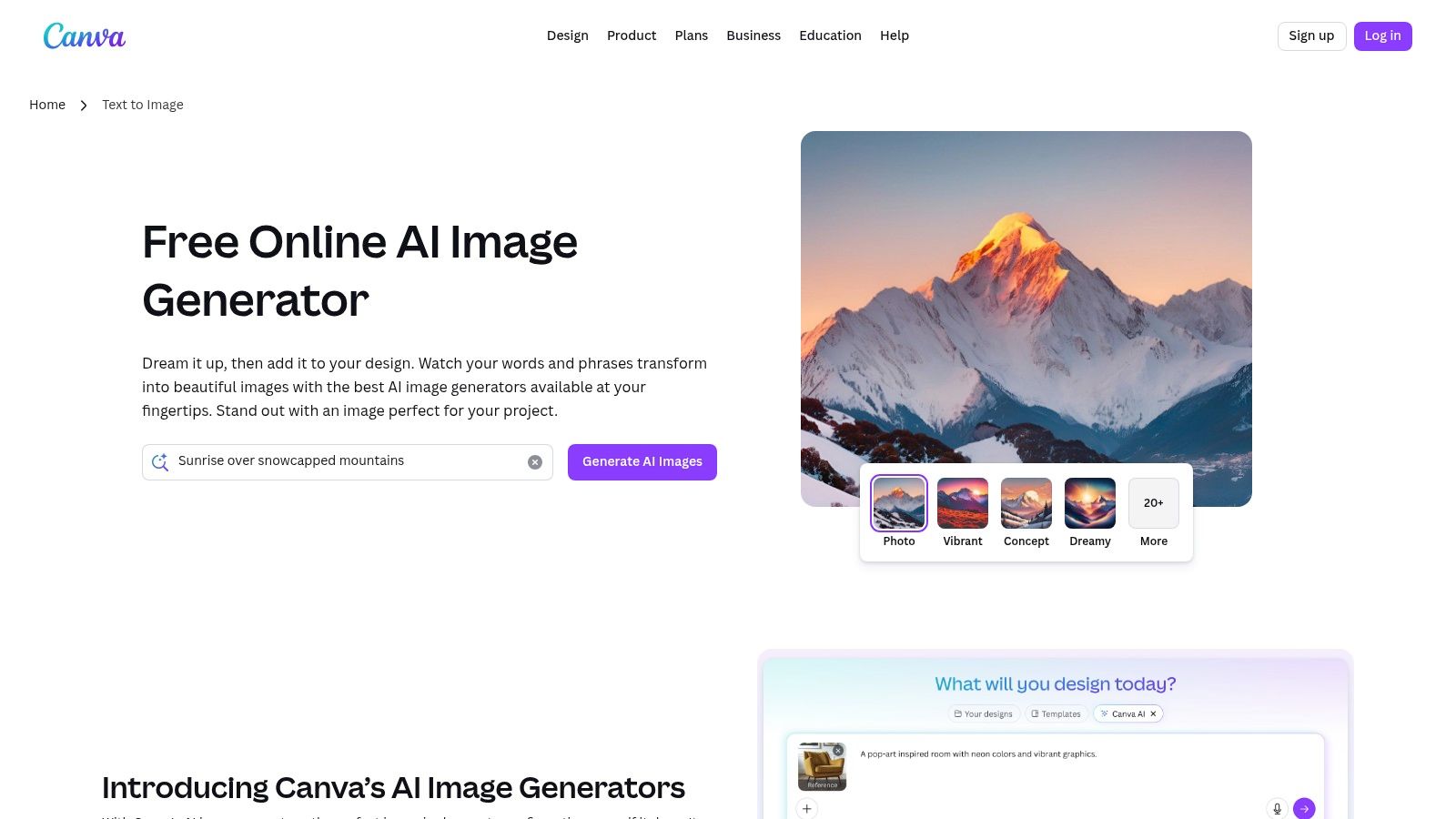
The platform functions on a freemium credit system. Free users receive a lifetime allotment of 50 credits for the text-to-image tool, while paid Pro users get a larger, monthly refreshing pool of credits. These credits are also used for other "Magic" AI features, so users must manage their usage across different tools within the platform.
Key Features and User Experience
- End-to-End Design Workflow: Generate images directly within the Canva editor at canva.com/ai-image-generator, then instantly add them to templates and use tools like the background remover or resizer.
- Template Integration: The AI generator is built to work seamlessly with Canva's massive library of professional templates, dramatically speeding up content production.
- Collaborative Workspace: Ideal for teams, allowing multiple users to generate assets, provide feedback, and work on designs simultaneously within the same project.
- Unified AI Toolset: Credits can be used across various "Magic" features, including AI-powered erasing, expanding, and text effects, creating a cohesive creative environment.
Best For: Small business owners, marketers, and social media managers who need to rapidly produce finished, branded content. Its strength lies in streamlining the entire process from initial AI concept to a publish-ready graphic.
9. Mage.space
Mage.space presents itself as a powerful web-based studio and another strong Midjourney free alternative built primarily on Stable Diffusion. It offers a generous and truly unlimited free tier, making it an excellent starting point for casual experimentation and users looking to explore a wide variety of AI models without immediate cost. The platform is designed to be a gateway, providing core text-to-image functionality for free while reserving advanced features like faster hardware, video generation, and sophisticated controls for its paid members.
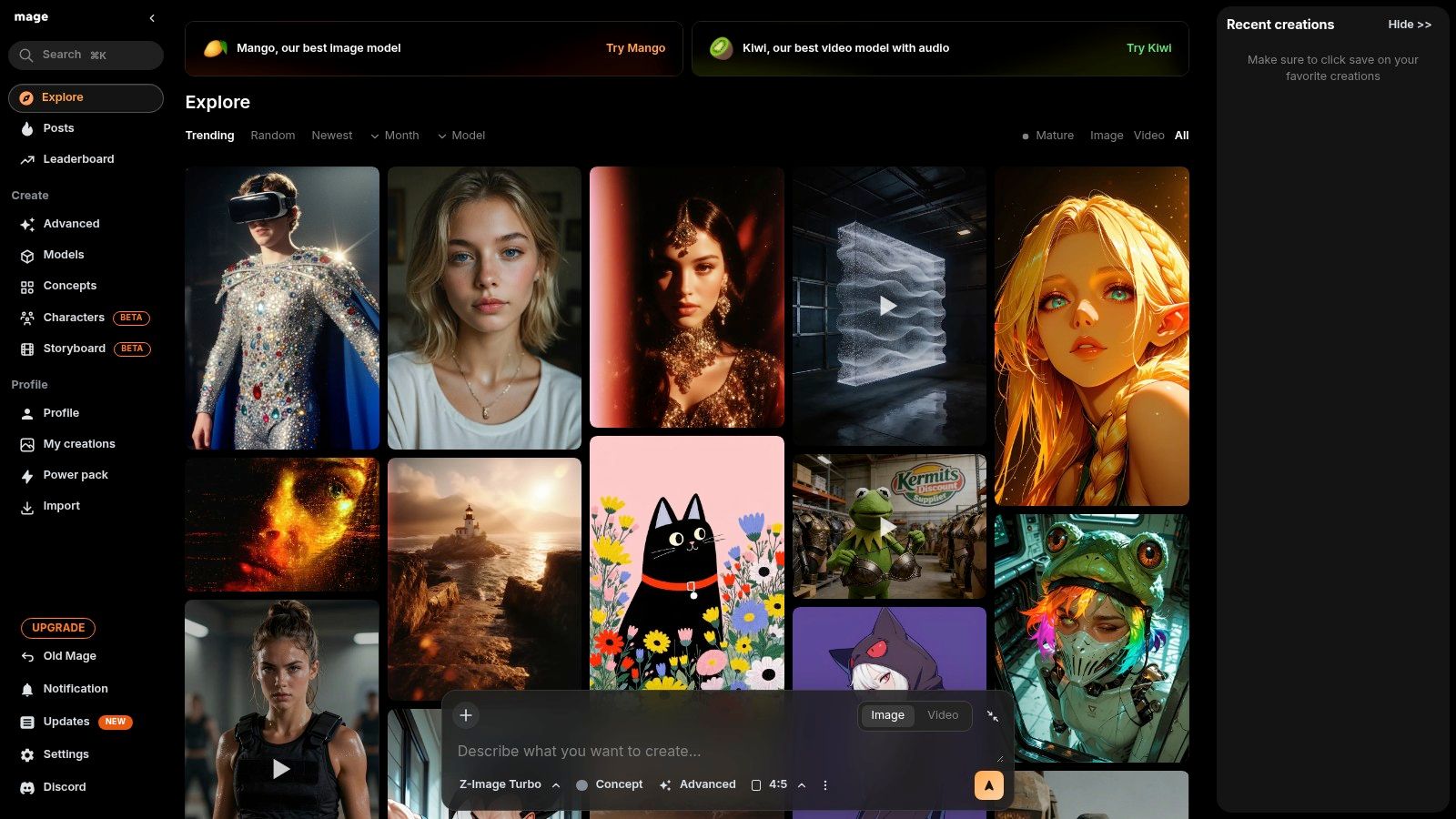
The free plan allows unlimited image generation using the Stable Diffusion v1.5 model, although you may experience queue times during peak usage. For those wanting more power, premium tiers unlock access to dozens of specialized community models, faster generation speeds, privacy controls, and advanced tools like ControlNet and LoRAs, which offer granular control over image composition and style.
Key Features and User Experience
- Unlimited Free Generation: Unlike many platforms that use a credit system, Mage.space allows unlimited creations on its base free model, removing the pressure of running out of credits.
- Expansive Model Library: Paid users gain access to a vast library of community-trained models, perfect for creating niche styles from anime to photorealism.
- Community "Explore" Feed: The public gallery at mage.space is a fantastic resource for inspiration, allowing users to see what others are creating and reuse their prompts.
- Progressive Feature Set: The platform scales with your needs. You can start for free and upgrade to unlock professional-grade tools like video generation and enhanced upscaling as your skills develop.
Best For: Hobbyists and artists who want a completely free sandbox for unlimited experimentation with a core AI model. It's also great for users who plan to eventually upgrade for access to a diverse range of specialized models and advanced creative controls.
10. NightCafe Studio
NightCafe Studio is a vibrant, community-focused platform that serves as a versatile Midjourney free alternative for both newcomers and experienced AI artists. It stands out by offering access to a diverse array of models, including Stable Diffusion SDXL and DALL-E 3, all within a single, gamified interface. This approach allows users to experiment with different artistic engines to find the perfect style for their vision, from photorealistic renders to abstract digital paintings.
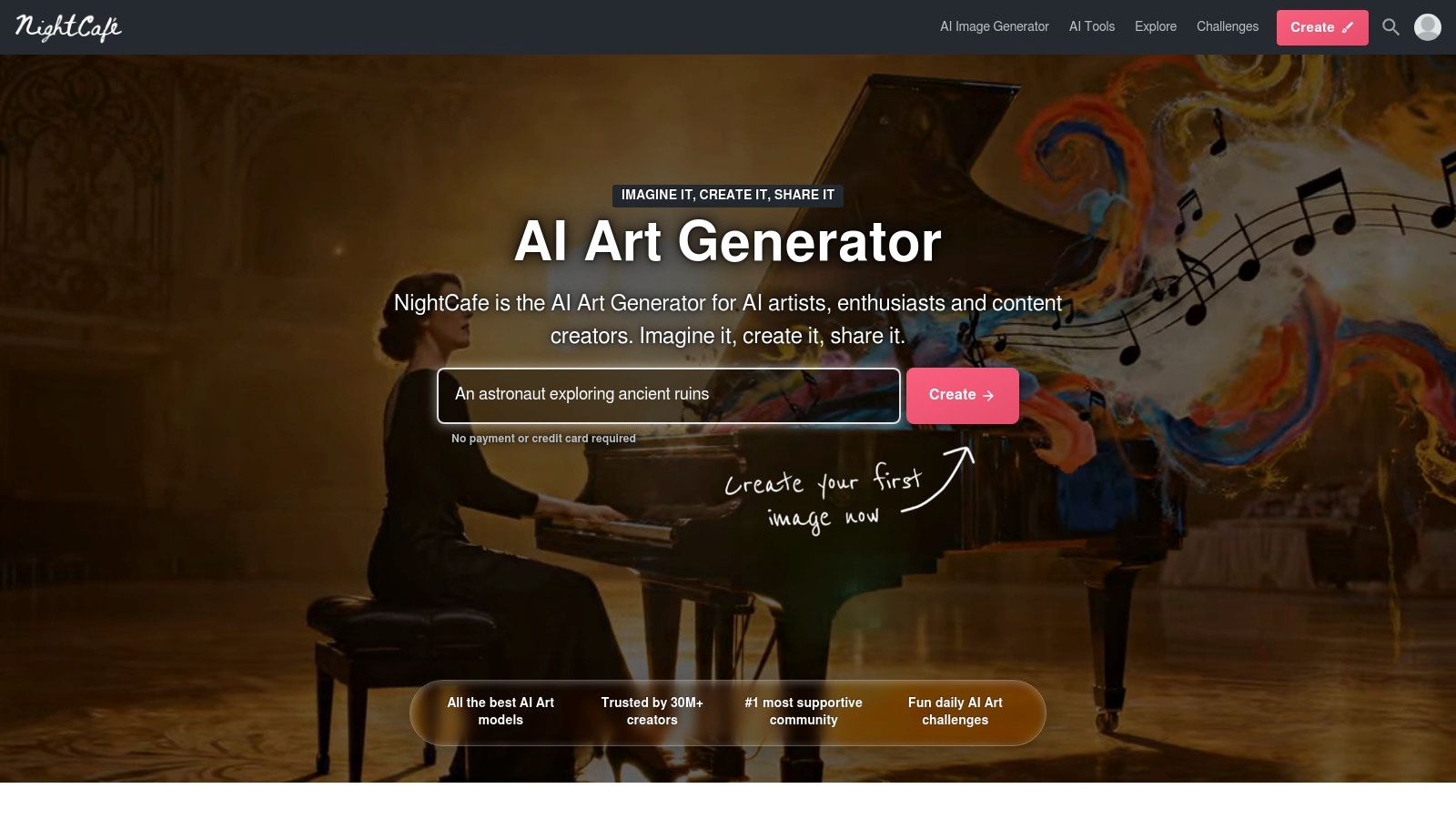
The platform operates on a freemium credit system. New users receive a welcome bonus of free credits and can earn more daily by participating in community challenges, voting on other creations, and simply logging in. This gamified system encourages engagement and makes it possible to generate a steady stream of images without a paid subscription, though higher-volume creation will require purchasing additional credits or a monthly plan.
Key Features and User Experience
- Multiple Model Access: Switch between various models like SDXL, DALL-E 3, and NightCafe's own fine-tuned models directly at creator.nightcafe.studio.
- Gamified Credit System: Earn free credits daily through community participation, making sustained free use more accessible than on many other platforms.
- Community-Driven Creation: Engage in daily art challenges, explore trending creations, and evolve existing images from other users to foster a collaborative and inspiring environment.
- Advanced Controls: Offers powerful settings for experienced users, including model mixing, custom seeds, and various upscaling and enhancement algorithms to refine final outputs.
Best For: Hobbyists and artists who enjoy a community atmosphere and want to experiment with multiple AI models in one place. Its credit-earning system is perfect for those willing to invest time in the platform to keep their creative projects going for free.
11. OpenArt
OpenArt positions itself as a comprehensive creation suite rather than just a simple image generator, making it a powerful Midjourney free alternative for users who need to scale their creative workflows. It provides access to over 100 different models, including specialized ones for photorealism, anime, and even video generation, alongside tools designed for bulk creation and character consistency. This makes it an excellent platform for moving beyond single-image projects into more complex production pipelines.
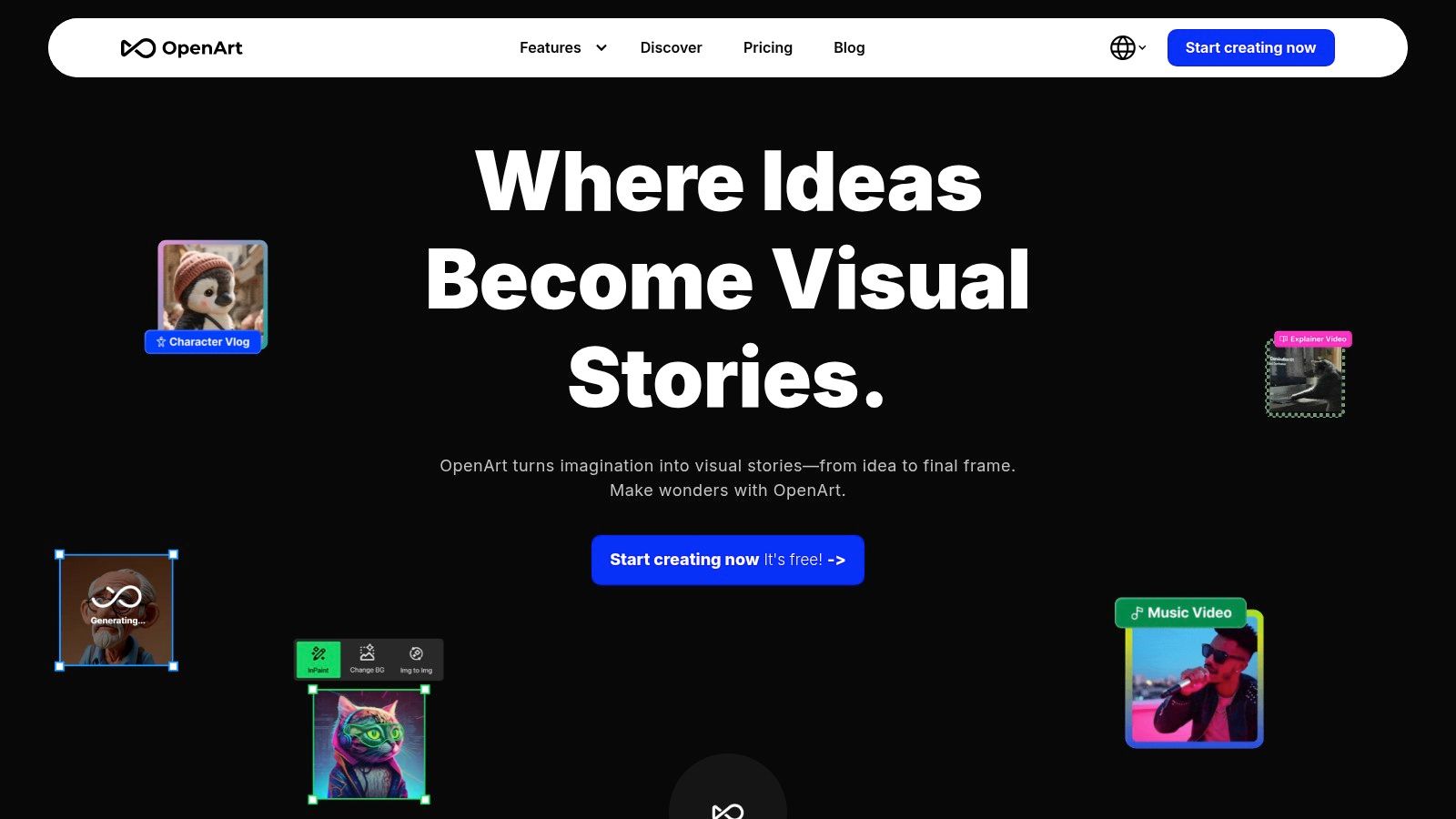
The platform greets new users with a generous allotment of free, time-limited trial credits, allowing them to experiment with its premium features without an immediate financial commitment. While these credits are a one-time offer, they provide enough runway to test advanced functions like custom model training. After the trial, sustained use, especially for bulk generation or team collaboration, requires a paid subscription, but the free trial is robust enough to produce significant work.
Key Features and User Experience
- Multi-Model Access: Explore and generate with 100+ premium models like FLUX, Kling, and Seedream all from one interface at openart.ai.
- Production-Focused Tools: Features like bulk and parallel generations, team workspaces, and character consistency tools are designed for professional workflows.
- Custom Model Training: Users can train personalized models on their own images or art styles, offering a level of customization not found in many free tools.
- Transparent Credit System: The platform clearly shows how credits are used for different tasks, including image, video, and audio generation, so users can manage their resources effectively.
Best For: Small business owners and branding agencies needing to maintain character or brand style consistency across multiple assets, as well as hobbyists looking to train a custom AI model based on their unique artwork.
12. Hugging Face Spaces (Stable Diffusion demos and more)
For those who want to experiment with the raw power of various open-source models, Hugging Face Spaces is an unparalleled resource and a unique Midjourney free alternative. Rather than being a single tool, it's a vast public directory of thousands of free, browser-based AI applications, or "Spaces." Many of these are community-built demos of Stable Diffusion variants like SDXL and SD 3, allowing you to test different models, styles, and controls without any local installation or sign-up.
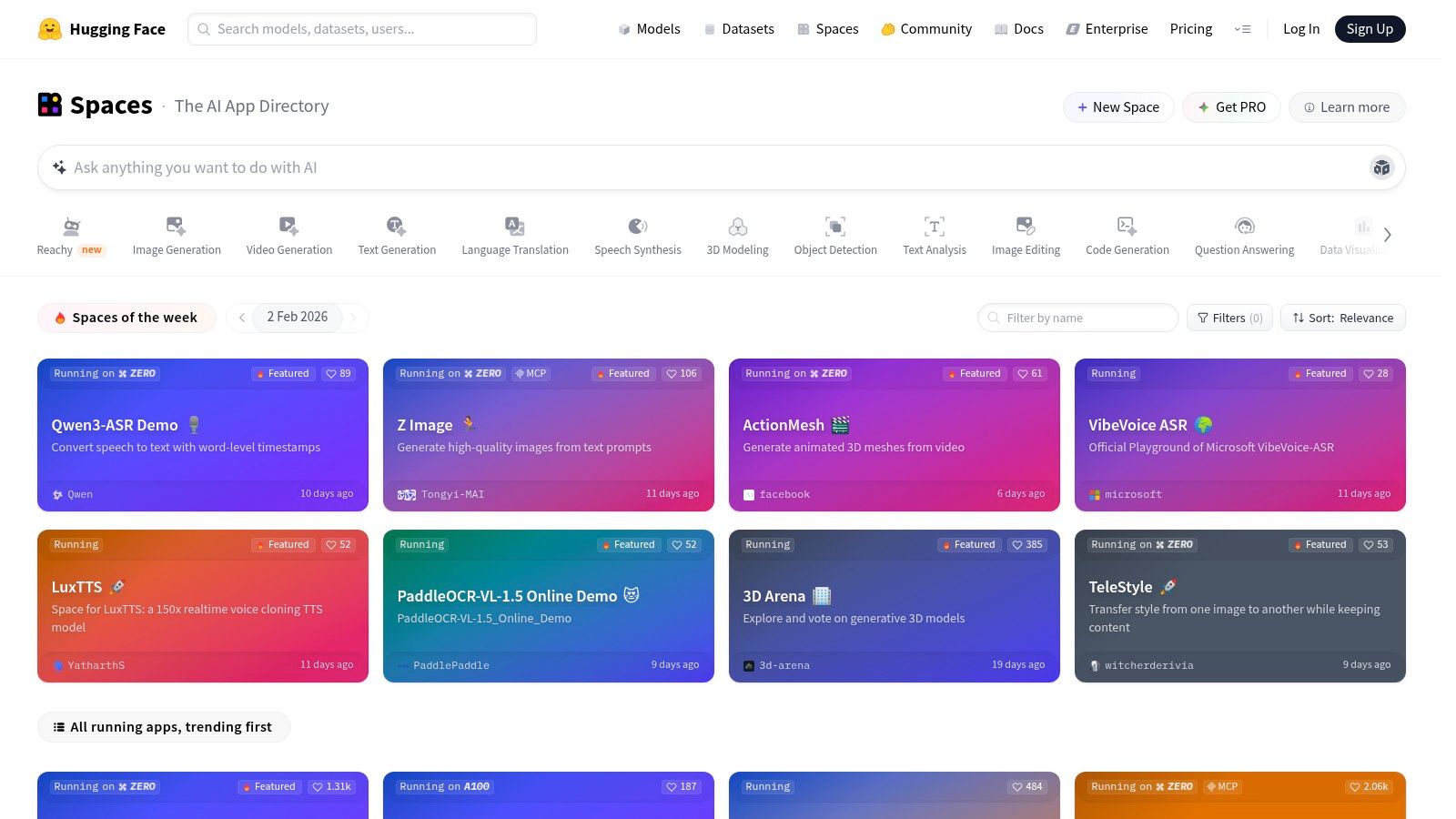
This platform is fundamentally about exploration and learning. You can try everything from basic text-to-image generators to more complex tools for inpainting, outpainting, and video generation. The experience varies wildly from one Space to another; some are polished, while others are simple research demos. Performance can also fluctuate, as popular Spaces may have queues or be temporarily down for maintenance.
Key Features and User Experience
- Zero-Install Access: The biggest draw is the ability to run countless AI models directly in your browser at huggingface.co/spaces with no setup required.
- Model Variety: It's the best place to try the latest open-source models as soon as they are released, often before they are integrated into commercial platforms.
- Mostly Free to Use: The vast majority of Spaces are free to access, with many not even requiring a login. Some may offer priority compute for Hugging Face PRO subscribers.
- Inconsistent Performance: As these are often community-hosted demos, uptime and generation speed are not guaranteed. Popular Spaces can be slow due to high traffic.
Best For: AI enthusiasts, developers, and artists who want to experiment with a wide array of underlying models. It's perfect for testing different model capabilities side-by-side or finding a niche generator for a very specific art style before committing to a paid service.
MidJourney Free Alternatives — 12-Tool Feature Comparison
| Product | Core features | Speed & scalability | Pricing & limits | Target audience | Unique selling point |
|---|---|---|---|---|---|
| Bulk Image Generation (Recommended) | Flux 1.1 + GPT-Image-1; natural-language input; batch editor (bg removal, face swap, resize, enhancement); templates & free tools | Up to 100 unique images in ~15–20s; built for large batches and rapid iterations | No public pricing; free tools & trial-style templates; sign-up required | Digital marketers, social managers, small agencies, educators, hobbyists | Extreme speed + scale with integrated post-production and automatic prompt engineering |
| Microsoft Copilot – Image Creator | DALL·E-based in-browser generator; Microsoft account integration; priority “boosts” | Fast with limited boosts; falls back to slower queue after boosts | Free to start with Microsoft account; boosts limited by account type | Quick ideation, social-content mockups, Microsoft ecosystem users | Seamless in-browser access within Microsoft ecosystem; no install or Discord needed |
| Adobe Firefly | Generative Fill, upscaling, web & mobile apps; Photoshop/Express integration | Production-ready outputs; suited to studio workflows but credit-limited for high volume | Credit-based usage across Adobe apps; paid tiers for heavy use | Professional creators, agencies, brand teams | Strong brand-safety/commercial terms + deep Adobe app integration |
| Playground (Playground v3) | Web studio with img2img, editor, model picker, background removal & upscaling (Pro) | Polished UI for multi-model testing; free tier limited with peak delays | Day Pass & token top-ups; Pro unlocks higher limits | Power users wanting model controls and UI ease | Friendly studio that lets you test multiple models and editing tools in one place |
| Leonardo.ai | Custom model training; upscaling; daily free tokens; privategens on paid plans | Generous free daily tokens; higher tiers add concurrency/unlimited (relaxed) modes | Free tier tokens; paid for privacy, higher throughput & relaxed modes | Marketers, designers, asset-heavy teams | Custom model training + strong asset management for production workflows |
| Ideogram | Credit-based generator; web editor; presets & style controls; strong typography | Priority credits speed results on paid plans; free tier available for trials | Credit system; paid credits for sustained priority throughput | Logo/typography designers, brand creators | Excellent typography and logo-like text rendering |
| Stability AI – DreamStudio | Official Stable Diffusion web app (SDXL/SD3.x); granular parameter controls | Flexible pay-as-you-go with fine control; good for experimentation | Pay-as-you-go credits; no standard “unlimited” plan | Advanced users wanting parameter-level control | Direct SD model access with detailed generation parameters |
| Canva – AI Image Generator (Magic Media) | Integrated generation + templates; brand kit; background remover; collaboration | End-to-end design workflow; speed depends on plan and credits | AI credit limits on Free/Pro; paid plans expand quotas | Marketers, small teams, social/content creators | All-in-one generation → design → export workspace with collaboration |
| Mage.space | SD/FLUX studio with img2img, ControlNet, LoRAs; community gallery; video on paid tiers | Free/unlimited entry-level use but queues can delay; paid for faster hardware | Free tier; memberships for faster compute, models & video | Casual experimenters, community-driven creators | Frictionless free access and wide model choice with strong community gallery |
| NightCafe Studio | Multi-model support (SDXL, DALL·E 3, Flux); credit system; community events | Beginner-friendly with community help; paid for high-volume steady use | Credit-based; rollover on paid tiers; earnable credits | Beginners, hobbyists, community creators | Community-driven features, daily challenges and earning mechanics |
| OpenArt | 100+ premium models; bulk/parallel generations; team workspaces; character consistency | Built for bulk and parallel runs; scales with subscription and team plans | Starter trial credits; paid tiers for high concurrency | Teams, studios, creators scaling production | Bulk/parallel generation + team workspaces and character-consistency tools |
| Hugging Face Spaces | Directory of thousands of browser demos (SDXL/SD3.x etc.); zero-install access | Varies by Space; many free demos, some rate-limited or PRO-priority | Mostly free; Hugging Face PRO for priority compute | Developers, researchers, model explorers | Huge catalog of community & official demos for rapid testing and comparison |
Choosing Your Creative Engine: How to Pick the Right Alternative
Navigating the vibrant landscape of AI image generation can feel overwhelming, but the good news is that powerful, creative tools are more accessible than ever. We've explored a dozen robust Midjourney free alternatives, each with its own unique strengths, from the straightforward power of Microsoft Copilot and the ethical focus of Adobe Firefly to the community-driven creativity of Leonardo.ai and the sheer experimental freedom of Hugging Face. The "best" tool isn't a one-size-fits-all answer; it's the one that aligns perfectly with your specific project goals, workflow, and creative vision.
The journey away from a single, dominant platform like Midjourney opens up a world of specialized solutions. You no longer need a master key when you can have a specific key for every lock. This shift empowers you to build a more flexible and cost-effective creative toolkit.
How to Make Your Final Decision
To select the right alternative, move beyond feature lists and consider the practical realities of your work. Your choice should be a strategic one, based on a clear understanding of your needs. Ask yourself these critical questions:
- What is my primary use case? A social media manager needing consistent, on-brand visuals for daily posts has different needs than a branding agency developing unique logo concepts with Ideogram's superior text rendering. A hobbyist creating fantasy art will value the community models in Leonardo.ai, while an educator might prefer Canva's safe and integrated environment.
- How important is photorealism vs. artistic style? For projects demanding high-fidelity, realistic images, tools like Playground with its v3 model or DALL·E-based generators are strong contenders. If your work leans more towards artistic, stylized, or abstract visuals, platforms like NightCafe Studio or DreamStudio offer extensive stylistic controls.
- What does my workflow look like? Consider how the tool integrates with your existing processes. If you work heavily within the Adobe ecosystem, Firefly is a natural fit. If you're constantly turning rough ideas into polished visuals, you might prioritize a dedicated AI Sketch to Real tool that can transform a simple sketch into a realistic image, functioning as an efficient new-gen creative assistant.
- What are my commercial and privacy requirements? This is non-negotiable. Always scrutinize the terms of service. Adobe Firefly offers commercial peace of mind by training only on its licensed stock library. In contrast, many platforms using Stable Diffusion models are trained on broader web data, which requires more due diligence regarding image rights and usage for commercial projects.
- How much control and customization do I need? Beginners may appreciate the simplicity of one-click generation in Canva or Copilot. Advanced users, however, will gravitate towards the granular controls offered by DreamStudio or Playground, where they can fine-tune every parameter from CFG Scale to specific samplers for precise creative output.
Key Takeaways and Next Steps
The central theme among these Midjourney free alternatives is specialization. There is no longer a single gatekeeper to high-quality AI art. Your path forward is to embrace a multi-tool approach.
Start by shortlisting two or three tools from this list that seem most aligned with your answers to the questions above. Dedicate a few hours to experimenting with each. Use the same set of prompts across all platforms to create a baseline for comparison. Pay close attention not just to the final image quality, but to the entire user experience: the interface, the generation speed, the community, and the credit system. This hands-on testing is the most reliable way to discover which creative engine truly clicks with your workflow and helps you bring your unique ideas to life.
Ready to scale your content creation without sacrificing quality or breaking the bank? If your projects demand hundreds or even thousands of unique, high-quality images, Bulk Image Generation is your solution. Move beyond single-prompt limitations and unlock the power of batch processing by trying Bulk Image Generation today.