
The 12 Best Fix Blurry Pictures App Options for 2025

Ryan Bennett • December 22, 2025
Discover the ultimate fix blurry pictures app for your needs. We review the top 12 AI-powered tools to sharpen, enhance, and restore your photos with ease.
Ever captured a once-in-a-lifetime moment only to find it slightly out of focus? From motion blur and missed focus to camera shake, blurry photos are a common frustration for everyone from professional photographers to social media managers. In the past, these images were often lost causes, destined for the digital trash bin.
Today, artificial intelligence has completely changed the game. Modern software offers powerful tools that analyze and intelligently reconstruct lost details, sharpen soft edges, and restore impressive clarity. Finding the right fix blurry pictures app is no longer about minor tweaks; it's about genuine image recovery powered by sophisticated algorithms. These tools can de-noise grainy low-light shots, correct focus issues, and even upscale resolution with surprising accuracy.
This guide is your comprehensive resource for navigating the best options available. We dive deep into the top-tier applications designed to rescue your images, whether you need a quick mobile fix for an Instagram post or a professional-grade desktop solution for a client project. The technology has become incredibly specialized. Beyond simply clarifying blurry images, AI also offers advanced enhancements like those found in AI skin enhancer tools for refining portraits.
We will break down the core technology behind each tool, compare their unique strengths and weaknesses, and provide practical insights to help you choose the perfect application. Each review includes before-and-after examples, pricing details, and direct links to help you find the ideal solution to bring your favorite photos back to life.
1. Topaz Photo (Topaz Photo AI)
Topaz Photo AI stands out as a professional-grade desktop application (Windows/macOS) designed for photographers and enthusiasts who refuse to compromise on quality. It's a powerful tool that goes beyond simple sharpening, using dedicated AI models to intelligently deblur, denoise, and upscale images with remarkable precision. This makes it an ideal fix blurry pictures app for salvaging important shots affected by motion blur, missed focus, or camera shake.
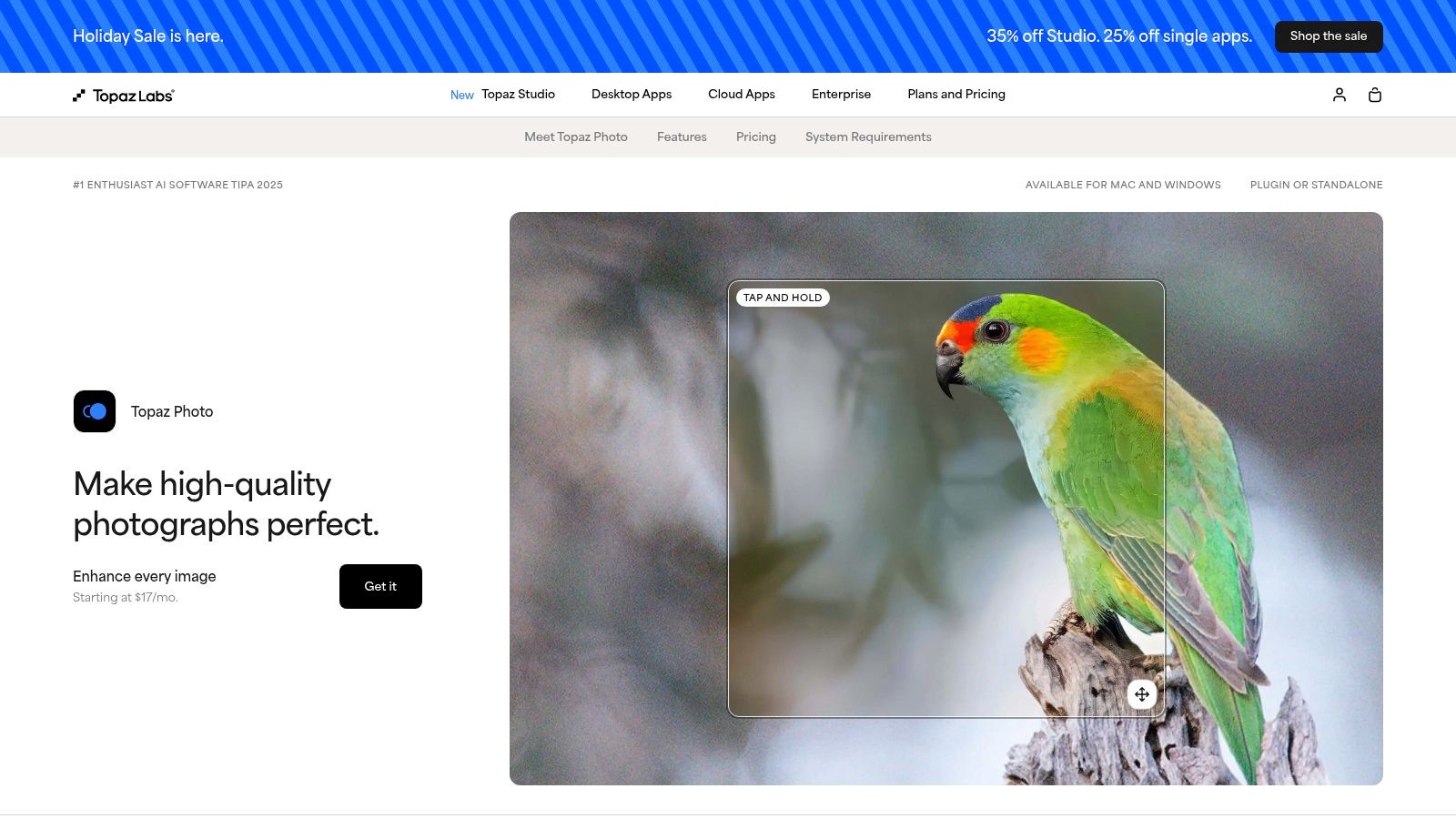
The software functions as both a standalone app and a plug-in for Adobe Lightroom and Photoshop, seamlessly integrating into existing professional workflows. Its "Autopilot" feature analyzes your image and automatically applies the best models, whether it’s Sharpen, Recover Faces, or Denoise, providing a solid starting point for edits. The results, especially in recovering fine details and facial features, are consistently ranked among the best available, making it a go-to for high-stakes image restoration. The quality of its output is also a great lesson in what modern AI can achieve, which can inspire users looking for creative ideas for AI image generation.
Key Features & Assessment
| Feature | Assessment |
|---|---|
| AI Deblurring Quality | Exceptional. Its AI models for sharpening and focus correction produce natural-looking results with minimal artifacts, often outperforming competitors. |
| Workflow Integration | Excellent. Functions as a standalone app or as a plug-in for Adobe, which is a major advantage for professionals. |
| Ease of Use | Very Good. The Autopilot feature simplifies the process, though manual controls are available for fine-tuning. |
| Pricing Model | Subscription-based. Requires an annual subscription for ongoing updates, which may be a drawback for casual users. A capable GPU is recommended for optimal performance. |
Website: https://www.topazlabs.com/topaz-photo-ai
2. Adobe Photoshop
Adobe Photoshop is the undisputed industry standard for image editing, and its modern versions have powerful AI-driven tools that make it a formidable fix blurry pictures app. While known for its comprehensive manual controls, Photoshop's Neural Filters, like Photo Restoration and Smart Sharpen, leverage artificial intelligence to deblur images, reduce camera shake, and correct focus issues with impressive results. This combination of AI automation and deep manual control is its key differentiator, allowing users to apply an initial AI fix and then refine every detail with unparalleled precision.
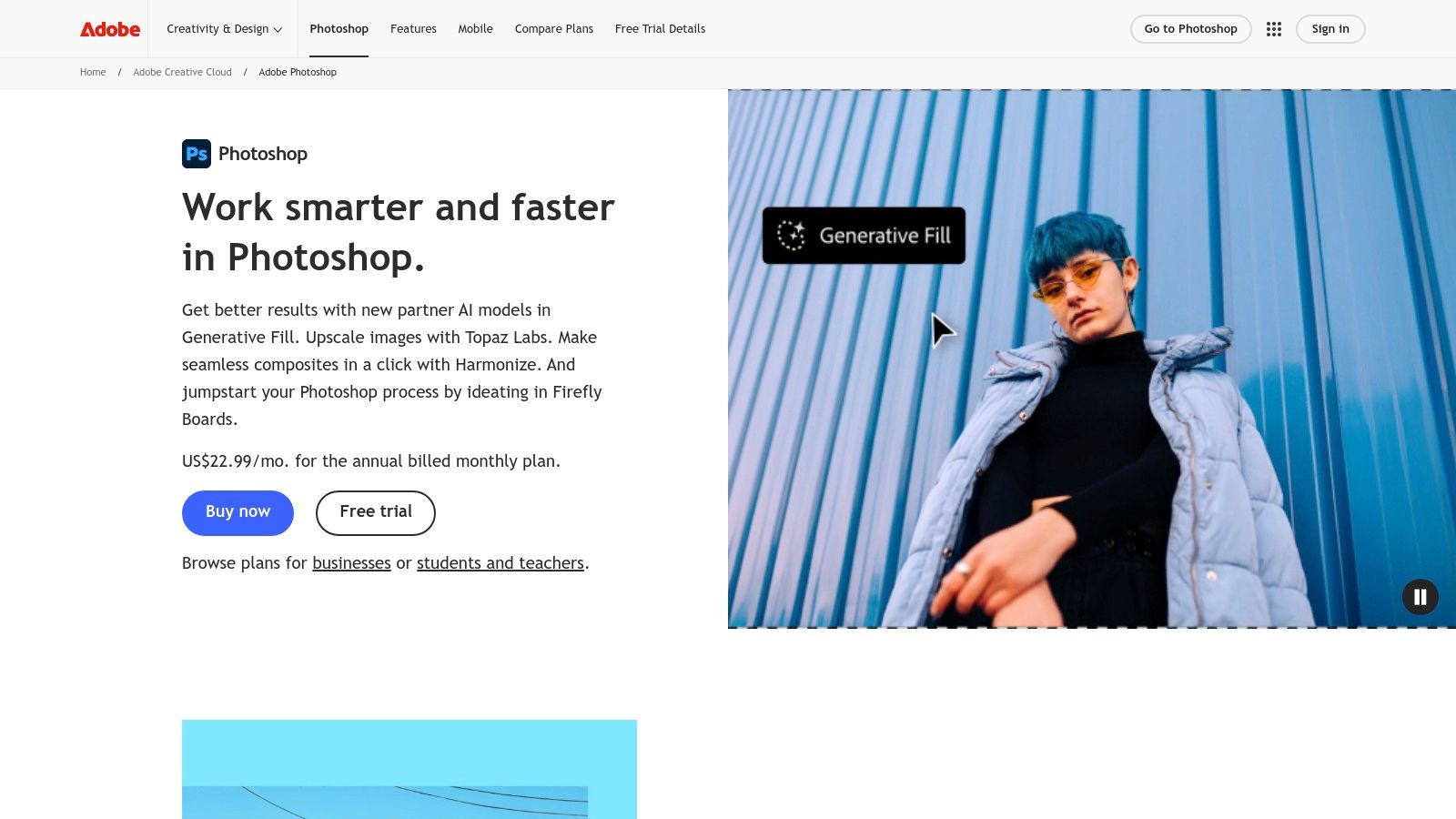
Photoshop's strength lies in its ecosystem. It supports third-party plug-ins (like Topaz), allowing you to integrate specialized deblurring tools directly into your workflow. Furthermore, its advanced masking and selection tools, powered by AI, let you apply sharpening effects only to specific areas of an image, preserving background softness and creating a more natural look. Its generative AI features also open up creative possibilities beyond simple restoration, a topic explored further in guides on using AI-generated images from Adobe Stock. For professionals who need both automated fixes and granular control, Photoshop remains an essential tool.
Key Features & Assessment
| Feature | Assessment |
|---|---|
| AI Deblurring Quality | Very Good. The Neural Filters provide a strong starting point for corrections, though they sometimes require manual adjustments for perfect results. |
| Workflow Integration | Exceptional. As the industry-standard editor, it integrates with virtually every professional tool and supports a vast range of plug-ins. |
| Ease of Use | Good. While basic AI features are accessible, the full suite of tools presents a steep learning curve for newcomers. |
| Pricing Model | Subscription-only. Part of the Adobe Creative Cloud subscription, which can be costly for users who only need occasional photo repair. |
Website: https://www.adobe.com/products/photoshop.html
3. Adobe Lightroom (Photography Plan)
Adobe Lightroom is a cornerstone for professional and enthusiast photographers, offering a comprehensive suite of tools for organizing, editing, and enhancing images. While not a single-purpose deblurring tool, its AI-powered "Enhance" features make it a powerful fix blurry pictures app, especially for those managing large photo libraries. The platform excels at refining images with its sophisticated Denoise, sharpening tools, and Super Resolution feature, which effectively increases image clarity and detail.
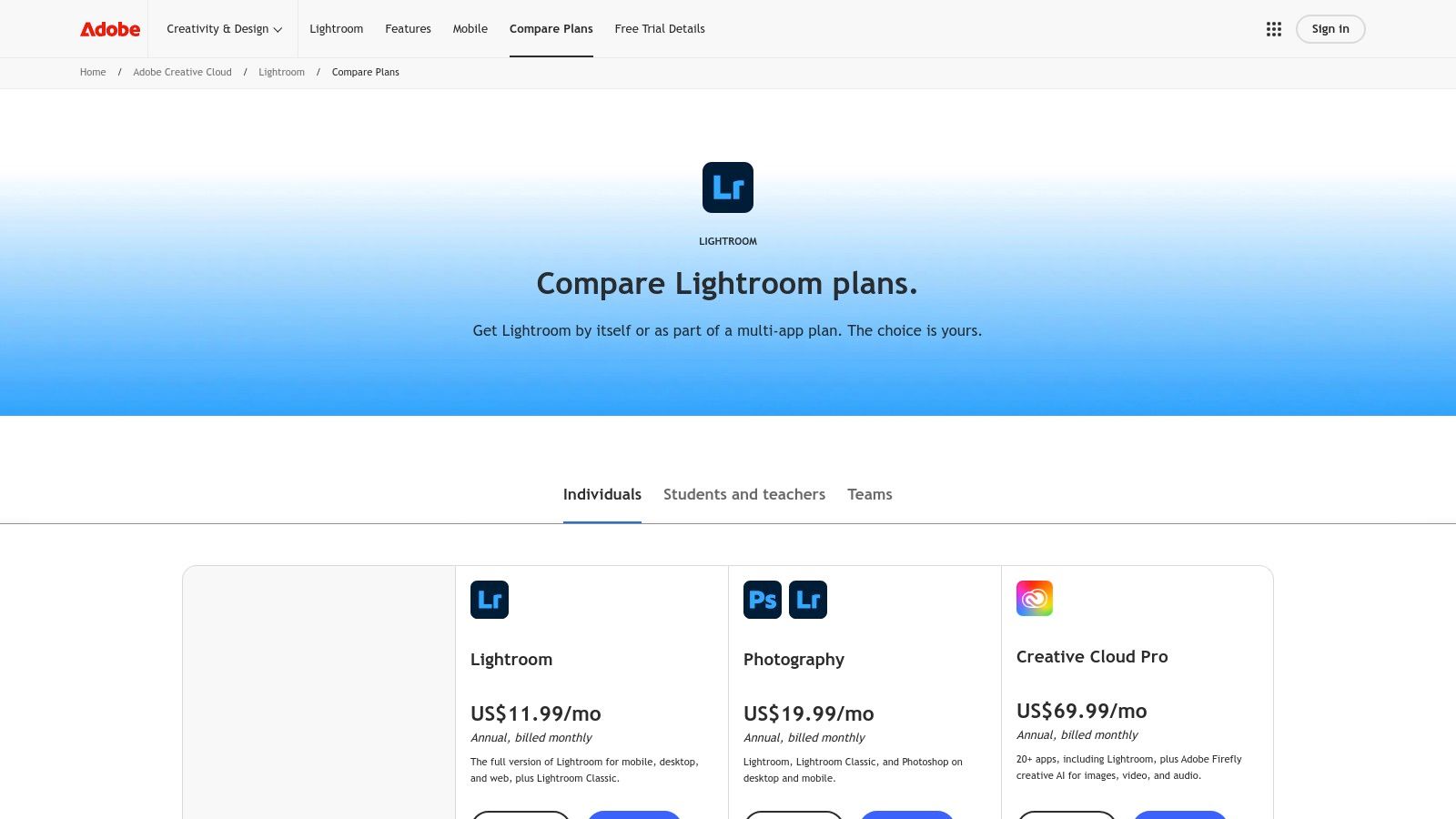
Often bundled with Photoshop in Adobe's Photography Plan, Lightroom provides an unmatched workflow. Users can apply general enhancements across hundreds of photos in batches within Lightroom and then seamlessly send a specific image to Photoshop for more intensive, targeted deblurring like Shake Reduction. This integration, combined with cloud sync across devices, creates a fluid and efficient environment for managing and perfecting an entire photoshoot, from minor tweaks to major corrections. Its strength lies in being part of a complete photographic ecosystem.
Key Features & Assessment
| Feature | Assessment |
|---|---|
| AI Deblurring Quality | Very Good. The AI Denoise and sharpening tools are excellent for general softness, though it lacks a dedicated one-click tool for severe motion or focus blur. |
| Workflow Integration | Exceptional. Seamless integration with Photoshop and cloud sync across devices make it the industry standard for professional photo management. |
| Ease of Use | Good. The interface is intuitive for photographers, but the sheer number of features can be overwhelming for beginners just looking for a quick fix. |
| Pricing Model | Subscription-based. Requires a monthly or annual subscription, typically as part of the Adobe Photography Plan, which includes Photoshop. |
Website: https://www.adobe.com/products/photoshop-lightroom/plans.html
4. Google Photos
Google Photos has evolved from a simple cloud storage service into a surprisingly powerful, accessible photo editor, particularly for casual users. Its standout feature, "Photo Unblur," leverages Google's advanced AI to sharpen out-of-focus images directly within its ecosystem. This makes it an incredibly convenient fix blurry pictures app for anyone already using Google for photo backups, offering a one-tap solution without needing to download separate software.

Available on both mobile and web, its seamless integration is its greatest strength. Beyond unblurring, users gain access to other impressive AI tools like Magic Eraser and Portrait Light, which enhance photos with minimal effort. While the most advanced features were initially limited to specific devices like the Google Pixel, many are now available more broadly to Google One subscribers, making powerful editing accessible to a wider audience. The platform is perfect for quick, on-the-go fixes where convenience and speed are more important than granular, professional-level control.
Key Features & Assessment
| Feature | Assessment |
|---|---|
| AI Deblurring Quality | Good. The Photo Unblur feature is effective for moderate blur and missed focus, offering a significant improvement with a single tap. Results can vary with severe blur. |
| Workflow Integration | Excellent. Natively integrated with Google's cloud storage, making it seamless to edit photos that are already backed up. |
| Ease of Use | Exceptional. Designed for beginners with a simple, intuitive interface. Most AI enhancements are applied automatically or with one click. |
| Pricing Model | Freemium. Core features are free with a Google account. More advanced AI tools, including Photo Unblur on non-Pixel phones, may require a Google One subscription. |
Website: https://photos.google.com/
5. Remini (mobile app)
Remini has become a viral sensation on iOS and Android, celebrated for its one-tap approach to photo restoration, particularly with portraits. It operates as a powerful cloud-based fix blurry pictures app that excels at reviving old, pixelated, or out-of-focus faces with startling clarity. Its core strength lies in its specialized AI models trained on facial features, making it an exceptional tool for restoring cherished family photos or enhancing blurry selfies for social media.
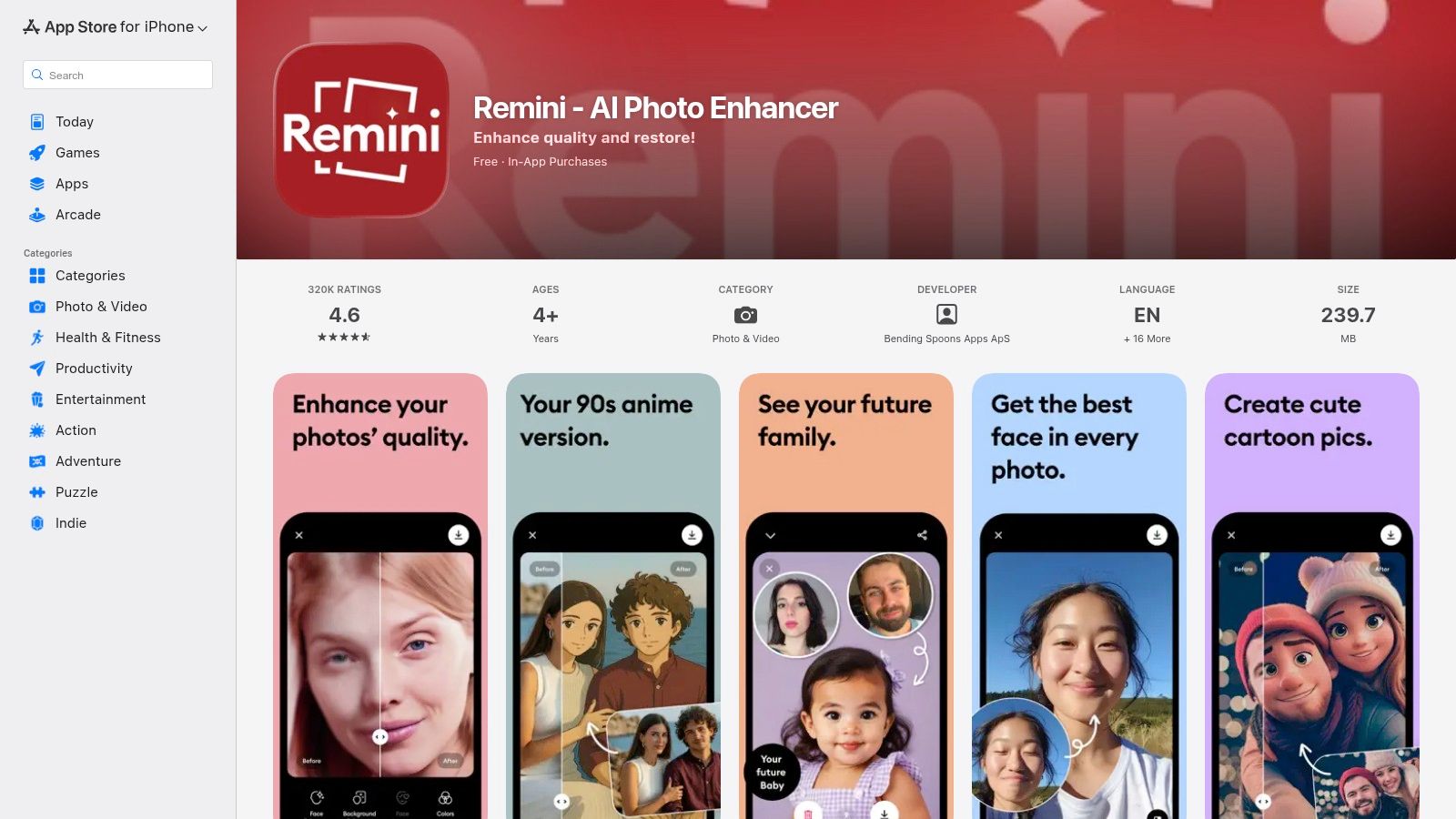
The user experience is designed for speed and simplicity. Users upload a photo, tap the enhance button, and are presented with a compelling before-and-after slider within seconds. While it offers a free version with ads and limited saves, the premium subscription unlocks higher-quality exports and additional creative features. Unlike desktop software that offers granular control, Remini is built for users who want quick, impressive results without a learning curve, especially when the subject is a person.
Key Features & Assessment
| Feature | Assessment |
|---|---|
| AI Deblurring Quality | Excellent. Its face-focused AI delivers some of the best results on the market for portraits and selfies, though it is less effective on general landscapes or objects. |
| Workflow Integration | Good. As a mobile-first app, it's perfect for on-the-go edits and direct sharing to social media, but it lacks desktop or plug-in functionality. |
| Ease of Use | Exceptional. The one-tap interface is incredibly intuitive, making it accessible to users of all skill levels. The process is fully automated. |
| Pricing Model | Subscription-based. Offers a limited free version with ads. The paid subscription unlocks unlimited use and higher resolution downloads, with pricing that can vary. |
Website: https://apps.apple.com/app/remini-ai-photo-enhancer/id1470373330?utm_source=openai
6. Skylum Luminar Neo (Supersharp AI)
Skylum Luminar Neo is a comprehensive AI-powered photo editor for Windows and macOS that offers a robust toolkit for creators, including its impressive Supersharp AI feature. This tool is specifically designed to tackle common blur issues like motion blur and missed focus, making it a highly effective fix blurry pictures app. Unlike single-purpose sharpeners, Luminar Neo integrates this functionality into a full-featured editing suite, allowing users to correct blur and then proceed with creative enhancements all in one place.
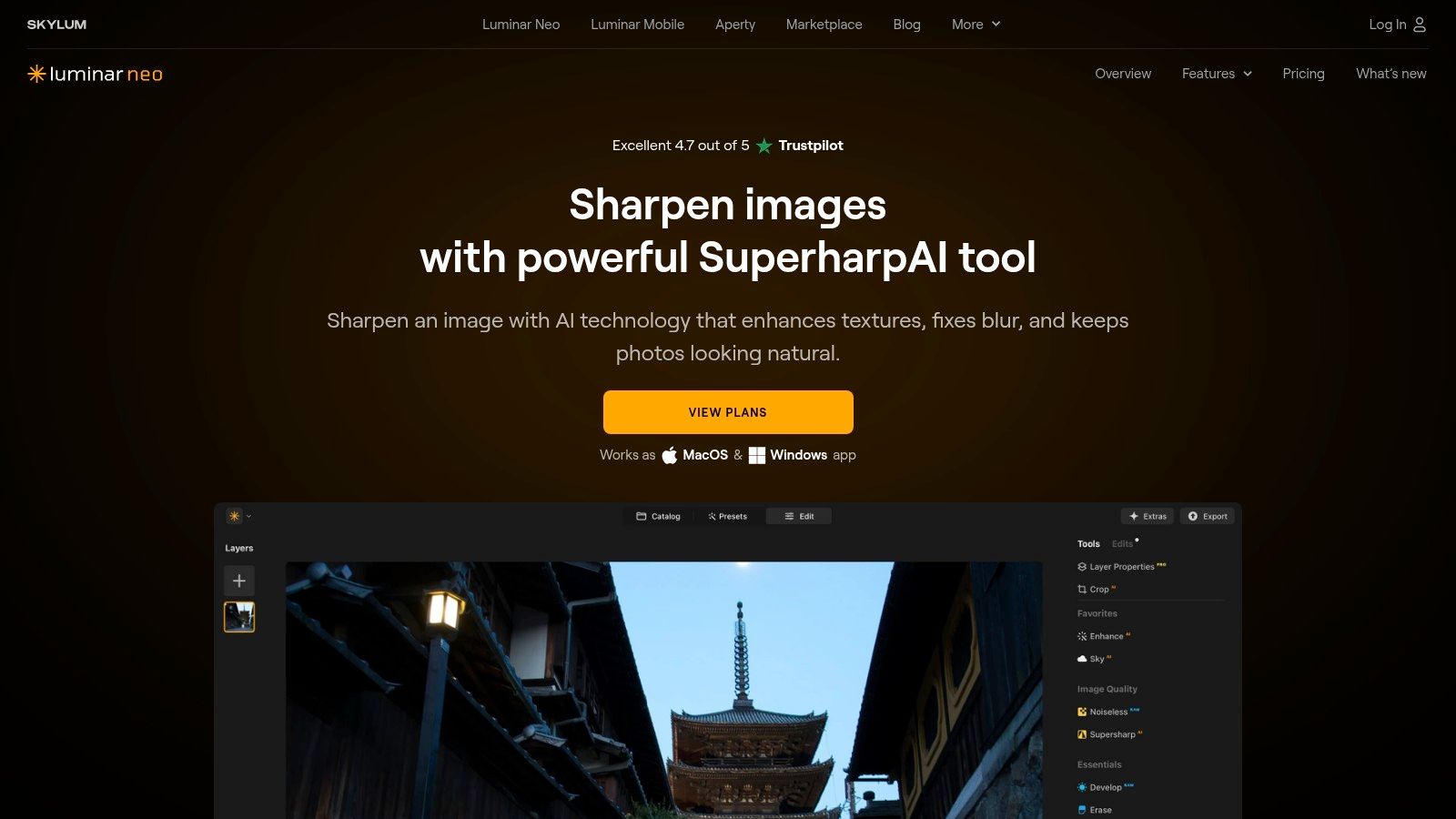
Luminar Neo excels by providing a balance between powerful, one-click AI fixes and granular manual control. Users can select between different AI models, such as Universal or Motion Blur, and then use masking tools and intensity sliders to apply the effect precisely where it's needed. This targeted approach prevents over-sharpening the entire image, which can lead to unnatural artifacts. Its ability to function as a standalone editor or as a plug-in for Adobe Lightroom and Photoshop makes it a versatile addition to any photographer's workflow, from hobbyists to seasoned professionals.
Key Features & Assessment
| Feature | Assessment |
|---|---|
| AI Deblurring Quality | Very Good. Supersharp AI effectively corrects moderate motion and focus blur, with dedicated models providing tailored results. |
| Workflow Integration | Excellent. Seamlessly operates as a standalone application or as a plug-in for Lightroom and Photoshop, enhancing its utility. |
| Ease of Use | Excellent. The guided interface is intuitive, while masking and sliders offer a great balance between automation and manual adjustment. |
| Pricing Model | Subscription or Lifetime License. Offers flexible purchasing options, including a one-time purchase, which appeals to users who dislike subscriptions. |
Website: https://skylum.com/luminar/supersharp-ai
7. Pixelmator Pro
For macOS users seeking a powerful yet affordable image editor, Pixelmator Pro is an exceptional choice. While it's a full-featured photo editing suite, its machine learning tools make it a highly capable fix blurry pictures app. It leverages Apple's Core ML framework to deliver incredibly fast performance on Apple silicon, offering features like ML Super Resolution to intelligently upscale images without losing sharpness and ML Denoise to clean up visual noise.
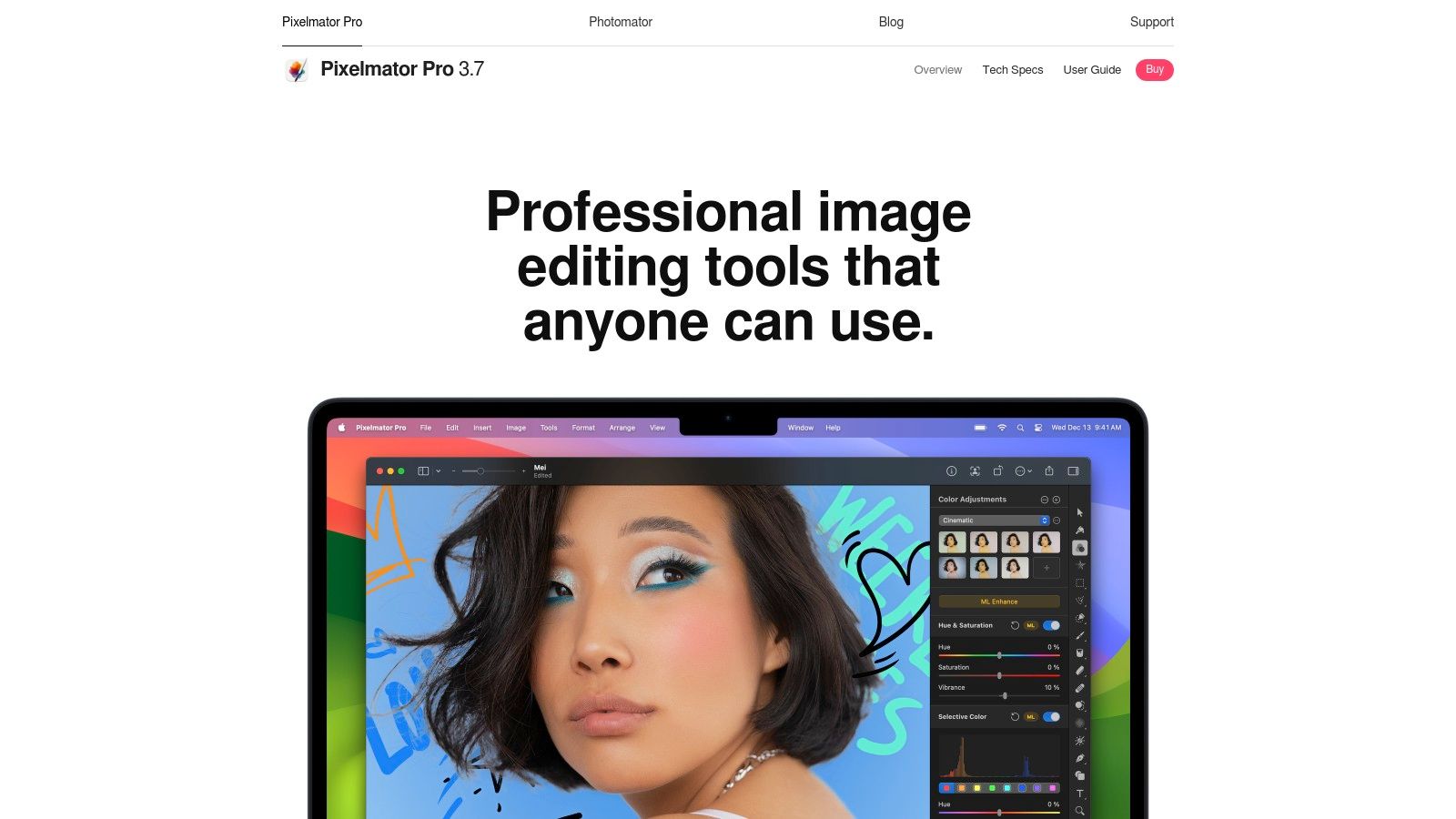
Unlike specialized deblurring tools, Pixelmator Pro integrates its enhancement features into a complete workflow. This means you can fix clarity issues and then proceed with color grading, retouching, and graphic design all within the same application. Its seamless integration with macOS and Apple Photos, combined with its one-time purchase model, makes it a fan favorite in the Apple ecosystem. It provides professional-grade tools without the commitment of a recurring subscription, offering a refreshing alternative for budget-conscious creators.
Key Features & Assessment
| Feature | Assessment |
|---|---|
| AI Deblurring Quality | Very Good. ML Super Resolution is excellent for upscaling low-res images, and ML Denoise effectively cleans up grain. It lacks dedicated motion or focus deblurring models but excels at general clarity enhancement. |
| Workflow Integration | Excellent. Deep integration with the macOS ecosystem, including Apple Photos and iCloud, is a major strength. |
| Ease of Use | Very Good. The interface is modern, intuitive, and easy to navigate for users familiar with image editing software. |
| Pricing Model | One-time purchase. Available on the Mac App Store for a single, affordable price with no subscriptions, which offers outstanding long-term value. Exclusively for macOS. |
Website: https://www.pixelmator.com/pro/
8. CyberLink PhotoDirector
CyberLink PhotoDirector positions itself as a comprehensive, consumer-friendly photo editor for both desktop (Windows/macOS) and mobile devices. It includes a versatile suite of AI-powered tools, making it a strong contender as a fix blurry pictures app for users who want an all-in-one solution. Its dedicated AI Deblur and AI Enhance features are designed to correct motion blur and general softness, while specialized face enhancement tools can recover details in portraits.
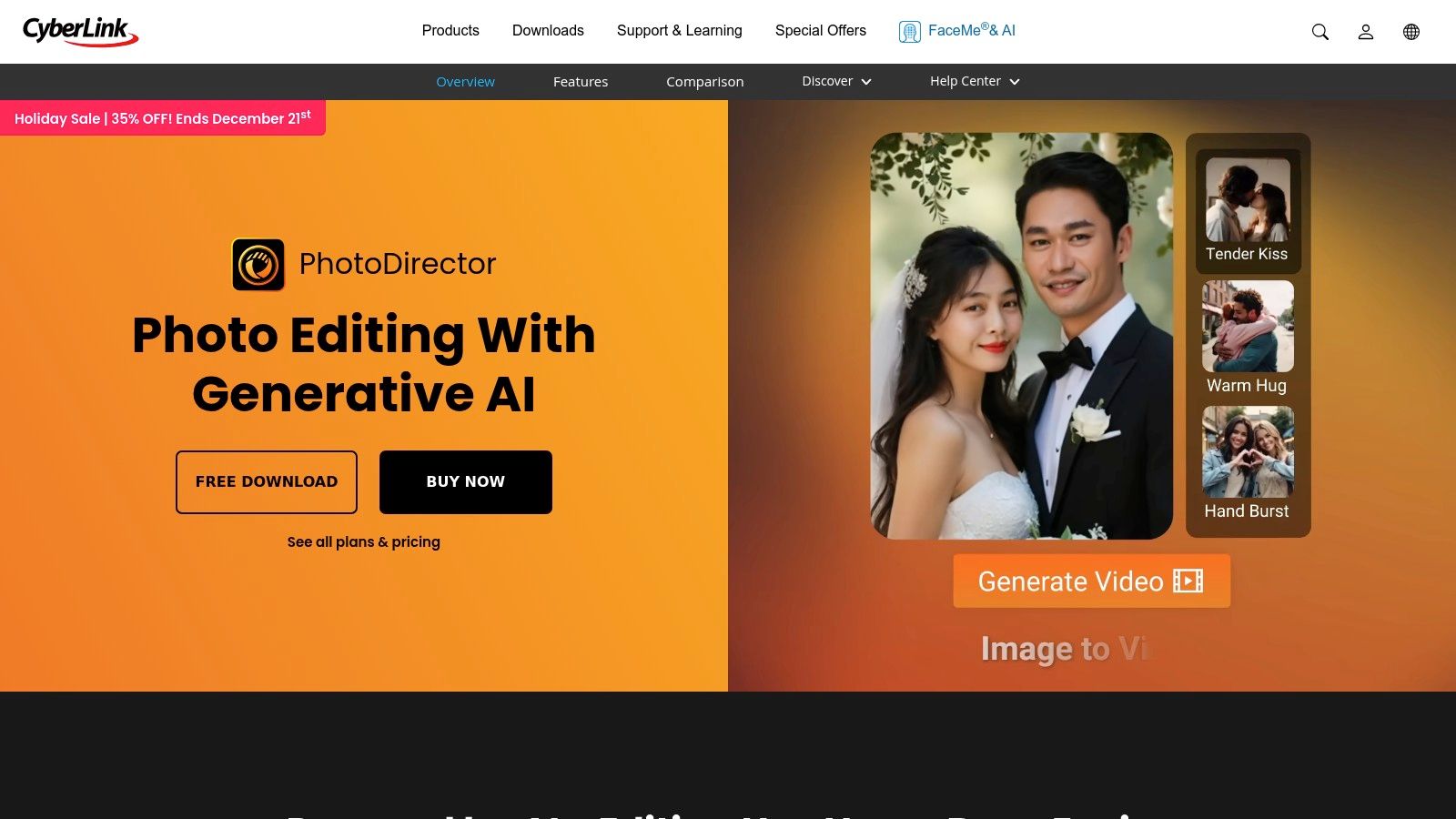
Unlike single-purpose sharpening tools, PhotoDirector offers a full editing experience with multi-layer editing, RAW support, and a vast library of effects and adjustments. This makes it ideal for hobbyists and prosumers who need more than just a blur-fixer. Its availability across multiple platforms and storefronts, including Steam and mobile app stores, adds to its accessibility. The flexible licensing, with options for a one-time perpetual license or an ongoing subscription (PhotoDirector 365), caters to different user budgets and needs, making it a highly adaptable choice in the market.
Key Features & Assessment
| Feature | Assessment |
|---|---|
| AI Deblurring Quality | Good. The AI tools are effective for general blur and facial recovery, though less specialized than dedicated deblurring apps. |
| Feature Set | Excellent. A broad range of features, including multi-layer editing and RAW support, makes it a powerful all-in-one editor. |
| Ease of Use | Very Good. The interface is user-friendly and geared towards consumers, making advanced features accessible to a wider audience. |
| Pricing Model | Excellent. Offers both a one-time purchase (perpetual license) and a subscription model, providing great flexibility for users. |
Website: https://www.cyberlink.com/products/photodirector-ultra/features_en_US.html
9. Fotor
Fotor stands out as a versatile, web-first platform that combines powerful AI-driven photo enhancement with a full suite of design tools. Its AI Image Enhancer makes it a highly accessible fix blurry pictures app, allowing users to instantly unblur, sharpen, denoise, and upscale images directly in their browser. This makes it an excellent choice for quick fixes without the need to download or install heavy software, catering to social media managers, marketers, and casual users who need fast, effective results.
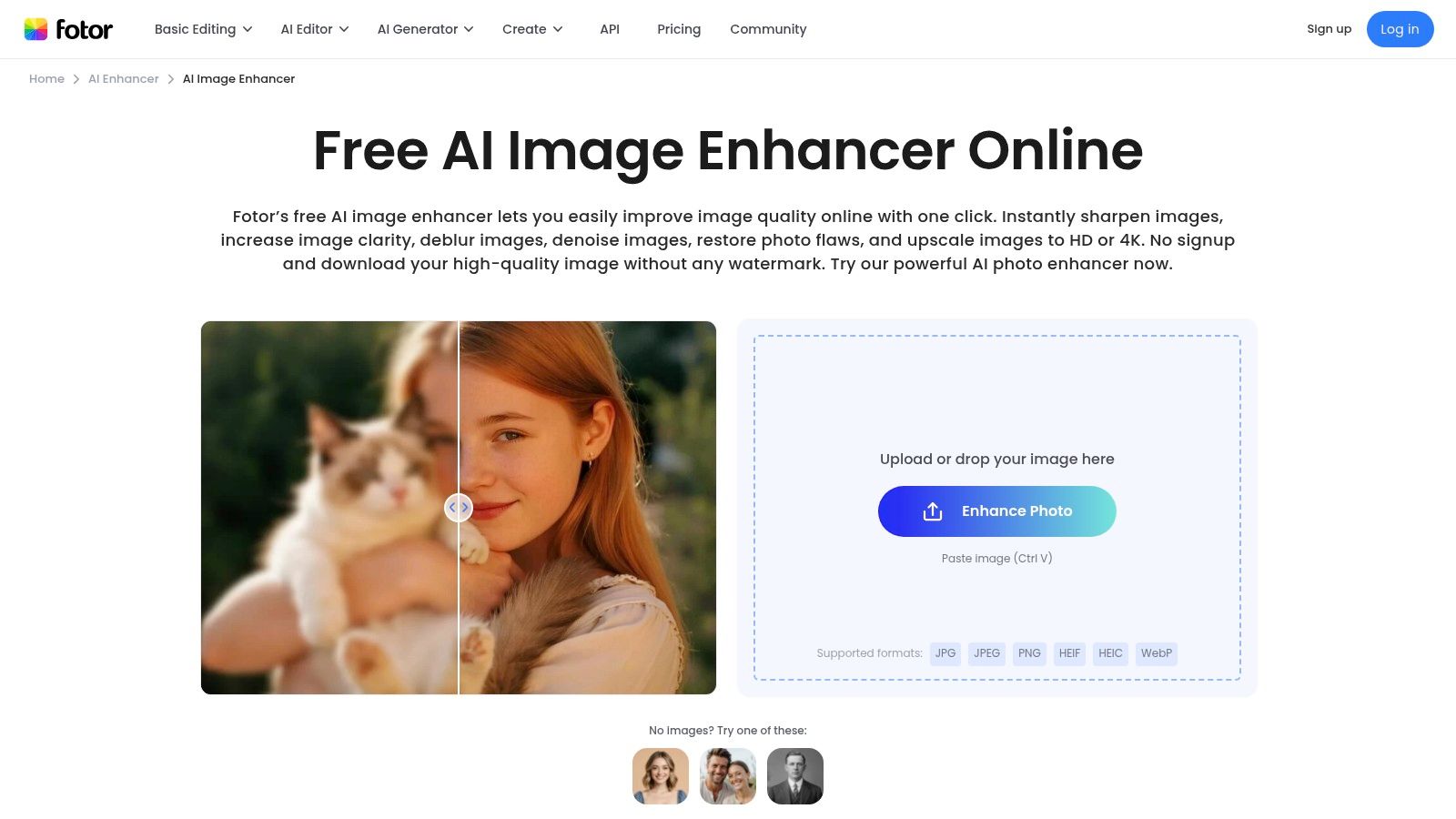
The platform’s strength lies in its convenience and all-in-one approach. After enhancing an image, users can immediately pivot to using Fotor's design templates, add text, or apply filters. While its primary function is single-image enhancement, paid tiers unlock batch processing capabilities, which are useful for standardizing multiple images at once. This streamlined workflow is complemented by its ability to export in HD or 4K, ensuring that the corrected images are suitable for both digital and print use. For those dealing with large sets of images, understanding tools like a bulk image resizer can further optimize post-production workflows.
Key Features & Assessment
| Feature | Assessment |
|---|---|
| AI Deblurring Quality | Very Good. The one-click AI Enhancer delivers significant improvements for common blur issues, though results can vary with heavily damaged photos. |
| Workflow Integration | Good. Primarily a web-based tool, which is convenient, but it also offers mobile and desktop apps. It includes design tools for a complete creative workflow. |
| Ease of Use | Excellent. The interface is intuitive and user-friendly, making it simple for anyone to upload a photo and enhance it in seconds. |
| Pricing Model | Freemium. Offers a free tier with basic enhancements. Pro and Pro+ plans are affordable and unlock batch processing, more AI credits, and higher-resolution exports. |
Website: https://www.fotor.com/ai-image-enhancer/?utm_source=openai
10. VanceAI
VanceAI presents itself as a comprehensive suite of AI-powered tools designed for a wide range of image enhancement tasks. It offers dedicated tools like Image Sharpener, Upscaler, Denoiser, and an old photo restorer, making it a versatile online fix blurry pictures app. This all-in-one approach is ideal for users who need more than just deblurring, providing a centralized platform for various restoration and enhancement needs. Its availability as both a web-based tool and a downloadable desktop application offers flexibility for different workflows.
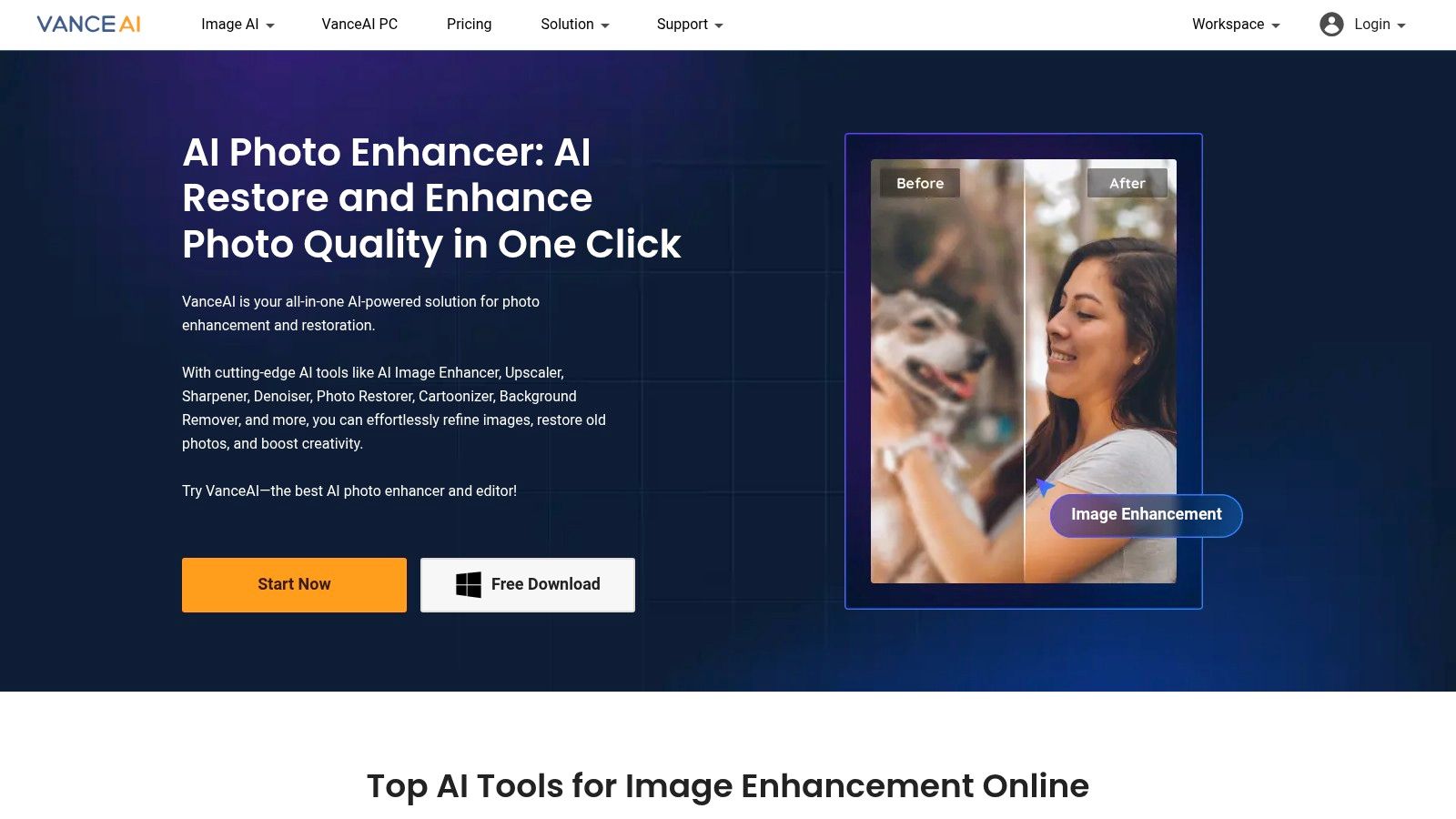
The platform is particularly appealing due to its flexible access models, which include a free trial, a credit-based system for occasional users, and full license options for the desktop software. This allows users to choose the plan that best fits their usage frequency. For developers and businesses, VanceAI also provides API access, enabling the integration of its image processing capabilities directly into their own applications or automated workflows. The one-click processing simplifies tasks, although the final quality can sometimes vary depending on the complexity and original condition of the image.
Key Features & Assessment
| Feature | Assessment |
|---|---|
| AI Deblurring Quality | Good. The dedicated sharpener tool effectively reduces mild to moderate blur, but results can vary on more complex images. |
| Workflow Integration | Very Good. Offers an online tool, a desktop app, and API access, catering to casual users, professionals, and developers alike. |
| Ease of Use | Excellent. The one-click interface is incredibly straightforward, requiring minimal user input to process images. |
| Pricing Model | Flexible. Provides free credits, pay-as-you-go credit packs, and subscription plans. The credit system can be confusing at first. |
Website: https://vanceai.com/
11. Let’s Enhance
Let’s Enhance is a powerful, browser-based AI image enhancer that specializes in upscaling, sharpening, and deblurring images directly from your web browser. Its straightforward interface makes it an excellent fix blurry pictures app for users who need quick, high-quality results without downloading any software. The platform is particularly popular for e-commerce, real estate, and print media, where image clarity is paramount. It offers a suite of tools including an Unblur function, Sharpener, Upscaler, and a dedicated Face Enhancer.
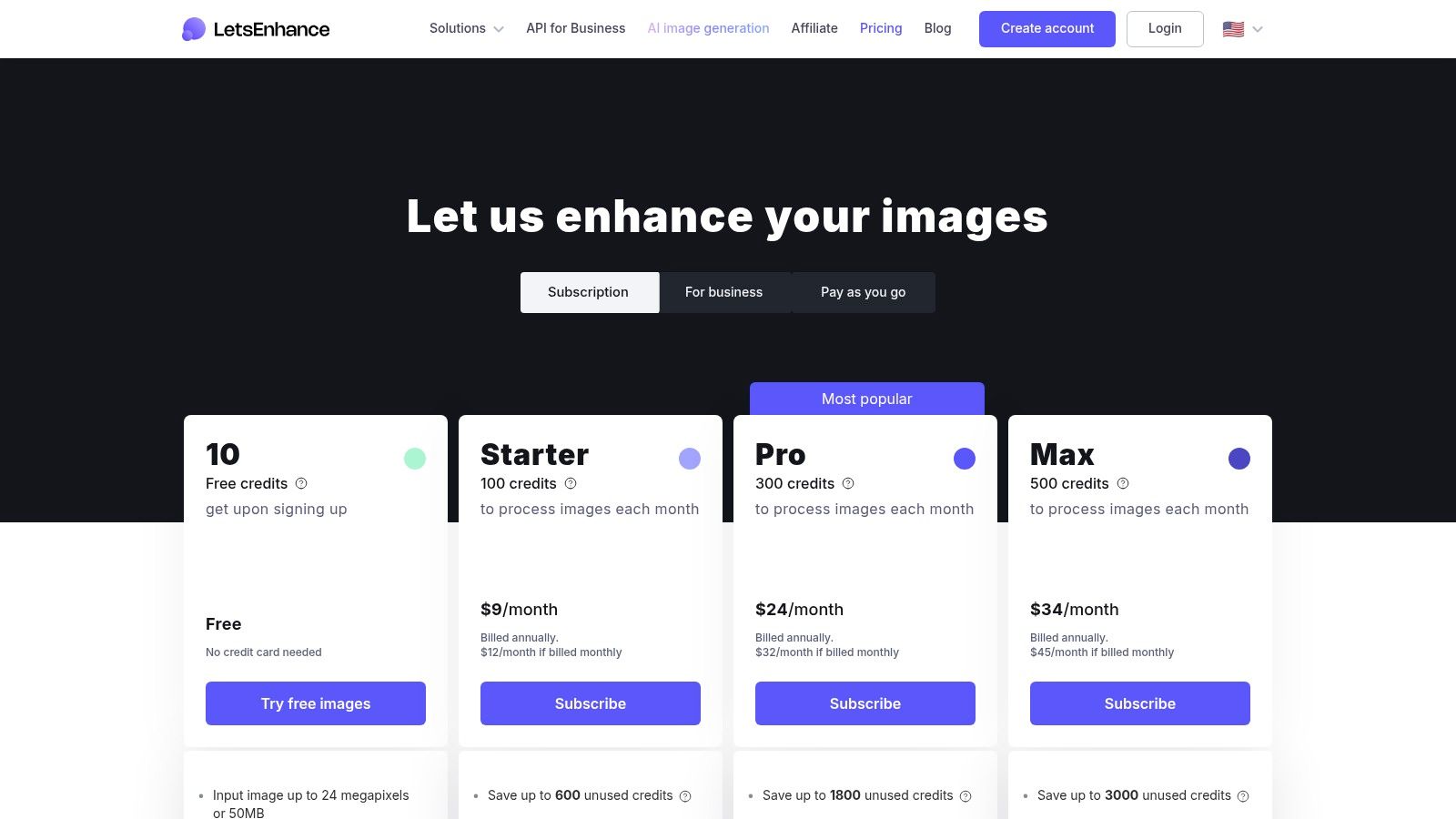
The platform operates on a credit-based system, offering both pay-as-you-go and subscription options, which provides flexibility for different usage levels. A standout feature for individual users is that personal subscription plans allow unused credits to roll over, which is a consumer-friendly policy not always seen in similar services. Its clean user interface simplifies the process of applying different enhancements and comparing the outputs, allowing for an efficient workflow even when processing images in batches. For businesses, Let's Enhance also offers API access for automated, large-scale image processing.
Key Features & Assessment
| Feature | Assessment |
|---|---|
| AI Deblurring Quality | Very Good. The Unblur and Sharpen tools are highly effective at correcting motion and focus blur, delivering crisp and clear results suitable for professional use. |
| Workflow Integration | Good. As a web-based tool with API access, it's highly accessible but lacks direct plug-ins for desktop software like Photoshop or Lightroom. |
| Ease of Use | Excellent. The user interface is clean, intuitive, and beginner-friendly, making it easy to upload, process, and compare images. |
| Pricing Model | Credit-based. Offers flexible pay-as-you-go credits or monthly subscriptions. Personal plans include credit rollover, but high-volume use can become costly. |
Website: https://letsenhance.io/pricing
12. HitPaw Photo Enhancer (Online)
HitPaw Photo Enhancer's online version offers a highly accessible, browser-based solution for quick image corrections. It stands out for its straightforward interface and dedicated AI models, including modes for general enhancement, denoising, face repair, and colorization. This makes it a great fix blurry pictures app for users who need a fast, effective tool without installing any software, ideal for touching up social media photos or restoring old family pictures directly in a web browser.
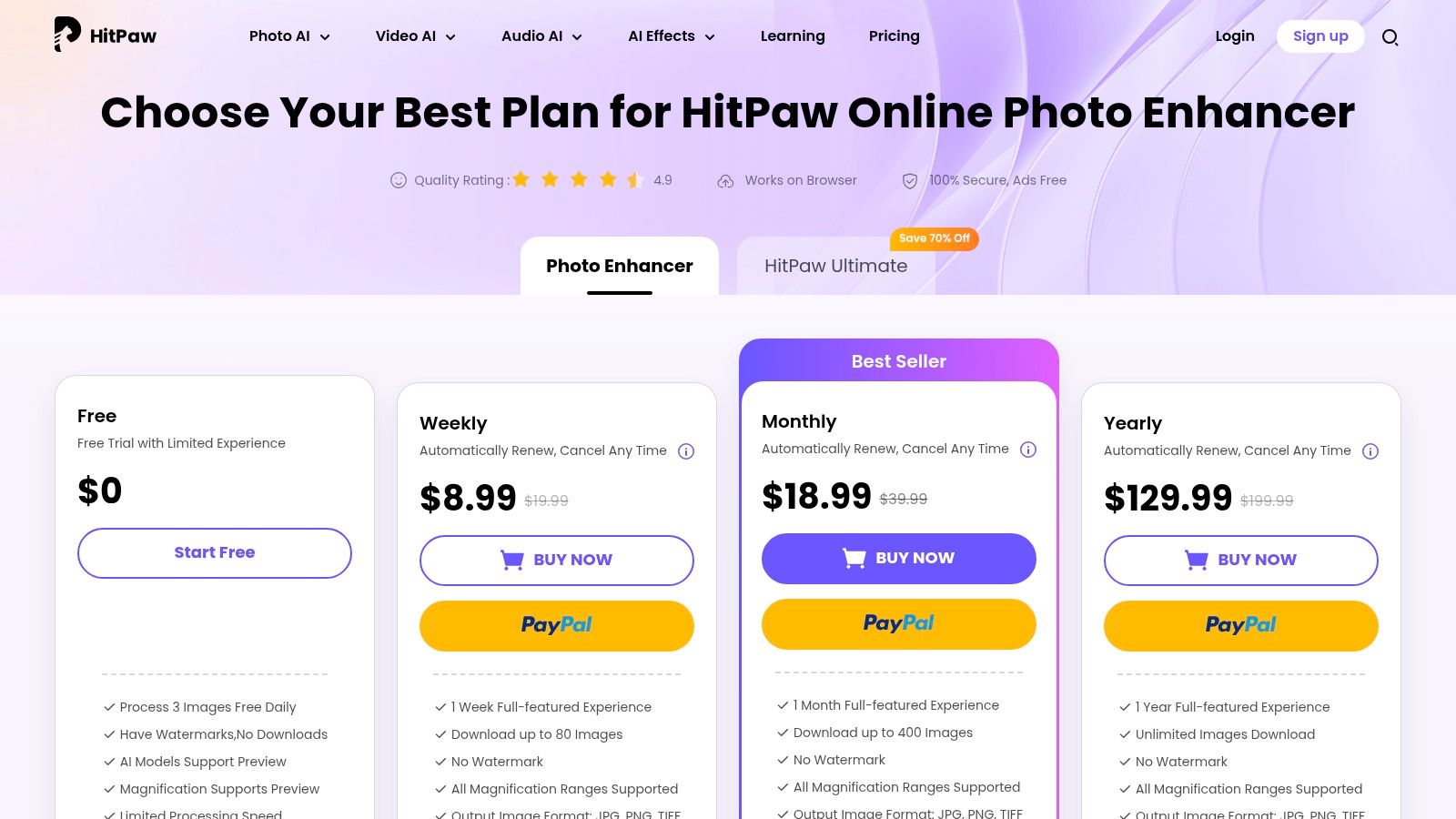
The platform is particularly user-friendly due to its transparent pricing and usage limits. Users can try the service with a free trial, which typically involves watermarked or limited downloads, providing a clear preview of the results. What makes HitPaw's online offering unique is its flexible subscription model. You can purchase access to just the Photo Enhancer tool or the entire online suite, with plans ranging from weekly to yearly, catering to both one-off projects and ongoing needs. This flexibility is a significant advantage for users who don't want to commit to a full software suite for a single task.
Key Features & Assessment
| Feature | Assessment |
|---|---|
| AI Deblurring Quality | Very Good. The specialized models deliver strong results for common issues like focus blur and noise, especially in portraits. |
| Workflow Integration | Good. As a browser-based tool, it requires no installation. However, it operates separately from professional desktop workflows like Adobe. |
| Ease of Use | Excellent. The user interface is extremely simple: just upload an image, choose a model, and process. It's perfect for beginners. |
| Pricing Model | Flexible Subscription. Offers weekly, monthly, and yearly plans with clear usage limits. The option to buy single-tool access is a major pro. |
Website: https://online.hitpaw.com/purchase/buy-hitpaw-online-photo-enhancer.html
Top 12 Apps to Fix Blurry Photos — Comparison
| Tool | Core features | Quality & UX | Target audience | Pricing & licensing |
|---|---|---|---|---|
| Topaz Photo (Topaz Photo AI) | Dedicated AI models (Sharpen, SuperFocus, Recover Faces, Upscale); standalone + Adobe plug‑in; local & cloud rendering | Top-tier deblur/sharpen quality; professional results; GPU recommended | Professional photographers & retouchers | Subscription (local & cloud rendering included); no cheap one‑time main license |
| Adobe Photoshop | Neural Filters, Generative Fill, advanced masking/selection; extensive plugin support | Industry‑standard control; excellent manual refinements; steeper learning curve | Pros, studios, advanced editors | Subscription only (Adobe plans) |
| Adobe Lightroom (Photography Plan) | Super Resolution, AI Denoise, batch tools, cloud sync; smooth handoff to Photoshop | Fast batch improvements; cloud workflows; less specialized deblur | Photographers managing large collections | Included in Photography Plan (subscription) |
| Google Photos | Photo Unblur, Magic Eraser, Portrait Light; cloud backup & sharing | Beginner‑friendly, fast; results vary by device/rollout | Casual users wanting quick fixes and backups | Many core tools free with Google account; storage may incur cost |
| Remini (mobile app) | Face-focused enhancement, one‑tap unblur/restore, HD exports on paid tiers | Very simple UX; strong portrait revival; cloud processing | Mobile users, selfie/portrait restoration | Freemium; subscription or in‑app purchases for HD/credits |
| Skylum Luminar Neo (Supersharp AI) | Supersharp AI (Universal & Motion), Face Enhancer, masking, RAW support | Guided UI; balance of one‑click and manual controls; can artifact at high settings | Enthusiasts and prosumers; plugin workflows | Paid license (perpetual or subscription options/promos) |
| Pixelmator Pro | ML Super Resolution, ML Denoise, Deband; Apple silicon optimized | Fast, lightweight, excellent macOS integration; less specialized deblur | macOS users seeking a one‑time purchase app | One‑time purchase on Mac App Store |
| CyberLink PhotoDirector | AI Deblur/Face Deblur, RAW support, multi‑layer editing, mobile apps | Broad feature set for consumers/prosumers; quality varies vs pro tools | Consumers and prosumers wanting flexible options | Flexible licensing: subscription (365) or perpetual |
| Fotor | AI Image Enhancer (unblur, sharpen, upscale, denoise), batch tools, web‑based | Convenient web access; good for quick fixes; quality varies by image | Casual users, marketers needing fast web edits | Free tier; Pro plans for HD/4K & batch |
| VanceAI | One‑click deblur/sharpen, upscaler, denoiser, restorer; batch & API; desktop app | Flexible toolset; output quality can vary; automation friendly | Businesses, API users, bulk processing workflows | Credits, PC license and subscription options |
| Let’s Enhance | Unblur, Sharpener, Upscaler, Restoration, Face Enhancer; high output sizes | Clean UI; easy comparisons; web-only processing | Designers and businesses needing quick upscales & comparisons | Pay‑as‑you‑go credits or subscriptions with credit rollover |
| HitPaw Photo Enhancer (Online) | AI unblur, upscale, denoise, restoration; single‑tool purchases available | Very easy online trial; watermarked/free limits; plan‑based limits | Users wanting simple online fixes or single‑tool access | Weekly/monthly/yearly plans or single‑tool purchases; trial limits (watermark) |
Choosing Your Ideal Photo Sharpener: From Quick Fixes to Professional Workflows
We've explored a comprehensive landscape of tools, each offering a unique approach to a common and frustrating problem: the blurry photograph. From the sophisticated AI algorithms in Topaz Photo AI to the one-tap magic of mobile apps like Remini, the power to rescue your images has never been more accessible. Navigating this diverse array of options can seem daunting, but the key to finding the perfect fix blurry pictures app lies in understanding your specific workflow, budget, and desired outcome.
The journey from a soft, out-of-focus shot to a crisp, detailed masterpiece is no longer reserved for professional photo editors with years of training. The central theme connecting all these powerful tools is the democratization of high-quality image enhancement. AI has leveled the playing field, automating complex adjustments and delivering stunning results with minimal user input.
Key Takeaways: Matching the Tool to the Task
Your ideal solution depends entirely on your context. Let's distill the core decision-making factors to help you make an informed choice.
- For On-the-Go Convenience: If your primary need is to quickly sharpen photos on your smartphone for social media, mobile-first apps are your best bet. Remini and Google Photos offer fantastic, often free, solutions that deliver immediate improvements without a steep learning curve.
- For Professional-Grade Control: Photographers, designers, and digital marketers who demand granular control and the highest possible output quality should look to desktop software. Topaz Photo AI stands out for its specialized, best-in-class sharpening and noise reduction, while the Adobe suite (Photoshop and Lightroom) provides an entire ecosystem for editing, a necessity for anyone already invested in a professional creative workflow.
- For a Balance of Power and Accessibility: If you need more power than a simple mobile app but don't want to commit to expensive desktop software, tools like Skylum Luminar Neo and CyberLink PhotoDirector offer a compelling middle ground. They combine advanced AI features with user-friendly interfaces, making them perfect for dedicated hobbyists and small business owners.
- For Web-Based Flexibility: For those who work across multiple devices or prefer not to install software, browser-based platforms like Let's Enhance, VanceAI, and Fotor provide impressive capabilities. They are excellent for one-off projects or collaborative environments where software installation isn't practical.
Actionable Next Steps: How to Choose Your App
Before you commit to a subscription or purchase, take these practical steps to ensure you’re selecting the right tool for your needs:
- Define Your Primary Use Case: Are you restoring old family photos, enhancing e-commerce product shots, or just cleaning up casual smartphone pictures? Your goal dictates the level of precision you require.
- Evaluate Your Volume: Do you need to fix one picture at a time, or are you regularly processing hundreds of images? For bulk processing, efficiency and batch features are paramount.
- Utilize Free Trials: Nearly every premium tool we’ve discussed offers a free trial or a freemium version. Upload a few of your own blurry images and compare the results side-by-side. Pay attention not just to the final quality but also to the speed and ease of use.
- Consider Your Budget: Solutions range from completely free to significant monthly or one-time investments. Align your choice with what you're willing to spend, keeping in mind that a more powerful tool can save you valuable time, which often translates to a positive return on investment.
Ultimately, the best fix blurry pictures app is the one that integrates seamlessly into your life and creative process. The technology is here, more powerful and intuitive than ever. By identifying your core needs and testing the top contenders, you can confidently select a tool that will transform your blurry memories into sharp, vibrant, and impactful images for years to come.
Ready to move beyond fixing one image at a time and supercharge your entire post-production workflow? Bulk Image Generation automates the tedious tasks of enhancing, resizing, and optimizing entire photo sets in minutes, not hours. Discover how you can apply AI-powered enhancements across thousands of images simultaneously at Bulk Image Generation.