10 AI Image Generation API Options Compared for 2026

Ryan Bennett • October 13, 2026
Compare 10 AI Image Generation API providers on capabilities, model differences, pricing, and sample code. Find the right fit for your use case in 2026.
Your team needs several hundred product variants by Friday. Then you discover that three providers bill in three different units, expose different model controls, and handle long-running requests in completely different ways. One API charges by tokens, another by megapixels, and a third by GPU time. The image that looks cheapest in a comparison can become expensive once you count failed generations, retries, editing, storage, and human review.
Image quality still matters, but pricing units, model catalogs, rate limits, latency, and compliance terms usually decide whether an integration works in production. This list compares ten options by cost per usable image, model choice, governance fit, and the shape of a real implementation. The aim isn't to crown one universal winner. It's to match each provider to the workload it can support without creating a second operations problem.
1. Bulk Image Generation
Bulk Image Generation is built around the production problem rather than a single image request. You describe a campaign, product set, or visual direction in natural language, and the platform can generate up to 100 unique images in parallel from a prompt list or an agent-created set of prompts. It combines Flux 1.1 with OpenAI's GPT-Image-1, so teams can use a managed workflow instead of stitching together model calls, prompt templates, downloads, and post-production scripts.
The useful distinction is that the output is intended to move toward publication. The batch editor handles background removal, face swaps, resizing, and enhancement. That matters for social campaigns, product photography, game assets, coloring pages, and branding work, where a raw generation is only the first step. A generated image still needs the correct aspect ratio, cleanup, and consistency check before someone can use it.
The platform also offers prompt generators, aspect-ratio calculators, image-to-prompt conversion, templates, and use-case presets. Those tools reduce the amount of prompt engineering required from marketers, educators, small-business owners, and agencies.
What the integration looks like
API access is available on the Growth plan and above, with an API and MCP connection that can trigger bulk batches from external tools such as Claude and ChatGPT. That makes it more useful for an automation workflow than a standalone image canvas. A campaign brief can become a prompt set, and the platform can process the set as a batch rather than forcing a user to submit each variation manually.
The main unknown is commercial predictability. The supplied materials don't provide current pricing, testimonials, certifications, or confirmed uptime details, and the reviewed site snapshot showed a client-side loading error. Check the current pricing and plan details before committing a production workload.
Practical rule: Measure cost per approved asset, not cost per generation. Include rejected outputs, editing time, review, and retries.
Best fit: Digital marketers, social teams, educators, hobbyists, small businesses, and branding agencies that need many finished visuals with limited prompt-engineering capacity. Rule-out limitation: Teams that need mature public uptime commitments, independently verified operational data, or a narrowly controlled model endpoint should validate availability and governance before making it their core production dependency.
2. OpenAI Images API
OpenAI's Images API is a strong choice when image generation sits beside text reasoning, structured instructions, and editing logic. The GPT-Image family supports text-to-image generation, image-to-image work, masked edits, and controllable safety settings. The connection with the Responses API is particularly useful for workflows that first interpret a brief, then produce or revise an image from that brief.
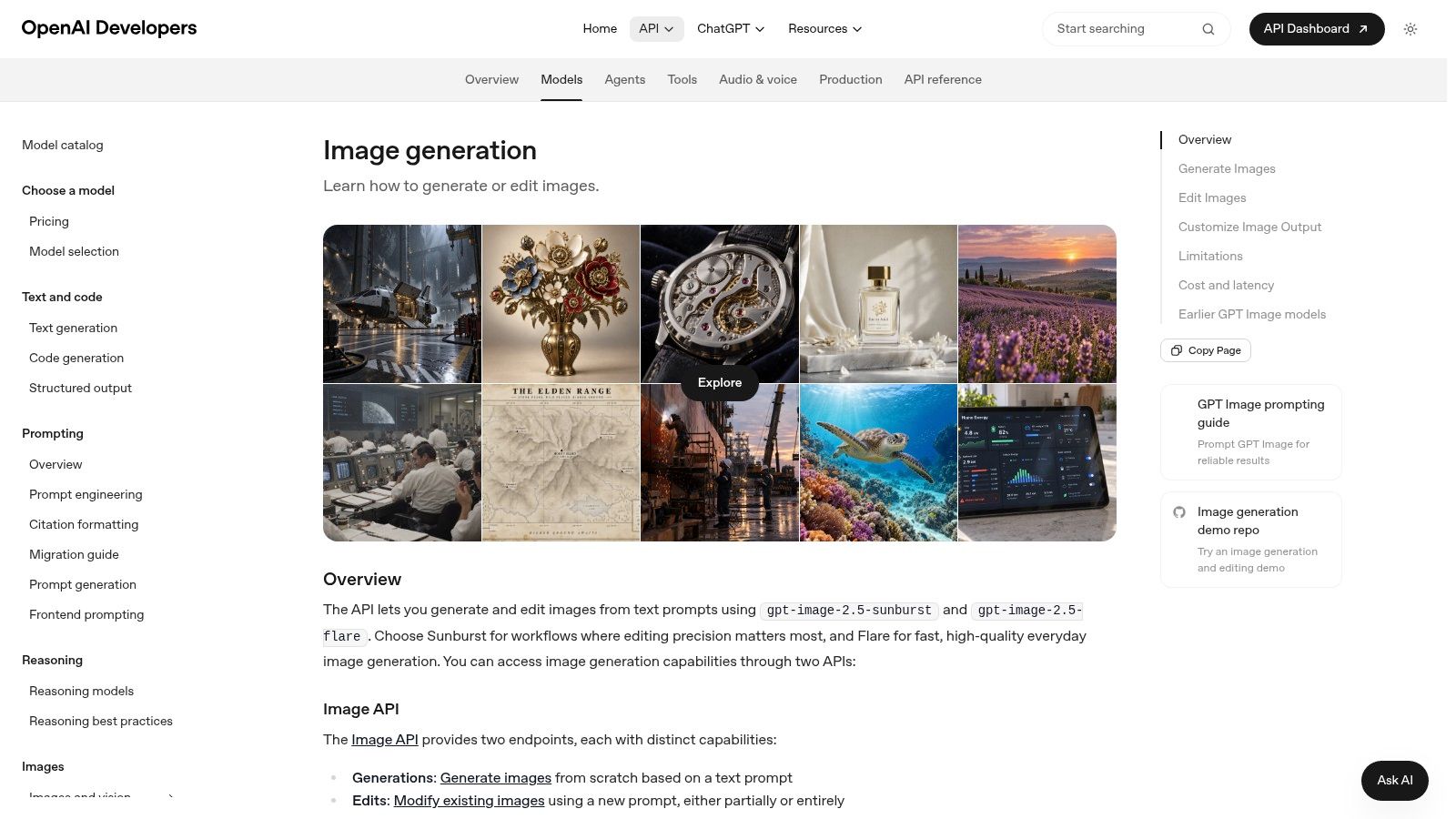
The developer experience is one of its practical advantages. Documentation, SDKs, model access, and surrounding tooling reduce the amount of infrastructure work required before a team can test a real request. Instruction following and text rendering are important strengths for marketing creatives, product mockups, and visuals containing labels or layout instructions.
Governance is also part of the product. Safety filters, policy controls, and C2PA metadata support can help teams build a more traceable publishing process. That doesn't remove the need for review. A face, logo, product claim, or recognizable style can still create rights and brand issues after the API returns an image.
Where costs get difficult
Token-based billing covers prompts, image inputs, and outputs. That gives the API flexibility, but it makes forecasting harder than a simple fixed per-image rate. Input image size, prompt length, output configuration, and retry behavior all belong in your cost model.
Use asynchronous orchestration for larger jobs rather than holding open a synchronous request. Independent benchmark commentary reports that high-quality image generations can take roughly 30 to 60 seconds, with some requests potentially timing out near 180 seconds. Those latency figures come from image-generation API benchmark commentary, and they make queueing, retries, cancellation, progress tracking, and partial-result delivery practical requirements.
Best fit: Product teams that want a mature SDK ecosystem and mixed text-plus-image workflows. Rule-out limitation: Teams that need a simple, fixed per-image budget may find token-based accounting and safety edge cases harder to control.
3. Stability AI Stable Image and Stable Diffusion API
Stability AI gives developers access to a broad Stable Diffusion family and Stable Image endpoints. The API supports text-to-image generation, image variations, editing, upscaling, and background removal. That range is useful when one pipeline needs both creation and utility operations instead of separate vendors for every transformation.
The model catalog is the main reason to consider it. Teams can choose between quality and speed tiers, test different Stable Diffusion generations, and tune the output for a particular visual style. The community knowledge around Stable Diffusion also helps engineers find prompt patterns, control techniques, and troubleshooting advice without starting from zero. The Stable Diffusion model overview is useful background when comparing model behavior.
The trade-off is consistency across models and tiers. A workflow that works well with one endpoint may need prompt changes, resolution changes, or additional post-processing after a model switch. That makes a provider abstraction valuable. Store the model identifier, prompt, seed where available, settings, and output status in a generation manifest so you can reproduce or diagnose a batch later.
Stability AI publishes per-image pricing and commercial licensing guidance, but historical pricing changes have created confusion. Verify the current rate card and licensing terms before estimating a large run. A low unit price doesn't guarantee a low cost per usable image if a chosen tier produces more rejects or needs additional enhancement.
Best fit: Developers who want model variety, familiar Stable Diffusion workflows, and a public per-image billing structure. Rule-out limitation: Teams that need identical behavior across model upgrades or minimal tuning should avoid treating the catalog as a drop-in replacement for a single tightly managed model.
4. Google Cloud Vertex AI Imagen
Vertex AI Imagen is a natural fit for teams already operating inside Google Cloud. The service combines image generation and editing with GCP billing, IAM, quotas, monitoring, and audit controls. That gives platform engineers a familiar place to manage access, budgets, service accounts, and operational visibility.
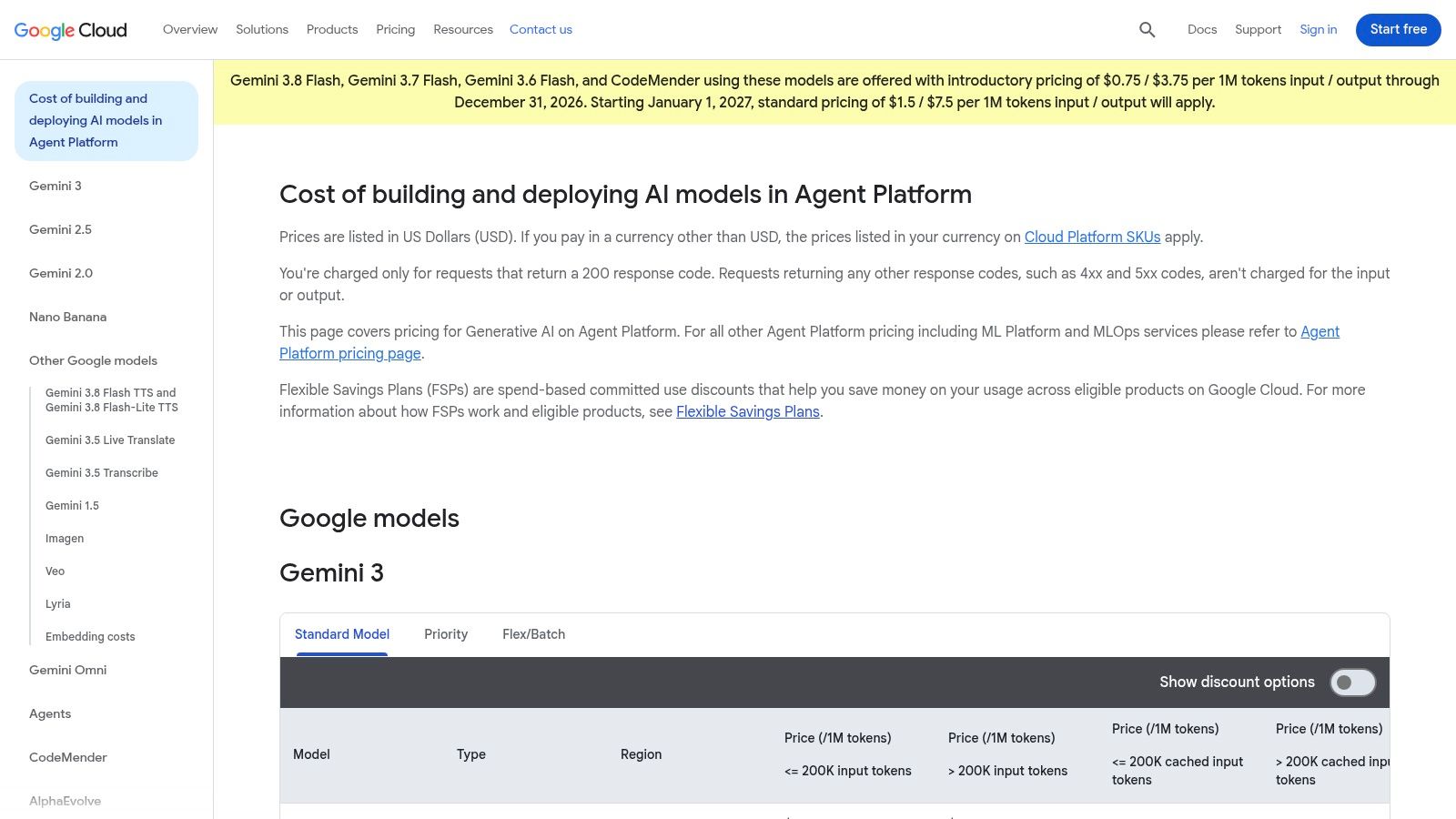
The public rate card uses per-image pricing, which is easier to explain to finance and product managers than a mixed token-and-GPU model. It also makes it simpler to create a basic forecast from expected volume, output type, and model selection. That forecast still needs to include retries, failed moderation, storage, and any downstream editing.
Imagen is less convenient when a team wants to experiment across many unrelated model families. Access to newer generations can depend on the relevant SKU, region, quota, or allowlist. Regional availability can also affect architecture, especially when data residency or latency requirements narrow the set of usable locations.
A working integration should treat quotas as part of the design. Submit work through a queue, cap concurrency, record request status, and expose failures to an operator. Don't assume that a cloud account automatically provides unlimited image throughput. The provider's Vertex AI generative AI pricing should be checked alongside regional model availability before procurement.
Best fit: GCP-native teams that need IAM, monitoring, spend controls, and a straightforward per-image accounting model. Rule-out limitation: Small teams that aren't already set up on Google Cloud may find the project, quota, and regional configuration heavier than a focused image API.
5. Amazon Bedrock Titan Image Generator
Amazon Bedrock makes sense when image generation needs to live inside an AWS security and billing environment. Titan Image Generator is available alongside selected partner models, giving teams one managed surface for access control, regional endpoints, logging, and model selection. IAM integration is a practical advantage for organizations that already manage workloads through AWS roles and policies.
The service supports text-to-image generation and image editing. AWS also provides model cards and responsible-AI disclosures, while its service policy states that customer data isn't used to train the underlying models. Those controls help with internal reviews, but they don't replace an application-level record of prompts, source images, consent, edits, and publication decisions.
The AWS trade-off
The benefit of a shared cloud control plane comes with more pricing complexity. Costs vary by model, output quality, and region, so a simple “price per image” comparison can hide important differences. Teams should tag requests by model, resolution, campaign, and user, then compare the resulting cost against the number of images that pass review.
Typography and detailed layout can also lag the strongest closed models for some use cases. Test product labels, packaging, and text-heavy compositions before selecting Titan for a customer-facing asset pipeline. A technically successful request isn't enough if the output requires manual redesign.
Use Amazon Bedrock when the surrounding AWS controls matter as much as the image itself. Best fit: AWS-native enterprises that want regional deployment, IAM, logging, and one billing relationship across models. Rule-out limitation: Teams optimizing for the best text rendering or the simplest cost model may need a different endpoint.
6. Adobe Firefly Services
Firefly Services is aimed at organizations that already have Adobe in the creative workflow. The API supports text-to-image generation and compositing operations such as Object, Adaptive, and Precise Composite. Storage endpoints, Adobe credentialing, and integration with Photoshop, Illustrator, and Express make it easier to connect generation with established review and design processes.
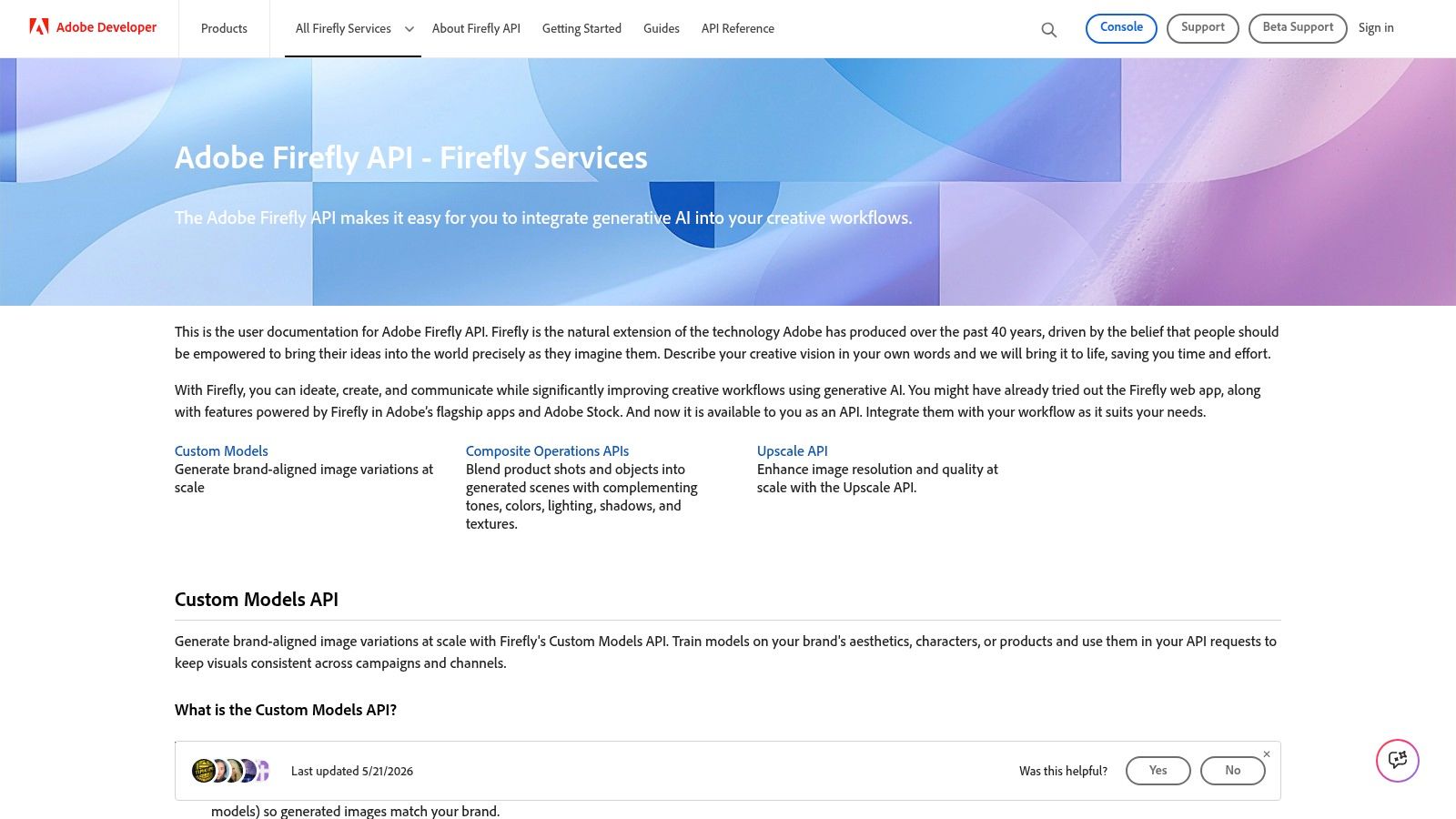
Firefly's appeal is less about being a generic model marketplace and more about governance and creative operations. Adobe provides training-source disclosures and indemnity options for eligible enterprise arrangements. For brand teams, that legal posture can outweigh a small difference in raw generation quality or unit cost.
The commercial model is harder to compare. There isn't a simple public per-image price for every API use case, and access commonly depends on enterprise plans, credentials, or generative credits. Throughput and rate limits also need advance planning. A workflow that looks viable in a designer-facing Adobe application may need a different quota and storage design when it runs as a batch service.
Treat Firefly as part of an asset pipeline, not as a standalone endpoint. Keep the original prompt, source asset, generated result, edit history, and approval state together. If your team is also comparing AI design platforms, separate the creative-app question from the API procurement question. They overlap, but the operational requirements aren't identical.
Best fit: Adobe-heavy enterprises that prioritize brand review, compositing, and legal posture. Rule-out limitation: Teams that need transparent public per-image pricing or a lightweight self-serve integration may find enterprise access and credits too restrictive.
7. Replicate
Replicate is useful when the model is still a decision rather than a settled architecture. Its API and SDKs expose many image models through one developer platform, including Flux, Stable Diffusion, Recraft, and Ideogram variants. That lets a team run the same prompt set through several candidates without hosting GPUs or building a separate integration for every model.
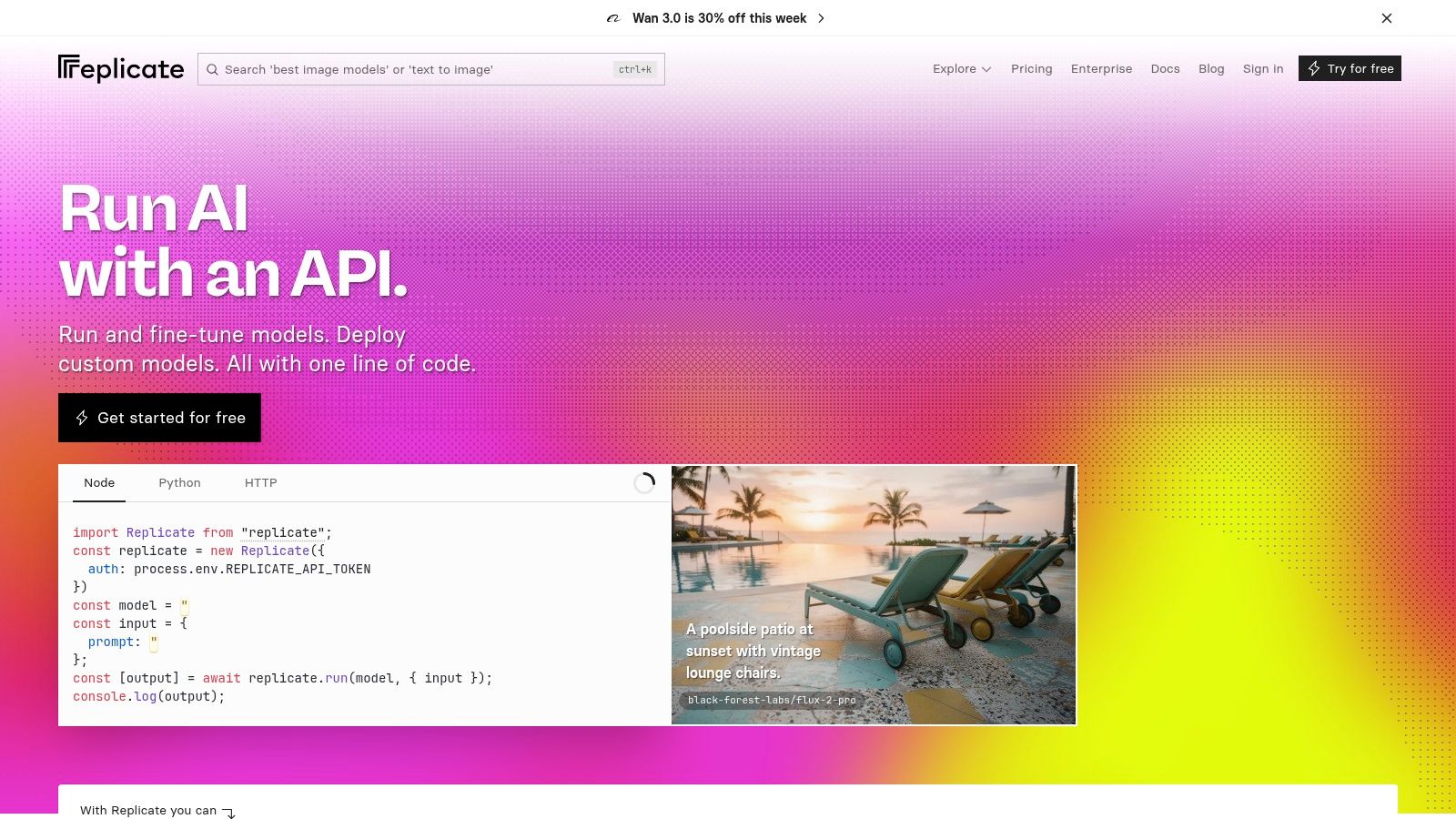
The marketplace model changes how evaluation works. Instead of asking which vendor has the best image quality in the abstract, you can compare the outputs that matter to your business, such as product angles, readable packaging, consistent characters, or localized layouts. Store the exact model version and parameters for every test. A marketplace model can change availability or price, so reproducibility depends on disciplined metadata.
Replicate publishes per-model usage costs, which helps with quick estimates. It doesn't mean the cheapest model will produce the lowest cost per usable image. A fast output that fails composition or requires repeated prompting may lose to a more expensive model with a higher approval rate.
For a larger service, consider whether the marketplace remains the right operational layer. Replicate is convenient for experimentation and moderate usage, but self-hosting or a dedicated inference setup may become more economical when volume is high and model choice narrows. The platform also supports deploying your own model with Cog, which gives an upgrade path for teams that outgrow hosted experimentation.
Best fit: Product teams running model comparisons, prototypes, and image features without GPU operations. Rule-out limitation: High-volume workloads with a stable model choice may need stronger control over capacity, pricing, and deployment than a changing marketplace provides.
8. Together AI
Together AI targets teams that care about throughput and want access to modern open and partner image models through one inference platform. It offers serverless access, dedicated inference options, batch processing, and model choices that can include Flux and Ideogram variants. That combination is relevant to campaign production, catalog variants, and other asynchronous workloads where the team can trade immediate response for lower processing cost or predictable capacity.
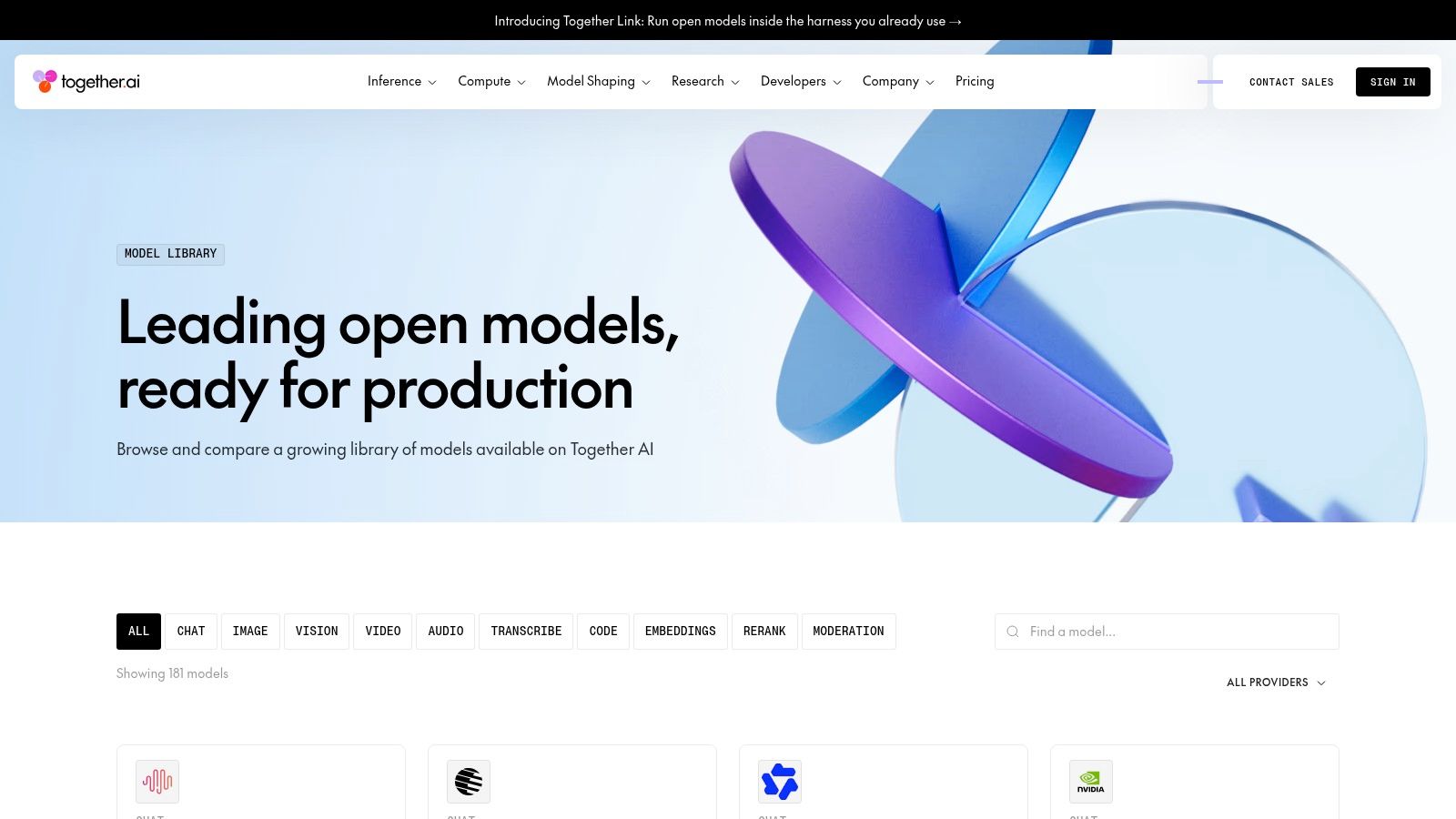
The billing units require attention. Pricing can be presented per image or per megapixel, while other parts of the platform may use token or instance concepts. That isn't a flaw, but it does mean the finance model needs a clear mapping from resolution and model to expected spend. Batch discounts can improve economics for non-interactive jobs, but don't apply them to a workload that still needs instant previews.
A practical Together AI integration should separate preview and production queues. Use lower-cost or faster settings for creative exploration, then route approved prompts to a batch or dedicated tier. Record resolution, aspect ratio, model, and completion status so the team can see which choices drive cost.
Free access and promotional terms can change, so don't build a business case around a temporary allowance. Confirm current limits and model availability on the Together AI model catalog.
Best fit: Teams producing high-volume asynchronous batches that want model breadth and dedicated inference options. Rule-out limitation: Organizations seeking one simple billing unit or highly predictable pricing may struggle with mixed image, megapixel, token, and instance concepts.
9. fal.ai
fal.ai is designed for fast, pay-per-use generative media workloads. Its image catalog covers models such as Flux, Stable Diffusion, and Recraft, with billing commonly based on the image or megapixel. That resolution-aware approach can be useful when small social assets and large print-ready outputs should not carry the same cost.
The integration surface is broad. Developers can use REST, SDKs, a CLI, and an MCP server. Streaming progress and fast cold starts are valuable for interfaces that show results while a batch continues, rather than leaving the user staring at a blocked request. The image-generation API guide provides useful context for thinking about endpoint selection and production behavior.
fal.ai is also a good place to compare model behavior quickly. Updated endpoints and granular resolution billing make it easier to test a small set of prompts, measure output quality, and estimate the cost of a chosen format. That estimate still needs a failed-output allowance and a human approval step.
The main governance trade-off is that fal.ai is less opinionated than some closed providers about safety defaults. Your application needs its own prompt restrictions, source-image checks, abuse monitoring, and review path. This is manageable for an experienced platform team, but risky if a marketing application exposes unrestricted generation directly to customers.
Best fit: Developers who want fast serverless access, model breadth, streaming, and resolution-based cost control. Rule-out limitation: Teams that need strong built-in policy defaults and a more prescriptive enterprise governance layer may need to add substantial controls or choose another provider.
10. Hugging Face Inference Endpoints and Inference Providers
Hugging Face is the most flexible option in this comparison. Dedicated Inference Endpoints let teams select GPU hardware, deploy compatible models from the Hub, use autoscaling, and connect private networking such as PrivateLink or VPC integration. Inference Providers add serverless, pay-per-request access to a broad collection of models.
That flexibility changes the engineering responsibility. Dedicated endpoints bill by instance time, so the cost model depends on utilization and throughput rather than only on completed images. A low-volume, spiky application can waste capacity if an endpoint remains active between requests. A steady batch workload can benefit from direct control over hardware and model placement.
The serverless option lowers the infrastructure burden, but it provides less control than a dedicated deployment. Teams should benchmark the chosen model on representative prompts, measure queue and generation time, and calculate cost per approved image rather than assuming GPU-hour pricing maps cleanly to business output.
Governance can be strong when the surrounding deployment is designed properly. Private networking, custom model selection, and controlled access suit organizations with data-residency or internal deployment requirements. They also create more work than a fully managed closed model. Your team owns more of the versioning, scaling, failure handling, and model-risk process.
Best fit: Engineering organizations that need model control, private networking, custom hardware, or the option to bring a compatible Hub model. Rule-out limitation: Small or irregular workloads may not justify dedicated endpoint operations, while serverless access may not provide the control they chose Hugging Face to obtain.
Top 10 AI Image-Generation APIs, Quick Comparison
| Product | Core capabilities | Unique selling points | Target audience | Pricing / availability |
|---|---|---|---|---|
| Bulk Image Generation (Recommended) | Generate up to 100 unique images in <20s; Flux 1.1 + GPT‑Image; natural‑language prompts; batch editor (bg removal, face swaps, resize, enhance) | Blistering speed & scale; minimal prompt engineering; integrated post‑production; free prompt tools & templates | Digital marketers, social managers, agencies, SMBs, hobbyists, game devs, educators | Pricing/uptime not listed in snapshot, verify live site for plans |
| OpenAI – Images API (GPT‑Image family) | Text→image, image→image, masked edits; C2PA metadata; Responses API integration | Mature docs/SDKs; strong instruction following and text legibility; enterprise guardrails | Developers, enterprises needing mixed text+image workflows | Token‑based pricing (inputs/outputs); public docs; rate limits & safety filters |
| Stability AI – Stable Image / Stable Diffusion API | Text→image, edits/variations, upscaling, bg removal; multiple quality/speed tiers | Competitive per‑image pricing; model variety; large community knowledge base | Cost‑sensitive bulk generation, researchers, creators using SD models | Public per‑image rate card with tiers, verify current rates |
| Google Cloud Vertex AI – Imagen | Imagen models via Vertex AI; GCP IAM, quotas, monitoring; text→image & edits | Cloud governance & security; clear per‑image pricing for forecasting | GCP teams and regulated enterprises | Straightforward per‑image pricing; regional/version access may vary |
| Amazon Bedrock – Titan Image Generator | Text→image & edits via Bedrock; Titan + partner models; IAM & regional endpoints | Enterprise controls; no‑customer‑data‑used‑to‑train policy; single AWS billing | AWS‑native teams, enterprises needing compliance and logging | Model/region‑dependent pricing; costs can be complex to compare |
| Adobe Firefly Services – Firefly API | Text→image plus advanced compositing; Adobe asset/storage integration; credentialing | Strong legal/brand posture and IP indemnity; integrates with Photoshop/Illustrator | Brands, agencies, designers in Adobe ecosystem | API access often via enterprise plans or credits; no simple public per‑image price |
| Replicate – Unified API marketplace | Single API to run many image models; per‑model pricing; model marketplace | Low friction for comparing models; transparent per‑model costs | Developers, A/B testers, prototyping teams | Per‑model public pricing; usage‑based, marketplace prices vary |
| Together AI – High‑performance inference | Serverless & dedicated instances; batch API; per‑image or per‑megapixel billing; batch discounts | High throughput & batch discounts; one API for many modern models | Teams needing high volume, throughput, and dedicated inference | Per‑image/MP pricing with batch discounts; verify billing units |
| fal.ai – Pay‑per‑use image generation | Per‑megapixel or per‑image billing; REST/SDK/CLI; real‑time streaming; Flux endpoints | Granular cost control by resolution; fast cold starts; broad model support | Users needing fine‑grained cost control and fast latency | Transparent rate card; prices vary by model/resolution |
| Hugging Face – Inference Endpoints | Dedicated GPU endpoints & serverless inference; VPC/PrivateLink; model catalog | Hardware/network control; bring‑your‑own‑model flexibility; enterprise deployment patterns | Teams wanting custom models, private networking, and autoscaling | Hourly instance billing or pay‑per‑request; estimate via GPU‑hour mapping |
Matching Your Workload to the Right AI Image Generation API
Start with one workload. Define the expected volume, budget ceiling, acceptable completion time, governance requirements, output formats, and whether your team already runs on AWS, Google Cloud, or Adobe. A product catalog, a social-media campaign, an internal design tool, and an educational worksheet generator may all use an AI image generation API, but they don't have the same failure tolerance or review process.
Use cost per usable image as the primary comparison. A generated file isn't necessarily a usable asset. It may have the wrong text, a distorted product detail, an inconsistent face, a failed moderation result, or an aspect ratio that forces manual work. Count the full path from request to approved export, including retries, editing, storage, review, and the time your team spends fixing outputs.
A practical shortlisting method
Choose two or three providers that match your deployment constraints, then send the same prompt set through each one. Include the difficult prompts, not only the attractive examples. Test product labels, repeated characters, transparent backgrounds, localized copy, source-image edits, and the aspect ratios your publishing systems need.
Track the following for every run:
- Cost per approved asset: Include rejected outputs, retries, editing, and any batch or resolution surcharge.
- Time to first usable result: A streaming preview may be more valuable than a faster final batch with no progress visibility.
- Completion behavior: Record timeout handling, partial results, retry safety, cancellation, and webhook reliability.
- Model stability: Store model version, prompt, settings, source assets, and output metadata in a generation manifest.
- Governance evidence: Check safety controls, commercial terms, provenance support, retention policy, and review requirements.
Latency deserves its own test. Independent benchmark commentary identifies slow image generation as a production constraint, so don't design a large workload around synchronous HTTP calls. Use a queue, idempotency keys, concurrency limits, retry policies, and partial-result delivery. Separate interactive previews from bulk completion jobs when the provider supports different processing modes.
Governance also belongs in the architecture, not in a legal document that nobody connects to the output. The EUIPO's 2025 analysis of generative AI from a copyright perspective discusses machine-readable marking and the need to identify an output's origin, permitted uses, and AI involvement under the EU AI Act context. Preserve provenance through resizing and format conversion where possible, and keep a manifest with the prompt, model, source assets, edits, consent status, and publication decision.
The broader market supports this operational focus. An enterprise survey reported that 67% of respondents were using or implementing generative-AI tools, while another 14% were evaluating them, and adoption on a comparable basis rose from 11% in 2023 to 65% in 2024. The same research found that 51% were using multiple generative-AI tools across text, image, audio, and visual modalities. Those figures describe generative AI broadly, not image APIs alone, but they explain why integration, observability, and governance now matter as much as the model demo. See the enterprise adoption research for the underlying context.
Marketing teams already have a clear reason to evaluate image automation. Salesforce reported that 51% of more than 1,000 surveyed marketers were using or experimenting with generative AI at work, while 22% planned to adopt it soon. Image-asset generation ranked among the leading use cases at 62%. The same survey found that 39% didn't know how to use generative AI safely and 43% didn't know how to obtain maximum value from it, which supports building templates, guardrails, diagnostics, and approval flows into the product rather than handing users a raw prompt box. Read the Salesforce marketing survey for the reported findings.
The right provider is therefore the one that fits your production path. Bulk Image Generation is attractive when a team wants batch creation and editing in one workflow. OpenAI fits mixed text and image reasoning. Stability AI, Replicate, Together AI, and fal.ai suit model experimentation and open-model access. Vertex AI and Bedrock fit cloud-native governance. Firefly fits Adobe-led creative operations. Hugging Face fits teams willing to own more infrastructure for more control.
Validate current pricing, rate limits, model availability, retention terms, and service commitments on each provider's live site before signing off. Then document the decision in the same place as your automation workflows and governance, so the integration remains understandable after the original engineer moves on.
Bulk Image Generation combines Flux 1.1 and GPT-Image-1 with batch creation, natural-language prompting, and post-production tools for teams that need finished assets at scale. If you want to test that workflow against your own campaign or product prompts, visit Bulk Image Generation and review the current API access and plan details.
