
10 Best AI Background Removal Free Tools for 2026

Ryan Bennett • October 27, 2026
Compare 10 AI background removal free tools by limits, formats, and best uses, with workflow tips and when bulk processing saves time in 2026.
You have 60 product photos due before the shop closes, and the first free remover dies after three clicks. The cutouts looked fine. The quota did not. A single portrait on a clean wall is easy. The actual divide shows up when volume, resolution, and a daily cap land on the same afternoon.
This list is not a feature beauty contest. I sort each option by the constraint that decides the job: how many files you can run, how large each file can be, and whether the photo leaves your device. A 40-image catalog and a handful of staff headshots do not want the same tool.
By the end you should know which free path fits a one-off social graphic, which one can chew through a small catalog in one sitting, and which one you should skip for client portraits. Hair, glass, and white-on-white packaging still fail for reasons that have nothing to do with the export button. If those cutouts later sit inside try-on style scenes, read balancing try-on rendering quality and performance first, so the new background does not fight the edge you just cut. Treat every tool below as a workload match, not a trophy.
1. Adobe Express
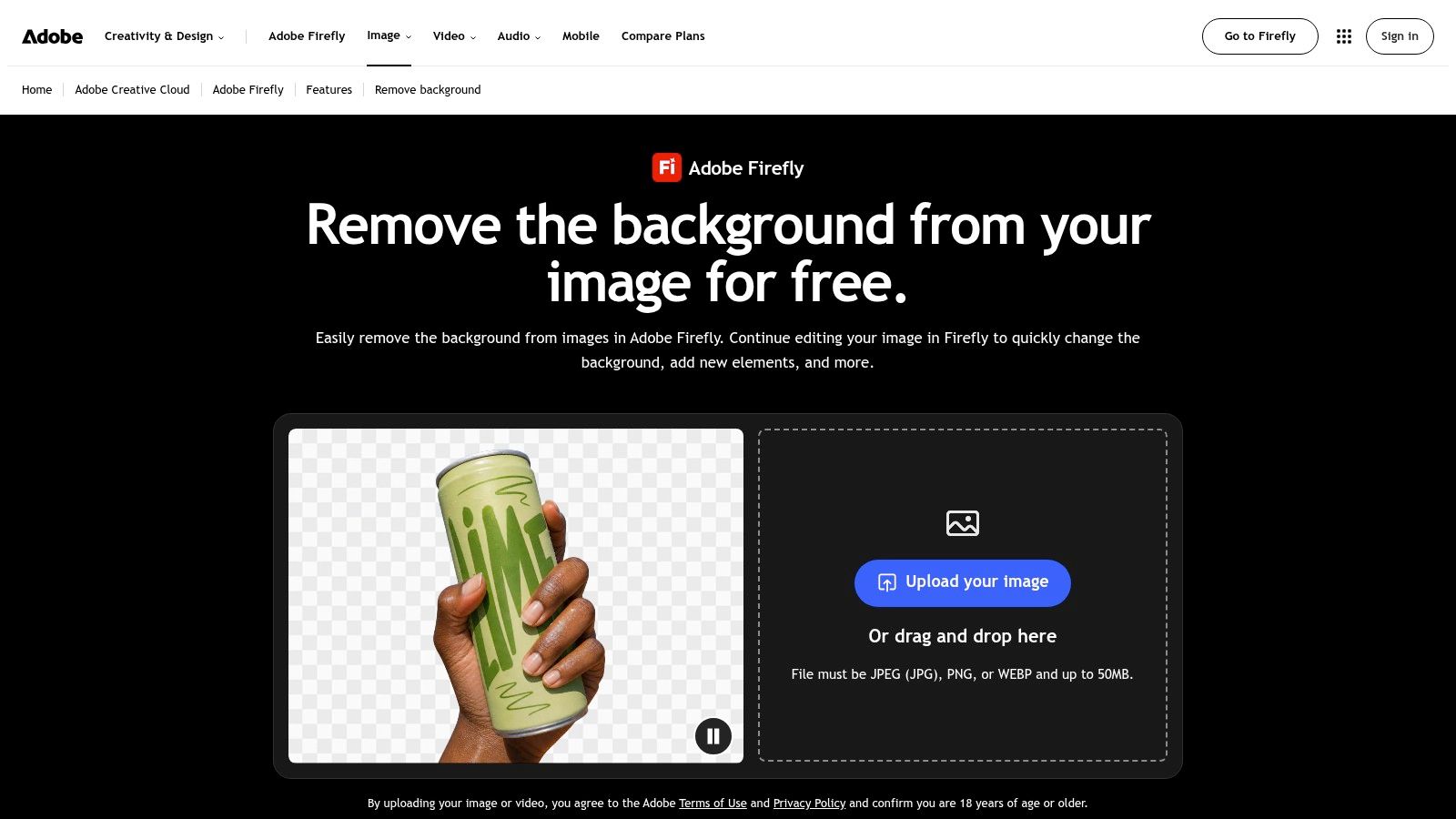
Adobe Express fits the job where one transparent cutout has to land inside a flyer the same hour. The standalone remover runs without an account. It accepts JPEG, PNG, and WebP up to 40 MB, then exports a transparent PNG you can keep editing on desktop or mobile.
One click is enough for a mug or a boxed SKU. It is not a detailed matte. Good removal estimates each pixel's opacity rather than flipping a binary mask, so hair, fabric, and soft shadows composite cleanly onto a new background, the approach the CVPR 2021 background matting paper describes.
Practical rule: Zoom hair, thin contours, and holes to 200–400%, then drop the PNG on both a light and a dark swatch.
The page does not state a bulk allowance, so I would not plan a 40-image catalog here. Single files are the practical workload. After download, these free online photo retouching tips cover the halo that still shows on lace. Start at the Adobe Express background remover.
2. Pixlr
Pixlr is the free pick when the constraint is batch size, not a single pretty preview. It says it can process more than 100 images at once, with a ceiling of 4096 × 4096 pixels, and it accepts JPG, PNG, WebP, and BMP. You can leave the result transparent, or park it on black or white.
That cap fits a 40-image product catalog if every file stays inside the pixel limit. Fine-tune brushes let you restore a handle the model ate or erase a shelf it kept. The interface feels like an editor, not a one-button page, so the first file takes longer than the fortieth.
Training sets for this kind of model are not all studio white. The BRIA-RMBG 1.4 model card reports 52.05% non-solid backgrounds and 48.58% multiple foreground objects across more than 12,000 labeled images. Run one messy lifestyle shot before you queue the folder.
- Batch first: Group similar SKUs so one brush setting covers the set.
- Watch the edge: Lace, fur, and glass still need a manual pass.
- Export check: Confirm the PNG stays transparent, not flattened to white.
Use the Pixlr background remover when the evening's job is volume inside a known resolution.
3. Fotor
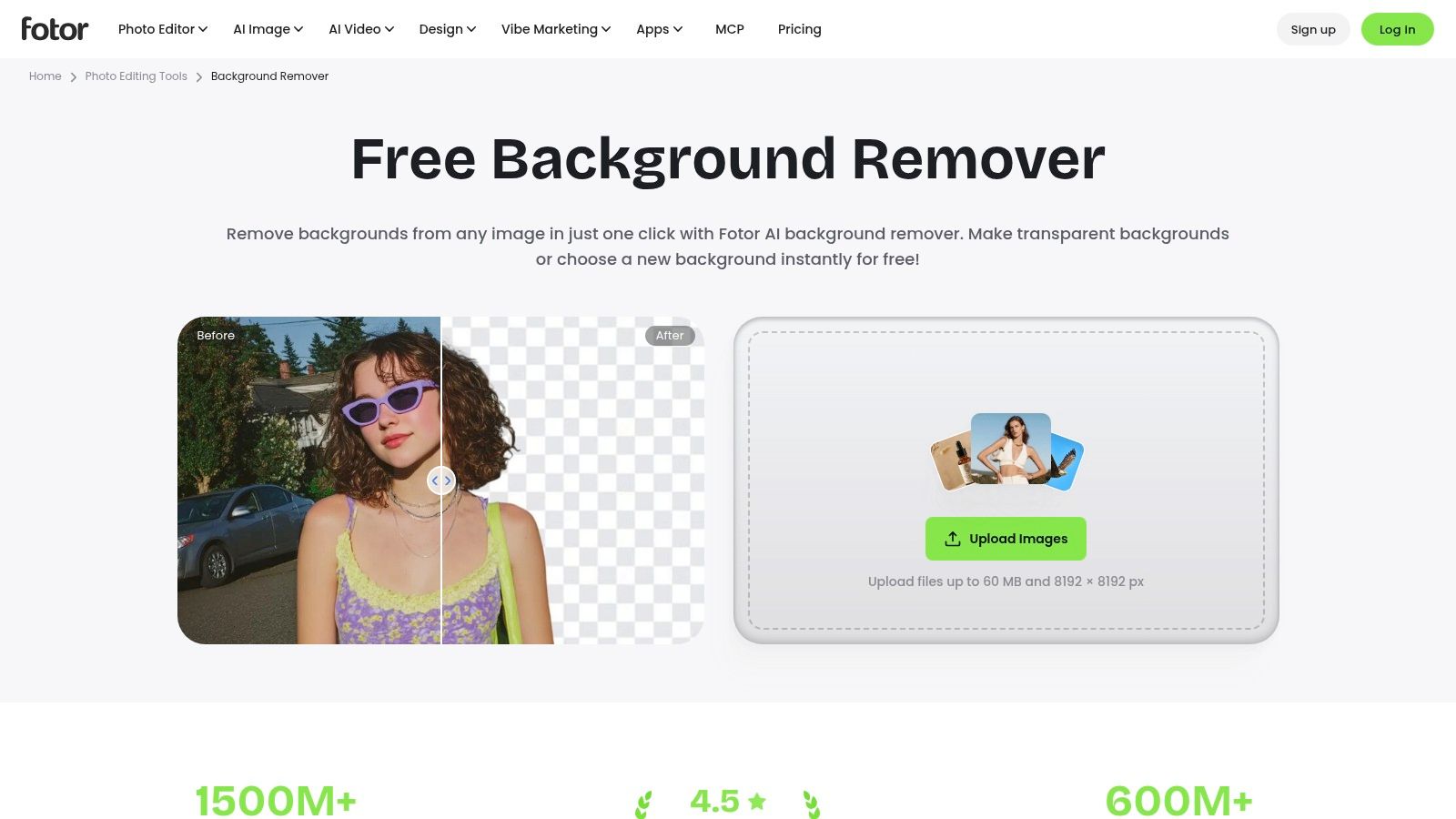
Thirty bottles, and every listing needs a fresh backdrop behind the glass. Fotor keeps removal and replacement in one editor. The basic remover advertises free HD downloads, no watermark, and no sign-up. Batch removal covers up to 50 images, and files can reach 60 MB and 8192 × 8192 pixels in JPG, PNG, HEIC, or WebP.
Fifty clears a small drop. A seasonal warehouse dump needs a bigger pipeline. Advanced tools and heavier volume sit behind a paid plan, so I treat the free batch as a trial run on real SKUs before it becomes a weekly habit.
A clean cutout is a segmentation problem. Dichotomous segmentation datasets exist because the hard foregrounds are irregular, camouflaged, and packed with fine detail.
A white bottle on a white table is the file I would spot-check before trusting the other 29.
Higher resolution helps the matte, until the 60 MB ceiling rejects the camera original. Downscale a copy, keep the raw file, and only then replace the background. The tool lives at the Fotor background remover.
4. Pixelcut
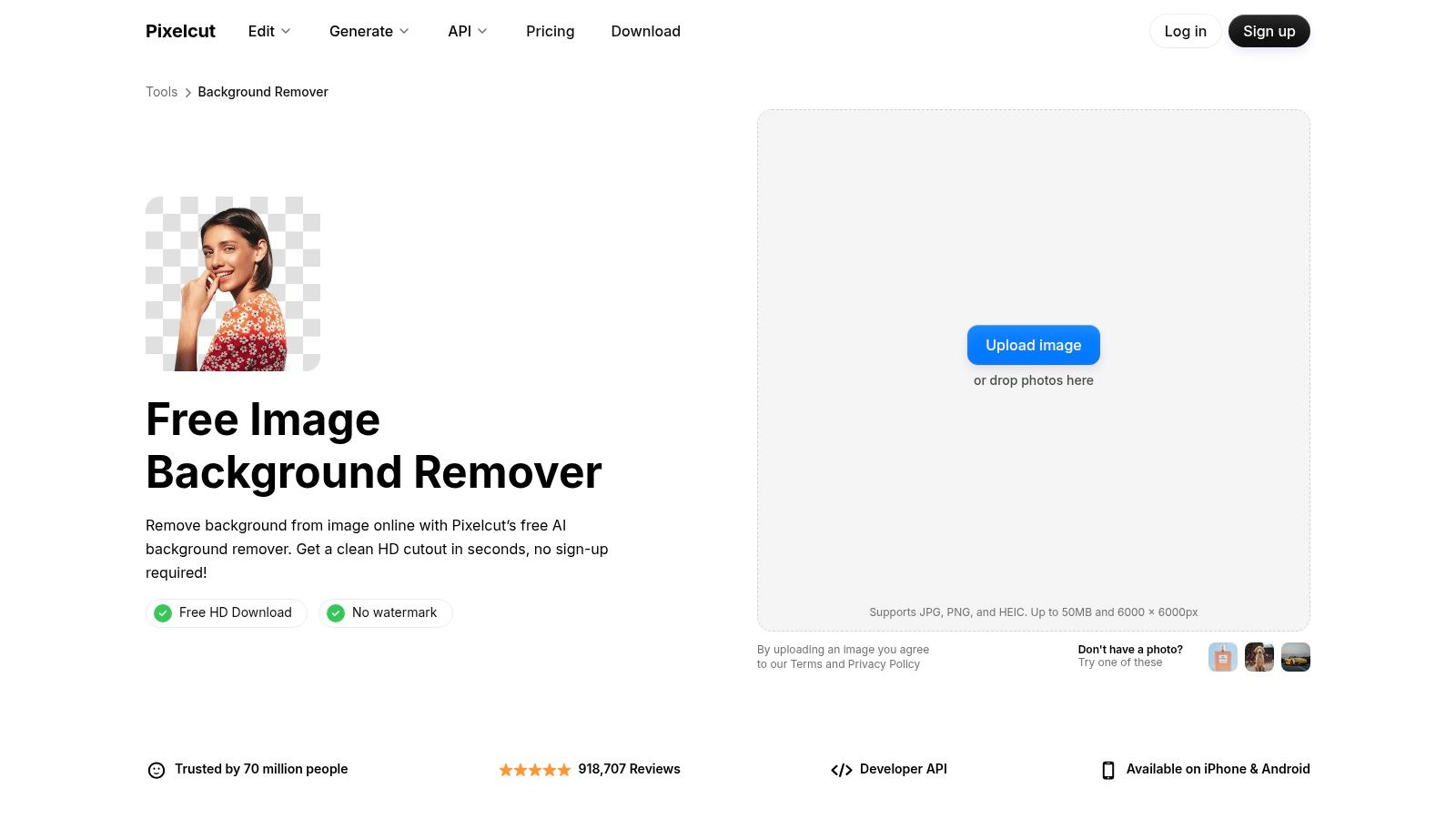
Pixelcut looks built for sellers who need a listing image, not a mask archive. Automatic cutout, erase and restore brushes, and background replacement sit on web and mobile. Free downloads without a watermark or sign-up are advertised. Free use is still tight, typically three uses a day. Generative extras carry their own limits.
Three a day cannot clear 60 photos. I use it when a marketplace hero shot failed and I need a clean PNG plus a quick backdrop before the ad goes live. The brushes matter more than the first pass. A cord, a tag, or a finger usually needs a stroke.
If the same SKU has to be cut, resized, and queued with dozens of siblings, a one-image daily cap is the wrong constraint. A bulk image background remover workflow is the comparison point once you outgrow three clicks.
A polished preview on one bottle does not predict the fortieth file.
Check the current free count on the Pixelcut background remover before you promise a client a same-day set.
5. Photoroom
Photoroom is aimed at product visuals. It can strip the background, keep it transparent, turn it white, or continue into product editing on web and mobile. A free plan exists. Exports are limited. Background removal itself does not spend AI credits, while exports count against the plan limit.
That split surprises people. You can preview a cutout and still be blocked when you try to download the file you need for Shopify. For a handful of marketplace tests, the free export budget is useful. For a recurring catalog, you will hit the wall mid-folder and start shopping for a subscription.
I would reserve it for objects with fairly hard edges, then send hair, sheer fabric, and low-contrast shots elsewhere. If you want the wider picture of what happens after the mask, this guide to AI image background removal is the practical next read, not another feature grid.
- Export is the cap: Removal without a download does not finish the job.
- White versus transparent: Pick the marketplace rule before you burn an export.
- Paid jump: Higher allowances and advanced tools sit on a subscription.
Try it at the Photoroom background remover on two real listings, one easy and one messy.
6. Clipdrop
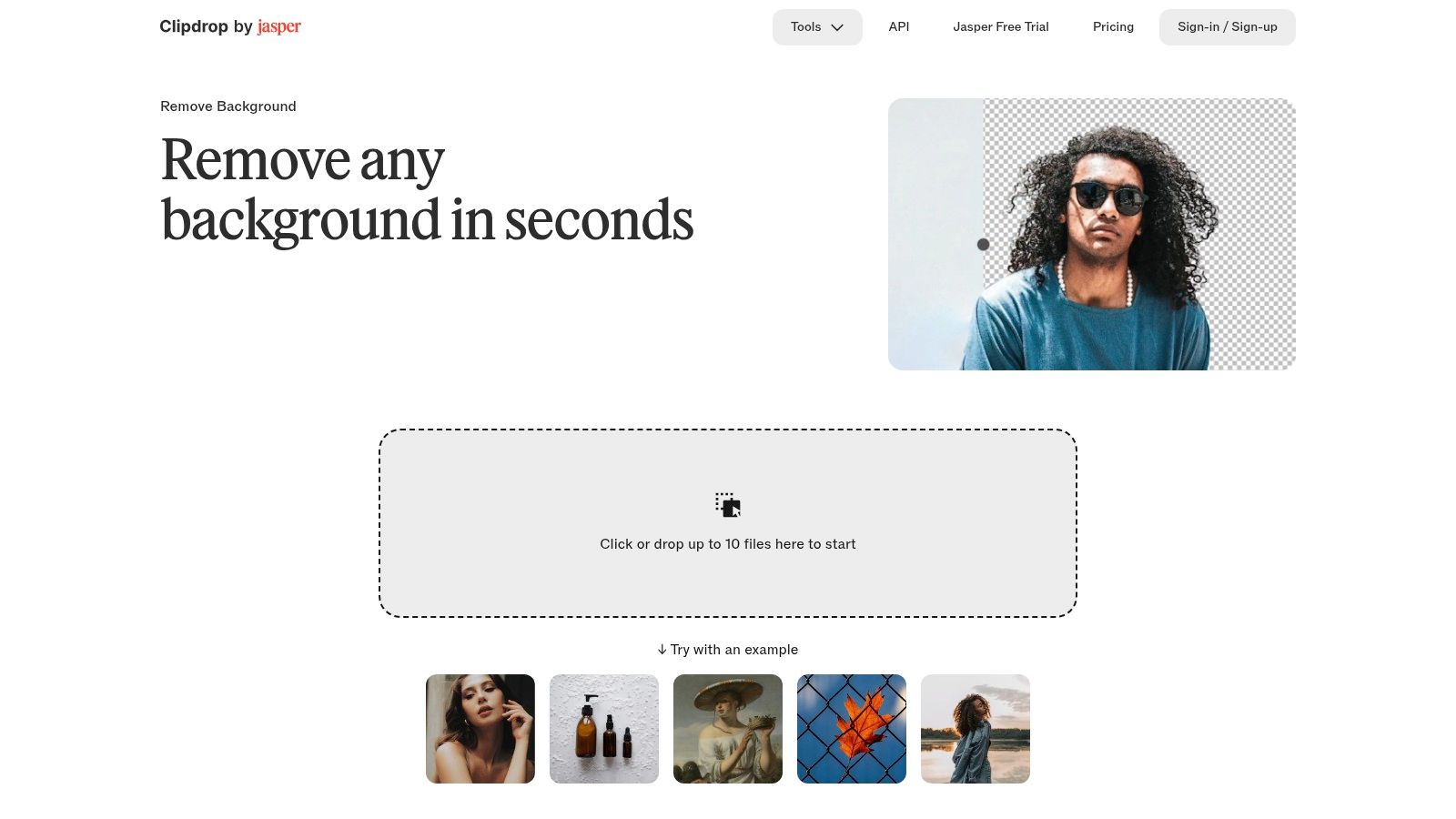
Clipdrop states its free math in public, which I prefer to a vague “limited” badge. You can upload up to 10 files at a time, and the free plan lists 20 background removals per 24 hours. Output is a transparent PNG. High-resolution processing sits on the paid Pro tier, and an API exists if a developer later wires this into a pipeline.
Twenty a day covers a small social batch or a class set of profile photos. It does not cover 60 SKUs before dinner unless you split the work across days or pay. Ten-at-a-time is a real queue, not a fake batch button that still processes one file.
Context in the original photo changes the matte. In one benchmark, dropping the original background from a matting model raised synthetic Adobe-dataset SAD error from 1.73 to 8.33, as reported in this background matting study. Shoot with even light and clear subject contrast before you spend those 20 slots on blurry phone grabs.
The suite around it is handy if you already uncrop or relight in the same account. Start at Clipdrop Remove Background.
7. BG0
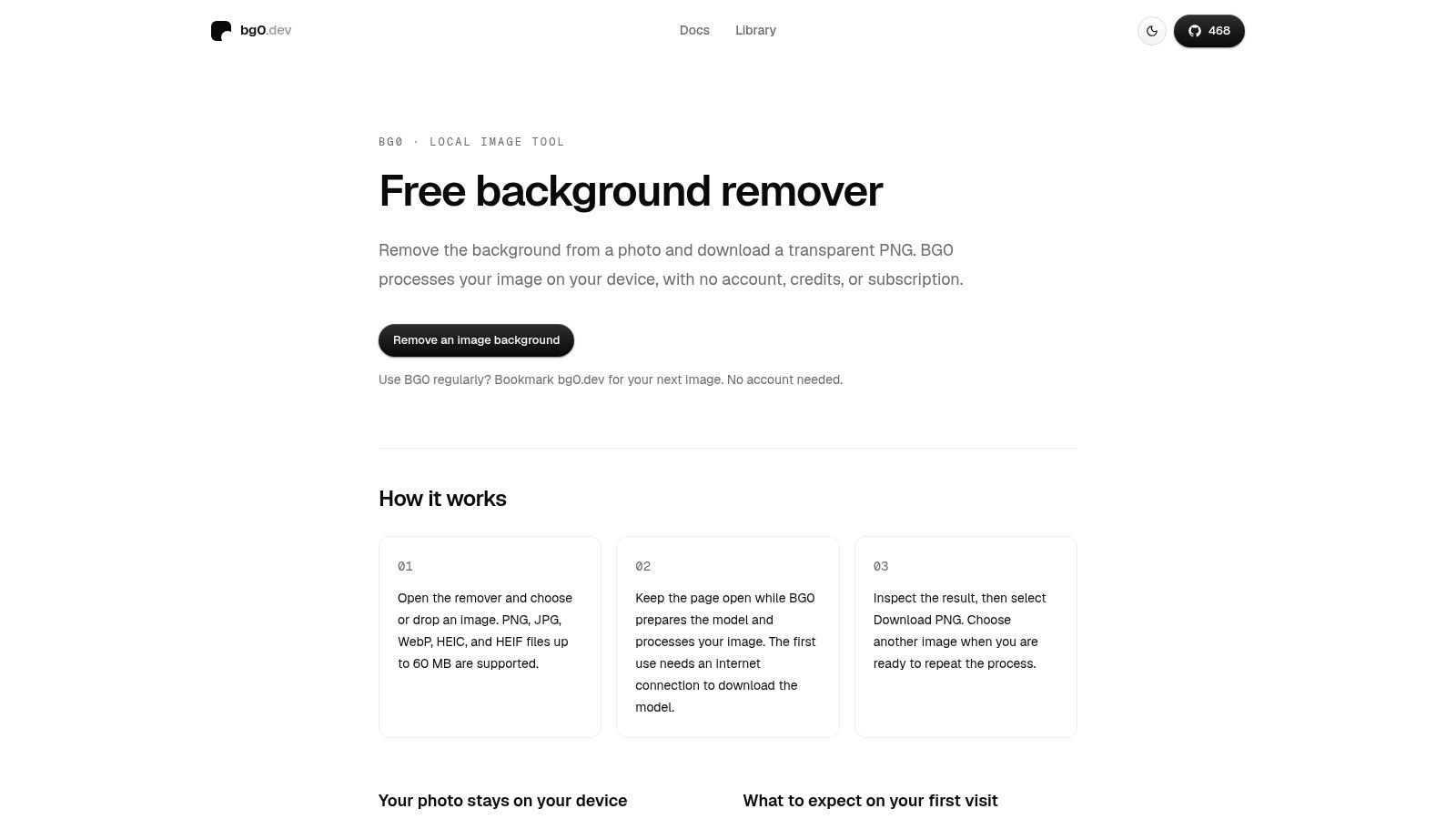
A client shoot with home addresses in the background, a folder of employee headshots, a classroom set of student faces. Some batches should never reach a third-party server. BG0 runs in the browser, asks for no account, and describes local use as free and unlimited. It accepts PNG, JPG, WebP, HEIC, and HEIF and returns a transparent PNG. The first run downloads the model. After that, speed depends on your laptop rather than a queue.
Upload comfort is the limit this tool removes. A 2025 USENIX study found more than half of respondents were unfamiliar with how commercial and institutional AI tools handle their data, and employees routinely paste confidential material into free AI tools on work tasks. Backgrounds leak homes, badges, and documents whether the subject intended it or not.
Local processing does not guarantee a clean matte. Fine hair and thin straps still get missed, and a weak machine turns a 40-file set into an afternoon. Crop sensitive corners and strip metadata before export anyway, because the finished PNG can still travel.
Open BG0 on the machine doing the work, not on a shared kiosk.
8. Erase.bg
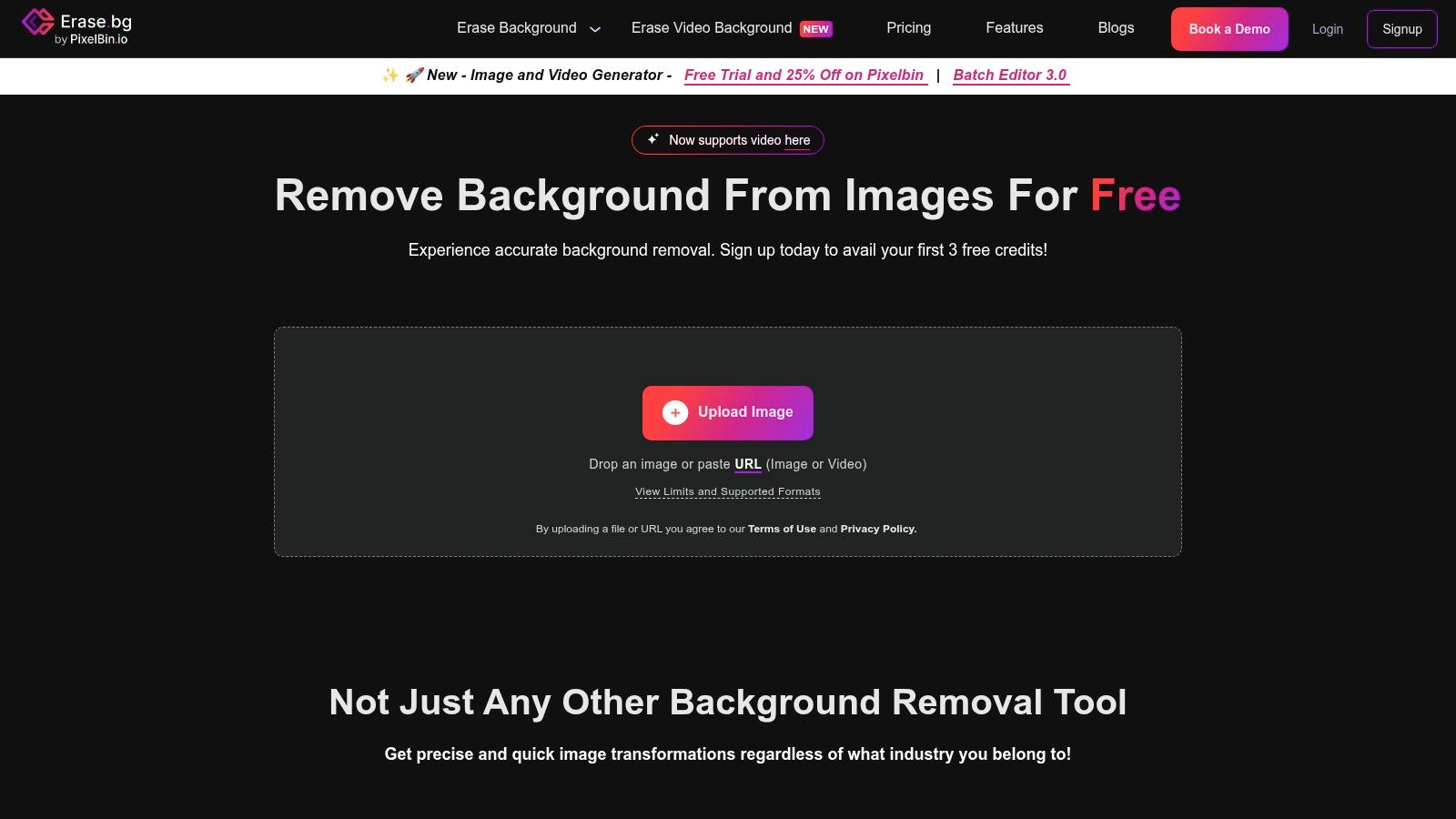
Erase.bg is a dedicated remover, not a design suite with a cutout button buried in templates. It takes PNG, JPEG, WebP, and HEIC, advertises high-resolution downloads for free individual processing aimed at personal use, and also offers background edits plus bulk and API paths for larger jobs.
Read the credit line before you upload a folder. The site describes free credits for new users, and those terms move. Personal-use processing is not the same as a commercial catalog you will put on packaging. Bulk work may land on paid Pixelbin plans, so a 40-image catalog is the moment to check pricing, not the moment to discover it.
A clean PNG is not a usage right. Removing a backdrop does not permit a person's likeness, a branded product shot you do not own, or a copyrighted source. If a realistic image shows an identifiable person, get that person's consent in writing before the batch goes out for commercial use.
Keep the original, the mask, and a note of who approved the face.
For one profile or one product sample, it is direct. For a client campaign, confirm the plan on Erase.bg before the batch.
9. remove.bg
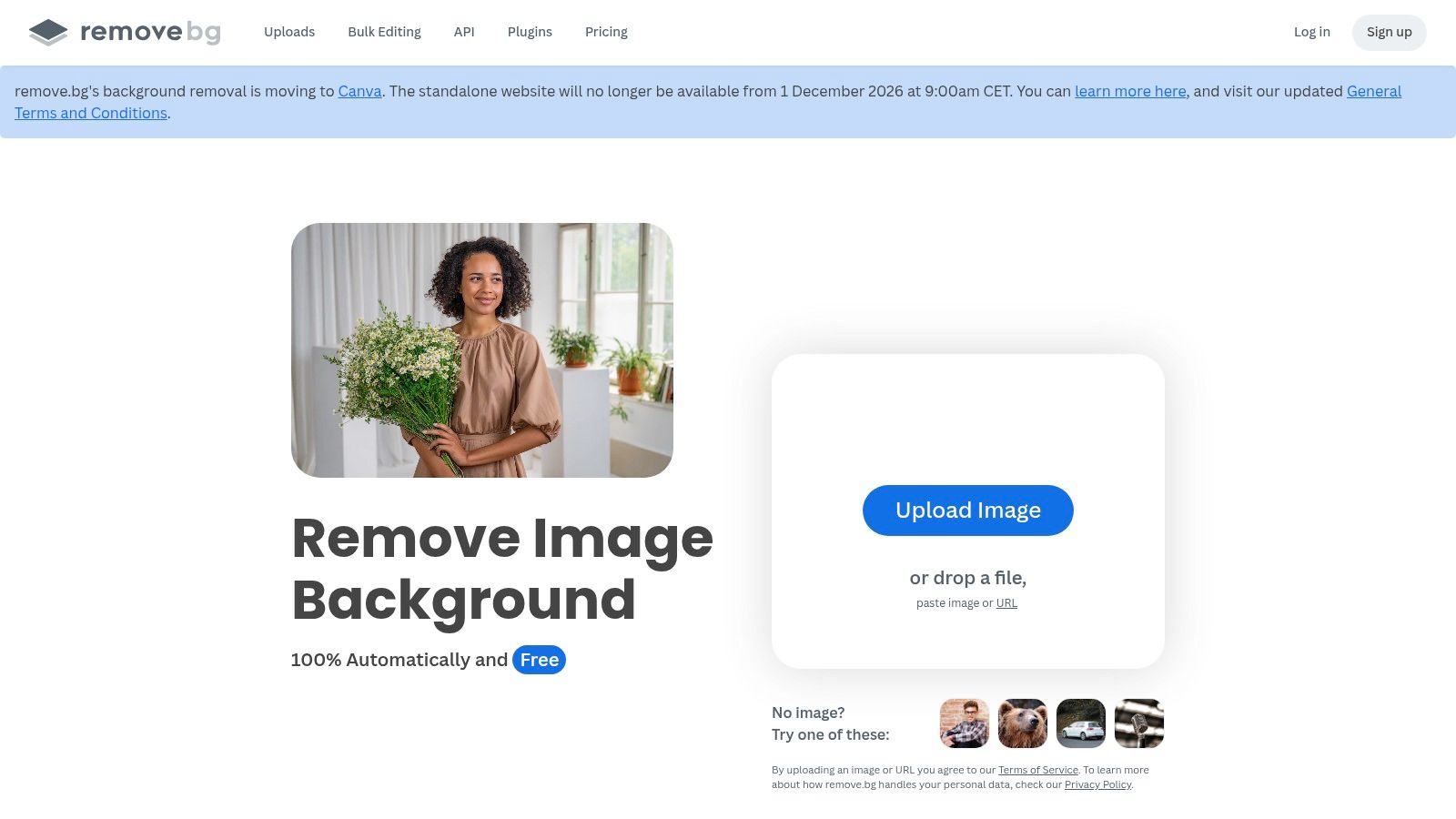
remove.bg is the name many people in the industry already know, and the free constraint is blunt. Website downloads on the free path are low-resolution images of up to 0.25 megapixels. Higher resolution and commercial use need paid credits or a subscription. You can work on the web, on desktop, or through an API.
A quarter megapixel is a preview, not a print file and not a zoomed marketplace image. I still use the free pass to see whether the model understands a weird outline, then I decide if credits are worth it. Paying for a bad hair matte is an expensive way to learn the subject was too soft.
If you are choosing between manual cleanup and another upload, this walkthrough on how to remove a background from a picture is worth ten minutes before you spend a credit. The API matters only when the same cutout has to repeat inside a store pipeline. For a one-off social crop, the resolution cap makes the free file the wrong deliverable.
Go in with that limit in mind at remove.bg.
10. Canva
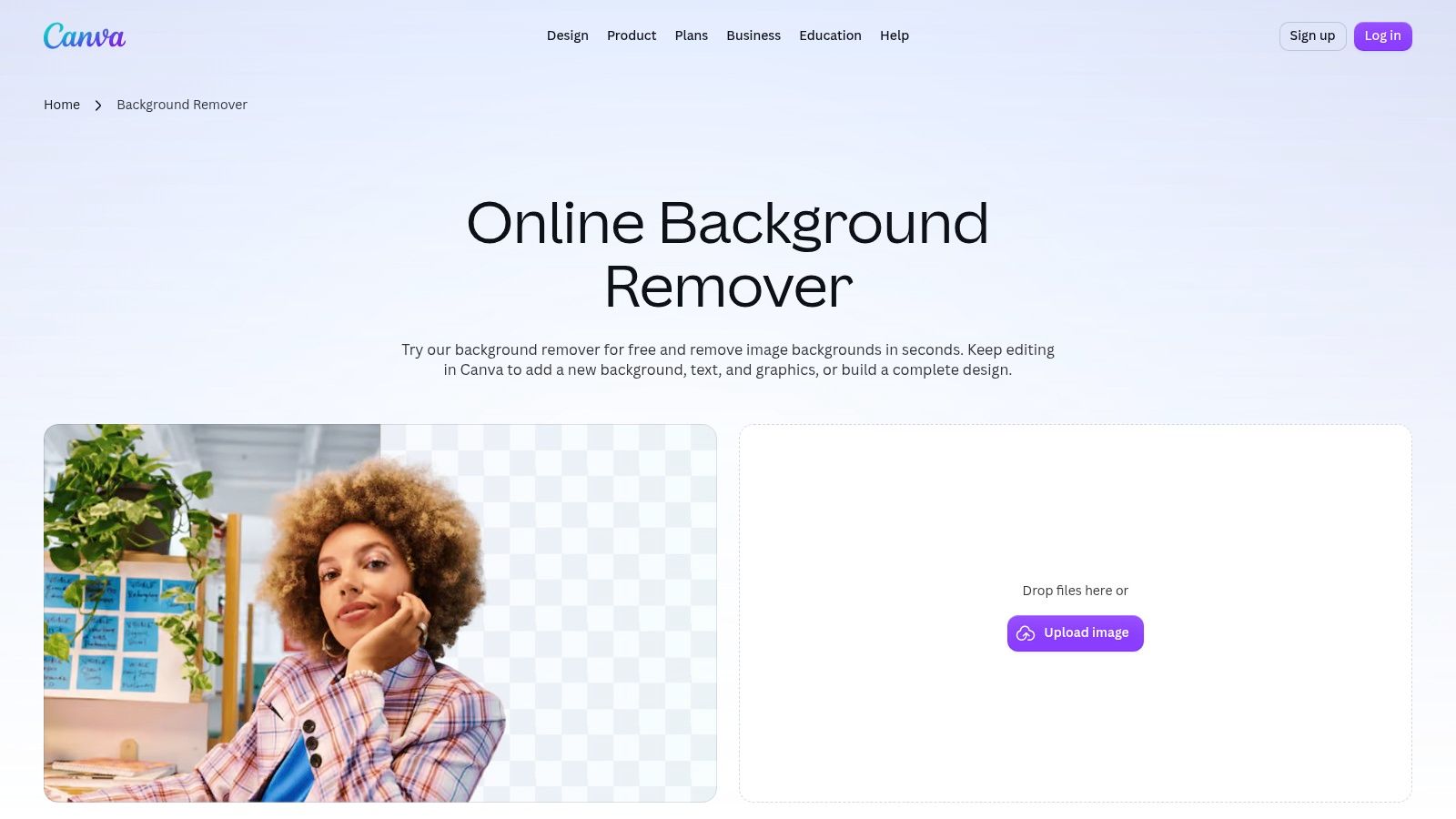
Canva wins when the cutout is not the finish line. Background removal sits inside the editor, with erase and restore brushes and a transparent PNG download, so a headshot can become a class slide or a sale graphic without a second app. The feature page offers a limited free try. Full Background Remover access, and bulk removal of up to 50 images, require paid plans. File-size and resolution limits still apply.
I would not build a nightly catalog on the free try. I would use it when a marketer already lives in Canva and needs one or two cutouts dropped onto a template before a post goes out. The brushes are there, but repeated use is the paywall.
Eligible paid plans make the 50-image bulk real, which matches a small campaign better than a three-a-day toy. Confirm the current file limits on your plan before you upload camera originals that Canva will reject or shrink.
- Design in place: Templates, type, and brand kit sit next to the mask.
- Free is a sample: Full access and bulk are paid.
- Still inspect edges: A pretty template hides a bad halo until you zoom.
The entry point is Canva's background remover.
Free allowances, batch limits, and export formats at a glance
| Item | Free Allowance | Batch Limit | Export Format | Best For |
|---|---|---|---|---|
| Adobe Express | Free; no account required | Not specified | Transparent PNG | Quick cutouts for marketing designs |
| Pixlr | Free | More than 100 images at once | Format not specified; transparent, black, or white backgrounds | Batch processing with background options |
| Fotor | Free basic remover | Up to 50 images | Transparent PNG | Cutouts and background replacement |
| Pixelcut | Typically 3 uses per day | Not specified | Format not specified; transparent cutouts | Product images for sellers and creators |
| Photoroom | Free plan with limited exports | Not specified | Format not specified; transparent, white, or custom backgrounds | Product photos and marketplace visuals |
| Clipdrop | 20 removals per 24 hours | Up to 10 files per upload | Transparent PNG | Quick multi-image processing |
| BG0 | Free and unlimited local use | Not specified | Transparent PNG | Private, on-device image processing |
| Erase.bg | Free individual processing for personal use; terms may vary | Bulk available; limit not specified | Format not specified; high-resolution output | Product and profile cutouts |
| remove.bg | Free low-resolution downloads up to 0.25 megapixels | Not specified | Format not specified | Simple removal with web, desktop, or API workflows |
| Canva | Limited free try | Up to 50 images on eligible paid plans | Transparent PNG | Turning cutouts into finished designs |
Matching a Free Remover to Your Next Batch
Match the constraint, then the brand. One social graphic or a classroom slide fits a free web remover with a transparent PNG, such as Adobe Express or a short Canva try. A 30-to-50 image catalog fits a stated batch tool, Pixlr when you need more than 100 in a session inside 4096 pixels, or Fotor when you also need a new backdrop and can stay near 50. Profile photos and anything confidential belong on a local runner like BG0, even if the laptop is slower.
Daily caps fail in a predictable way. Pixelcut's typical three uses and Clipdrop's 20 per 24 hours are fine for spot repairs. They are a bad plan for 60 SKUs due tonight. remove.bg's free 0.25 megapixel download is a test, not a master. Photoroom's export limit can stop you after the preview looks perfect. Erase.bg needs a terms check before personal-use credits meet a commercial folder.
When the set outgrows those caps and you still need resizing after the cutout, we handle background removal across a whole folder in Bulk Image Generation, then you can download the set or keep editing it. New users can sign up free and get 10 images a month. The Hobby plan is $24 per month and includes basic background removal if that trial batch is the one you keep. These e-commerce image tips from Nim are a useful checklist for the shots you feed any of these tools. Run one real folder, count the failures on hair and glass, and only then lock the workflow.
Bulk Image Generation removes backgrounds across a folder, then lets you resize and finish the same set without hopping between one-image free caps. If your next catalog is larger than a daily allowance, start with the free monthly images and see the batch editor on your own files. Visit Bulk Image Generation and run a real product folder before you promise the cutouts.
