
10 Instagram Templates Stories for Better Content

Ryan Bennett • October 4, 2026
Compare 10 Instagram templates stories resources, from Canva to Mojo, with customization tips and a scalable Bulk Image Generation workflow.
A creator needs to publish a polished launch sequence before the afternoon. A small marketing team needs product images, testimonials, countdowns, and calls to action that look like they belong to the same campaign. The challenge isn't finding a single attractive layout. It's choosing a Story template workflow that handles customization, animation, brand consistency, collaboration, licensing, and publishing without creating extra work later.
Instagram Stories became a repeatable business channel quickly. Instagram reported in 2017 that more than 15 million businesses were using the platform worldwide, and more than half of those businesses were already creating Stories each month, as documented by Entrepreneur's overview of Instagram Story templates. That scale explains why template tools now range from simple mobile apps to full production libraries.
This list compares instagram templates stories resources by workflow, not by template volume alone. Some are strongest for static design, others for motion, marketplace downloads, product promotion, or team governance. Once you select a base visual system, Bulk Image Generation can help you create complementary visual variations for different products, offers, or Story frames without rebuilding every composition manually. For broader content-production planning, TheContentMap's guide for content teams is useful context.
1. Canva
Canva is the safest starting point for teams that need to move from idea to publishable Story without handing every task to a designer. Its searchable library covers static designs, animated layouts, and video formats, while the drag-and-drop editor makes substitutions straightforward. Canva's public gallery lists 20,050 Instagram Story templates and 3,610 Instagram Stories video templates, with its milestone collection listing 5,753 templates, according to Canva's public template gallery.
The practical advantage is consistency. A team can define colors, logos, fonts, and reusable assets through Brand Kits, then adapt a launch layout into an announcement, testimonial, and offer card. Background removal and built-in media reduce the need to switch tools. Direct sharing and scheduling can also shorten the path from finished design to publishing, although account, region, and plan availability should be checked before a campaign depends on a specific feature.
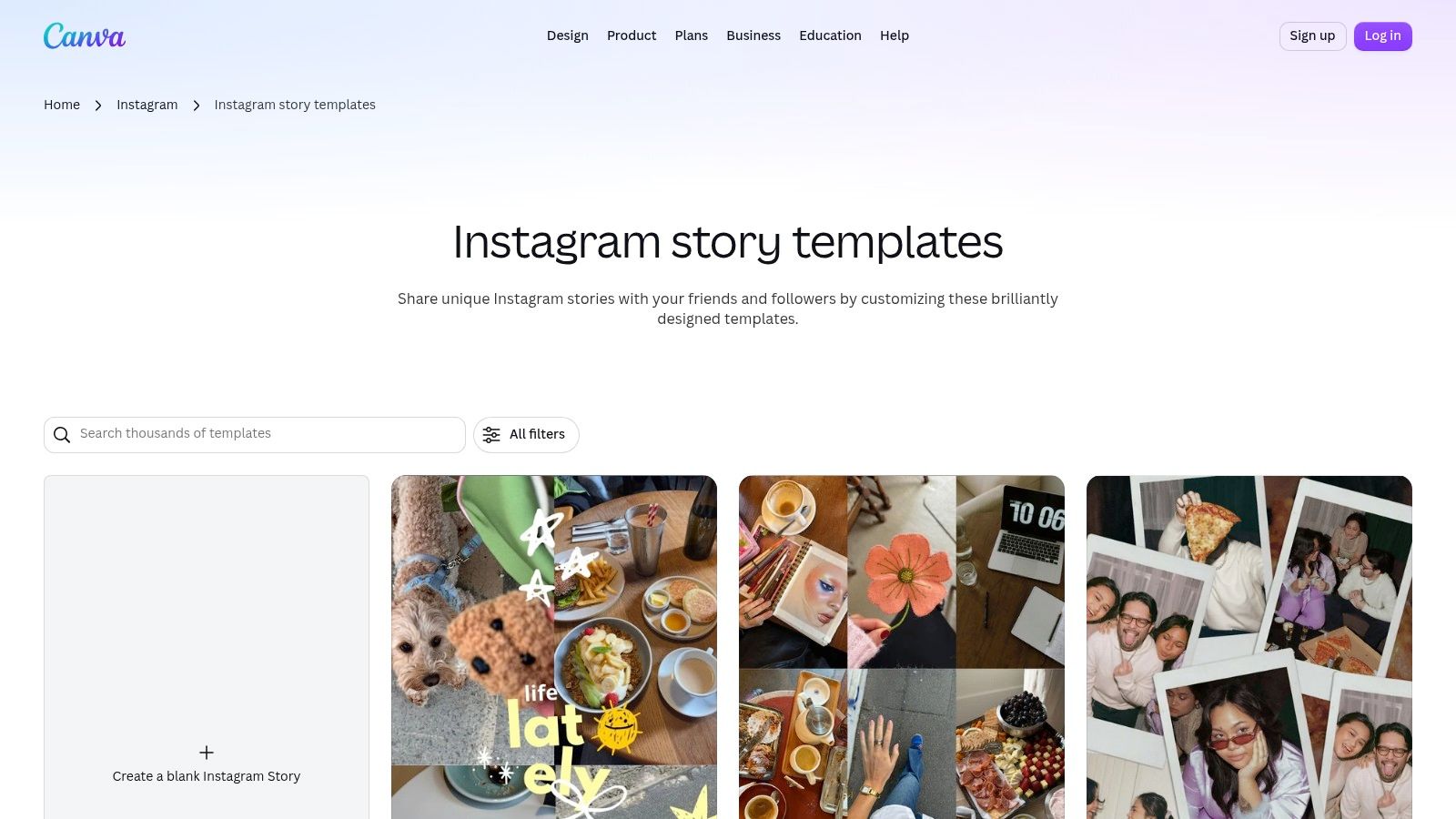
Where Canva works best
Canva suits non-designers, small teams, and campaigns with many recurring formats. It isn't the best choice when a motion designer needs deep timeline control or when a marketplace template has a highly specialized visual style. It can also be easy to over-customize, leaving every Story technically branded but visually inconsistent.
Use the fixed Story canvas carefully. Instagram image dimensions guidance helps keep the base layout suitable for vertical publishing before you generate additional variants. Build a small approved set of layouts, lock elements that shouldn't move, and vary only the image, offer, supporting copy, and CTA.
2. Adobe Express
Adobe Express is a strong fit for marketers who care about typography, polished assets, and a connection to the wider Adobe ecosystem. Its Instagram Story gallery includes static and video templates, and its presets make it easier to begin with an appropriate vertical composition rather than forcing a general social design into a Story frame.
The platform's value becomes clearer when a campaign needs more than a decorative layout. Adobe Fonts and Adobe Stock, available through Premium access, give teams a controlled route to type and imagery. Scheduling, one-click resizing, and an iOS app support a workflow where a marketer can prepare, preview, and publish without opening a desktop production application.
Typography versus speed
Adobe Express is often more comfortable for teams already using Adobe tools. Its templates can look refined with minimal editing, but heavier motion customization takes more learning than a simple static swap. Advanced assets and functions may also depend on a Premium subscription, so the free experience shouldn't be treated as a full substitute for an established Adobe workflow.
For a campaign with several visual ratios, plan the Story system before exporting. A guide to Instagram post templates can help separate feed, Story, and other social compositions instead of stretching one design everywhere. Use Adobe Express when type hierarchy and asset quality matter more than having the simplest possible editor.
3. VistaCreate
VistaCreate, formerly Crello, is a useful middle ground between a basic social editor and a larger creative suite. Its browser-based platform combines Instagram Story templates with editing, brand tools, and direct posting to Instagram and other platforms. The interface will feel familiar to people who want Canva-style editing without adopting a more complex desktop application.
The strongest use case is a small team that needs contemporary designs and a practical free entry point. A marketer can choose a Story layout, replace the media, adjust the copy, save a branded version, and send it into a social publishing workflow. Pro plans add team collaboration, which makes the tool more suitable when more than one person needs access to approved assets.
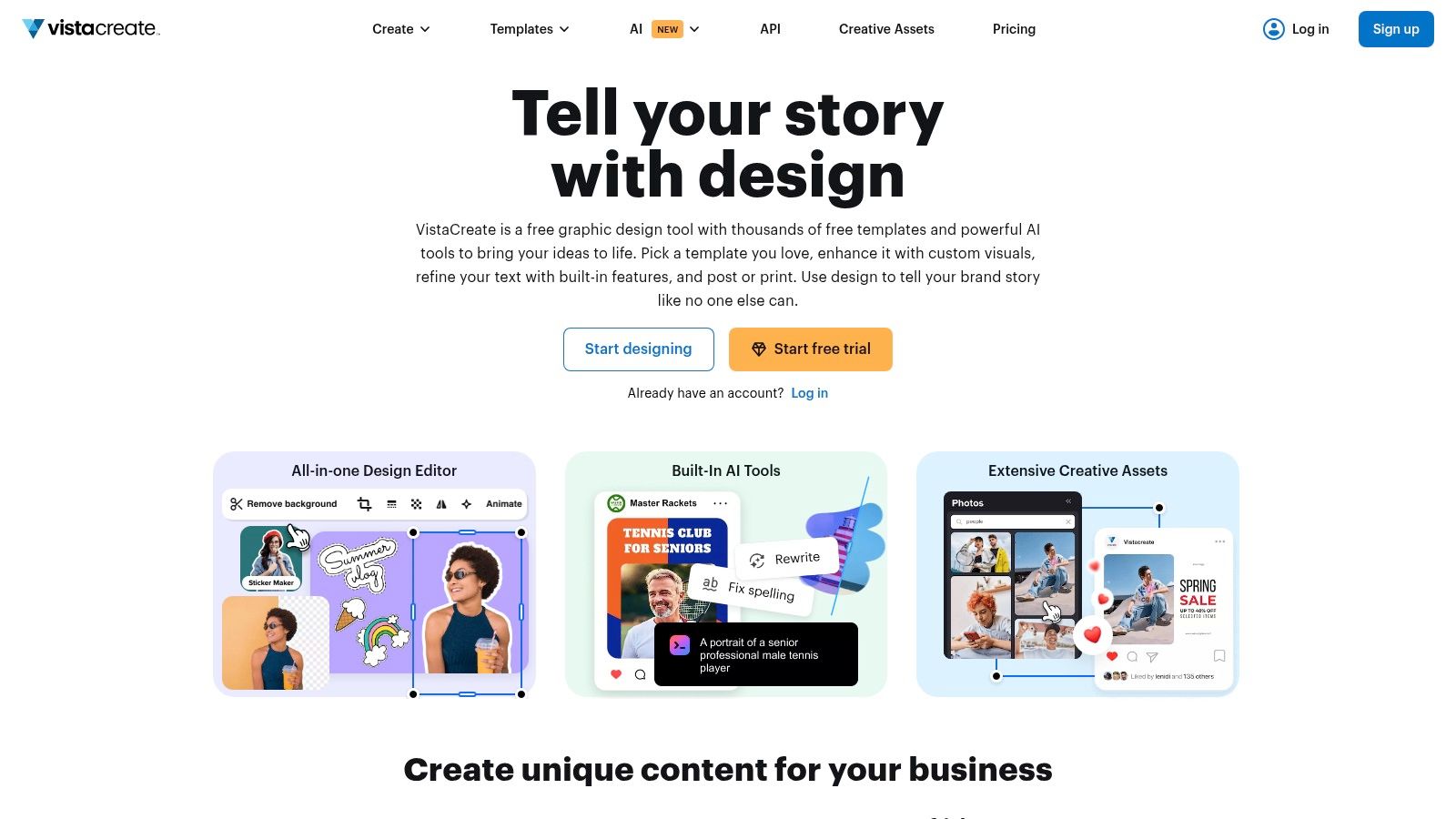
The trade-off for small teams
VistaCreate's asset ecosystem is smaller than Canva's or Adobe's, so teams with unusual stock, type, or production requirements may need other tools. Documentation and pricing information can also be spread across help and product pages. That doesn't make the editor unsuitable, but it does mean the team should test its publishing and collaboration path before adopting it for a busy account.
VistaCreate works when the priority is quick, attractive, browser-based production. Keep the number of approved layouts deliberately narrow. A smaller working library is easier to govern than a large collection where every contributor chooses a different visual treatment.
4. Envato Elements
Envato Elements is a marketplace subscription rather than a single-purpose Story editor. Its advantage is creative range. Teams can find static and motion templates for applications such as Photoshop, After Effects, Premiere Pro, and Canva, alongside fonts, stock media, and audio.
This makes Envato a better choice for a production team that already knows which application it wants to use. A motion designer can select a polished animated Story, replace the media and text, and preserve a more developed visual rhythm than a lightweight mobile editor usually offers. A brand producing frequent campaign variations can also draw from a broader asset pool than a single in-app template gallery.
Licensing and compatibility come first
The download model creates responsibility. Check the current license terms, confirm how an item can be used in paid or client work, and record the license associated with each campaign. Envato's pricing and plan structure may change, so verify the current offer before purchase. Also inspect the required software. A template that needs After Effects won't help a team that only has a browser editor.
Envato works best for production-quality motion and variety, not for instant edits by every stakeholder. Once the source design is approved, export the visual elements or a clean base composition and create controlled image variants separately. That keeps the template's animation and hierarchy intact while giving marketers more options for product or campaign imagery.
5. Placeit by Envato
Placeit is designed for speed. Its browser editor lets marketers create Instagram-ready layouts without desktop design software, and its mockup library is particularly useful for product-led Stories. A business can show packaging, apparel, devices, or branded merchandise inside a presentation that feels closer to a finished campaign asset than a blank product photo.
The tool is practical when the Story's job is to demonstrate an object quickly. A product launch can use a mockup frame for the first Story, a benefit-led layout for the next, and a direct offer frame after that. Simple licensing for social outputs also makes the workflow easier to explain to non-designers, although the exact license should still be reviewed for the intended use.
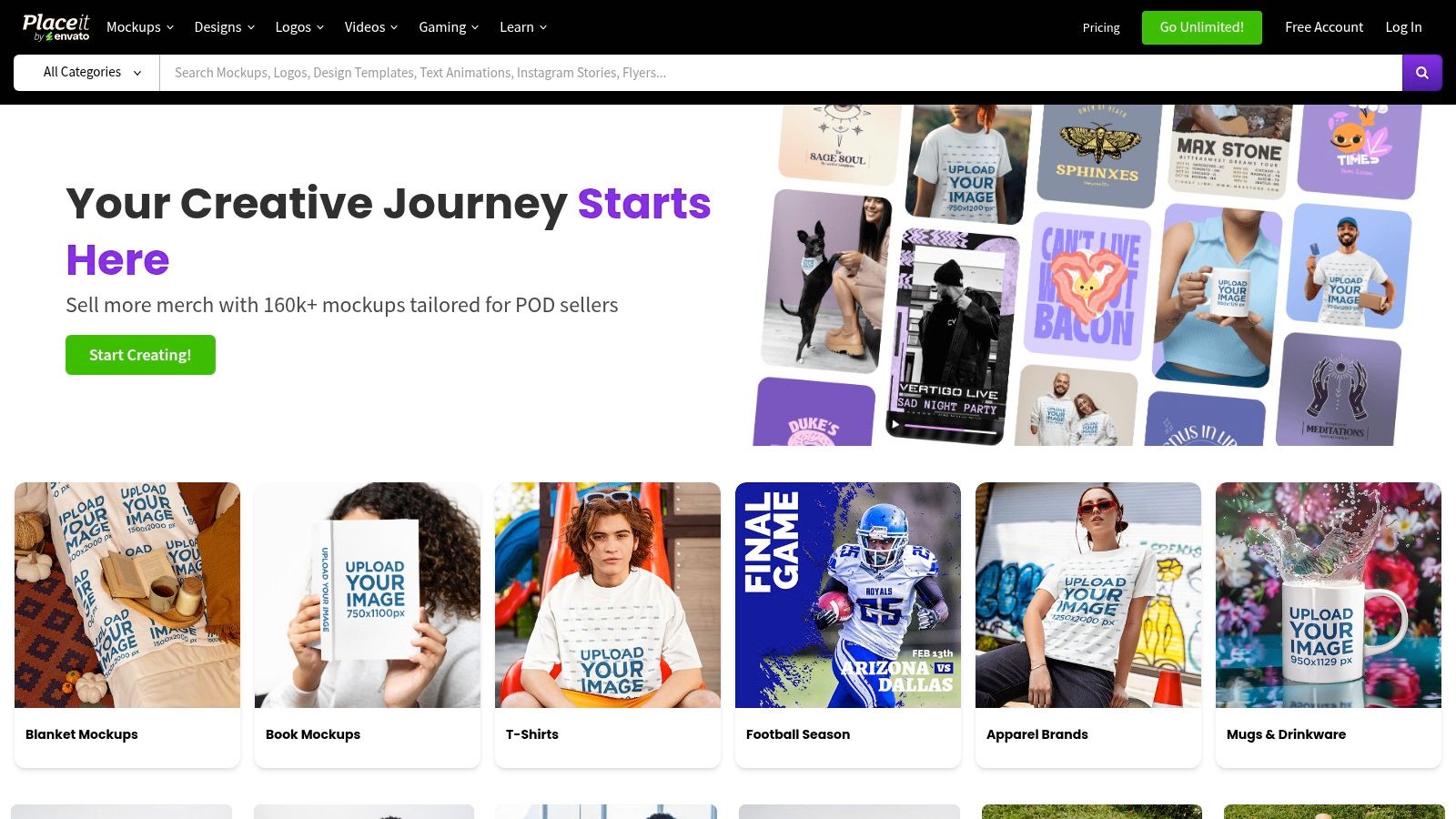
Fast product presentation
Placeit gives up speed and ease in exchange for granular control. It isn't the right tool for a complex identity system, detailed layer management, or advanced motion editing. Animated options are also less suitable for teams that need the control of a professional video editor.
Choose Placeit when the question is, “Can we present this product clearly today?” Generate or select a clean product visual, place it in a consistent mockup style, and keep the copy short enough to survive mobile viewing. The result should support the product, not bury it under decorative effects.
6. Creative Market
Creative Market's Instagram Story template marketplace suits brands that want a distinctive visual direction without committing to a recurring template subscription. Independent designers sell packs in formats such as Canva, Photoshop, and Illustrator, so buyers can choose a style and editing environment that matches their existing workflow.
The marketplace model is useful for boutique aesthetics. A photographer, coach, fashion brand, or hospitality business may prefer a carefully art-directed pack over a general-purpose library. One-off purchases can also be easier to budget for a single campaign, especially when the team needs a defined look rather than an ever-expanding catalog.
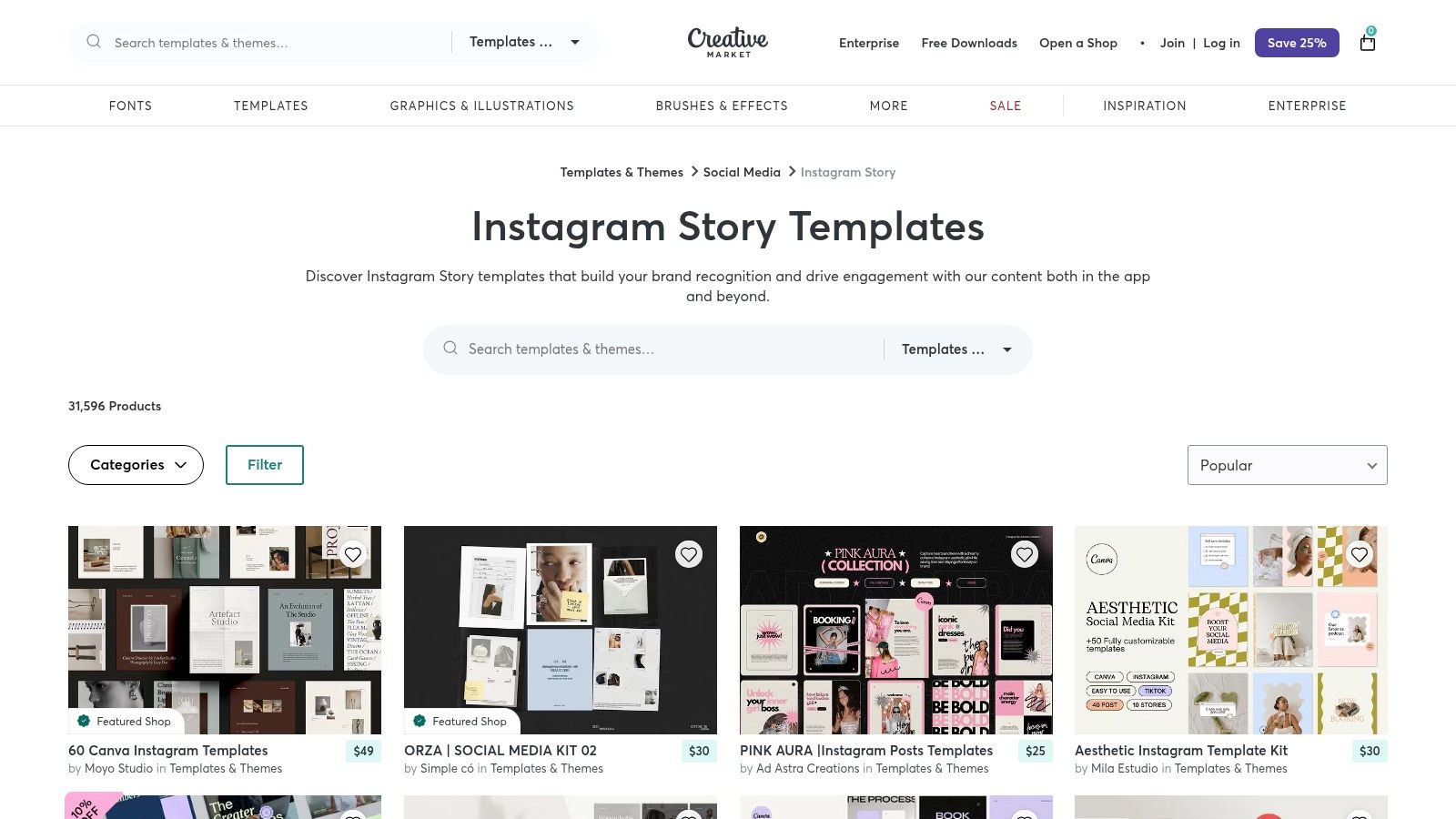
Inspect the pack before buying
Quality varies by seller, so examine previews, included file types, editable layers, font requirements, and update information. Read the license for commercial, client, and paid-media use. A beautiful pack can become inefficient if the files are poorly organized or require software the team doesn't have.
Creative Market has no built-in editor, which means customization happens elsewhere. Treat the purchased pack as a visual system, not a pile of unrelated pages. Select a few layouts for hook, proof, product, and CTA frames, then create supporting imagery that follows the same crop, contrast, and color logic.
7. Mojo
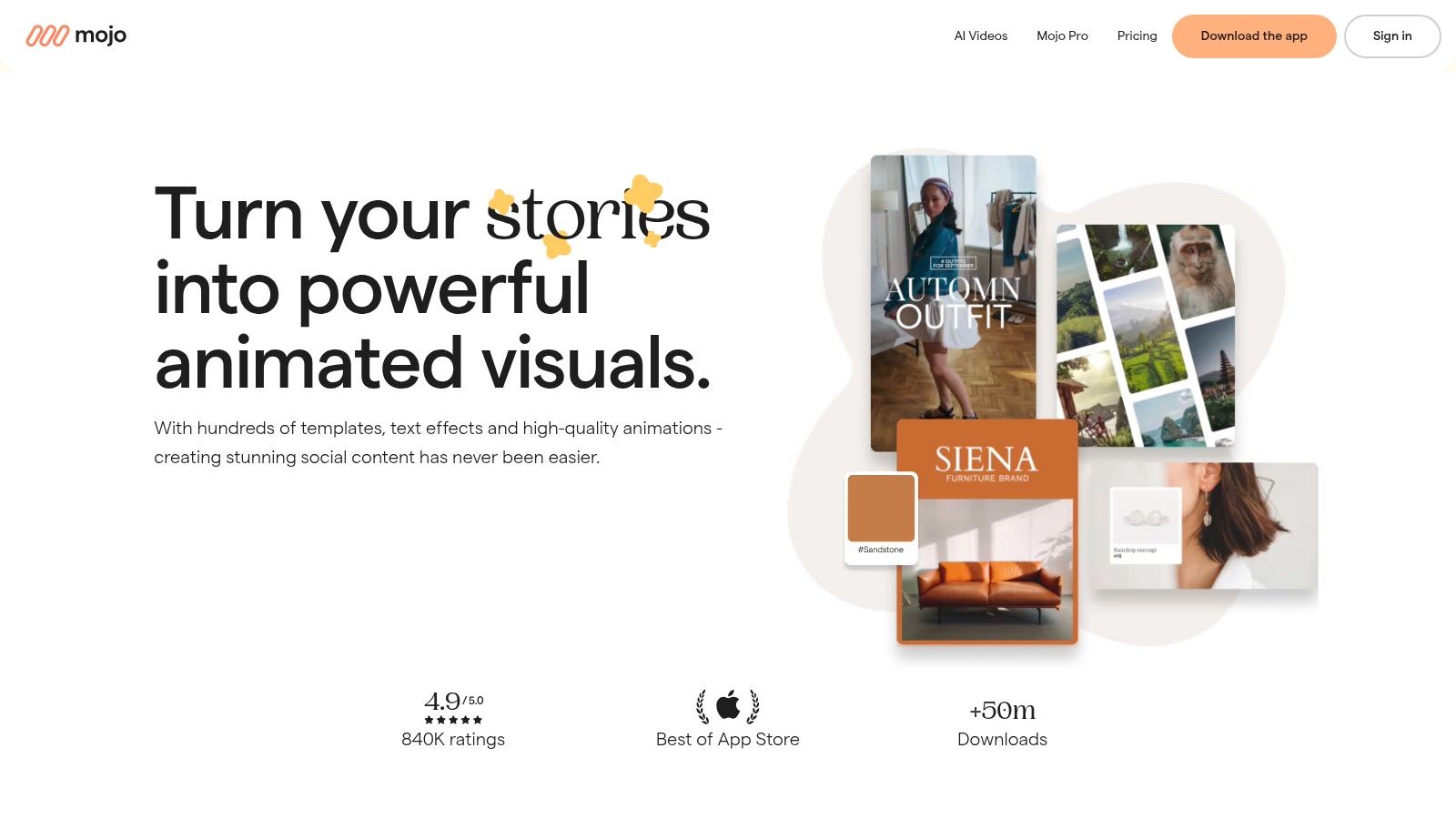
Mojo is built for motion-first Stories and Reels. Its mobile workflow focuses on animated templates, text treatments, stickers, and effects, allowing a creator to produce an energetic Story without assembling every transition manually. Frequent template and feature updates also make it useful for social managers who need movement without a full video-production setup.
The app is especially effective for announcements, offers, event reminders, and short product sequences where animation helps establish pace. A creator can replace the media and wording while the template handles much of the timing and visual movement. That saves effort when the content needs to feel active but the team has no dedicated motion designer.
Motion needs a publishing check
The mobile-first design is also the limitation. Teams that manage files, approvals, and detailed revisions on desktop may find the workflow restrictive. The strongest templates, stickers, and effects depend on the paid tier, so test whether the free selection supports the visual system before building a campaign around it.
Use Mojo when animation is the message, not when motion is being added only because a template makes it available. Keep text large, preserve contrast, and preview the complete sequence on a phone. For creators managing multiple accounts, this Stories viewer resource can provide additional context for how Story viewing fits into a broader monitoring routine.
8. Unfold by Squarespace
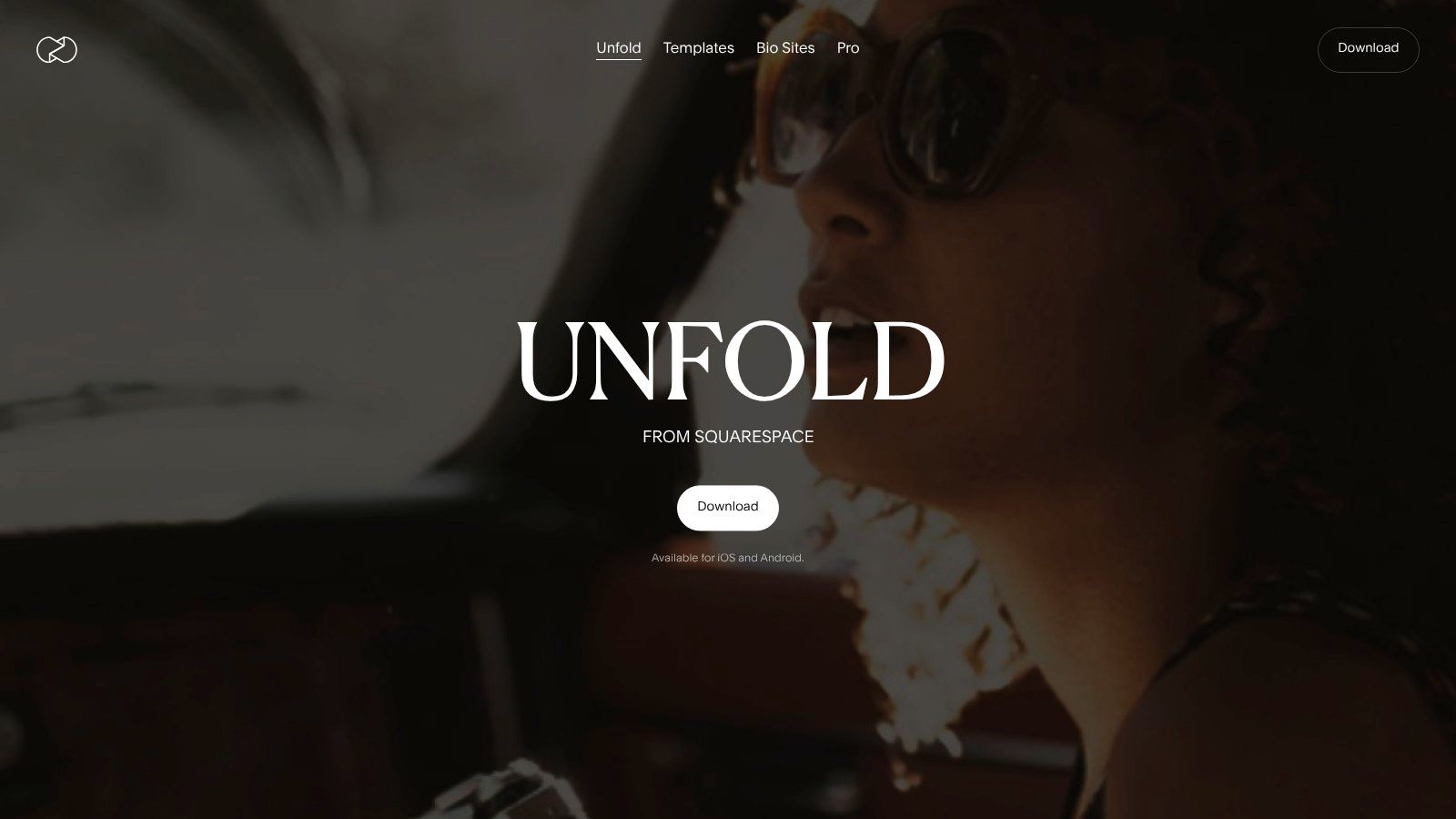
Unfold takes a more restrained approach. Its mobile toolkit focuses on clean, minimalist Story and post layouts, making it a good match for influencers, photographers, personal brands, and small businesses that want polished presentation without a crowded interface.
The appeal is speed with a clear aesthetic. A user can place a photo, add a short caption, apply a simple frame, and publish from a phone. Plus and Pro tiers provide premium collections, while the Pro Brand Kit supports logos, fonts, and stickers for accounts that need a more consistent identity. Billing is handled through Apple or Google in-app purchases, so account owners should make sure the subscription is attached to the correct business account.
Minimalism needs discipline
Unfold is less suitable for teams that want a large asset library, complex animation, or detailed approval workflows. Most premium packs require a subscription, and the mobile-only emphasis can complicate collaborative production. The layouts work best when the source imagery is strong and the copy stays focused.
For a softer visual system, use the layouts as a base and develop matching image treatments outside the app. Cute Instagram Story layout guidance can support a playful direction, but don't let decorative elements reduce readability. Minimal design only works when every remaining element has a clear job.
9. Easil
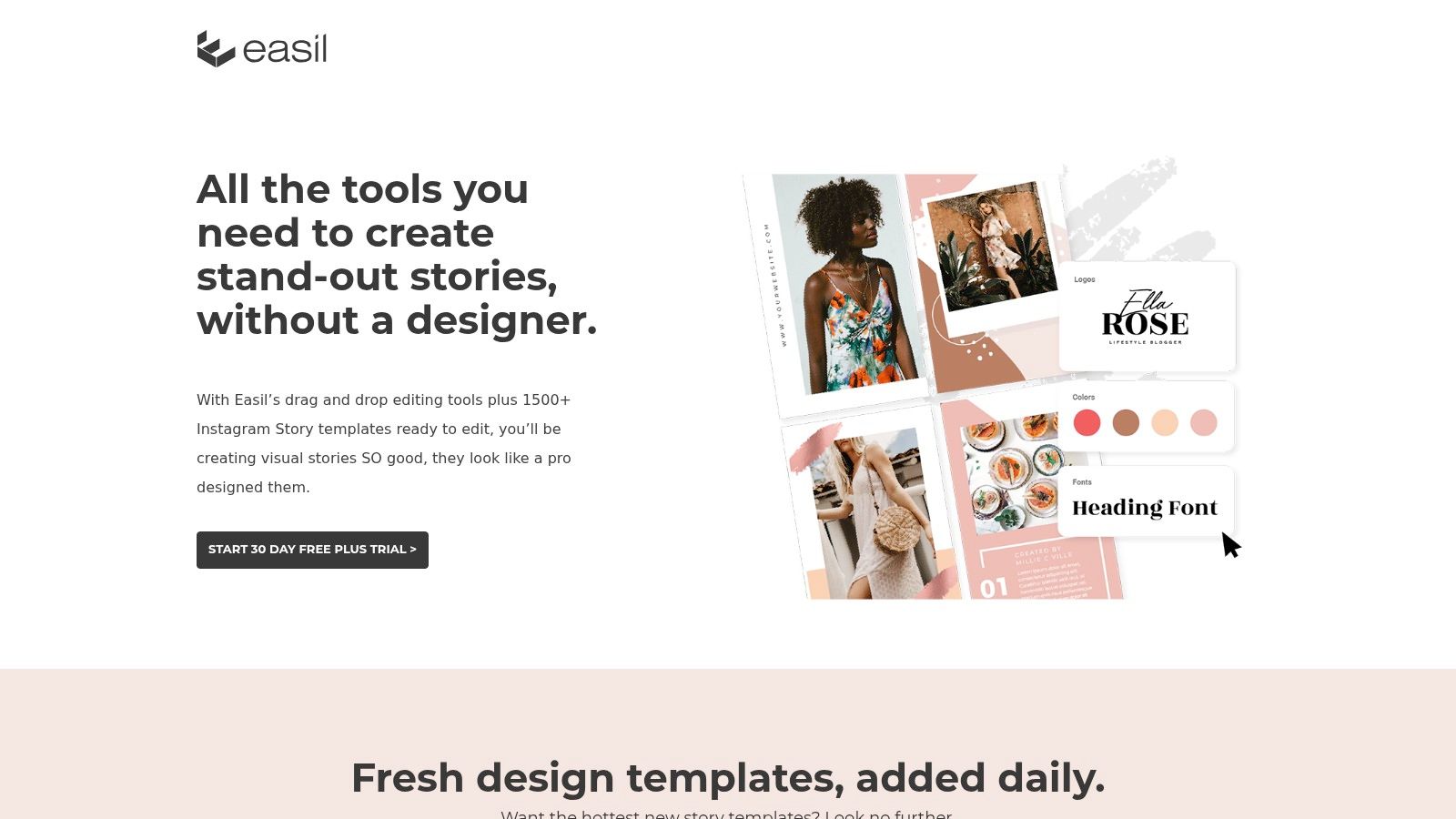
Easil is aimed at teams that need more control over who can edit, approve, and publish branded content. Its browser editor provides ready-to-use social layouts, while brand controls and approval workflows help keep contributors inside an agreed visual system. That makes it more relevant to an SMB or distributed team than a purely personal design app.
The operational value is governance. A marketing manager can define approved colors, logos, and layouts, then ask another contributor to prepare a Story without giving up control of the final presentation. Search by size and style also helps users find a suitable format instead of modifying an unrelated design.
A useful fit for approvals
Easil's ecosystem is smaller than Canva's and Adobe's, and plan details can be distributed across product and support pages. Teams should confirm which templates, controls, seats, and approval features belong to the plan they intend to use. That evaluation matters more than choosing a tool from a feature list alone.
Practical rule: Governance should happen before production, not after a contributor exports the wrong logo, font, or CTA.
Easil works well when brand safety and repeatability matter more than unlimited creative exploration. Create a small set of approved Story purposes, such as announcement, proof, product, and response prompt. Then use batch image generation to supply variations while the layout, hierarchy, and brand controls remain fixed.
10. Kapwing
Kapwing's Instagram templates are strongest for video-first production and repurposing. The web editor combines Story and social video layouts with tools for captions, dubbing, background removal, and other editing tasks. That makes it useful when the source material is a talking-head clip, product demonstration, interview, or existing campaign video rather than a single still image.
The browser workflow reduces the need for heavy desktop software. A social manager can upload footage, adapt it to a Story layout, add subtitles, remove a distracting background, and prepare a version for another channel. Paid tiers provide higher export capabilities, while the free plan includes watermarks and usage limits, so teams should confirm plan constraints before committing to a client-facing workflow.
Repurposing beats rebuilding
Kapwing's static template range is narrower than Canva's or Adobe Express's, but that isn't its main strength. Choose it when one video needs several vertical adaptations, subtitles, or language versions. The credit system and export limits require production planning, especially when a campaign includes many revisions.
A strong workflow starts with the message, not the effect. Keep the opening frame readable, place subtitles where interface elements won't cover them, and review the exported Story on a phone before scheduling. Kapwing is a practical bridge between a raw video asset and a publishable vertical sequence.
Top 10 Instagram Story Template Tools, Comparison
| Platform | Core features | UX / Quality | Value proposition | Best for | Pricing / Access |
|---|---|---|---|---|---|
| Canva | 20k+ Story templates, drag-and-drop editor, brand kits, scheduling | Very easy; polished outputs; strong collaboration | All-in-one template & asset library for non-designers | Teams, marketers, social managers | Freemium; Pro subscription unlocks top features |
| Adobe Express | Story templates (static/video), Adobe Fonts/Stock, presets, iOS app | Polished typography & assets; steeper motion learning curve | Tight Adobe ecosystem integration and type control | Adobe users, designers needing asset quality | Free + Premium subscription |
| VistaCreate | Canva-style editor, thousands of templates, social posting, team seats | Contemporary templates; generous free tier | Cost-effective editor with built-in posting | Small teams and SMBs | Freemium; Pro plans with multi-seat options |
| Envato Elements | Huge multi-format template library (AE/PS/Canva), fonts, stock, audio | Production-grade assets; broad format support | One subscription for unlimited downloads (license subject) | Production teams needing motion/video templates | Subscription (confirm current 2026 tiers) |
| Placeit by Envato | Browser-editable templates, large mockup library, simple licensing | Very fast; limited granular control | Rapid product mockups and social assets without desktop tools | Non-designers creating product showcases | Subscription or pay-per-item options |
| Creative Market | Marketplace of boutique template packs (Canva/PSD/AI), one-offs | Unique designer-led aesthetics; quality varies by seller | Distinctive, one-time purchases, no subscription required | Creators seeking unique, boutique packs | Pay-per-item with clear licensing |
| Mojo | Mobile-first animated Story/Reel templates, frequent updates | Very fast mobile motion results; app-focused workflow | Quick, eye-catching animated Stories with minimal effort | Influencers and mobile creators focused on motion | Freemium; Pro subscription unlocks full library |
| Unfold by Squarespace | Minimalist Story packs, mobile publishing, brand kit on Pro | Clean, elegant templates; simple mobile workflow | Polished minimalist aesthetic for curated feeds | Influencers and small brands seeking refined looks | Freemium; paid packs via in-app purchases |
| Easil | 1,500+ Story templates, brand controls, team approval workflows | Low learning curve; governance-focused UX | Template governance and approvals for consistent branding | SMBs and teams needing approval flows | Tiered plans with team features |
| Kapwing | Web video/image editor, Story templates, AI captions/dubbing, BG remove | Fast for video-first workflows; free plan has limits/watermark | Rapid repurposing, subtitles and video-centric Stories | Video creators repurposing content for Stories | Freemium; paid tiers for watermark-free & 4K export |
Turn One Template Into a Repeatable System
The right resource depends on the production problem you're solving. Canva, Adobe Express, and VistaCreate are broad all-purpose editors for teams that need fast customization, reusable brand elements, and straightforward social publishing. Canva offers the deepest general-purpose library in this group, while Adobe Express is a natural fit for users who already work with Adobe fonts and assets. VistaCreate is worth considering when a small team wants a familiar browser workflow and a generous starting point.
For motion, Mojo, Kapwing, and Envato Elements serve different levels of control. Mojo is the quickest mobile route to animated Stories. Kapwing is better for video editing, captions, dubbing, and repurposing. Envato suits production teams that want downloadable templates for professional applications and are prepared to manage software compatibility and licensing.
Creative Market is the boutique marketplace choice. It works when a brand wants a distinctive pack and prefers a one-off purchase, but the buyer must evaluate the designer's file structure and license. Placeit is the practical product-presentation choice, especially when mockups can communicate the offer faster than a custom composition. Unfold supports clean mobile storytelling, while Easil is the stronger option when approvals and brand governance are central.
A repeatable workflow can use any of these resources:
- Choose one visual system: Select a base template family with a consistent type hierarchy, image treatment, spacing, and CTA position.
- Define reusable brand elements: Lock approved logos, colors, fonts, badges, and background treatments before contributors start editing.
- Map layouts to Story purposes: Adapt the system for a hook, announcement, product detail, testimonial, offer, and final action instead of forcing every message into one frame.
- Generate complementary visuals: Use Bulk Image Generation to create product, lifestyle, background, or campaign variations that follow the selected direction.
- Batch-edit where needed: Resize, remove backgrounds, enhance images, or prepare several visual options before placing them into the approved layouts.
- Review before publishing: Check licensing, mobile readability, safe spacing around interface controls, file format, file size, interactive elements, and the final scheduled workflow.
Instagram's native Story template discovery remains limited compared with the large third-party libraries available to creators, as described in VEED's guidance on finding Instagram Story templates. That makes a documented template system more valuable. Store the source file, record the license, name each approved variation, and give the publishing owner a clear handoff.
Operational details matter just as much as aesthetics. Recent guidance on Instagram Story template constraints highlights the need to account for supported formats, file size, feature support, and scheduling through tools such as Meta Business Suite or API-based platforms. Interactive stickers and native features may not survive a flattened export, so decide early which elements belong in the design file and which must be added inside Instagram during publishing.
The goal isn't to produce more versions for their own sake. It's to make each version serve a defined message while preserving the same visual identity. Select a template that your team can edit, govern, export, and publish, then use structured image generation to expand the system without turning every Story into a new design project.
Bulk Image Generation helps social teams create batches of complementary visuals for Instagram Story layouts, then prepare those assets for repeatable campaign production. Describe the visual direction in natural language, generate variations for different products or messages, and visit Bulk Image Generation to build a faster template-based workflow.