7 Best Sources for Cute Instagram Story Layouts in 2026

Ryan Bennett • January 22, 2026
Discover the top 7 platforms for cute instagram story layouts. Our 2026 guide covers templates, AI tools, and design tips to make your content pop.
Ready to transform your Instagram Stories from simple updates to captivating visual narratives? In a sea of fleeting content, a well-designed Story is your best tool for grabbing attention, boosting engagement, and building a memorable brand aesthetic. Finding truly cute Instagram Story layouts can feel like a chore, but you don't need to be a professional designer to achieve a polished look. This guide eliminates the guesswork by curating the definitive list of top-tier platforms for creating and sourcing standout designs.
We’ve compiled the best resources, from versatile drag-and-drop editors like Canva and Adobe Express to premium template marketplaces such as Envato Elements and Creative Market. Each entry includes direct links and actionable insights to help you produce beautiful, on-brand content consistently. To truly make your content shine and capture attention, exploring 9 fresh Instagram Story layout ideas can provide endless inspiration. This roundup will equip you with the essential tools and creative direction needed to elevate your Story game immediately, ensuring your content stops followers mid-scroll. Let’s dive into the platforms that will make your brand's visual storytelling effortless and effective.
1. Canva
Canva is a powerhouse for creating cute Instagram Story layouts, especially for those who aren't professional designers. Its massive library of templates, combined with a user-friendly drag-and-drop editor, makes it one of the fastest ways to produce high-quality, visually appealing content. The platform excels at offering aesthetics like pastel, doodle, and collage styles, which are perfect for a cute and engaging feed.
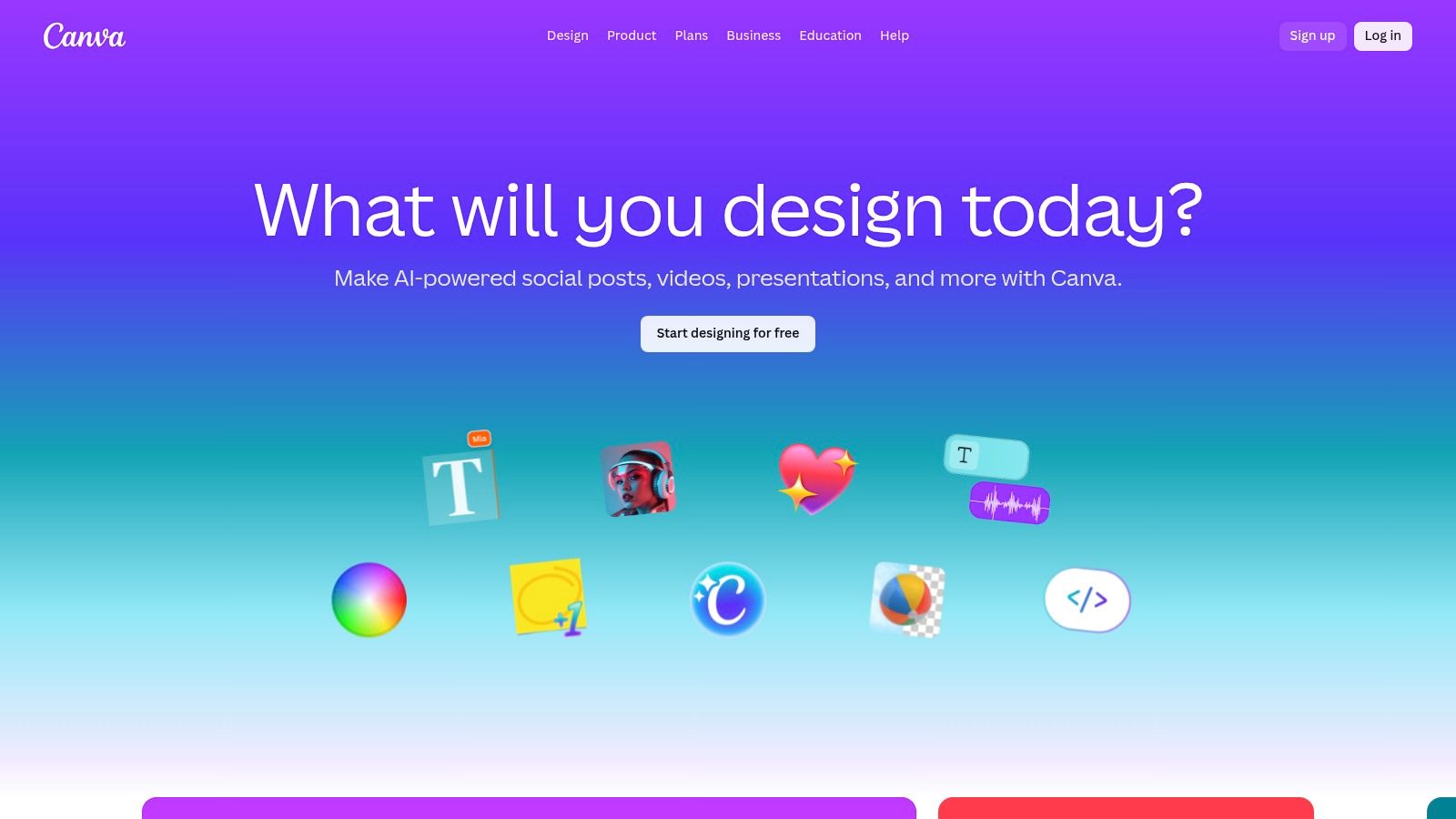
What makes Canva stand out is its accessibility and robust feature set, available on both web and mobile. The seamless cross-device syncing allows you to start a design on your computer and finish it on your phone, perfect for on-the-go social media management. Its AI-powered "Magic Studio" can assist with everything from writing copy to generating images, further speeding up the creative process.
Key Features & User Experience
Canva’s interface is intuitive, ensuring a smooth user experience even for absolute beginners. The search functionality is particularly powerful, allowing you to filter thousands of templates by mood, color, or aesthetic to find the perfect starting point for your Story.
| Feature | Description | Availability |
|---|---|---|
| Template Library | Thousands of professionally designed Instagram Story templates searchable by keyword, style, or color. | Free & Pro Plans |
| Magic Studio (AI) | AI tools for image generation, background removal, and text effects. | Free & Pro Plans |
| Brand Kit | Store your brand's logos, colors, and fonts for consistent branding across all your designs. | Pro Plan Only |
| Collaboration | Real-time team collaboration, commenting, and sharing features. | Free & Pro Plans |
For those looking to create a large volume of consistent visuals, you might want to explore how Canva integrates with other systems. To take your content strategy to the next level, you can learn more about using a bulk social media image generator to streamline your workflow even further.
Website: https://www.canva.com/
2. Adobe Express
Adobe Express is a versatile design tool ideal for crafting cute Instagram Story layouts, especially for those already familiar with the Adobe ecosystem. It provides over 1,800 editable templates, generative AI capabilities, and seamless integration with Adobe Stock, making it a strong contender for users who want high-quality, professional-grade assets. The platform excels at offering polished and animated templates that can be customized in seconds.
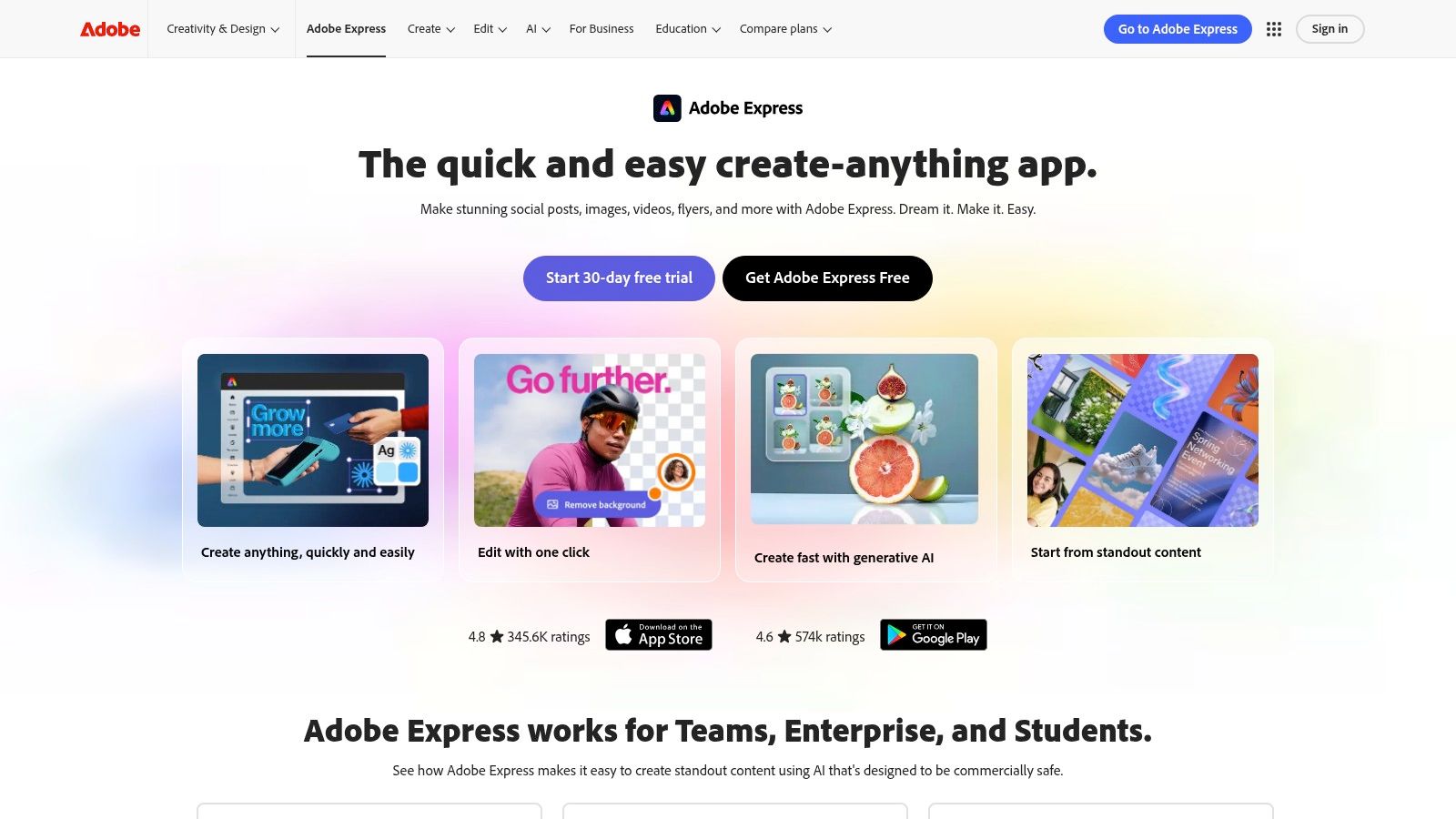
What sets Adobe Express apart is its tight integration with the broader Adobe Creative Cloud suite and its professional-grade features. While it maintains a user-friendly interface similar to Canva, it offers powerful tools like one-click animation and access to the vast Adobe Stock library. This combination allows for the creation of dynamic and visually sophisticated Stories that stand out, all from a single web or mobile application.
Key Features & User Experience
The user experience in Adobe Express is clean and intuitive, guiding you from template selection to final export with helpful prompts. Its Generative AI features, like "Text to Template," can jumpstart the creative process by generating unique layouts based on a simple description. The platform's ability to handle both static and video content within the same editor is a significant advantage for creating engaging, multi-format Stories.
| Feature | Description | Availability |
|---|---|---|
| Template Gallery | 1,800+ professionally designed static and animated Instagram Story templates. | Free & Premium Plans |
| Generative AI | Create templates, images, and text effects from simple text prompts. | Free & Premium Plans |
| Adobe Stock | Integrated access to millions of royalty-free photos, videos, and design assets. | Premium Plan Only |
| Social Scheduling | Plan, schedule, and publish your finished Story designs directly to Instagram. | Premium Plan Only |
To ensure your designs are perfectly formatted before you even start, it's wise to double-check the required dimensions. You can use a reliable aspect ratio calculator to confirm your project is set up correctly for Instagram Stories.
Website: https://www.adobe.com/express/
3. Envato Elements
Envato Elements is a creative powerhouse for anyone needing a high volume of professional assets. Its subscription model provides unlimited downloads of millions of items, including vast collections of cute Instagram Story layouts. This platform is ideal for designers, agencies, and content creators who need more than just a single template, offering comprehensive social media packs in various file formats like Photoshop (PSD), Illustrator (AI), and even animated versions for After Effects (AE).
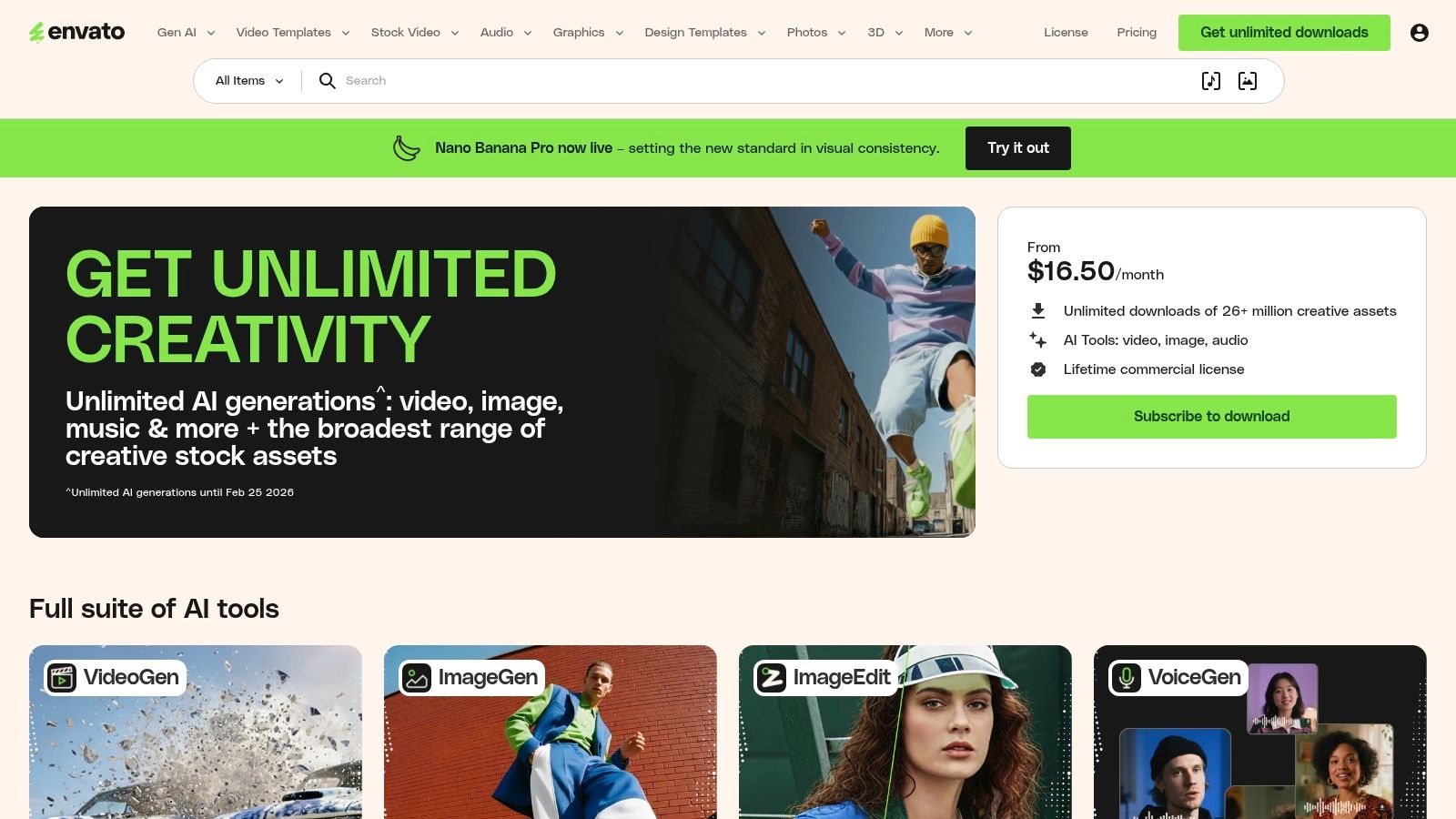
What makes Envato Elements stand out is the sheer value and variety it offers. Instead of purchasing templates individually, a single monthly or annual fee grants access to everything. This is incredibly cost-effective for users who frequently need fresh designs, stock photos, video templates, fonts, and more. The platform is less of a simple drag-and-drop editor and more of a professional asset library, requiring desktop software for customization, which allows for much deeper and more unique edits.
Key Features & User Experience
Navigating Envato Elements is straightforward, with powerful search filters that let you sort by application (e.g., Photoshop), orientation, and style. While it requires more technical skill than web-based editors, the quality and complexity of the templates are significantly higher, providing a more polished and professional end result for your Instagram Stories.
| Feature | Description | Availability |
|---|---|---|
| Unlimited Downloads | A single subscription provides unlimited access to millions of assets, including thousands of Story templates. | Subscription Plan |
| Professional File Formats | Templates are available for Adobe Photoshop, Illustrator, After Effects, and Premiere Pro. | Subscription Plan |
| Comprehensive Asset Types | Beyond templates, the subscription includes stock photos, videos, music, fonts, and graphics. | Subscription Plan |
| Simple Commercial License | All assets downloaded are covered by a single, straightforward commercial license for peace of mind. | Subscription Plan |
The assets from Envato Elements can be a great foundation, which you can then supplement with AI-generated visuals for a truly unique look. If you need help crafting the right descriptions for your images, you can get inspired with a free AI image prompt generator to create perfectly matching graphics.
Website: https://elements.envato.com/
4. Creative Market
Creative Market is a vibrant marketplace where independent designers sell ready-to-edit cute Instagram Story layouts. Unlike subscription-based platforms, it's ideal for those seeking unique, boutique aesthetics through one-time purchases. You'll find a vast collection of template packs compatible with Canva, Adobe Photoshop (PSD), and Illustrator (AI), allowing for professional-level customization. The platform is perfect for creators who want to stand out with designs that aren't available on mainstream template sites.
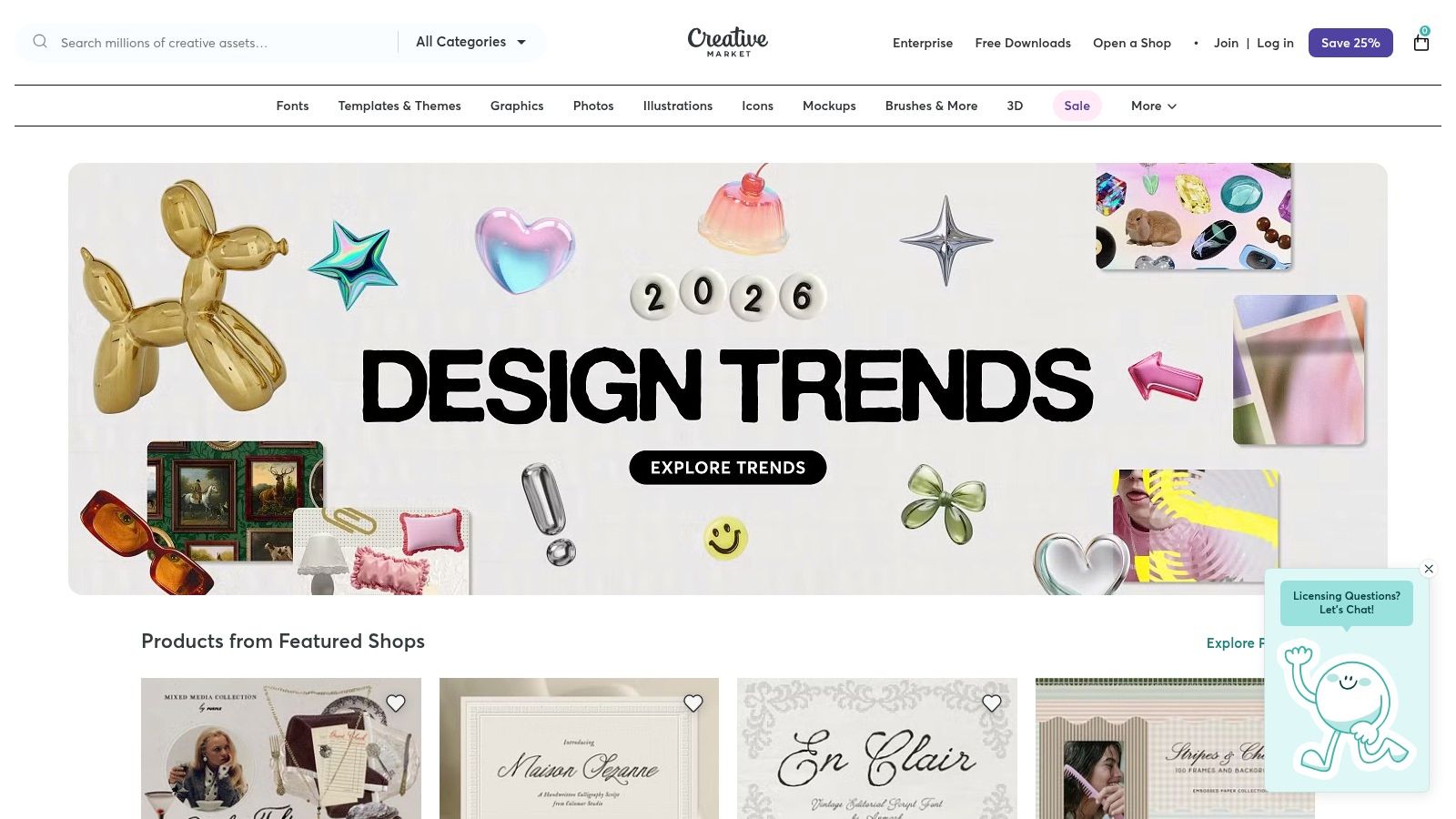
What makes Creative Market unique is its focus on high-quality, curated assets from individual artists. Instead of an all-in-one editor, you purchase downloadable files and edit them in your preferred software. This approach gives you more control and a final product that truly reflects a specific artistic style, from hand-drawn doodles to minimalist photographic grids. It's the perfect source when you need a specific theme or collection for a campaign without committing to a monthly fee.
Key Features & User Experience
Navigating Creative Market is straightforward. Each product page provides detailed previews, specifies file formats (e.g., Canva, PSD), and lists the number of included Story templates. This transparency helps you make an informed purchase and ensures compatibility with your workflow. Always check the product descriptions to understand what software is required for editing.
| Feature | Description | Availability |
|---|---|---|
| Boutique Template Packs | Curated collections of Story templates sold by independent designers, often with a unique theme. | One-Time Purchase |
| Multiple File Formats | Templates are available for Canva, Adobe Photoshop (PSD), and Illustrator (AI). | Varies by Product |
| Instant Downloads | Files are available for immediate download after purchase, ready to be used in your software. | One-Time Purchase |
| Clear Licensing | Straightforward commercial and personal use licenses, making it easy to use assets for business. | Included with Purchase |
A key benefit is the ability to find a niche aesthetic that perfectly matches your brand identity. Since you purchase the templates directly, you can build a personalized library of assets to use repeatedly. This model empowers you to support independent artists while acquiring truly special designs for your social media.
Website: https://creativemarket.com/
5. Etsy
Etsy is a treasure trove for finding unique and cute Instagram Story layouts from independent creators. While not a design tool itself, it functions as a vast marketplace where talented designers sell affordable, ready-to-use template bundles, often designed for editing in platforms like Canva. This makes it an ideal spot to discover niche aesthetics like kawaii, vintage film, or whimsical boho styles that might not be available on mainstream platforms.
What makes Etsy stand out is the sheer volume and affordability of its offerings. For a small one-time fee, you can purchase a comprehensive pack containing 50 to 100+ templates, complete with stickers, engagement prompts (like quizzes and Q&As), and even video tutorials. This provides incredible value and allows you to instantly acquire a cohesive and cute aesthetic for your Stories without needing any design skills.
Key Features & User Experience
Navigating Etsy is straightforward, with powerful search and filtering options that let you sort by price, ratings, and instant download availability. Look for "Star Seller" badges to identify shops with a proven record of excellent customer service and high-quality products. Most sellers provide a PDF with a direct link to the Canva template, allowing you to start customizing immediately.
| Feature | Description | Availability |
|---|---|---|
| Template Bundles | Large packs of 50-100+ Canva-compatible Story templates, often with bonus stickers and icons. | One-Time Purchase |
| Niche Aesthetics | Access to thousands of unique styles like Y2K, dark academia, minimalist, and pastel from indie creators. | One-Time Purchase |
| Instant Download | Get immediate access to your purchased templates via a downloadable PDF with Canva links. | Most Digital Products |
| Seller Reviews & Support | Built-in review system and direct messaging with sellers to ask questions or request support. | All Shops |
A great tip for using Etsy effectively is to read the item descriptions and shop reviews carefully to understand licensing terms and ensure the template quality meets your standards. Customizing these templates with your own brand fonts and colors is the key to making them feel unique, even if they are popular.
Website: https://www.etsy.com/
6. Freepik
Freepik is a massive resource hub for finding cute Instagram Story layouts, offering a vast library of both free and premium templates. It's particularly useful for creators who need a high volume of diverse design assets, from fully realized templates to individual elements like icons and patterns. The platform makes it easy to find specific aesthetics with powerful filters, including a dedicated "cute" theme filter, ensuring you can quickly locate designs with whimsical, soft, or playful vibes.
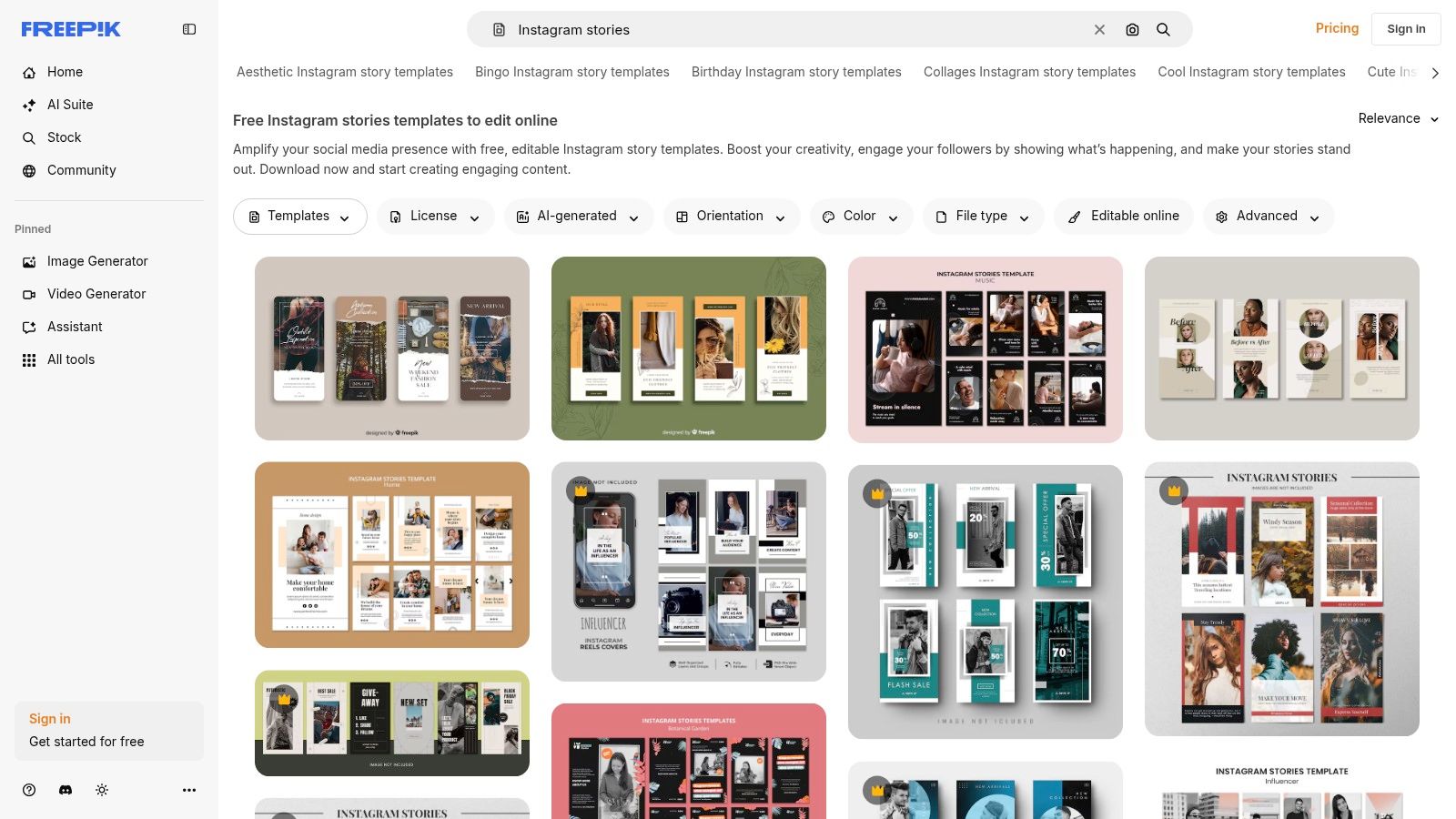
What makes Freepik a strong contender is its combination of ready-to-use templates and supplementary design elements. You can download a template and enhance it with unique icons, illustrations, or background patterns found elsewhere on the site. While some templates are editable directly in Freepik's browser-based editor for quick modifications, many are also provided as PSD or AI files for more advanced customization in Adobe Photoshop or Illustrator.
Key Features & User Experience
Freepik’s user experience is centered around its powerful search and filtering system, which allows you to efficiently sort through millions of assets. For users who want to make quick edits without external software, the integrated Freepik Editor is a convenient tool. Licensing is clearly stated on each asset, so you know whether attribution is required or if a premium license is needed for commercial use.
| Feature | Description | Availability |
|---|---|---|
| Extensive Template Library | A large collection of Instagram Story templates with filters for style, including a "cute" aesthetic. | Free & Premium |
| In-Browser Editor | Edit templates directly on the website for quick text, color, and image changes before exporting. | Free & Premium |
| Complementary Assets | Access to millions of icons, photos, illustrations, and patterns to customize your layouts further. | Free & Premium |
| Multiple File Formats | Templates are often available for download as PSD or AI files for advanced editing in Adobe software. | Free & Premium |
The abundance of free options makes Freepik an excellent starting point for experimenting with different cute layout styles before committing to a premium plan. However, be mindful of the licensing terms, as free assets often require attribution. For those who frequently need design resources, a premium subscription offers a hassle-free, attribution-free experience.
Website: https://www.freepik.com/templates/instagram-stories
7. Unfold (by Squarespace)
Unfold is a mobile-first powerhouse for creating cute Instagram Story layouts with a polished, minimalist aesthetic. Acquired by Squarespace, it offers hundreds of award-winning templates designed to make your content look clean and professional with minimal effort. The app is perfect for creators and brands who prioritize a cohesive and elegant look, offering curated collections like "Film," "Journal," and "Digital Wave" that provide a distinct, artful vibe.
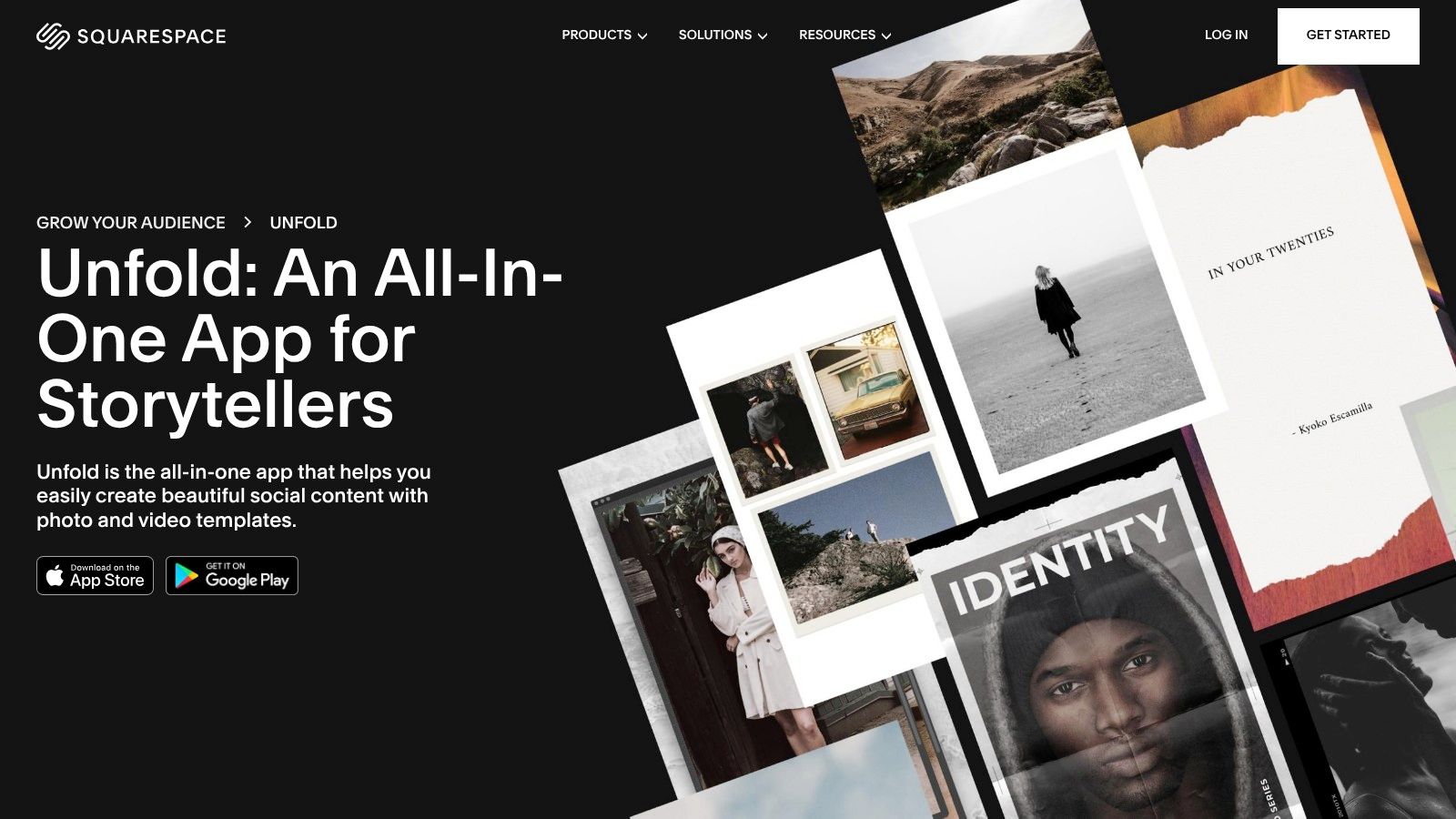
What makes Unfold stand out is its all-in-one content creation workflow directly on your phone. Beyond just templates, it includes a feed planner, a "Bio Site" link-in-bio builder, and scheduling capabilities, turning it into a complete social media management tool. This integrated approach is ideal for on-the-go users who want to design, plan, and publish beautiful Stories from a single, intuitive mobile application.
Key Features & User Experience
Unfold’s user experience is incredibly slick and focused, prioritizing speed and visual quality. The interface is clean, allowing you to quickly browse template collections, add your photos and videos, and customize text with exclusive fonts. Its mobile-centric design means you don't need any desktop software to produce high-end content.
| Feature | Description | Availability |
|---|---|---|
| Template Collections | Hundreds of designer templates and collage styles organized into themed packs for a cohesive look. | Free & Unfold+ |
| Feed Planner | Visually plan your Instagram grid layout to maintain a consistent aesthetic. | Unfold+ & Pro |
| Bio Site | Create a custom link-in-bio page to direct followers to your most important content. | Free & Paid Plans |
| Brand Kit | Upload your brand's custom fonts, colors, and logos to apply them consistently across all templates. | Pro Plan Only |
The free version provides access to a solid set of classic templates, but subscribing to Unfold+ or Pro unlocks the full library, removes watermarks, and grants access to advanced features like the feed planner. This makes it an excellent choice for serious creators and small businesses looking for an efficient, mobile-first solution.
Website: https://www.squarespace.com/marketing/unfold
Cute Instagram Story Layouts: 7-Platform Comparison
| Tool | Implementation complexity | Resource requirements | Expected outcomes | Ideal use cases | Key advantages |
|---|---|---|---|---|---|
| Canva | Low — drag-and-drop, AI-assisted | Web/mobile app; some premium assets | Fast, consistent cute Story layouts | Non-designers, teams, repeatable content | Huge template library, mobile apps, collaboration |
| Adobe Express | Low–Medium — browser/mobile editor with AI | Web/mobile; best with paid plan for stock/brand features | High-quality, editable Story templates | Adobe users, creators needing pro assets | Adobe Stock integration, polished templates, clear licensing |
| Envato Elements | Medium–High — requires desktop editing for many files | Unlimited-download subscription; desktop apps (PS/AE) often needed | Large variety of editable, multi-format templates | Agencies, power users needing many assets | Unlimited commercial downloads, broad file format support |
| Creative Market | Medium — one-time purchases; editing depends on format | Pay-per-item purchases; may require Canva/Adobe | Boutique, unique template packs | Buyers wanting unique looks or one-off buys | Curated independent designers, distinctive styles |
| Etsy | Low–Medium — seller bundles, often Canva-ready | One-time purchase per shop; quality varies by seller | Affordable, niche-aesthetic Story bundles | Budget buyers, niche aesthetics, quick edits | Very budget-friendly, niche variety, instant downloads |
| Freepik | Low–Medium — in-browser editor; some files need Adobe | Free & premium assets; attribution may apply; PSD/AI downloads | Quick assemblies with supporting elements | Testing ideas, sourcing icons/patterns, DIY layouts | Large free catalog, theme filters, many complementary elements |
| Unfold (Squarespace) | Low — mobile-first app with templates & planner | Mobile app; subscription for full access/no watermark | Polished, mobile-ready Story layouts and scheduling | Influencers, creators wanting mobile workflow & planning | Fast mobile workflow, built-in planner/scheduling, polished templates |
Design Smarter, Not Harder: Your Next Steps
You now have a comprehensive toolkit filled with resources to create captivating and cute Instagram Story layouts. We've explored a range of platforms, from the all-in-one design powerhouse of Canva to the highly curated and artistic templates found on Unfold. The journey from a blank canvas to a polished, engaging Story is no longer a daunting task but an opportunity for creative expression. The key takeaway is that a strong visual identity on Instagram isn't built on a single great design; it's forged through consistency, creativity, and strategic efficiency.
The true power of these tools is unlocked when you integrate them into a seamless creative process. By understanding the unique strengths of each platform, you can build a system that saves you time while elevating your brand's aesthetic.
Choosing Your Primary Tool
Selecting the right platform is the crucial first step. Your choice should align with your specific needs, budget, and technical skill level. Consider these factors:
- For All-in-One Simplicity and Collaboration: Canva and Adobe Express are your best bets. They offer vast libraries, user-friendly interfaces, and team features, making them ideal for small businesses and marketing teams who need to produce a high volume of content quickly.
- For Premium, Unique Assets: If you're looking for professional-grade templates, fonts, and graphics that set you apart, subscription services like Envato Elements and Freepik provide incredible value with unlimited downloads.
- For Artisanal and Niche Designs: Marketplaces like Creative Market and Etsy are treasure troves for unique, handcrafted layouts from independent creators. These are perfect for brands wanting a more bespoke or boutique feel.
- For Mobile-First, Aesthetic Storytelling: Unfold remains a top choice for creators who prioritize a clean, minimalist, and film-inspired aesthetic directly on their mobile devices.
Beyond Templates: Scaling Your Visual Content
Having a great template is only half the battle. To truly bring these cute Instagram Story layouts to life, you need high-quality, on-brand visuals to populate them. Manually sourcing or creating unique images for every single Story can quickly become a bottleneck, slowing down your content production and limiting your ability to post consistently. This is where leveraging AI becomes a strategic advantage.
By using AI-powered tools to generate custom visuals in bulk, you can create a vast library of images that perfectly match your brand's color palette, style, and subject matter. Imagine populating a "Product Spotlight" template with hundreds of unique lifestyle photos of your product in seconds, or filling a "Q&A" layout with custom-branded background graphics. This approach frees you from the time-consuming task of individual asset creation, allowing you to focus on the bigger picture: your content strategy and community engagement. To truly embrace the "Design Smarter, Not Harder" philosophy for your Instagram stories, explore strategies to streamline your content creation workflow.
Ultimately, the goal is to build a sustainable system that combines powerful design templates with an efficient method for creating the visual assets that fill them. This synergy ensures your Instagram Stories are not only beautiful but also consistently fresh and engaging for your audience, helping you stand out in a crowded digital landscape.
Ready to populate your new templates with endless on-brand visuals? With Bulk Image Generation, you can create hundreds of unique, high-quality images from a single prompt, ensuring your Instagram Stories are always fresh and captivating. Stop searching for stock photos and start creating the exact visuals you need in seconds with Bulk Image Generation.
