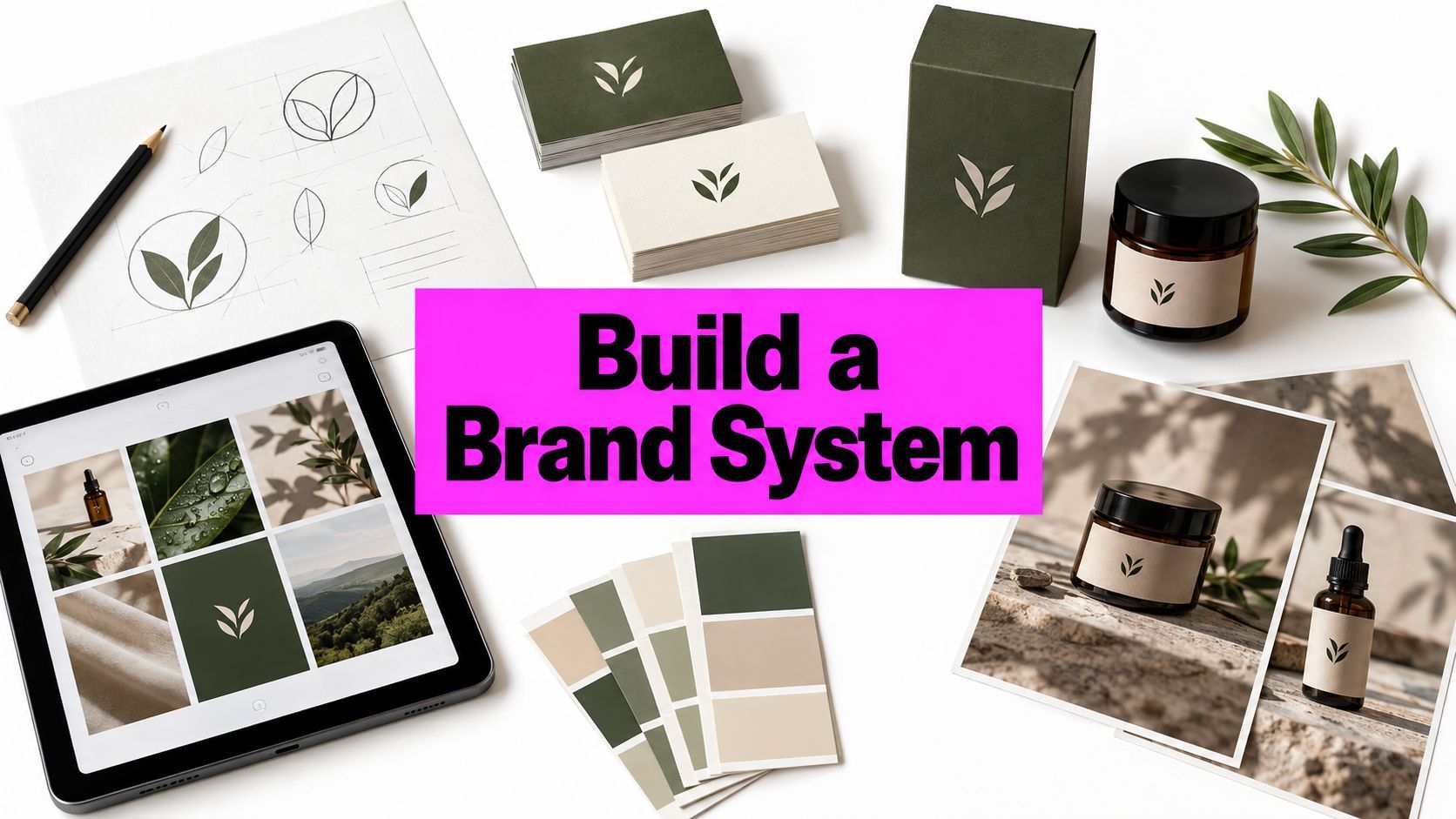
Branding Materials Examples: 8 Ideas That Build Brands

Ryan Bennett • October 24, 2026
Explore 8 branding materials examples — logos, cards, packaging and more — with tactics and templates for small businesses.
A logo is finished, but the business card still uses an old font. The social posts have three different shades of green, and the new packaging looks like it belongs to another company. For a small team working between customer calls and order fulfilment, that kind of brand inconsistency is familiar. It can feel as if getting everything aligned requires an agency, a large budget, and weeks of meetings.
It doesn't. Branding materials work best as a system, with the logo, colors, type, images, and tone carrying through from a business card to a website, a package, or a storefront sign. That idea has deep commercial roots: branding materials help people identify a company across customer touchpoints, a role reflected in the long history of marks used to identify the origin of goods (EBSCO's overview of corporate identity).
Start with a few repeatable rules, then use them to build each asset. A practical AI workflow can help a small team explore visual directions and produce matching variations quickly, but it still needs clear brand inputs and human review. The examples below show what each material needs to do, where teams commonly go wrong, and how to create a repeatable process without making every design identical.
1. Logo
A logo is the anchor of a brand identity, not the whole identity. Customers may see it on a storefront, a social profile, a product label, or a tiny app icon, so it needs to stay recognizable as its size and setting change.
Nike's swoosh, Apple's apple, and Starbucks' siren show how a distinctive mark can work across different kinds of businesses. The useful lesson isn't to imitate their shapes. It's to give your own logo a clear silhouette and a practical set of versions, such as a primary lockup, a compact mark, and a one-color option.
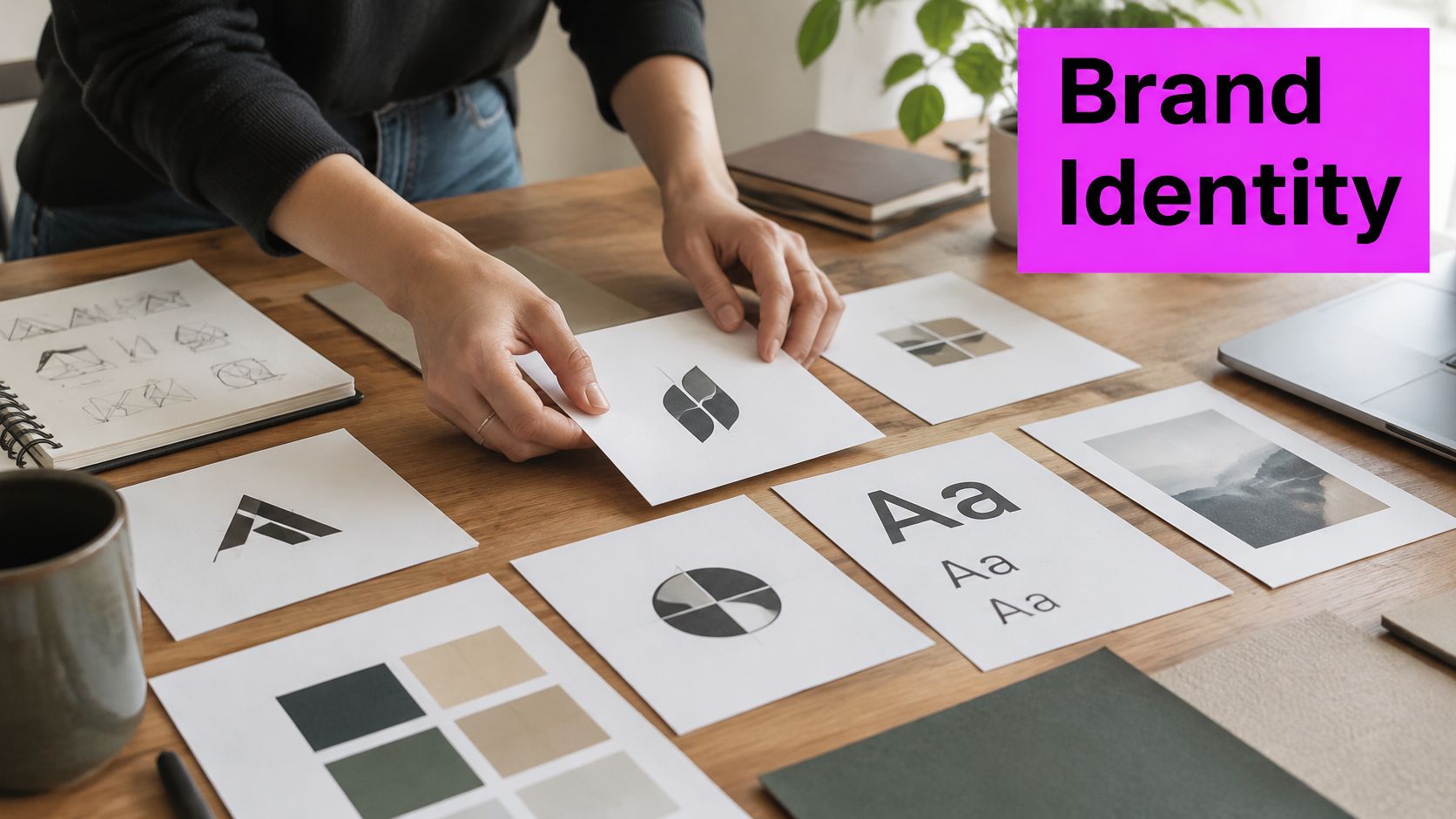
Check the logo in real conditions
Preview it at small and large sizes, in one color, and in grayscale. A mark that looks polished on a presentation slide may collapse on a social avatar or become difficult to print on a simple label. Those checks reveal whether the logo depends too heavily on fine details, color, or an awkward arrangement of symbol and wordmark.
AI can help a team explore broad directions quickly, but generated marks need a designer's review before they're used. Clean up the chosen design as vector artwork, check that the files work for print and digital use, and run a trademark search before adopting it. A fast concept is not the same thing as a cleared, production-ready logo.
Practical rule: If the logo needs a paragraph of explanation to make sense at a glance, simplify the mark or improve the context around it.
2. Business Cards
A business card has a short job: help someone remember who you are and how to contact you after a conversation. Its small format makes restraint useful. Put the logo and name up front, then make the contact details easy to scan instead of trying to fit your whole sales pitch onto the card.
The design can still communicate personality. An architecture studio might use a quiet layout with a single bold graphic; a premium service business might choose a restrained design and a substantial-feeling stock. Template-based printing from providers such as Moo or Vistaprint can make production straightforward, but a template won't decide what information deserves attention. That's still a brand decision.
Make the handoff useful
Consider putting a QR code on the back that leads to a focused landing page or digital contact card. Check that the destination is current and works smoothly on a phone. If the code is too small, crowded by graphics, or difficult to scan, it turns a helpful shortcut into a frustrating extra step.
Order a small test batch on the intended stock before committing to a larger run. Paper finish and color can change how a design feels, and tiny type that looked legible on screen may be uncomfortable in print. AI-generated textures or abstract patterns can add character, but keep contact information in a clean typeface and give it breathing room.
A business card can be distinctive without being complicated. Give it one visual idea, then make the next step obvious.
3. Brand Style Guide
A brand style guide turns taste into a shared working reference. It records how a business uses its logo, colors, type, imagery, voice, and layout, so a freelancer or teammate doesn't have to guess what “on brand” means every time they create a new asset.
Public examples such as Mailchimp's guides, Google's Material Design system, and Airbnb's design language illustrate how documented rules can support consistent work across different needs. A small business doesn't need a sprawling manual to get value from the idea. A concise guide with actual examples is often more useful than a polished document full of abstract adjectives.
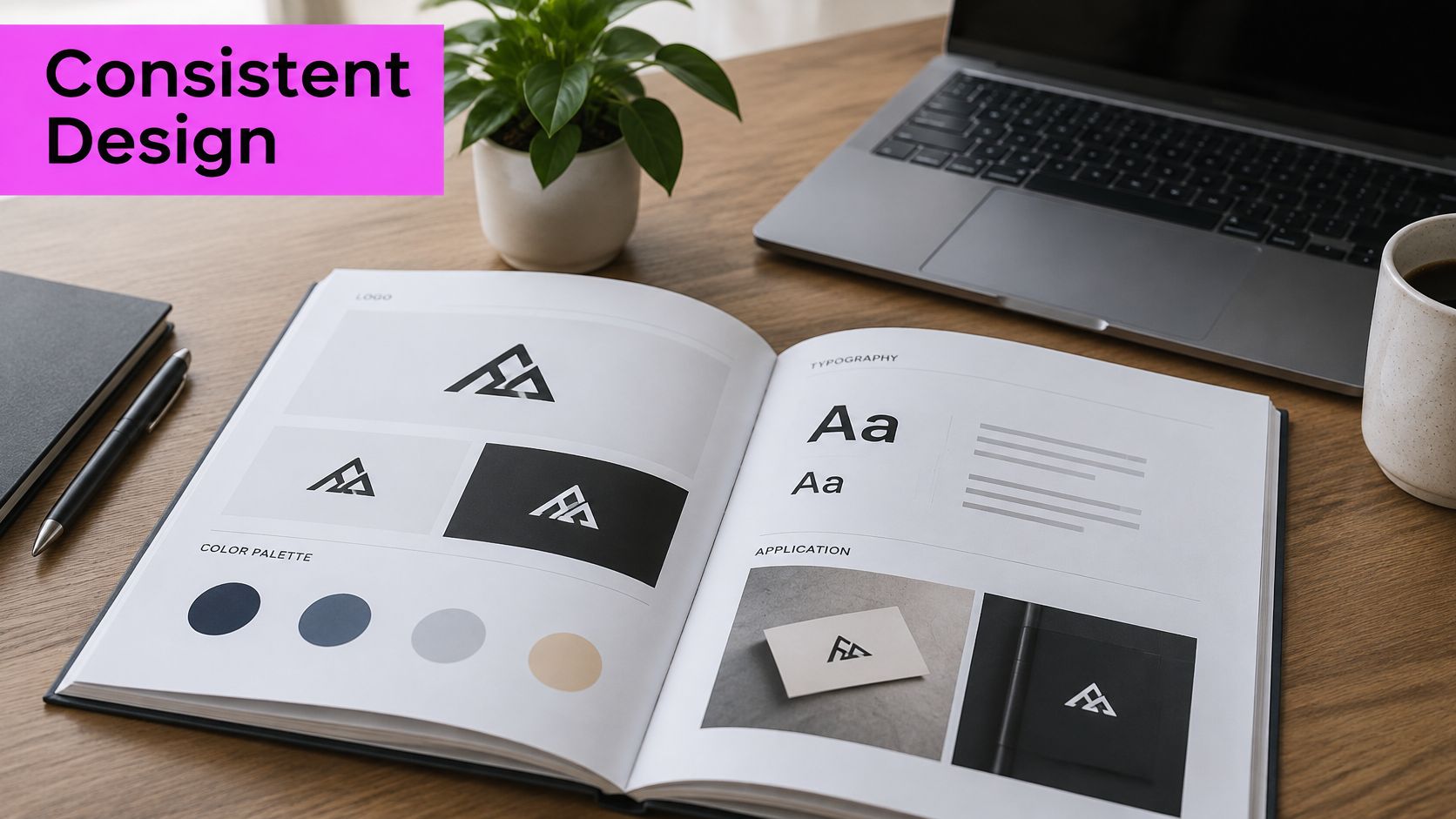
Make the guide usable in production
Include approved and rejected image examples, logo clear-space rules, color values, type choices, and a few sample layouts. For AI workflows, add prompt templates that describe the intended palette, visual style, subject, and composition. The guide should tell a teammate not only what to request, but also what to avoid.
Treat it as a living document in a shared, versioned location. When you update a logo or introduce a campaign style, teams should be able to find the current rules without searching old email threads. For a practical outline of the visual elements to document, use this visual style guide resource.
4. Social Media Post Templates
A social feed doesn't need every post to look identical. It does need enough recurring cues that someone can recognize the brand among unrelated content. Templates provide those cues through consistent type, color, spacing, and logo placement, while leaving room to change the photo, headline, or campaign message.
Canva's brand tools can help small teams reuse visual rules, while Duolingo's mascot-led posts show how a recurring character can make a wide range of content feel connected. Spotify's campaign graphics offer another useful pattern: one recognizable visual approach can adapt to different subjects and placements without becoming a copy-and-paste grid.
Separate the fixed layout from the flexible image
Build a master template for each format you regularly publish, such as a square post, a story, or a carousel cover. Lock the logo position, margins, and headline treatment. Then swap in campaign-specific images and copy, checking that text remains legible and that every version serves a clear purpose.
Bulk generation can help a small team explore 10 to 20 image variations for one campaign, then place selected visuals into the same locked layout. Keep the prompt tied to the brand guide, and review each result for mismatched colors, awkward crops, or details that don't fit the brand. This Instagram post template guide can help shape a reusable publishing workflow.
5. Product Packaging
Packaging introduces a product before the customer uses it. It has to make the brand recognizable, explain what's inside, and present essential information in a format that works on a shelf and in someone's hands. A striking design can draw attention, but it won't do its job if customers can't quickly understand the product or read the label.
Tiffany's signature blue box, Apple's restrained product packaging, and Glossier's pink pouch each show how packaging can carry a recognizable brand cue. The strategic lesson is to build a system, not a one-off box. Define a hierarchy for brand, product category, benefit, and variant, then test that hierarchy across the actual pack sizes and formats you'll sell.
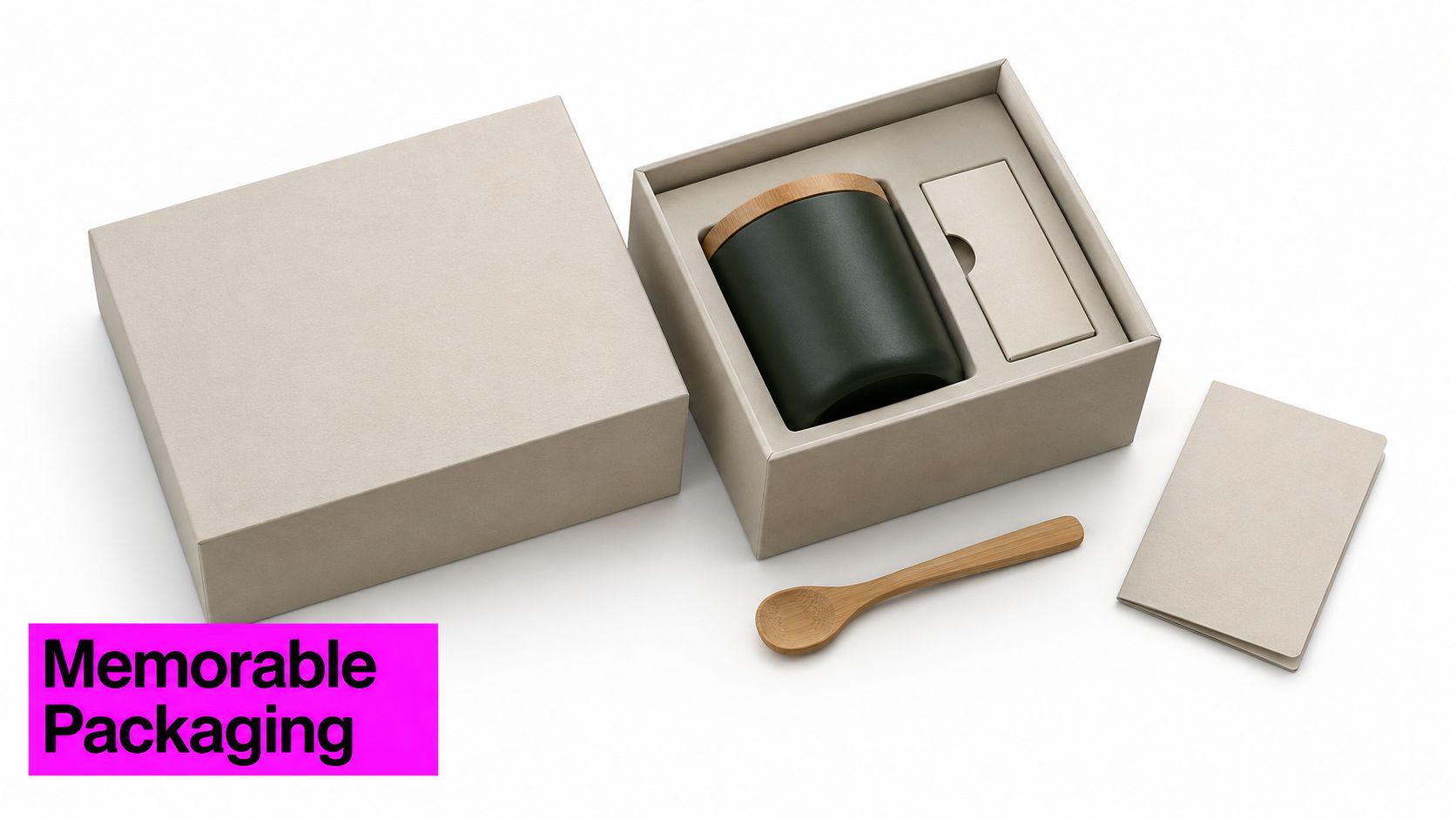
Test the design before production
AI-generated mockup scenes can help a team compare visual directions before it commissions or prints prototypes. They're useful for exploring mood and context, but they don't replace checking the production dieline, bleed, color reproduction, or required regulatory text with the printer. A design that looks convincing in a mockup can still fail in production.
Packaging also needs evidence behind environmental claims. The Billerud report supplied here describes sustainability as a concern for both consumers and brand owners, and highlights the need to support claims with information such as recycled content, recyclability conditions, certifications, supplier documentation, and disposal instructions (Billerud's packaging and labels report). Avoid vague language that you can't substantiate. For production planning and label workflows, see this guide to a commercial label maker.
6. Brochures and Flyers
Brochures and flyers give a business more room than a card to explain an offer, promote an event, or support a sales conversation. A tri-fold property brochure can organize a listing into clear sections; a restaurant flyer can announce a menu launch; a digital handout can help a prospect revisit a service after a meeting. The format should follow the information, not the other way around.
IKEA's printed catalogs are a familiar example of a publication that combines product discovery with a consistent brand experience. For a small team, the transferable tactic is to give each page or panel one main job. If every panel carries a different headline, several images, and a dense paragraph, readers have to work too hard to find the offer.
Design a master that serves print and screen
Use one strong image per panel where possible, and keep copy focused on a single message. Generated images can help fill a campaign set, but match their visual style and review them for accuracy before publication. Make the call to action easy to spot, whether it points to a store, an event, a booking form, or a product page.
Build the print and digital versions from the same master file, then check each output separately. A flyer shared on a phone needs legible text at screen size, while a printed brochure needs suitable image resolution and margins. The content can stay consistent even when the layout needs to adapt.
7. Trade Show Banners and Signage
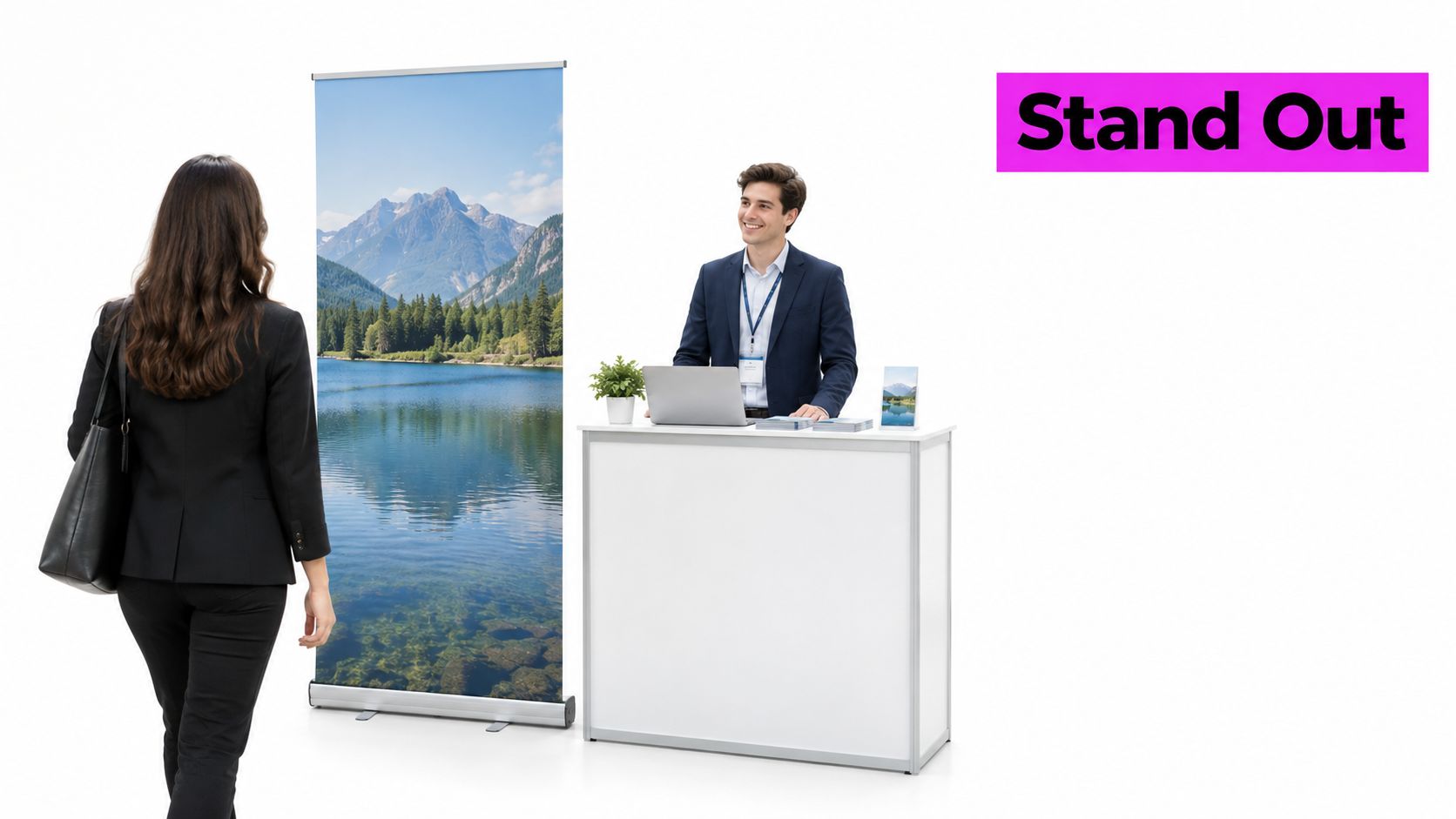
At an event or storefront, signage has to communicate quickly to people who may be walking past rather than standing still to study it. A pop-up banner can anchor a trade show booth, window graphics can announce a seasonal offer, and an entrance sign can direct visitors toward a specific area. In each case, the design must work at the distance and angle people will encounter it.
Design for the room, not the screen
Keep the message short, the logo clear, and the main visual simple enough to read at a glance. A visitor approaching a booth shouldn't have to choose between reading a paragraph and understanding what the business offers. Put supporting details on a handout or a nearby display rather than forcing everything onto the banner.
Check the printer's resolution and file requirements before final approval. Generate or select the hero visual early, then inspect the design at its intended size so cropping and text placement are clear. If the display is part of a larger event presence, coordinate the banner, booth graphics, and printed materials with the exhibition booth design team.
8. Branded Apparel and Merchandise
A branded shirt, cap, hoodie, or tote can extend a brand into daily life, but only if people want to wear or use it. A logo placed too large on an uncomfortable garment may serve the company's internal idea of visibility while doing little for the person who receives it. Design for the item first, then decide how prominently the brand belongs.
Supreme's box logo shows how a simple mark can become a central part of a streetwear identity. Patagonia's branded outdoor apparel connects its logo with a broader values-led brand presence, while Harley-Davidson merchandise lets fans signal an affiliation beyond the product itself. These examples point to the same practical choice: should the item feel like promotional gear, or should it feel like a product worth keeping?
Test before ordering inventory
Choose artwork that holds up on fabric. Simple shapes and limited colors are easier to reproduce across different materials, while thin lines and small text can disappear in embroidery or printing. Use mockups to check placement and scale, but review a physical sample before ordering a larger run.
Small test runs or print-on-demand can limit inventory risk and reveal whether the design works outside a screen preview. Keep the brand mark visible without crowding the garment, and check how the artwork changes across colors and sizes. For ideas that can help shape a team or event design, browse shirt designs for event teams.
8 Branding Materials Examples Comparison Guide
| Branding Material | Implementation Complexity | Resource Requirements | Expected Outcomes | Ideal Use Cases | Key Advantages |
|---|---|---|---|---|---|
| Logo | Moderate | Design time, vector files, trademark screening | Recognizable, consistent brand identifier | Websites, app icons, social profiles, email signatures | Builds recognition and guides other visual branding |
| Business Cards | Low | Contact details, print-ready design, printing | Portable contact and brand information | Networking, meetings, trade shows, referrals | Tangible, memorable, and inexpensive to reprint |
| Brand Style Guide | High | Brand rules, documented examples, shared versioned document | Consistent visual and verbal communication | Agency onboarding, campaigns, brand refreshes | Clarifies standards and reduces revisions |
| Social Media Post Templates | Moderate | Editable layouts, platform-specific formats, content assets | Faster publishing and a consistent social feed | Content calendars, launches, promotions | Speeds production and supports brand recall |
| Product Packaging | High | Structural design, prototypes, printing, regulatory review, inventory | Stronger shelf presence and a branded unboxing experience | Retail, e-commerce, subscriptions, gift sets | Differentiates products at purchase and can encourage sharing |
| Brochures and Flyers | Moderate | Copy, images, layout, print-ready or digital files | Communicates offers or information in greater detail | Trade shows, direct mail, events, sales follow-ups | Flexible format with more storytelling space than a business card |
| Trade Show Banners and Signage | Moderate | Large-format design, durable materials, transport and storage | Visible brand presence and visitor direction | Trade shows, store openings, festivals, retail campaigns | Attracts attention from a distance and can be reused |
| Branded Apparel and Merchandise | Moderate | Product design, supplier selection, printing or embroidery, sizing and inventory | Extends brand exposure and can build community | Uniforms, events, merchandise drops, giveaways | Increases visibility and may generate revenue as well as exposure |
Turn These Examples Into Your Brand Kit
A brand kit doesn't need to start as a large library of finished files. Start with the rules that keep work recognizable: the approved logo versions, a color palette, type choices, image direction, and a few layout patterns. Put those rules somewhere the people producing materials can find and use them.
Then build a small set of master templates. A business card needs a clear information hierarchy; a social post needs a repeatable frame; a brochure needs a message structure; and a package needs a hierarchy that works across product variants. Keep the rules stable while adapting the format to its job. Consistency is not sameness. Consistent presentation across channels is associated with a revenue lift of up to 23%, while color has been reported to improve brand recognition by as much as 80% (the cited brand consistency and recognition findings). Use those figures as context for why repeated visual cues matter, not as a promise that a template alone will produce a particular result.
For packaging, test performance with a baseline and a clear comparison after launch. Quorn's redesign combined a refreshed visual system with a clearer packaging architecture, and the reported results included a 14% increase in average sales and a £52.5 million rise in brand value (the Quorn redesign case study). That case points to a practical approach: improve product comprehension and distinctiveness together, then measure both commercial and brand outcomes rather than assuming a new look caused every change.
Measurement matters for other materials, too. In one packaging project, Guttmann & Shapiro reported $130 million in incremental sales against a $325,000 project budget, attributing the increase to the new package and identity design because advertising and consumer promotion didn't accompany the change (the packaging design ROI analysis). For your own work, document changes in promotion, pricing, and distribution so you can assess what the design may have contributed without treating timing as proof.
Accessibility belongs in the kit from the start. Document contrast, readable type, inclusive imagery, and alt-text expectations, and make sure important information isn't conveyed by color alone. The University of Arizona's accessible-branding guidance recommends recording these decisions rather than leaving accessibility to individual judgment.
Finally, build for repeatable production. Use a brand guide with approved and rejected examples, store master layouts in a shared location, and use AI to explore image variations within those boundaries. Review the output before it goes live or to print. For merchandise that fits your visual system, explore custom branding solutions from Simply Merchandise.
Bulk Image Generation offers a workflow for creating batches of visual variations from natural-language instructions, which can help small teams develop matching campaign imagery for their templates. Set your brand rules first, then visit Bulk Image Generation to explore how bulk image creation could fit your branding materials process.
