Social Media Image Editor Compared: 10 Top Picks for 2026

Ryan Bennett • October 30, 2026
Compare 10 social media image editor options on templates, batch editing, and automation, with honest limits and quick-start tips for marketers.
It is Thursday afternoon, and a small team still needs twenty product shots resized for Instagram, LinkedIn, and a website banner by Friday. The right social media image editor depends less on how many templates it offers and more on whether it can handle batches, keep brand colors consistent, and export clean crops for each channel. A realtor posting social media ideas between real estate listings hits the same wall: one listing photo has to become a square, a portrait, and a link preview before the open house.
That pressure is not new. In a 2013 Pew Research Center study of U.S. internet users, 54% had posted original photos or videos and 47% had shared visuals someone else made. Among people aged 18–29, those shares were 81% and 68%. Creating and curating both need an edit before publish.
This roundup sorts ten options by the job they do best. Template-first tools win when the post is mostly type and layout. Photo-first tools win when the picture itself is the asset. Batch-first tools win when one campaign needs dozens of variants. Publishing tools win when design and scheduling live in one place. Each note below includes where the tool falls short on a real posting week.
1. Bulk Image Generation
When a social campaign needs a family of visuals, Bulk Image Generation is the batch-first option: enter a list of prompts and generate up to 100 images at once. The platform says the process takes under 20 seconds. You can describe the goal in natural language, then choose a model and aspect ratio. Ideogram or GPT-Image-2.5 suit images that need readable text, Nano Banana or Seedream suit photorealism, and Flux suits clean line art.
For property marketing, a listing photo editing guide from VideoTour.ai offers a useful reference for the kinds of image adjustments agents may need. Bulk Image Generation lets users remove backgrounds, swap faces, resize, and enhance images across a folder, without Photoshop. After generating a set, download the whole batch or continue editing it. Free tools, available without an account, include a bulk image resizer, an AI prompt generator, an aspect ratio calculator, and an image-to-text converter. The Social Media Ads collection offers eye-catching creatives for social campaigns.
Plans and the license
The Free plan includes 10 images a month and access to the image-to-text tool. Free tools also include an Image to Prompt converter that turns images into detailed AI art prompts. Generated images come with a non-exclusive, worldwide license for personal and commercial use.
Practical rule: Leave room for readable copy in campaign images, then compare crops for each channel before exporting. Batch generation speeds up production, but each image still needs a review for composition, legibility, and fit with the campaign.
The global AI image-editor market was valued at USD 6.28 billion in 2025, according to Emergen Research. For marketers, the useful test is whether a batch gives the campaign enough consistent options without making review harder.
2. Canva
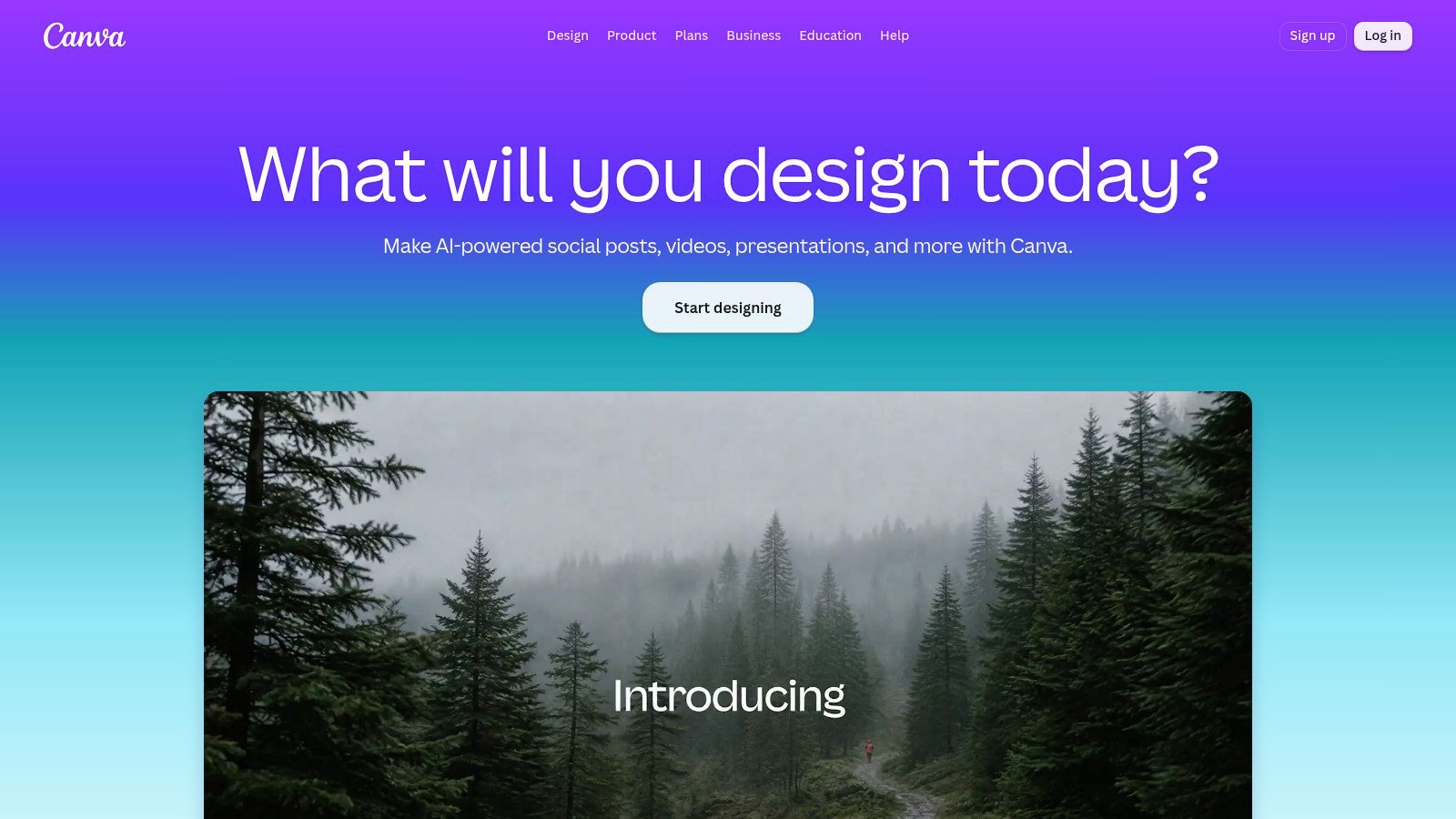
Canva is the template-first default when the brief is “make it look finished” and nobody on the team lives in a professional design app. Social posts, ads, and stories start from a canvas that already knows common sizes. Stock photos, graphics, fonts, and short video sit in the same editor, which is why a solo owner can ship a week of posts without switching tools.
What holds up in a posting week:
- Resize for each channel: Duplicate a square post into a story and a wide banner instead of rebuilding the layout.
- Brand Kits on paid plans: Lock colors, logos, and type so a freelancer doesn't invent a second palette.
- Light publishing: Share or schedule to selected networks, with limits that change by platform and plan.
A free plan is enough to test the workflow. Premium assets, deeper brand controls, and AI features sit behind a subscription. The library is large enough that simple retouching can feel buried. I would not use it as the only editor when the job is fifty near-identical product crops. Use it when the post is a designed graphic and the photo is supporting art.
By 2014, an estimated 1.8 billion photographs were uploaded to the internet every day, and an Infegy summary of eMarketer's look at about 1.2 million posts that year found photographs in 75% of posts versus 4% with video. Template tools stuck because static visuals are faster to adapt than a new video cut.
3. Adobe Express
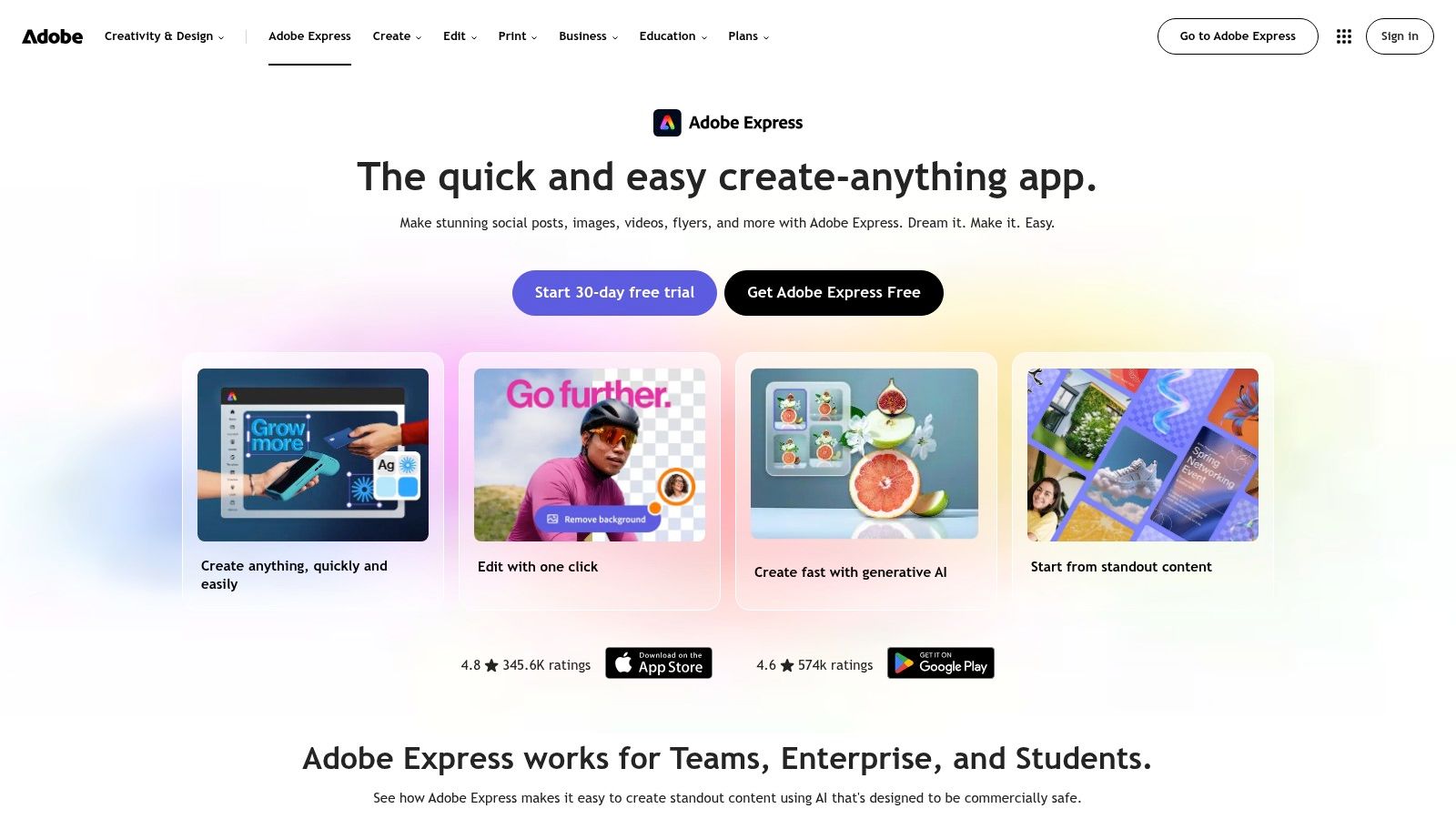
Adobe Express works well for teams that want social layouts alongside familiar Adobe assets and tools. It includes Adobe Fonts, Adobe Stock, a Content Scheduler, and Firefly generative features, with access depending on the plan. Desktop and mobile versions let a manager review a crop on a phone while a designer refines it on a laptop.
Adobe Express has a free plan, and Premium pricing in the U.S. is listed on the Adobe Express site and can change, so check the current price before you budget. Premium makes more sense if your team already uses Adobe type and stock. For occasional posts, the extra assets and features may not justify a subscription.
Adobe and The Harris Poll found in 2025 that 55% of more than 16,000 global creators used creative generative AI for editing, upscaling, or enhancement, and 52% used it to generate new image or video assets. Their survey of creators describes the broader mix of uses. In Express, premium assets and AI features depend on plan limits, and the interface takes more time to learn than a single-purpose editor. Choose it when Firefly and Adobe assets fit your team's workflow. For a quick, simple post, a lighter editor may be faster.
4. VistaCreate
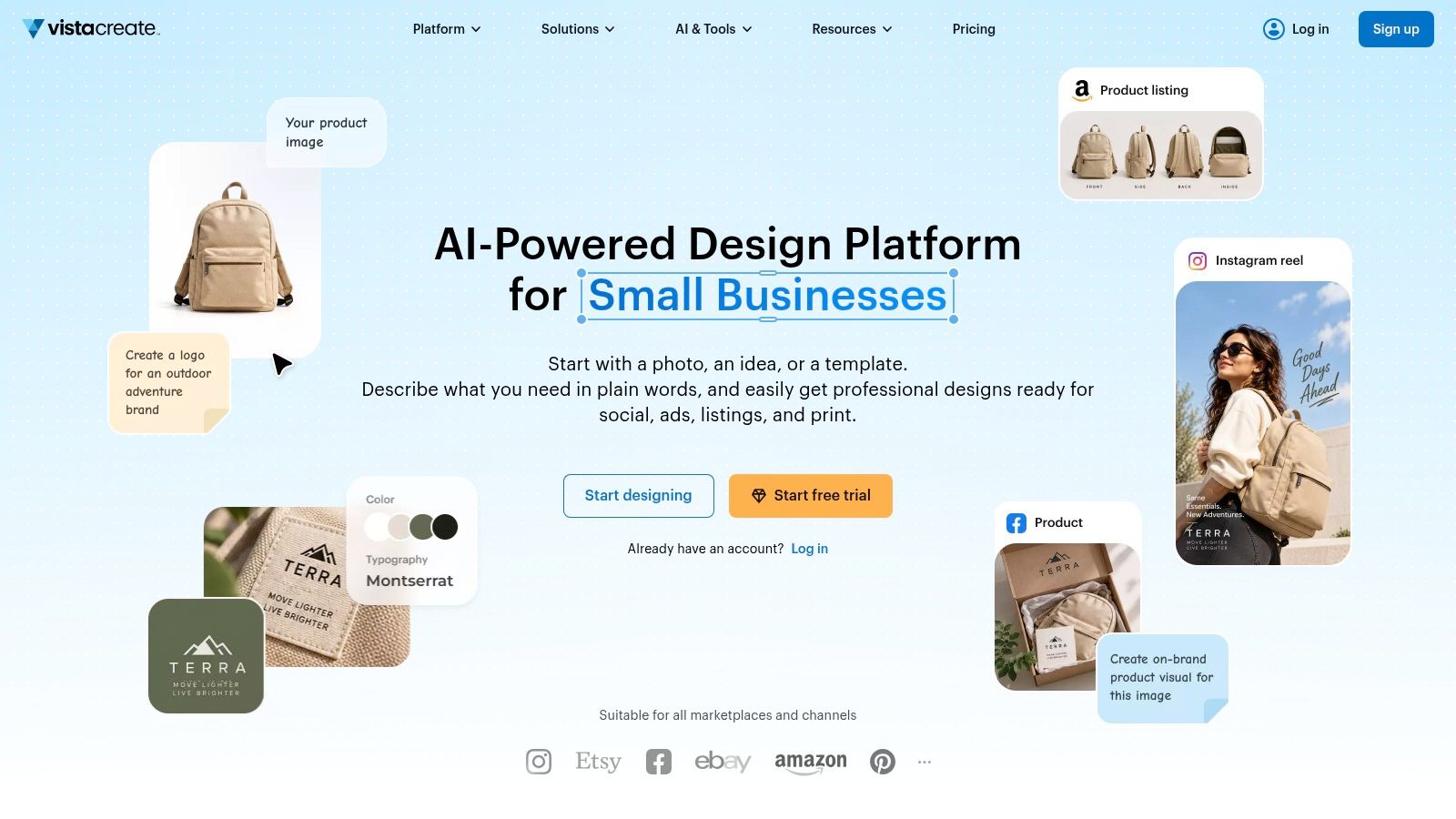
VistaCreate is a template-first editor for social posts, ads, and short motion. Its free Starter plan includes social formats, design assets, basic editing, and social scheduling, making it a practical starting point for a small business posting a few times a week.
Pro adds premium assets, resizing, brand and collaboration tools, and AI features. Animated elements and video templates can turn a static sale graphic into a short story post. The web and mobile versions differ, though, and some advanced controls are available only on the web. Check that split before relying on a Pro feature while editing on a phone.
Template browsing can eat into a deadline. Save three brand templates as starting points so a Thursday post does not get held up searching the full library. Starter is suited to trying the workflow; teams producing client work may need Pro for its premium assets and added tools.
5. Snappa
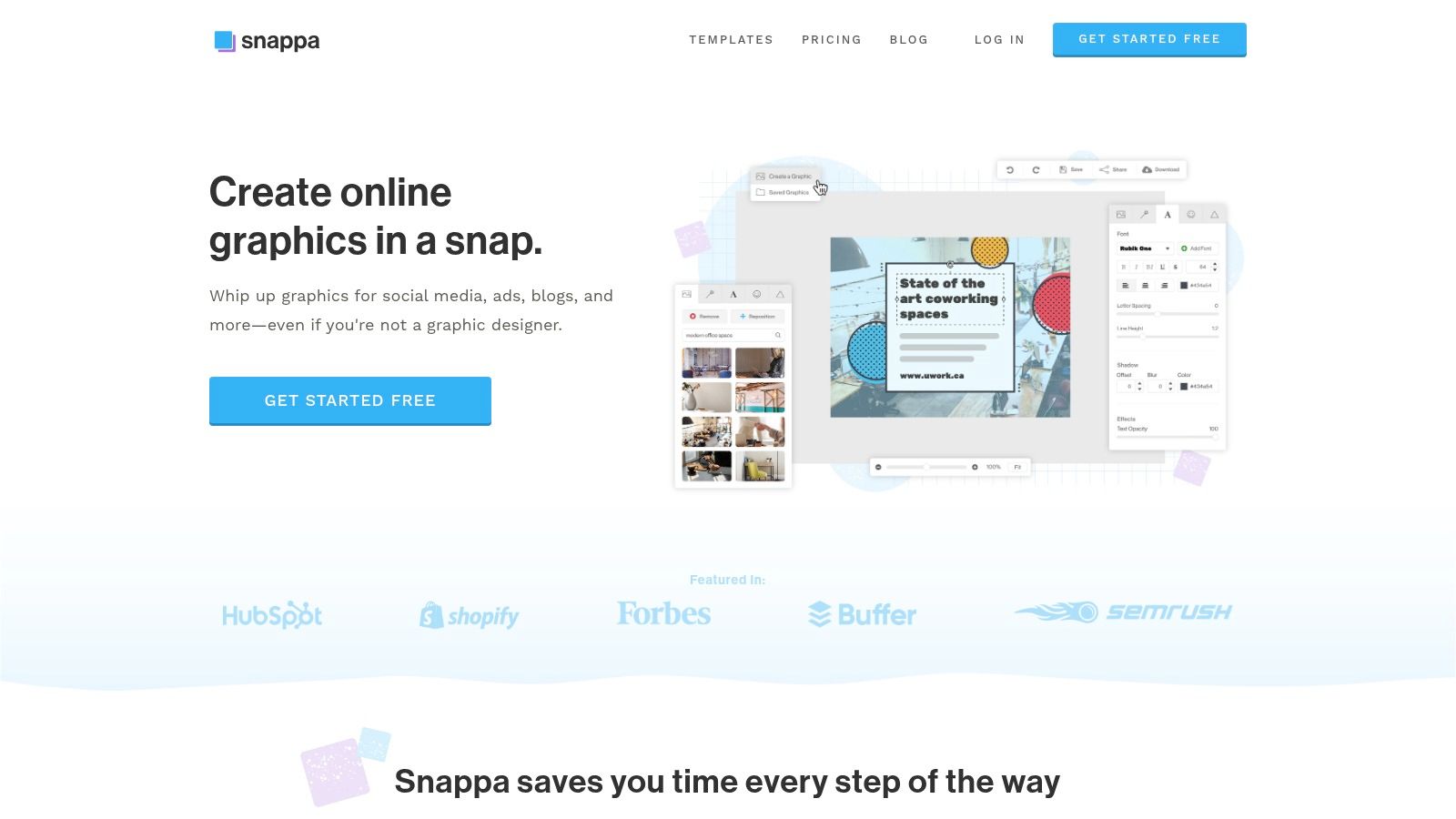
Snappa is the lightweight graphics editor for marketers who want a preset, a headline, and an export. Social presets and custom dimensions, templates, and a royalty-free photo and graphics library cover everyday promo squares. You can start on the free plan without a credit card.
The free cap is the main constraint: three downloads a month. Paid plans lift that cap. Pro adds background removal, custom font uploads, and Buffer plus other social integrations. Collaboration waits for the Team plan. Complex layered work still belongs in a fuller design app.
Size mistakes waste those three downloads. A feed-safe 1080-pixel width, a 4:5 portrait, and a 9:16 story are different files, and guessing the crop cuts off a logo. The social image size guide is worth keeping open beside Snappa's presets so the export matches the network, not a generic canvas.
Snappa is the right social media image editor when the graphic is simple and the download count is the budget.
6. PicMonkey
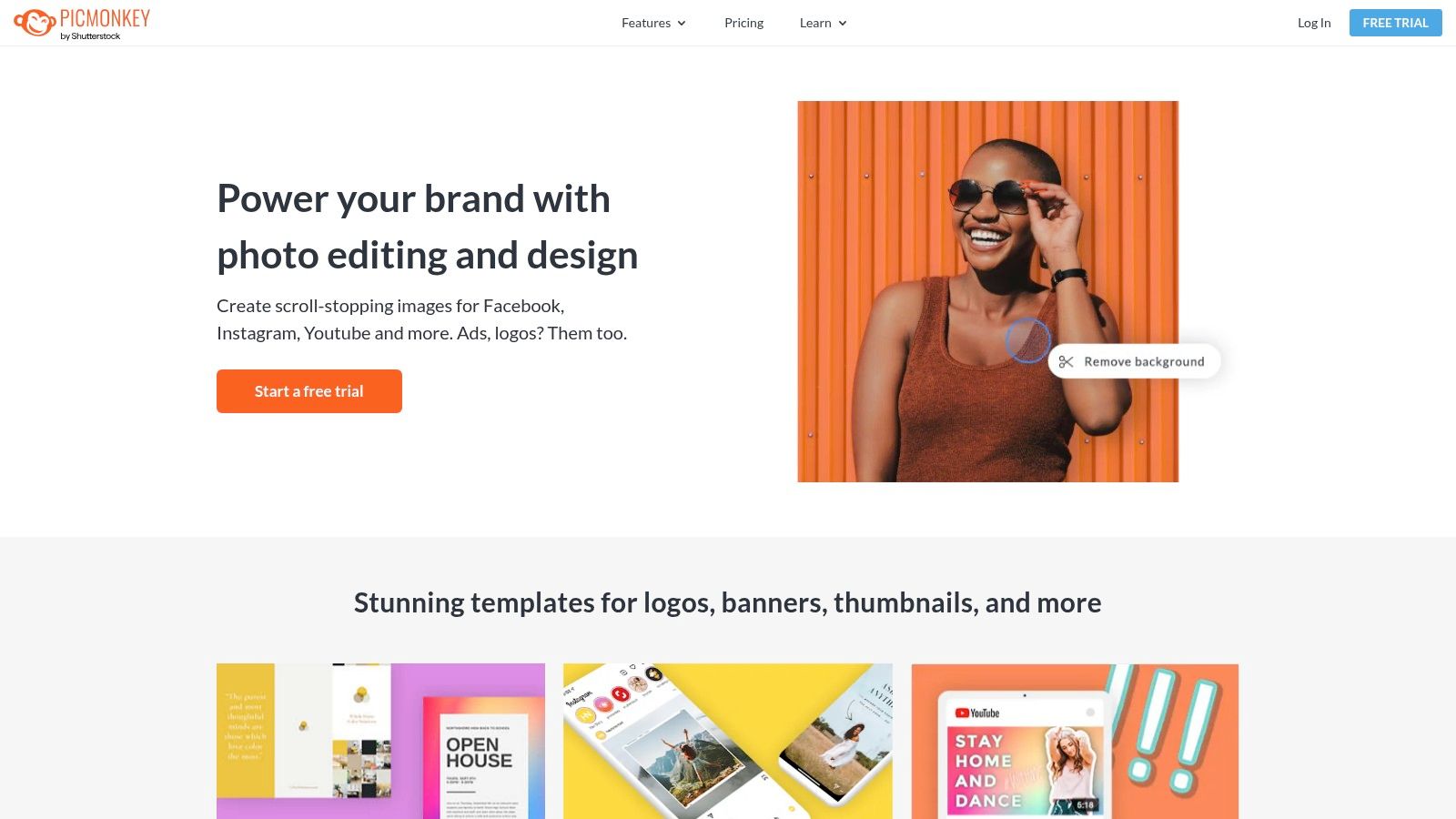
PicMonkey is photo-first. Adjustments, touch-up, filters, collages, and background removal sit next to templates for posts, stories, ads, and video thumbnails. It fits product shots, portraits, and campaign stills where the photograph has to look finished before any type goes on.
Pro adds Brand Kit and Smart Resize. Business adds team co-editing and comments. A mobile app covers edits and posting while you are away from the desk. A free account does not include downloads or sharing, and background removal sits on a paid tier. Scheduling is not the center of the product. Design here, publish somewhere else.
Quality still moves the numbers. A Baylor University Keller Center write-up of Twitter and Instagram posts found that images on air-travel tweets raised retweets by 119% and likes by 87% on average. SUV posts saw retweets up 213% and likes up 151%. Faces lifted Twitter engagement by 38% to 291%, and that face effect did not show up on Instagram. Professionally shot images performed better across platforms. PicMonkey's retouch tools are aimed at that gap. They will not invent a better photo if the original is soft, cluttered, or off-brief.
7. PosterMyWall
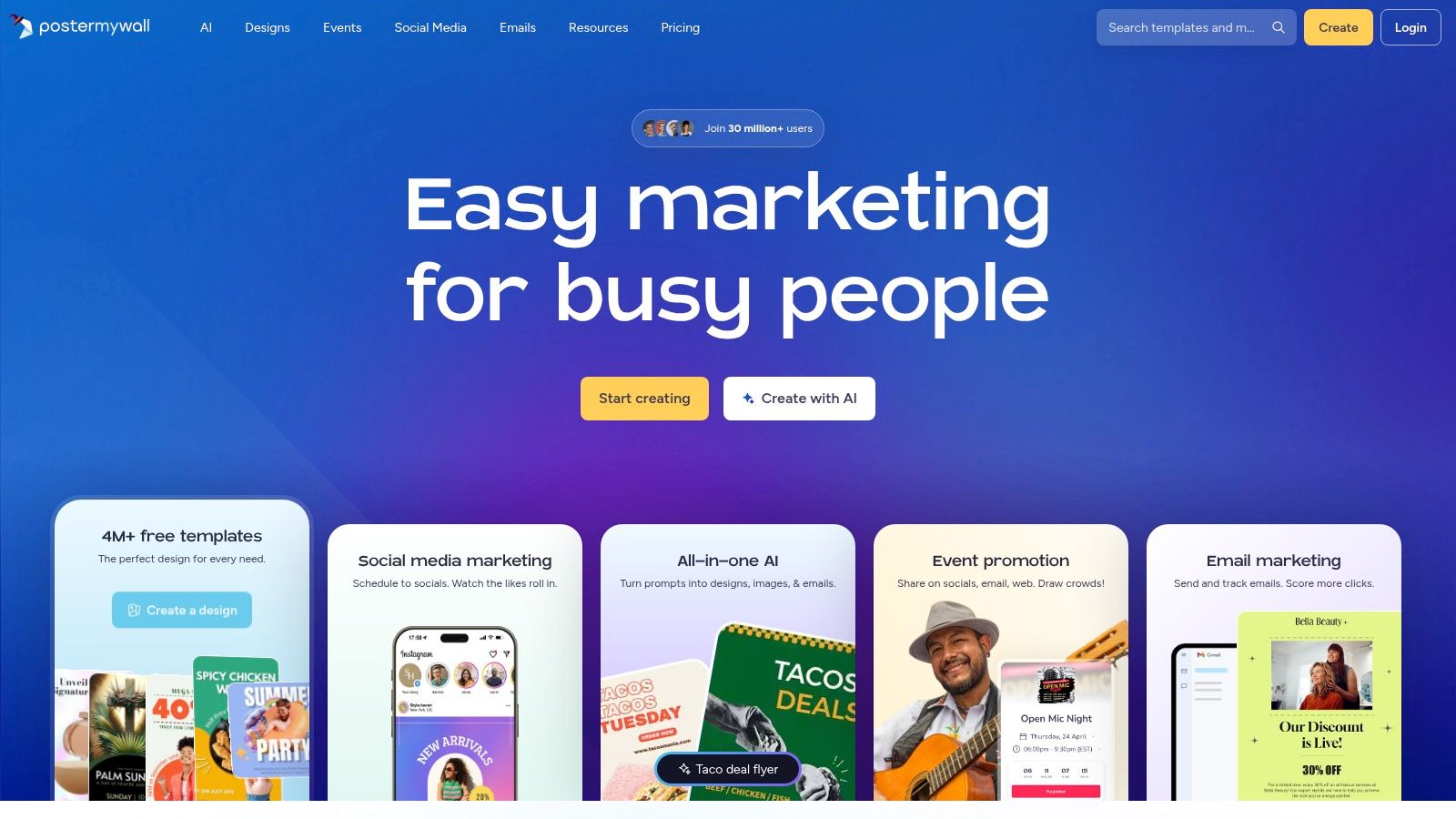
PosterMyWall is the all-in-one publishing option for a local business that also needs a flyer, an event graphic, and a week of posts. Templates cover social, video, and print-style promos. You resize, then publish to supported accounts. A Content Planner handles scheduling, with features that change by plan. Brand Kits and team sharing land on paid tiers.
The free plan covers basic design and some social publishing. Free downloads and publishing still have limits, so a busy promo month pushes you onto a subscription. The wider marketing toolkit is useful for a café or a clinic. It is extra surface area if you only retouch product photos.
Say a bakery runs a weekend tasting and a weekday catering ad. One workspace can hold the poster, the square, and the story, then queue them. That beats exporting from a design app and re-uploading by hand, as long as the networks you use are supported. If they are not, you are back to manual posting and the “one platform” promise shrinks.
8. Pixlr
Pixlr is a browser photo suite for people who start with a real picture, not a blank template. Touch-ups, design layers, and AI edits live in the same account across web, desktop, and mobile. Paid tiers provide access to templates, fonts, elements, and animations, plus different AI credits and models.
When the photo should stay a photo
Stock compositions often lose to pictures that look like they were taken for the brand. A University of Florida IFAS comparison found natural-photo posts at a mean engagement rate of 0.21, versus 0.06 for stock-photo posts, across 53 natural posts and 58 stock posts. The sample is modest and observational, so treat it as a test prompt, not a guarantee. Pixlr is a reasonable place to clean a real product or classroom photo before you drop it into a layout.
AI credits and model access change by subscription, so heavy weeks are harder to price than a flat download plan. Scheduling is thin compared with publishing suites. If you need many resized copies of the same cleaned file, pair the edit with a batch image editor instead of repeating the export by hand.
9. Kapwing
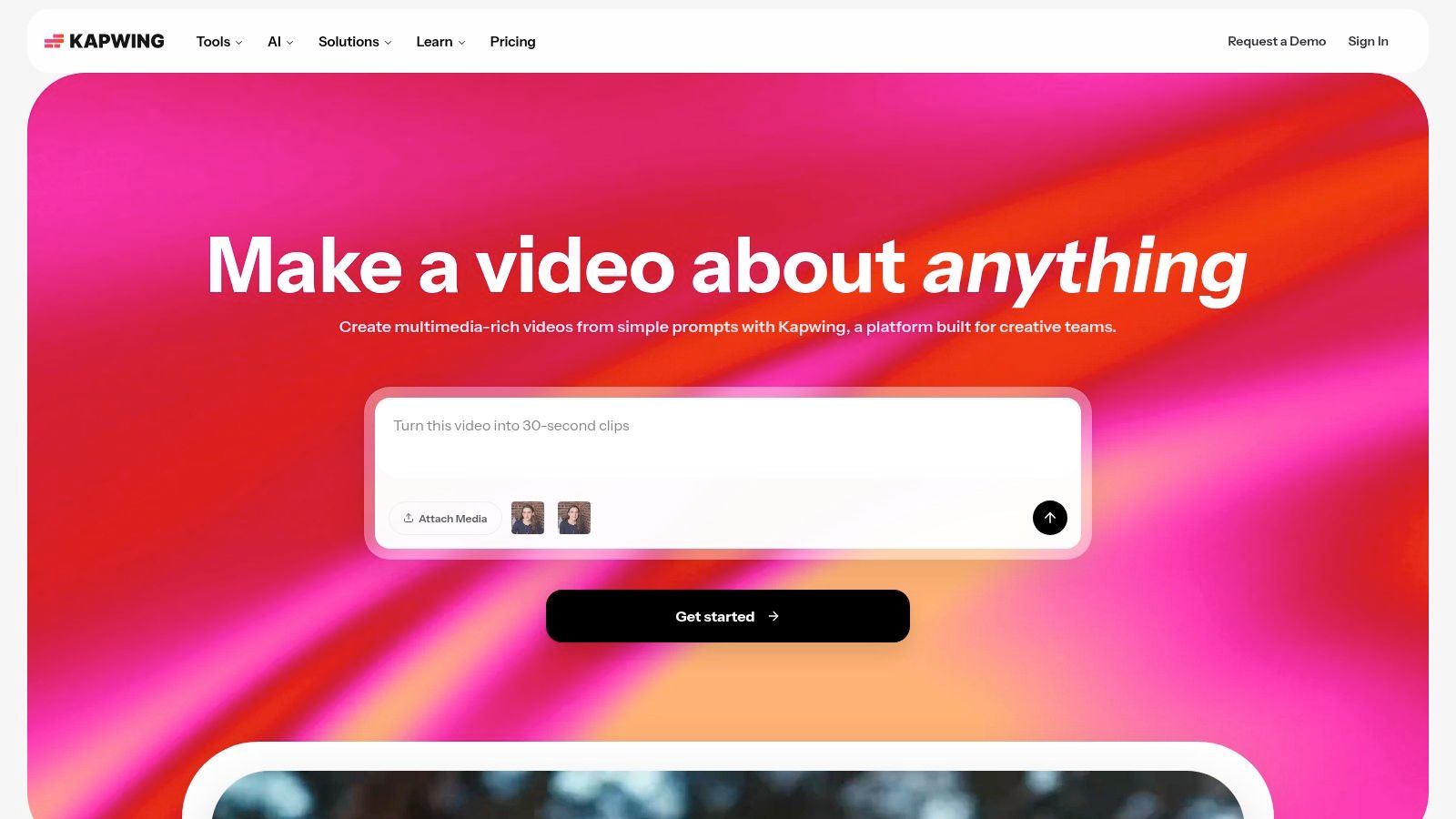
Kapwing is the studio for teams that mix stills with short video, GIFs, audio, and captions. Social resizing and AI image extension cover the crop problem. Background removal, object removal, and enhancement cover the cleanup. Shared workspaces and Brand Kits arrive on paid plans, and the app runs in the browser.
Free exports carry a watermark, which is a nonstarter for client work. Paid pricing is per member, so a five-person social team costs more than a single-seat graphics app. If you never touch video, the timeline tools are weight you will not use.
The worldwide image-editor market reached USD 2.45 billion in 2025, with desktop software at USD 1.44 billion, about 58.8% of revenue, according to PW Consulting. A browser studio still has to beat that desktop habit on review speed. Kapwing does when comments, captions, and a resized still live on one link. It does not when the only task is a clean PNG.
10. BeFunky
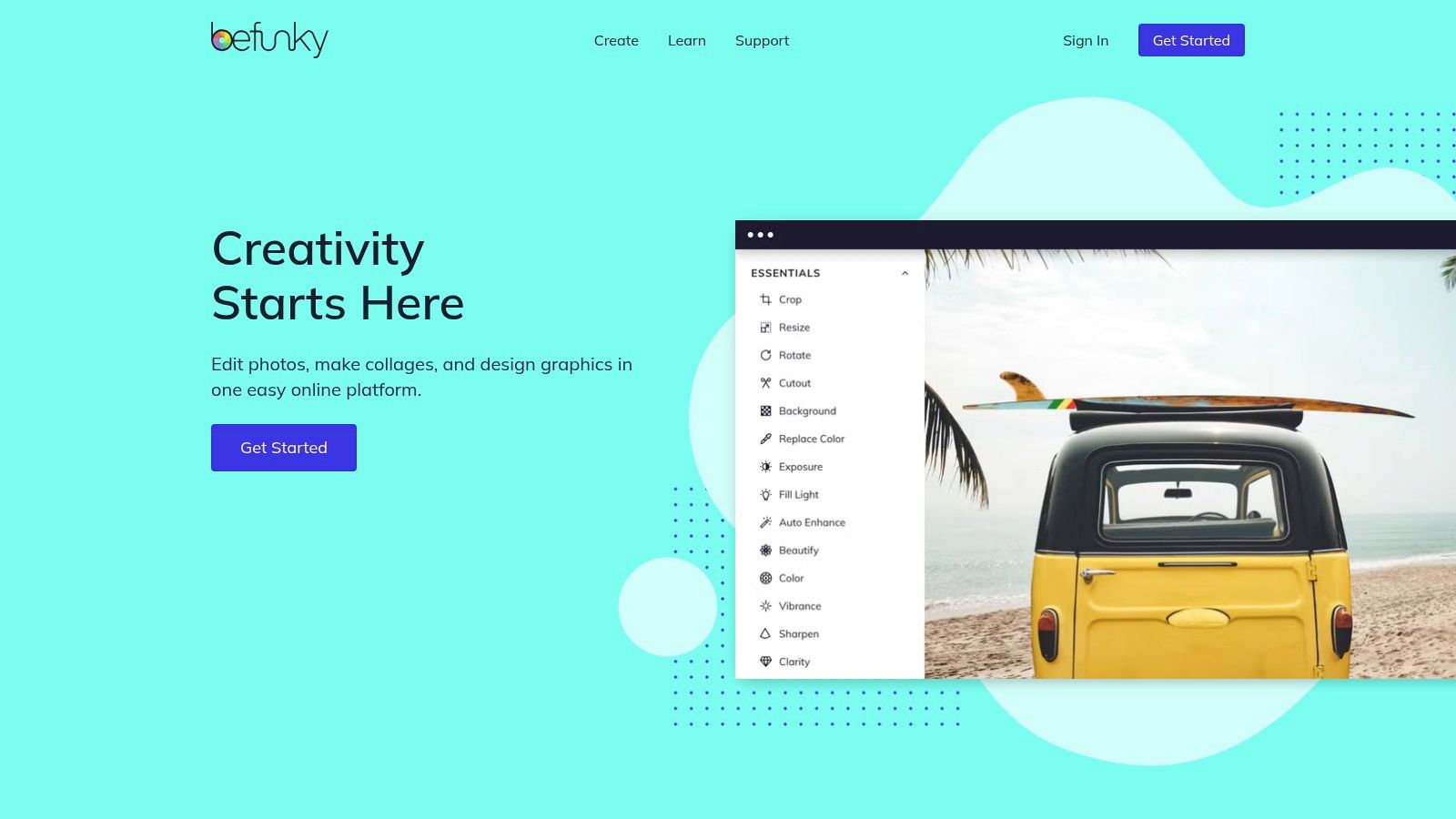
BeFunky combines a photo editor, collage maker, and graphic designer with social templates and AI tools. For a small business preparing product shots or simple campaign graphics, it brings editing and layout work into one browser-based tool, available on desktop and mobile. Many features can be tried without an account.
Batch editing is useful when a folder contains similar photos that need consistent treatment. BeFunky also offers less scheduling and publishing functionality than platforms built around an all-in-one social workflow. BeFunky's plan details change over time, so check the current Plus and Pro tiers on its site before you plan a month of client files around Pro-only batch tools.
BeFunky fits quick edits and collages. It is a weaker choice when you need the calendar, approvals, and publishing controls in the same tool.
How the 10 social media image editors compare on free access, pricing signals, and best-fit use
| Item | Free plan | Pricing signal | Best for |
|---|---|---|---|
| Bulk Image Generation | Free plan: 10 images a month and image-to-text access | Paid pricing not specified | Generating and editing large image batches |
| Canva | Free plan available | Paid plans add assets, brand tools, and AI features | Template-based marketing designs |
| Adobe Express | Free plan available | Premium listed at $9.99/month in the U.S. | Quick designs with Adobe tools and AI |
| VistaCreate | Free Starter plan | Pro adds premium features; price not specified | Social graphics, animations, and video |
| Snappa | Free plan with 3 downloads per month | Paid plans add unlimited downloads and integrations | Simple everyday marketing graphics |
| PicMonkey | Free account, but no downloads or sharing | Paid tiers unlock more editing and brand features | Photo retouching and branded visuals |
| PosterMyWall | Free plan with limited downloads and publishing | Subscription required for premium features | Small-business design and publishing |
| Pixlr | Free access available | Paid tiers vary by AI credits and export features | Editing and transforming existing images |
| Kapwing | Free plan with watermarked exports | Paid plans add export and collaboration features; per-member pricing | Teams creating image and video content |
| BeFunky | Many features available free | Plus and Pro add premium tools; pricing not clearly listed | Photo editing, collages, and graphic design |
Choosing Your Social Media Image Editor for the Next Campaign
Start with the bottleneck. If most posts are text on a template, Canva, VistaCreate, or Snappa will move fastest. If you rework existing photos, PicMonkey, Pixlr, or BeFunky match the job. If one campaign needs many variants, test a batch workflow before you commit. Run one real week through two or three candidates. Time the resizing and the background removal. Read the license before client use.
Marketers versus small businesses
Marketers usually need brand locks, channel crops, and a review step. A template tool plus a batch resizer covers that better than one giant suite. Small businesses often need the flyer and the post in the same afternoon, which is where PosterMyWall or Express earns the seat. Educators and hobbyists making coloring pages or class graphics can stay on a free tier until downloads or commercial use force an upgrade.
Disclosure belongs in that same workflow, not as a caption afterthought. A 2025 field experiment found that disclosing ChatGPT involvement in advertising content increased engagement and purchase intention, which undercuts the fear that a label always hurts performance (SSRN). Separate 2025 research with 1,354 participants found misinformation was the leading concern about AI-generated images, 75.7% wanted labels, and 48% did not support AI-generated images in social advertising (arXiv). Label human-made, assisted, and fully generated work differently. Keep that note in metadata or the caption, and don't let a bulk resize strip it.
Leave readable copy off the image when the sentence has to survive a screen reader or a translation.
Also check contrast after you resize, and scan faces, skin tones, and product claims before anything goes live. An image that looks polished but hides its origin, or has no text alternative, can cost trust even when the crop is perfect.
Bulk Image Generation's free tier, which includes 10 images a month, is a low-risk way to test batch generation and editing against your current process. Keep one human approval pass. Pretty output is not the same as a post you can defend.
Bulk Image Generation builds platform-ready social sets in bulk, with batch edits for backgrounds, face swaps, resizing, and enhancement when a campaign needs more than one crop. If your next posting week is a stack of variants rather than a single template, start with a small batch and compare the exports to what you ship now. Visit Bulk Image Generation and run one real campaign folder through the workflow before you lock a plan.
