Create Printable Coloring Templates with AI

Ryan Bennett • September 23, 2026
Learn how to use AI to generate endless printable coloring templates. This guide offers actionable steps for artists, parents, and sellers.
Not too long ago, creating printable coloring templates meant hours hunched over a sketchbook or battling with clunky design software. Today, you can generate hundreds of unique, high-quality coloring pages from just a few words. This guide will walk you through exactly how it's done.
The New Way to Create Coloring Templates
Imagine building a huge library of original coloring pages without ever picking up a pencil. That’s the reality with modern AI image generators. They’re completely flipping the script on how we create printables, making the whole process faster, easier, and open to everyone. We're moving away from the slow, manual grind and into an era of on-demand creativity.
This is a lifesaver for parents who need a quick activity for their kids. It’s a powerful tool for educators who want to build custom lesson plans with perfectly themed visuals. And for entrepreneurs, it blows the door wide open to the booming printables market—no artistic talent required.
A Growing Market for Digital Printables
The demand for digital and printable content isn't just a flash in the pan; it's a massive market shift. Take the global adult coloring book market, for example. It was valued at around USD 2.5 billion and is expected to more than double to USD 5.1 billion by 2033.
This growth points to a clear preference for the convenience and customization of digital downloads over old-school physical books. If you want to dive deeper, you can learn more about the adult coloring book market trends and see just how big of a role printables play. This is a huge opportunity for creators.
Key Takeaway: The shift from physical books to printable downloads means you can get into this market with almost no overhead. Your main investment is your time and creativity, not printing and shipping costs.
This image from DALL-E 3 shows what’s possible. A simple text prompt was all it took to generate this complex and engaging design, ready to be colored in.
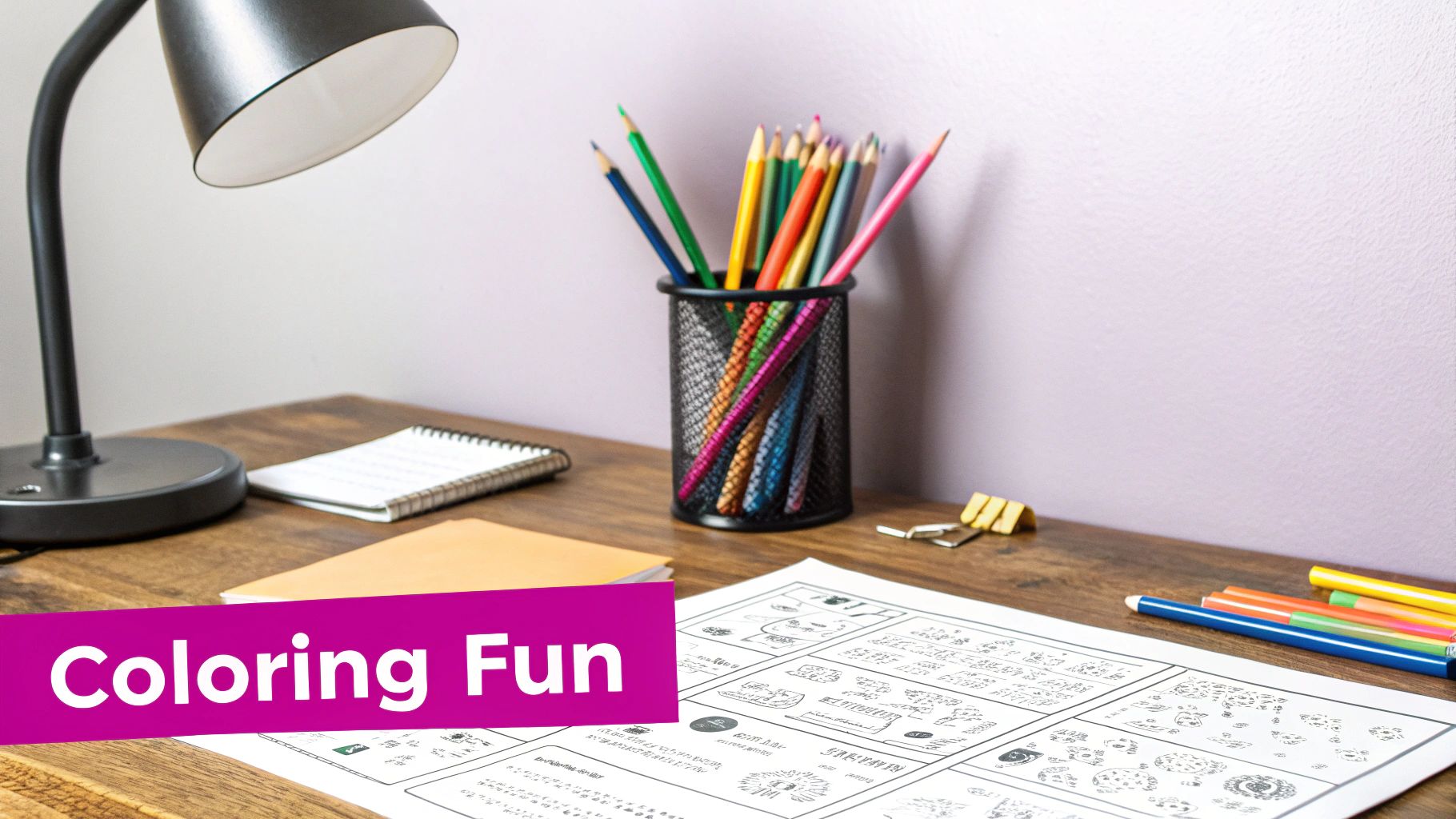
What you're seeing is the AI's knack for turning creative ideas into intricate line art almost instantly.
Why AI Generation Is a Game-Changer
When it comes to making coloring pages, the old way of doing things feels worlds apart from using AI. The shift isn’t just about working faster; it’s about unlocking creative potential that was previously out of reach for many. Here’s a quick look at how the two methods stack up.
Traditional Creation vs AI Generation
| Factor | Traditional Method (Manual Drawing) | AI Bulk Generation Method |
|---|---|---|
| Speed | Hours or days per page | Minutes or seconds per batch of pages |
| Skill Requirement | High artistic skill and software proficiency | Creative prompting and basic tech skills |
| Cost | Potentially high (art supplies, software, illustrator fees) | Low to free (many tools have free or affordable plans) |
| Scalability | Very limited; each new design requires significant time | Extremely high; generate hundreds of variations easily |
| Variety | Limited by the artist's personal style and knowledge | Virtually limitless; create any theme you can describe |
The benefits of AI are pretty clear. You're no longer bottlenecked by your own drawing ability. If you can describe it, you can create it.
Here’s a quick breakdown of why this is such a big deal:
- Speed and Scale: You can pump out dozens, or even hundreds, of unique designs in the time it would take to sketch just one by hand.
- Endless Variety: Create templates for any niche you can dream up, from "underwater steampunk cities" to "cute kawaii animals baking cakes." Your imagination is the only limit.
- No Artistic Skill Required: You don’t need to be an artist. The most important skill here is crafting clear, descriptive prompts that tell the AI what you want.
- Cost-Effective: Many AI tools offer free or low-cost plans. It's a fraction of the cost of commissioning an illustrator or buying expensive stock art.
Building Your AI Generation Workflow
Having an efficient workflow is your secret weapon for creating printable coloring templates at scale. Before you even think about writing a single prompt, you need a rock-solid plan. This means picking the right tools for the job and, just as importantly, getting your creative ideas organized so you can fly from concept to creation without hitting any snags. You have to think like a producer, not just a creator.
Choosing Your AI Tool
First things first: you need an AI image generator that's actually good at creating clean, black-and-white line art. Trust me, not all models are created equal here. Some are incredible at photorealism, while others are masters of illustration.
For printable coloring templates, the top contenders right now are definitely Midjourney and DALL-E 3. I've found Midjourney to be fantastic for its artistic and highly stylized outputs, but it can have a bit of a learning curve if you're new to it. DALL-E 3, which you can get through tools like ChatGPT Plus or Microsoft Copilot, really shines in its ability to follow complex instructions with precision. That’s a massive advantage for getting the crisp, usable line art we need.
When you're making your choice, think about these points:
- Ease of Use: How fast can you get up and running? DALL-E 3 is generally more beginner-friendly.
- Cost: Does the pricing make sense for what you're trying to do? Most platforms run on subscription plans that give you a certain number of generations.
- Line Art Quality: Before you commit, use free trials or the cheapest plan to see which tool consistently gives you the sharp, unshaded lines that make a great coloring page.
Prepare Your Ideas Like a Pro
Here’s where the real magic happens—before you even open the AI tool. The absolute best way I've found to manage a bulk project is to organize all my ideas in a simple spreadsheet. This is the kind of structured approach that separates the hobbyists from the serious producers.
Set up a few columns: one for your main theme, another for the specific subject, and a third for key details you want in the prompt. Let's say your theme is "Enchanted Forest." Your subjects might be "Mushroom House," "Wise Old Owl," or "Fairy by a Stream." In the details column, you could jot down notes like "intricate patterns on wings" or "glowing moss on tree bark."
This simple act of thinking through and organizing your ideas gives you a clear roadmap for generating your printable coloring templates. It keeps everything consistent across a collection and, believe me, saves a huge amount of time once you start generating.
The whole process, from your design to someone actually coloring it in, is pretty straightforward when you're well-prepared.
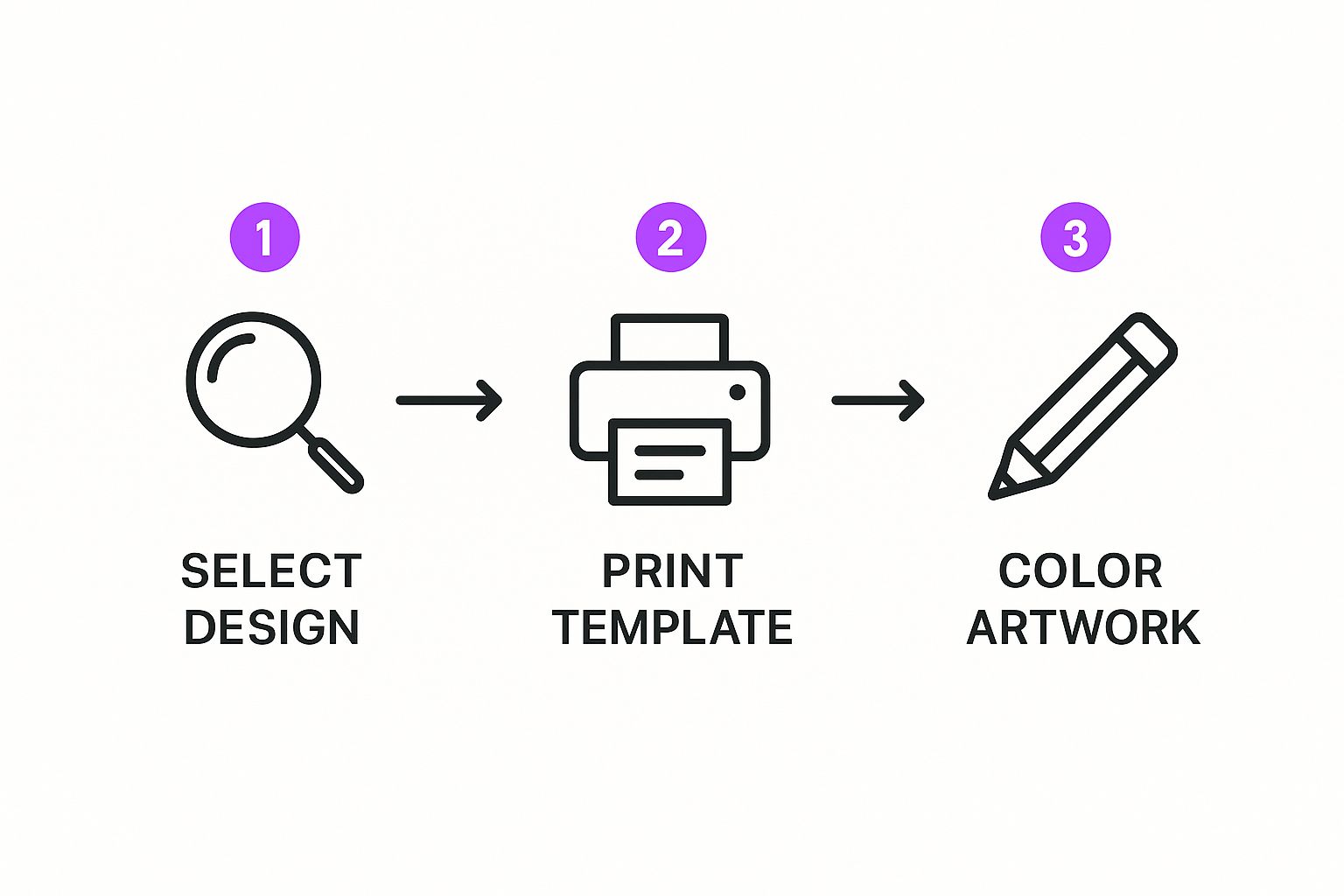
This workflow just goes to show how a little prep work helps a digital concept become a real, tangible project for your end-user.
Pro Tip: Don't just list random subjects—think in collections from the very beginning. Planning themed sets of 10, 20, or even 50 pages makes your final product feel way more cohesive and marketable. A spreadsheet is your absolute best friend for this kind of batch planning.
How to Write Prompts That Actually Work
Let's be honest: the quality of your printable coloring templates comes down to one thing—the quality of your prompts. Learning to "speak" the AI's language is the most important skill in this whole game. It’s what turns a fuzzy idea in your head into a crisp, ready-to-color page.
Think of yourself as a creative director giving a brief to an infinitely fast illustrator. You need to be specific, but not so rigid that you stifle the creativity. I've found the best approach is to start with a core subject, layer on a style, and then finish with the critical commands that scream "coloring page."
This structured approach is how you get the AI to understand exactly what you need.
Anatomy of a Perfect Coloring Page Prompt
After generating thousands of these, I've noticed every successful coloring page prompt has a few key ingredients. Mastering these building blocks is your ticket to getting consistent, high-quality results every single time. It's not just about making something pretty; it's about making something functional for coloring.
Here's the breakdown of phrases you should be using in nearly every prompt:
- Your Core Subject: This is the hero of your page. It could be anything from "a cute dragon" to "an enchanted forest."
- The Defining Phrases: These are non-negotiable. You absolutely have to include terms like "coloring book page," "clean line art," or "coloring page for adults." This is how you tell the AI the exact format you're after.
- Negative Commands: What you don't want is just as important. Use phrases like "no shading," "no grayscale," and "white background" to prevent the AI from giving you a muddy, pre-colored image.
Key Insight: The magic really happens when you combine these elements. A simple "dragon" prompt gets you a full-color, painterly image. But a prompt like, "coloring book page of a cute dragon, clean line art, no shading, white background" delivers a perfect, usable template.
Controlling Style and Complexity
Once you've got the basics locked down, you can start playing the artist. The words you choose have a direct impact on the vibe and complexity of your final printable coloring templates. A design for a five-year-old needs to look completely different from something an adult would enjoy.
For a younger kid, I'd throw in phrases like "cute cartoon style" or "simple shapes, thick bold outlines." This tells the AI to create big, easy-to-color spaces.
If you're targeting adults with a more intricate design, try using terms like "mandala style," "zentangle patterns," or "highly detailed floral elements." These keywords are a signal to the AI that you want sophistication in the line work. It’s all about matching your language to the person who will be coloring it.
And if you ever feel stuck, a free AI image prompt generator can be a great way to get some fresh ideas for different styles: https://bulkimagegeneration.com/tools/free-ai-image-prompt-generator
Let’s walk through building a prompt for a "Cosmic Robots" theme:
- Start with your base idea: "A cosmic robot"
- Add the coloring page format: "Coloring book page of a cosmic robot"
- Define the artistic style: "Coloring book page of a cosmic robot, cute cartoon style for kids"
- Refine it with critical commands: "Coloring book page of a cosmic robot, cute cartoon style for kids, bold clean line art, no shading, simple background"
This process—starting with a simple concept, seeing what you get, and then tweaking your words—is the fastest way to get good at this. Each attempt teaches you a little more about how the AI thinks, getting you closer to the exact design you're picturing.
From Bulk Generation to Print-Ready Files
Alright, you've got your perfectly crafted prompts organized and ready to go. Now for the fun part: bringing your coloring templates to life. This is where your spreadsheet of ideas gets turned into a full-blown visual library.
The process is pretty straightforward, whether your AI tool has a built-in bulk feature or if you're feeding it prompts one by one.
If you're going the manual route, I suggest blocking out some dedicated time. Just copy and paste each prompt from your list and let the AI do its thing while you keep an eye on the results. The big advantage here is that you can make little tweaks on the fly. You can catch any weird outputs right away.
For instance, say you notice the AI keeps adding strange gray shading to your "Enchanted Forest" images. You can quickly add a negative prompt like "no shadows" or "no shading" to the rest of the prompts on your list before you continue. A little active monitoring like this saves a ton of cleanup work later.
Ensuring Professional Print Quality
Once you’ve generated all your images, we hit the most critical stage: getting the files ready for printing. A stunning design is totally useless if it comes out looking blurry or pixelated on paper.
The gold standard for high-quality print is 300 DPI (dots per inch). This ensures every line is sharp and crisp when it hits the page.
Here's the catch: most AI image generators create files at screen resolution, usually 72 or 96 DPI. They look fantastic on a monitor, but they're just not built for print. You'll need to bump up both the resolution (DPI) and the physical dimensions of your images. This is where upscaling comes in.
My Two Cents: Whatever you do, don't just stretch a small image in a basic photo editor. It'll turn into a blurry, pixelated mess. The right way to do this is with an AI-powered upscaler. These tools intelligently add new pixels to increase the size while keeping the original line art perfectly sharp.
Finalizing Your Printable Files
After the AI has worked its magic, the final sprint involves prepping the images for download and printing. This means getting them into the right format and making sure they're big enough for a standard sheet of paper.
- Export in the Right Format: Always save your final designs as high-resolution PNG or JPEG files. I usually lean towards PNG because it handles sharp lines incredibly well and supports transparent backgrounds if you ever need them.
- Upscale for Size and Quality: The default size from an AI generator is often around 1024x1024 pixels. To print a full 8.5x11 inch page at 300 DPI, you're going to need an image that’s roughly 2550x3300 pixels. That's a significant size increase.
- Batch Your Post-Production: Manually resizing dozens—or hundreds—of images is a nightmare. It's incredibly tedious. To keep your sanity, use a tool built for the job. For example, a bulk image resizer can adjust all your files to the correct print dimensions in just a few clicks. Trust me, it saves a massive amount of time.
Nailing these final technical details ensures that every single one of your printable coloring templates delivers a professional, high-quality experience for your users—from their screen to the colored page.
Turning Your Templates Into a Product
You've got a folder packed with amazing coloring pages. That's a huge win! But let's be real, the real magic happens when you transform those individual images into a polished, sellable product. This is the moment your creative project starts looking like a potential business.
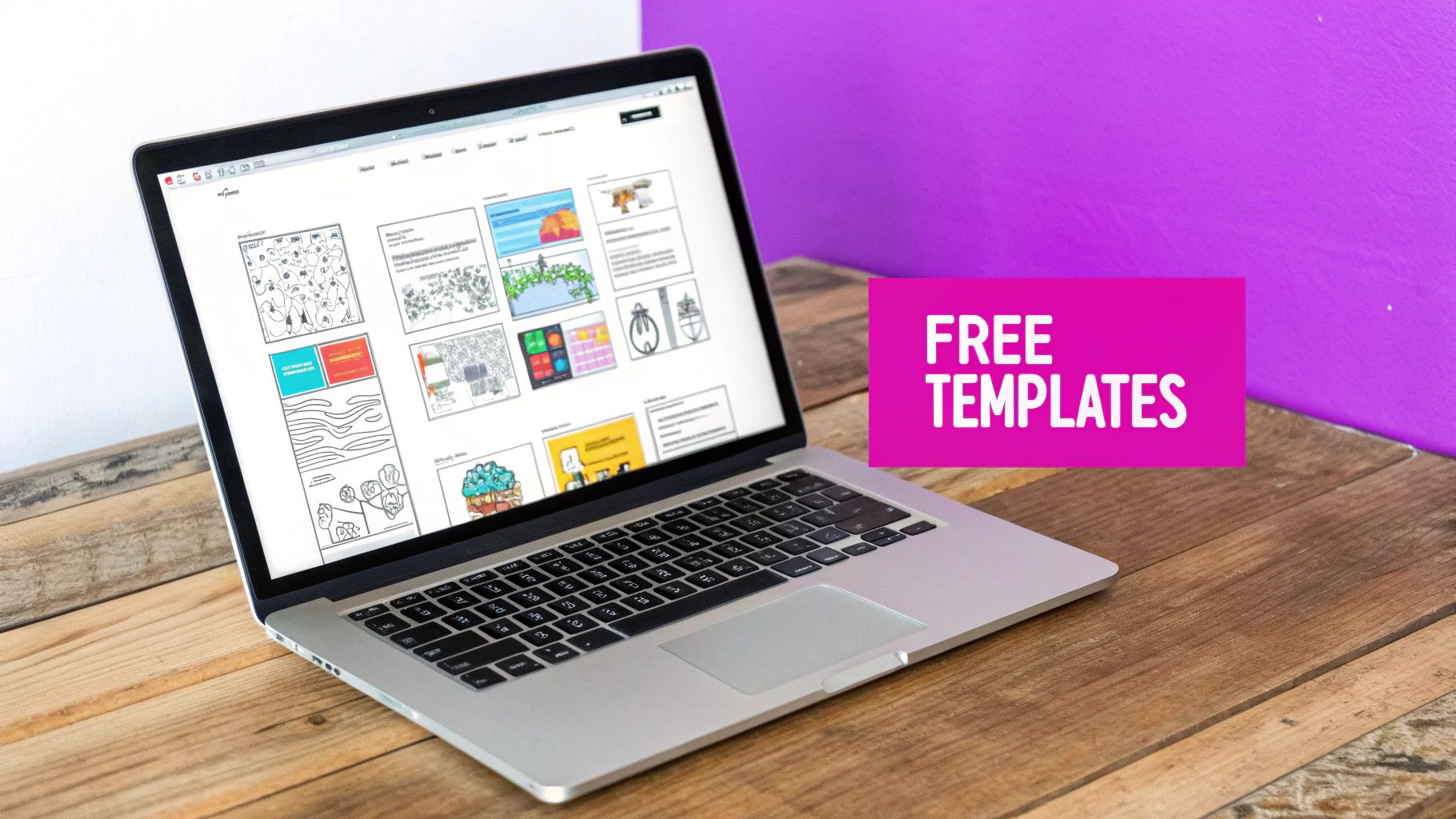
The best part? You don't need fancy, expensive software to do this. A free tool like Canva is more than enough to get the job done. I use it all the time to compile individual PNG or JPEG files into a single, professional-looking PDF booklet.
Think about bundling your designs into themed collections. A "Magical Creatures" pack or a "Zen Garden Mandalas" set offers way more value than single pages. Just adding a simple, branded cover page with a catchy title instantly elevates your product from a collection of files to a cohesive, premium-feeling package.
Choosing Where to Sell Your Creations
Once your templates are bundled and ready, you need a digital storefront. Picking the right marketplace is a make-or-break decision for turning your AI-generated art into actual income. There are tons of great options out there, and it's worth exploring the best platforms to sell digital products to see which one aligns with your vision.
The demand for these kinds of products is surprisingly strong. The whole adult coloring trend blew up in North America in the mid-2010s, and it’s never really gone away. It just shifted online, where instant downloads make it super convenient for people to print and color right at home.
To get started, here's a quick look at some of the most popular places where sellers like us find success.
Popular Platforms for Selling Printables
| Platform | Best For | Key Seller Feature |
|---|---|---|
| Etsy | Reaching a massive audience actively looking for unique, handmade-style digital goods. | A huge, built-in marketplace full of buyers who already love printables. |
| Teachers Pay Teachers | Coloring pages with an educational twist for teachers, parents, and homeschoolers. | A niche audience that trusts the platform for quality educational resources. |
| Shopify/Gumroad | Building your own brand and having full control over the customer experience. | Complete ownership of your store, branding, and customer relationships. |
Each platform has its pros and cons. Etsy gives you immediate access to a hungry market, but building your own site with Shopify offers more long-term control. It all comes down to your goals.
Marketing Your Printable Coloring Templates
Just listing your product isn't going to cut it; you have to get it in front of the right people. This is where a little bit of marketing savvy goes a long way.
First things first, create awesome mockup images. You need to show your coloring pages in a way that helps people imagine using them. Use a simple Canva template to display a page on a clipboard or show a partially colored-in version next to some pencils. This visual context is what turns a browser into a buyer.
Next, nail your product descriptions. Think like your customer. What words would they use to find you? Sprinkle in keywords like "kids coloring pages," "mindfulness coloring sheets," or "printable birthday activity." Don't just list features—tell a story. Suggest how your collection could be used for a classroom party, a rainy day activity, or a relaxing weekend project.
If you're selling on Etsy, optimizing your listings is absolutely critical. For a deeper dive, we have a whole guide on how to make money selling printables on Etsy that walks you through the entire process.
Got Questions About AI Coloring Pages? We've Got Answers.
Jumping into AI for creating printable coloring templates is exciting, but it's totally normal for a few questions to pop up. You'll probably find yourself wondering about the nitty-gritty of image quality, whether you can actually sell your creations, and how to make the whole process more efficient.
Getting these common hurdles sorted out is the key to building a smooth, confident workflow. Let's tackle the most frequent questions I hear from creators just like you.
Can I Legally Sell My AI-Generated Coloring Pages?
This is the big one, and for good reason. The short answer? It's complicated, and it all comes down to the terms of service of the AI platform you're using.
Some tools, particularly open-source models like Stable Diffusion, often give you full commercial rights to whatever you create. Others, like Midjourney, have different subscription levels that dictate what you can and can't do commercially. You absolutely have to read the fine print before you even think about listing something for sale. A good rule of thumb is to steer clear of generating copyrighted characters to avoid any legal headaches.
My Advice: Stick to creating completely original concepts. This gives you the most freedom. Seriously, don't just skim the terms and conditions of your AI generator—read them carefully. It's a non-negotiable step for any creator looking to build a business.
For more general information, you can often find helpful answers in a platform's frequently asked questions section, which can offer a broader perspective on content rights.
How Do I Get Crisp Lines Without Any Shading?
Ah, the classic struggle. Getting those clean, black-and-white lines is what makes or breaks a coloring page. The secret is all in how you write your prompts.
You can't be shy with the AI; you have to be incredibly explicit about what you want. I've found a few key phrases that work like a charm.
- Must-Have Keywords: Always include terms like "bold black outlines," "clean line art," and "vector style" in your prompts.
- Tell It What Not to Do: Just as crucial is using negative prompts. Add things like "no grayscale," "no shading," and "white background" to keep the AI from adding unwanted effects.
Even with the best prompts, a little bit of gray might sneak in. Don't sweat it. A quick contrast adjustment in a free editor like Photopea or GIMP will usually clean that right up in a matter of seconds.
What Is the Best Resolution for Printables?
For anything that's going to be printed, quality is everything. To make sure your coloring templates look sharp and professional, you need to be working at 300 DPI (dots per inch).
Most AI image generators spit out images at screen resolution (think 72 or 96 DPI), which will look fuzzy and pixelated on paper. The fix is to use an AI upscaling tool to boost the dimensions without losing quality. For a standard 8.5x11 inch page, you're aiming for a final image size of around 2550x3300 pixels. And always, always export your final files as high-quality PNGs.
How Many Prompts Should I Prepare for a Bulk Session?
There isn't a magic number, but I've found that a good starting point for a themed collection is somewhere between 20 to 50 prompts. This gives you enough material to create a solid coloring book or an attractive product bundle for your Etsy shop.
I highly recommend using a simple spreadsheet to map out all your ideas beforehand. It makes managing even bigger batches of 100+ prompts a breeze. The real goal is to have your entire list ready to go before you start generating. Trust me, it makes the actual creation process incredibly fast and efficient.
Ready to create hundreds of high-quality, print-ready coloring pages in minutes? With Bulk Image Generation, you can turn your creative ideas into sellable products effortlessly. Try it today and see how fast you can build your entire collection at https://bulkimagegeneration.com.
