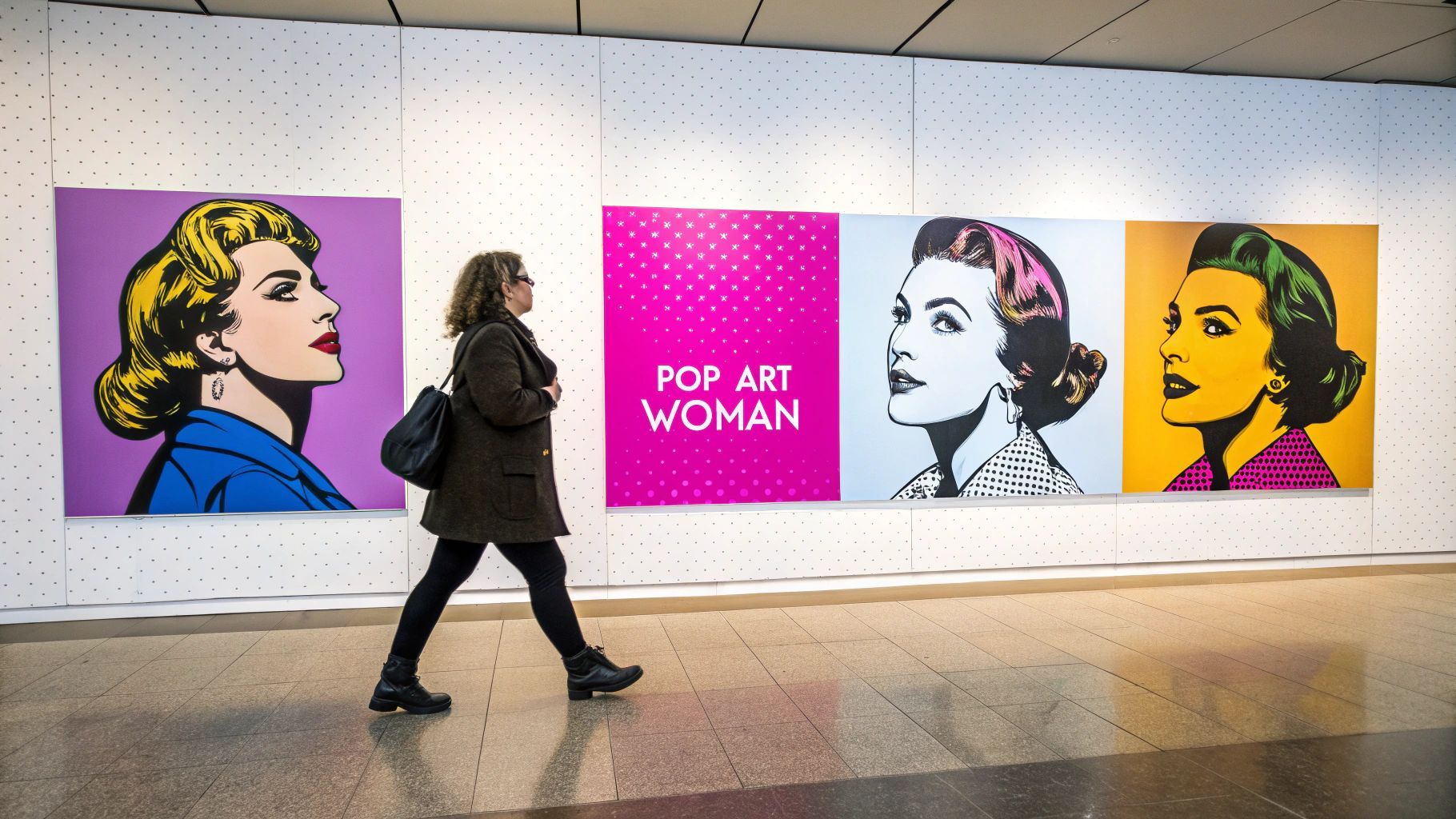
Create a Stunning Pop Art Woman Series with AI

Ryan Bennett • February 11, 2026
Learn how to create a vibrant pop art woman series with AI. Get actionable prompts and techniques for generating unique images for social media and products.
A striking pop art woman isn't just a picture; it's a statement. This vibrant, bold aesthetic mashes up commercial art with a rebellious spirit, creating visuals that feel both instantly recognizable and culturally important.
The Timeless Allure of the Pop Art Woman
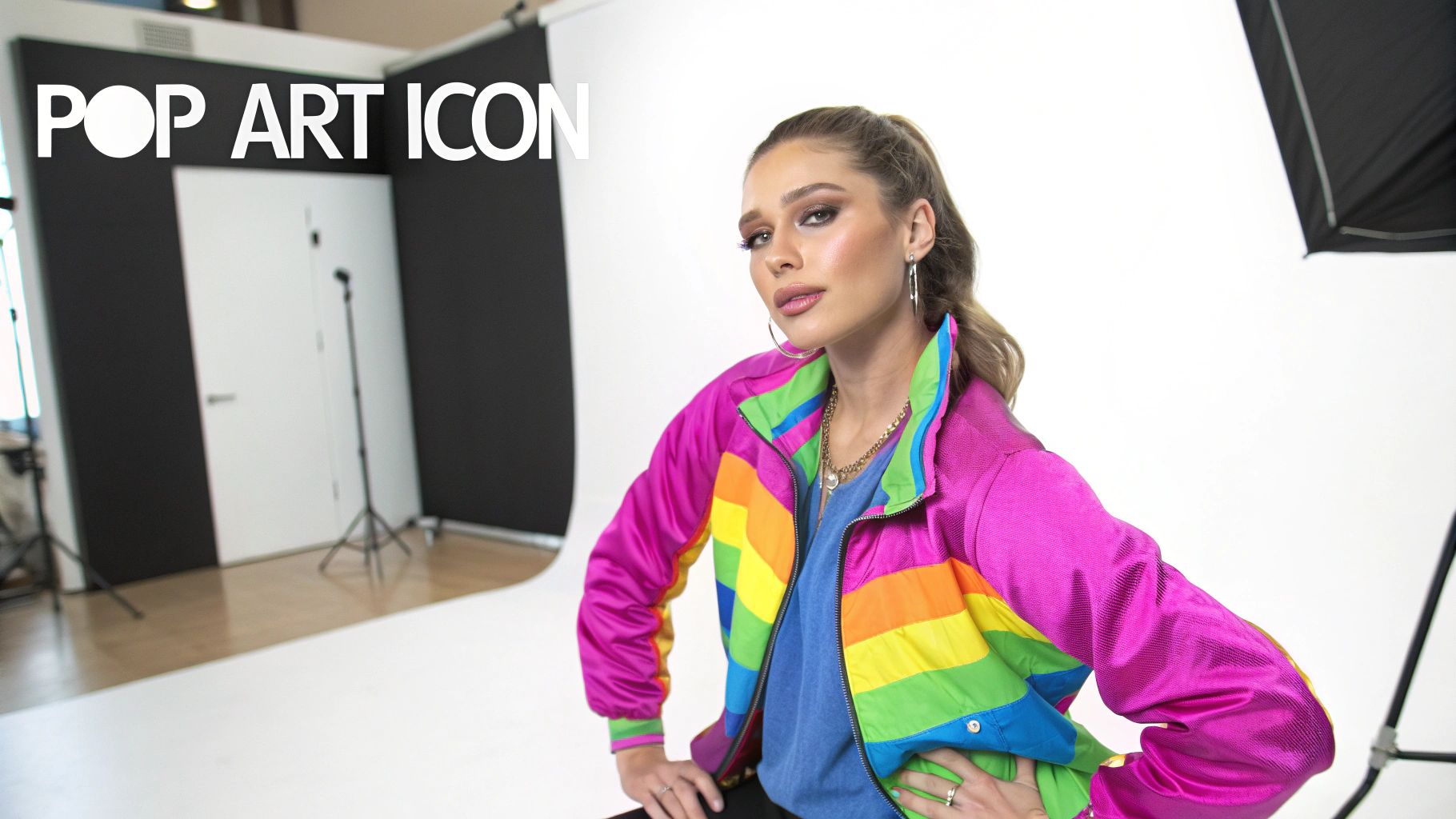
The pop art movement absolutely exploded in the mid-20th century. It took everyday stuff—like ads and comic books—and used it to throw a wrench in the traditions of fine art. It was loud, colorful, and completely unapologetic. Out of this, the "pop art woman" emerged as a central figure, symbolizing a clean break from old conventions and a new flavor of feminine power.
Historically, this movement also became a stage for female artists to finally make some noise. In what was often a male-dominated scene, creators like Pauline Boty and Évelyne Axell used the accessible, in-your-face style of Pop Art to dig into feminist themes and critique gender roles. Their work showed the world that this wasn't just some local fad; it was a global phenomenon being pushed forward by women who were busy redefining its boundaries. You can explore more about these pioneering women artists and their lasting impact.
Why This Style Still Hits So Hard Today
Jump to the present, and the appeal of the pop art woman is stronger than ever. Its energetic, eye-catching vibe is a perfect match for the blink-and-you-miss-it pace of digital media. For marketers, creators, and small business owners, this aesthetic is a seriously effective way to connect with an audience.
The real beauty of this style is its versatility. It can be nostalgic, edgy, empowering, or playful, letting you tailor your message while keeping a visually cohesive and compelling brand identity.
Here's the best part: you no longer need formal art training or clunky, expensive software to nail this look. AI image generation tools have made it possible for anyone to create professional-quality pop art in a matter of minutes. This guide is all about showing you how to master this vibrant aesthetic for your own projects, whether that's for social media campaigns or unique product designs.
Here’s a taste of what you can do:
- Stop the Scroll: Create social media content that flat-out demands attention.
- Build a Brand: Develop a unique visual identity that people actually remember.
- Design Products: Produce custom artwork for merch like t-shirts, mugs, and posters.
Writing Prompts for Your Perfect Pop Art Woman
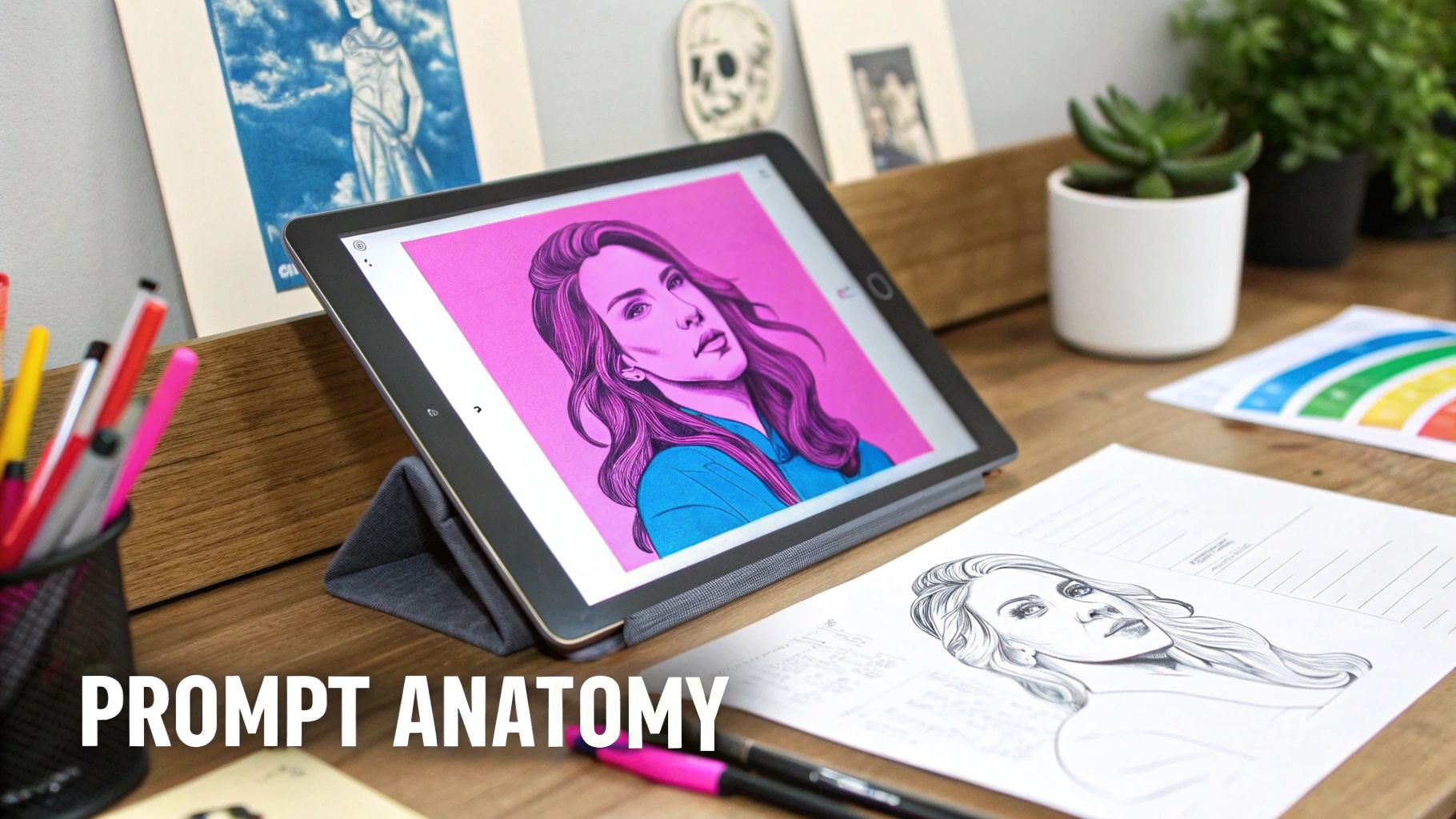
Crafting the perfect prompt is less about a secret formula and more about learning to speak the AI's language. If you just ask for a "pop art woman," you're leaving way too much up to chance. You have to guide the generator with specific details that bring your vision to life. Think of yourself as an art director, not just an operator pushing a button.
A great prompt is built from a few key ingredients: the subject, the artistic style, the color palette, and the composition. Each piece gives the AI a clearer instruction, which dramatically cuts down on the guesswork and boosts the quality of your images. A tiny tweak, like changing "bright colors" to "CMYK color palette," can completely shift the mood and authenticity of the final piece.
Building Blocks of a Great Prompt
Let's get into the core elements. A strong prompt doesn't need to be a novel, but it absolutely needs to be intentional. Combining these building blocks gives you precise control, letting you create a pop art woman that is truly your own.
First, lock down your subject. Who is she? What's she doing? Is she sipping a milkshake, answering a vintage phone, or looking thoughtfully into the distance? Specificity is your best friend here.
Next, layer in the artistic style. "Pop art" is a huge umbrella. Are you after that classic, gritty comic book look or something more clean, modern, and abstract?
Finally, nail down the visual details. This is where you define the color scheme, the lighting, the camera angle, and the overall layout of the image.
Style and Artist Influences
The style you choose will have the biggest impact on your image's vibe. Original pop art was heavily influenced by the commercial printing methods of its time—think Ben-Day dots and bold, flat colors. You can, and should, reference these techniques directly in your prompts.
Mentioning specific artists is a powerful shortcut to get the AI on the right track. For instance:
- Roy Lichtenstein: Use his name for that classic comic-strip aesthetic, complete with dramatic expressions and maybe even dialogue bubbles.
- Andy Warhol: This is your go-to for repeated imagery, screenprint textures, and those famous, unexpected color combinations.
- Keith Haring: Evoke a sense of energy and movement with bold lines, simple figures, and a graphic, street-art feel.
Putting it into practice is simple. A prompt like, "Pop art woman in the style of Roy Lichtenstein" will give you a much more defined result than a generic request ever could.
A well-crafted prompt bridges the gap between your idea and the AI's interpretation. The more specific your language, the smaller that gap becomes, and the closer you get to your desired outcome with every generation.
Mastering Color and Composition
Color doesn't just fill in the lines; it sets the entire mood. The pop art movement was famous for its vibrant, often non-traditional colors that demanded attention. You can guide the AI to do the same.
For that classic feel, try using terms like:
- Vibrant primary colors
- Bold CMYK palette
- Contrasting duotone
If you want a more contemporary pop art woman, experiment with modern palettes. Descriptors like "neon glow," "pastel pop," or "iridescent colors" can produce some seriously stunning and unexpected results.
Composition is just as important. Do you want a dramatic close-up portrait or a full-body shot showing off a retro outfit? Specifying the angle, like "dynamic low-angle shot" or "symmetrical front-facing portrait," gives the AI clear direction on how to frame the scene.
Below is a quick guide to help you mix and match these elements for better results.
Pop Art Prompt Element Guide for AI
This table breaks down how different components in your prompt can steer the AI toward your desired pop art style.
| Prompt Element | Description & Keywords | Example Output Style |
|---|---|---|
| Subject | Define her action, emotion, and look. Keywords: woman crying, woman on the phone, laughing, retro hairstyle, sunglasses. | A dramatic, emotional close-up or a cool, detached portrait. |
| Artistic Style | Name-drop artists or specific techniques. Keywords: in the style of Andy Warhol, comic book art, Ben-Day dots, screenprint. | Classic comic panel look, repeated Warhol-style prints, or gritty graphic novel art. |
| Color Palette | Guide the mood with color choices. Keywords: vibrant CMYK, primary colors, neon palette, monochrome with red accent. | Bold and punchy classic pop art, or a modern, electric feel with glowing neons. |
| Composition | Control the framing and perspective. Keywords: close-up portrait, dynamic angle, symmetrical, off-center, full-body shot. | An intense, in-your-face portrait or a more narrative scene showing the full figure. |
Think of these elements as sliders you can adjust. A "woman laughing" (subject) in a "comic book art" (style) with a "primary colors" (palette) and "close-up portrait" (composition) prompt will create something very specific and powerful.
If you're ever stuck for ideas or want to explore new combinations, an AI prompt generator can be a great creative partner. Our free AI Image Prompt Generator is designed to help you construct complex prompts that combine subjects, styles, and compositions for more refined results.
Generate an Entire Image Series in Minutes
Okay, let's move from theory to practice—this is where the real magic happens. Crafting a single, perfect prompt is one thing. But creating an entire campaign's worth of visuals with a single click? That's a total game-changer. It’s the moment your workflow shifts from a slow, manual grind to something incredibly efficient.
Imagine you're running a small business and planning a social media push for Women's History Month. You need a steady stream of eye-catching, on-brand content. Instead of painfully generating images one by one, you can use a single, goal-oriented prompt to get dozens of unique options in an instant.
From a Simple Idea to Abundant Content
Your core idea might be as simple as: "Create 50 pop art portraits of diverse women for an empowerment campaign." By plugging this into a bulk generator, you’re basically delegating all the heavy lifting to the AI.
The system immediately gets to work, interpreting your goal and creating tons of variations in:
- Composition: You'll get a healthy mix of close-ups, medium shots, and dynamic angles without having to ask for each one.
- Color Palettes: The AI will explore everything from classic CMYK and bold primary colors to modern neon and soft pastel schemes.
- Subject Diversity: It ensures you get a wide representation of women from different backgrounds, ages, and styles.
This approach is a massive time-saver. What would normally take hours—or even days—of meticulous prompting and tweaking can be done in less than a minute. You can see how a bulk social media image generator is specifically designed to accelerate this part of your content pipeline.
The interfaces for these tools are built for speed. You just define your core concept and the number of images you need, and you're good to go.
This screenshot shows just how straightforward it is. You describe your vision, set the quantity, and let the AI handle all the complex creative variations for you.
The Power of Scalable Creativity
The real advantage here is scalability. You're not just making one pop art woman; you're building an entire library of on-brand assets. This volume gives you the flexibility to A/B test different visuals on your ads, schedule content weeks in advance, and maintain a vibrant, active online presence without burning yourself out.
The efficiency you get from bulk generation isn't just about saving time. It's about redirecting your creative energy away from repetitive tasks and toward high-level strategy—like figuring out the best way to deploy your new collection of stunning visuals.
For example, you can take a large batch of images and quickly repurpose them into different formats. It’s easy to learn how to use an AI Carousel Generator to create stunning posts in minutes, turning your new image series into engaging stories for Instagram or LinkedIn. This is how you transform a simple generation task into a complete, ready-to-launch campaign.
Refine Your Art with Batch Editing Tools
Generating a vibrant series of pop art woman images is a fantastic start, but the real magic happens in the refinement stage. This is where you elevate raw AI generations into polished, professional assets ready for any project you can dream up. Luckily, integrated batch editing tools make this final step fast and surprisingly simple, letting you perfect an entire collection at once.
The efficiency you gain from batch editing is a complete game-changer. Forget opening each image one by one in different software. Now, you can apply changes across your whole set in a single workflow. This approach absolutely demolishes repetitive tasks—in fact, it can slash your total editing time by as much as 50%.
The process is straightforward: you start with an idea, generate a series, and then move on to the polishing phase.
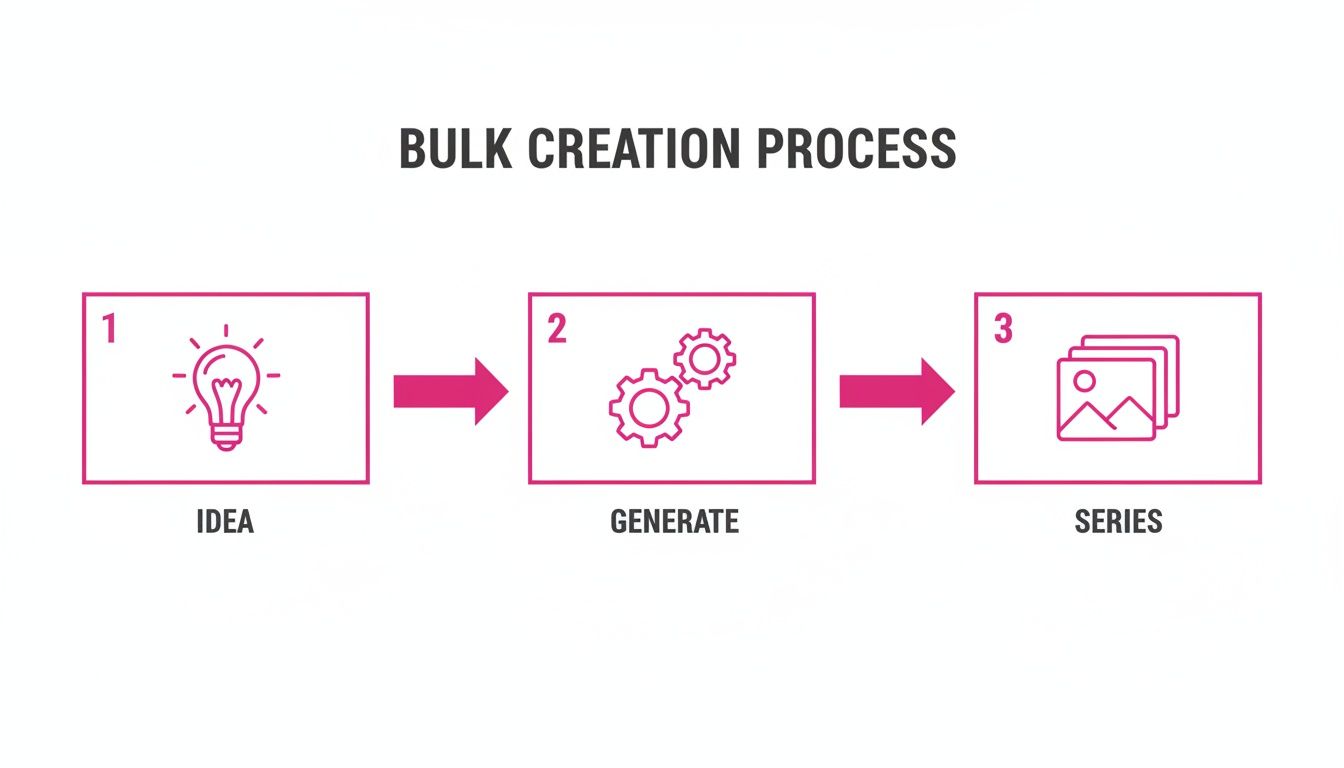
This simple flow shows how a single concept quickly multiplies into a full series, making that final batch editing step all the more powerful.
Essential Batch Editing Workflows
Let's walk through a real-world scenario. Say you’re a small business owner who just generated 50 pop art woman visuals for a new product launch. Now you need to get them ready for your online store, social media campaigns, and email newsletters.
Here are a few essential batch edits you can knock out in minutes:
- Background Removal: Instantly strip the background from all 50 images. This leaves you with clean, transparent PNG files perfect for placing your art on product mockups like t-shirts, mugs, or posters without any distracting backgrounds.
- Bulk Resizing: Your e-commerce site needs one size, Instagram Stories another, and Pinterest Pins yet another. A batch resizer lets you create perfectly formatted versions for every platform at the same time, ensuring your visuals look sharp and professional everywhere they appear.
- Face Swaps for Consistency: For a really cohesive brand campaign, you might want the same model's face across different pop art styles. The face swap tool makes this happen with a single click, applying a consistent identity to your entire image set to keep your branding tight.
The best part? These tools are built right in, so you never have to leave the platform. Everything from the initial spark of an idea to the final export happens in one seamless environment. You can see for yourself how a dedicated bulk image resizer streamlines this process for all your different marketing channels.
Enhancing and Finalizing Your Collection
Beyond the basics, batch editors often come packed with enhancement features that add that final layer of professional polish. You can apply filters, tweak color balances, or upscale resolutions across your whole collection to make sure every single image is crisp and vibrant. This is especially handy when you’re prepping a series for high-quality print materials.
The whole point of batch editing is to let you work at scale without ever compromising on quality. It’s about making high-volume creative work not just manageable, but genuinely efficient. You can turn a folder of raw images into a versatile library of brand assets in minutes, not hours.
Ultimately, getting comfortable with these tools is what bridges the gap between AI generation and real-world application. It’s the final, crucial step in taking your creative ideas and turning them into assets that are visually consistent and commercially ready for any platform you use.
Putting Your Pop Art Woman to Work
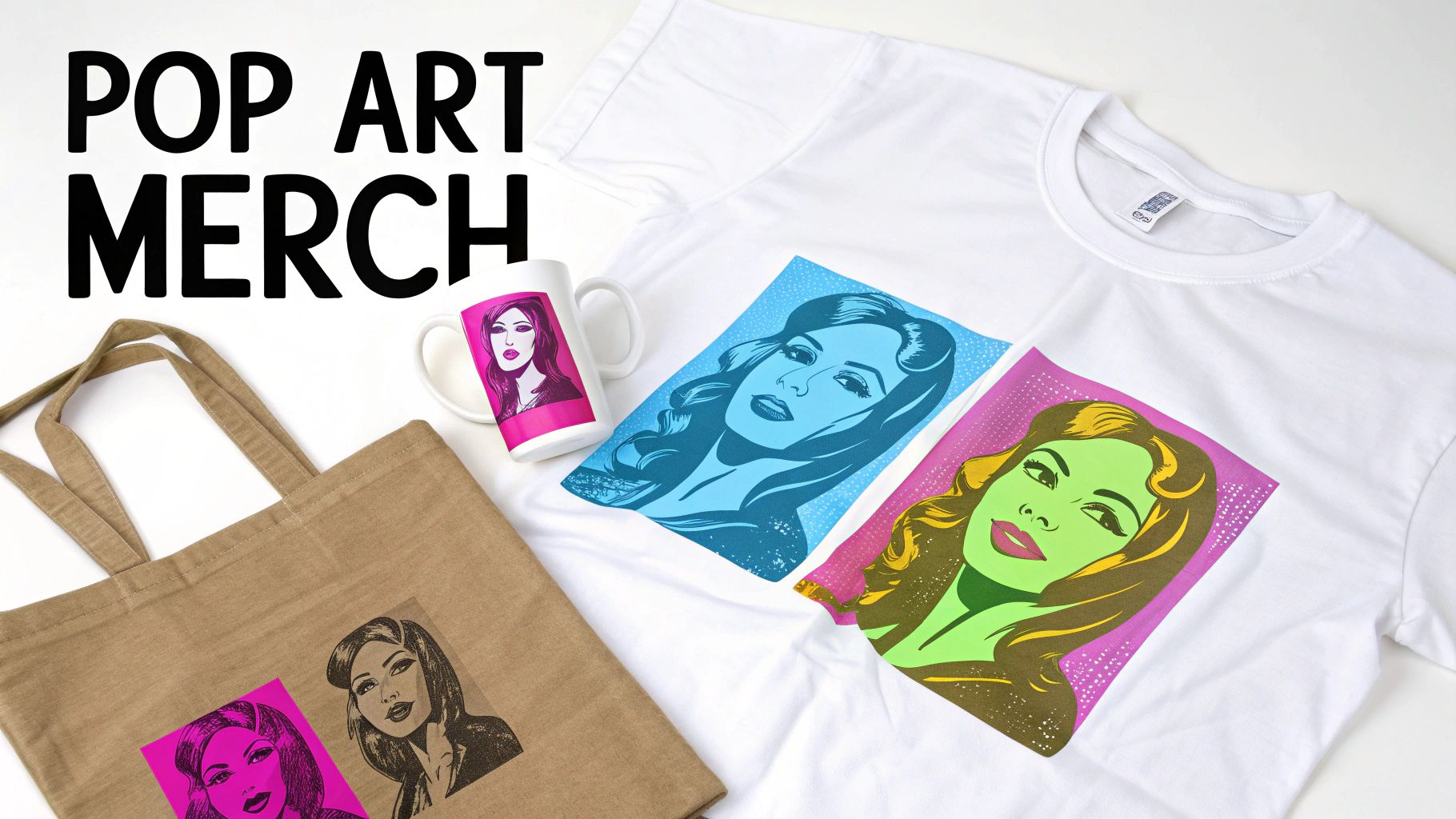
Alright, you've got a whole collection of vibrant, custom-made visuals. Now the real fun begins. Generating the art is just the first half of the creative journey; figuring out how to use it is what brings your vision to life. The versatility of a pop art woman series opens up a ton of opportunities, whether you're a marketer, entrepreneur, or just a hobbyist.
These images are much more than digital files sitting on your hard drive. Think of them as ready-to-go assets that can define a brand, boost engagement on social media, or even become the hero of a new product line. The key is to think strategically about where this bold, punchy aesthetic will make the biggest impact.
Create Social Media That Stops the Scroll
Let's face it, social media is a crowded space. Standing out is everything. Your new pop art collection is the perfect weapon for creating a cohesive and instantly recognizable feed. Instead of using the same generic stock photos everyone else is, you can build an entire campaign around a visual theme that actually tells a story and shows off your brand's personality.
Imagine you're running a month-long campaign with an empowering message. You could use your series to:
- Build Eye-Catching Carousels: Combine several pop art portraits into a single, swipeable post to tell a short story or showcase different facets of your message.
- Design Dynamic Stories: Use the batch resizer to quickly format your images for vertical platforms like Instagram Stories or TikTok. Add some animated text and music, and you're good to go.
- Run Engaging Ads: A/B test different pop art woman visuals in your ad campaigns. See which styles and color palettes your audience really clicks with.
The goal here is to move beyond random, one-off posts and create a memorable visual experience. A consistent pop art theme makes your brand feel intentional, creative, and honestly, pretty hard to ignore.
From Digital Art to Physical Products
One of the most exciting things you can do with your art is create custom merchandise. And thanks to batch editing tools that give you clean, transparent backgrounds, turning your digital designs into tangible products is surprisingly straightforward. This is a fantastic route for small business owners or creators looking to monetize their art.
Here are a few high-impact product ideas to get you started:
- Apparel: Print bold pop art woman designs on t-shirts, hoodies, and tote bags for a wearable statement piece.
- Home Goods: Create unique mugs, posters, and throw pillows that add a splash of color and personality to any room.
- Stationery: Design custom journal covers, greeting cards, or sticker sheets that are perfect for a niche audience.
This is also a smart cultural move. The art market is seeing a huge renewed interest in female Pop artists, with women snagging 52% of collections from top buyers in 2023. By using pop art woman visuals for your products, you're tapping into a growing cultural conversation. You can read more about this market trend at Art Basel.
Unleash Your Creative Projects
Beyond the commercial side of things, these images are a goldmine for personal creative projects. The bold lines and distinct color blocks of pop art are practically made for fun, interactive creations you can share with your community or just enjoy yourself.
For example, you can easily convert your high-contrast images into custom coloring pages for kids or adults—a brilliant lead magnet for a blog or a fun activity for a workshop. You could also design unique digital assets like desktop wallpapers, phone backgrounds, or even custom presentation slides that make your content pop. The possibilities are truly as limitless as your imagination.
Got Questions About AI Pop Art?
Even when you're working with powerful tools, hitting a creative wall or running into questions is just part of the game. Getting good at AI art generation means learning how to sidestep common problems and fine-tune your workflow. Let's walk through some of the most frequent questions that come up.
A big one is figuring out how to make your pop art woman images feel genuinely unique. If your first few attempts look a little generic, the fix is almost always in the details. Don't just ask for a simple portrait; build a whole scene around it.
Try prompting something like, "pop art of a woman with sunglasses reflecting a cityscape, using a neon color palette." The more specific you get with the mood, setting, and style, the more original your final images will be. Generating a big batch at once is also a great way to stumble upon unique compositions you might not have thought to ask for.
How Do I Keep a Consistent Look?
This is crucial for brand campaigns or any kind of series. The most reliable method is to use a face swap feature after you’ve generated your images. Create a batch with all the different pop art styles and poses you need, then just apply one consistent face across all your top picks.
You can also nudge the AI in the right direction during the generation phase by reusing key descriptors in your prompts. For example, if you consistently include details like "a woman with short pink hair and a leather jacket," you'll get characters that feel related but aren't just carbon copies. It’s perfect for building out a cohesive series.
The idea isn't to create identical clones, but a visual family that feels connected. This blend of batch generation and smart editing gives you the best of both worlds: variety and brand consistency. It's a seriously powerful creative combo.
Can I Use These Images for My Business?
And now for the big one: commercial use and copyright. Can you legally use these images for your business? For the most part, yes. Images you create on the majority of generative AI platforms are yours to use for marketing, social media, product designs, and more.
This is a game-changer because it lets you scale up creative production without getting tangled up in complicated licensing fees. That said, it's always a good idea to quickly check the terms of service for whatever tool you're using, just to be sure. If you're curious about the broader industry, looking into an AI Tech Company can offer more context on the platforms shaping this space.
The theme of a pop art woman is also incredibly relevant right now. With solo female artists taking up a massive 63.4% of the Pop Top 100 streaming share in 2024, this artistic style taps directly into current cultural trends. You can discover more insights about women's dominance in pop music here.
Ready to create stunning visuals in seconds? With Bulk Image Generation, you can turn a simple idea into an entire campaign's worth of content. Start creating for free at https://bulkimagegeneration.com and see how easy it is to scale your creative workflow.
