Create a Magical Face Swap Disney Style with AI

Ryan Bennett • January 26, 2026
Learn how to create a magical face swap Disney style using powerful AI tools. This guide offers actionable tips for artists, marketers, and Disney fans.
Turning yourself into a Disney-style character is way easier than you might think. Forget clunky, complicated software—we're talking about smart AI tools that can whip up your animated alter-ego in seconds with just a few clicks.
The Magic Behind AI Disney Face Swaps
Ever wondered what you'd look like in the Disney universe? What used to be the exclusive work of Hollywood VFX artists is now something anyone can do right from their web browser. The tech that powers a really convincing face swap disney portrait has come a long way, moving from professional studios straight to our fingertips.
At its core, the whole process relies on sophisticated AI models. These models are trained on gigantic datasets filled with images, learning to pick out facial features—eyes, nose, mouth—and understand specific artistic styles, like that classic Disney look. When you upload your photo, the AI gets to work, meticulously mapping your unique features onto the character's style. It blends them together to create a portrait that’s totally new, but still recognizably you.
From Film Sets to Your Fingertips
The journey this technology has taken is pretty wild. For years, visual effects pros in Hollywood did this kind of work by hand, a painstaking process that could take days for just a single frame of film. The core principles haven't changed much, but the speed and accessibility are on a completely different level today.
A huge leap forward happened back in July 2020 when Disney Research Studios unveiled a wild new neural face-swapping model. It could produce outputs at 1,024 x 1,024 pixels—four times sharper than anything before it. This was built for live-action movies, letting them do things like de-aging actors with stunning realism. You can read the full research paper on this visual effects breakthrough to see how it laid the groundwork for the tools we use now.
This evolution is exactly why platforms like Bulk Image Generation can now pump out such high-quality results almost instantly. The same advanced concepts once reserved for blockbuster budgets are now powering tools that let you:
- Generate dozens of unique character portraits in minutes.
- Play around with different animated looks, from classic 2D to modern 3D.
- Create awesome content for social media, personal projects, or just for a laugh.
This shift puts incredible creative power in everyone's hands, from social media managers to hobbyists, turning a simple photo into a piece of enchanting character art.
How to Prepare Your Photos for a Perfect Swap
The secret to a jaw-dropping face swap isn't some complex AI trickery—it's all about the photos you start with. I can't stress this enough: garbage in, garbage out is the golden rule here. A truly great result begins with being picky about both your personal photo (the "source") and the Disney character you're swapping onto (the "target").
If you want a polished, believable outcome, high-quality inputs are completely non-negotiable. Think of it like cooking; you can't make a gourmet meal with rotten ingredients. Pixelated, blurry, or poorly lit photos are the AI equivalent of spoiled produce—they just won't work, no matter how sophisticated the algorithm is.
Selecting Your Source Portrait
Your source photo—the picture of you—is the single most important piece of the puzzle. The AI needs crystal-clear data to map your unique facial structure, from the way your eyes are shaped to the curve of your smile. To give it the best chance of success, stick to high-resolution headshots where you're looking more or less directly at the camera.
Here are a few things I've learned to look for when picking the perfect shot:
- Lighting is everything. Find photos with even, soft light. Harsh shadows are a killer because they hide important facial details and can completely confuse the AI, leading to some seriously weird and distorted swaps.
- Keep your face clear. Make sure nothing is blocking your features. Hair falling across your eyes, a hand resting on your chin, or even thick-rimmed glasses can get in the way of the mapping process.
- Neutral expressions are your friend. A slight, natural smile or a neutral expression gives the AI a versatile base to work from. Overly dramatic faces can sometimes push the final face swap disney image into uncanny, exaggerated territory.
This whole process is about giving the AI a clean blueprint to follow.
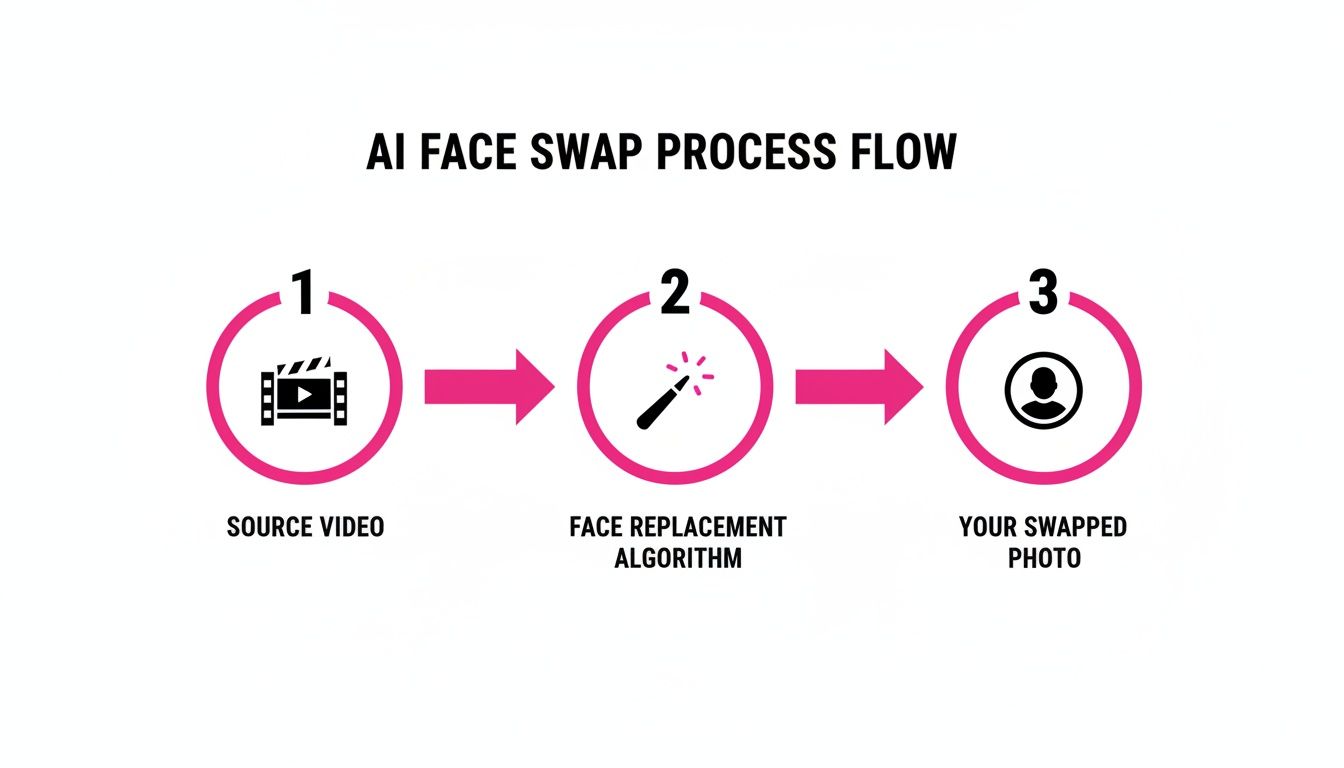
As you can see, the source photo is the foundation. All the AI magic is built directly on top of it, so make it a good one.
Choosing the Target Disney Image
Now for the fun part—picking your character. This image sets the artistic style and mood of your final creation. While it's tempting to just grab the first cool-looking picture you find, a little bit of strategy will get you much better results. The goal is to find a character image that shares a similar head angle and pose to your source photo.
A classic mistake I see all the time is trying to swap a forward-facing portrait onto a character in a dramatic three-quarters profile. The AI will really struggle to align the features, and you’ll almost always end up with something that looks messy or just "pasted on."
So, if your source photo is a straight-on headshot, find a Disney character who is also looking forward. This simple alignment makes it massively easier for the AI to merge the two faces into one seamless image.
Also, aim for high-resolution character art. A clear drawing with well-defined facial features will always produce a better result than a grainy screenshot from a movie. Taking just a few extra minutes to find the right combination of photos is the most effective thing you can do to ensure a truly magical transformation.
Writing AI Prompts for Disney Style Art
Crafting the perfect text prompt is where your creative vision really takes the driver's seat. Think of yourself less as someone giving an order and more like an art director guiding the AI toward a specific Disney aesthetic. Sure, just writing "Disney style" works, but the real magic happens when you get descriptive and layer in some nuance.
The trick is using specific, evocative words that paint a clear picture for the model. Instead of a generic prompt, you can steer the AI toward a particular era, mood, or even a specific film's look. That small shift in detail is what separates a basic cartoon character from one that feels like it stepped right out of a classic movie.
Mastering the Language of Style
To get those jaw-dropping results, you need to think about the different animation styles under the massive Disney umbrella. Are you aiming for a classic, hand-drawn look, or something more modern and computer-generated? Each one needs a slightly different vocabulary in your prompt.
Here are a few stylistic angles I’ve found work wonders:
- Classic 2D Animation: Use phrases like "classic 2D animation style," "cel animation," "vintage storybook illustration," or "golden age animation." These keywords tell the AI to channel the look and feel of films from the 1940s and 50s.
- Modern 3D Render: For something closer to Pixar or modern Disney Animation, try prompts with "Pixar-like 3D render," "stylized 3D character model," or "digital animation." This points the AI toward those polished, computer-generated visuals we see today.
- Character Mood and Setting: Don't forget to set the scene and define the emotion. Adding details like "a joyful princess in an enchanted forest" or "a brave hero with a determined expression" adds a layer of narrative depth to your face swap.
Pro Tip: Specificity is your best friend. Instead of just "sad," try "a character with a wistful, melancholic expression, tears welling in their eyes." The more detail you feed the AI, the closer it will get to what you're picturing in your head.
When you're trying to nail a specific art style, it's a huge help to draw inspiration from existing work. A great way to find visual cues is to explore Tooncraft.ai's Disney collections, which can give you ideas for characteristics to integrate into your prompts.
Prompt Examples for Different Disney Looks
Seeing how small tweaks in a prompt can completely change the final image is the best way to learn. A solid prompt usually includes the subject, the style, and a few key details. If you're ever feeling stuck, you can always use a specialized tool to get the ball rolling. Our free AI image prompt generator is perfect for building a strong foundation.
To show you what I mean, I’ve put together a table comparing a few prompt structures and their likely outcomes.
Disney Style AI Prompt Examples
This table breaks down how different prompt structures can help you achieve specific Disney-inspired artistic styles for your face swap.
| Goal | Example Prompt | Expected Outcome & Key Elements |
|---|---|---|
| Classic Princess | A beautiful princess with flowing hair, in the style of classic 2D Disney animation, soft lighting, enchanted forest background. | You'll get a hand-drawn aesthetic with soft colors and classic fairytale vibes. The AI will focus on traditional character design elements. |
| Modern Hero | A brave adventurer, stylized 3D character model similar to modern animation, dynamic action pose, cinematic lighting. | Expect a polished, CGI look with sharp details and dramatic lighting. The focus here is on a modern, action-oriented character. |
| Whimsical Animal | A cute, talking squirrel character, whimsical storybook illustration style, vibrant colors, friendly expression. | This produces a charming, illustrated style perfect for a sidekick character, complete with expressive eyes and a playful demeanor. |
Getting comfortable with these building blocks will unlock a massive range of creative possibilities. Before you know it, you'll be generating entire batches of unique, on-brand visuals without needing to become a prompt engineering expert.
Scaling Your Creations with Bulk Generation
Making one magical image is a blast, but what happens when your project needs a hundred? If you're a digital marketer, content creator, or run an agency, you know the grind of producing high-quality visuals at scale. This is where batch processing completely changes the game. It takes you from tinkering with one-off creations to running a streamlined production powerhouse.
Picture this: you're rolling out a new social media campaign. You need your brand's character to show up in dozens of different scenes, seasonal promotions, and announcements. Doing each one by hand? That's a monumental task. But with bulk generation, you can cook up an entire library of custom illustrations for your project in a single, efficient run.
The Power of Batch Processing
Modern AI platforms let you queue up and process as many as 100 images at once—a massive leap in efficiency. When you combine this with powerful models like Flux 1.1, you're not just saving a ton of time. You're guaranteeing creative consistency across a huge volume of assets. Every single image holds the same character likeness and artistic style, which is absolutely critical for building a cohesive brand identity or a believable story.
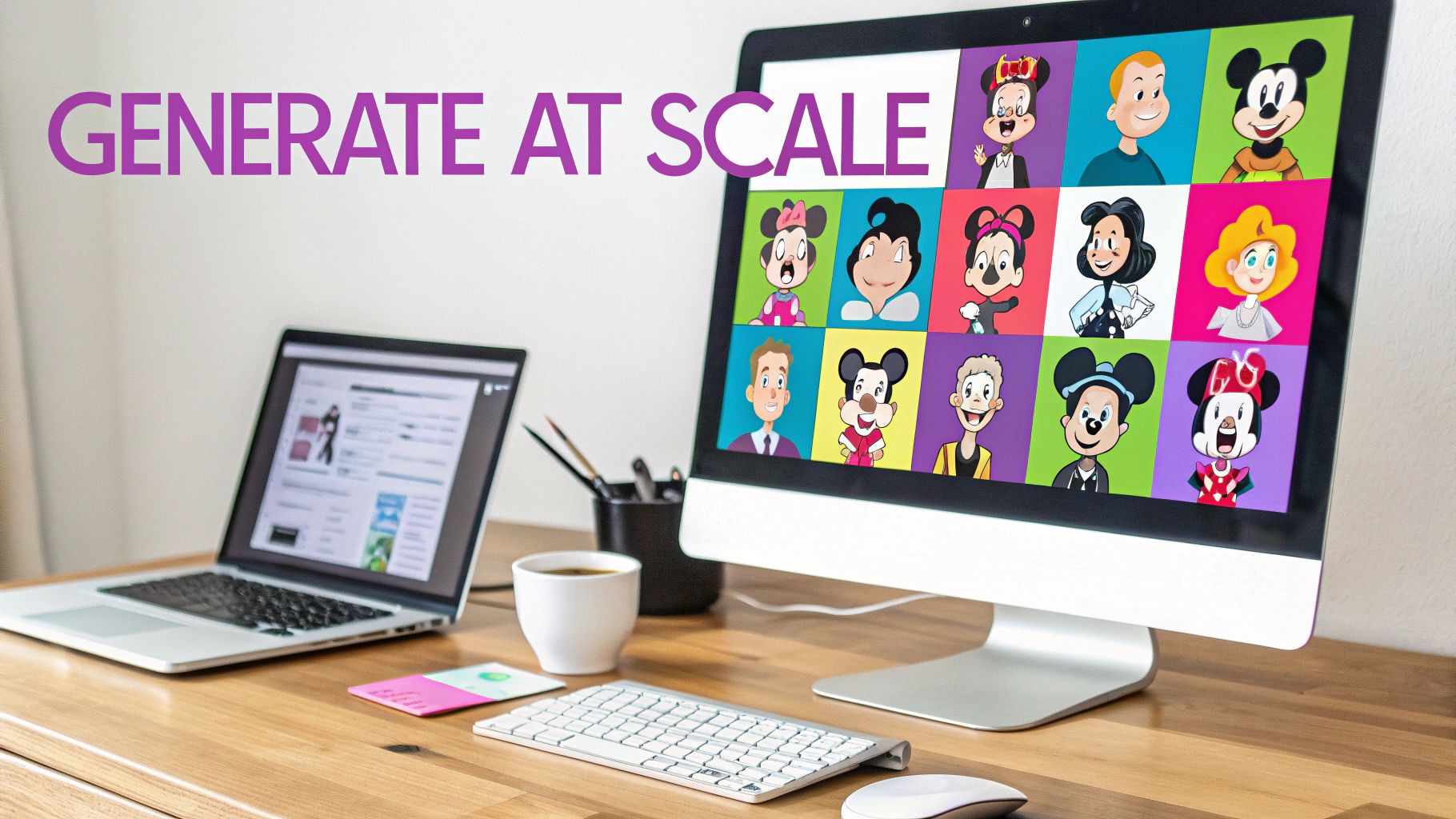
This kind of efficiency mirrors what's happening in the film industry. Look at what Disney and Lucasfilm's ILM team did with their ILM FaceSwap tech in Indiana Jones and the Dial of Destiny. They slashed the production time for de-aging effects that once took months for a single shot, proving that this technology can deliver hyper-realistic visuals in seconds. You can get a closer look at ILM's groundbreaking VFX work to see how pros are applying these same principles.
Practical Use Cases for Bulk Swaps
The applications for bulk face swap disney style creations are pretty much endless. It’s not just about saving a few hours; it's about unlocking creative ideas that were just too impractical to even consider before.
Think about these real-world scenarios:
- Social Media Content: Generate a whole month's worth of posts featuring your brand mascot or an influencer avatar, placing them in different holiday and promotional settings. A good bulk social media image generator can put this entire process on autopilot.
- Educational Materials: Create a full cast of characters for a children's storybook or a series of animated videos, each with distinct expressions and poses, without the headache of manual illustration.
- Marketing Campaigns: Whip up a diverse set of ad creatives for A/B testing. You can feature the same face in different scenarios to see what clicks with your audience.
By queuing up a batch of images with varied prompts—like "character smiling at a birthday party" and "character looking thoughtful in a library"—you can build an entire visual library for a character in the time it used to take to create just one.
This approach transforms a painstaking artistic process into a smart, strategic workflow. It gives smaller teams and solo creators the kind of output that was once only possible for massive studios, making ambitious creative projects more accessible than ever.
Refining and Editing Your AI Masterpiece
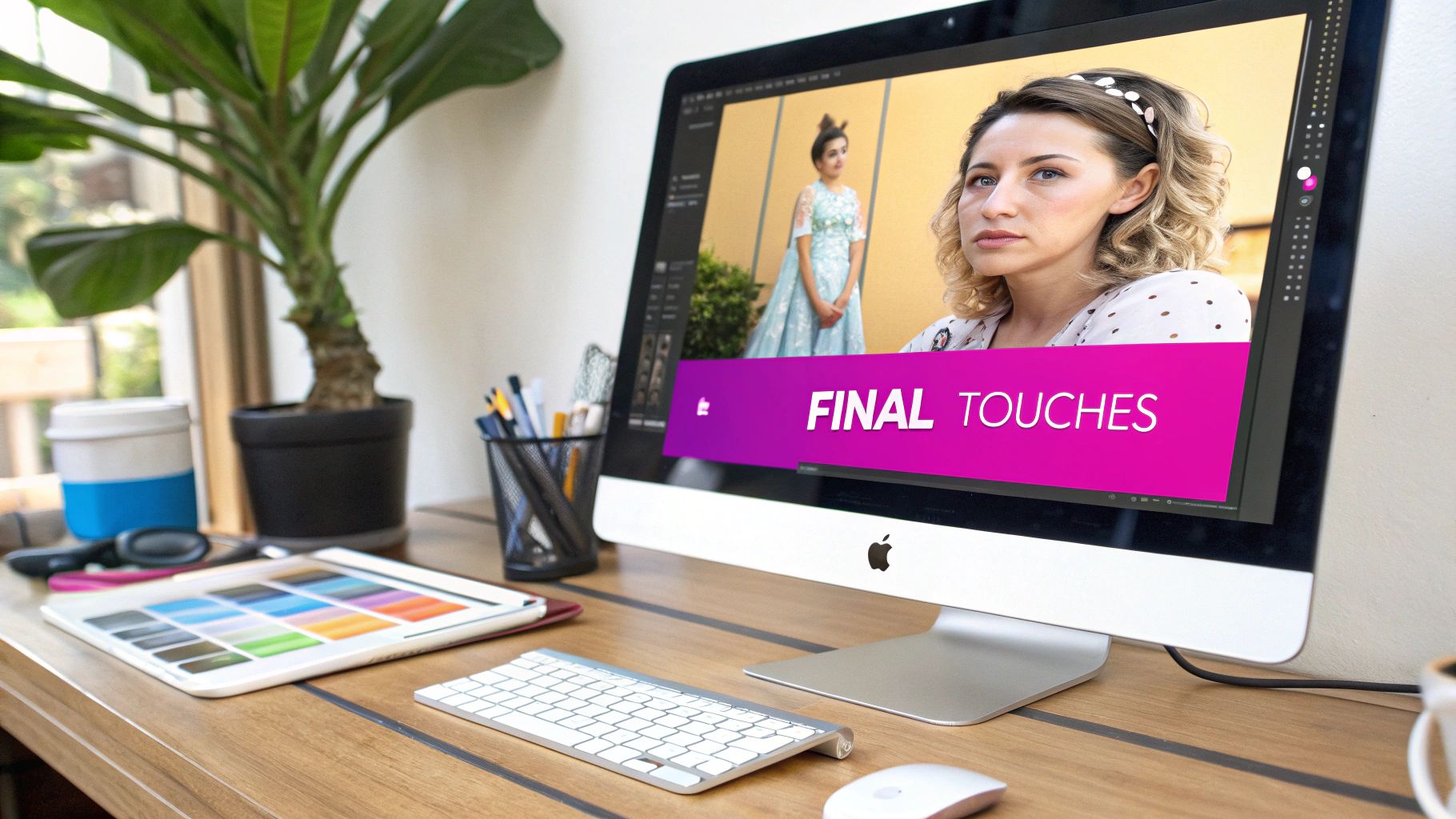
The AI has done its part, but now it's your turn. The final polish is what separates a decent image from an unforgettable one, and this is where post-processing becomes your secret weapon. These final touches are often what make your face swap disney creation look and feel truly authentic.
Thankfully, many modern AI platforms now include integrated batch editors, which is a massive time-saver. Instead of exporting dozens of images just to edit them one-by-one in another program, you can apply consistent adjustments to your entire collection with just a few clicks. This is a lifesaver for keeping a uniform look and feel, especially for projects like a social media series or a character lineup.
One-Click Background Removal
One of the most powerful tools in your post-processing arsenal is one-click background removal. We've all been there: you generate a perfect character portrait, but it's stuck in a generic, AI-generated scene. With a simple click, you can instantly lift your character right out of that setting.
This small step opens up a massive world of creative possibilities:
- Place your character anywhere. Drop them into a magical castle, an enchanted forest, or even a real-world photograph for a fun composite.
- Create clean, professional assets. Isolated characters are perfect for marketing materials, website graphics, or social media stickers where you need a transparent background.
- Build entire scenes. You can layer multiple characters together, giving you full control over the final composition.
Color Grading and Enhancement
Color is everything when it comes to capturing a specific mood or style. Think about it—different Disney films have their own unique color palettes, and matching that aesthetic can make your swap feel so much more genuine. Color grading tools let you tweak the hues, saturation, and contrast to align with a specific movie's look.
For example, you could apply a cool, blue-toned grade to match the icy world of Frozen or a warm, vibrant palette for a scene inspired by Moana. It's a subtle shift, but it makes a huge difference in the final emotional impact of the image.
Beyond just color, enhancement tools can sharpen key details. Use them to bring out the sparkle in a character’s eyes or add a bit more definition to their hair. You might also want to adjust your image sizes for different platforms. With a handy bulk image resizer, you can quickly prepare your entire batch for Instagram, your blog, or anywhere else you plan to share them.
These final edits are what elevate your work from a simple AI output to a carefully crafted piece of art.
A Quick Word on Copyright and Ethics
With all this creative power at your fingertips, it’s easy to get carried away. But diving into AI art, especially a Disney-style face swap, means you’re playing in a space with some important creative and ethical lines. This isn't about killing the fun—it's about creating with awareness.
First things first: the photos you use. The golden rule is to only use images you have the rights to. This means sticking to your own pictures, photos you have explicit permission to use, or properly licensed stock images. Grabbing someone’s photo without their consent isn't just bad form; it's a huge privacy violation.
That Iconic Disney Look
When you're creating art that mimics Disney’s world-famous style, you're stepping into the territory of heavily protected intellectual property.
Now, if you're just making a new profile picture for your personal social media, it generally falls into a legal gray area. But the moment you even think about using these images to make money, you’re waving a red flag for serious legal trouble.
Selling prints, using the art in ads, or putting it on merchandise could easily land you a cease-and-desist letter—or worse. This is a classic example of potential intellectual property violation.
The core idea is simple: admire the style, but don't infringe on the brand. Your personal projects are probably fine, but commercial use is a line you really don't want to cross without getting a lawyer involved.
This same tech has made its way into Hollywood blockbusters, but not without its own set of challenges. Ethical concerns like deepfakes and misinformation are on the rise—detections of deepfakes jumped 550% year-over-year by 2023, sparking major debates about consent and privacy. It's a reminder to always create responsibly and be transparent about your process.
Common Questions About AI Face Swaps
As you start experimenting with AI art, you're bound to have a few questions. Making a face swap disney style is pretty straightforward, but a few insider tips can make the whole process a lot smoother. Let's get into some of the things people ask most often.
Think of this as your quick-start guide to sidestepping common issues and making sure your creations are as awesome as possible.
Is It Legal to Create and Share a Disney Face Swap?
This is the big one, and the answer really depends on what you plan to do with it.
For personal, non-commercial use—like a funny new profile picture for your social media or just messing around for your own amusement—you're generally in the clear under fair use principles. The trouble starts when money enters the picture.
If you use copyrighted characters or styles for anything commercial (think selling t-shirts, posters, or using them in ads), you could land in some serious legal hot water. The golden rule? Stick to photos you own the rights to, and never sell art that directly copies trademarked characters or styles.
Why Does My Face Swap Look Blurry or Distorted?
Nine times out of ten, a blurry or distorted result comes down to the quality of your source photos. The AI is smart, but it's not a miracle worker.
The usual suspects are:
- Low-resolution images: Garbage in, garbage out. If your photos are pixelated, the AI can't magically create a sharp image.
- Bad lighting: Super harsh shadows or weird, uneven light can obscure your facial features, which totally confuses the model.
- Mismatched angles: If your head is turned to the side in one photo and facing straight on in the other, you’re going to get some funky, unnatural results.
My best advice? Always start with crystal-clear, well-lit photos where the head poses are pretty closely aligned. Using a tool that supports high-resolution outputs will also make a world of difference.
Can I Turn My Pet into a Disney Animal Character?
Absolutely! And honestly, the results can be hilarious. The same principles apply to our furry (or scaly) friends.
Just grab a clear, forward-facing photo of your pet and use that as your source image. In your prompt, get specific about what you're aiming for, like "a golden retriever in the style of a classic animated Disney dog." You'll be surprised at how well modern AI models handle non-human faces.
Ready to stop making one-off images and start creating at scale? Bulk Image Generation lets you create hundreds of high-quality, Disney-style face swaps in seconds. Start creating for free today!
