The 12 Best Free AI Image Generators to Use in 2025

Ryan Bennett • December 15, 2025
Discover the 12 best free AI image generators for 2025. In-depth reviews of features, pros, cons, and use cases to create stunning visuals for free.
In 2025, the barrier to creating stunning, professional-grade visuals has all but disappeared. The rise of sophisticated AI has put powerful creative tools into the hands of everyone, from marketers and small business owners to artists and hobbyists. But with a flood of new platforms emerging constantly, determining which ones are truly worth your time can be a challenge. This guide cuts through the noise to deliver a definitive, hands-on review of the 12 best free AI image generators available today.
We'll move beyond generic feature lists to provide real-world insights, comparing each tool's unique strengths, hidden limitations, and ideal use cases. You'll see actual image outputs, find direct links to start creating immediately, and understand the practical differences between platforms like Adobe Firefly, Ideogram, and Leonardo.ai. This resource is designed to help you make an informed choice based on your specific project needs.
Whether you need a single perfect image for a blog post, a set of icons for a new app, or a hundred unique visuals for a social media campaign, you'll find the right free tool here to bring your vision to life. Beyond general art generation, many of these tools are also highly effective for creating AI-powered ad creative, helping DTC brands test faster and scale smarter. Our goal is to equip you with the practical knowledge needed to select the best platform, craft effective prompts, and start generating high-quality images in minutes, no credit card required.
1. Bulk Image Generation
Bulk Image Generation stands out as a powerful, high-volume platform engineered for speed and efficiency, making it an exceptional choice among the best free AI image generators. It addresses a critical need for users who require a large quantity of visuals without getting bogged down in complex prompt engineering. By simply describing a creative goal in natural language, users can leverage its advanced AI, powered by Flux 1.1 and GPT-Image-1, to produce up to 100 unique images in under 20 seconds. This "promptless" approach dramatically lowers the barrier to entry and accelerates content creation for large-scale projects.
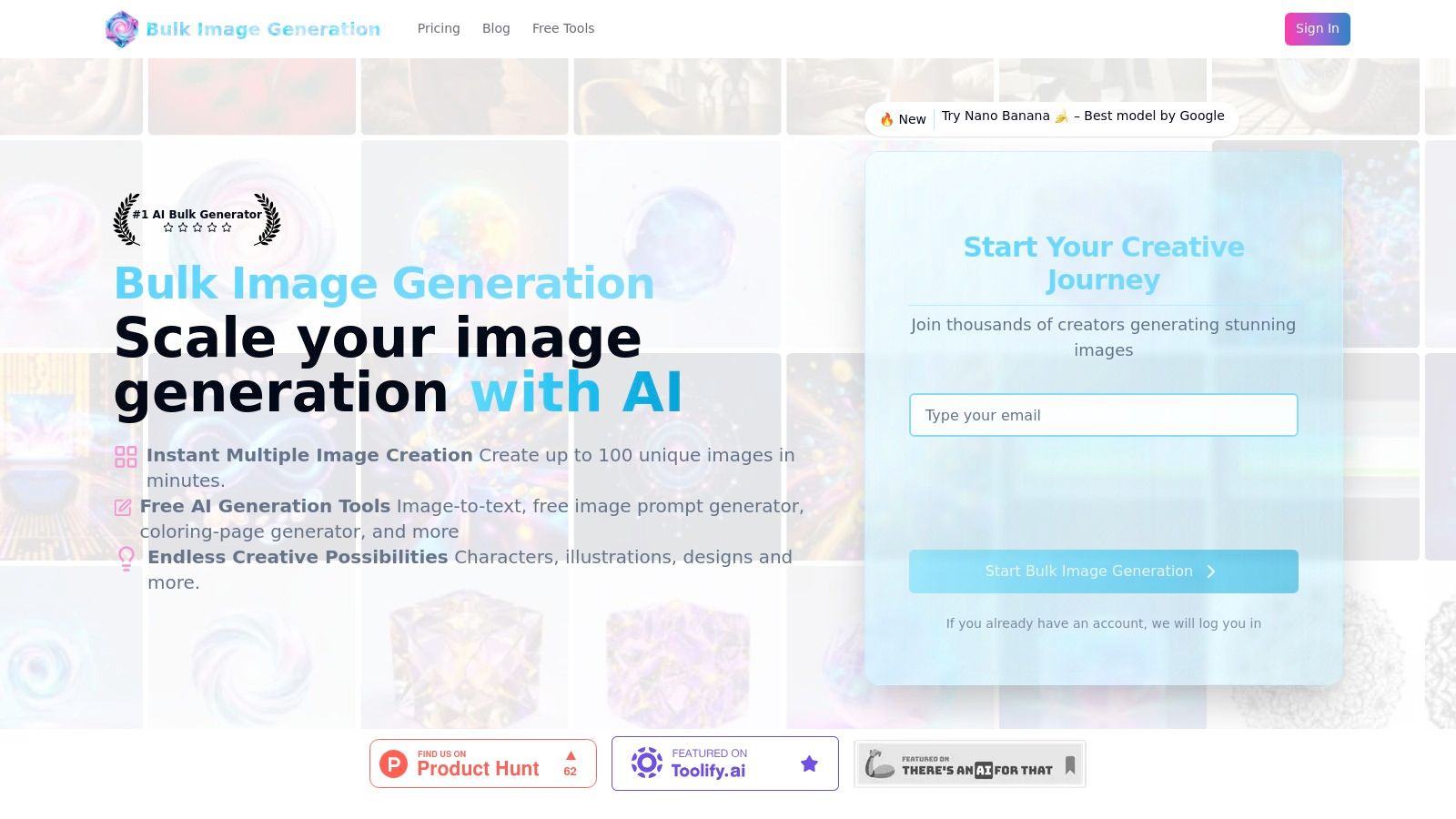
The platform’s true strength lies in its integrated workflow. Beyond rapid generation, it includes a robust batch editor designed to streamline post-production. This built-in toolset allows for simultaneous background removal, face swaps, resizing, and image enhancements across an entire set of images, which can effectively cut editing time in half. This makes it an invaluable asset for social media managers, digital marketers, and branding agencies managing extensive campaigns.
Key Features and Use Cases
- High-Speed Bulk Creation: Ideal for generating extensive sets of game assets, diverse social media visuals, or A/B testing ad creative variations quickly.
- Integrated Batch Editor: Perfect for small businesses creating uniform product photography or e-commerce listings with consistent backgrounds and dimensions.
- Free AI Utilities: The suite of tools, including prompt generators and image-to-prompt converters, supports cross-platform workflows for users who also work with MidJourney or DALL·E.
- Templates & Tutorials: Educators and hobbyists can easily create coloring pages, while designers can find inspiration for branding materials using one-click templates.
Platform Details & Access
| Feature | Details |
|---|---|
| Primary Strength | Mass production of images with minimal manual input and integrated post-production editing. |
| Best For | Digital marketers, social media managers, branding agencies, and small business owners. |
| Pros | Extremely fast output, no manual prompt engineering needed, powerful batch editor, and a rich library of free tools and templates. |
| Cons | Up-to-date pricing and licensing details were unavailable at the time of review; users must verify directly with the vendor. Large batches may require manual review to ensure brand consistency. |
| Getting Started | Visitors should check the official website for current free tier offerings, tutorials, and community support forums to get started. |
| Website | https://bulkimagegeneration.com |
2. Adobe Firefly
Adobe Firefly is the creative giant's answer to generative AI, and it stands out as one of the best free AI image generators, particularly for professionals and those already within the Adobe ecosystem. What makes it unique is its training data; Firefly is trained exclusively on Adobe Stock images, open-license content, and public domain content where copyright has expired. This provides a significant layer of legal clarity, making it a safer choice for commercial projects compared to models trained on less-vetted internet data.
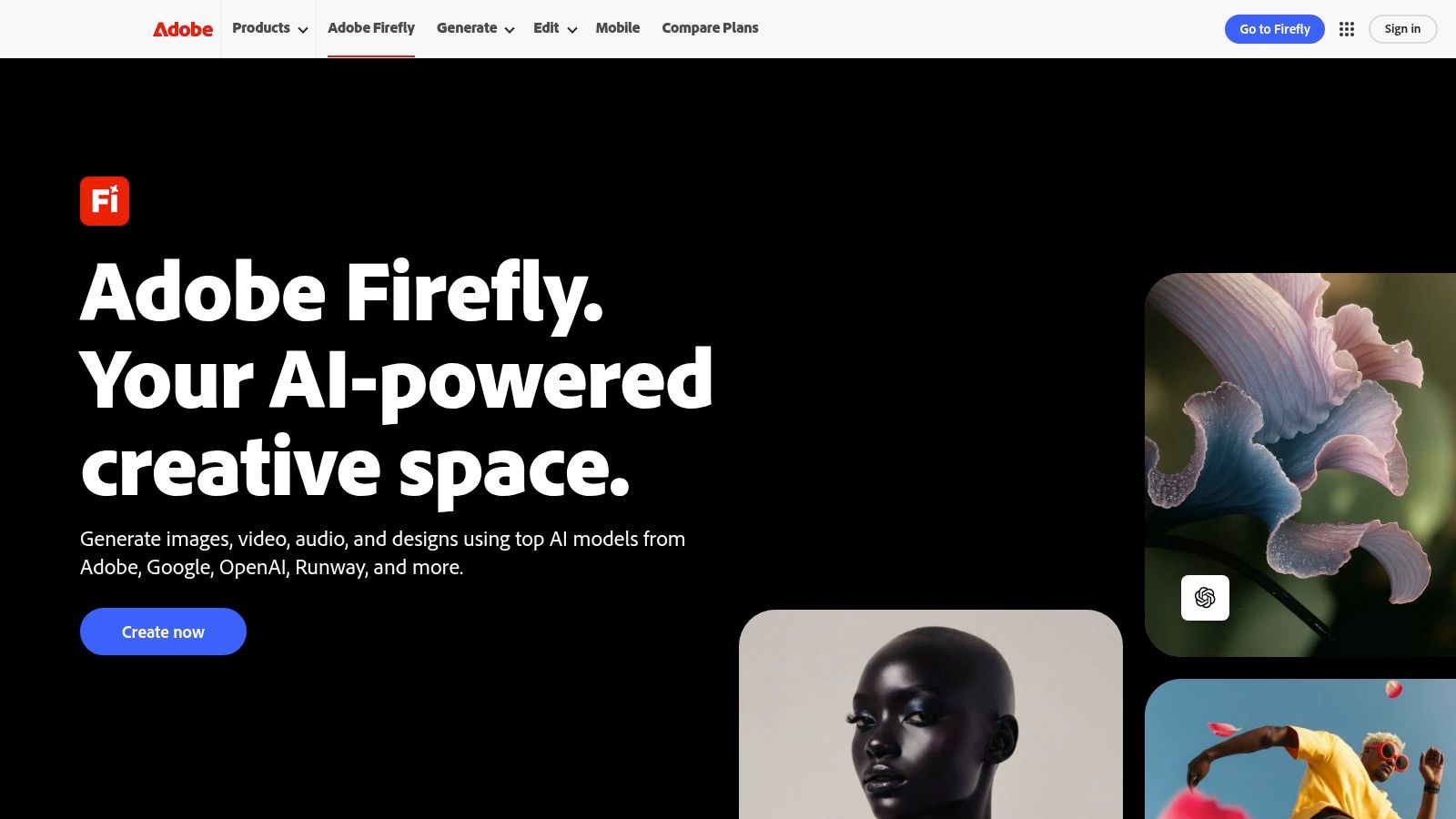
The free tier offers 25 monthly "generative credits," which are used for actions like generating images or using the powerful Generative Fill feature. While this credit system is a limitation, it provides a solid entry point to explore Firefly's high-quality, design-focused outputs.
Key Features and Use Cases
Firefly excels at producing clean, commercially viable visuals that integrate seamlessly into professional workflows. Its deep integration with Photoshop and Adobe Express is its killer feature, allowing you to generate assets directly within the applications you already use.
- Best For: Graphic designers, marketers, and creative professionals who need legally-sound images that align with existing brand aesthetics.
- Standout Feature: The seamless Generative Fill and Generative Expand tools within Photoshop, which allow for intuitive, in-painting and out-painting.
- Practical Tip: Use the "Style Reference" feature to upload an image that guides the aesthetic of your generated output, ensuring consistency with your brand's look and feel.
Pros and Cons
| Pros | Cons |
|---|---|
| Commercially Safe outputs from vetted training data. | Free tier is limited by a monthly credit system. |
| Deep Integration with Adobe Creative Cloud apps. | Some advanced features are behind a paywall. |
| High-Quality results for design and marketing assets. | Fewer artistic styles compared to more community-driven models. |
Website: https://www.adobe.com/products/firefly
3. Microsoft Designer
Microsoft Designer is the tech giant's user-friendly entry into the AI-powered design space, positioning itself as one of the best free AI image generators for quick, everyday creative tasks. Its core strength lies in its simplicity and seamless integration within the Microsoft ecosystem. All you need is a free Microsoft account to access its text-to-image capabilities, which are powered by DALL-E, and a straightforward design canvas perfect for crafting social media posts, presentations, and simple marketing materials.
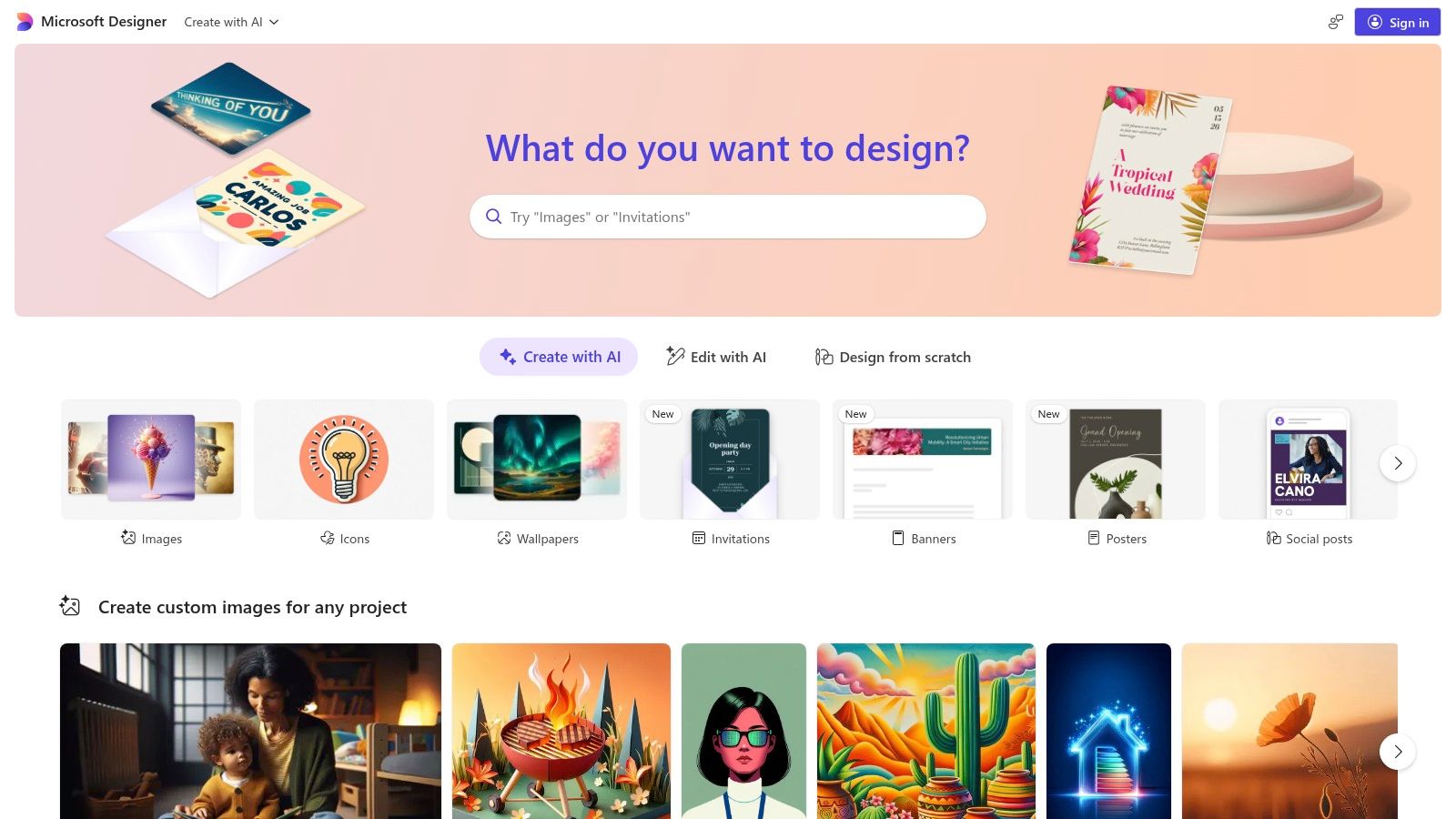
Unlike more complex, standalone generators, Designer combines AI image creation with basic editing and template-based design tools. This makes it a practical, all-in-one solution for users who want to generate a visual and immediately place it into a polished layout without switching applications.
Key Features and Use Cases
Microsoft Designer excels at streamlining the content creation process for those already comfortable with Microsoft products. The generated images are saved directly to your OneDrive, making them instantly accessible across devices and other Microsoft 365 applications. Its clean interface lowers the barrier to entry for AI image generation.
- Best For: Small business owners, social media managers, and educators needing a quick and simple tool for creating professional-looking visuals and posts.
- Standout Feature: The deep integration with Microsoft 365 and Copilot, which allows for a cohesive workflow if you rely on tools like Word, PowerPoint, or Teams.
- Practical Tip: After generating an image, use Designer’s built-in "Design ideas" panel. It automatically suggests various layouts and templates, instantly turning your AI art into a shareable social media graphic.
Pros and Cons
| Pros | Cons |
|---|---|
| Completely Free to use with a standard Microsoft account. | AI features may have age or regional eligibility limits. |
| Clean, Beginner-Friendly Interface for quick visuals. | Cloud storage usage counts toward your OneDrive quota. |
| Works Seamlessly in established Microsoft workflows. | Advanced AI capabilities require Microsoft 365 subscriptions. |
Website: https://designer.microsoft.com
4. Canva (Magic Media “Text to Image”)
Canva has seamlessly integrated AI image generation into its wildly popular design platform with a feature called Magic Media. This positions it as one of the best free AI image generators for users who need to create visuals and immediately place them into a design project, such as a social media post, presentation, or marketing flyer. Instead of being a standalone generator, Canva’s AI is a tool within a much larger, design-focused ecosystem.
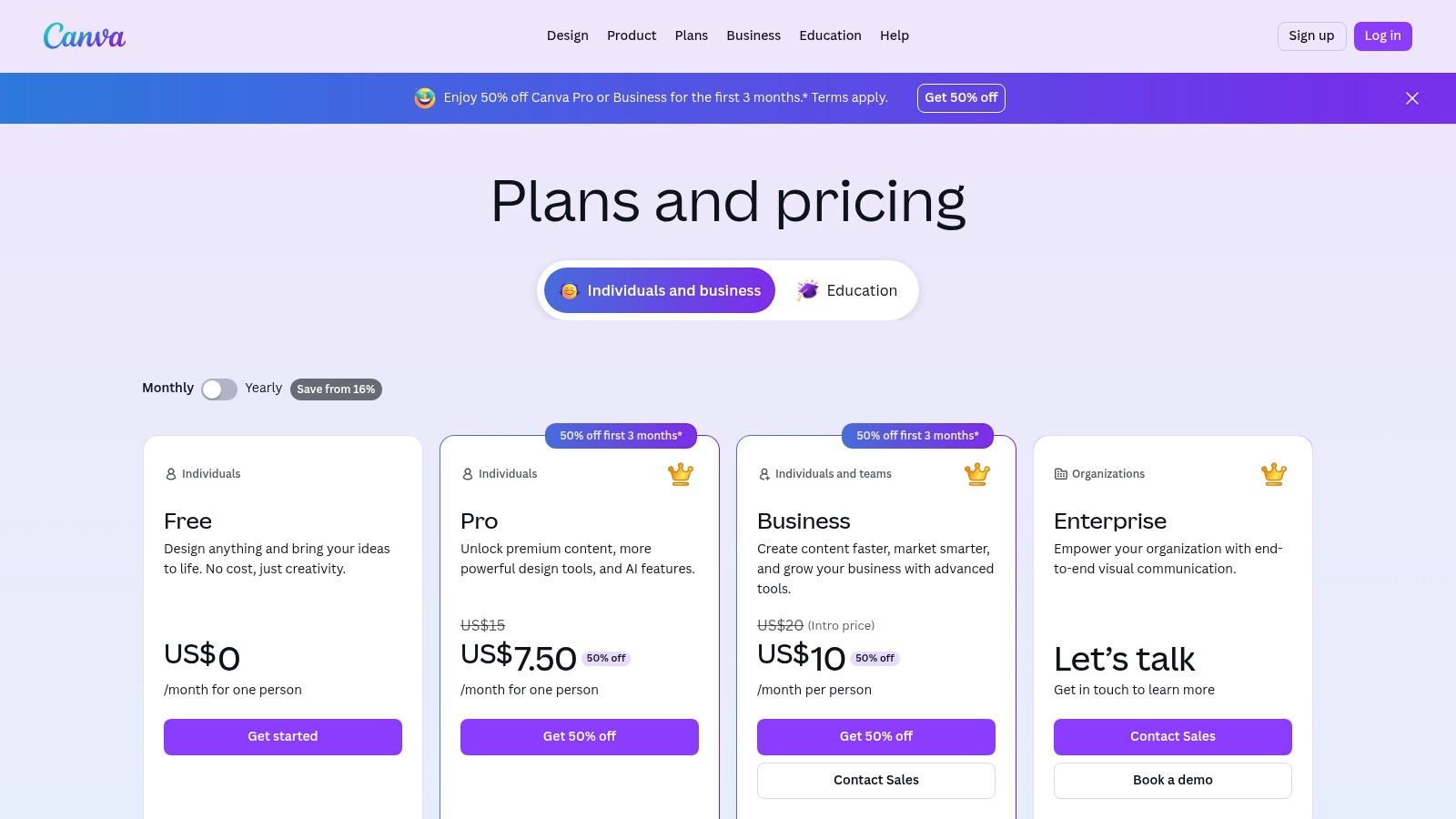
The free plan generously includes 50 lifetime text-to-image credits, with Pro users getting 500 monthly. This system allows anyone to experiment with AI-powered design without an initial investment. Its primary advantage is workflow efficiency; you can generate an image and instantly apply it to thousands of templates, add text, and publish, all within a single browser tab.
Key Features and Use Cases
Canva’s strength lies in its all-in-one approach. The AI generation is a feature, not the entire product, making it perfect for rapid content creation where the generated image is just one component of the final design.
- Best For: Social media managers, small business owners, and educators who need a fast, integrated workflow from image generation to final polished design.
- Standout Feature: The complete template and design ecosystem that allows you to use your generated images immediately in professional-looking layouts.
- Practical Tip: After generating an image, use Canva’s "Edit photo" tools like "Magic Erase" to quickly remove unwanted elements or "Background Remover" (a Pro feature) to isolate subjects for clean designs.
Pros and Cons
| Pros | Cons |
|---|---|
| Integrated Workflow from generation to publishing. | AI image credits are limited on the free plan. |
| Beginner-Friendly interface with a massive template library. | Some premium assets and features require a Pro subscription. |
| Good for creating consistent social media assets quickly. | Generation quality may not be as artistic as specialized models. |
Website: https://www.canva.com/pricing/
5. Playground AI
Playground AI is a powerful, web-based platform that acts as a creative hub, offering access to multiple AI models within a single interface. It stands out by providing a generous free tier and a built-in social feed where users can see, remix, and learn from the prompts of others. This community-focused approach makes it one of the best free AI image generators for beginners looking to quickly improve their prompting skills while experimenting with different artistic engines.
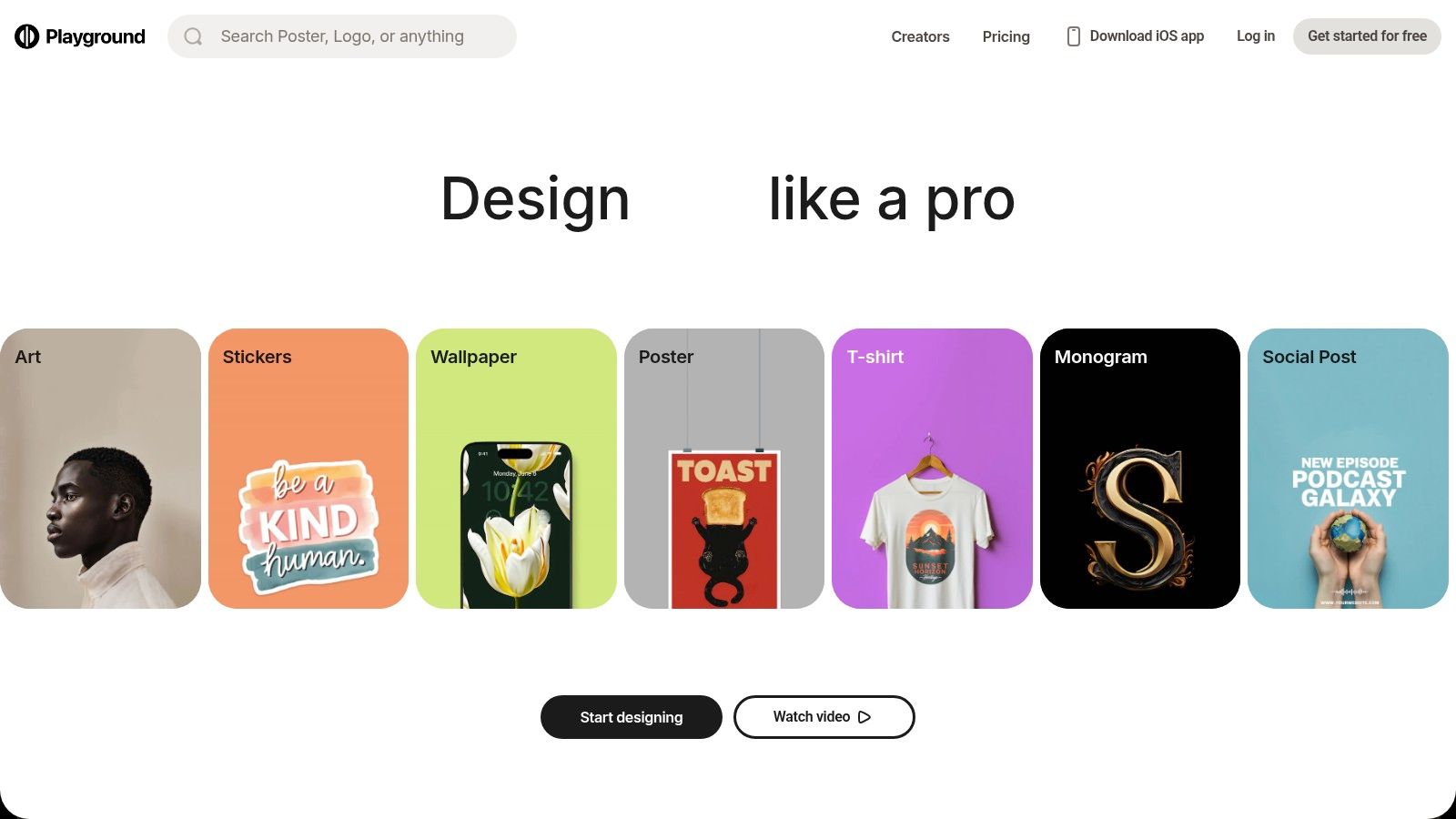
The free plan allows users to generate a significant number of images daily, though it comes with restrictions like slower generation times during peak hours and separate usage caps for different models. For those needing more power, Playground offers clear upgrade paths, including a Pro subscription and flexible "Day Passes" for short-term projects.
Key Features and Use Cases
Playground AI’s strength lies in its versatility and user-friendly editor, which includes features like in-painting and out-painting directly in the browser. The ability to switch between models like Stable Diffusion, Playground v2, and others lets users find the perfect engine for their specific creative vision, from photorealistic portraits to abstract art.
- Best For: Hobbyists, artists, and social media managers who want to experiment with various AI models and editing tools without committing to a paid plan.
- Standout Feature: The integrated social feed and "remix" functionality, which provide an excellent learning environment for mastering prompt engineering.
- Practical Tip: Pay attention to the model selector. If you're aiming for photorealism, choose Playground v2; for more stylized or anime-inspired creations, a Stable Diffusion variant might work better.
Pros and Cons
| Pros | Cons |
|---|---|
| Generous Free Tier with access to multiple models. | Slower performance and potential delays on the free plan. |
| Integrated Editor and community feed for inspiration. | Separate usage caps per model can be confusing for new users. |
| Flexible Pricing with Pro plans and Day Pass options. | Some of the most advanced models require paid credits. |
Website: https://playgroundai.com
6. Leonardo.ai
Leonardo.ai is a comprehensive creative suite that has rapidly become a favorite among the best free AI image generators, especially for users who want more control than simple text-to-image conversion. It goes beyond basic generation, offering a platform for training custom AI models, fine-tuning existing ones, and exploring a vast library of community-created styles. Its "freemium" model provides a generous daily allocation of tokens, making it highly accessible for hobbyists and professionals alike to experiment with its advanced toolset.
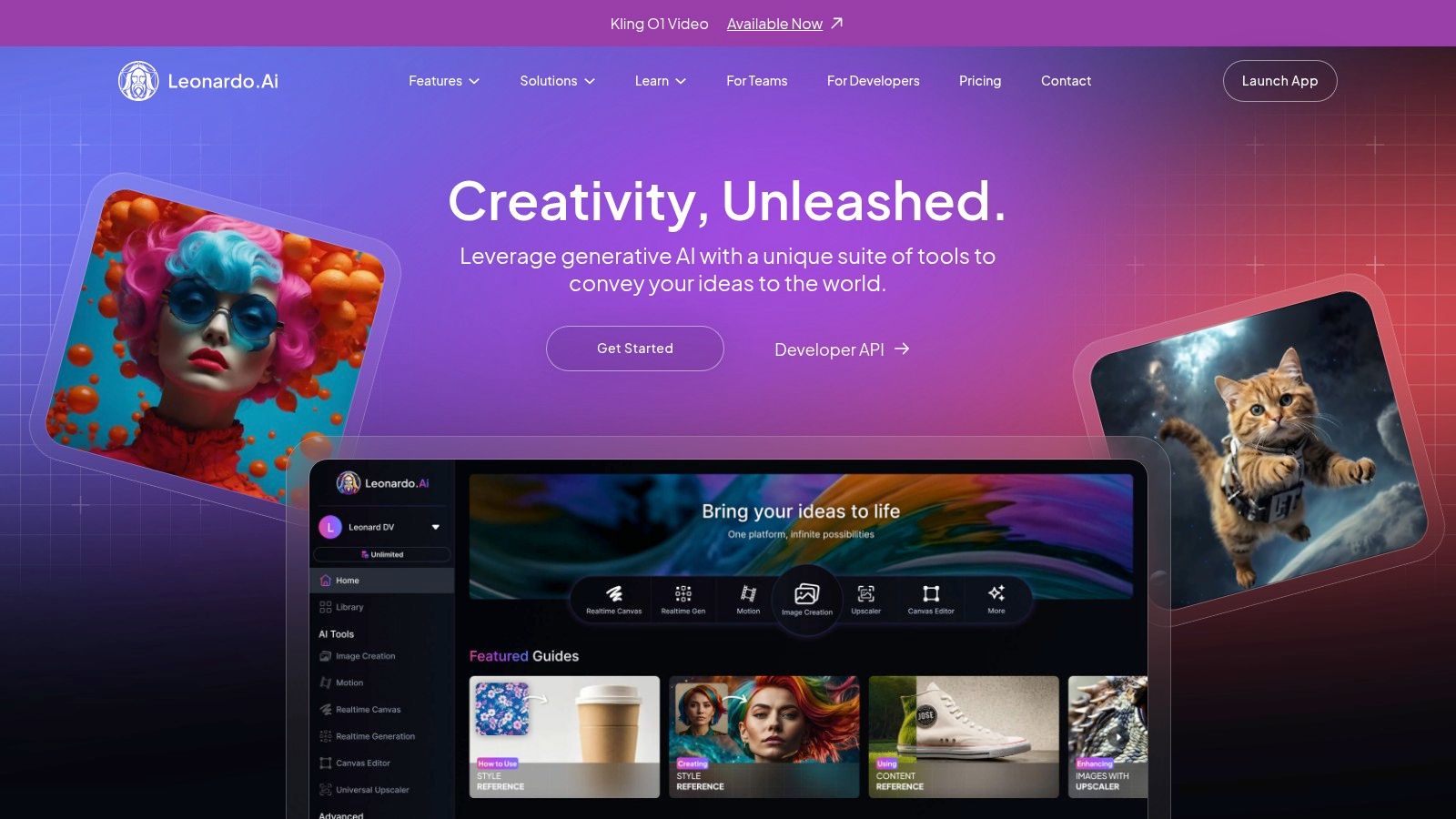
The free tier offers around 150 daily tokens, which refresh every 24 hours. These tokens are used for various actions, from generating images to upscaling and training models. While the free outputs are public, this system provides a robust entry point into a platform that scales effectively from casual creation to enterprise-level API integration.
Key Features and Use Cases
Leonardo.ai is built for creators who want to develop a consistent and unique artistic style. Its powerful fine-tuning capabilities and preset "Elements" allow for unparalleled control over the final output, making it ideal for creating game assets, character concepts, or unique brand visuals.
- Best For: Game developers, concept artists, and creators who need to produce a series of images with a cohesive, custom-trained aesthetic.
- Standout Feature: The ability to train your own AI models on a specific dataset, allowing you to generate images that perfectly match your desired style or subject matter.
- Practical Tip: Use Leonardo’s powerful presets like "Cinematic" or "Vibrant" as a starting point, then experiment with its Negative Prompt feature to remove unwanted elements. If you're struggling with ideas, check out a free AI image prompt generator to get started.
Pros and Cons
| Pros | Cons |
|---|---|
| Powerful Customization with model training and fine-tuning. | Free-tier images are public by default. |
| Generous Daily Free Tokens for consistent use. | Ownership and rights differ between free and paid plans. |
| Scales Well from hobbyist to professional/API use. | Some advanced features and models are restricted on free plans. |
Website: https://leonardo.ai
7. Ideogram
Ideogram has quickly carved out a niche as one of the best free AI image generators for anyone focused on typography and design elements. While many generators struggle to render coherent text, Ideogram excels at integrating words into images, making it a powerful tool for creating posters, logos, and T-shirt designs. Its model is specifically tuned to understand layouts and typographic styles, giving users a level of control over text that is often missing elsewhere.
The free plan is quite generous, offering users 10 "slow" credits per day, which translates to approximately 40 image generations. Although these generations are processed at a lower priority and are public by default, this allowance is more than enough for casual users and those experimenting with its unique capabilities.
Key Features and Use Cases
Ideogram's strength lies in its browser-based workflow, which is optimized for creating visuals where text is a central component. The platform encourages experimentation with different stylistic tags like "typography," "poster," and "logo" to refine outputs.
- Best For: Social media managers, branding agencies, and hobbyists creating designs that require integrated, stylized text.
- Standout Feature: The "Magic Prompt" feature automatically enhances and adds detail to your initial idea, often producing more creative and visually interesting results.
- Practical Tip: When prompting for text, enclose the desired words in double quotes (e.g., a poster with the text "Hello World"). This helps the model prioritize rendering the text accurately.
Pros and Cons
| Pros | Cons |
|---|---|
| Industry-leading text and typography rendering. | Free generations are slower and always public. |
| Simple, browser-friendly interface and active community. | Private generation and higher quality downloads are paywalled. |
| Generous daily allowance of free credits. | Free plan may be restrictive for high-volume commercial use. |
Website: https://ideogram.ai
8. NightCafe
NightCafe is a community-focused AI art platform that has cultivated a loyal following since the early days of generative art. It stands out by offering multiple AI models, including various Stable Diffusion versions and DALL-E, all within a single interface. Its model is less about a limited monthly allowance and more about daily engagement, rewarding users with free credits for consistent use and participation, making it one of the more gamified free AI image generators available.
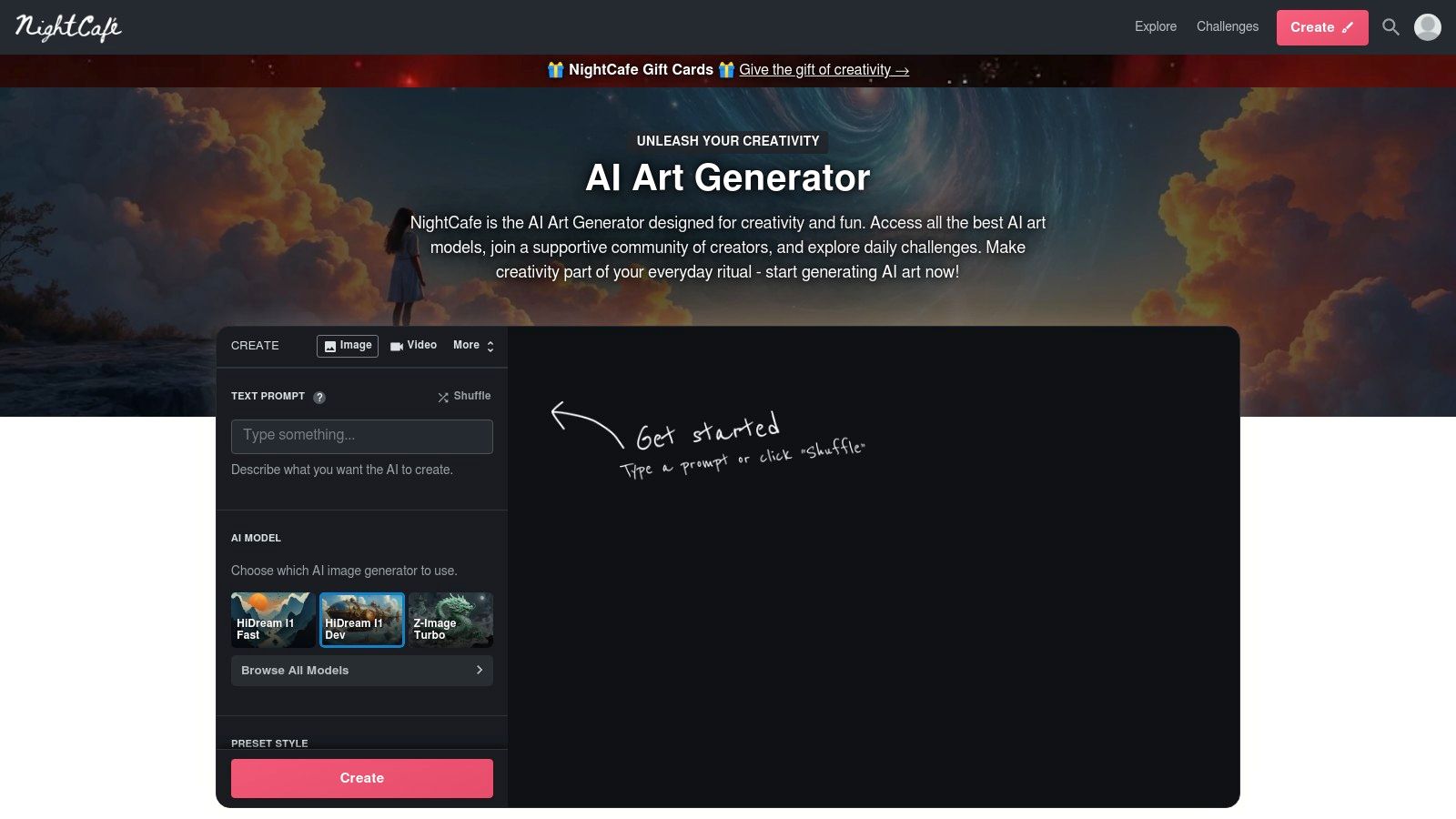
The platform grants a set number of free credits upon signup and allows users to claim a top-up of 5 free credits every 24 hours. While you must actively claim them, this predictable system empowers casual creators who enjoy daily experimentation without committing to a subscription. Credits are used for generations, with costs varying based on the model and settings chosen.
Key Features and Use Cases
NightCafe’s strength lies in its blend of creation tools and social interaction. The platform encourages users to publish their work, participate in daily art challenges, and engage with others. This makes the experience feel more like a creative social network than a sterile utility.
- Best For: Hobbyists, casual artists, and users who enjoy community engagement, daily challenges, and exploring a variety of artistic models in one place.
- Standout Feature: The vibrant Community and Daily Challenges, which provide daily inspiration and a platform for users to showcase their creations and earn more credits.
- Practical Tip: Participate in the "Top-Up Credits" program by claiming your daily bonus and completing simple tasks like voting on contest entries to keep your credit balance healthy for continuous free generation.
Pros and Cons
| Pros | Cons |
|---|---|
| Predictable Daily Free Credits and ways to earn more. | Users must manually claim credits daily to generate for free. |
| Access to Multiple AI Models (SDXL, DALL-E 2, etc.). | Free tier generations can be slower during peak usage times. |
| Active Gallery and strong community incentives. | Higher-quality settings or specific models can be more credit-intensive. |
Website: https://nightcafe.studio
9. ClipDrop (by Stability AI)
ClipDrop is a suite of AI-powered editing tools and image generation features from Stability AI, the creators of Stable Diffusion. It positions itself less as a standalone art generator and more as a powerful, multi-functional toolkit for quick photo edits and creative enhancements. It offers a range of specific, task-oriented apps like background removal, cleanup, and upscaling alongside its core text-to-image generator, making it a versatile platform for practical design needs.
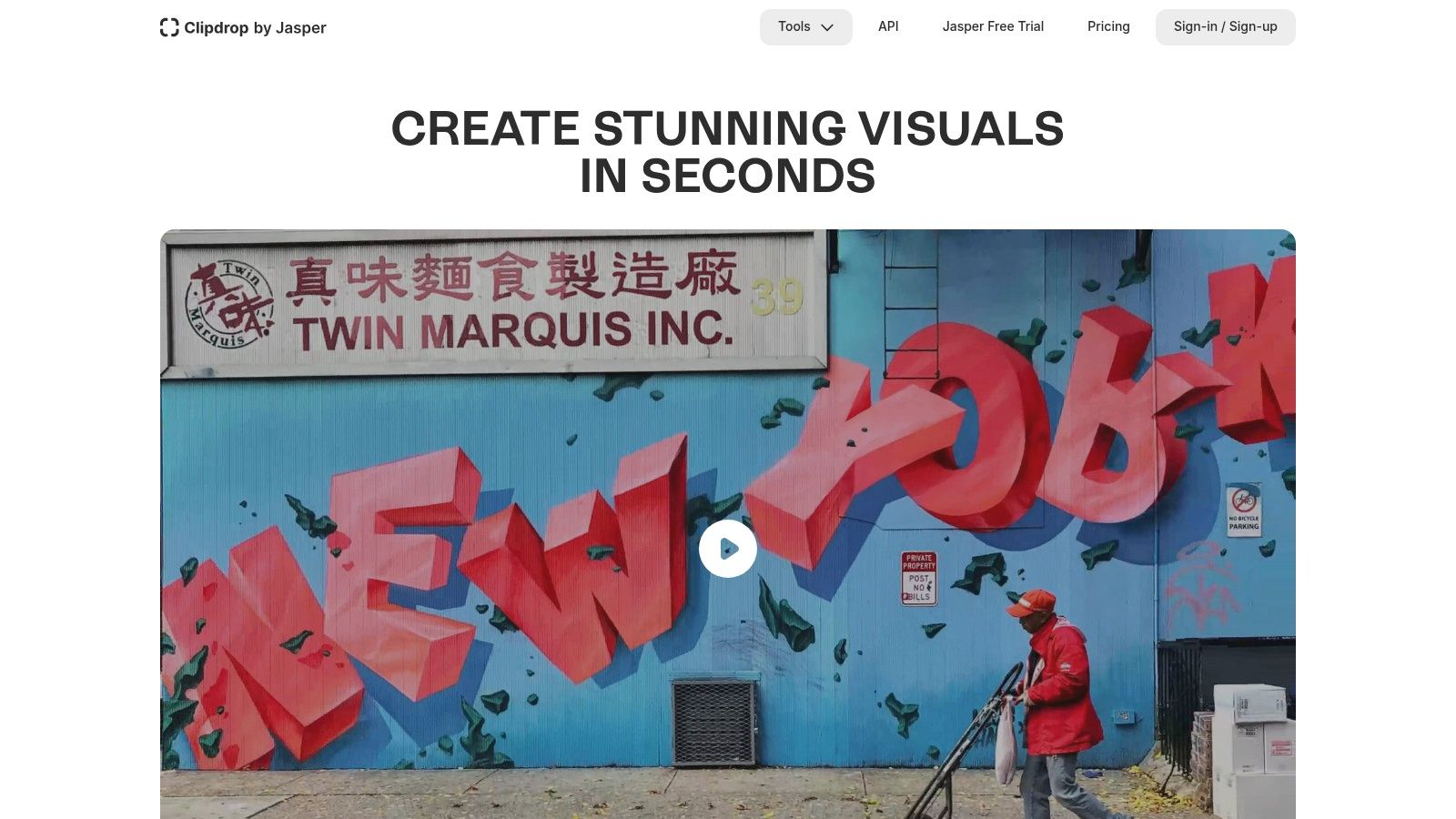
The free tier provides limited access to its tools, including a queue for the Stable Diffusion generator. While heavy usage quickly pushes you toward a subscription, it’s an excellent way to test its impressive photo-editing capabilities and experiment with API integrations, thanks to a generous starting grant of 100 free API credits for developers.
Key Features and Use Cases
ClipDrop shines when you need to quickly fix or modify existing photos with AI, rather than generating entirely new scenes from scratch. Its clean interface and focused tools make complex edits feel simple, positioning it as one of the best free AI image generators for utility-focused tasks.
- Best For: Photographers, e-commerce managers, and developers who need quick photo cleanup, background replacement, or want to prototype with a powerful image generation API.
- Standout Feature: The integrated suite of tools, particularly Cleanup, which can magically erase objects, people, or text from any picture with remarkable accuracy.
- Practical Tip: Use the "Replace Background" tool to instantly place product photos into new, AI-generated environments, perfect for creating marketing materials without a physical photoshoot.
Pros and Cons
| Pros | Cons |
|---|---|
| Quick, Task-Focused Tools for photo editing. | Free usage is limited and runs out quickly for heavy use. |
| Integrated Upscaler and cleanup tools in one place. | Higher-quality outputs require a paid subscription. |
| Simple API with free credits for developer prototyping. | Some advanced features are gated behind paid tiers. |
Website: https://clipdrop.co
10. Krea AI
Krea AI brings a uniquely interactive and dynamic approach to AI image generation, positioning itself as more of a creative suite than a simple prompt-to-image tool. Its standout feature is the real-time canvas, where your text prompts and simple drawings evolve into detailed images instantly as you type or sketch. This live feedback loop makes the creation process feel more like a fluid, artistic partnership with the AI.
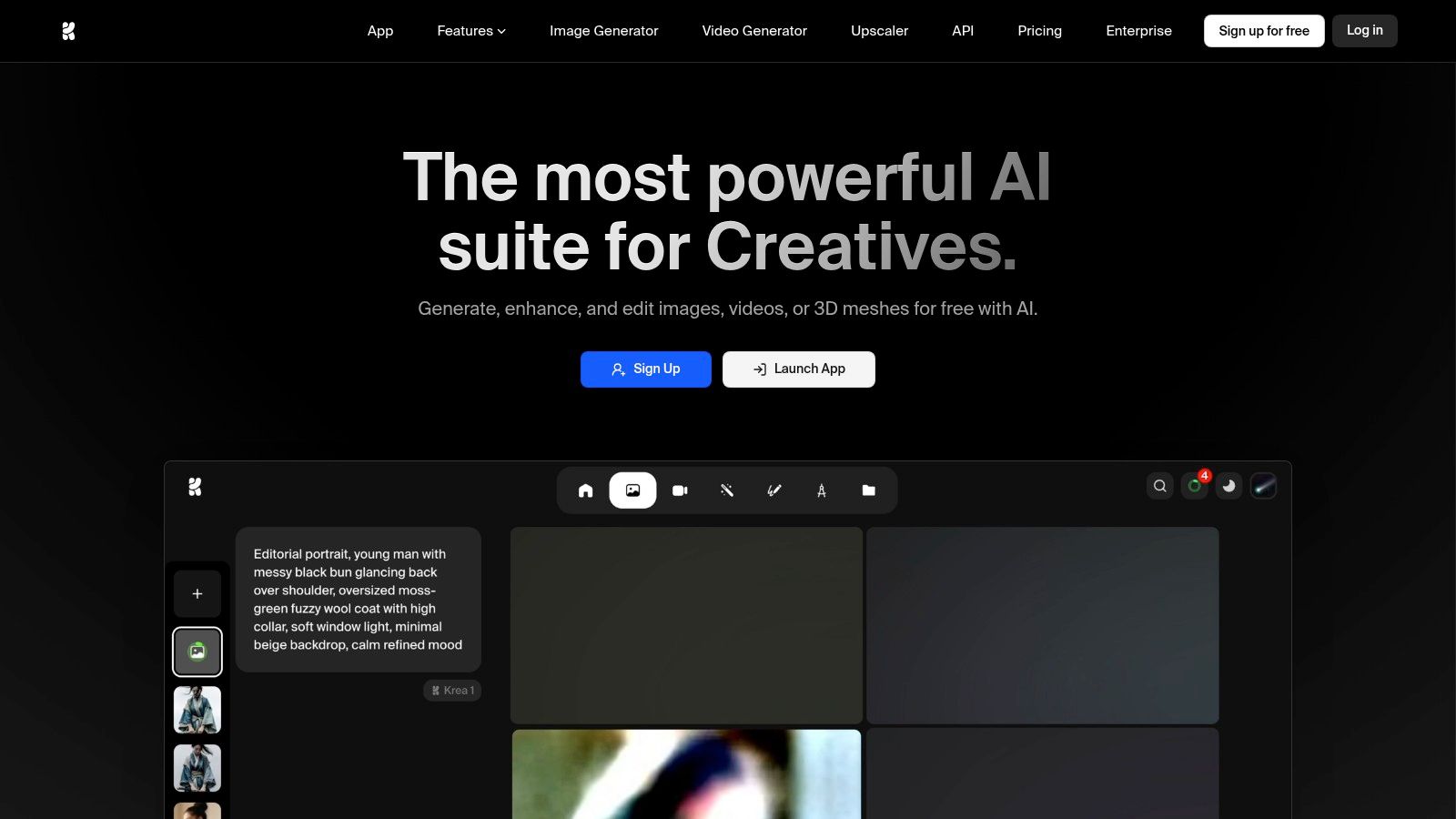
The platform offers a generous number of daily free generations, making it accessible for casual exploration. For those who need more power, its paid plans scale compute resources and unlock advanced features like model training and higher-resolution upscaling, making it a versatile option for both hobbyists and professionals who want one of the best free AI image generators with a hands-on feel.
Key Features and Use Cases
Krea AI excels in providing a fast, iterative design experience. The live canvas allows users to guide the AI's output with shapes, colors, and text prompts simultaneously, watching the image transform in real-time. This is perfect for rapid ideation and concept art where immediate visual feedback is crucial.
- Best For: Artists, designers, and creatives who thrive on an interactive process and want to guide image generation beyond just a text prompt.
- Standout Feature: The Real-time Generation canvas that instantly visualizes changes as you type and draw, offering unparalleled creative control.
- Practical Tip: Start with a simple color blob or shape on the canvas and then add your text prompt. Fine-tune the "AI Strength" slider to control how closely the output follows your initial drawing versus the prompt.
Pros and Cons
| Pros | Cons |
|---|---|
| Fast, interactive 'live' generation experience. | Some advanced features are locked behind paid tiers. |
| Training options to personalize models. | Compute-unit terminology can be unfamiliar to beginners. |
| Modern UI with intuitive on-canvas controls. | Heavier usage requires upgrading to a paid plan. |
Website: https://www.krea.ai
11. Fotor AI Image Generator
Fotor is a well-known online photo editor that has successfully integrated a user-friendly AI image generator into its suite of tools. It stands out for its simplicity and accessibility, making it an excellent starting point for those new to AI image creation. What makes Fotor a great free option is its generous system for earning credits through daily check-ins and simple tasks, allowing for consistent use without a paid subscription.
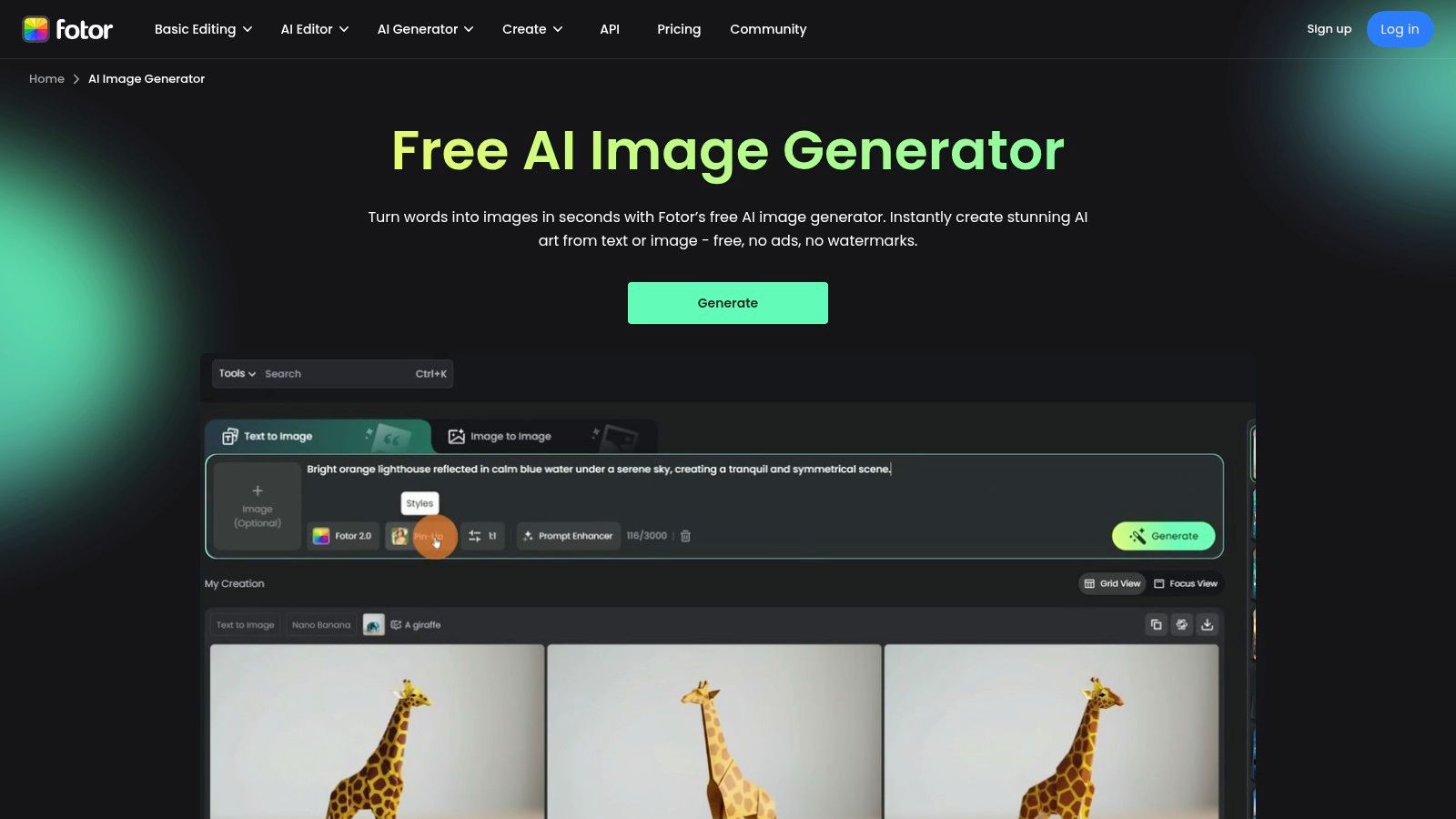
The free plan provides an initial set of credits, and you can easily accumulate more, making it one of the more sustainable free models for casual use. A major advantage is that images generated with these free credits can be downloaded without any watermarks, a rare feature among free competitors that often gatekeep clean downloads.
Key Features and Use Cases
Fotor shines as a quick, no-friction tool for creating visuals without a steep learning curve. Its direct integration with a full-fledged photo editor means you can generate an image and immediately start refining it, adding text, or applying filters, all within the same platform.
- Best For: Social media managers, bloggers, and casual users who need quick, decent-quality images and want an all-in-one generation and editing solution.
- Standout Feature: The ability to earn free credits through daily logins and activities, which gamifies the experience and rewards consistent use.
- Practical Tip: After generating your image, use Fotor’s built-in "AI Enlarger" tool to upscale the resolution for free before downloading, ensuring you get a higher-quality final asset.
Pros and Cons
| Pros | Cons |
|---|---|
| No Watermarks on free image downloads. | Free use is credit-based and can feel limited. |
| Simple, approachable interface for beginners. | Less advanced control compared to specialized platforms. |
| Integrated Editing Suite for post-generation tweaks. | Highest quality outputs are often behind the paid plan. |
Website: https://www.fotor.com/ai-image-generator/
12. Hugging Face Spaces (Image Generation category)
Hugging Face Spaces is less a single tool and more of a vast, dynamic playground for AI. It's a platform hosting thousands of community-built and official AI model demonstrations, many of which are some of the best free AI image generators available for testing. What makes it unique is the sheer variety and access it provides to cutting-edge, open-source models like Stable Diffusion variants and experimental tools, often before they become mainstream.
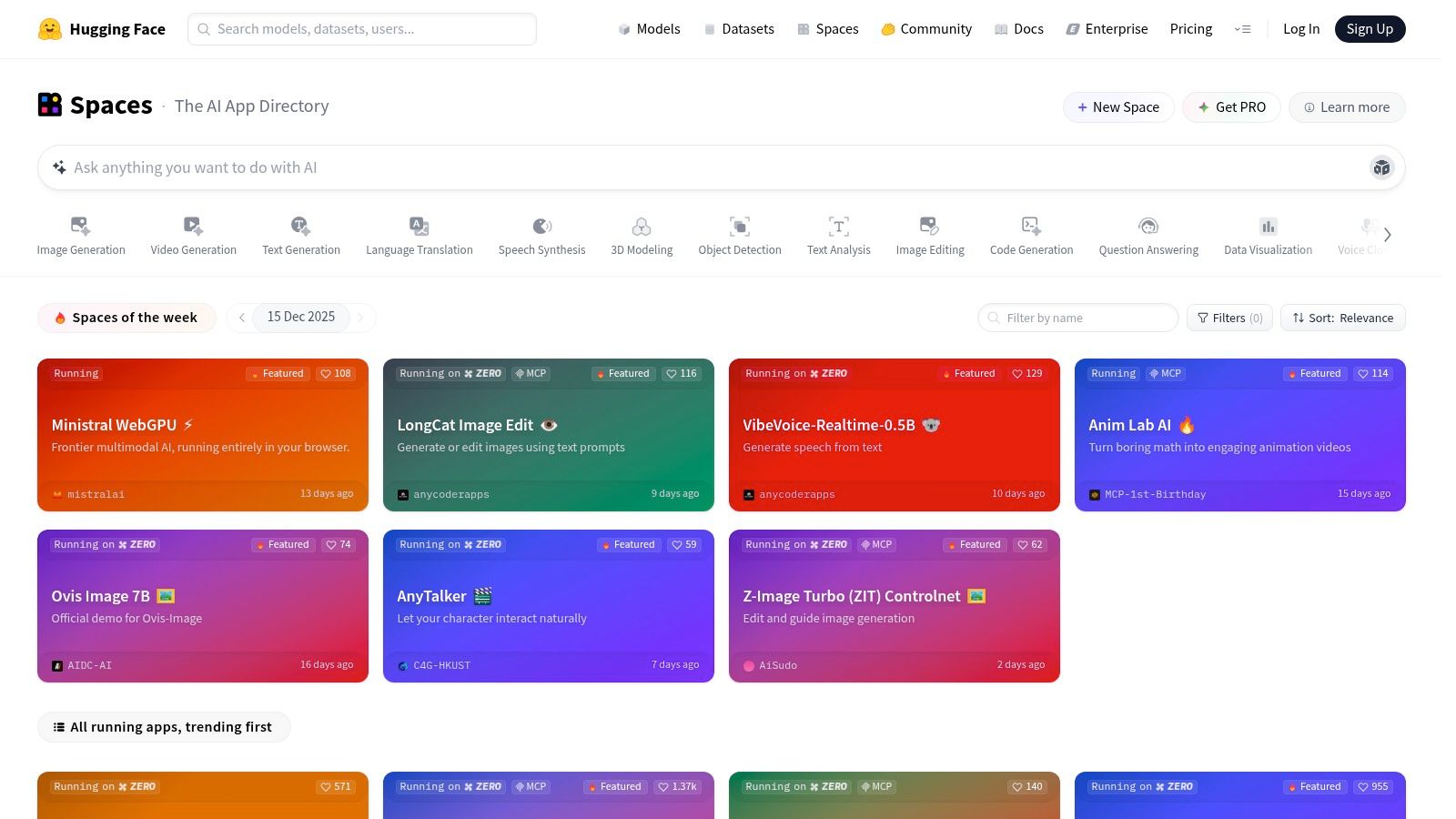
This open-access approach means you can try a new model or a niche image-to-image tool instantly in your browser without any installation or setup. It's an unparalleled resource for exploration, learning, and seeing what the open-source community is building in real time. For those looking to generate many images at once, you might explore dedicated tools. You can learn more about various AI image generator tools to see what fits your workflow.
Key Features and Use Cases
Hugging Face Spaces is the go-to destination for anyone wanting to experiment with the latest and most diverse AI image generation technology without commitment. The experience can vary greatly from one "Space" to another, as each is a self-contained app.
- Best For: AI enthusiasts, researchers, and creators who want to test a wide range of new, experimental, or specialized image generation models.
- Standout Feature: The ability to browse and instantly use hundreds of different community-hosted AI demos in one place, from text-to-image to style transfer.
- Practical Tip: Use the "Trending" and "Likes" filters on the Spaces page to quickly find the most popular and well-performing image generation apps currently available.
Pros and Cons
| Pros | Cons |
|---|---|
| Completely Free to explore many different models. | Quality, performance, and uptime vary by Space. |
| No Vendor Lock-in with easy access to open-source work. | Popular Spaces may have long queues or be rate-limited. |
| Excellent for Testing experimental and niche models quickly. | Not designed for sustained, high-volume professional use. |
Website: https://huggingface.co/spaces
Top 12 Free AI Image Generators — Feature Comparison
| Product | Core features | UX / Quality | Value & Target Audience | Unique selling points | Price & limits |
|---|---|---|---|---|---|
| Bulk Image Generation | Flux 1.1 + GPT-Image-1; up to 100 images <20s; natural-language prompts; batch editor (bg removal, face swaps, resize, enhance); templates & free tools | Extremely fast; production-ready outputs; may need brand tweaks | Recommended — scales design workflows; digital marketers, social managers, SMBs, agencies, hobbyists | Massive speed; no prompt engineering; integrated batch post-production; one-click templates | Pricing not listed on scraped site — verify with vendor |
| Adobe Firefly | Text-to-image, Generative Fill/Extend; credit system; Adobe integrations | High-quality, design-focused outputs; commercial-friendly licensing | Designers and agencies needing Adobe workflow and clear licensing | Adobe Stock-trained outputs; tight Photoshop/Express integration | Free tier + paid plans with monthly generative credits |
| Microsoft Designer | Text-to-image + editor; OneDrive & M365 integration; web & mobile | Beginner-friendly; seamless M365 experience | Quick visuals for Microsoft users; social posts, internal comms | Seamless OneDrive/M365 workflow; free with Microsoft account | Free with Microsoft account; some M365 AI features require subscription |
| Canva (Magic Media) | Text-to-image inside full design suite; templates, brand kit, publishing tools | Very user-friendly; integrated generation → publish flow | Creators & SMBs needing templates, brand tools, social assets | Large template ecosystem; brand kit + licensing guidance | Free plan with limited AI; Pro/Business unlocks higher limits & licensing |
| Playground AI | Multiple models; in-browser editor; daily/monthly caps | Good free on-ramp; model variety; slower at peak on free tier | Users who want model choice and simple upgrade paths | Several model choices; Pro, Day Pass and credit packs | Generous free tier; Pro & Day Pass paid options; model-specific caps |
| Leonardo.ai | Daily free tokens; custom model training; upscaling; presets; team/API options | Powerful presets & fine-tuning; outputs vary by plan | Creators needing training, presets and team/API scaling | Custom model training; community asset management; "Relaxed" paid mode | Freemium with token limits; paid tiers for private outputs and more tokens |
| Ideogram | Text-to-image with strong typography/layouts; weekly slow credits; paid priority/private | Excellent text/typography rendering; browser-friendly | Logo/poster designers and users needing strong text rendering | Industry-leading text rendering and layout for designs | Free slow credits (~10 slow credits/week); paid for priority/private/high-res |
| NightCafe | Multiple models; daily free credits; community gallery & contests | Predictable daily allowance; social/gallery features | Casual creators who like community and daily use | Daily claimable credits; active gallery & contests | Daily free credits; earn more via activities; paid credits for more |
| ClipDrop (Stability) | Generative fill/expand, bg removal, upscaler; Stable Diffusion; developer API | Fast task-focused photo fixes; good prototyping tools | Photographers, designers, developers prototyping integrations | Integrated cleanup + upscaler + dev API with free credits | Free initial API credits; paid plans/credits for heavier use |
| Krea AI | Real-time live canvas; Flux models; on-canvas controls; training & upscaling | Interactive, fast live canvas experience | Users wanting interactive generation and personalization | Live canvas with real-time controls; model personalization | Freemium with daily generations; Basic/Pro/Max tiers for more compute |
| Fotor AI Image Generator | Text-to-image & image-to-image; style presets; upscaler; daily check-ins | Simple, fast; no watermarks on free downloads (with credits) | Casual users needing quick, no-friction visuals | No-watermark free downloads (with credits); daily rewards system | Free starter credits; credit-based; paid plans for heavier use |
| Hugging Face Spaces (Image Gen) | Hundreds of community & official model demos; forkable Spaces; filters | Great for experimentation; quality & uptime vary by Space | Researchers, learners, devs exploring many models | Access to many open-source models and demos; easy to fork | Mostly free to use; availability and performance vary by host |
Choosing the Right Tool for Your Creative Vision
The world of generative AI has flung open the doors to visual creation, making it more accessible and dynamic than ever before. We've journeyed through a diverse landscape of the best free AI image generators, each offering a unique gateway into this technology. From the seamless integration of Canva and Microsoft Designer into existing workflows to the specialized typographic prowess of Ideogram, it's clear there is no single "best" tool for everyone. Your ideal generator is the one that aligns perfectly with your specific project, skill level, and creative ambition.
The key takeaway is that the "free" tier is a fantastic launchpad, not a final destination. It's an opportunity to learn the art of prompt engineering, discover your unique visual style, and produce high-quality images without any initial investment. For many users, from educators creating coloring pages to social media managers designing a single post, these free offerings are more than sufficient.
From Experimentation to Execution: A Practical Guide
As you move forward, the most critical step is to define your objective. This clarity will guide your tool selection and save you countless hours.
- For Quick, Casual Creation: If you need a simple, high-quality image for a blog post or social media update without a steep learning curve, tools like Adobe Firefly and Fotor are excellent choices. They prioritize user experience and deliver reliable results with minimal fuss.
- For Niche, Specialized Tasks: When your project has specific demands, turn to the specialists. Ideogram is unparalleled for generating images with coherent text, while Krea AI offers a revolutionary real-time canvas for interactive creation and upscaling. For those who need to fine-tune models or explore the technical underpinnings, the vast ecosystem of Hugging Face Spaces is an invaluable resource.
- For Artistic Exploration & Community: If you thrive on community inspiration and advanced artistic controls, Leonardo.ai, Playground AI, and NightCafe offer robust platforms. Their extensive models, fine-tuning capabilities, and community galleries provide a rich environment for artists and hobbyists to push creative boundaries.
Overcoming Limitations and Planning for Scale
While the generosity of free credits is remarkable, every professional will eventually encounter the limitations of these models: inconsistent outputs, daily generation caps, and the time-consuming process of creating images one by one. This is the natural inflection point where your needs evolve from casual experimentation to professional production.
Imagine you're a branding agency testing hundreds of logo concepts or an e-commerce store needing thousands of unique product backdrops. Generating these assets individually on a free platform is simply not feasible. The time spent managing credits, re-rolling generations, and ensuring brand consistency would quickly outweigh the initial cost savings. This is where a strategic upgrade becomes essential.
Ultimately, your journey with AI image generation is about empowerment. It's about taking an idea and giving it visual form with unprecedented speed. After you've generated that eye-catching visual for your next video project, the next step is ensuring it grabs your audience's attention. You can learn how to optimize your creations for maximum impact by exploring essential YouTube thumbnail best practices. By mastering both the creation and application of AI visuals, you build a powerful, end-to-end creative workflow. The tools are here, the potential is limitless, and your creative vision is the only guide you need.
Ready to move beyond single-image limits and unlock true creative efficiency? When your projects demand hundreds or thousands of consistent, high-quality images, Bulk Image Generation is the professional solution. Stop waiting on credits and start producing at scale by visiting Bulk Image Generation today.
