The 12 Best AI Photo Editor Online Free Tools of 2026

Ryan Bennett • January 13, 2026
Discover the top ai photo editor online free tools. Our listicle reviews the 12 best options for enhancement, background removal, and more in 2026.
The demand for high-quality visuals for marketing campaigns, educational materials, and social media content is constant. Yet, traditional photo editing software often involves a steep learning curve and significant time investment. This is where a modern ai photo editor online free of charge can transform your workflow, providing powerful, automated tools directly within your browser. These platforms move beyond simple filters, offering advanced features like one-click background removal, generative object replacement, and intelligent image enhancement.
The challenge is navigating the crowded market to find the right tool. One platform might excel at batch processing for e-commerce product shots, while another offers superior AI-powered portrait retouching for professional headshots. Choosing the wrong one can lead to frustration with feature limitations, watermarked exports, or low-resolution results. This guide cuts through the noise to deliver a comprehensive, hands-on comparison of the best free options available.
We will dive deep into each tool's real-world performance, highlighting specific use cases for digital marketers, educators, and small business owners. You will find a clear, honest assessment of each platform’s strengths and, just as importantly, its limitations. We provide quick tutorials for common tasks, direct links to each editor, and screenshots to help you visualize the process. Our goal is simple: to help you select the perfect ai photo editor online free to streamline your creative process and produce professional-grade visuals efficiently and without cost.
1. Bulk Image Generation
Best For: High-volume content creation and batch processing.
Bulk Image Generation secures its top spot by fundamentally rethinking the creative workflow. Instead of focusing solely on single-image edits, this platform excels at producing and processing professional visuals at a massive scale, making it a powerhouse for users who need quantity without sacrificing quality. Its core strength lies in its ability to generate up to 100 distinct, high-resolution images from a single, natural-language goal in under 20 seconds. This eliminates the tedious process of manual prompt engineering, a significant advantage for marketers, educators, and small business owners under tight deadlines.
The platform is more than just a generator; it’s an integrated ecosystem. The built-in batch editor is a standout feature, streamlining post-production tasks like background removal, resizing, and enhancement across entire image sets. This can drastically reduce manual editing time. For e-commerce businesses looking to streamline their visual content creation, tools that enable efficient AI product photography can be invaluable, and this platform’s batch capabilities align perfectly with those needs.
Furthermore, Bulk Image Generation provides a suite of free supporting tools, including prompt generators and aspect-ratio calculators, alongside a library of one-click templates for projects like social media campaigns and product mockups. This makes it an exceptionally versatile ai photo editor online free for a wide range of applications. While its public-facing site currently has an error preventing access to pricing and testimonials, its feature set positions it as a premier solution for scaling visual content production.
Key Features:
- Goal-Based Generation: Describe your desired outcome in plain English, and the AI (powered by Flux 1.1 and GPT-Image-1) handles the complex prompt creation.
- Integrated Batch Editor: Apply edits like background removal, enhancement, and face swaps to multiple images simultaneously.
- Free Toolkit: Access a collection of aspect-ratio calculators, prompt generators for various AI models, and image-to-prompt converters.
- Template Library: Start projects quickly with pre-built templates for game assets, branding materials, and more.
Practical Tips: Use the natural-language goal feature to describe the purpose of your images (e.g., "create minimalist product photos for a skincare brand on a marble background") rather than just listing objects. For resizing entire campaigns, you can learn more about their batch image resizer to ensure consistency across platforms.
| Pros | Cons |
|---|---|
| Unmatched speed for generating up to 100 unique images at once. | Pricing, testimonials, and certifications are not currently visible on the website; requires vendor contact. |
| No prompt engineering needed, which lowers the barrier for entry. | AI outputs may still need human oversight for brand alignment and to address potential legal or ethical issues (e.g., face swaps). |
| Integrated batch editor significantly cuts down on post-production time. | |
| Extensive free tools, tutorials, and community support are included. |
Website: https://bulkimagegeneration.com
2. Adobe Express
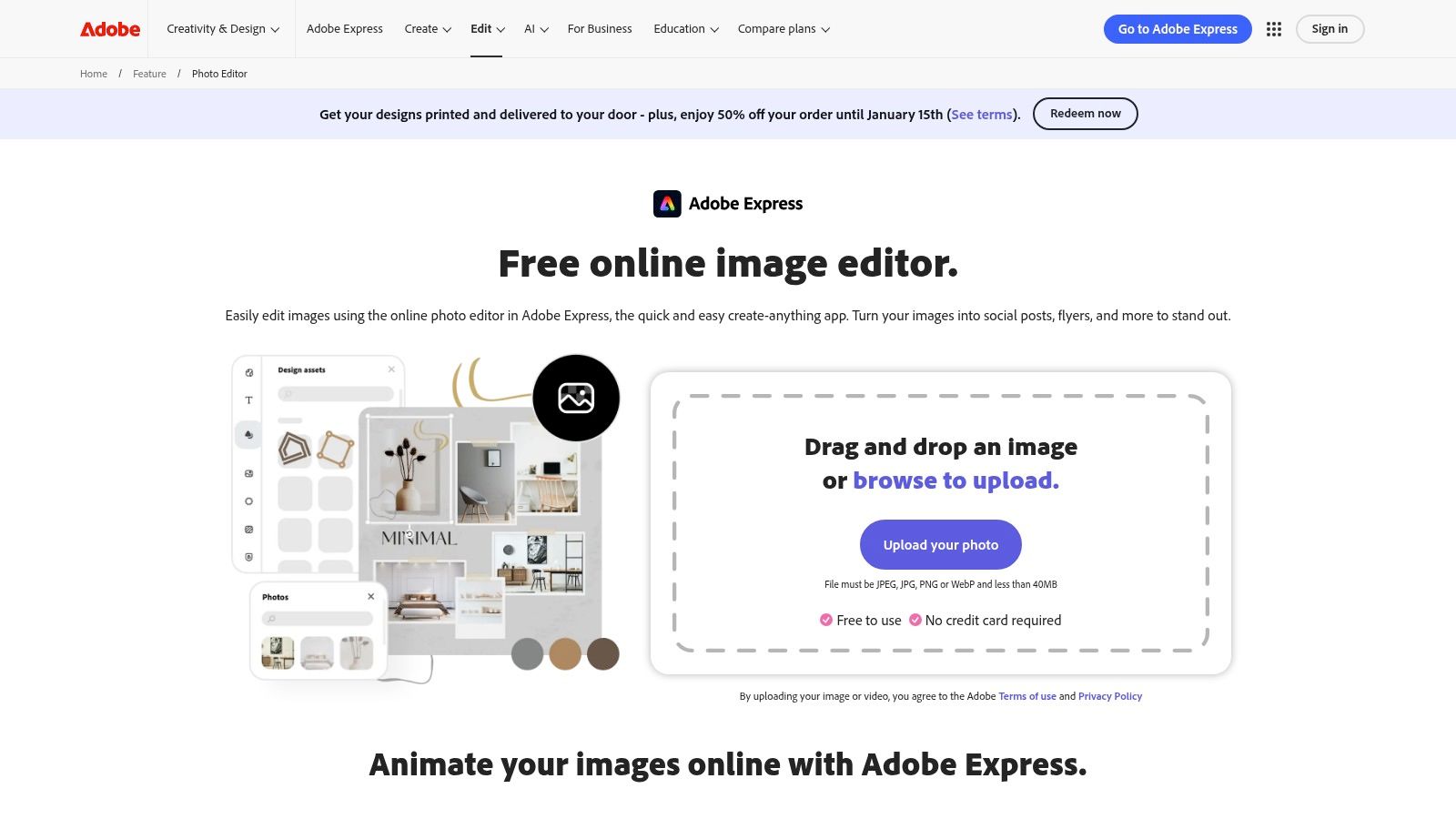
Adobe Express brings the power of Adobe's creative suite into an accessible, browser-based tool, making it a top-tier ai photo editor online free for both quick fixes and more complex creative projects. Backed by the robust Adobe Firefly generative AI, it excels at tasks typically reserved for professional desktop software, offering a surprisingly polished user experience without needing a download.
Its standout feature is the seamless integration of AI-powered editing with a vast template library. You can start with a simple edit, like removing an unwanted object, and then instantly pivot to incorporating that polished image into a social media post, flyer, or presentation using thousands of professional templates. This streamlined workflow is a significant time-saver for marketers and small business owners.
Key Features and Limitations
The free tier of Adobe Express is generous, granting access to core AI functionalities and a substantial portion of its asset library. You can perform one-click enhancements, remove backgrounds, or use generative fill to add or replace elements in your photos.
However, usage is governed by a generative credit system. Free users receive a monthly allotment of credits, which are consumed by AI actions like "Generative Fill" or "Text to Image." While sufficient for casual use, heavy users may find themselves needing to upgrade to a premium plan for more credits and access to premium templates and the full Adobe Stock photo collection. You can explore the integration between Adobe's AI and its stock library to better understand this ecosystem.
| Feature | Free Tier Availability | Best For |
|---|---|---|
| Generative Fill/Replace | Yes (uses generative credits) | Adding or removing complex objects; changing clothing or backgrounds. |
| Background Removal | Yes (unlimited) | Creating clean product shots for e-commerce or transparent PNGs. |
| Auto-Enhance & Unblur | Yes | Quickly improving lighting, color balance, and sharpness in photos. |
| Template Library | Yes (limited to free templates) | Social media managers, educators creating worksheets, event planners. |
| Adobe Stock Integration | Limited (access to a free collection) | Finding high-quality, royalty-free images to incorporate into designs. |
3. Pixlr
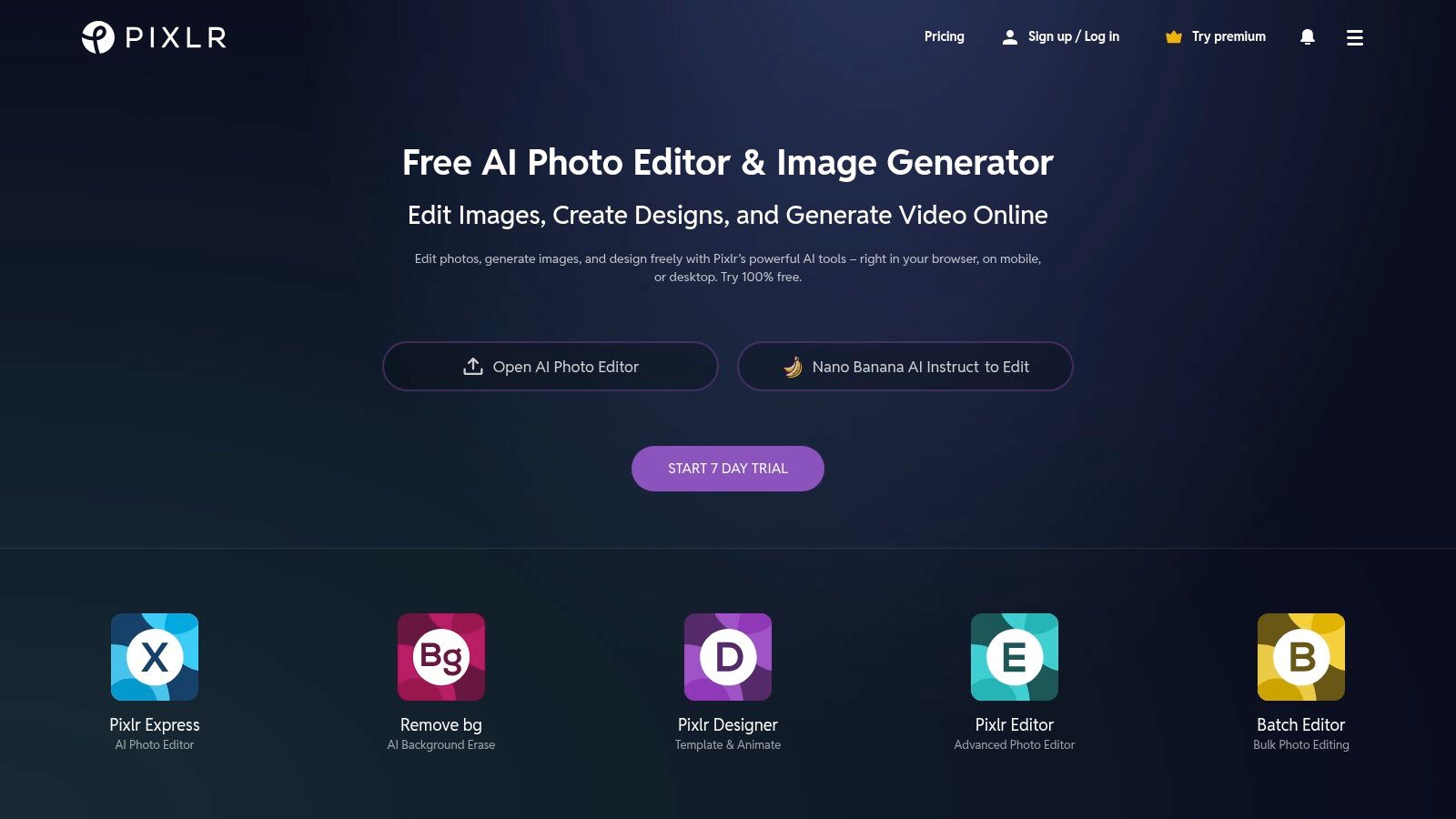
Pixlr has long been a staple in the browser-based editing world, and its evolution into a powerful ai photo editor online free cements its position as a go-to tool. It offers a unique dual-interface approach: "Pixlr X" for quick, AI-driven edits and "Pixlr E" for more advanced, layer-based manipulation. This flexibility allows users to choose their complexity level, making it suitable for both beginners and seasoned creators.
Its primary strength lies in its comprehensive feature set available directly in the browser, rivaling some desktop applications. You can seamlessly jump from an AI-powered background removal to detailed color grading or applying creative filters, all within the same ecosystem. This all-in-one capability is ideal for users who need more than just a single-function AI tool and prefer a full-fledged editor.
Key Features and Limitations
The free version of Pixlr provides impressive access to its core AI tools, though it is ad-supported. Users can utilize generative tools like fill and expand, but these actions are tied to a credit system. Free users receive a limited number of credits, which may be quickly depleted with heavy generative AI use.
Upgrading to a premium plan removes ads, grants more AI credits, and unlocks the full library of assets, overlays, and templates. The free tier is excellent for casual editing and trying out the AI features, but content creators and professionals who rely heavily on generative tools will likely need a subscription for uninterrupted workflow. You can learn more about its features on the Pixlr website.
| Feature | Free Tier Availability | Best For |
|---|---|---|
| Generative Fill/Expand | Yes (uses generative credits) | Removing distractions, extending image backgrounds, or adding new elements. |
| Background & Object Removal | Yes (unlimited) | Creating transparent assets, cleaning up product photos, or isolating subjects. |
| Templates & Collage Maker | Yes (limited to free assets) | Quickly creating social media graphics, event announcements, and photo collages. |
| Dual Editor (X & E) | Yes | Users who want to switch between simple, quick edits and advanced layer-based work. |
| Batch Editing | No (Premium feature) | Processing multiple images with the same edits simultaneously. |
4. Photopea
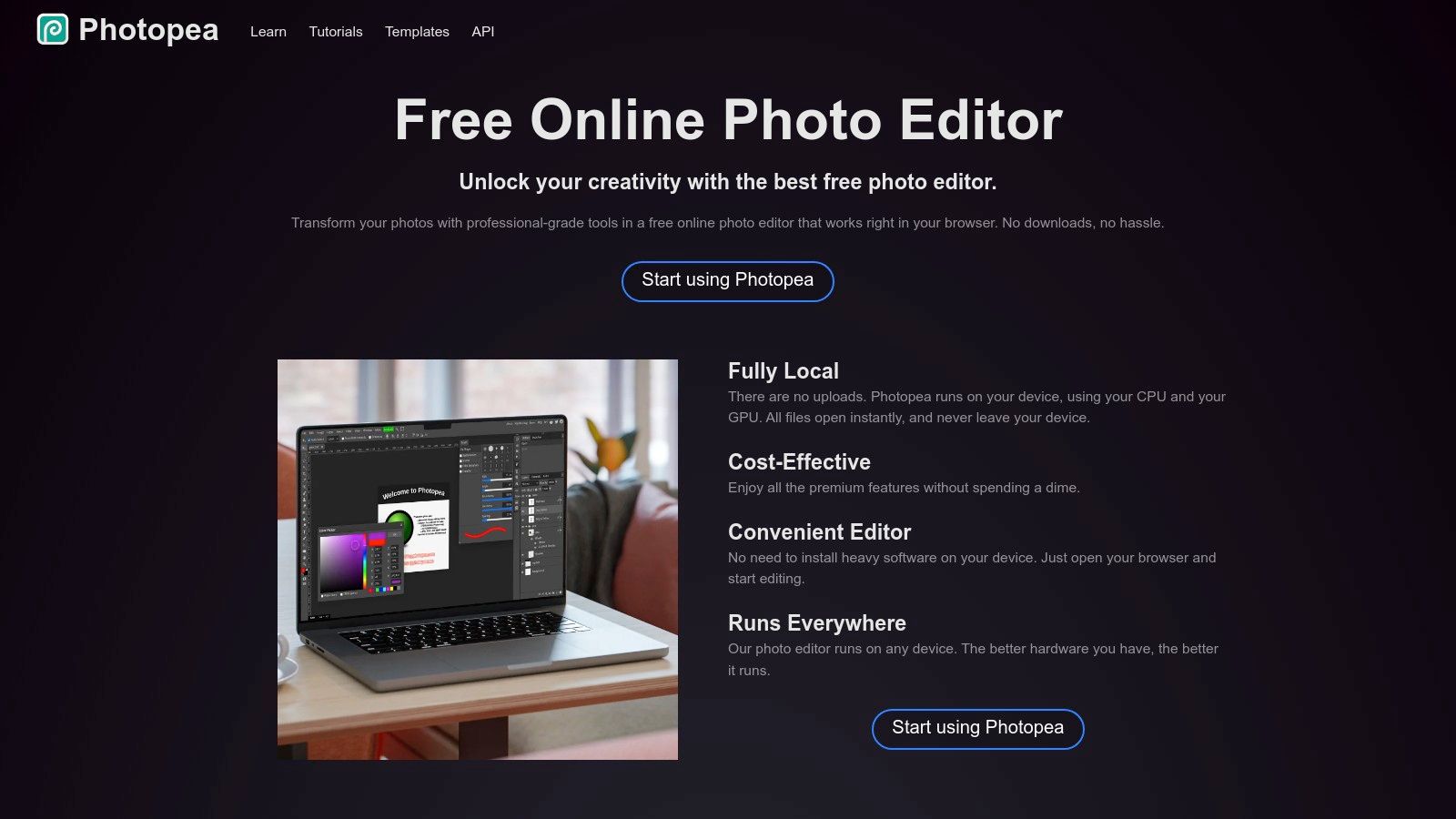
Photopea stands out by offering a professional-grade, Photoshop-like experience directly in your browser, making it a unique ai photo editor online free for users who need advanced control. While many online tools prioritize simplicity, Photopea provides a robust interface with layers, masks, and smart objects, catering to designers and photographers accustomed to desktop software. Its ability to open, edit, and save native PSD files is a game-changer for collaborative workflows, allowing teams to work on complex projects without requiring everyone to have a paid software license.
The platform has integrated AI tools like "Magic Replace" (its version of generative fill) and an AI-powered background remover, bringing modern generative capabilities to its classic editing environment. This blend of traditional, high-control editing with new AI assistance makes it incredibly versatile. It's the ideal solution for when you need more than a one-click fix but still want the convenience of a browser-based tool. The interface, while powerful, does have a steeper learning curve than template-driven editors and is supported by ads on the free plan.
Key Features and Limitations
Photopea's free access to its core professional toolset is its greatest strength. You can perform intricate edits using layers and blending modes just as you would in Photoshop. The AI features are seamlessly integrated into this workflow, allowing you to, for instance, remove a background on one layer while applying filters to another.
The primary limitation is the ad-supported interface and the fact that its advanced nature can be intimidating for beginners. Unlike tools designed around templates, Photopea starts with a blank canvas, which requires a more hands-on approach. The free model is fully functional, but a premium subscription is available to remove ads and support the developer. For anyone needing to edit a .psd file on the fly, there is simply no better free online option. You can visit the Photopea website to start editing immediately.
| Feature | Free Tier Availability | Best For |
|---|---|---|
| Generative Fill/Replace | Yes (integrated as "Magic Replace") | Complex edits requiring precise selection before generative changes. |
| Background Removal | Yes (with advanced refinement tools) | Users needing to fine-tune masks and edges after automatic removal. |
| PSD File Support | Yes (open, edit, and save) | Marketing agencies, designers, and teams using Photoshop files. |
| Layers & Masks | Yes (full functionality) | Photographers and graphic designers requiring non-destructive editing. |
| Advanced Editing Tools | Yes (healing brush, clone stamp, etc.) | Detailed photo retouching and complex image manipulation. |
5. Canva
Canva has evolved from a simple design tool into a powerful, template-driven ai photo editor online free, making it an indispensable resource for marketers, educators, and small businesses. Its strength lies in integrating AI-powered "Magic" features directly into a user-friendly design workflow. You can seamlessly remove a background, expand an image's borders with AI, or replace an object, all within the same interface used to create a social media post or presentation.
This design-first approach sets Canva apart. While other tools focus purely on photo manipulation, Canva positions its AI edits as a step within a larger creative process. This makes it incredibly efficient for producing finished marketing materials, as you don't need to export from a photo editor and import into a design tool; it's all one cohesive experience.
Key Features and Limitations
Canva's free plan provides access to its core design editor and a taste of its AI "Magic Studio" features through a credit system. Free users get a limited number of lifetime credits to try tools like Magic Edit and Magic Expand. While the one-click background remover is a popular feature, it is locked behind the Canva Pro subscription.
Upgrading to Canva Pro unlocks unlimited access to premium features like the background remover, more generative credits for AI tools, brand kits, and a vastly larger library of templates and stock assets. For those looking to get the most out of Canva's generative AI, using a specialized tool to refine your text descriptions can be helpful; you can use this free AI image prompt generator to craft better inputs for its Text-to-Image app.
| Feature | Free Tier Availability | Best For |
|---|---|---|
| Magic Edit/Replace | Yes (uses limited credits) | Swapping objects or changing colors in a photo within a design. |
| Magic Expand | Yes (uses limited credits) | Extending photo backgrounds to fit different aspect ratios. |
| Background Removal | No (Pro feature) | Quickly isolating subjects for marketing and e-commerce visuals. |
| Template Library | Yes (limited to free templates) | Social media managers, educators, and small businesses needing quick designs. |
| Team Collaboration | Yes (basic features) | Small teams working on shared design projects and content calendars. |
6. Fotor
Fotor has established itself as a comprehensive, template-driven ai photo editor online free that caters heavily to users who need a wide array of creative tools in one place. It successfully blends traditional photo editing with a practical suite of AI functions, making it ideal for creating social media graphics, marketing materials, or personal projects without a steep learning curve. Its strength lies in offering a broad toolkit, from one-click enhancers to generative AI, all within an accessible interface.
The platform is particularly useful for those who need to quickly execute common editing tasks. You can seamlessly move from removing a background on a product photo to dropping it into a pre-made sales banner template, then use the AI writer to generate caption ideas. This all-in-one approach simplifies the creative workflow significantly for non-designers.

Key Features and Limitations
Fotor’s free plan is quite functional, providing access to basic AI enhancements, object removal, and a collage maker. However, many advanced AI tools and premium assets are watermarked or require upgrading. The platform uses a credit system for its generative AI features, with a small number of credits provided to free users.
While Fotor's AI portrait tools are impressive for general use, those seeking specialized, professional-grade headshots might find its capabilities different from dedicated services. For users interested in how Fotor stacks up against dedicated AI headshot tools, you can find a useful Secta Labs vs. Fotor comparison here discussing the differences. The main drawback for free users is the persistent upselling and the limitations placed on high-quality downloads and premium content.
| Feature | Free Tier Availability | Best For |
|---|---|---|
| AI Enhance & Unblur | Yes (basic tools) | Instantly improving the clarity and color of everyday photos. |
| Background/Object Removal | Yes (with limitations/watermark) | Cleaning up product images or removing distractions from portraits. |
| Generative AI | Yes (uses free credits) | Experimenting with text-to-image or replacing elements in a scene. |
| Portrait Tools | Yes (basic retouching) | Smoothing skin, removing blemishes, and applying simple beauty filters. |
| Templates & Assets | Limited (access to a free selection) | Small businesses and content creators needing quick, stylish designs. |
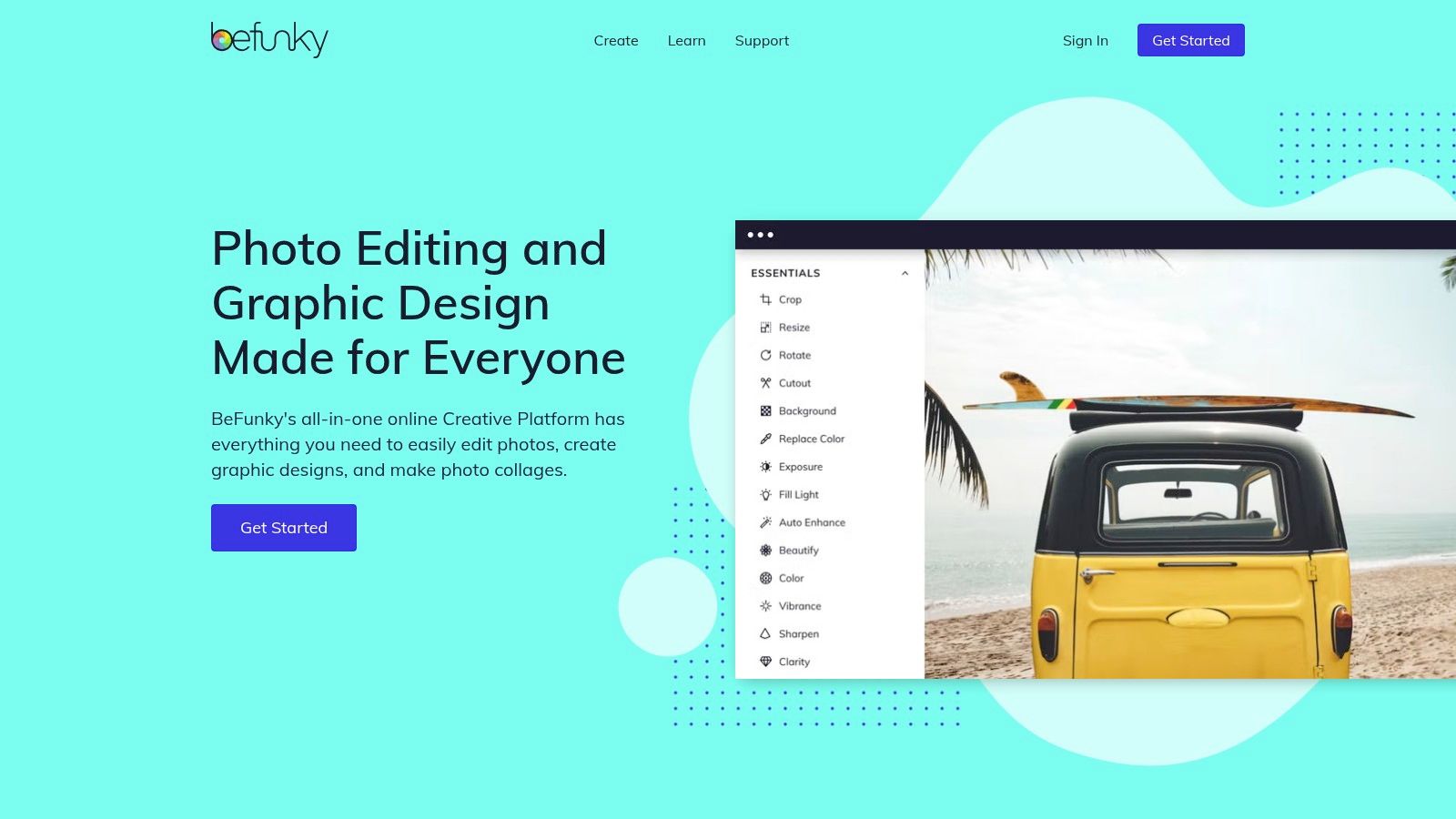
7. BeFunky
BeFunky strikes a unique balance between a traditional photo editor and a modern creative suite, carving out its niche as a highly approachable ai photo editor online free for users who want simplicity without sacrificing core functionality. It is particularly well-suited for those who need quick, effective edits and creative compositions like collages, without the steep learning curve of more advanced, layer-based software. Its interface is clean and workflow-oriented, guiding users from basic edits to more artistic effects seamlessly.
The platform excels in one-click solutions. Instead of complex sliders and adjustment layers, BeFunky offers a suite of AI-powered tools that get the job done efficiently. This makes it an excellent choice for users who need to enhance a portrait, remove a distracting background, or touch up an image for social media but don't have a background in graphic design. The ability to start editing without even creating an account lowers the barrier to entry significantly.
Key Features and Limitations
While you can access many standard editing tools for free, BeFunky’s most powerful AI features are reserved for its "Plus" subscription. The free version is great for cropping, resizing, and applying basic filters, but tools like the AI Background Remover, AI Photo Enhancer, and advanced portrait touch-up options will prompt an upgrade. This freemium model allows users to test the interface and basic tools before committing to the paid tier for AI capabilities.
The platform's strength lies in its all-in-one nature. After editing a photo, you can immediately pivot to the Collage Maker or Graphic Designer modules to use your image in a larger project, using a wide selection of templates. While it lacks the intricate layer control of competitors like Photopea, its streamlined process is a major advantage for creating finished assets quickly.
| Feature | Free Tier Availability | Best For |
|---|---|---|
| AI Background Remover | No (BeFunky Plus feature) | Quickly isolating subjects for social media graphics or product mockups. |
| AI Photo Enhancer | No (BeFunky Plus feature) | One-click corrections for color, exposure, and overall image balance. |
| Portrait Touch Up Tools | Limited (Basic tools free; AI tools are Plus) | Enhancing portraits by smoothing skin, fixing blemishes, and whitening teeth. |
| Collage & Designer Tools | Yes (with access to free templates) | Hobbyists and marketers creating engaging visual content for social media. |
| Batch Processing | No (BeFunky Plus feature) | Applying the same edits (like resizing or watermarking) to many images at once. |
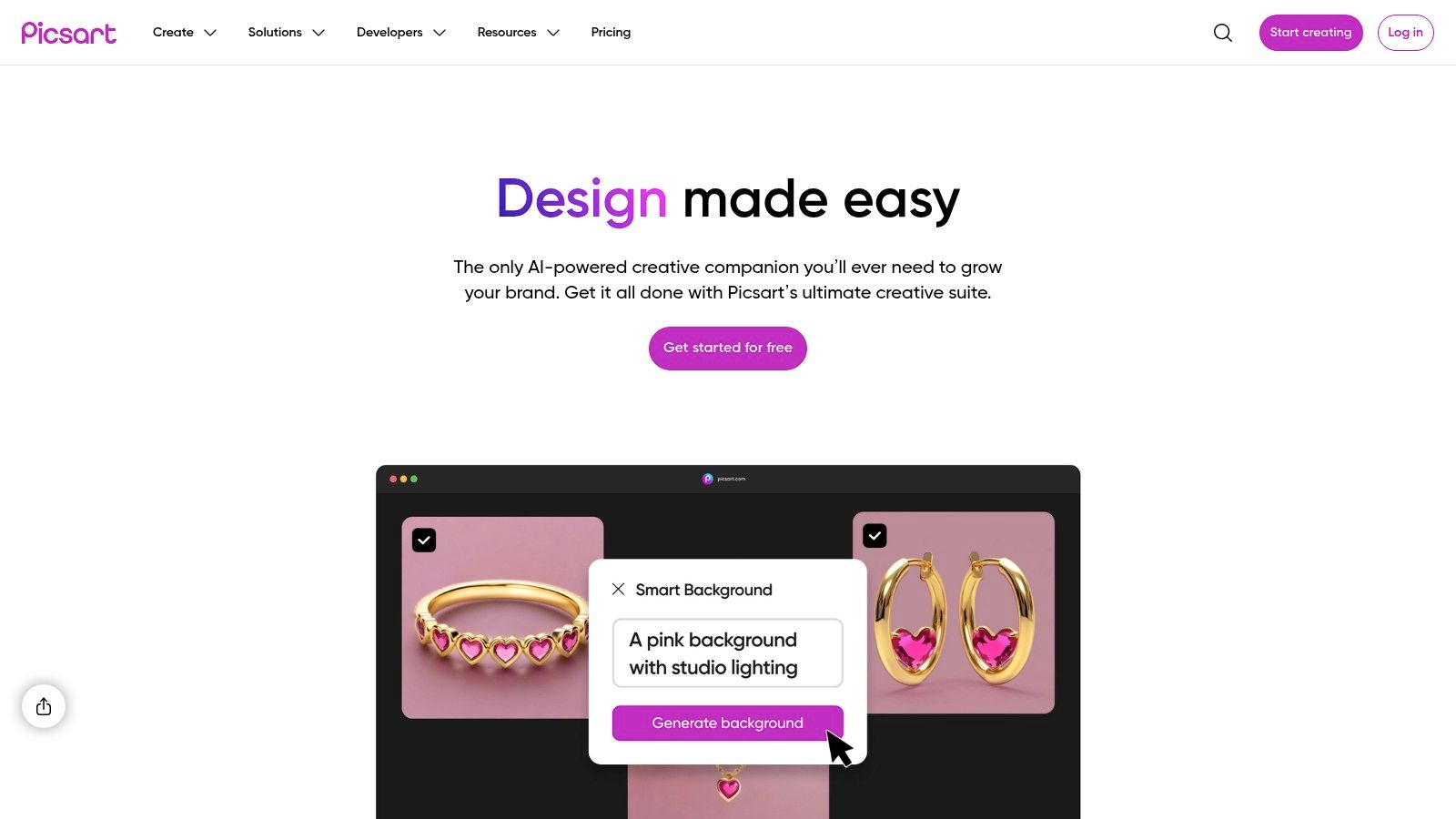
8. Picsart
Picsart positions itself as a comprehensive creative suite, making it a powerful ai photo editor online free for users who need more than just simple touch-ups. It combines robust AI-driven tools like background removal and generative replacement with a vast library of templates and assets, making it particularly useful for social media managers and content creators who need to produce a high volume of visual content quickly and efficiently.
The platform's strength lies in its all-in-one approach. You can start by using its AI to enhance a low-quality photo, then remove an unwanted object, and finally place the edited image into a professionally designed template for an Instagram story or a YouTube thumbnail. This integrated workflow, which includes everything from basic adjustments to advanced AI generation, caters to a wide range of creative needs within a single, user-friendly interface.
Key Features and Limitations
The free version of Picsart provides access to its standard editing tools and a small weekly allowance of AI credits. These credits are used for generative features, such as creating images from text prompts or using the "AI Replace" tool. While the allowance is limited, it's enough for occasional AI-powered edits.
To unlock the full potential of Picsart, including bulk editing tools, brand kits, and an increased credit limit, a subscription is necessary. The free plan is excellent for individual projects and exploring the platform's capabilities, but businesses and frequent creators will likely find the premium plans essential for their workflow and for accessing the most advanced features and assets without restriction.
| Feature | Free Tier Availability | Best For |
|---|---|---|
| AI Replace & Generative AI | Yes (uses limited weekly credits) | Altering specific parts of an image or creating new visual elements. |
| Background & Object Removal | Yes (unlimited) | Creating clean cutouts for product listings or social media graphics. |
| AI Enhance & Unblur | Yes (unlimited) | Improving the quality and clarity of images for a more polished look. |
| Template & Asset Library | Limited (access to free assets) | Quickly creating social media posts, ads, and other marketing materials. |
| Bulk Editing | No (paid feature) | Social media teams and e-commerce stores processing large batches of images. |
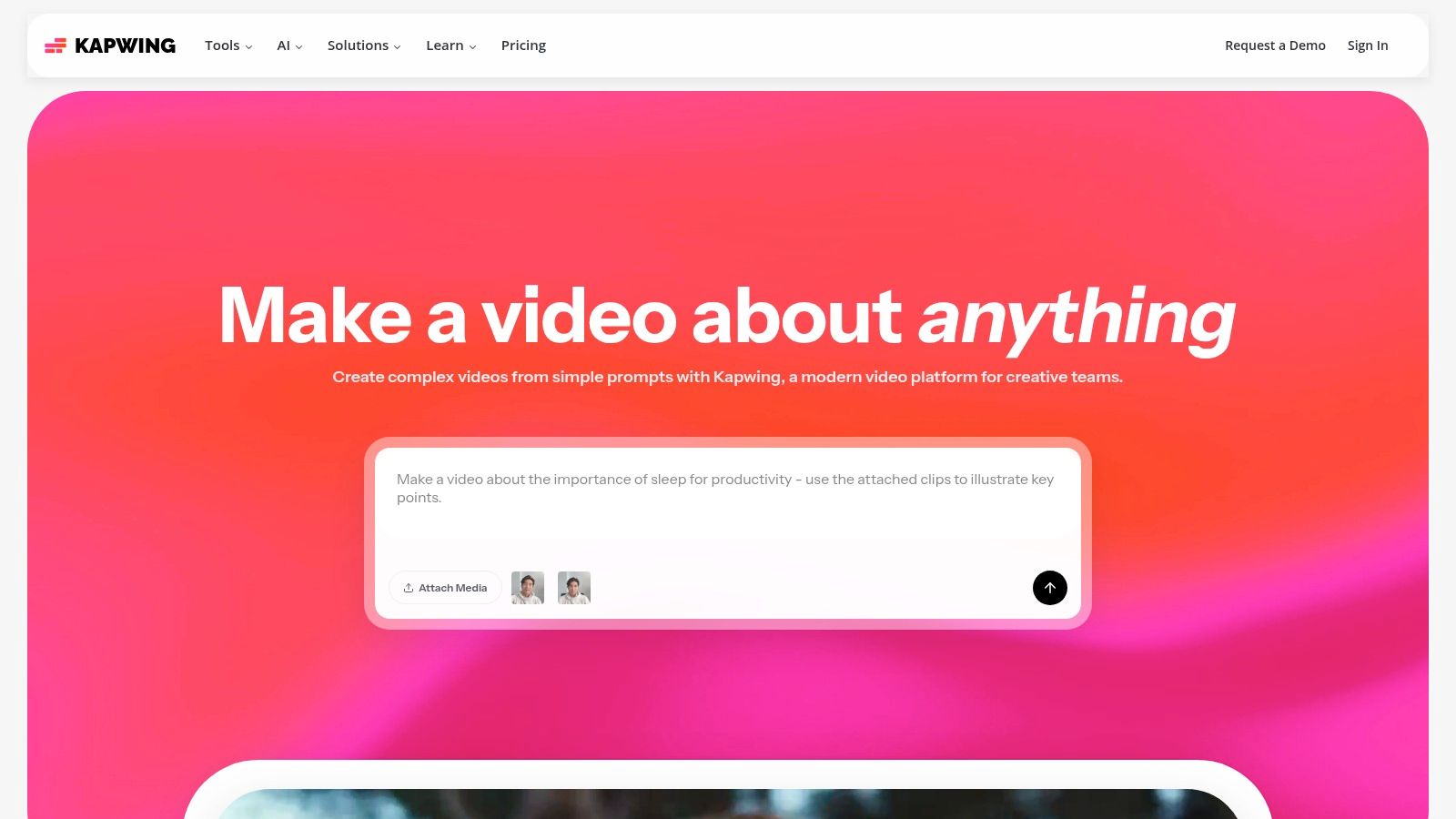
9. Kapwing
Kapwing positions itself as a collaborative online content creation studio, making it a powerful ai photo editor online free for teams that work with mixed media. While its strength lies in video, its suite of AI-powered image editing tools is robust, designed to streamline the creation of assets for social media, presentations, and marketing campaigns within a unified, browser-based workspace.
Its key differentiator is its project-based, all-in-one environment. You can edit a photo, remove its background, then immediately drop it into a video timeline or a social media template without ever leaving the platform. This integrated workflow is a massive advantage for content creators who need to produce a variety of assets from a single source image, saving significant time and effort.
Key Features and Limitations
Kapwing's free plan provides access to its core editor and a range of AI tools, which operate on a credit system. You receive credits upon signing up to use on features like the AI Image Generator or automatic background removal. A key limitation is that all exports on the free plan include a Kapwing watermark.
For teams and businesses, the Pro plan removes the watermark, increases cloud storage, and provides access to collaborative features like brand kits. The platform’s simplicity makes it more approachable than complex photo editors, but this means it lacks advanced features like layer masks or intricate brush tools found in more specialized software. You can visit Kapwing’s website to explore its collaborative tools.
| Feature | Free Tier Availability | Best For |
|---|---|---|
| Background Removal | Yes (uses AI credits) | Creating clean profile pictures or product images for social posts. |
| Smart Resize | Yes | Quickly adapting an image for various social media formats (e.g., story, post). |
| AI Image Generator | Yes (uses AI credits) | Generating unique backgrounds or conceptual assets for projects. |
| Template Library | Yes | Marketers and creators needing quick, professional-looking social media content. |
| Watermark-Free Exports | No | Exporting finished images without a watermark requires a paid plan. |
10. PhotoRoom
PhotoRoom is the go-to ai photo editor online free specifically engineered for e-commerce, product photography, and marketing. While many editors are general-purpose, PhotoRoom hones in on creating pristine, storefront-ready images with unmatched speed and precision. Its core strength lies in its exceptional AI background removal, which consistently delivers clean, accurate cutouts that require little to no manual refinement.
The platform is built around a workflow that understands the needs of sellers. After removing a background, you can instantly place your product on an AI-generated scene, add realistic shadows, or apply a clean white background. This focus makes it an invaluable tool for anyone needing to quickly prepare high volumes of product shots for platforms like Shopify, Amazon, or Instagram.
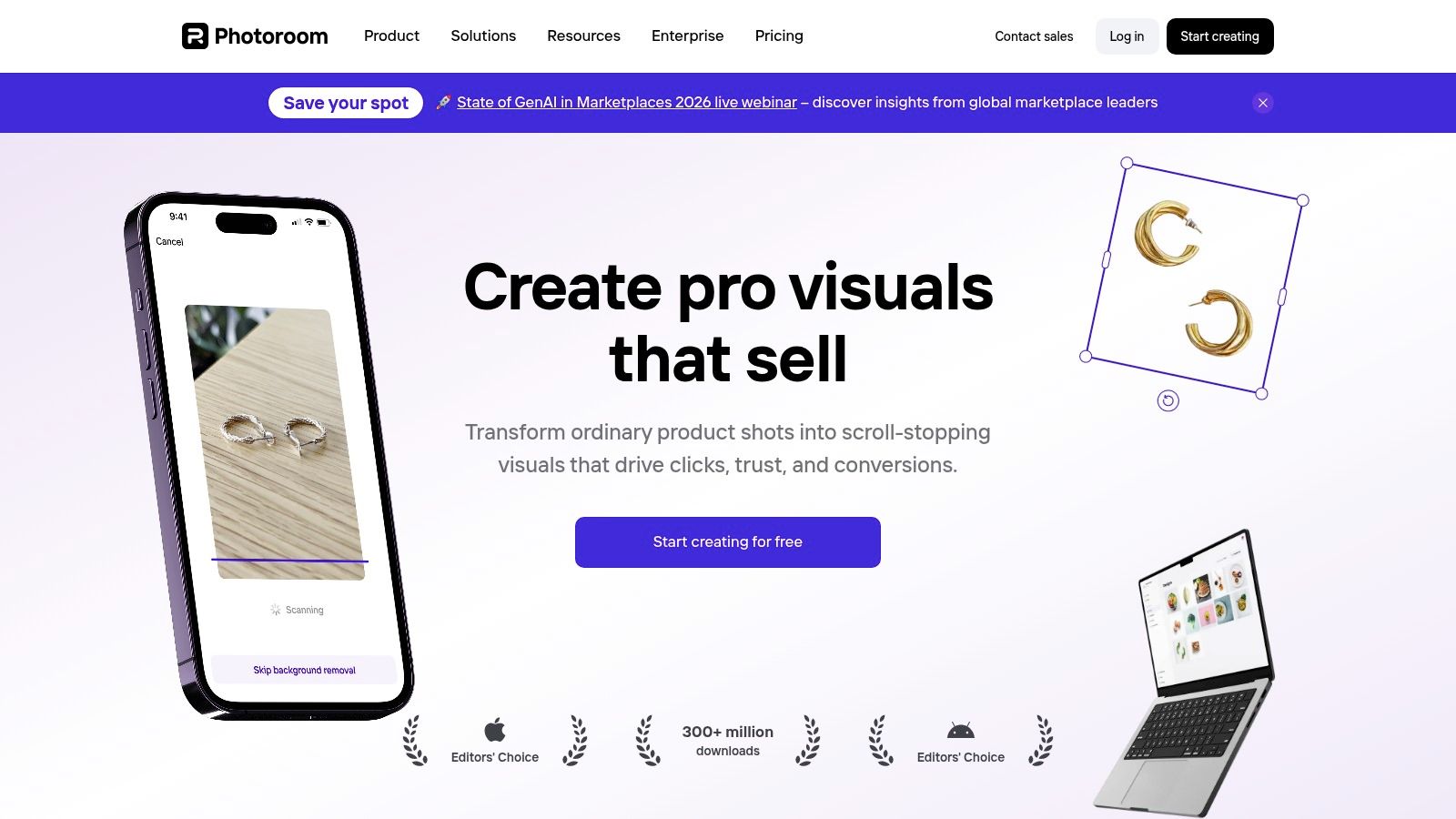
Key Features and Limitations
The free version of PhotoRoom provides access to its core background remover and a selection of AI backgrounds, but images will have a PhotoRoom watermark. To unlock its full potential, including batch editing, HD exports, and advanced features like "Magic Studio" for creating entire scenes, a Pro subscription is necessary.
The free tier is perfect for testing the tool's accuracy or for one-off personal projects. However, for any serious commercial use, the Pro plan is essential to remove watermarks and access the time-saving batch processing features that truly make the platform shine for business owners. You can get started and test its capabilities at photoroom.com.
| Feature | Free Tier Availability | Best For |
|---|---|---|
| AI Background Remover | Yes (with watermark) | E-commerce sellers, marketplace listings, creating clean product cutouts. |
| AI Backgrounds | Yes (limited selection) | Generating professional, context-appropriate settings for products. |
| Magic Shadow | Yes | Adding realistic shadows to ground products and enhance visual depth. |
| Batch Editor | No (Pro feature) | Processing hundreds of product images simultaneously for catalog creation. |
| Instant Resize | Yes | Quickly adapting images for specific marketplaces and social media formats. |
11. Clipdrop (by Jasper)
Clipdrop, now part of the Jasper suite, functions less like a traditional editor and more like a rapid-fire toolkit of specialized AI utilities. It stands out as an ai photo editor online free for users who need to perform specific, high-quality tasks quickly, such as cleaning up product photos or upscaling low-resolution images. The platform's strength lies in its speed and singular focus, allowing you to drag, drop, and get a professional result in seconds.
Its interface is built around individual tools, not a unified canvas. You choose your task first - be it removing an object, replacing a background, or relighting a scene - and Clipdrop provides a streamlined environment for that specific job. This approach is highly effective for e-commerce store owners, marketers, and developers who need to process images for specific outcomes without navigating complex menus.
Key Features and Limitations
The free version of Clipdrop offers access to most of its tools but with significant limitations, particularly on resolution and processing priority. While you can test features like the impressive AI Upscaler or the "Uncrop" tool, high-resolution outputs are reserved for Pro subscribers. The free experience is excellent for trying out the technology but is not suitable for producing final, high-quality assets for professional use.
The Pro plan unlocks higher resolutions, removes watermarks, and provides faster processing. A key differentiator for Clipdrop is its robust API, which allows developers to integrate these powerful AI tools directly into their own applications and automated workflows, setting it apart from more consumer-focused editors. You can find more information directly on the Clipdrop website.
| Feature | Free Tier Availability | Best For |
|---|---|---|
| Cleanup (Object Removal) | Yes (Standard Definition) | Removing blemishes, text, or unwanted people from photos quickly. |
| Image Upscaler | Yes (up to 2x, SD) | Testing how to enhance old or low-resolution images for web use. |
| Relight | Yes (Standard Definition) | Adjusting the lighting on product shots to create a more dramatic look. |
| Uncrop / Extend | Yes (Limited to 1024x1024) | Expanding the canvas of an image to fit different aspect ratios. |
| API Access | No (Pro feature) | Developers needing to build automated image processing workflows. |
12. Polarr (Polarr Next)
Polarr Next offers a unique, workflow-centric approach to AI photo editing, targeting creators who handle large volumes of images. Unlike other tools focused on single-image creation, Polarr excels at culling, sorting, and batch-processing entire photoshoots. It uses AI to rate your photos, suggest the best shots, and apply consistent, intelligent edits across a whole set, making it a powerful ai photo editor online free for event photographers and content creators.
Its standout feature is its pricing model and workflow integration. You can import, organize, and apply a full suite of AI-powered adjustments to an unlimited number of photos entirely for free. The cost only comes when you export your finished images, which can be done via a pay-as-you-go credit system or an unlimited subscription. This "try before you buy" model allows users to experience the full editing power without an upfront commitment.
Key Features and Limitations
The free aspect of Polarr is centered on the editing process, not the final output. Users can access advanced AI tools like face and sky adjustments, auto-enhancements, and powerful filters (called "Looks") across their entire library. The AI culling feature, which automatically groups similar photos and suggests the best ones, is a massive time-saver for anyone sorting through hundreds of pictures.
The main limitation is the export paywall. While this model is cost-effective for professionals who can factor export costs into their project pricing, it may deter casual users looking for a completely free tool from start to finish. Compared to design-focused platforms like Canva, it also lacks templates for social media posts or marketing materials, focusing purely on photographic enhancement. You can explore Polarr's features at https://next.polarr.com/.
| Feature | Free Tier Availability | Best For |
|---|---|---|
| AI Intelligent Culling | Yes (Free to import and organize) | Photographers needing to quickly select the best shots from a large set. |
| Batch AI Editing | Yes (Free to apply edits) | Applying consistent enhancements and styles across an entire album. |
| Advanced Adjustments | Yes (Free to use) | Fine-tuning specific elements like sky, greenery, or portraits. |
| Exporting Images | Paid (Pay-as-you-go or subscription) | Professionals and creators who need high-quality final images. |
| Template/Layout Tools | No | Users focused purely on photo editing rather than graphic design. |
12 Free Online AI Photo Editors: Comparison
| Product | Core features | UX & quality | Value proposition | Target audience | Price & availability |
|---|---|---|---|---|---|
| Bulk Image Generation (Recommended) | Flux 1.1 + GPT-Image-1; up to 100 images <20s; batch editor (bg removal, face swap, resize, enhance); free toolkit & templates | High-speed, professional-quality; cuts editing time ≈50%; tutorials & community. Note: public site shows client-side error — verify proofs | Scale production fast; no prompt engineering; integrated post-production | Digital marketers, social managers, SMBs, branding agencies, educators | Pricing not listed publicly — contact vendor; confirm testimonials/certs |
| Adobe Express | Firefly AI remove/replace, generative add, templates, stock assets | Polished browser editor; smooth template workflow; good free tier | Quick marketing assets with easy templates | Marketers, creators, casual editors | Free tier; some features use generative credits; premium assets require paid plan |
| Pixlr | Generative fill/expand, bg/object removal, collage, batch tools; web & apps | Robust free experience; ads on free tier; advanced toolset available | Flexible for quick edits or more advanced retouching | Hobbyists, small teams, social creators | Free with ads & limited AI credits; subscription for more features |
| Photopea | Photoshop-like layers, masks, smart objects; opens/saves PSD | Pro-level, desktop-like editing in browser; PSD workflow support | Full-featured editor without install; PSD compatibility | Designers, agencies, advanced users | Free with ads; paid option removes ads |
| Canva | Magic Edit/Expand, bg remover, generative tools, millions of templates, brand kits | Extremely beginner-friendly; fast for social and print | Fast design and social-ready outputs with templates & collaboration | Marketing teams, non-designers, social creators | Free tier with limited AI credits; Pro adds more AI & brand features |
| Fotor | AI enhance/unblur, bg/object removal, text-to-image, upscaler, templates | Quick one-click AI tools; usable free | Broad creative utilities for non-designers | Small businesses, casual creators | Free limited; Pro/Pro+ expands AI credits and removes watermarks |
| BeFunky | AI photo enhancer, bg/object removal, collage, batch (paid) | Approachable and easy to try (no account) | Simple, fast edits with clear upgrade path | Casual users, small teams | Free basics; Plus plan unlocks AI features and batch |
| Picsart | Generative AI, bg/object remover, retouching, bulk editing, cloud | Tool-rich for social; credit-based AI usage | Flexible monthly credit model for creators | Social teams, content creators | Free with limited weekly AI credits; paid tiers increase credits |
| Kapwing | Image + video editing, templates, AI tools, collaborative workspace | Collaborative studio for mixed media; free exports watermark | All-in-one content studio for teams | Mixed-media teams, social creators | Free (watermark on exports); paid tiers remove watermark; transparent pricing |
| PhotoRoom | AI bg remover, AI backgrounds, shadows, resize presets, batch templates | Fast, clean product shots with minimal cleanup | Optimized for e-commerce/product photography and catalogs | Sellers, marketplace photographers, marketers | Free limited; paid plans unlock advanced capabilities |
| Clipdrop (by Jasper) | BG remover, cleanup, relight, upscaler, uncrop/extend, text-to-image, API | Fast single-purpose tools; API for automation | Quick production utilities and integration options | Marketers, developers, product teams | Free tier; Pro for high-res/priority; API usage limits apply |
| Polarr (Polarr Next) | AI auto edits, intelligent culling, batch workflows, cross-platform | Full editing workflow free to try; pay when exporting (or subscribe) | Predictable costs for high-volume exports | Photographers, volume creators | Free editing; pay-as-you-go exports or subscription for unlimited exports |
Choosing the Right Free Tool for a Faster Workflow
The landscape of digital imagery has fundamentally shifted. Gone are the days when high-quality photo editing was the exclusive domain of professionals with expensive software and years of training. As we've explored, the world of the ai photo editor online free is vibrant, diverse, and incredibly powerful, offering a specialized tool for nearly every conceivable task.
Navigating this new terrain requires a clear understanding of your specific needs. The key takeaway is that the "best" tool is not a one-size-fits-all solution; it's the one that most effectively eliminates friction from your creative process. By matching the tool to the task, you can reclaim countless hours and elevate your visual content strategy.
Recapping Your Options: A Needs-Based Summary
Let's distill our findings into actionable categories to help you make a decisive choice. Your ideal starting point depends entirely on your primary objective.
-
For Template-Driven Speed and Social Media: If your workflow revolves around creating consistent, branded content for social media, marketing materials, or presentations, Canva and Adobe Express are your undisputed champions. Their vast libraries of templates and user-friendly interfaces are designed for rapid creation and deployment.
-
For Advanced Control and Traditional Editing: For users who need granular control reminiscent of traditional desktop software like Photoshop, Photopea and Pixlr offer a robust, layer-based editing experience. They provide a powerful bridge between classic editing techniques and modern AI conveniences.
-
For Specialized, Single-Task Excellence: When your primary need is a specific, high-quality AI function, dedicated tools shine. PhotoRoom is the undeniable leader for e-commerce product shots and background removal. For quick enhancements, object removal, and AI-powered upscaling, Clipdrop and Picsart provide exceptional, focused utilities.
-
For All-in-One Creative Suites: If you're looking for a versatile toolkit that balances ease of use with a wide array of features, from photo editing to video and collage making, Fotor, BeFunky, and Kapwing are excellent all-rounders.
The Leap from Single Edits to Scalable Content Creation
While each of the tools we've covered offers incredible value, they primarily operate on a one-image-at-a-time basis. This is perfect for individual projects. However, for digital marketers, branding agencies, and educators who need to produce visual assets in high volume, this model presents a significant bottleneck.
The true revolution in AI-powered visual creation lies in scalability. This is where platforms like Bulk Image Generation redefine the workflow. The paradigm shifts from editing a single image to generating and customizing hundreds or even thousands of images from a single prompt or template. Imagine creating a unique set of 100 branded social media graphics, each with a slightly different background or icon, in the time it would take to manually edit just one. This is the next frontier.
Choosing the right ai photo editor online free is about empowering your creativity and optimizing your time. Start by identifying your most frequent and time-consuming editing tasks. Experiment with the free tiers of the tools that align with those needs. Find the platform that feels intuitive and integrates seamlessly into your daily operations. By embracing these AI-powered assistants, you're not just editing photos; you're building a more efficient, creative, and impactful visual presence.
Ready to move beyond single-image edits and embrace true content scalability? Bulk Image Generation is designed for professionals who need to create high-quality, branded visual assets at scale. Stop editing one by one and start generating hundreds of unique images from a single prompt by visiting Bulk Image Generation to streamline your entire creative workflow.
