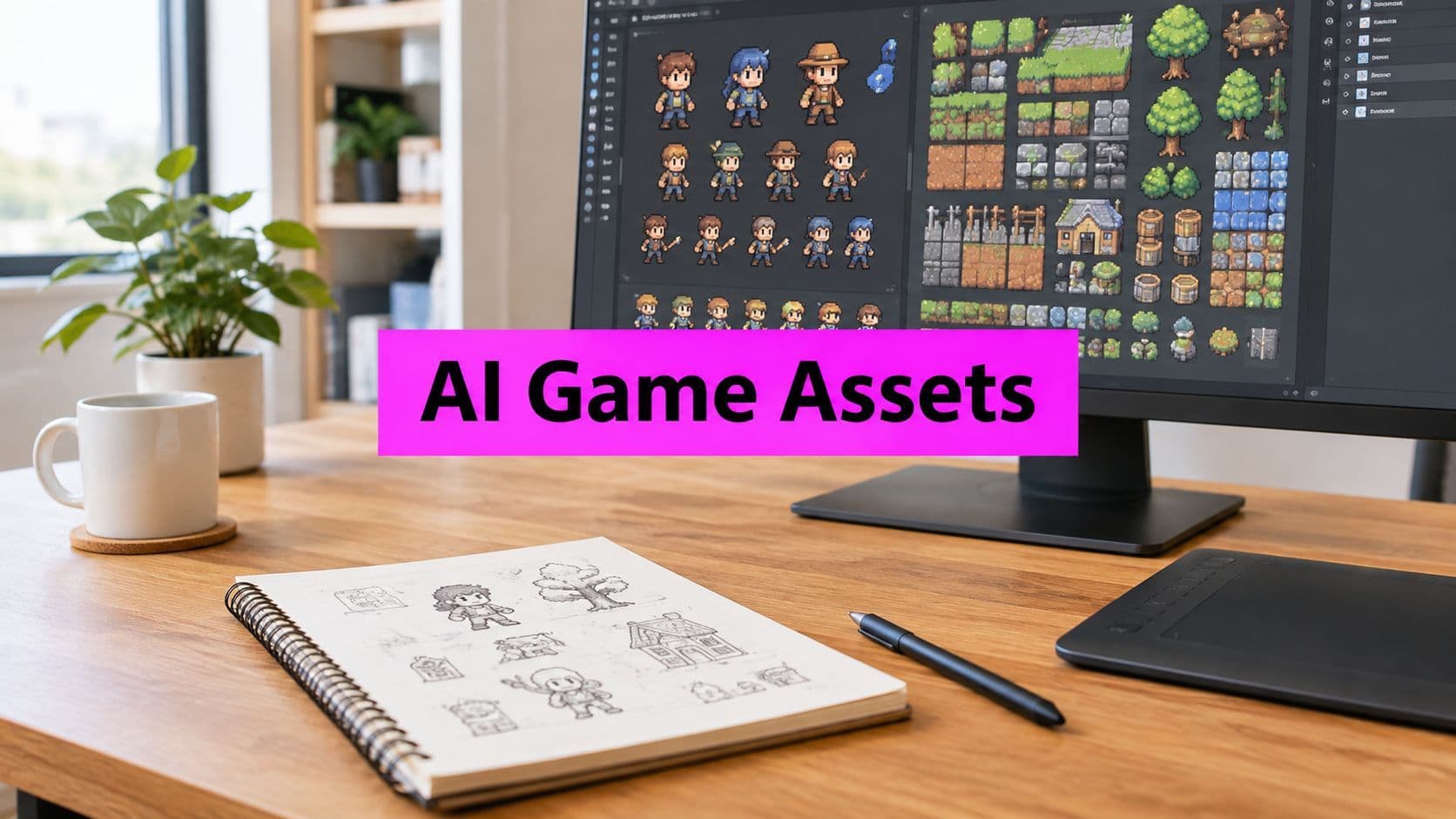
AI Game Art Generator: A Practical Guide to Scalable Assets

Ryan Bennett • October 7, 2026
Learn how an AI game art generator speeds up sprite, tileset, and background creation, plus how bulk workflows turn AI output into shippable game assets.
You can get a sharp concept image in minutes, then lose half a day trying to turn it into something the team can ship. That's the core tension with an AI game art generator. The first image is easy, the batch of consistent sprites, tiles, and backgrounds that fits your engine and your art bible is where the work starts.
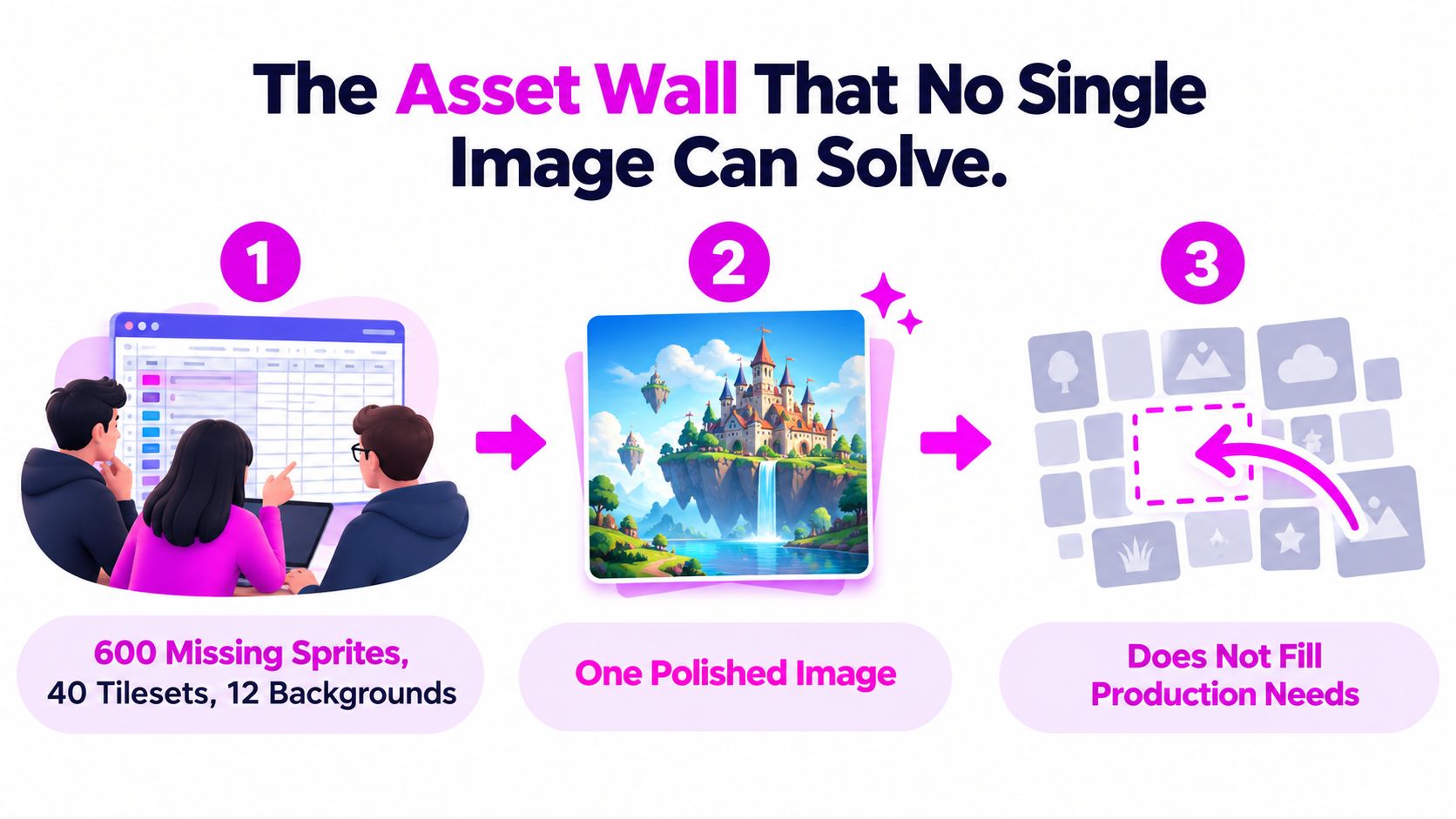
A small team usually feels that pain first. One artist is polishing a hero pose, a designer is waiting on enemy frames, and the build still has placeholder grass, empty UI icons, and one lonely background that doesn't match anything else. A pretty output doesn't fix that wall, because games don't ship on a single image, they ship on coordinated asset sets.
The Asset Wall That No Single Image Can Solve
The first mistake teams make is treating generated art like a finished deliverable. A single polished image can prove a style, sell a mood, or unblock a pitch, but it won't fill a backlog of sprite variations, tiles, props, and menu art. Game production is a batch problem, and the batch has to survive review, export, import, and engine constraints.
Why the pretty image stops helping
When a demo build is six weeks out, the key question isn't “Can the generator make something good?” It's “Can it make dozens of assets that agree with each other?” A character sheet needs the same palette across frames. A tileset needs edges that repeat cleanly. A background needs to sit behind gameplay without fighting readability.
That's why production teams should think in terms of asset families, not individual images. One concept can seed a direction, but the workflow still has to normalize dimensions, remove artifacts, label files, and preserve enough visual consistency that the art director doesn't have to manually re-decide every frame.
Practical rule: if an image can't be named, versioned, and imported without discussion, it's still concept art.
What the pipeline actually has to absorb
The friction shows up after generation. Someone has to decide which images are keepers, which need cleanup, and which should be discarded outright. Then those keepers need to become usable game files, with consistent transparency, naming, and resolution.
The AI game dev tools for marketers list is useful as a broader discovery reference, but the game team's internal standard has to be stricter than “looks good on first pass.” In practice, the asset wall is cleared by a process, not by prompt luck.
What an AI Game Art Generator Actually Is
An AI game art generator is a model-driven system that turns prompts, reference images, or style cues into 2D or 3D visual output. In game work, that output is usually not the final asset, it's the starting point for a production chain that includes review, cleanup, slicing, and export. The distinction matters because game visuals have to hold up in motion, in batches, and inside an engine.
The common model families
Most game pipelines touch a few broad families of tools. Diffusion-based image generators are the most common for concept art, props, portraits, and background exploration. GAN-derived style tools still show up in style transfer and texture-adjacent workflows. Emerging text-to-3D systems are useful when the team wants to move beyond a flat render and into asset reconstruction, but they still need supervision.
For game teams, the job isn't just “make an image.” It's “make an image that can become a sprite, a tile, a texture, or a reference for a 3D pass.” That's why style locking, seed control, and batch export matter so much. Without them, each run drifts, and drift is expensive when you're trying to keep a set coherent.
Why game requirements are stricter than general image work
A general image generator can give you a nice illustration that looks finished on screen. A game asset generator has to handle more awkward demands, like transparent backgrounds, pixel-grid alignment, tile seams, and frame consistency across animation states. Pixel art is especially unforgiving, because a tiny compositional error becomes obvious once the asset is scaled, sliced, or repeated.
For a practical overview of adjacent workflow tooling, the image generation API guide is worth reading as a technical reference point, especially if you're comparing prompt-based creation with more automated pipelines.
Useful mental model: a prompt tool makes a picture, a generator pipeline makes a repeatable asset system.
Where AI Game Art Wins and Where It Breaks Down
AI is strongest where humans used to spend time exploring options. It's fast at mood boards, enemy concepts, prop variants, and quick background directions. That makes it valuable at the front of the pipeline, where the team needs choices more than perfection.
Real strengths
The clearest win is ideation velocity. A designer can ask for multiple looks, then compare silhouettes, palettes, and composition without waiting on a long manual sketch cycle. AI is also good at broad stylistic variation. If the team wants a retro sci-fi prop, a darker fantasy relic, and a cleaner UI icon set, the generator can populate those lanes quickly.
It also helps with raw volume. A solo artist can't sketch every alternate potion bottle, crate, enemy colorway, or decorative sign in a single day. AI can fill that exploration space, which gives the art lead more surfaces to judge and discard before any serious cleanup begins.
Where it breaks
The weakness is consistency. One enemy at one angle is manageable. The same enemy at four angles, with the same facial identity, same armor details, and same proportions, is where generators start to wobble. Tilesets are another common failure point, because edge matching and repetition are technical, not just aesthetic, problems.
The other issue is provenance. Even when the image looks usable, the studio still has to decide whether the asset can be used commercially, how much it was modified, and what needs to be disclosed. That's not a paperwork footnote, it's part of production risk.
| Production Task | AI Performance | Typical Friction Point |
|---|---|---|
| Mood boards | Strong | Too many attractive but unusable variants |
| Prop concepts | Strong | Inconsistent scale and ornament detail |
| Enemy variations | Mixed | Identity drift across poses and angles |
| Tilesets | Mixed | Seams, repetition artifacts, grid mismatch |
| Backgrounds | Strong | Layering and gameplay readability |
| Sprite sheets | Weak to mixed | Frame coherence and slicing errors |
Generating Sprites, Tilesets, and Backgrounds
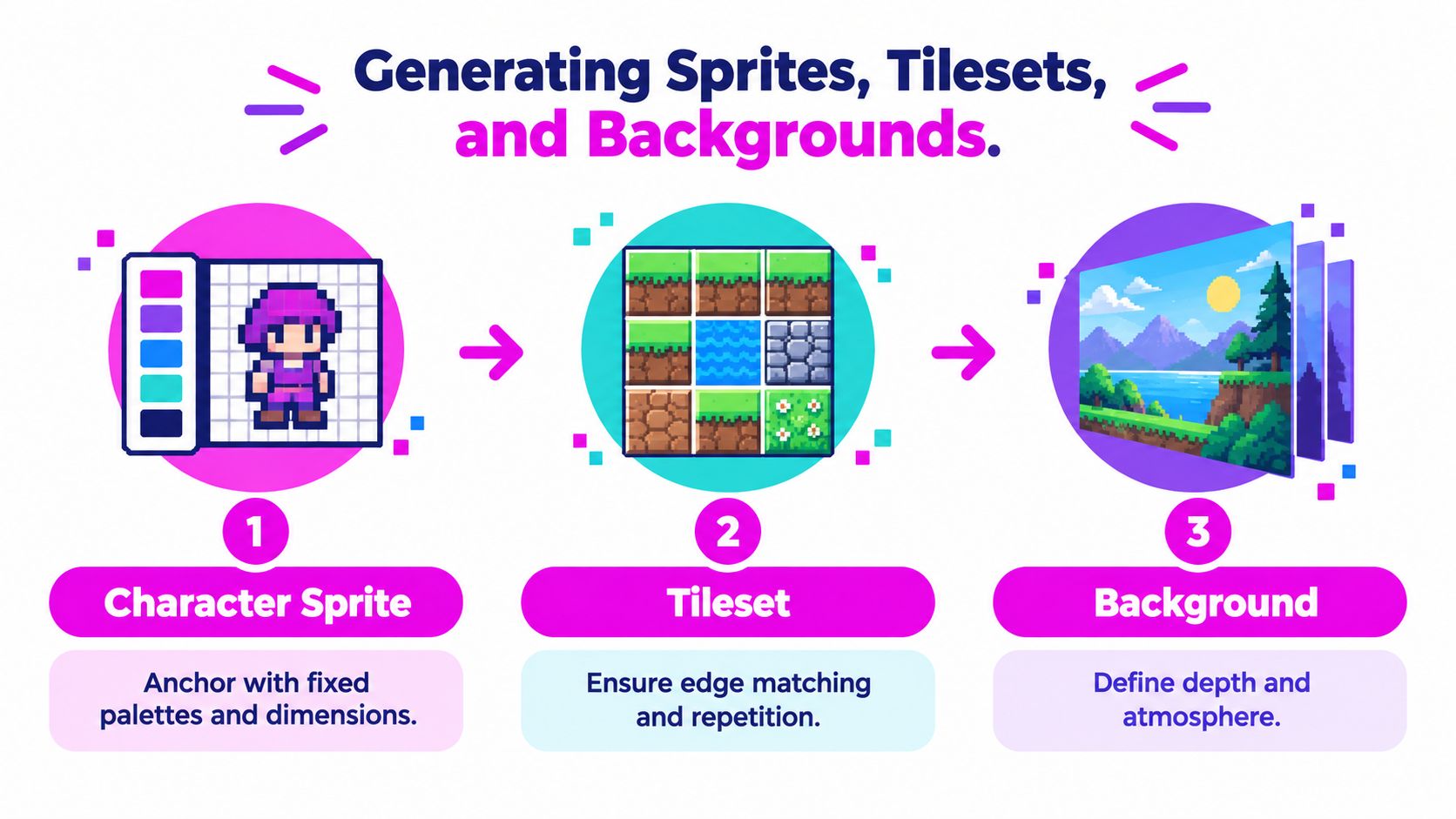
Sprite work starts with constraints, not creativity. If you want usable frames, the prompt needs to lock the palette, resolution, and camera language before the generator invents anything. A good sprite prompt behaves more like a production brief than a wishlist.
Sprites need locked structure
For character sprites, anchor the prompt with fixed palette swatches, explicit pixel dimensions, and a named camera angle. That gives the generator fewer excuses to wander. The objective is not a beautiful single frame, it's a frame that can be stitched into a sheet without the artist redrawing half the set.
The review pass should be strict. First, check silhouette and palette. Second, check technical fit, including grid alignment and transparency. Third, separate the assets worth repair from the ones that are cheaper to discard.
Tilesets need repetition discipline
Tiles are where AI output often looks convincing once, then fails the moment it repeats. Generate modular pieces, such as grass tops, dirt sides, water edges, and corner transitions, all at one resolution. Before approval, tile four copies in a preview canvas and look for edge bleed, mismatch, or hidden pattern breaks.
Backgrounds need separation of depth
Background art works better when it's built in layers. Use a wider aspect ratio prompt, then split the result into parallax plates so the engine can move foreground and distant planes independently. That gives the team more control than a single flattened scene, and it makes the background easier to composite in-engine.
The tile image workflow guide is useful if you're specifically working on repeatable surfaces and want to compare generation patterns with practical tiling checks.
Scaling Production with Bulk Image Generation
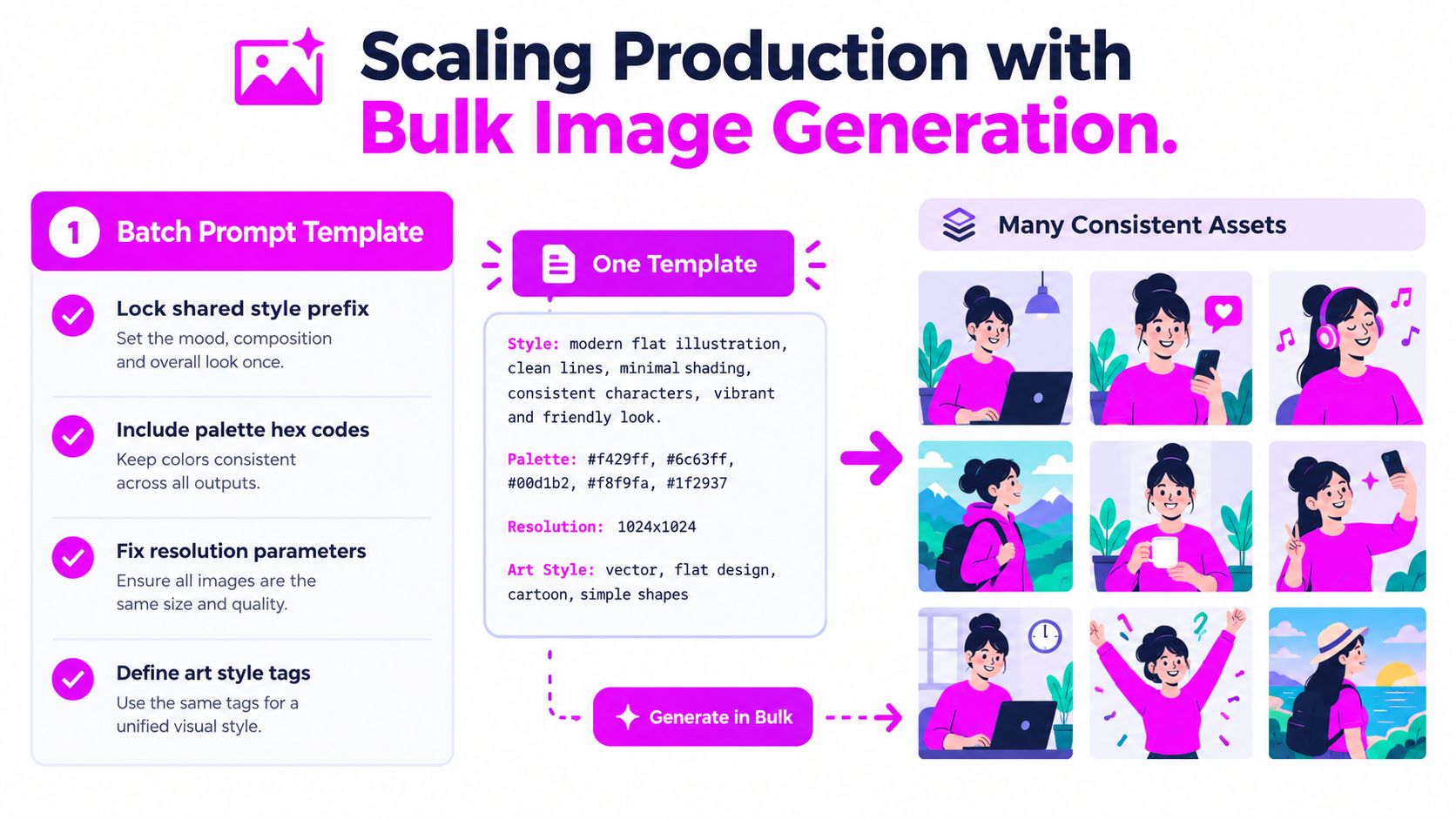
Bulk output changes the problem from “make one good image” to “make a controlled set.” That means the prompt itself has to become a template. Lock the style prefix, resolution, palette, and art-direction tag, then vary only the subject slot so the batch shares visual DNA.
Template first, subject second
A useful template might fix the palette, camera angle, and rendering language, then swap only the prop, character, or tile element. That is how you get 50 grass tiles or 32 enemy variants that still look like they belong in the same game. If every prompt improvises its own style language, the batch turns into a pile of unrelated experiments.
A shared style reference helps even more. Upload one approved hero sprite or prop, then use it as the visual anchor for the rest of the run. That doesn't eliminate cleanup, but it reduces the odds that your kept assets fight each other in the same scene.
The real savings happen after generation
Bulk runs are only useful if someone has a fast triage process. I prefer to sort outputs into three buckets immediately, keepers, revisions, and discards, then move the keepers into a named cleanup folder. That keeps review decisions visible and stops the team from treating every output as equally promising.
Here's the part that gets missed most often. The time saved by batch generation compounds only when the cleanup path is clear. If every usable image still requires ad hoc naming, resizing, and manual correction, the batch just moves the bottleneck downstream.
Working rule: bulk generation speeds up first drafts, not final approval.
For teams looking at adjacent automation patterns, the AI tools for scaling ad campaigns article is a helpful parallel example of how batch production benefits from consistent templates and controlled variation.
The image generation API overview is also relevant if your pipeline needs programmatic batch creation rather than manual one-off prompts.
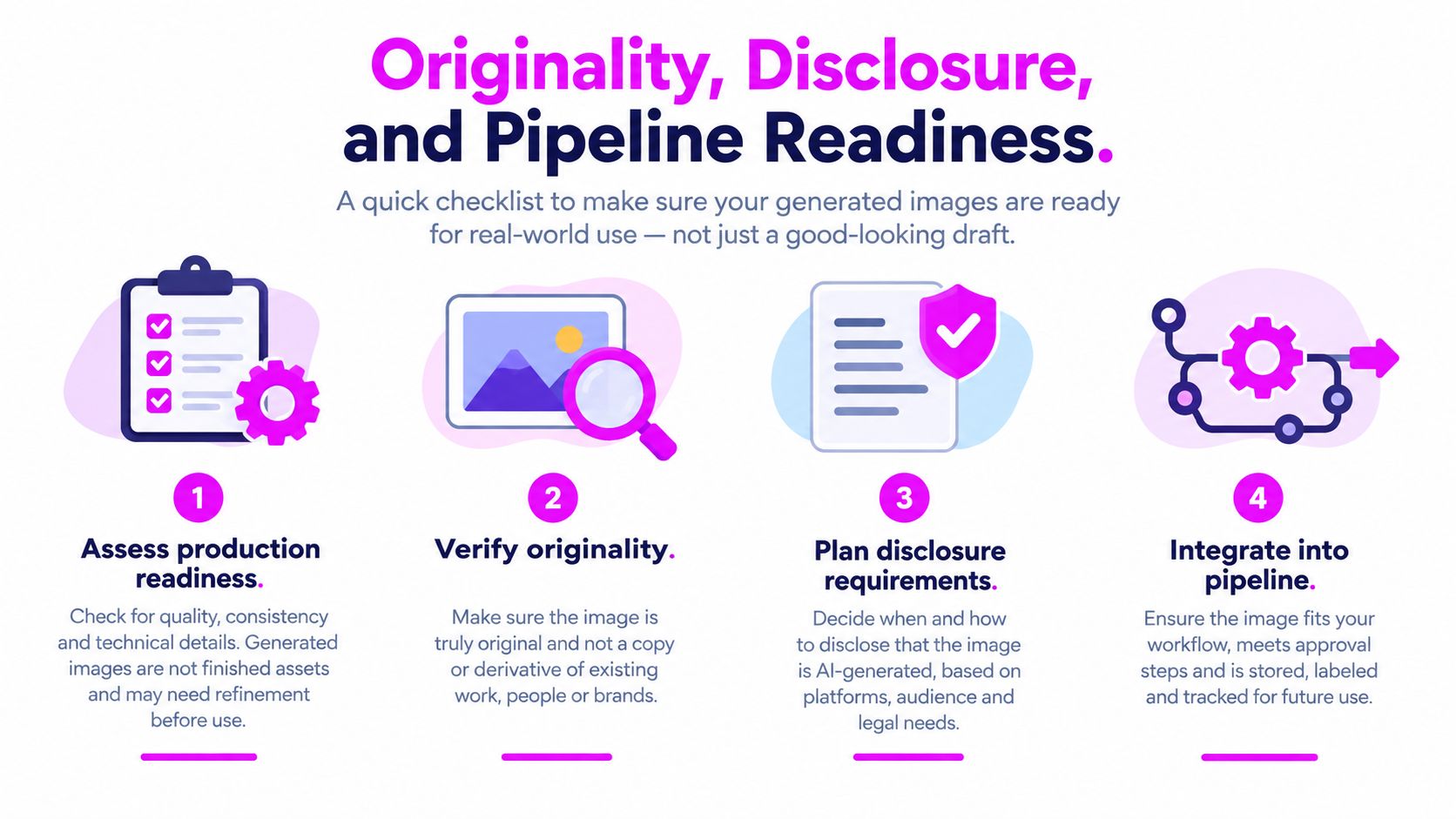
Originality, Disclosure, and Pipeline Readiness
A generated image is not automatically a shippable asset. The actual decision is whether it passes production readiness, and that depends on originality, disclosure, and pipeline fit. If any one of those fails, the asset should go back through the process.
Provenance has to be recorded early
Record the prompt, the model choice, and the style reference for every asset. That sounds tedious until the team needs to answer why one sprite diverged from the rest or whether a specific image was edited enough to be safe for the build. Provenance is much easier to maintain when it's captured before cleanup starts.
The debate around disclosure is not abstract anymore. Valve introduced mandatory AI-content disclosures on Steam in January 2024, and that created a measurable record of AI use in shipped games. Platform tracking later showed disclosed AI use rising across Steam releases, and by the end of 2025 approximately 4,311 Steam games had disclosed AI use, about twice the number recorded in 2024, which is a useful marker of how visible this workflow has become. Steam AI disclosure tracking is the clearest public reference for that change.
Use a three-gate review
A production team can keep the review simple:
- Originality: Does the asset feel too close to a known style, or has it been substantially modified into something distinct?
- Disclosure: Has the team documented and disclosed AI assistance where required?
- Pipeline fit: Does it import cleanly, animate properly, and survive engine use?
If the answer is yes to all three, the asset can ship. If not, it gets remade or reworked. That's a much better filter than “looks good enough on screen.”
The commercial license requirements guide is a useful internal reference point when you're building the rules for reuse, modification, and release.
From Generated Image to Shippable Asset
The last mile is where most AI art workflows either become useful or fall apart. A clean PNG still needs to be trimmed, sliced, named, imported, and tested inside the engine. If the team skips that pass, the asset will look fine in a folder and fail the minute it has to move in Unity, Unreal, or Godot.
The handoff steps that matter
Start by approving the image, then post-process it before anyone calls it final. Trim transparent margins, slice sprite sheets, and set pivot points deliberately so animation doesn't drift. For tilesets, make sure the pixel-per-unit settings match the art scale, then test the seams inside the engine instead of assuming the preview tells the truth.
PNG with alpha is still the safest common format for many 2D assets, while Aseprite is useful when frame metadata matters. For tile-heavy projects, Tiled map files are helpful for collision and layout work. The format matters less than the discipline behind it.
Don't paint over the seed by accident
One common trap is over-editing the approved output until the original generative structure is lost. Once that happens, regeneration becomes harder because the team no longer has a stable prompt, seed, or reference trail to recreate the same family of assets. Keep the working file clean and the edits intentional.
A simple repeatable checklist works well here: approve, post-process, slice, import, test in-engine. If that loop is smooth, the generator becomes part of production rather than a detour around it.
Bulk Image Generation gives teams a way to generate many visual assets from natural-language prompts, which fits game work where consistency matters more than a single pretty output. If you're trying to turn concept art into a controlled batch of sprites, tiles, or prop variations, visit Bulk Image Generation and see how its batch workflow fits the asset pipeline you already use.