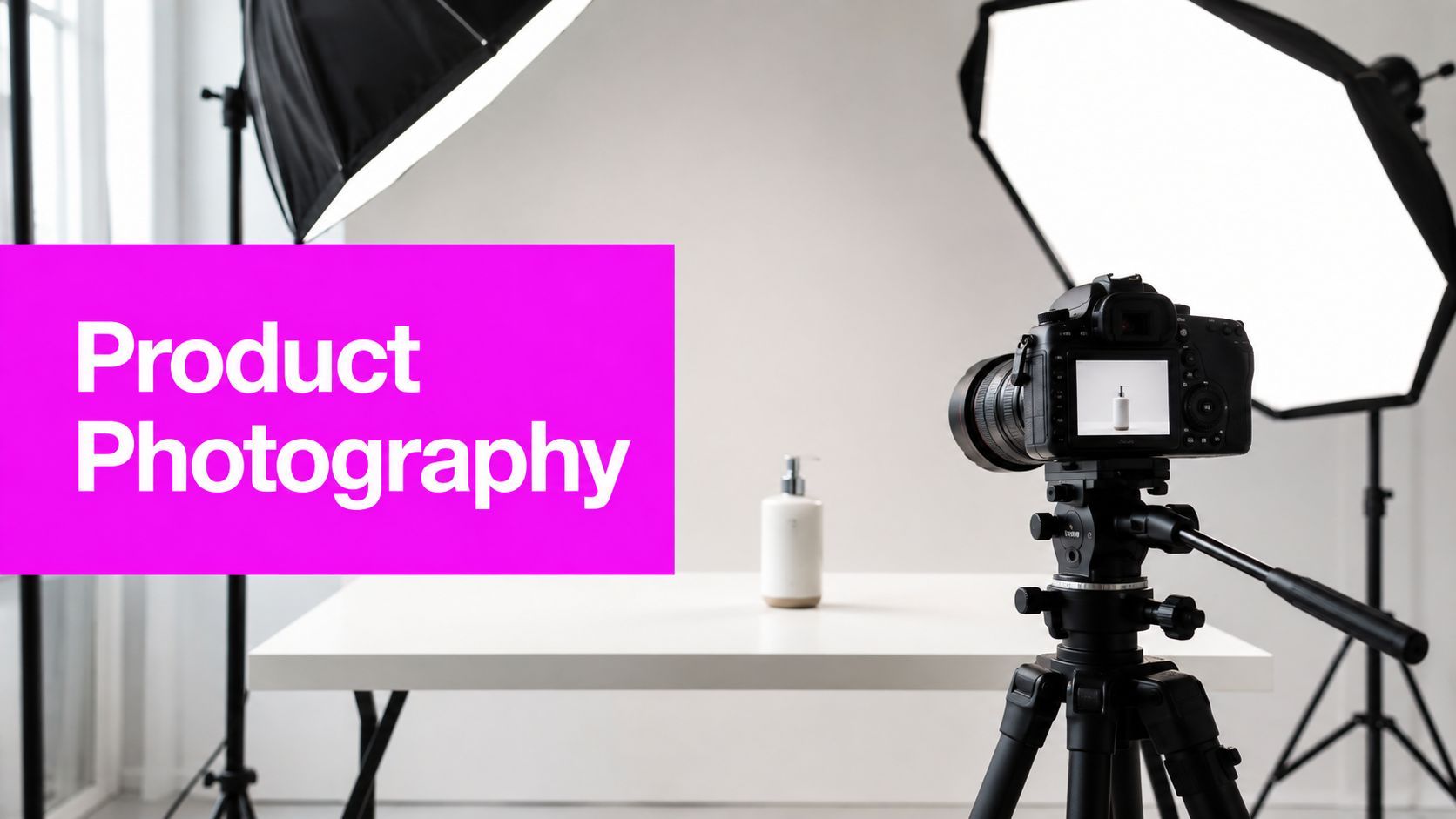
What Is Product Photography and Why It Drives Sales

Ryan Bennett • September 3, 2026
Learn what is product photography, its main types, workflow, pricing models, and how AI bulk image generation scales ecommerce visuals in 2026.
Product photography is the practice of creating clear, compelling images of items for sale, and the global ecommerce product photography market is estimated at about $2.3 billion in 2026, with 75% of online shoppers relying on product photos when deciding whether to buy. High-quality images can convert at roughly 94% higher rates than low-quality images, according to ecommerce research summarized by Grabon's product photography statistics guide.
You're probably dealing with a familiar problem. A shopper scrolls past two nearly identical listings, pauses on one, and chooses it because the product looks sharper, more trustworthy, and easier to understand. The seller may have a better product, but the other listing communicates its value faster through a clean packshot, a useful lifestyle image, or a close view of the finish.
That's what product photography does in ecommerce. It turns a physical item into a visual sales argument. The category now includes isolated packshots, lifestyle scenes, flat lays, 360° spins, CGI renders, user-generated content, and AI-generated visuals. Each format answers different buyer questions about shape, scale, texture, use, and authenticity.
The important distinction is operational. Product photography isn't only the act of pressing a shutter. For a growing brand, it's a scalable visual system that determines how every SKU appears across a storefront, marketplace, advertisement, social post, and product comparison. The right system balances image quality with production speed, channel requirements, product margin, and catalog change frequency.
Why Product Photography Matters for Ecommerce
A physical shop gives buyers useful evidence for free. They can pick up a box, turn a bottle around, compare fabric textures, inspect a finish, and judge scale against nearby objects. Ecommerce removes most of that evidence, so images have to carry more of the explanation.
A buyer considering a ceramic lamp wants to know whether the shade looks matte or glossy, how tall the base appears, and how the lamp fits into a room. Someone buying a serum wants to read the label, see the bottle's finish, and understand its size. A customer choosing clothing needs views that clarify cut, drape, color, and details that a product description may not communicate quickly.
Research summarized by Pathedits' overview of product photography reports that around 56% of shoppers first inspect product images before reading text. That behavior changes the role of photography. The image isn't decoration placed beside the sales copy. It's often the first product information a shopper processes.
From studio craft to retail infrastructure
Product photography developed alongside the broader commercialization of photography in the 19th century, then became far more central as digital commerce expanded. The same Pathedits overview describes the ecommerce product photography market as projected to grow from about $1 billion in 2024 to $2 billion by 2033, at roughly 8% annual growth, a projection that reflects the shift from occasional studio work to a recurring retail function.
A strong image does three jobs at once:
- It attracts attention: Clear framing gives the shopper an immediate reason to stop scrolling.
- It explains the item: Multiple angles and controlled detail reduce ambiguity.
- It manages risk: Accurate color, scale cues, and realistic texture help prevent the product from feeling different when it arrives.
The third job deserves more attention. Better images can make a product look desirable, but they should also make it look accurate. Overly dramatic retouching, misleading scale, and artificial color can increase uncertainty rather than remove it. Product photography works hardest when it presents the item persuasively without making promises the physical product can't keep.
Practical rule: Treat every image as an answer to a buyer question, not as proof that the brand hired a photographer.
That mindset helps teams build a useful image set instead of collecting attractive but redundant shots. A single white-background image may satisfy a marketplace requirement, while a lifestyle image establishes context and a detail crop confirms finish. Together, they form a visual explanation that helps a shopper decide.
The Four Main Types of Product Photography
Different image formats solve different merchandising problems. A packshot establishes what the item is, a lifestyle image shows how it fits into a setting, a 360° spin exposes its form, and a flat lay organizes several objects into one visual composition.

Packshots
A packshot isolates the product against a white or neutral background. It's the workhorse for marketplaces, search grids, comparison pages, and catalogs because it keeps the item easy to identify.
Packshots suit standardized goods such as phone accessories, packaged food, cosmetics, and small electronics. They're efficient for large catalogs, but they can leave unanswered questions about scale or use. A customer can see a wireless speaker clearly, yet still not know how it looks on a desk.
Lifestyle photography
Lifestyle photography places the product in a realistic environment. A sofa appears in a living room, a jacket is worn outdoors, or a coffee grinder sits beside a morning setup.
This format communicates mood, context, and scale. It earns its production cost when the surroundings influence purchase intent, especially for home goods, apparel, furniture, beauty, and premium accessories. It's less useful as the only image for a commodity SKU because props and styling can distract from the item itself.
360° spins
A 360° spin lets shoppers rotate the product interactively. It's valuable when shape, construction, or viewing angle affects confidence, such as with luggage, footwear, furniture, appliances, and complex electronics.
The trade-off is production complexity. A spin demands consistent positioning, lighting, and background treatment across every frame. It can be excessive for a simple flat package, but highly useful for an expensive or high-consideration item where buyers want to inspect the object from several directions.
Flat lays
A flat lay photographs products from above, often arranging several components in a deliberate composition. It works well for stationery, accessories, skincare routines, apparel combinations, food sets, and subscription boxes.
Flat lays communicate relationships between items and help brands create editorial content for social channels. They're not a substitute for a straight product view when the shopper needs accurate three-dimensional shape or label readability.
| Format | Best For | Buyer Questions Answered |
|---|---|---|
| Packshot | Marketplaces, catalogs, search grids | What is it, what does it look like, and what details are visible? |
| Lifestyle | Home goods, apparel, beauty, premium products | How will it fit into my life or environment? |
| 360° spin | High-consideration goods and complex shapes | What does it look like from every side? |
| Flat lay | Sets, accessories, stationery, social campaigns | What comes with it, and how do the pieces work together? |
For teams testing isolated product concepts or variant imagery, an AI packshot generator can be useful during planning. It can help establish a visual direction before a brand commits every SKU to a traditional shoot, although the final asset still needs a careful check against the product.
A Typical Product Photography Workflow
A reliable workflow starts before the camera turns on. Teams lose time when they photograph products without deciding which views each channel needs, then discover later that the files have inconsistent crops, colors, or naming.
1. Pre-production
Build a SKU list, identify product variants, and create a shot list for each category. Separate mandatory images from optional content. A skincare bottle might need a front packshot, a back-label view, a texture detail, and a lifestyle scene, while a simple cable may need only clean product views and connector close-ups.
Check the products before the shoot. Remove dust, confirm packaging, inspect labels, and flag damaged inventory. A short pre-production review prevents the camera team from discovering avoidable defects after the set is built.
2. Setup and capture
Keep camera height, product position, and lens choice consistent within a category. Light for the surface, not just the object. White packaging, reflective metal, transparent glass, and black plastic each need different control because they reveal highlights and edges in different ways.
Photograph in batches. Complete one setup for a group of similar SKUs instead of rebuilding the scene for every item. This approach also makes the resulting catalog feel coherent.
For a practical reference on equipment placement, background choices, and lighting arrangements, the Display Guru product photography setup guide provides a useful starting point.
3. Post-production and delivery
Most production drag appears after capture. Background removal, dust cleanup, color correction, shadow decisions, cropping, file naming, and export settings can consume more time than the shoot itself.
Use templates for recurring categories. Define crop ratios, background treatment, naming conventions, and export folders before editing begins. Keep a master file, then create channel-specific derivatives from it rather than retouching the same image repeatedly.

A final reviewer should inspect the exported files on both desktop and mobile. Check whether small labels remain readable, whether the product is centered correctly, whether color looks plausible, and whether every variant matches the intended SKU. Quality control is where a scalable visual system protects the storefront from small errors repeated across a catalog.
Best Practices That Drive Conversions
Conversion-focused product photography depends on technical consistency more than visual novelty. A dramatic image can attract attention, but a technically weak file may blur during zoom, hide a logo, or make a product look different from the item that arrives.
Start with resolution and framing
Marketplace-oriented guidance recommends at least 1,000 pixels on the long side for zoom, with 2,000 pixels or more preferred for crisp detail, as summarized by ProductSup's high-quality product image guidance. Higher pixel density preserves edges and fine details, while a low-resolution source can make resizing look soft or artificial.
The same guidance says the product should typically occupy about 85% of a pure white frame. That framing gives the item enough presence for mobile browsing without cutting off important edges.
Use this audit:
- Inspect edges: Look for halos from background removal, clipped corners, and uneven shadows.
- Check labels: Zoom into packaging, buttons, stitching, and small controls.
- Compare variants: Make sure color and position remain consistent across related SKUs.
- Review mobile crops: A composition that works on desktop can lose the product on a narrow screen.
Control reflections instead of erasing them
Glossy and curved surfaces behave like mirrors. Cosmetics, glassware, jewelry, appliances, and laminated packaging can show the studio, the modifier, or the room unless the photographer controls the reflection.
The Strobist guide to controlling specular highlights explains the practical relationship between source size, distance, diffusion, and highlight shape. A larger diffused source creates a broader, softer reflection with lower contrast. Moving the light changes where that reflection appears, which can keep glare away from a logo, label, or important edge.
Don't remove every highlight automatically. A controlled reflection often communicates gloss and curvature. The objective is to preserve the surface character while keeping the product information readable.

Make accuracy part of the creative brief
A pure white background reduces visual noise and helps the product separate cleanly from the page. Lifestyle imagery can then add atmosphere, but it shouldn't contradict the packshot's color, proportions, or finish.
For brands producing digital products, mockups, or campaign variants with AI, the digital product image prompt examples can help teams think in terms of scene direction, lighting, and composition. Treat generated images as controlled creative assets, not as automatic evidence of the physical product.
Understanding Product Photography Pricing Models
Pricing becomes easier to evaluate once you separate production volume from image requirements. A small catalog with demanding styling may need more planning than a larger catalog of uniform packshots. The lowest quote isn't necessarily economical if it produces inconsistent files that require extensive rework.
Per-image pricing
Per-image rates suit occasional projects, small launches, and brands that need a clearly defined number of final assets. Ask what “image” means in the quote. One angle, one retouched file, and one exported crop may be treated as separate deliverables by different providers.
This model gives you a simple relationship between scope and spend, but it can become awkward when revisions, props, color variants, or alternate channel formats appear late in the project.
Per-day studio packages
A day rate works when the team can prepare many similar products and keep the set running efficiently. It rewards good batching. It also creates risk if products arrive late, styling decisions remain unsettled, or the photographer spends the day solving avoidable setup problems.
Before booking, confirm the expected output, retouching responsibility, equipment, assistants, product handling, and delivery format. A day rate without a defined workflow can make the final cost difficult to predict.
Monthly retainers
A retainer fits brands with regular launches, seasonal updates, or a catalog that needs continuous content. It creates continuity in lighting, color treatment, file organization, and art direction. The agreement should define the included production capacity, turnaround expectations, revision rules, usage rights, and treatment of rush requests.
| Pricing Model | Typical Range | Best For |
|---|---|---|
| Per image | Varies by complexity and deliverables | Small projects, occasional updates, defined image lists |
| Per day | Varies by studio, crew, and expected output | Batched catalog shoots with consistent products |
| Monthly retainer | Varies by recurring capacity and service scope | Active catalogs with ongoing launches and content needs |
Quotes can rise when brands add model hiring, prop sourcing, location fees, advanced compositing, rush delivery, product shipping, or extensive retouching. Put those items in the brief before negotiation.
Budgeting principle: Choose the pricing model that matches how often your catalog changes, not just how many products you have today.
A low-margin commodity catalog may favor repeatable packshots and batch editing. A premium furniture line may justify slower, carefully styled scenes because context carries more of the buying argument. The right arrangement aligns production effort with the value and uncertainty of each SKU.
How AI Bulk Image Generation Scales Product Visuals
Not every product image needs a new studio setup. AI generation and 3D rendering can outperform traditional photography when a brand needs many controlled variations, rapid concept testing, or visual adaptations for different markets.
The strongest use cases are usually variation-heavy rather than evidence-heavy. A brand may need alternate backgrounds for a campaign, seasonal compositions for a social calendar, colorway concepts, or mockups for a product that hasn't reached the studio yet. AI can produce those directions quickly, while a 3D render can maintain consistent geometry across repeated angles and environments.
Bulk Image Generation states that its platform can create up to 100 unique visuals in under 20 seconds, using Flux 1.1 and OpenAI's GPT-Image-1, with batch editing for tasks such as background removal, resizing, and enhancement. That makes it relevant to high-velocity visual production, particularly when the team needs many adaptations rather than one carefully lit hero image.
Where synthetic imagery works
AI-generated visuals can be effective for:
- Seasonal concepts: Test a holiday, outdoor, or editorial direction before arranging a full set.
- Color variants: Create campaign backgrounds and layout ideas around approved product colors.
- Social adaptations: Produce alternate compositions for different aspect ratios and placements.
- Early merchandising: Visualize a proposed scene while physical samples are still unavailable.
The workflow should begin with an approved product reference. Use the packshot as the source of truth for shape, packaging, color, and labeling. Use generated scenes around that reference, then review every output for warped text, altered logos, incorrect controls, or impossible construction.
Where real photography still wins
Real photography remains essential when the buyer needs proof of physical appearance. Transparent materials, intricate jewelry, fabric texture, food surfaces, cosmetics, and regulated packaging can expose synthetic errors quickly. It's also the safer choice for the primary marketplace image when the channel expects an accurate representation of the item.
The practical blend is simple. Shoot a small, controlled set of authentic product views, then use AI or 3D for approved secondary scenes and campaign variations. The AI product photography tutorial offers a starting point for building that hybrid workflow.
Choosing the Right Visual Format for Your Catalog
The right format depends on four questions: What must the buyer understand? How much uncertainty surrounds the purchase? How often does the SKU change? Which channel will display the image?
Use packshots first when the catalog is large, margins are tight, and marketplace compliance matters. Add lifestyle scenes when context, atmosphere, or scale influences the decision. Consider 360° content for higher-consideration items with meaningful shape or construction details. Use AI-generated imagery for campaign variations, concept testing, and fast-moving content, but keep real product views as the factual reference.
A practical SKU decision filter
- Classify the buyer's main doubt. Is it size, texture, fit, finish, contents, or use?
- Match the image to that doubt. Add a scale cue for small goods, a detail view for texture, or a lifestyle scene for context.
- Score production value. Premium and high-margin products can support richer styling, while commodity products need repeatable efficiency.
- Separate channel requirements. A marketplace packshot and a social campaign image serve different jobs.
- Set a review standard. Check color, labels, edges, proportions, and consistency before publishing.
Catalog teams should also audit return reasons and customer questions. If shoppers repeatedly ask whether an item fits, add a scale reference or dimensional visual. If customers complain that a finish looks different, improve color control and surface lighting. Product photography becomes more valuable when it responds to actual uncertainty rather than a generic desire for prettier images.
For final delivery, a bulk image resizer can help prepare consistent files for different channel dimensions after the master assets pass review.
Bulk Image Generation supports bulk AI visual creation and batch editing for teams that need product scenes, variants, and campaign adaptations without rebuilding every concept manually. Visit Bulk Image Generation to test a workflow that combines authentic product references with faster AI-assisted visual production.
