Social Media Marketing Stock Photos: Top 10 Sources

Ryan Bennett • October 22, 2026
Find high-quality social media marketing stock photos to elevate your brand campaigns, boost engagement, and save time with our curated list of top sources.
Your social calendar has empty slots, the next campaign needs fresh creative, and the images in your shared folder have already appeared everywhere. You need something publishable quickly, but not another generic office scene that clashes with your brand or raises licensing questions after the post goes live.
The best source for social media marketing stock photos depends on the assignment. Free libraries suit concept testing and occasional calendar gaps. Paid subscriptions make more sense for continuous publishing, while curated collections and custom photography deserve consideration when a campaign needs a distinctive visual identity.
There's a reason to invest in the selection process. Research summarized by Baylor University found that adding images increased retweets by 119% for air-travel posts and 213% for SUV-related posts, although those findings shouldn't be treated as universal campaign forecasts (Baylor's image-engagement research).
Practical rule: Choose the image's job before choosing its source. A webinar background needs visual flexibility; a customer testimonial needs evidence.
The resources below cover broad paid libraries, free collections, artist-owned imagery, and mixed-media subscriptions. Pair your source selection with these social media format tips for small business so you're choosing assets for actual posts, not just collecting attractive downloads.
1. Shutterstock
Best for ongoing campaigns that need different kinds of media. Shutterstock combines photos, vectors, illustrations, video, and music, with image subscriptions and one-off packs for different purchasing patterns. That makes it a practical starting point when a campaign extends beyond static posts.
For a webinar launch, look for a photographic background, supporting illustrations, and footage with a compatible visual style. Search by orientation early rather than discovering during layout that your preferred image can't accommodate a headline.
Where it fits your workflow
- Recurring publishing: Consider a subscription when your team regularly licenses fresh imagery.
- Occasional launches: Compare image packs against the commitment of a recurring plan.
- Mixed-format campaigns: Search across media types, but confirm which purchases your plan includes.
The trade-off is search effort. A broad selection gives you alternatives, but finding a distinctive scene still requires a specific brief covering setting, audience, lighting, and composition.
Check seat permissions before sharing assets across a team, and review cancellation terms before choosing an annual commitment. Standard plans are single-seat, so don't assume an individual subscription covers everyone producing campaign content.
For customization, choose backgrounds with usable negative space, then apply brand typography and platform-specific crops. If the concept requires a scene you can't find, an AI stock image generator is another route for conceptual imagery, not a substitute for documentary proof.
2. Adobe Stock
If your designer already works in Adobe applications, Adobe Stock's main advantage is workflow fit. Adobe Stock offers photos, illustrations, vectors, templates, audio, and video that can feed an Adobe-based production process.
Consider it for a campaign that starts with a LinkedIn graphic and expands into presentation slides, short videos, and promotional banners. Keeping asset selection close to the design workflow can simplify creative handoffs, although it doesn't remove licensing responsibilities.
The purchasing structure deserves attention. Monthly standard-asset credit plans and credit packs serve different needs, while premium assets and video may require different allowances.
Compare the assets, not just the plan name
Before subscribing, assemble a representative selection of assets your team would use. Check whether those files fall within the proposed plan, whether an annual commitment applies, and what happens when you need premium material.
Use this guide to commercial license requirements as a starting point for review, then confirm the applicable Adobe terms for the selected asset. Commercial permission isn't a reason to skip checking the context of use.
For social layouts, favor images that leave room for readable text rather than placing copy across faces or detailed backgrounds. Keep essential wording in the caption as well, and write alt text that explains the image's role without repeating every decorative detail.
3. iStock
Choose iStock when collection choice matters as much as payment choice. iStock separates its Essentials collection from Signature imagery exclusive to the service, alongside photos, illustrations, vectors, and video.
That distinction is useful for campaign budgeting. An evergreen educational post may only need a straightforward contextual image, while a priority campaign may justify searching the Signature collection for a less familiar treatment.
- Essentials: A practical place to start for supporting scenes and routine publishing.
- Signature: Worth considering when visual differentiation justifies the additional cost.
- Credit packs: An alternative when campaign needs don't support a recurring subscription.
Exclusive to a library doesn't mean exclusive to your brand. Don't treat a licensed Signature image as proof that competitors can't use it.
Match the collection to the stakes
For a recruitment campaign, stock can illustrate a general workplace topic, but it shouldn't masquerade as your actual team. Use employee photography when the post makes claims about your workplace, facilities, or culture.
Subscription plans suit predictable demand; credit packs can be more appropriate for irregular projects. Check download allowances, commitment periods, renewal terms, and any included customization or generation tools before purchasing.
During editing, preserve enough context for the scene to make sense. A tight portrait crop may work visually while removing the workplace details that made the image relevant, so review each finished format rather than approving the source file alone.
4. Envato Elements
A campaign brief often needs more than a photograph. Envato Elements combines stock photos and video with templates, graphics, fonts, and music, making it particularly relevant for mixed-media production.
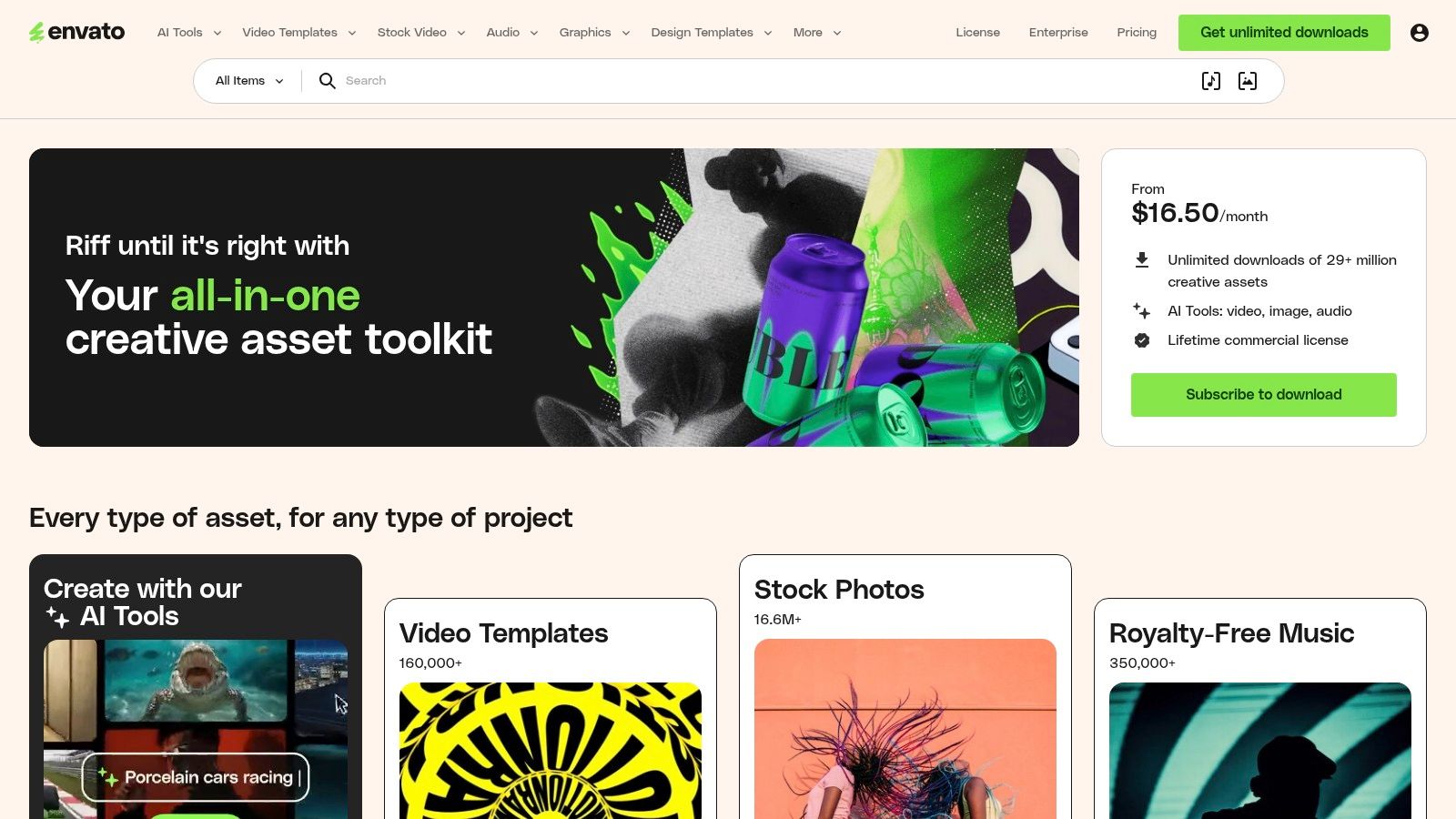
Best fit: A coordinated launch with static announcements, animated posts, and supporting graphics. A compatible template and typeface can be more useful than another standalone photograph.
Its Core plan offers unlimited downloads subject to service terms and project licensing. The important distinction is between having access to download a file and having properly licensed its use in a particular project.
Keep project registration in the production process
Register assets for their intended projects and retain the relevant records. The stated lifetime commercial license applies to assets used in registered projects, so a folder of downloads isn't a replacement for project documentation.
The main drawback is excess choice. Start with a defined campaign style rather than browsing photos, fonts, and templates independently and hoping they'll match.
Customize templates beyond swapping the logo: adjust typography, spacing, color, and image treatment to fit the brand. Check the finished design at phone size, particularly when a template uses small labels or decorative text.
Envato is less compelling when you only need occasional photos. Its broader asset mix becomes valuable when your team will use it, not because those categories are available.
5. Depositphotos
For teams comparing recurring access with occasional purchases, Depositphotos offers photos, vectors, illustrations, and PNG files through subscription options and prepaid packs. Its listed unlimited plan also includes AI image-generation and editing features.
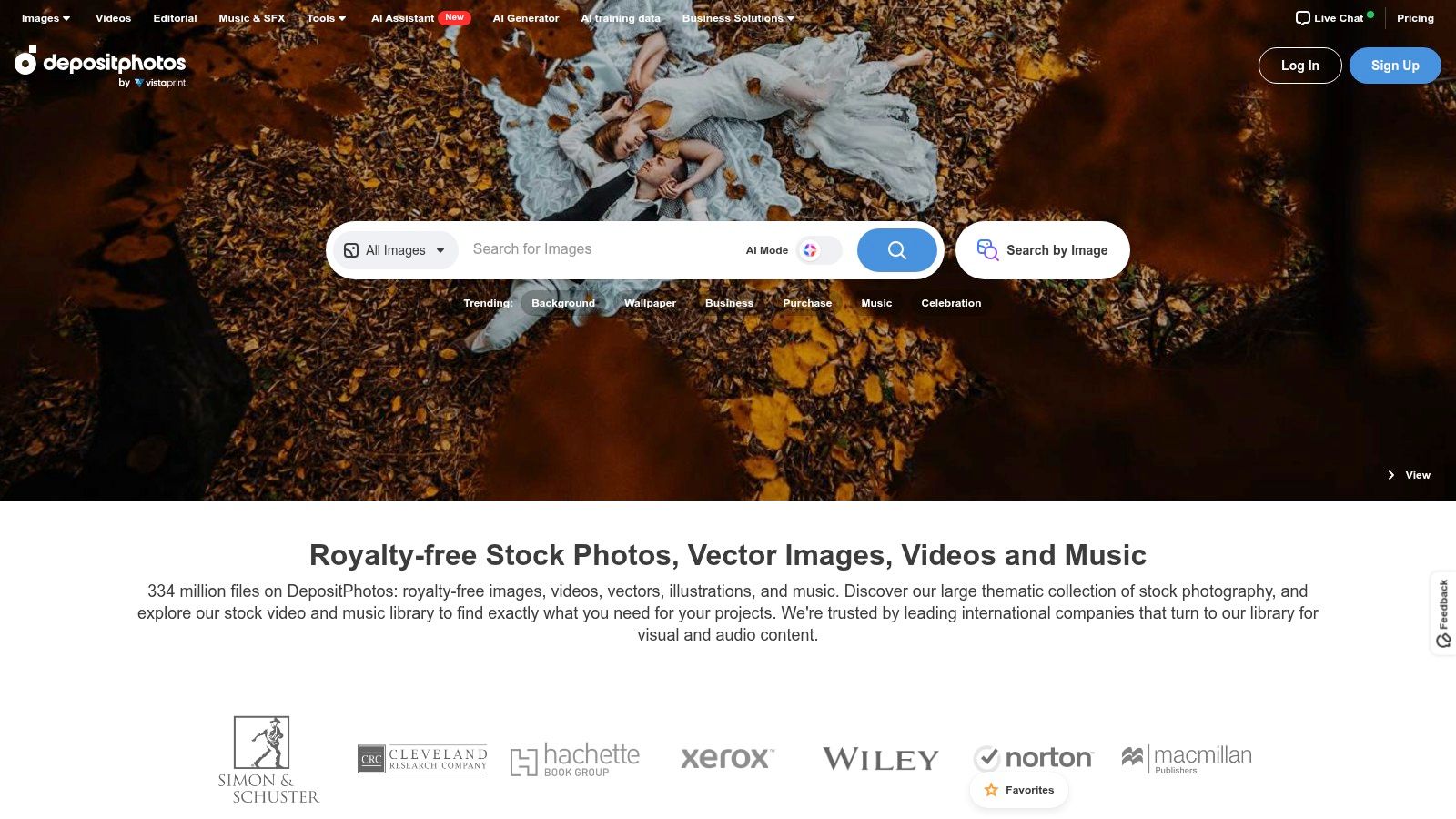
A seasonal retail campaign is a sensible use case. Photography can establish the setting, while vectors or PNG elements support promotional layouts, provided the creative doesn't imply that an unrelated stock product is the item being sold.
- Choose prepaid packs when you can identify the required assets before production.
- Consider recurring access when your publishing schedule requires regular sourcing.
- Review usage conditions because unlimited access remains subject to a responsible-usage policy.
Separate usage rights from depicted rights
Plan details list lifetime usage rights for downloaded images, but that doesn't automatically resolve every trademark, privacy, or model-rights issue. Check the asset and intended message, especially when recognizable people appear beside sensitive claims.
For customization, use restrained color grading to bring unrelated images closer to your brand palette. Avoid edits that materially change what a depicted product, place, or person appears to represent.
Review contrast after grading, not just before it. A darker treatment might make white text easier to read while obscuring an important subject detail, so assess the complete post and supply useful alt text.
6. Pexels
Pexels is a useful starting point when the brief is still being tested. Pexels supplies free photos and videos, including searchable social-media-marketing imagery, without a subscription or per-image charge.
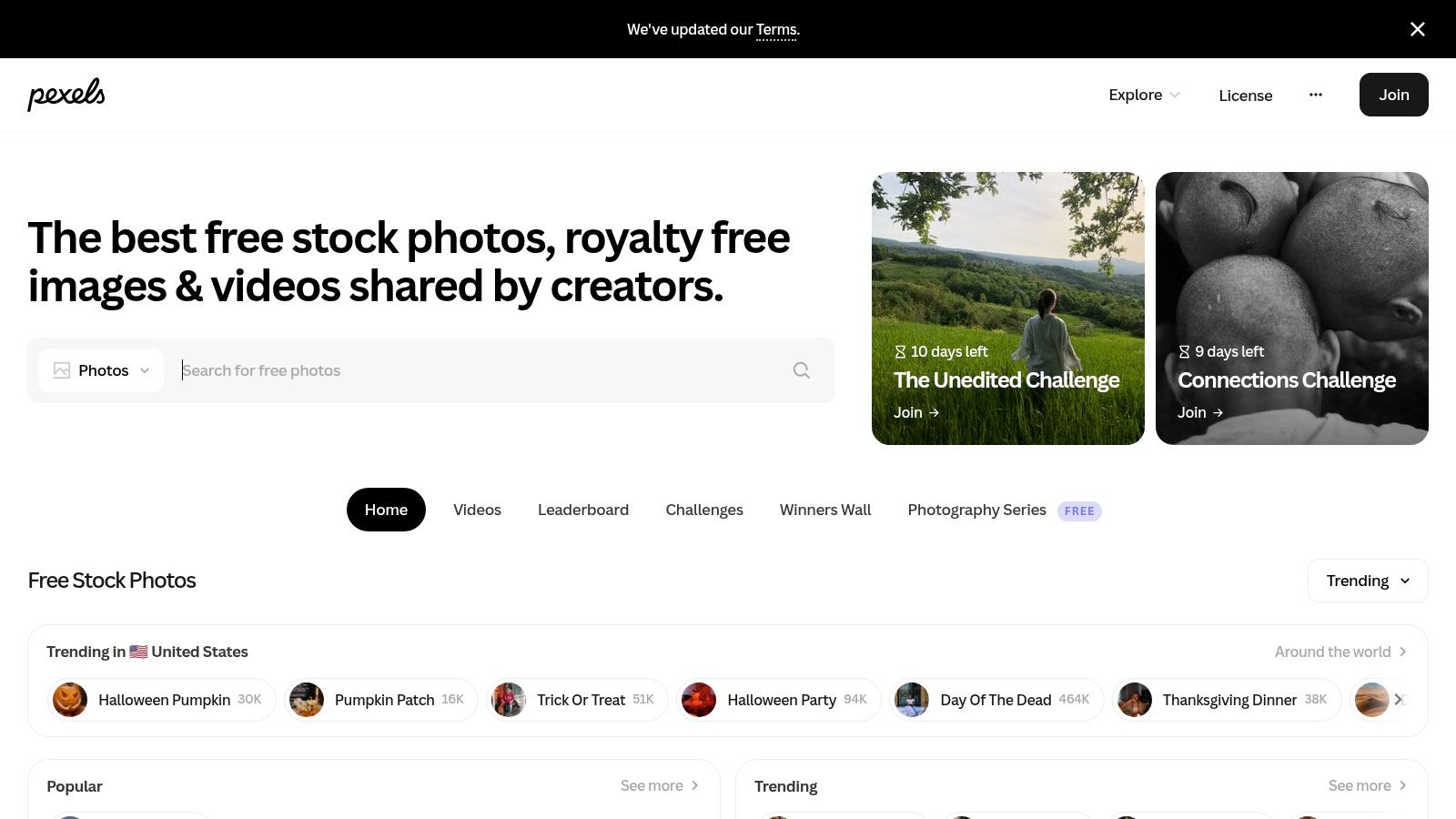
Use it to explore visual directions for educational posts, webinar announcements, or general lifestyle content. Its license permits commercial use and modification without required attribution, subject to its restrictions.
The limitation is differentiation. Other brands can select the same imagery, so a free download shouldn't become your entire visual identity.
A stock photograph can illustrate a customer problem. It can't establish that the person shown is your customer.
A University of Florida publication reported mean engagement of 0.06 for stock-photo posts versus 0.21 for natural-photo posts in its comparison, a useful reminder to reserve room for original imagery rather than treating stock as an automatic replacement (University of Florida stock-versus-natural-photo comparison).
Use free imagery without implying endorsement
Pexels doesn't permit implying endorsement by a depicted person or brand. Don't place an unrelated portrait beside a testimonial in a way that suggests the person supplied it.
Build distinction through relevant selection, consistent crops, and original copy. For accessibility, describe the meaningful scene in alt text and avoid inferring someone's occupation, identity, or circumstances solely from appearance.
7. Unsplash
For atmospheric brand storytelling, Unsplash is worth exploring. Its free collection includes lifestyle-oriented photography, while Unsplash+ provides a paid route to additional premium content.
A travel accessory brand might use a photograph to introduce a packing guide. A consultant might choose an architectural detail for a post about planning, provided the connection is clear rather than decorative.
Strong atmosphere, weaker documentary evidence
Use Unsplash for mood and context, not unverified business claims. A compelling workspace image doesn't show your office, and a polished café interior doesn't establish anything about a local business you're promoting.
The Unsplash license permits free commercial use without required attribution, and images can be modified. Additional permissions may still be needed for recognizable people, trademarks, artwork, or other protected elements.
- Search beyond the topic: Include setting, light, activity, and composition in your search.
- Test the crop: Make sure the subject survives portrait and horizontal adaptations.
- Check visual consistency: Don't combine unrelated photographic styles because each image looks appealing alone.
Free imagery is non-exclusive, so it's better suited to supporting posts than to becoming a distinctive brand identifier. If a scene is central to your positioning, consider original photography instead.
When adding text, preserve contrast without hiding the image's meaning. Put important instructions and offers in the caption too, so the message doesn't depend entirely on text embedded in a photograph.
8. Pixabay
Not every social campaign needs a photographic treatment. Pixabay combines photos with illustrations, vectors, video, and audio, giving budget-conscious teams options for both photographic and graphic-led posts.
Best fit: Educational content that mixes contextual scenes with simple visual explanations. A photo may introduce the subject, while an illustration can communicate an abstract idea without staging a misleading real-world scene.
The Pixabay Content License permits commercial use and modification without required attribution, subject to restrictions. Standalone resale or redistribution is prohibited, and recognizable brands, logos, and people can raise additional rights questions.
Build a coherent set rather than a download pile
Choose a visual direction before mixing media. An outlined illustration, a cinematic photograph, and a glossy icon may each work independently but look disconnected in the same carousel.
For planning inspiration, these product and social campaign use cases can help connect visual concepts to actual deliverables.
- Photography: Use it for relevant settings and recognizable activities.
- Illustration: Consider it for conceptual explanations where literal photography adds little.
- Audio and video: Review the selected asset's terms rather than assuming every format works identically.
Free access makes experimentation easier, but it doesn't make every image appropriate. Avoid stock visuals that suggest an actual product demonstration or customer result when neither occurred.
For accessibility, label diagrams clearly and don't rely on color alone to distinguish categories. Write captions that communicate the lesson even when the graphic isn't visible.
9. Stocksy
When the campaign needs a stronger photographic point of view, Stocksy offers a curated, artist-owned alternative to broad-volume libraries. Its collection includes photos, illustrations, and video, with bundles and custom-content services also available.
Consider it for priority brand storytelling, where casting, setting, and photographic style matter more than filling routine calendar slots. Curated imagery can help avoid familiar stock conventions, although it still isn't evidence of your own customers or operations.
Pay for relevance, not polish alone
Stocksy's standard licenses cover commercial social, digital, and advertising uses. Some expanded uses require upgraded licensing, so check the intended placement before purchasing.
The trade-off is per-asset cost compared with free libraries and many subscriptions. Reserve the budget for images that can support the campaign's creative direction rather than buying a beautiful photograph and inventing a message around it.
Selection test: Could your audience plausibly recognize the setting, activity, and circumstances as relevant to them? Attractive casting alone isn't contextual accuracy.
Inspect clothing, locations, equipment, and interactions for cultural and geographic fit. A scene can appear inclusive while still being wrong for the audience or service.
Use a light touch in post-production when the photographic style is why you chose the image. Preserve meaningful detail, check overlay contrast, and consider custom content when the brief demands circumstances the available collection can't accurately portray.
10. 123RF
123RF is another option for teams sourcing across media categories rather than photography alone. It offers photos, vectors, video, audio, and fonts, alongside subscription and credit-based purchasing routes.
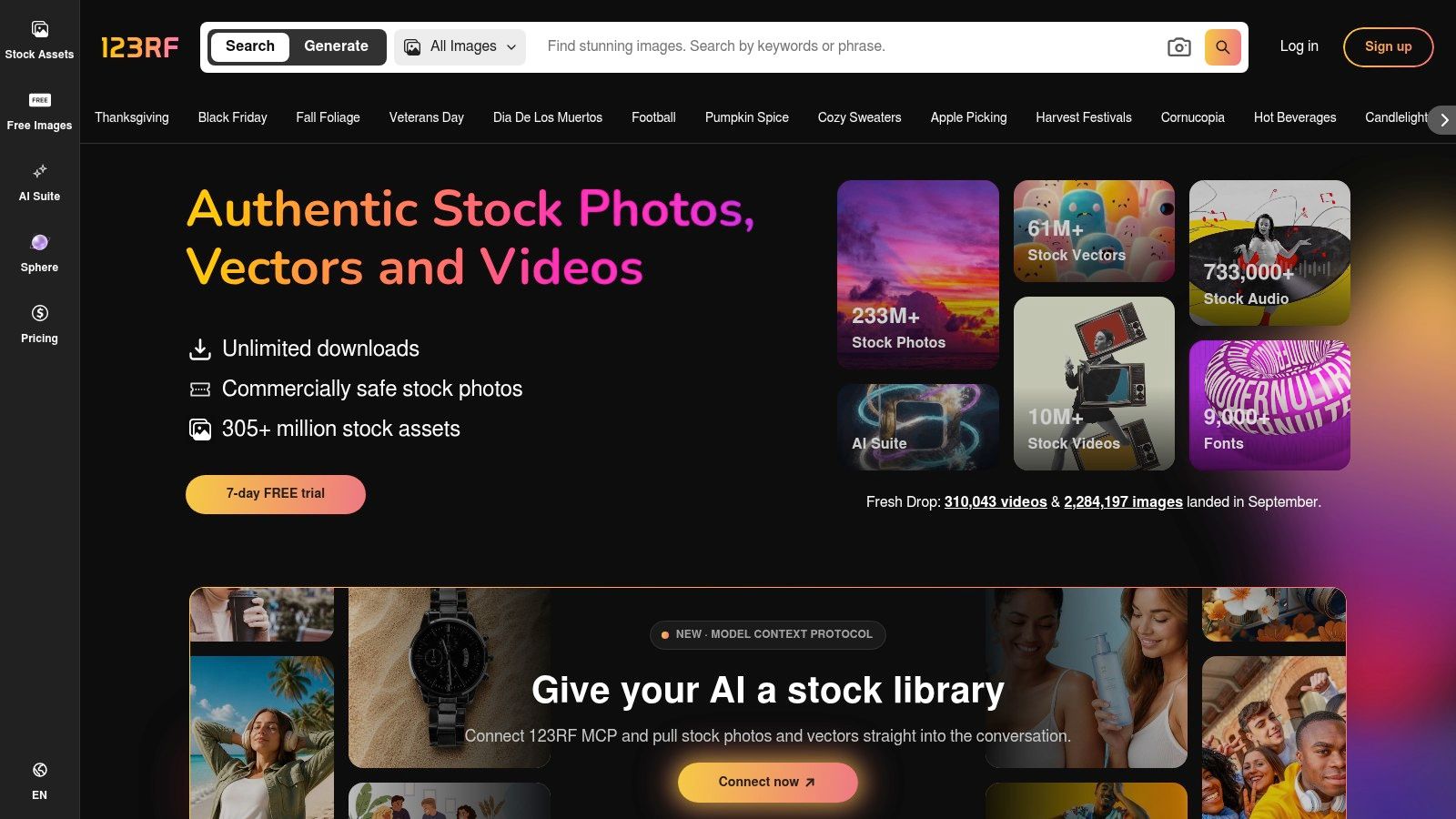
Its PLUS subscription includes unlimited downloads from the included catalog and AI tools, subject to plan conditions. Team and enterprise options are available, which makes it relevant when several people contribute to production.
Check coverage before standardizing
Best fit: A publishing team that needs varied assets and wants to compare individual access with a team arrangement. Don't assume every asset visible in search is included in the subscription you're considering.
Review catalog coverage, permitted uses, download conditions, and contributor access before committing. Credit-based image purchases may be more suitable when you only need assets for an occasional launch.
For campaign production, establish approved fonts, image treatments, and compositional rules before downloading. Otherwise, access to many media types can produce an inconsistent feed rather than a cohesive campaign.
Treat included AI tools as another production option, not an automatic approval step. Inspect generated or edited faces, hands, logos, products, and background details before publication.
Use descriptive alt text for the final composition, not the original asset in isolation. If you've added a meaningful diagram or headline, ensure the caption communicates that information without requiring the audience to decipher the image.
Top 10 Social Media Marketing Stock Photo Resources Compared
| Service | Asset Library & Standout Features | Pricing Model | Best For | Key Trade-Off |
|---|---|---|---|---|
| Shutterstock | Photos, vectors, illustrations, video, and music; broad search filters | Monthly subscriptions or one-off packs | Frequent publishers needing varied media | Large catalog can make distinctive images harder to find; standard plans are single-seat |
| Adobe Stock | Photos, templates, vectors, video, and audio; integrates with Adobe apps | Monthly credit plans or credit packs | Marketers working in Adobe tools | Plan terms and premium-asset credits can be complex |
| iStock | Photos, illustrations, vectors, and video; Essentials and exclusive Signature collections | Subscriptions or credit packs | Users seeking a choice of standard or exclusive imagery | Signature content costs more; check renewal and commitment terms |
| Envato Elements | Photos, video, templates, graphics, fonts, and music; unlimited downloads on Core plan | Subscription | High-volume creators producing varied campaign assets | Downloads are subject to terms and project licensing |
| Depositphotos | Photos, vectors, illustrations, and PNGs; AI generation and editing on listed unlimited plan | Unlimited plans or prepaid packs | Marketers needing stock assets and AI tools | Unlimited use has restrictions; review licensing and usage terms |
| Pexels | Free photos and videos; commercial use and modification permitted | Free | Budget-conscious creators filling content gaps | Images are non-exclusive; some people, brands, or property may need additional permissions |
| Unsplash | Free photos, often suited to lifestyle and editorial content; paid Unsplash+ collection | Free library or paid plan | Solo marketers seeking lifestyle photography | Free images may lack exclusivity or a precise brand fit |
| Pixabay | Free photos, illustrations, vectors, video, and audio | Free | Budget-conscious campaigns needing varied media | Non-exclusive; standalone resale or redistribution is restricted |
| Stocksy | Curated photos, illustrations, and video; custom-content services | Per-asset purchases or bundles | Brands seeking distinctive, curated visuals | Higher per-image cost; some uses require an upgraded license |
| 123RF | Photos, vectors, video, audio, and fonts; PLUS includes AI tools | Subscription, credits, or team options | Frequent publishers needing multiple asset types | Verify plan coverage and conditions for unlimited downloads |
Turn Good Stock Into Brand-Ready Content
The right source is the one that fits the campaign's purpose, purchasing pattern, and credibility requirements. Don't select social media marketing stock photos solely because they're polished, available, or already included in a subscription.
Start with the objective. An educational post may need a clear conceptual image; a product launch needs an accurate representation of what's being sold; a customer story needs permissioned customer material rather than an unrelated model.
Then match the visual style to your brand. Write down the settings, lighting, color treatment, and compositional qualities you want, so different team members can make compatible selections.
Make selection and approval repeatable
- Define the message: Decide what the image should explain, demonstrate, or support.
- Verify the license: Confirm the asset, intended use, relevant plan, and any project-registration requirements.
- Inspect protected elements: Check recognizable people, brands, artwork, and property rather than assuming a download clears everything.
- Customize deliberately: Apply suitable crops, color grading, typography, and platform-specific resizing.
- Review accessibility: Check text contrast, legibility, meaningful alt text, and caption completeness.
Keep a usage record with the asset identifier, creator, download date, license documentation, project, and published placements. This gives the next person editing the campaign a practical reference instead of leaving them to reconstruct permissions.
Customization should improve relevance, not disguise a poor selection. In a Venngage survey summarized by Social Media Examiner, stock photos accounted for 35% of visual social-media posts, while respondents attributed just 7.6% of engagement to them, a reported comparison rather than a controlled performance guarantee (Venngage's visual-content survey findings).
Preserve credibility when scaling production
Use original customer, employee, or location photography when the message requires proof of real circumstances. Stock works better as supporting material for concepts, settings, and educational content.
When stock can't support a large or tightly branded concept campaign, consider AI generation through Bulk Image Generation. Keep generated scenes separate from claims about actual people, products, events, or customer outcomes, and label synthetic content where viewers could reasonably mistake it for documentary evidence.
Transparency deserves an explicit approval decision. A consumer survey found that 84% considered disclosure of AI imagery important, reinforcing the value of assessing audience expectations before publication (Clutch's AI-imagery survey).
Compare finished variants against the campaign objective, not attractiveness alone. Keep the versions that communicate clearly, maintain credibility, and work in the intended placement.
Bulk Image Generation offers bulk AI image creation and batch-editing tools for developing social campaign visuals when existing stock doesn't fit the brief. Visit Bulk Image Generation to explore a concept-led workflow, then review the resulting images for brand fit, factual accuracy, and accessibility before publishing.
