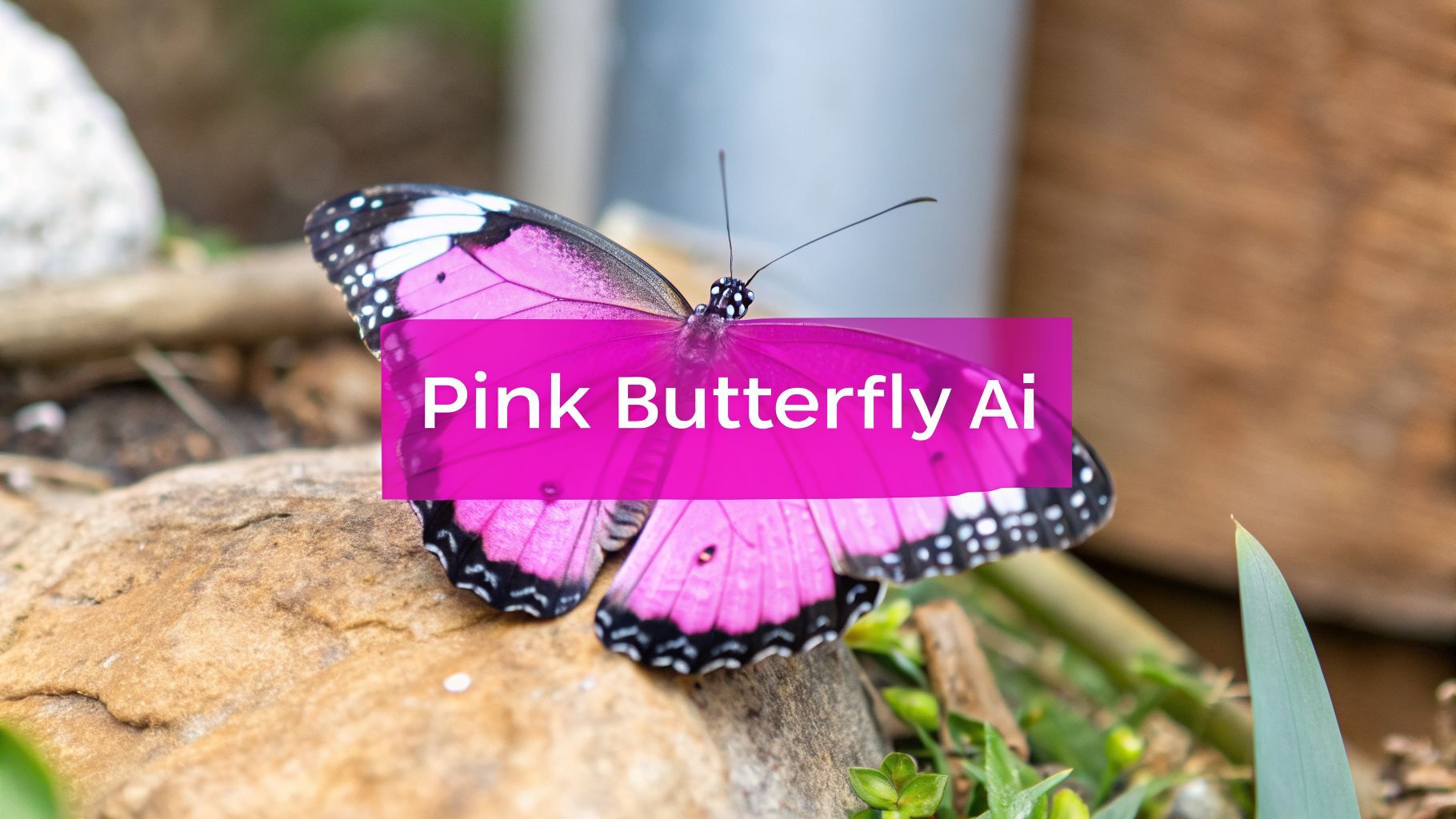
Create a Stunning Pink Butterfly Image with AI

Ryan Bennett • March 14, 2026
Learn to generate a beautiful pink butterfly image with AI. Our guide offers prompts, tips, and bulk creation techniques for branding and social media.
A pink butterfly image is more than just a pretty picture. It's a visual powerhouse, packed with symbolism for transformation, beauty, and hope. It’s no wonder creators use it everywhere—from social media feeds to branding and personal art—to connect with people on an emotional level.
Why the Pink Butterfly Image Resonates
Before we dive into the "how" of creating these images with AI, it's crucial to understand why they work so well. This isn't just about aesthetics; it's about tapping into a deep-seated psychological connection that makes this visual a killer asset for designers, marketers, and anyone trying to tell a story.
At its core, the butterfly is a universal symbol of metamorphosis and renewal. We all understand its journey from a humble caterpillar into a magnificent winged creature. It’s an inspiring and deeply relatable story of personal growth and becoming your true self.

The Power of Color and Symbolism
When you add the color pink into the mix, the message gets even clearer. Pink is a color tied to compassion, femininity, and a gentle kind of strength. This makes the pink butterfly a perfect visual shorthand for campaigns and brands focused on:
- Beauty and wellness: It instantly communicates gentleness, self-care, and natural beauty.
- Life events: It’s a natural fit for celebrating milestones like birthdays, baby showers, or personal victories.
- Inspirational content: Nothing says hope, resilience, and new beginnings quite like it.
The butterfly's symbolism for change combined with pink's association with warmth creates something both delicate and powerful. It’s a visual that screams optimism and gentle transformation, which is exactly why it performs so well in creative projects.
Versatility in Creative Applications
The appeal here isn't just theoretical; it plays out across tons of real-world applications. I've seen scrapbooking and craft blogs use simple butterfly motifs to bring a touch of elegance and joy to their projects. A single die-cut pink butterfly can become the focal point of a greeting card, immediately setting a happy, celebratory tone.
In the digital marketing world, lifestyle and cosmetic brands use this imagery all the time to build a softer, more approachable identity. Whether it's a subtle logo accent or the star of a social media campaign, the symbol just works. Grasping this impact is the first real step toward creating your own compelling visuals with true purpose.
Generating Your First Pink Butterfly Image
Alright, let's move from theory to actually creating your first pink butterfly image. This is where the fun really begins. With a platform like Bulk Image Generation, you can take a simple idea in your head and turn it into a unique visual in just a few seconds. The trick is learning how to "talk" to the AI using text prompts.

There's a reason the pink butterfly has become such a powerful symbol in digital marketing. It represents transformation and beauty, and the visual possibilities are nearly endless. With over 12,119 documented butterfly species, AI has a massive library of patterns to pull from.
Interestingly, this trend mirrors the demand for natural aesthetics in branding. The related butterfly pea flower market, whose colors are often digitally tweaked to pink, was valued at USD 119.77 million in 2026 and is expected to hit USD 183.81 million by 2032. It's a clear signal that organic, beautiful imagery resonates with audiences.
Ready Prompts To Get You Started
I get it—staring at a blank prompt box can feel intimidating. The best way to start is with a few basic prompts to see what the AI is capable of. You don't need to be a coding genius; just describe what you want to see.
For example, if you just need a clean, simple image, a direct prompt often works wonders. You can whip up a bunch of different options in no time using our image generator tool.
Pro Tip: I always say this: specificity is your best friend. The more details you feed the AI—style, setting, color, lighting—the closer you'll get to what's in your head. Don't be shy about using descriptive words like "glowing," "delicate," or "ethereal."
Beginner Prompts for Your First Pink Butterfly Image
Use these simple prompts as a starting point to see how AI interprets different styles and concepts for your projects.
| Desired Style | Example Prompt | Potential Use Case |
|---|---|---|
| Photorealistic | A hyper-realistic pink monarch butterfly resting on a wet leaf, morning dew, macro shot. | High-end product branding or nature blogs. |
| Watercolor | Whimsical watercolor illustration of a pink butterfly, soft pastel colors, white background. | Greeting cards, social media graphics, or children’s book illustrations. |
| 3D Render | 3D render of a pink and gold mechanical butterfly, intricate gears, glowing lights, dark background. | Tech-focused branding or abstract digital art. |
| Vintage | Vintage botanical drawing of a pink butterfly, aged paper texture, detailed sketch lines. | Scrapbooking, historical content, or elegant website design. |
These are just a jumping-off point. Feel free to mix and match elements to create something completely new.
Generating A Small Test Batch
Now, let's put it into practice. Take that watercolor prompt from the table: "Whimsical watercolor illustration of a pink butterfly, soft pastel colors, white background."
Pop that into a tool like Bulk Image Generation and set the batch size to 10. In a matter of seconds, you won't just have one image. You'll have ten unique variations based on that single instruction. While the specifics can vary between generating objects and people, the core principles are the same, and you can learn a lot from tutorials on how to generate AI models for clothing.
This first test run is your playground. It’s a low-stakes way to see how the AI interprets style, composition, and color. From those first ten images, you’ll have a solid foundation to build on and refine your creative work.
Mastering Bulk Creation for Your Campaigns
One great image is nice. A hundred great images can fuel an entire marketing campaign. That's the leap from one-off creations to real, scalable production. And honestly, it’s much simpler than you’d think. Let's walk through a workflow that can spit out up to 100 unique pink butterfly images in less than 20 seconds.
For social media managers staring down an empty content calendar or a small business owner trying to build a consistent brand look, that kind of speed is a total game-changer. It all starts with a clear idea, which you'll translate into a powerful prompt before letting the AI do the heavy lifting.
This is the basic flow. Get this down, and you're ready to produce assets at a scale that was impossible just a couple of years ago.

It’s a simple three-step rhythm: have a vision, write the prompt, and hit generate. This is the core of efficient bulk creation.
The Power of Batch Editing
Okay, you've got your images. The real magic—and massive time savings—happens in the batch editor. This is where you can stop the soul-crushing task of opening and editing every single image one by one.
Let's say you have 50 beautiful butterfly images, but the backgrounds are all wrong. Instead of editing them individually, you just select the whole batch and click "remove background." A few moments later, you have 50 clean images on a transparent background, ready to be dropped onto product mockups or social posts. That one move can easily cut your editing time in half.
The real point of bulk creation isn't just about going fast; it's about being consistent. When you apply the same edits across a whole set of images, you guarantee a professional, unified look for your campaign. That's how you build strong brand recognition.
Resizing for Every Platform
Next up is the chore we all hate: resizing. An image that looks perfect in an Instagram Story (9:16) is going to get awkwardly cropped in a feed post (4:5) or a website banner (16:9). Manually cropping dozens of images for every single platform is a nightmare.
With batch resizing, you can knock this out in one go. Just upload your image set, pick the dimensions you need for each social platform, and let the tool handle it. You can see exactly how this works with our specialized bulk social media image generator.
This ensures your visuals look sharp and intentional everywhere your audience sees them, without you wasting an afternoon in an editor.
Bulk Generation in Action
The pink butterfly image isn't just pretty; it connects the beauty of nature with a booming AI design market. For marketers, we've seen whimsical motifs like these boost click-through rates by up to 30% in some campaigns.
Being able to generate 100 unique options in 20 seconds is a huge leg up, whether you're an educator making coloring pages or an agency branding a new product. And when you factor in post-production features like background removal—which can cut editing time by 50%—your entire workflow becomes incredibly streamlined. If you want to dive deeper, you can explore the booming demand for natural aesthetics that AI tools are helping to serve.
Ultimately, this approach means less time spent on repetitive tasks and more time focused on the creative strategy that actually drives results.
Putting Your AI Images to Work
So you've got a folder full of stunning AI butterflies. Now what? Generating images is the fun part, but the real magic happens when you turn those pixels into something tangible—for your business, your classroom, or your creative projects.
You don't need to be a design pro to make this happen. Let's walk through how you can take a simple prompt and turn it into a polished asset that connects with your audience.
Create Custom Coloring Pages for Education
If you're an educator or a parent, you know the constant hunt for fresh, engaging materials. AI can be a massive help here. A simple black-and-white butterfly outline isn't just a picture; it's an activity that helps kids with fine motor skills and sparks their creativity.
All it takes is a straightforward prompt:
Prompt: "Simple butterfly outline, thick black lines, coloring book page style, clean white background, no shading."
Run a batch with this prompt, letting the AI create slight variations in the wing patterns. Just like that, you have an entire library of unique coloring sheets. Print them for your classroom, or bundle them as a downloadable for your blog. It’s an incredibly simple and effective way to produce educational content on the fly.
Elevate Your Brand with Subtle Motifs
For anyone running a business, especially in cosmetics, wellness, or lifestyle, a pink butterfly image can become a powerful part of your brand identity. The trick is to be subtle. You don't need a giant butterfly slapped on everything.
Instead, think about placing a small, photorealistic pink butterfly on the corner of your product packaging. Or use a stylized, minimalist version as a faint watermark on your website's background. These small touches build a cohesive, high-end look that feels deliberate and professional.
An AI-generated motif can serve as a consistent visual thread across your entire brand, from your website favicon to your thank-you cards. This consistency is what builds a memorable brand experience for your customers.
And it's not just for digital. These visuals are perfect for physical merchandise. You can explore custom printing options to get your AI designs onto t-shirts, tote bags, or even custom stationery. Suddenly, your digital art becomes a real, profitable product.
Design Engaging Social Media Graphics
Every social media manager feels the pressure to constantly feed the content beast. Your batch of pink butterfly images is a goldmine waiting to be tapped. Here are a few quick ideas to get the ball rolling:
- Quote Graphics: Layer an inspiring quote over a butterfly image with a soft-focus background.
- Animated GIFs: Generate a sequence of images with slight wing movements to create a simple, fluttering animation.
- Product Spotlights: Use an image with a transparent background to frame a new product shot, adding an elegant, natural touch.
For a social post, you might start with a prompt like this: "Detailed pink butterfly on a sprig of lavender, soft morning light, shallow depth of field." Once you have the image, use a batch editor to instantly resize it for Instagram, Facebook, and Pinterest. This simple workflow turns a 20-second generation into a full week of visually consistent content. That’s hours of work saved.
Advanced Prompting for Professional Results
If you want your pink butterfly images to look truly professional—the kind you can actually use for a brand or product—you have to move beyond simple descriptions. This is where you separate the generic, obviously AI-generated stuff from visuals that look strategically crafted. It’s all about the details you feed the AI.
You need to start thinking like a photographer or an art director. Don't just ask for the subject. Define the environment it's in, the camera capturing the shot, and even the specific mood you're after. This is how you unlock a whole new level of control and quality.
Fine-Tuning with Negative Prompts
One of the most powerful—and honestly, most overlooked—tools you have is the negative prompt. This is where you tell the AI exactly what not to include. It’s an incredibly efficient way to clean up your images, removing common AI quirks and artifacts that just don’t fit your vision.
You might generate a nearly perfect butterfly, only to find it has weird, distracting shadows, a blurry wing, or even random text floating in the corner. Negative prompts are your fix.
- To Get Rid of Clutter: Use
--no text, words, watermarkfor a clean, professional finish. - For a Better Composition: Add
--no blurry background, cropped wingsto ensure your subject is crisp and fully in frame. - To Nail the Style: If you're aiming for realism, specify
--no cartoon, illustration, 3d render.
Think of it as setting creative guardrails. You're steering the AI away from common pitfalls before it even makes them, which saves a ton of editing time on the back end.
Specifying Camera Angles and Styles
To get a truly dynamic shot, you have to start directing the AI like you’re behind the lens. Telling it which camera angles and lens types to use gives you massive control over the final composition and feel of the image.
The difference between "pink butterfly" and "macro shot of a pink butterfly, 85mm lens, f/1.8 aperture, cinematic lighting" is night and day. The first is a vague idea; the second is a clear directive that gives you a professional, high-quality result.
You can get even more creative by mixing these camera details with specific artistic styles. For instance, "top-down view of a pink butterfly, art deco style, gold inlays" will create something totally different from a "side profile shot of a pink butterfly, vaporwave aesthetic, neon glow."
Deconstructing Styles with an Image-to-Prompt Converter
Ever see an image and think, "I wish I could create something with that exact vibe"? An image-to-prompt converter is built for exactly that. You can upload an image you like, and the tool will break it down into a descriptive prompt that captures its style, composition, and color palette. Our platform even has a free AI image prompt generator to help you get started with this.
This is where you can blend creative aesthetics with hard data. We know a well-designed pink butterfly image can drive 25-40% higher engagement on social media. Using a tool to replicate a style that's already performing well is just smart strategy. With the natural colors market—a closely related industry—projected to hit USD 151.7 billion by 2031, the ability to quickly produce on-trend visuals is a huge advantage. You can learn more about the growth of the natural colors market to see where things are headed. This reverse-engineering method is a game-changer for maintaining brand consistency across hundreds of images.
Common Questions About AI Image Generation
Once you start generating your own pink butterfly image collection, a few common questions always seem to pop up. You'll probably wonder about usage rights, what to do when the AI misinterprets your idea, and how to make your images look great everywhere.
Let's get these out of the way now. Tackling these points early saves a ton of headaches later and lets you use your creations with total confidence.
Can I Use My AI-Generated Images for Commercial Projects?
This is the big one, and the short answer is almost always yes. Most AI art platforms, especially ones built for business, are designed for commercial use. When you create an image, you typically own the commercial rights to it—meaning you can use it for marketing, on products, or all over social media.
That said, it’s always a good idea to spend five minutes reviewing the terms of service for whatever tool you're using. These platforms want to help your business, not bury you in licensing nightmares, but a quick check gives you complete peace of mind.
People often think AI art is some kind of legal gray area. The reality is that most generators grant you a straightforward commercial license for the images you create, making them ready for business from the get-go.
What if the AI Is Not Creating the Style I Want?
Hitting a creative roadblock is frustrating, but it's usually just a prompting issue. If the AI isn't delivering, your first move should be to get more specific. Don't just ask for a "pink butterfly"—tell the AI exactly what you're picturing.
- Be specific about the medium: Try "watercolor pink butterfly" or a "3D render of a pink butterfly."
- Give it a location: Use "pink butterfly on a lavender flower" or even "pink butterfly against a cityscape."
- Define the lighting: Add details like "soft morning light" or "dramatic backlighting."
Experimentation is key here. I've found that running a reference photo through an image-to-prompt tool is a game-changer. It often spits out keywords and style descriptions I would never have thought of myself, opening up a whole new set of creative options.
How Do I Make My Images Look Good on All Devices?
Making sure your images look sharp and professional on a phone, tablet, and desktop is non-negotiable. This is where batch editing and understanding aspect ratios become your best friends. I always generate my core images at a high resolution in a flexible 1:1 square format.
From that master set, you can use a batch resizer to instantly create optimized versions for every platform. A single click can turn your master image into a 9:16 version for Instagram Stories, a 4:5 for feed posts, and a 16:9 for a website banner. This guarantees your beautiful pink butterfly image keeps its quality and composition no matter where it's seen.
Ready to scale your creative output? With Bulk Image Generation, you can create hundreds of high-quality, commercially-ready images in seconds, not hours. Try it for free and see how easy it is to bring your vision to life. Visit us at https://bulkimagegeneration.com.
