The 12 Best Photo App to Layer Photos in 2025

Ryan Bennett • October 4, 2025
Discover the best photo app to layer photos on any device. Our 2025 guide covers desktop, web, and mobile apps for creating stunning compositions.
Layering is the secret ingredient behind stunning photo composites, double exposures, and sophisticated graphic designs. By stacking images, text, and effects, you can blend elements, correct specific areas, or build entirely new scenes from scratch. However, not all editors handle layers equally. Finding the right photo app to layer photos depends on your specific goals-whether you're a professional designer needing industrial-strength tools, a social media creator seeking speed and templates, or a hobbyist exploring creative possibilities on your tablet.
This guide cuts through the noise to analyze the 12 best apps for layering photos, focusing on their unique strengths, practical use cases, and key limitations. We provide direct links and screenshots for each option, helping you choose the perfect tool for your workflow in 2025. You will learn which platform offers the most precise masking tools, which provides the easiest interface for quick social media graphics, and which delivers professional-grade power without a subscription.
As you explore these powerful editors, remember that many are integrating advanced new features. Embracing the best AI tools for content creation can further enhance your creative workflow, automating tedious tasks and unlocking new visual possibilities within your layering process. Let's dive in and find the app that fits your needs.
1. Adobe Photoshop
Adobe Photoshop remains the undisputed industry standard for professional image manipulation and is arguably the most powerful photo app to layer photos available. Its system of unlimited layers, masks, smart objects, and advanced blend modes provides granular control unmatched by most competitors. This makes it ideal for complex compositing, from elaborate digital art to sophisticated product mockups.
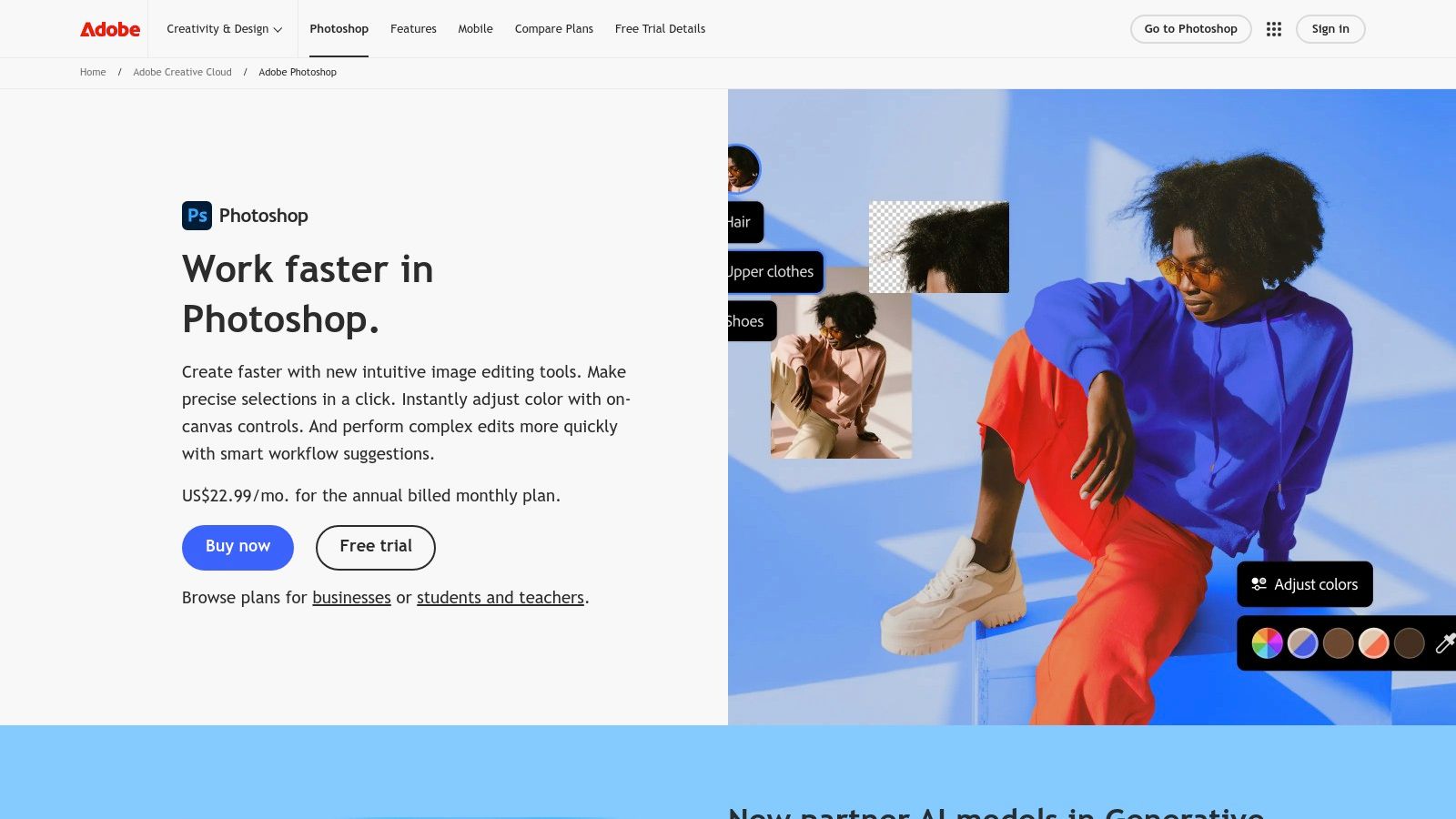
The platform’s strength lies in its ecosystem. With cloud-synced PSD files, you can start a project on a desktop, refine it on an iPad, and make quick adjustments in the web beta. The integration of AI features like Generative Fill has also significantly streamlined complex editing tasks, such as background extensions or object removal. For marketers, learning to harness these tools can be a game-changer, especially for creating high-quality visuals for campaigns. You can explore a practical guide on leveraging AI for product photography to enhance your workflow.
Key Details & Considerations
- Best For: Professionals and serious hobbyists who need maximum control for complex compositing.
- Unique Feature: Cross-device PSD syncing and the industry's most robust toolset, including AI-powered Generative Fill.
- Pros: Unparalleled layering and masking capabilities, extensive third-party tutorials and plugins, professional-grade export options.
- Cons: Requires a subscription (starting at $19.99/month), and the software can be resource-intensive, demanding powerful hardware.
- Website: https://www.adobe.com/products/photoshop.html
2. Pixelmator Pro
For Mac users seeking a powerful, subscription-free photo app to layer photos, Pixelmator Pro is an exceptional alternative. It offers a robust, non-destructive workflow with full support for layers, masks, and blending modes in a sleek, Mac-native interface. The app is highly optimized for Apple hardware, especially Apple silicon, ensuring blazing-fast performance even with high-resolution RAW files.
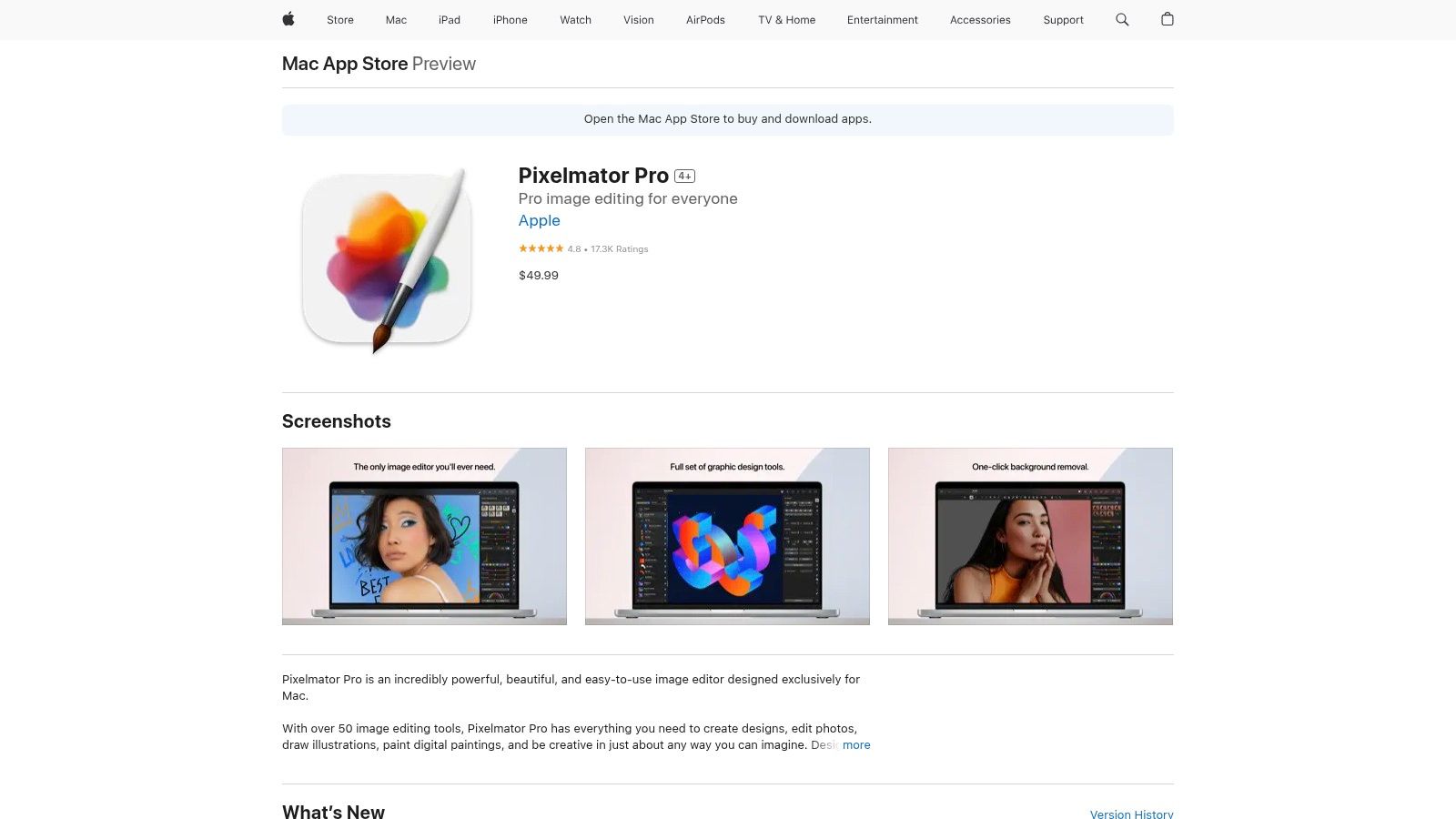
Pixelmator Pro stands out with its seamless integration into the Apple ecosystem, including a deep connection with the macOS Photos app. It also leverages machine learning for impressive features like ML Super Resolution, which enhances image detail, and automatic subject selection, which dramatically speeds up compositing tasks. This combination of pro-level tools, intelligent automation, and a one-time purchase model makes it an attractive and cost-effective choice for many creators.
Key Details & Considerations
- Best For: Mac-based creators, hobbyists, and professionals who want a powerful editor without a recurring subscription.
- Unique Feature: Deep macOS integration and a suite of machine learning tools like ML Super Resolution.
- Pros: One-time purchase ($49.99), clean and intuitive interface, and high-performance optimization for Apple silicon.
- Cons: Exclusive to macOS, limiting cross-platform workflows, and a smaller ecosystem of third-party plugins compared to Photoshop.
- Website: https://apps.apple.com/us/app/pixelmator-pro/id1289583905
3. Procreate
While primarily known as a digital illustration app, Procreate is a powerhouse photo app to layer photos directly on an iPad. Its intuitive, touch-first interface and robust layer system make it a favorite for creative photo compositing, double exposures, and artistic edits. The app offers a full-featured layer panel with clipping masks, layer masks, and over 25 blend modes, giving users extensive control for blending and manipulating images.
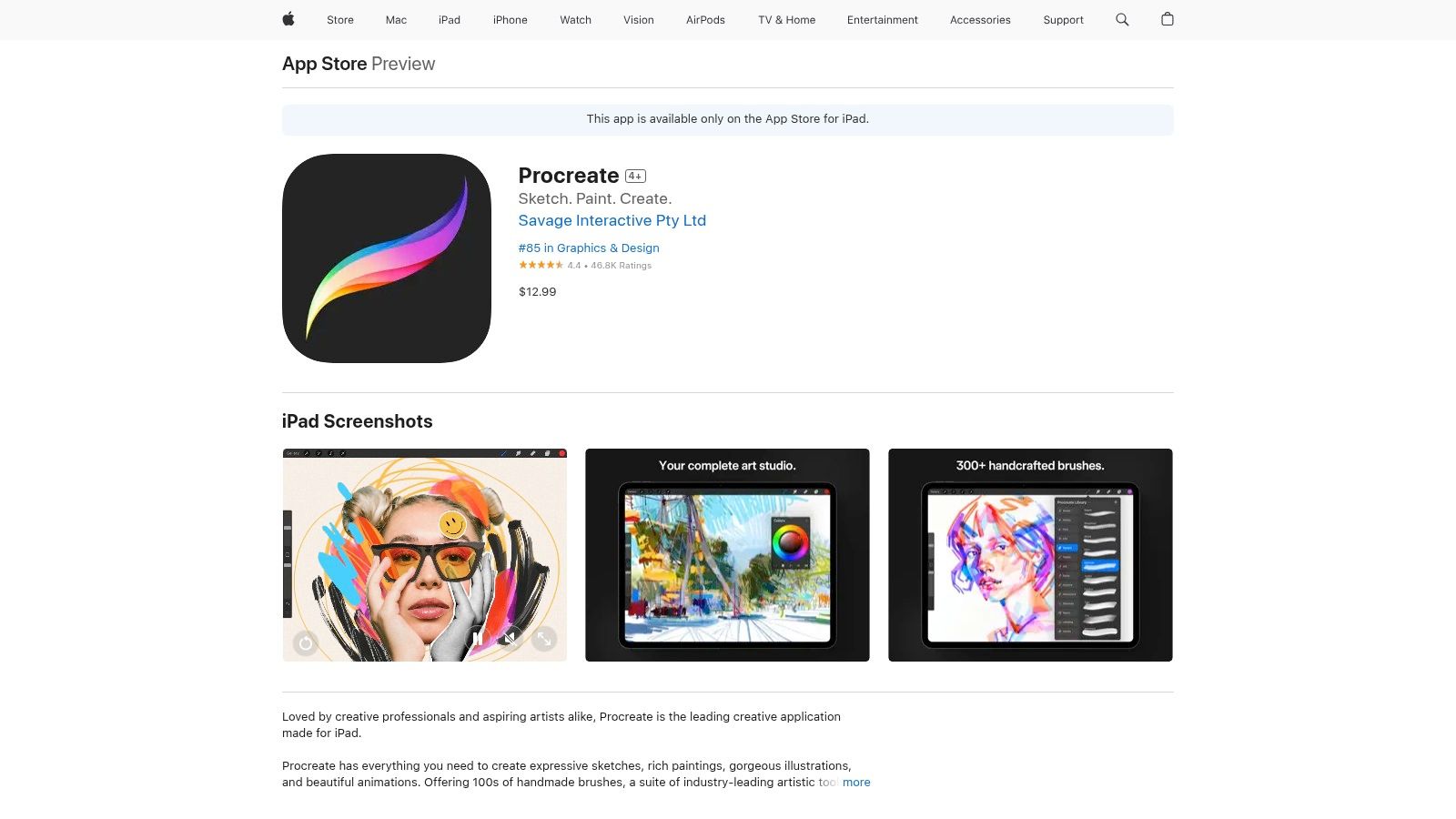
The strength of Procreate lies in its performance and accessibility. It handles high-resolution canvases smoothly and is perfectly optimized for the Apple Pencil, allowing for precise selections and edits. Marketers can use it to quickly add hand-drawn elements, text, or effects to social media visuals. For those who want professional-level layering capabilities without a monthly subscription, Procreate is an unparalleled value, offering PSD import and export for compatibility with desktop workflows.
Key Details & Considerations
- Best For: Creatives and marketers who primarily work on an iPad and want a powerful, one-time purchase tool for artistic photo composites.
- Unique Feature: An incredibly fluid and fast tablet-first UI combined with professional-grade digital painting and layering tools.
- Pros: Highly affordable one-time payment ($12.99), excellent performance on iPad, and a massive community with abundant tutorials.
- Cons: Exclusive to iPad, lacking some of the specialized, automated photo editing tools found in dedicated desktop software.
- Website: https://apps.apple.com/us/app/procreate/id425073498
4. Photopea
Photopea is a remarkable browser-based editor that delivers a Photoshop-like experience without any installation or upfront cost. As a powerful photo app to layer photos, it supports essential features like layers, masks, smart objects, and blend modes directly in your web browser. This accessibility makes it an excellent choice for quick edits or for users who need a capable editor on a computer without installation privileges, like a Chromebook or a public machine.
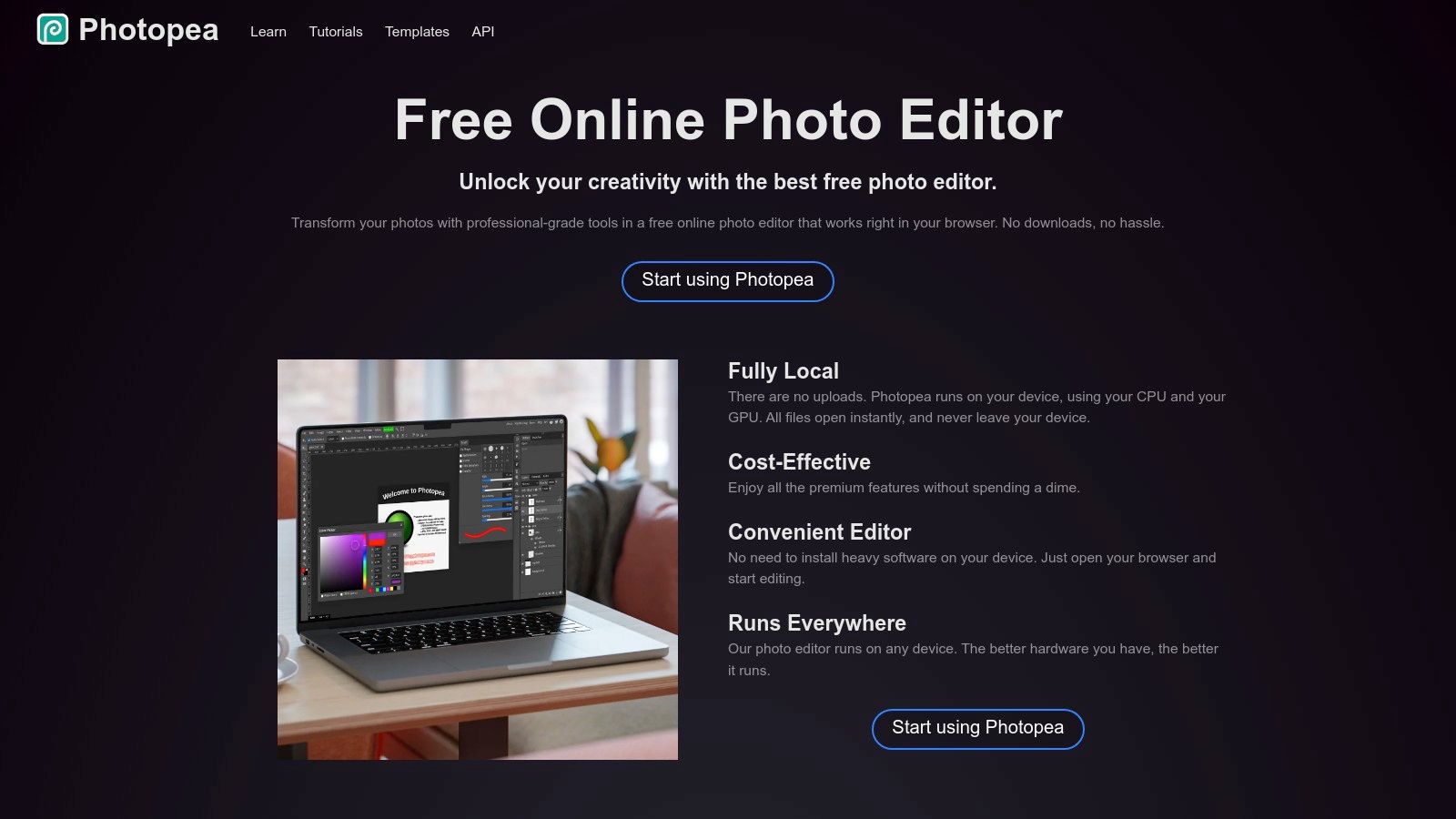
The platform's standout feature is its incredible compatibility with PSD files, allowing users to open, edit, and save projects from Adobe Photoshop seamlessly. It even runs locally in the browser after the initial load, meaning you can continue working if your internet connection drops. For those integrating AI into their workflows, Photopea offers an AI-powered image generator through a credit system, providing modern creative capabilities within a familiar, classic interface. This makes it a uniquely versatile and accessible tool for a wide range of users.
Key Details & Considerations
- Best For: Students, freelancers, and anyone needing a free, accessible Photoshop alternative for layering photos.
- Unique Feature: Runs entirely in a web browser with robust PSD file support and an offline working mode after loading.
- Pros: Completely free with no signup required, familiar interface for Photoshop users, excellent cross-platform accessibility.
- Cons: The free version is supported by ads which can be distracting, and advanced performance depends heavily on the user's browser and hardware.
- Website: https://www.photopea.com
5. Pixlr
Pixlr stands out as a highly accessible and capable online photo app to layer photos, bringing powerful editing tools directly to your web browser. It strikes an excellent balance between user-friendliness and advanced functionality, offering a layer-based system complete with blend modes, masks, and filters. This makes it a go-to choice for quick compositing, social media graphics, and creative projects without the need for software installation.

The platform is split into two main editors: the advanced Pixlr E for detailed work and the simpler Pixlr X for quick adjustments. Its strength lies in its ecosystem, which includes a rich library of overlays, icons, and decorative assets, alongside modern AI tools for one-click background and object removal. With a shared subscription across its web, desktop, and mobile versions, Pixlr offers a flexible and affordable solution for users who need to edit on the go.
Key Details & Considerations
- Best For: Marketers, students, and hobbyists looking for a powerful, browser-based editor with a low learning curve.
- Unique Feature: Dual editor interface (Pixlr E for advanced, Pixlr X for simple) and cross-platform access with a single subscription.
- Pros: Runs directly in a browser with no installation, generous free tier, and an affordable premium plan (from $4.90/month).
- Cons: Not as powerful as professional desktop suites and some advanced features are limited compared to full desktop apps.
- Website: https://pixlr.com/pricing/
6. Luminar Neo
Luminar Neo by Skylum carves out its niche as an AI-powered photo app to layer photos, prioritizing speed and simplicity over manual complexity. Its layer-based workflow allows for easy compositing, letting you add overlays, textures, or even other images with intuitive controls for masking and blending. The software shines for users who want to achieve professional-looking results without a steep learning curve.
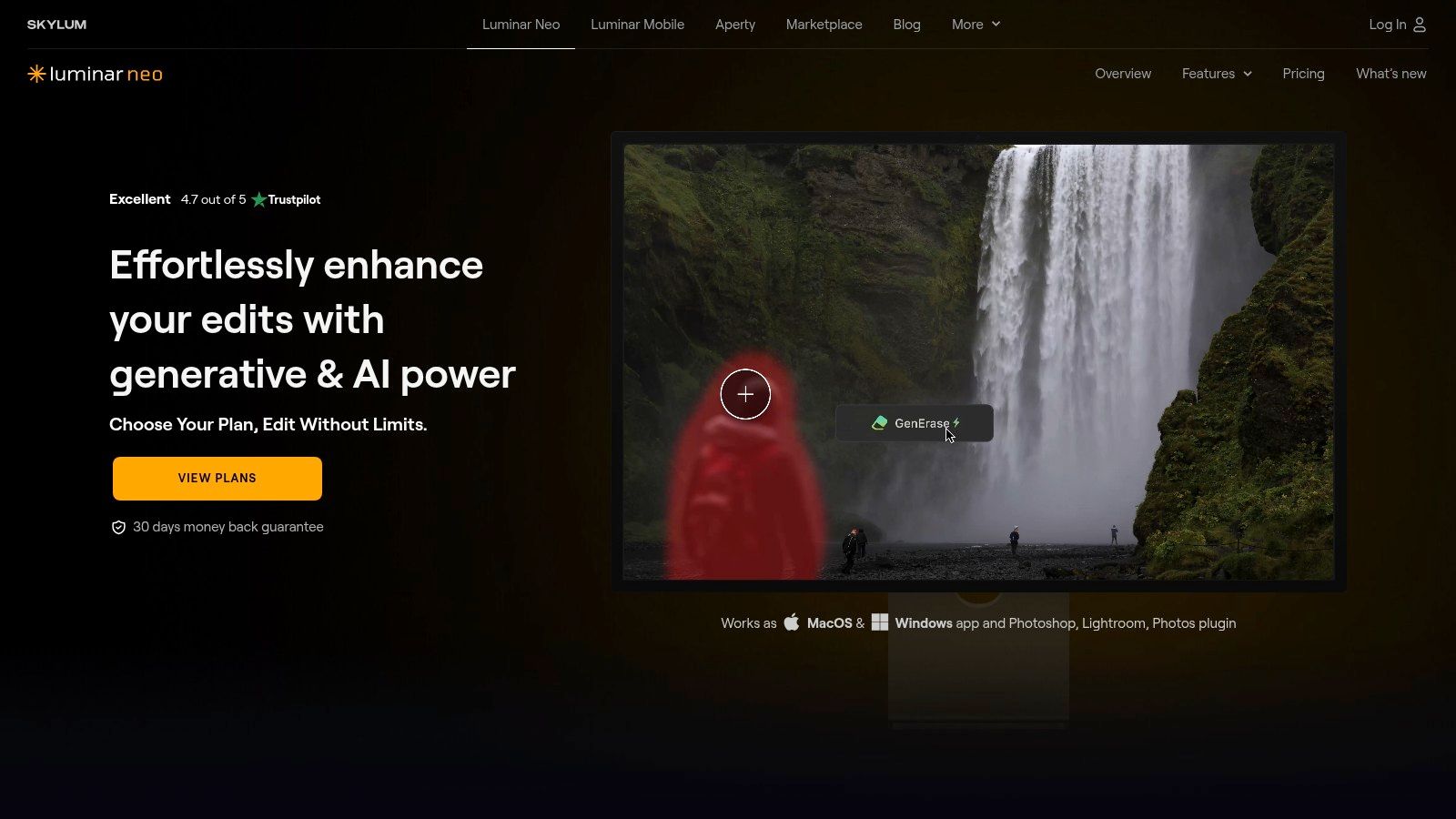
What sets Luminar Neo apart is its extensive suite of one-click AI tools that work seamlessly with its layer system. You can replace a sky, relight a scene, or enhance a portrait on one layer, then blend it with another for a creative composite. This makes it an incredibly efficient tool for photographers and marketers looking to quickly elevate their images. It functions as a standalone application or as a plugin for Adobe Photoshop and Lightroom, offering flexibility in different workflows.
Key Details & Considerations
- Best For: Photographers and content creators who want powerful, AI-driven results for layering without manual complexity.
- Unique Feature: A robust collection of AI-powered tools like Sky AI and Relight AI that can be applied on separate layers.
- Pros: Beginner-friendly interface with fast AI-powered edits, perpetual license option available, works as a standalone app or a plugin.
- Cons: Less granular control for manual compositing compared to Photoshop, and its core strengths are heavily tied to its AI features.
- Website: https://skylum.com/luminar
7. ON1 Photo RAW 2025
ON1 Photo RAW 2025 offers a powerful all-in-one solution for photographers who want robust layering capabilities without being tied to a subscription. It functions as a complete RAW processor, photo organizer, and layered editor, making it a strong alternative to the Adobe ecosystem. The software allows for non-destructive editing, where each effect, filter, and adjustment can be applied to its own layer, complete with advanced masking and blending options.
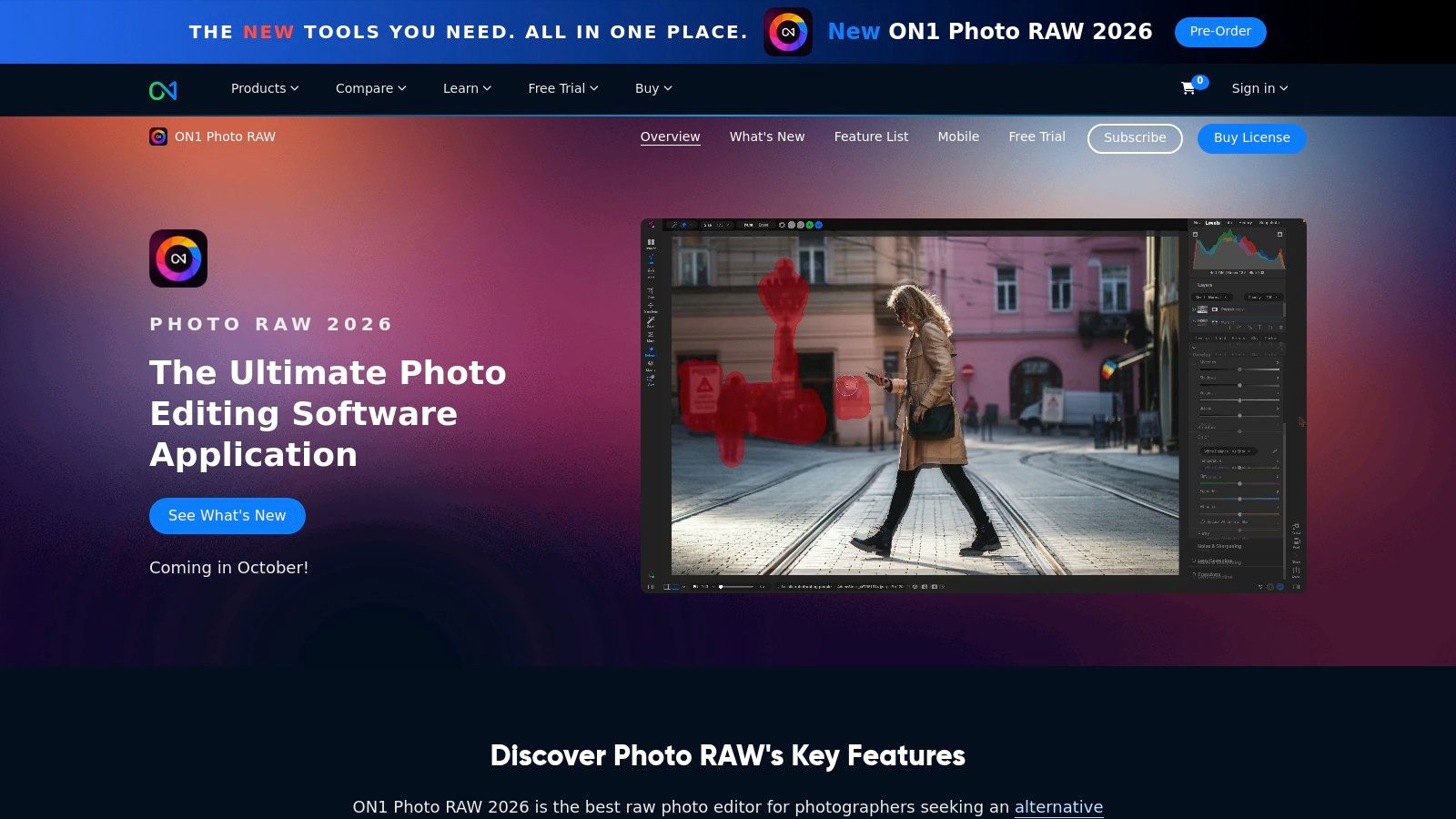
This platform excels as a single-application workflow, handling everything from culling and cataloging to intricate compositing. For those creating marketing materials or dynamic social media visuals, its AI-powered tools like Brilliance AI and Super Select AI speed up the editing process significantly. Whether used as a standalone photo app to layer photos or as a plugin for other editors, ON1 provides professional-grade tools with flexible purchasing options, catering to users who prefer owning their software outright.
Key Details & Considerations
- Best For: Photographers seeking an integrated RAW editor and layered compositor with perpetual license options.
- Unique Feature: A comprehensive, all-in-one workflow that combines photo organization, RAW development, and advanced layering in a single application.
- Pros: Flexible purchasing (subscription or perpetual license), strong photographer-centric feature set, and powerful AI masking tools.
- Cons: The interface can feel dense for beginners, and performance may vary depending on system hardware.
- Website: https://www.on1.com/products/photo-raw/
8. GIMP
GIMP (GNU Image Manipulation Program) stands as the leading free and open-source photo app to layer photos, offering a powerful alternative to subscription-based software. It provides a comprehensive suite of tools for sophisticated image compositing, including layers, masks, advanced blend modes, and a customizable user interface. Its capabilities are extensive enough for detailed photo retouching, graphic design tasks, and creating layered digital artwork from scratch.
The platform’s greatest asset is its passionate open-source community, which maintains the software and develops a vast ecosystem of third-party plugins and scripts. This extensibility allows users to add new features and automate repetitive tasks, tailoring the program to their specific workflow. For marketers or small businesses on a tight budget, GIMP provides professional-grade layering tools without any financial commitment, making it an excellent starting point for advanced image editing.
Key Details & Considerations
- Best For: Budget-conscious users, students, and hobbyists who need powerful layering tools without a subscription.
- Unique Feature: Completely free and open-source under a GPL license, with a highly extensible architecture via plugins and community scripts.
- Pros: No cost to use, strong community support and extensive documentation, cross-platform availability on Windows, macOS, and Linux.
- Cons: The user interface and workflow can feel less intuitive than commercial alternatives, and some users report occasional build or download issues.
- Website: https://www.gimp.org/downloads/
9. Picsart
Picsart positions itself as a powerful, all-in-one creative platform that makes multi-layer editing accessible to everyone, not just professionals. It’s an excellent photo app to layer photos for social media content, quick collages, and artistic compositions without a steep learning curve. The platform combines traditional layering tools, like blend modes and opacity controls, with a massive library of stickers, templates, and filters, making it easy to build complex images quickly.
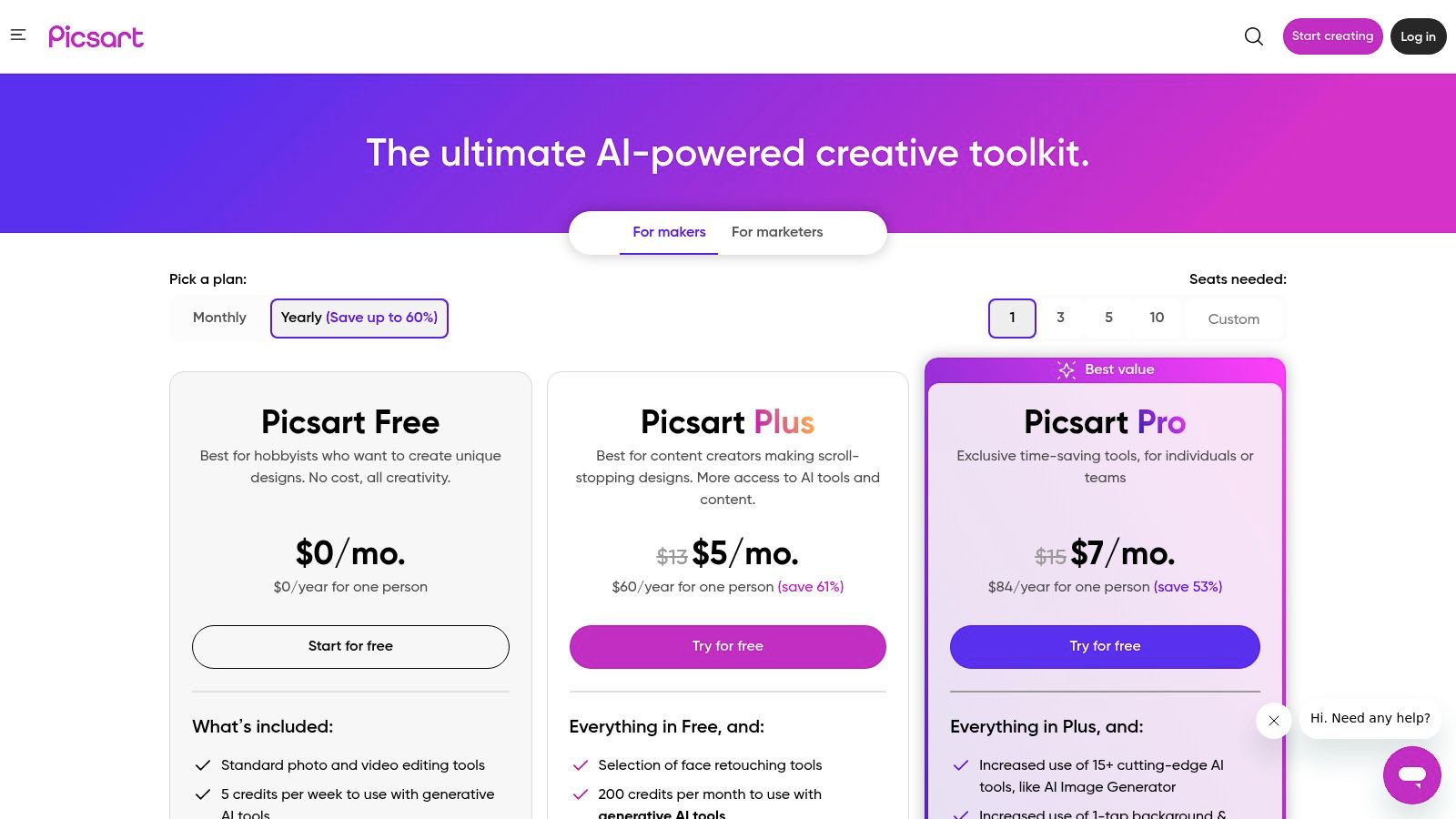
The platform’s strength is its user-friendly interface and extensive asset library, which empowers users to create on-trend visuals for platforms like Instagram and TikTok. Its AI tools, including background removers and image generators, further simplify the creative process. For marketers or small business owners needing to produce engaging content on the fly, Picsart’s mobile and web apps offer a seamless cross-device workflow for creating polished visuals from anywhere.
Key Details & Considerations
- Best For: Social media managers, content creators, and hobbyists needing a user-friendly editor with a rich asset library.
- Unique Feature: A massive, integrated library of user-generated and stock stickers, templates, and creative assets.
- Pros: Very easy for beginners to start editing, huge content library for social media, and great cross-platform compatibility (web, iOS, Android).
- Cons: Not a full professional PSD editing workflow, and AI tools often require credits or a premium subscription (starting at $5/month).
- Website: https://picsart.com/pricing
10. Bazaart
Bazaart is a powerful mobile-first photo app to layer photos, bringing sophisticated compositing and design capabilities to iOS and iPadOS. It excels at creating multi-layered collages, social media graphics, and product mockups directly on a mobile device. The app supports a generous number of layers, including both photos and videos, making it highly versatile for dynamic content creation.
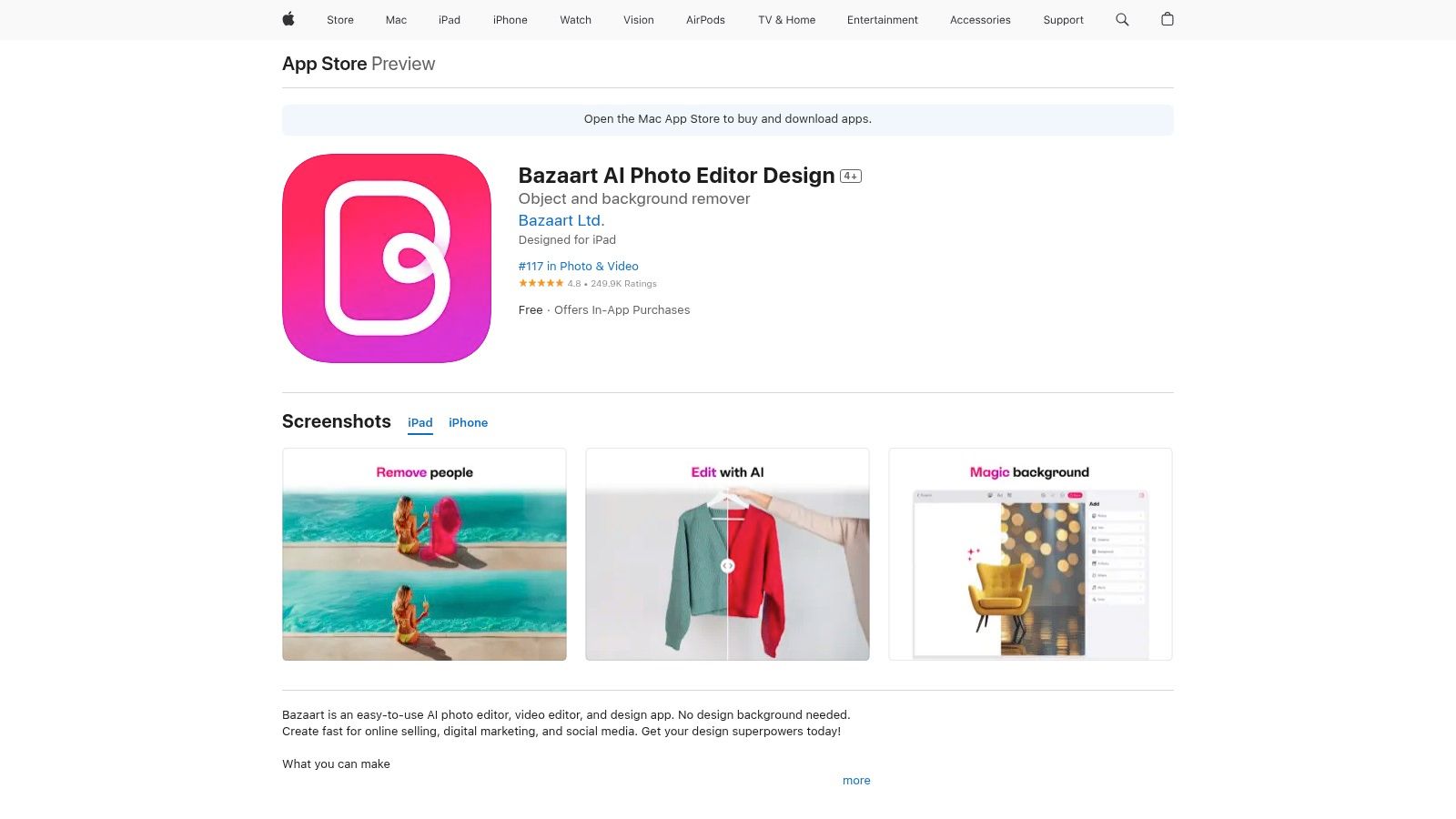
Its core strength lies in its intuitive cutout and background removal tools, which simplify the process of isolating subjects and combining them into new scenes. With blend modes, a large library of templates, stickers, and overlays, users can quickly produce professional-looking visuals. For marketers managing multiple social platforms, pairing Bazaart's editing tools with an efficient bulk image resizer can significantly speed up the content creation workflow, ensuring perfectly sized assets for every channel.
Key Details & Considerations
- Best For: Social media managers and content creators who need a robust, mobile-centric layering tool.
- Unique Feature: Support for up to 100 photo layers plus multiple video layers on a mobile platform.
- Pros: Approachable layered compositing on mobile devices, regular content and tool updates, excellent for quick cutouts.
- Cons: Optimized primarily for the Apple ecosystem (iOS/iPadOS), and some users report crashes with very large, complex projects.
- Website: https://apps.apple.com/us/app/bazaart-ai-photo-editor-design/id515094775
11. Superimpose X
For iOS users seeking a powerful, dedicated mobile compositing tool, Superimpose X offers a feature set that rivals many desktop applications. This photo app to layer photos is designed from the ground up for creative superimposition and double exposures, providing a robust layering system directly on an iPhone or iPad. Its engine supports up to 24 layers and a variety of blend modes, giving you ample room for complex creative work.
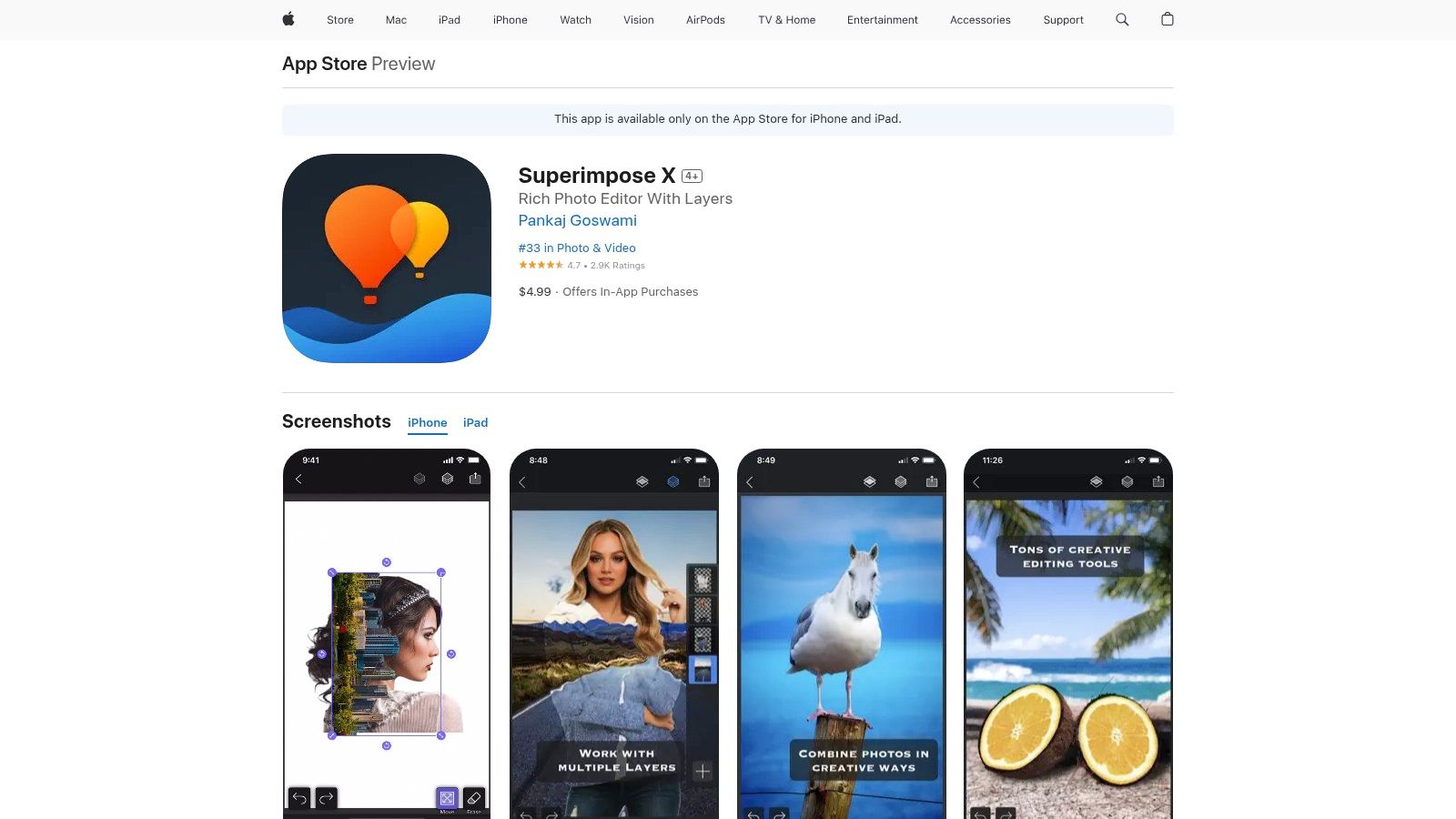
The app's real strength lies in its advanced masking and selection tools, including an impressive AI-powered cutout for isolating people from backgrounds. It also includes unique features like light-wrap, which helps blend subjects into new backgrounds more realistically. A standout capability is its option to export layered PSD files, allowing users to start a project on the go and seamlessly transfer it to a desktop editor like Photoshop for final refinements.
Key Details & Considerations
- Best For: iOS and iPadOS users who need advanced mobile compositing without a subscription.
- Unique Feature: Exports layered PSD files for a seamless mobile-to-desktop workflow and includes a one-tap AI person cutout tool.
- Pros: Powerful masking tools specifically for mobile, one-time purchase model, supports up to 24 layers and 16 adjustment layer types.
- Cons: Limited exclusively to iOS and iPadOS platforms, and the 24-layer cap might be restrictive for extremely complex projects.
- Website: https://apps.apple.com/us/app/superimpose-x/id1304177471
12. Canva
Canva has become a mainstream design powerhouse, making it a surprisingly effective photo app to layer photos for quick, accessible compositions. While it lacks the granular control of dedicated photo editors, its intuitive layers panel allows users to easily stack text, graphics, and images. The platform is built for speed and simplicity, making it ideal for creating social media graphics, presentations, or marketing collateral without a steep learning curve.
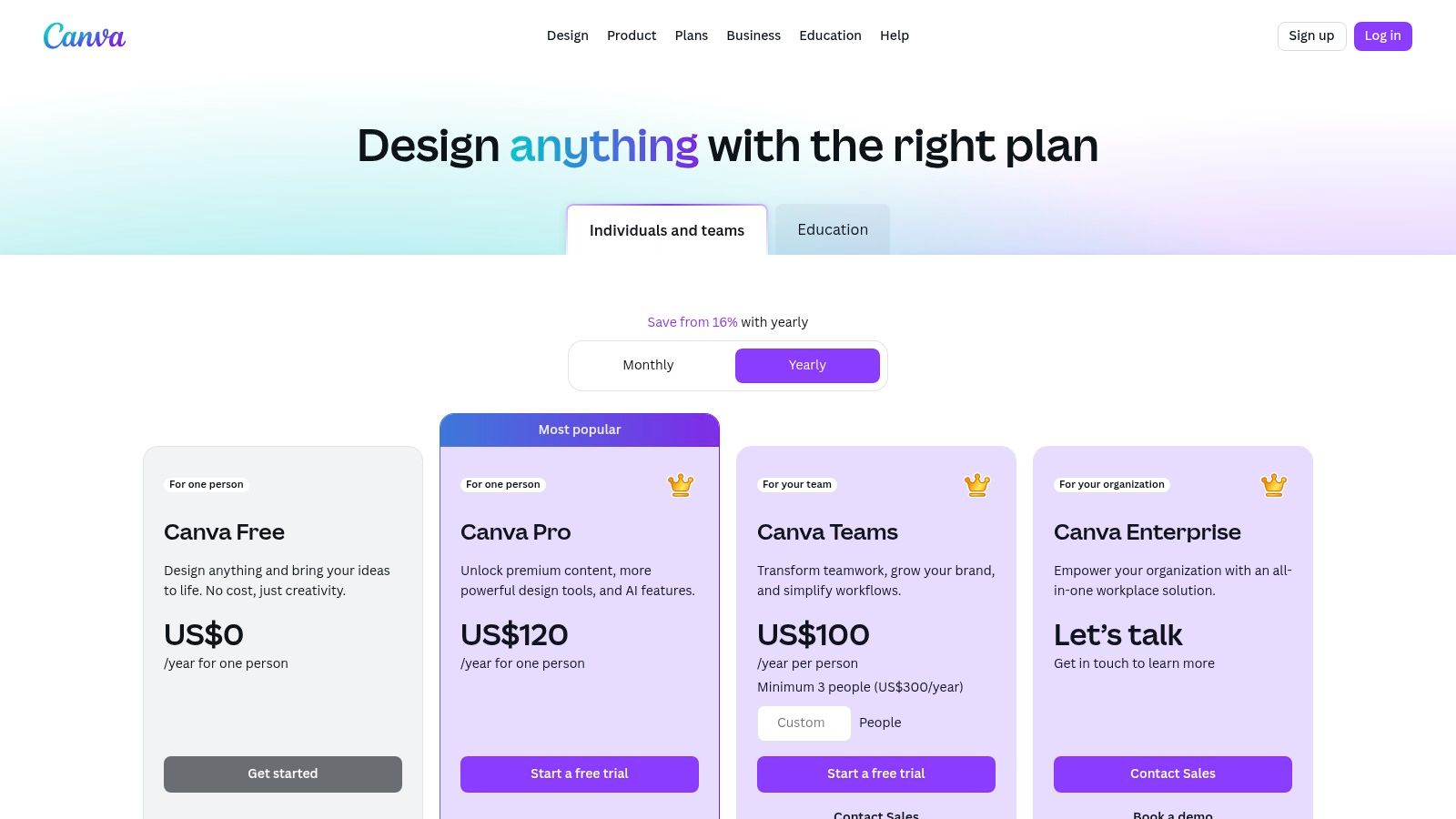
Its main advantage is its vast ecosystem of templates and assets, powered by AI-driven tools that streamline the design process. For teams, the real-time collaboration features, including commenting and approval workflows, are invaluable for maintaining brand consistency. Beyond its core graphic design strengths, you can also explore Canva's animation features to add dynamic elements to your layered compositions, making it a versatile tool for marketers and content creators.
Key Details & Considerations
- Best For: Marketers, small business owners, and non-designers needing to create professional-looking layered visuals quickly.
- Unique Feature: An enormous library of templates and assets combined with seamless, real-time collaboration tools.
- Pros: Extremely easy to learn and use, excellent for rapid design creation, and strong team-based sharing features.
- Cons: Limited capabilities for complex photo manipulation and is not designed for professional PSD-based workflows.
- Website: https://www.canva.com/pricing/
Photo Layering Features Comparison of Top 12 Apps
| Product | Core Features | User Experience | Value Proposition | Target Audience | Price Point |
|---|---|---|---|---|---|
| Adobe Photoshop | Unlimited layers, masks, AI tools | Professional, high resource use | Industry-standard, PSD compatibility | Professionals, agencies | Subscription (costly) |
| Pixelmator Pro | Layers, RAW support, ML editing | Fast, Mac-native, clean UI | One-time purchase, Apple silicon optimized | Mac users, prosumers | One-time purchase |
| Procreate | Layers, PSD support, Apple Pencil | Tablet-first, fast, intuitive | Affordable, strong community | iPad artists, hobbyists | One-time purchase |
| Photopea | Layers, masks, PSD in browser | Free, instant, cross-platform | No install, strong PSD support | Casual users, cross-OS | Free / Premium subscription |
| Pixlr | Layers, AI tools, multi-platform | Browser-based, low cost | Accessible, shared subscription | Beginners, casual editors | Low-cost subscription |
| Luminar Neo | Layers, one-click AI tools | Beginner-friendly, fast AI | Perpetual license, AI-driven | Beginners, photographers | Perpetual/license options |
| ON1 Photo RAW 2025 | Layers, AI masking, cataloging | Photographer-centric features | Perpetual and subscription | Photographers, pros | Mixed pricing |
| GIMP | Layers, masks, plugins | Technical UI, open-source | Free, extensible, community | Budget-conscious, tech users | Free |
| Picsart | Layered editing, AI tools, assets | Beginner-friendly, cross-platform | Easy start, rich library | Beginners, social media users | Subscription |
| Bazaart | Multi-layer, cutouts, templates | Mobile-focused, approachable | Mobile-first layered editing | Mobile users, social creators | Subscription |
| Superimpose X | Layers, masks, PSD export | Powerful mobile masking | One-time purchase, iOS only | iOS users, mobile creatives | One-time purchase |
| Canva | Layers panel, templates, collaboration | Easy, fast, collaborative | Fast design, non-professional | Non-designers, teams | Subscription |
Choosing the Right Tool to Build Your Vision
Navigating the world of digital imaging reveals a powerful truth: there is no single, perfect photo app to layer photos for everyone. The ideal choice is deeply personal, hinging on your specific goals, technical comfort level, and the creative vision you aim to bring to life. From the comprehensive, industry-standard toolset of Adobe Photoshop to the elegant simplicity of Pixelmator Pro for Mac users, your ideal layering companion is on this list.
The journey through these applications has shown that power isn't just about the number of features. It's about how those features align with your workflow. For the digital marketer or small business owner, the template-driven efficiency of Canva or the quick, creative flair of Bazaart might be the most valuable. For the dedicated artist or photographer, the granular control offered by Procreate or ON1 Photo RAW 2025 provides the canvas for true creative expression.
Making Your Final Decision
To select the right tool, move beyond feature lists and consider your practical, day-to-day needs. Ask yourself these critical questions to narrow down your options:
- What is my primary device? Your choice will be fundamentally different if you work primarily on an iPad Pro versus a Windows desktop or a Chromebook. Prioritize apps native to your ecosystem for the smoothest experience.
- What is my budget? Are you prepared for a monthly subscription like Adobe's, or does a one-time purchase like Pixelmator Pro or a free tool like GIMP better suit your financial plan?
- How complex are my projects? A social media manager creating simple promotional graphics has vastly different needs than a professional retoucher creating complex composite images. Be honest about whether you need non-destructive editing, advanced masking, or just basic cut-and-paste capabilities.
Looking Ahead: Layers and AI
The future of photo editing is undeniably intertwined with artificial intelligence. Tools like Luminar Neo are already demonstrating how AI can streamline complex tasks, from background removal to intelligent object selection, accelerating the entire layering process. As you choose your app, consider its AI capabilities. An effective AI-powered photo app to layer photos can not only save you time but also unlock creative possibilities you may not have previously considered, handling the tedious work so you can focus on the artistry.
Ultimately, the best app is the one you will open and use consistently. We encourage you to download the free trials, experiment with the free versions, and find the interface that feels most intuitive. Your ability to stack, blend, and mask images is the foundation of modern digital creativity. By choosing the right tool, you empower yourself to transform simple photos into compelling visual stories, sophisticated brand assets, or breathtaking works of art.
Ready to create the source images for your next layering project at scale? With Bulk Image Generation, you can generate hundreds of unique, high-quality assets from a simple text prompt or CSV file, giving you the perfect raw material to use in any photo app to layer photos. Visit Bulk Image Generation to streamline your creative workflow today.
