10 Cute Art Styles to Master for Your Projects in 2025

Ryan Bennett • September 30, 2026
Explore 10 cute art styles perfect for branding, social media, and more. Get AI prompt examples to generate kawaii, chibi, and anime art in bulk.
In a visually saturated online space, cute art styles are more than just a charming aesthetic; they are a strategic tool for capturing attention, boosting engagement, and building memorable brands. The ability to distinguish between various cute styles, from the globally recognized Kawaii to the sophisticated appeal of Soft Illustration, can dramatically elevate your creative projects and help you connect with specific audiences.
This guide is designed for creators, marketers, and small business owners who want to harness the power of this visual language. We will explore 10 distinct cute art styles, breaking down their core features, ideal use cases, and providing actionable AI prompts tailored for each one. To further hone your skills and draw inspiration from various masters, consider exploring recommended books about illustration that delve into techniques and styles.
Whether you're crafting social media content, designing products, or developing branding materials, mastering these styles will help you communicate more effectively. We'll show you how to leverage bulk image generation to produce hundreds of unique, high-quality images in seconds, transforming your workflow and unlocking new creative possibilities. Let's dive into the styles that can make your content stand out.
1. Kawaii Art Style
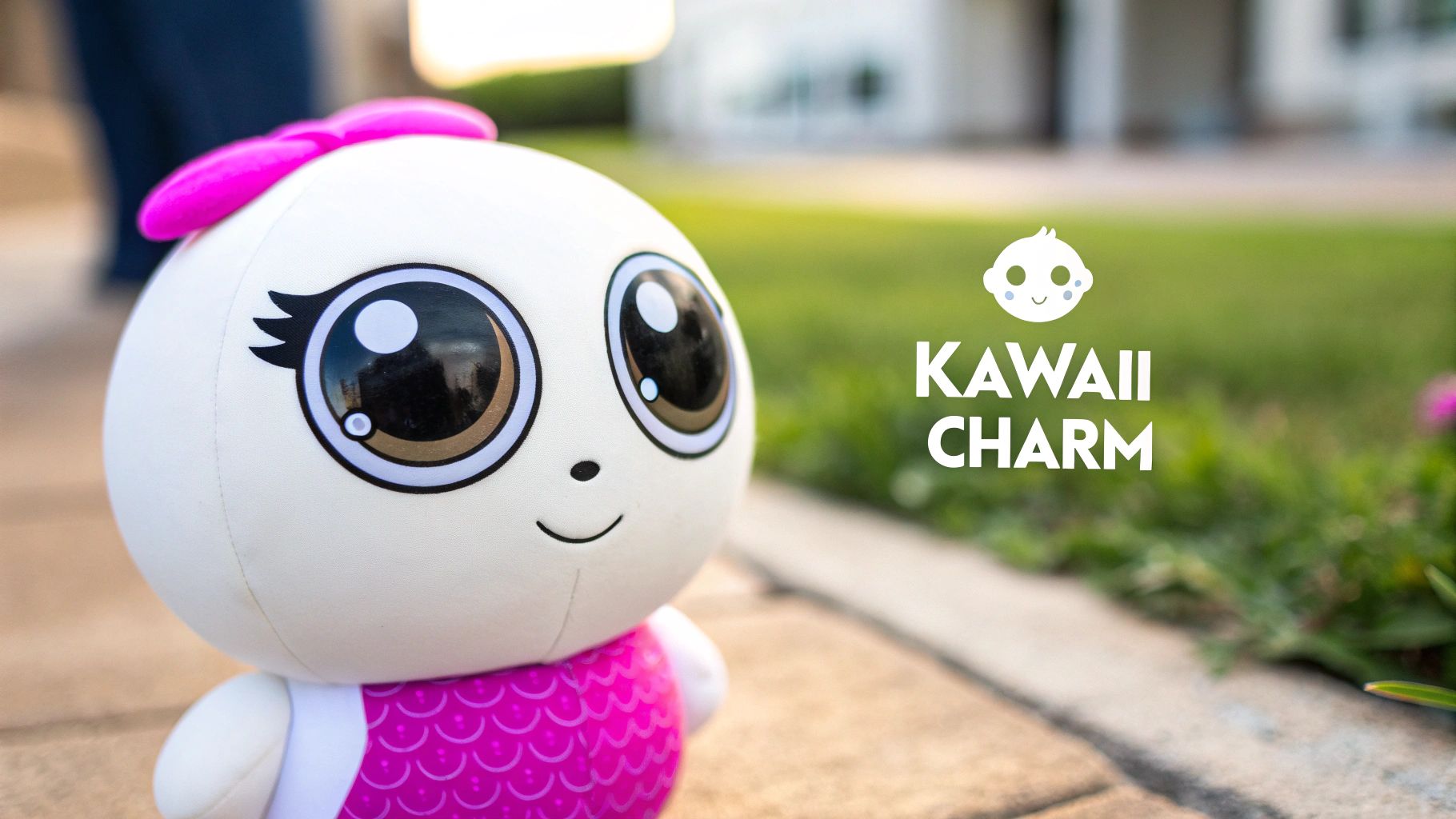
Originating in Japan, the Kawaii art style is the epitome of "cute." The term itself means 'cute' or 'lovable' in Japanese, and the style is defined by its simple lines, rounded forms, and exaggerated features. Characters often have large, expressive eyes, tiny mouths, and oversized heads, creating an innocent, childlike appeal that resonates globally. This approach is one of the most recognizable cute art styles and is perfect for creating friendly and approachable brand mascots or engaging social media content.
Why Use the Kawaii Style?
The primary benefit of the Kawaii style is its universal charm. It evokes feelings of happiness and warmth, making it highly effective for brands targeting families or younger demographics. Icons of this style, such as Sanrio's Hello Kitty and the characters from Sumikko Gurashi, demonstrate its commercial power in merchandise, animation, and branding.
Actionable Tips for AI Generation
To leverage this style effectively in bulk image generation workflows, focus on simplicity and consistency.
- Character Variations: Use a base prompt to establish a main character, then generate multiple variations by slightly changing accessories, colors, or poses. This is ideal for a social media campaign or a sticker pack.
- Consistent Palette: Define a specific, soft color palette in your prompts (e.g., pastel pinks, baby blues, mint greens) to maintain brand cohesion across all generated assets.
- Generate Expressions: Create a set of images showing the same character with different emotions (happy, sad, surprised). This is excellent for storytelling in webcomics or creating reaction images for social platforms.
AI Prompt Example:
Kawaii style, a cute baby fox character, simple flat illustration, round body, big sparkling eyes, pastel color palette, minimalist clean background
By mastering AI prompts for this style, you can efficiently produce large volumes of delightful content. For more inspiration, you can explore detailed prompt ideas for AI image generators. Discover more about building effective prompts for the Kawaii art style on bulkimagegeneration.com.
2. Chibi Art Style
Another hugely popular style originating from Japan, "Chibi" translates to 'short' or 'small'. This style is characterized by its dramatic and intentional disproportions, featuring characters with massive heads and tiny bodies. While they share large, expressive eyes with Kawaii characters, Chibi designs often retain more of the original character's detail, just compressed into a compact, humorous form. This playful exaggeration makes it one of the most endearing cute art styles, perfect for creating collectibles, fan art, and animated shorts.
Why Use the Chibi Style?
The Chibi style excels at making established characters more approachable and fun. Its compact nature is ideal for merchandise like keychains, stickers, and small figurines. This style is heavily used in the gaming industry, seen in titles like Fire Emblem Heroes and special event art for Genshin Impact, because it allows for a wide range of expressive animations in a simplified form.
Actionable Tips for AI Generation
For bulk generation, focus on creating dynamic and reusable character assets.
- Character Sheets: Generate a full character sheet by prompting for the same Chibi character in multiple poses (e.g., standing, running, jumping, attacking). This is highly efficient for game development or animation storyboards.
- Sticker Packs: Create a base character and use a batch process to add different accessories or expressions. This is a fast way to produce a complete sticker set for messaging apps.
- Social Media Variants: Prompt for the same scene but in different aspect ratios (e.g., 1:1 for Instagram posts, 9:16 for Stories). This ensures your content is optimized for every platform.
AI Prompt Example:
Chibi style, a brave knight character with oversized helmet, small body, detailed armor, dynamic action pose, holding a shiny sword, vibrant colors, fantasy setting background
Mastering this style is excellent for creating engaging, memorable content. You can learn more about how to create amazing Chibi-style images with a Chibi art generator.
3. Soft Illustration Style
Soft illustration merges realistic anatomical foundations with gentle, painterly rendering techniques. This style is defined by muted color palettes, soft or feathered edges, and subtle, warm lighting, creating a sophisticated yet approachable feel. Unlike overtly cartoonish looks, it conveys cuteness with a refined, dreamlike quality. This approach is one of the most elegant cute art styles, ideal for premium branding and content that requires a gentle, heartfelt touch.
Why Use the Soft Illustration Style?
The primary advantage of soft illustration is its ability to evoke warmth and tenderness without sacrificing sophistication. It’s perfect for children's book illustrations, high-end product packaging, and mental health app interfaces where a calm, reassuring aesthetic is crucial. This style communicates a sense of quality and care, making it effective for brands that want to build an emotional connection with their audience.
Actionable Tips for AI Generation
To achieve this nuanced look in bulk generation, focus your prompts on texture, lighting, and color.
- Natural Language Descriptions: Use detailed, descriptive language that specifies textures and mood (e.g., "soft brush strokes," "gentle morning light," "dreamy atmosphere").
- Lighting Variations: Batch generate the same scene under different lighting conditions like "golden hour," "soft morning glow," or "overcast day" to create a versatile asset library for different contexts.
- Maintain Aesthetic: When post-processing, use face enhancement tools sparingly to preserve the soft, painterly aesthetic and avoid an overly sharp or digital look.
AI Prompt Example:
Soft illustration style, a cute bear cub sleeping in a cozy den, gentle painterly rendering, muted earthy color palette, warm and soft lighting, feathered edges, storybook feel
By carefully crafting your prompts, you can consistently generate high-quality, emotionally resonant images. Explore the potential of these prompts with a powerful AI art generator from bulkimagegeneration.com.
4. Minimalist Cute Style
This style strips down designs to their essential elements, using simple lines, limited color palettes, and ample negative space. Minimalist cute art emphasizes clean forms over intricate detail, creating instantly readable and universally appealing imagery. Characters and objects are simplified into basic geometric shapes, making them highly versatile. This approach is one of the most modern cute art styles, perfect for user interfaces, app icons, and branding that requires clarity and quick recognition.
Why Use the Minimalist Cute Style?
The primary advantage of minimalist design is its clarity and scalability. It communicates ideas quickly without overwhelming the viewer, which is crucial in today's fast-paced digital world. This style looks sharp and professional across all screen sizes, from a tiny app icon to a large billboard. Tech companies like Mailchimp and Monzo use this approach to create a friendly, accessible, and clean brand identity.
Actionable Tips for AI Generation
To generate minimalist assets in bulk, your prompts must emphasize simplicity and constraints. This ensures a cohesive and clean set of visuals for design systems or brand guidelines.
- Icon Sets: Batch generate 50-100 minimalist icons for a UI design system. Use a prompt to define the object and then iterate on that theme for different elements (e.g., settings, profile, home).
- Color and Line Variations: Create multiple batches from a single core prompt. Generate one set with a specific color palette and another as simple outlines. You can also specify line weights to create variations for different use cases.
- Character Poses: For a brand mascot, generate a series of simple poses or actions using the same base character design. This is ideal for instructional illustrations or onboarding screens in an app.
AI Prompt Example:
Minimalist cute style, a simple icon of a smiling cat, vector art, clean thick lines, limited color palette, solid background, high contrast
By focusing prompts on core shapes and limited details, you can efficiently produce large volumes of stylish and functional assets. You can discover more ways to refine your prompts for AI illustration tools on aiforfolks.com.
5. Anime/Manga Cute Style
Drawing from Japanese anime and manga traditions, this style balances realism with exaggeration to create characters that feel both relatable and fantastical. It is defined by its large expressive eyes, stylized hair, and a strong emphasis on emotional expression. As one of the most globally influential cute art styles, its appeal dominates gaming, merchandise, and digital content, connecting deeply with younger audiences and dedicated fan communities.
Why Use the Anime/Manga Style?
The primary strength of the Anime/Manga style is its ability to convey deep emotion and complex narratives. This makes it incredibly effective for character-driven branding, storytelling on platforms like Webtoon, and engaging content for gaming communities. The style's versatility allows for a wide range of tones, from the whimsical work of Studio Ghibli to the action-packed designs in games like Genshin Impact.
Actionable Tips for AI Generation
To generate compelling anime-style visuals at scale, focus on character consistency and emotional range.
- Generate Expressions: Create sets of images showcasing a single character with varied emotional expressions (joyful, determined, shy) for use in social media storytelling or visual novels.
- Outfit Variations: Use a consistent base character prompt and generate multiple versions with different outfits or accessories. This is perfect for creating content for virtual influencers (Vtubers) or mobile game promotions.
- Define Subgenres: Specify a subgenre in your prompt (e.g., shoujo manga style, chibi anime character) to maintain a consistent visual language that aligns with your target audience's expectations.
AI Prompt Example:
Anime art style, a cute magical girl character design, full body, big expressive blue eyes, pink flowing hair, dynamic pose, vibrant color palette, cel-shaded, clean line art
Leveraging AI with this style allows for the rapid creation of high-quality character art, ideal for building a dedicated online following or populating a rich game world.
6. Storybook Illustration Style
The Storybook Illustration style combines charming, accessible artwork with strong narrative elements to create visuals that captivate both children and adults. This approach is defined by its rich colors, detailed backgrounds, and whimsical character designs that tell a story through composition alone. Characters are often expressive and placed within enchanting worlds, making this one of the most heartwarming cute art styles for narrative-driven content.
Why Use the Storybook Illustration Style?
This style excels at building an emotional connection with an audience. It's ideal for educational content, children’s products, and brand marketing that relies on storytelling, such as Mailchimp’s campaigns. The detailed and imaginative visuals encourage viewers to slow down and engage with the narrative, making it highly effective for memorable social media posts or website banners.
Actionable Tips for AI Generation
To generate compelling storybook visuals in bulk, focus on creating cohesive narrative sequences. To inspire your own narratives and creative approaches, explore diverse visual storytelling examples.
- Create Story Sequences: Generate a series of related scenes to build a simple story. Use prompts that describe consecutive actions, like "a little bear packing a suitcase" followed by "the little bear waving goodbye."
- Maintain Character Consistency: Once you have a character you like, use the same descriptive seed or reference image in subsequent prompts to ensure they look identical across different scenes and backgrounds.
- Generate Background Variations: Create multiple background options for the same character interaction to see which environment best enhances the story's mood, from a sunny meadow to a rainy cityscape.
AI Prompt Example:
Children's storybook illustration style, a curious little hedgehog wearing a red scarf, exploring a magical moonlit forest, soft watercolor textures, warm and gentle lighting, whimsical atmosphere
7. 3D Rendered Cute Style
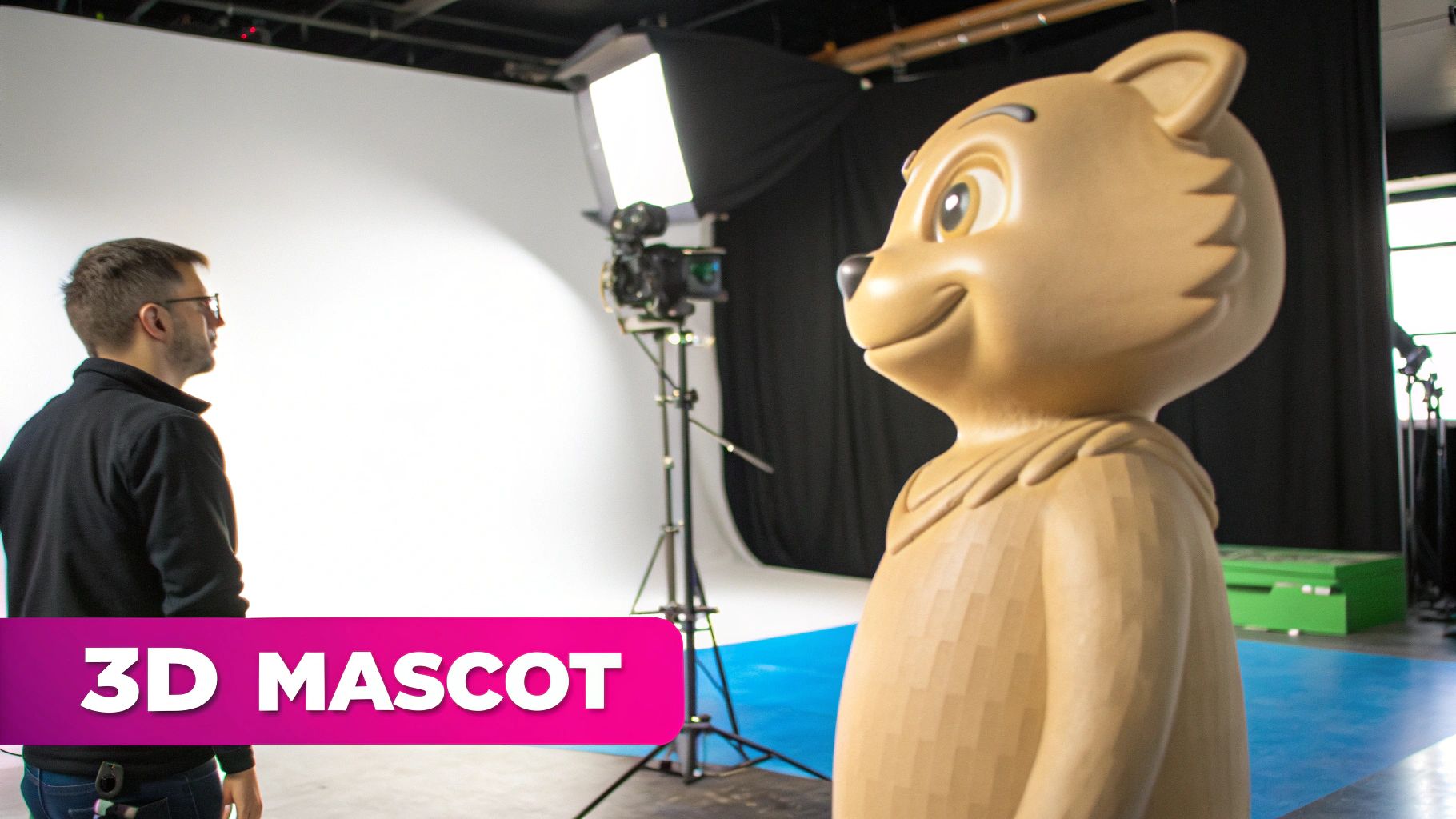
The 3D rendered cute style brings charm into the third dimension, using digital sculpting and lighting to create tangible, stylized characters and environments. This modern approach blends classic cute design principles, like soft shapes and expressive features, with sophisticated rendering to add depth, texture, and realism. This style is one of the most versatile cute art styles and is perfect for modern branding, interactive media, and product visualizations where a premium yet friendly feel is desired.
Why Use the 3D Rendered Cute Style?
The primary advantage of this style is its polished, high-end appeal. It communicates professionalism and quality while remaining approachable and engaging, making it highly effective for tech companies, modern advertising campaigns, and gaming. Mascots from brands like Duolingo and character designs seen in Airbnb or PlayStation campaigns showcase how this style creates memorable and visually rich brand assets that stand out.
Actionable Tips for AI Generation
To use this style for bulk content, focus on leveraging 3D-specific parameters to create diverse and consistent asset libraries.
- Product Mockups: Generate renders of a cute product mascot from multiple angles (front, side, three-quarter view) to create a complete set for e-commerce listings or marketing materials.
- Material Variations: Create batches of the same 3D object but with different material prompts, such as 'soft clay texture,' 'glossy plastic,' or 'fuzzy felt,' to quickly visualize different product finishes.
- Lighting Sets: Produce a series of images with identical characters or objects but vary the lighting prompts ('soft studio lighting,' 'dramatic cinematic lighting,' 'warm morning sun') for different campaign moods.
AI Prompt Example:
3D render, cute and adorable fluffy bear mascot, soft round shapes, Pixar animation style, studio lighting, smooth textures, isolated on a solid color background
By controlling 3D elements like lighting, texture, and camera angles in your prompts, you can efficiently produce large volumes of professional, high-quality cute assets.
8. Paper Craft/Scrapbook Style
The Paper Craft or Scrapbook style mimics the charm of handmade collages, using textures like torn paper, cardboard, and various craft materials. It creates a layered, mixed-media aesthetic with organic shapes that feel personal, nostalgic, and handcrafted. This tactile approach stands out among other cute art styles by emphasizing authenticity and human creativity, making it perfect for DIY communities and craft-oriented brands.
Why Use the Paper Craft/Scrapbook Style?
This style’s main advantage is its ability to evoke a sense of warmth, care, and creativity. It resonates strongly with audiences on platforms like Pinterest and Etsy and is ideal for sustainable brands or educational content creators who want to appear grounded and approachable. The aesthetic of craft YouTube channels and handmade product branding demonstrates its effectiveness in building a loyal community around shared creative values.
Actionable Tips for AI Generation
To replicate this handmade feel in bulk, focus on layering textures and generating diverse elements that can be combined later.
- Generate Textures: Create a library of paper textures (e.g., crumpled, torn edge, construction paper, cardboard) to use as backgrounds or layers in your final compositions.
- Isolate Craft Elements: Generate individual cut-out style elements like flowers, animals, or letters on a plain background. Use background removal tools to isolate them for easy collaging.
- Create Project Templates: Use AI to generate scrapbook page layouts or craft project inspiration sheets. Batch-produce variations with different themes or color schemes for DIY communities or educational content.
AI Prompt Example:
Paper craft style, a whimsical forest scene with a deer, made from layered construction paper cutouts, textured paper, soft shadows, 3D paper art, collage aesthetic, warm color palette
By generating individual assets and textures, you can efficiently assemble unique, charmingly handcrafted visuals at scale.
9. Pastel Fantasy Style
Pastel Fantasy combines dreamy, soft color palettes with whimsical elements like magical creatures, enchanted forests, and ethereal characters. This style prioritizes mood and atmosphere, creating immersive worlds that feel both magical and approachable. It uses gentle lighting and delicate details to evoke a sense of wonder and tranquility, making it one of the most serene and cute art styles for storytelling and branding.
Why Use the Pastel Fantasy Style?
This style is perfect for creating an escape from the everyday. Its calming aesthetic is highly effective for wellness brands, mindfulness apps, and any project that aims to create a soothing user experience. The dreamlike quality also makes it ideal for fantasy book covers, concept art, and lifestyle brands that want to cultivate an elegant and aspirational image.
Actionable Tips for AI Generation
To generate consistent Pastel Fantasy visuals, focus on defining the atmosphere and key elements in your prompts.
- Worldbuilding Concepts: Generate variations of enchanted landscapes, such as glowing forests or floating islands, to build a cohesive world for a story or game.
- Magical Creature Design: Create a series of whimsical creature designs by prompting for a base animal (e.g., a deer) and adding magical elements (
with crystal antlers, ethereal glow, surrounded by fireflies). - Brand Mood Boards: Batch-create a collection of images featuring specific pastel tones and fantasy themes to develop a complete mood board for a new brand identity or marketing campaign.
AI Prompt Example:
Pastel fantasy style, a mystical enchanted forest at twilight, soft pastel color palette of lavender and mint green, glowing mushrooms and sparkling streams, ethereal and dreamy atmosphere, gentle lighting, detailed illustration
By leveraging AI, you can quickly produce a vast library of beautiful, high-quality assets that transport your audience to a magical realm.
10. Geometric Pop Style
Geometric pop art merges bold, simple shapes with vibrant, saturated colors to create a modern and energetic aesthetic. This style combines the clarity of geometric abstraction with the approachability of cute character design, resulting in dynamic compositions that are both eye-catching and friendly. Characters are often constructed from circles, triangles, and rectangles, giving them a clean, stylized look that feels contemporary and highly polished. It's one of the more versatile cute art styles for brands wanting to appear modern and accessible.
Why Use the Geometric Pop Style?
This style is excellent for digital-first brands, tech startups like Slack or Figma, and youth-focused marketing campaigns. Its clean lines and vibrant energy communicate innovation, efficiency, and fun. The simplicity of the shapes makes it highly scalable for logos, app icons, and website illustrations, ensuring brand consistency across all platforms from mobile screens to large billboards.
Actionable Tips for AI Generation
To make the most of this style for bulk content creation, focus on structure and systematic variation.
- Pattern and Background Variations: Use prompts to generate a series of seamless geometric patterns or abstract backgrounds. These assets are perfect for social media templates, website headers, or presentation slides.
- Batch Create Character Poses: Design a core character using simple geometric forms, then generate a batch of images with the character in different poses or interacting with various objects. This is ideal for creating a narrative in an ad campaign or a social media carousel post.
- Color Palette Swaps: Establish a base illustration and then run the same prompt with different color palette instructions (e.g., "warm sunset colors," "cool oceanic tones"). This allows you to quickly adapt visuals for seasonal campaigns or A/B testing.
AI Prompt Example:
Geometric pop art style, cute robot character made of circles and squares, bold outlines, vibrant flat colors like electric blue and magenta, dynamic composition, clean vector illustration, minimalist background
By using AI to explore geometric combinations and color palettes, you can efficiently produce a large volume of sharp, contemporary, and engaging visual assets.
Comparison of 10 Cute Art Styles
| Style | Implementation complexity | Resource requirements | Expected outcomes | Ideal use cases | Key advantages |
|---|---|---|---|---|---|
| Kawaii Art Style | Low — simple shapes and consistent characters | Low — basic tools, fast generation | High social engagement and approachable assets | Social media, mascots, merchandise | Highly recognizable, cost-effective, broad appeal |
| Chibi Art Style | Low–Medium — careful head-to-body proportions | Low — simple rendering, specific prompting | Memorable, playful character assets | Games, stickers, collectibles, icons | Instant recognizability, excellent for batch generation |
| Soft Illustration Style | Medium–High — nuanced lighting and painterly detail | Medium — detailed prompts, slower renders | Warm, refined visuals suitable for premium contexts | Children's books, educational content, premium branding | Sophisticated, emotionally warm, versatile across media |
| Minimalist Cute Style | Low — simple lines and limited elements | Very low — fast, scalable generation | Clear, highly readable icons and UI assets | App/website UI, icons, emojis, infographics | Extremely scalable, fast, transcends language |
| Anime/Manga Cute Style | Medium — requires consistent character design knowledge | Medium — reference assets and detailed prompts | Highly shareable, fandom-driven engagement | Games, entertainment marketing, Vtubers | Strong cultural appeal, merchandising potential |
| Storybook Illustration Style | High — narrative composition and detailed backgrounds | High — time-consuming prompts and consistency work | Engaging narrative visuals with emotional resonance | Children's educational series, brand storytelling | Narrative depth, memorable brand experiences |
| 3D Rendered Cute Style | High — 3D modeling, lighting and camera work | High — compute, rendering tools, longer renders | Premium, dimensional assets for motion and product viz | Advertising, e-commerce, interactive media, games | High visual polish, works well in video, premium perception |
| Paper Craft / Scrapbook Style | Medium — layered textures and organic layouts | Medium — texture libraries, manual adjustments | Handcrafted, tactile visuals that feel authentic | DIY communities, sustainable branding, workshops | Authentic, distinctive, appeals to craft audiences |
| Pastel Fantasy Style | Medium — color harmony and atmospheric lighting | Medium — palette control and consistent tones | Dreamy, aesthetic-rich visuals popular on socials | Wellness/lifestyle branding, fantasy worldbuilding | Highly shareable, distinctive mood and personality |
| Geometric Pop Style | Medium — bold composition and precise color control | Low–Medium — vector assets and palette management | Energetic, high-impact visuals with strong recall | Youth/Gen‑Z marketing, contemporary branding, social campaigns | Modern, attention-grabbing, great for high-volume batches |
Integrate Cute Art Styles Into Your Workflow and Scale Your Creativity
Navigating the vibrant world of cute art styles is an exciting creative endeavor. We've explored a diverse palette of aesthetics, from the iconic simplicity of Kawaii and Chibi to the soft, dreamlike textures of Pastel Fantasy and Storybook Illustration. Each style offers a unique emotional language, capable of transforming simple concepts into engaging and memorable visuals. The journey from a minimalist line drawing to a detailed 3D render showcases the incredible versatility available to creators today.
The true power of this exploration lies not just in identifying a style you like, but in understanding its practical application. Whether you're designing social media content that stops the scroll, creating enchanting coloring pages for educators, or developing a brand identity that feels both modern and approachable, the right cute art style is a strategic tool. It sets the tone, communicates personality, and builds an immediate connection with your audience.
From Inspiration to Implementation
The key takeaway is that these styles are not just abstract concepts; they are actionable frameworks. The AI prompt examples provided for styles like Geometric Pop and Paper Craft are designed to be starting points for your creative workflow. Think of them as recipes you can tweak and refine.
- Adapt and Personalize: Don't be afraid to mix elements. What happens when you combine the clean lines of the Minimalist Cute Style with the soft color palette of Soft Illustration? Experimentation is where unique and proprietary brand visuals are born.
- Consider Your Use Case: A complex Anime/Manga illustration might be perfect for a detailed character sheet, but the bold simplicity of Geometric Pop could be more effective for a series of app icons or social media highlight covers.
- Focus on Consistency: Once you’ve chosen a direction, consistency is crucial for brand recognition. Using a defined style across all your assets reinforces your visual identity and makes your content instantly recognizable.
Mastering the nuances of these cute art styles elevates your work from merely decorative to strategically effective. However, the real challenge for marketers, small business owners, and creators is producing this high-quality content at scale. Manually creating dozens of variations for A/B testing, product mockups, or seasonal campaigns is a significant bottleneck. This is where leveraging the right technology becomes a game-changer, transforming a time-consuming artistic process into an efficient production system.
By integrating AI into your workflow, you can move from concept to a full suite of ready-to-use assets in a fraction of the time. This allows you to focus on the bigger picture: strategy, audience engagement, and growing your brand, all while maintaining a consistent and delightful visual presence.
Ready to put these cute art styles into action and scale your content creation? With Bulk Image Generation, you can use simple text prompts to generate hundreds of consistent, high-quality images in minutes. Stop creating one by one and start producing entire campaigns with our powerful and intuitive platform at Bulk Image Generation.
