The 12 Best Free AI Art Generators of 2026: Your Ultimate Guide

Ryan Bennett • January 18, 2026
Discover the best free AI art generators in 2026. Our guide reviews 12 top tools with features, limits, and use cases to create stunning art instantly.
The landscape of digital art has been completely transformed by AI, making it possible for anyone to create stunning, unique visuals from a simple text description. Whether you're a marketer designing social media posts, a developer needing game assets, a small business owner creating product mockups, or a hobbyist looking to explore your creativity, the right tool is out there. However, with dozens of platforms emerging, finding the best free AI art generators can be overwhelming. Each offers a different balance of quality, features, and usage limits.
This guide cuts through the noise. We have tested and analyzed the top 12 free options to help you find the perfect match for your specific needs, from Microsoft Bing Image Creator to Leonardo.ai. For each platform, we break down its standout features, the real limits of its free tier, and its best use-cases, so you know exactly what to expect. You'll find direct links and screenshots to see the tools in action.
Our goal is to help you bypass the trial-and-error phase and start creating immediately. We'll explore everything from daily credit systems and image model quality to commercial usage rights, ensuring you can pick the perfect generator for your project without spending a dime upfront. This list provides a practical, hands-on look at the leading platforms available today. For a comprehensive comparison and overview of various platforms, you might find this guide to the top free AI image generators you can try helpful as well. Let’s dive in and find the right tool to bring your ideas to life.
1. Microsoft Bing Image Creator (Designer/Copilot)
Microsoft Bing Image Creator, now deeply integrated into its Copilot and Designer platforms, is arguably the most accessible and powerful of the best free AI art generators available. Its primary advantage is providing direct access to advanced models like DALL·E 3 and GPT-4o without a subscription, requiring only a free Microsoft account. This makes it an exceptional starting point for anyone new to AI image creation, from social media managers to hobbyists. The tool excels at understanding natural language and can generate surprisingly coherent and detailed images, including accurate text within the artwork, a common weakness in other free tools.
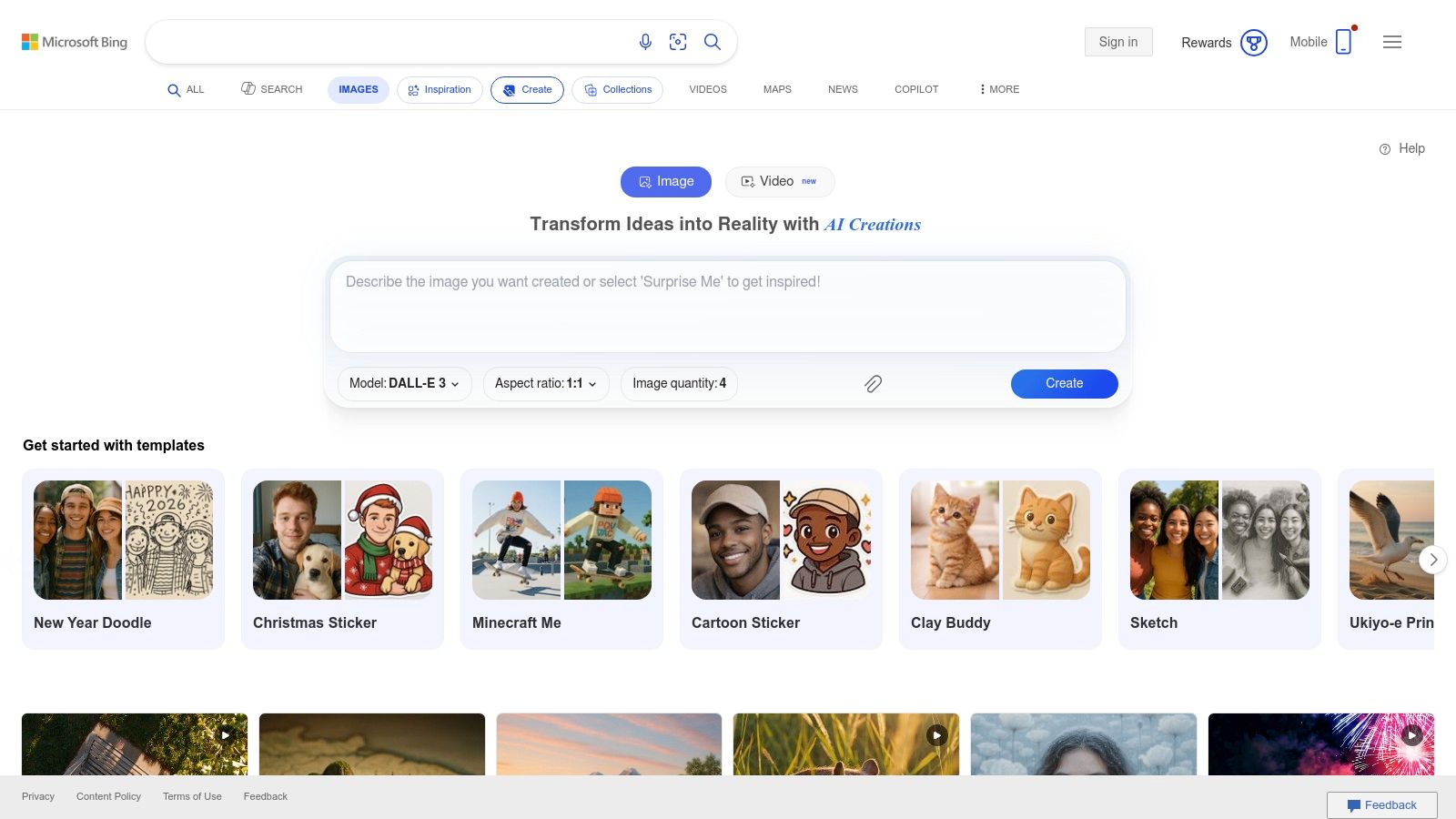
The platform operates on a "boosts" system, providing a daily allotment of credits for fast-priority generations. Once these are used, generation becomes slower but remains free, a generous model compared to competitors that cut off access entirely. Its integration with Copilot also allows for a conversational workflow where you can refine images through chat.
Key Features & Limitations
- Free Tier Access: Generous access using a free Microsoft account. Users receive a daily allotment of "boosts" (typically 15-100) for faster image generation.
- Underlying Model: Leverages powerful models, including OpenAI's DALL·E 3, which is renowned for its prompt adherence and text generation capabilities.
- Integration: Seamlessly built into Bing Search, Microsoft Designer, and the Copilot app, allowing for image creation directly within your workflow.
- Usage Limits: The main limitation is the finite number of daily boosts. After they are depleted, image generation times can increase significantly, making it less ideal for high-volume, time-sensitive projects.
Who Should Use It?
Bing Image Creator is perfect for marketers needing quick, high-quality social media graphics, educators creating custom visuals for lessons, or anyone experimenting with AI art for the first time. Its ability to render text makes it uniquely suited for creating simple logos, posters, or blog post headers.
Website: https://www.bing.com/images/create
2. Adobe Firefly
Adobe Firefly is the creative giant's answer to generative AI, positioning itself as one of the best free AI art generators for professionals and those already in the Adobe ecosystem. Its key differentiator is its deep integration with Creative Cloud apps like Photoshop and Express, allowing for a seamless workflow. Firefly is trained on Adobe Stock images and openly licensed content, making its native models commercially safe to use, a critical consideration for businesses and branding agencies.
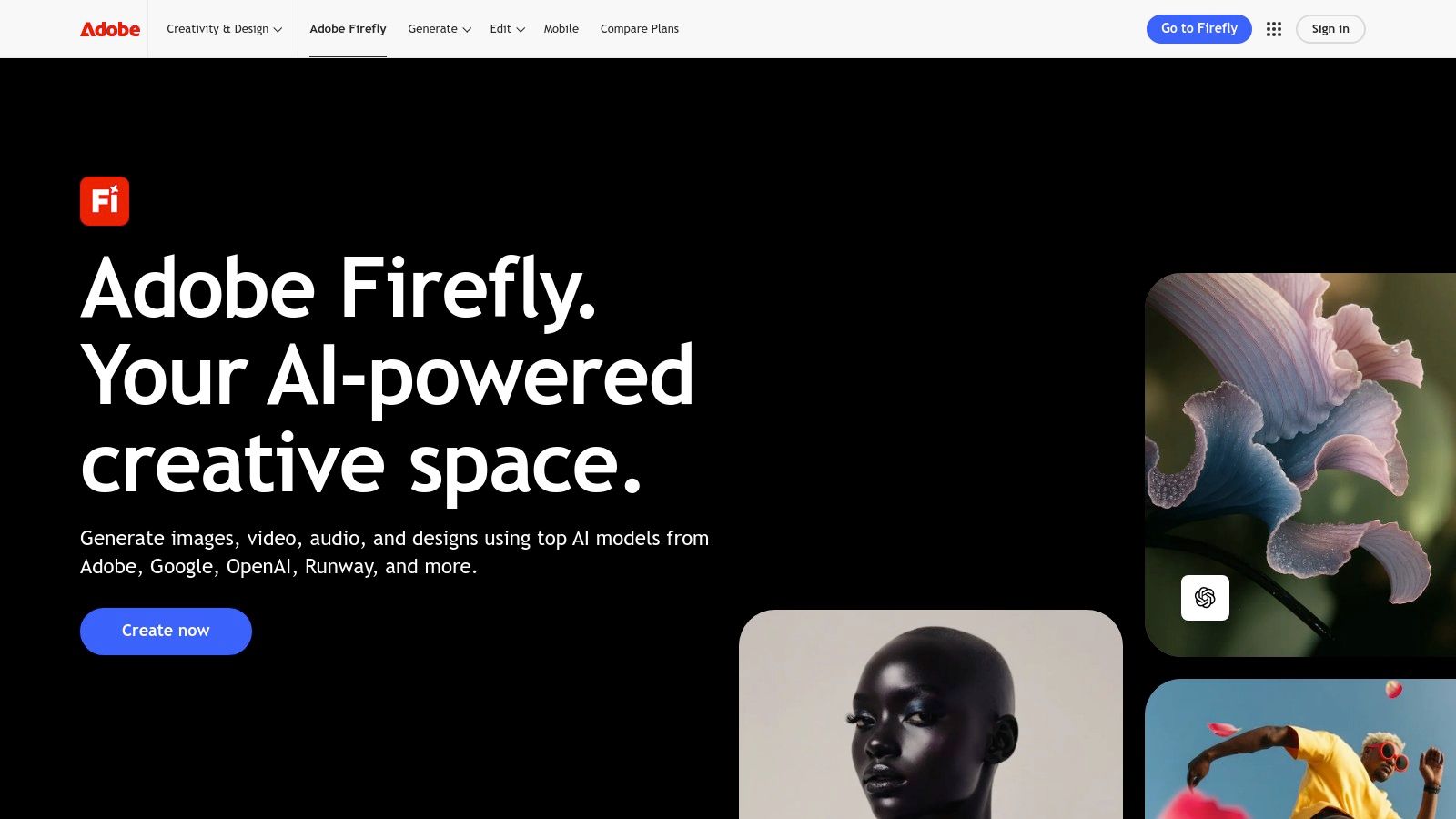
The platform operates on a monthly credit system, with free users receiving 25 credits. These credits are used for standard-resolution generations and features like Generative Fill. Beyond its native models, Firefly also provides access to third-party models like Google's Imagen, adding versatility. The free tier is an excellent gateway, but high-volume users will quickly encounter the credit limit. For those looking to master the tool, exploring different prompt ideas for AI image generators can significantly enhance output quality.
Key Features & Limitations
- Free Tier Access: Provides 25 generative credits per month for standard-quality image generation and feature usage across Firefly, Photoshop, and Express.
- Underlying Model: Uses Adobe's proprietary Firefly Image models, trained for commercial safety. It also offers access to partner models like Imagen for diverse styles.
- Integration: Unmatched integration with Adobe Creative Cloud, enabling powerful features like Generative Fill and Expand directly within professional design tools.
- Usage Limits: The 25-credit limit on the free plan is restrictive for anything beyond casual use. Premium features and higher-resolution outputs consume credits quickly, pushing users toward a paid subscription.
Who Should Use It?
Adobe Firefly is ideal for designers, photographers, and marketers already using Adobe products. Its commercial-use safety makes it a reliable choice for small business owners creating branding assets or product mockups. The intuitive interface and powerful in-app editing tools also make it valuable for creatives who need to refine AI-generated content within a professional workflow.
Website: https://www.adobe.com/products/firefly
3. Canva (Magic Media / AI Image Generator)
Canva’s Magic Media suite brings AI image and video generation directly into its widely used design ecosystem, making it a powerful contender among the best free AI art generators for users who need a seamless workflow. Instead of generating an image in one tool and importing it into another, Canva lets you create, edit, and place AI-generated visuals directly into social media templates, presentations, or marketing materials. This integration is its killer feature, transforming text-to-image into a practical step within a larger creative process, perfect for marketers and small business owners.
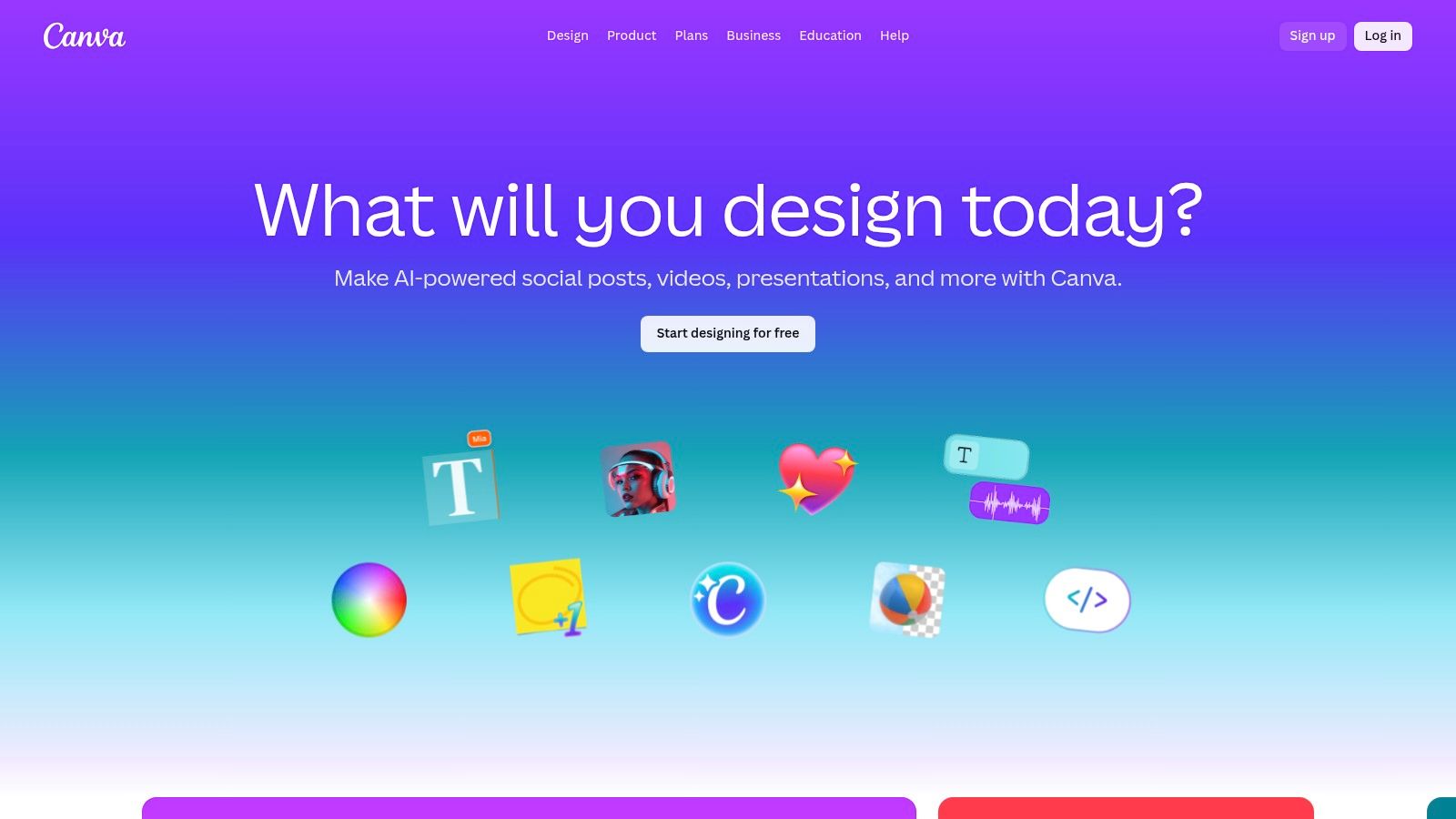
The platform is designed for approachability, allowing non-designers to produce professional-looking content quickly. While the AI model may not be as sophisticated as standalone generators for artistic or photorealistic outputs, its strength lies in convenience and the ability to maintain brand consistency using Canva's robust template and brand kit features. This makes it an ideal tool for creating cohesive campaign assets or stunning digital product images without leaving the platform.
Key Features & Limitations
- Free Tier Access: The free plan offers a limited number of lifetime text-to-image credits (typically 50), which does not replenish. Video generation is not included in the free tier.
- Underlying Model: Uses a custom-trained model based on Stable Diffusion, optimized for general-purpose and commercial-friendly outputs.
- Integration: Natively built into the Canva editor. Images can be generated and immediately used in any Canva design, from social posts to flyers.
- Usage Limits: The free lifetime credit limit is a significant drawback. To continue using it, users must upgrade to Canva Pro, which provides a monthly quota of credits.
Who Should Use It?
Canva is the perfect choice for social media managers, marketers, and small business owners who already use the platform for their design needs. It streamlines content creation by eliminating the need to switch between different tools. Educators and content creators can also leverage it to quickly produce custom visuals for presentations, worksheets, or blog posts within a familiar interface.
4. Ideogram
Ideogram has carved out a niche as one of the best free AI art generators by focusing on one of the most challenging aspects of image synthesis: typography. Where many other platforms struggle to render coherent text, Ideogram consistently produces clean, legible, and artistically integrated lettering. This makes it a go-to tool for anyone creating logos, posters, t-shirt designs, or social media graphics that require a strong typographic element. The platform offers a clean, user-friendly interface that feels more like a design tool than a simple prompt-based generator.
The free tier operates on a credit-based system, providing a daily allotment of slow generations. While this can lead to queue times during peak hours, the quality of its text rendering often makes the wait worthwhile. Its "Magic Prompt" feature automatically enhances and expands on simple ideas, helping users achieve more creative and detailed results without needing to be an expert prompt engineer. Paid plans unlock faster generation, private images, and advanced features like inpainting and outpainting.
Key Features & Limitations
- Free Tier Access: Provides a daily allotment of slow-generation credits (typically 25 prompts, generating 100 images). Users must log in with a Google account.
- Underlying Model: Utilizes its own proprietary model (Ideogram 1.0) specifically trained to excel at rendering text and understanding stylistic typographic commands.
- Unique Features: The standout feature is its typography engine. The "Magic Prompt" feature is also excellent for brainstorming and refining concepts automatically.
- Usage Limits: The free plan's primary limitation is the "slow" generation speed, which can result in significant wait times. Generated images are public by default.
Who Should Use It?
Ideogram is the ideal choice for small business owners, graphic designers, and marketers needing to create branding assets, promotional materials, or merchandise mockups. Its strength in typography makes it invaluable for generating logo concepts, custom memes, quote images, and event posters where text clarity is just as important as the visual itself.
Website: https://ideogram.ai
5. Leonardo.ai
Leonardo.ai is a comprehensive creative suite that positions itself as more than just an image generator; it's a full-fledged platform for artists and designers. It stands out among the best free AI art generators by offering a vast selection of fine-tuned models, advanced control features, and the unique ability for users to train their own custom AI models. This makes it an incredibly powerful tool for creating consistent characters, styles, or assets for specific projects like game design or brand visuals. The platform is designed for creators who want to move beyond basic prompting and gain granular control over their artistic output.
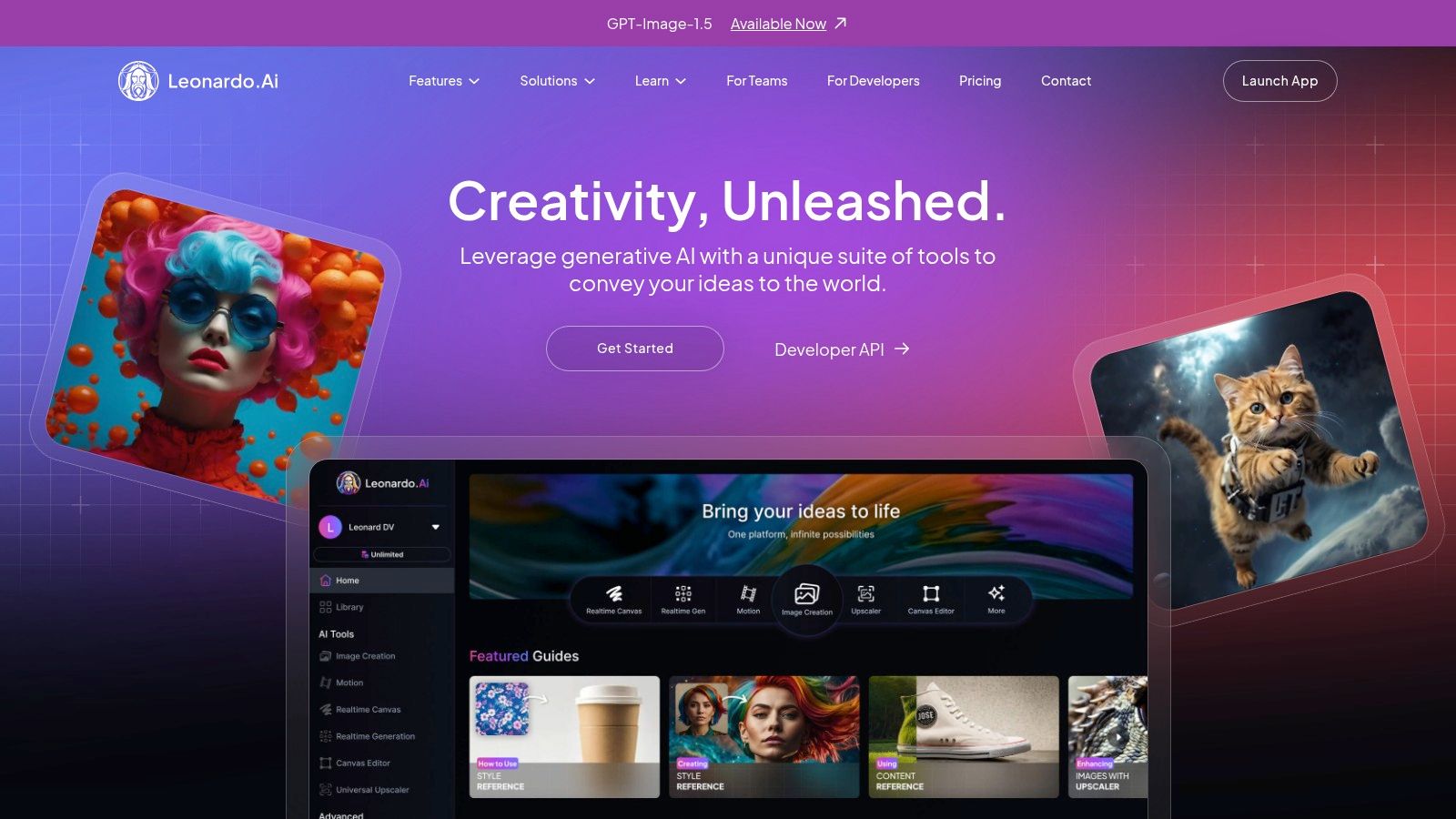
The free tier operates on a daily token system, providing users with a generous allotment of credits that reset every 24 hours. These tokens can be used for image generation, model training, and using premium features like Prompt Magic, which enhances prompt interpretation. While free-tier images are public by default, the platform’s community-centric approach turns this into a feature, allowing users to draw inspiration from a constantly updating feed of creations.
Key Features & Limitations
- Free Tier Access: Provides a daily allowance of 150 tokens, which is enough for dozens of standard image generations. Tokens can be used for various features across the platform.
- Underlying Model: Offers a wide variety of proprietary models (like Leonardo Diffusion XL and Phoenix) and popular open-source models (like Stable Diffusion), each tailored for different styles from photorealism to anime.
- Customization: The standout feature is the ability to train your own custom models and LoRAs (Low-Rank Adaptations), allowing for unparalleled stylistic consistency. For those interested in brand visuals, you can explore more about its potential as an AI logo generator.
- Usage Limits: The daily token limit can be quickly depleted by using advanced features or generating high-resolution images. Images created on the free plan are publicly visible and do not come with commercial usage rights.
Who Should Use It?
Leonardo.ai is ideal for game developers creating assets, artists wanting to develop a unique AI-assisted style, and marketers aiming for consistent brand imagery. Its model training capabilities make it perfect for projects requiring a specific, repeatable aesthetic that other generators cannot easily replicate.
Website: https://leonardo.ai
6. NightCafe
NightCafe has established itself as a versatile and community-driven hub among the best free AI art generators. It stands out by offering a diverse suite of generation models, including SDXL and the newer Flux, alongside unique tools for creating short video animations. The platform is designed for both casual creators and dedicated artists, fostering a vibrant community through daily challenges, public galleries, and social features. Its reliable free access model makes it a consistent choice for daily creative exploration.
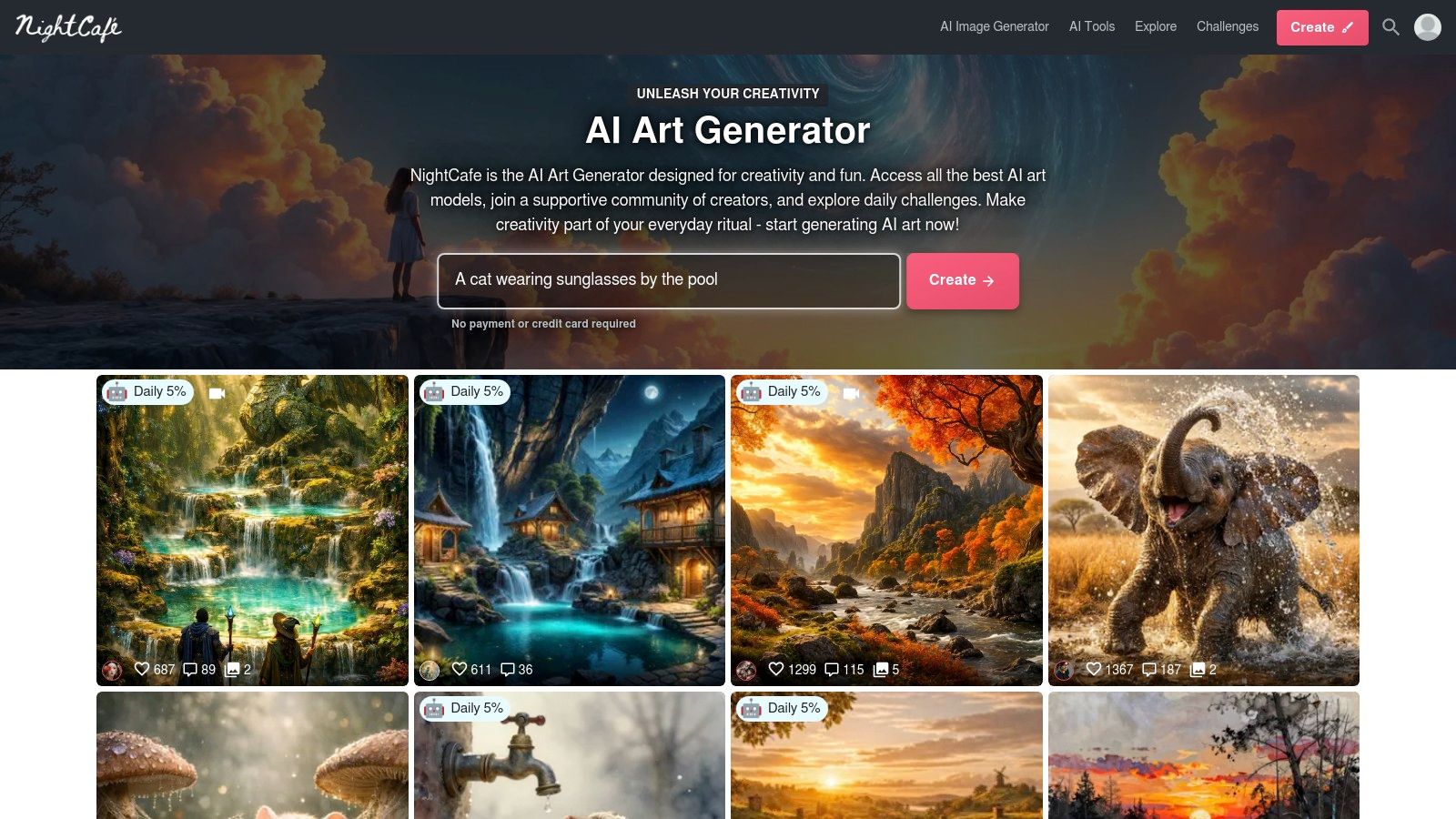
The platform operates on a credit-based system, providing users with a free daily allotment of credits to spend on generations and other features. This encourages consistent engagement, with streak bonuses rewarding users who return daily. While this free tier is generous for experimentation and daily use, heavy iteration or accessing advanced features may require purchasing additional credit packs or subscribing to a PRO plan.
Key Features & Limitations
- Free Tier Access: Users receive a daily top-up of free credits (typically 5), with opportunities to earn more through community participation and daily streaks.
- Underlying Model: Access to multiple models, including Stable Diffusion XL (SDXL) and newer options like Flux, providing a wide range of stylistic outputs.
- Community Features: Strong emphasis on community with daily art challenges, chat rooms, and public galleries that foster collaboration and inspiration.
- Usage Limits: The credit economy can feel restrictive for high-volume creation. Generating animations or using higher-quality settings consumes credits quickly, often pushing users toward paid options for more intensive projects.
Who Should Use It?
NightCafe is ideal for hobbyists and artists who enjoy the social and competitive aspects of AI art creation. Its daily challenges provide excellent prompts for practice, while its animation tools offer a unique creative outlet for social media content. It's a great platform for those who want to create a few high-quality pieces daily and engage with a like-minded community.
Website: https://creator.nightcafe.studio
7. Krea.ai
Krea.ai stands out as a unique, experimentation-focused platform built for rapid iteration and creative exploration. Its most compelling feature is real-time generation, where the output image morphs and changes instantly as you type your prompt, offering immediate visual feedback. This makes it an incredibly powerful tool for artists and designers who want to quickly brainstorm concepts, test different styles, and refine ideas on the fly, positioning it as one of the most dynamic best free AI art generators for hands-on creators.
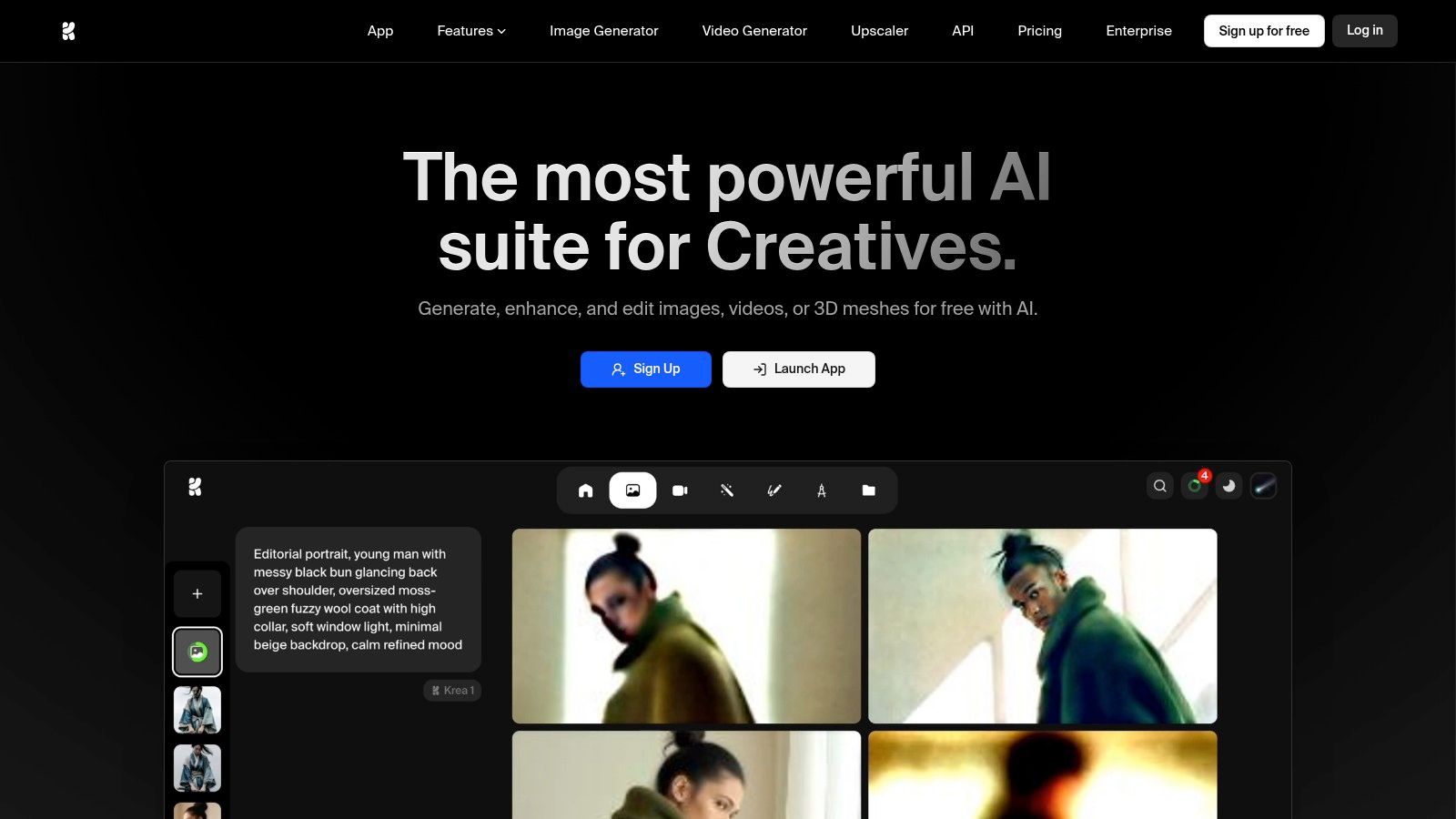
The platform offers a generous daily allowance of free compute units, which can be used across its various tools, including standard image generation, upscaling, and even basic LoRA model training. This combination of real-time feedback and the ability to train the AI on specific styles makes Krea.ai a playground for users who want to move beyond simple text-to-image prompting and develop a more customized visual language.
Key Features & Limitations
- Free Tier Access: Provides a generous daily allotment of compute units that refresh every 24 hours, usable across different generation tools.
- Underlying Model: Access to multiple models, including its own highly capable Flux model, plus options like Imagen and connections to ChatGPT-Image.
- Unique Features: Real-time generation offers instant prompt feedback, while the platform also supports video models and LoRA training for style customization.
- Usage Limits: The compute-unit system can be a bit complex to manage, and some of the most advanced features, like 4K upscaling and access to its experimental nodes ecosystem, are locked behind paid tiers.
Who Should Use It?
Krea.ai is ideal for digital artists, game designers, and creative professionals who thrive on rapid prototyping and experimentation. Its real-time generation is perfect for discovering unexpected visual directions, while the LoRA training feature is a great entry point for users wanting to create AI-generated assets with a consistent, personalized style for branding or artistic projects.
Website: https://www.krea.ai
8. Playground AI
Playground AI distinguishes itself by combining a powerful web-based generator with a layered, Photoshop-like editor. This makes it a strong contender among the best free AI art generators for users who need more than just a prompt-to-image tool. It supports multiple models, including its impressive proprietary Playground v3 model, alongside others like OpenAI's GPT-4o. This flexibility allows users to experiment with different artistic styles and generation capabilities within a single, cohesive interface designed for post-generation editing.
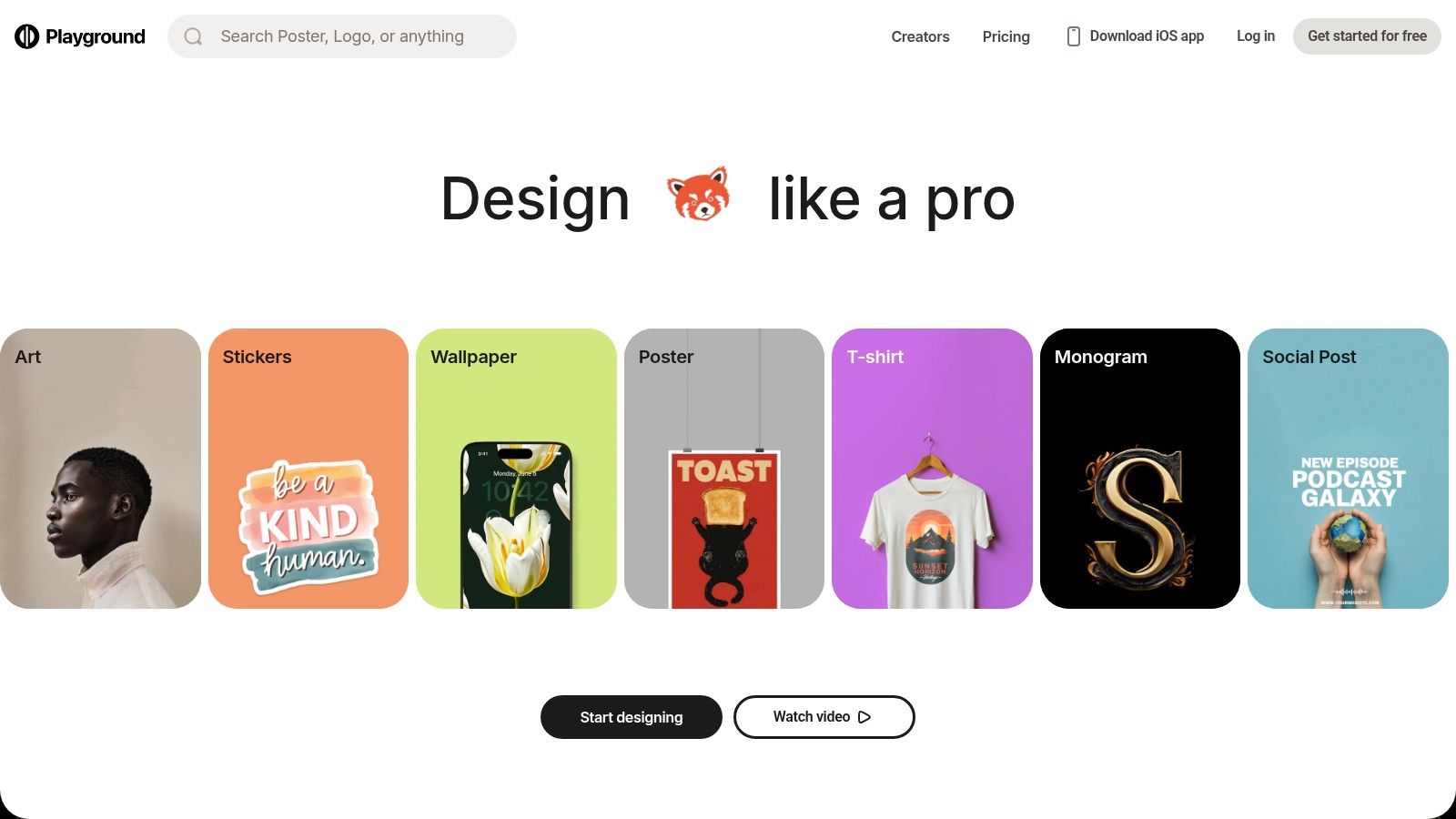
While the free tier is quite restrictive, Playground’s unique value is its canvas editor, which lets you add layers, erase parts of an image, and use inpainting to refine specific areas. Its business model is also notably flexible, offering standard subscriptions, one-time credit packs, and even day passes, catering to both regular and sporadic users. The platform allows commercial use of images created on its platform, even for free users.
Key Features & Limitations
- Free Tier Access: The free plan is limited, offering a small number of images per day and limited access to editing features. Quality and resolution are also restricted.
- Underlying Model: Access to its high-quality proprietary Playground v3 model, as well as third-party options like GPT-4o and Nano Banana, providing stylistic variety.
- Integration: Primarily a standalone web application, but its strength lies in the integrated canvas editor that allows for in-depth image manipulation post-generation.
- Usage Limits: The free plan's tight limits on image generations and editing actions push users toward paid options. Advanced features like upscaling and background removal are also behind a paywall.
Who Should Use It?
Playground AI is ideal for designers, artists, and creators who want to actively edit and composite their AI-generated images without switching to another program. Its layered canvas is perfect for those who need to fine-tune details, combine elements from multiple generations, or use inpainting for precise corrections, making it a powerful tool for complex creative projects.
Website: https://playground.com
9. Craiyon
Craiyon, famously known as the viral DALL·E mini, holds its place among the best free AI art generators as a remarkably accessible, no-login-required tool. It’s the digital equivalent of a sketchbook, perfect for rapid-fire brainstorming and experimenting with wild ideas without committing to an account or using up precious credits. While the free version's image quality is lower than premium competitors, its strength lies in its simplicity and unlimited use, making it an invaluable resource for educational purposes, quick concept visualization, or simply having fun with AI.
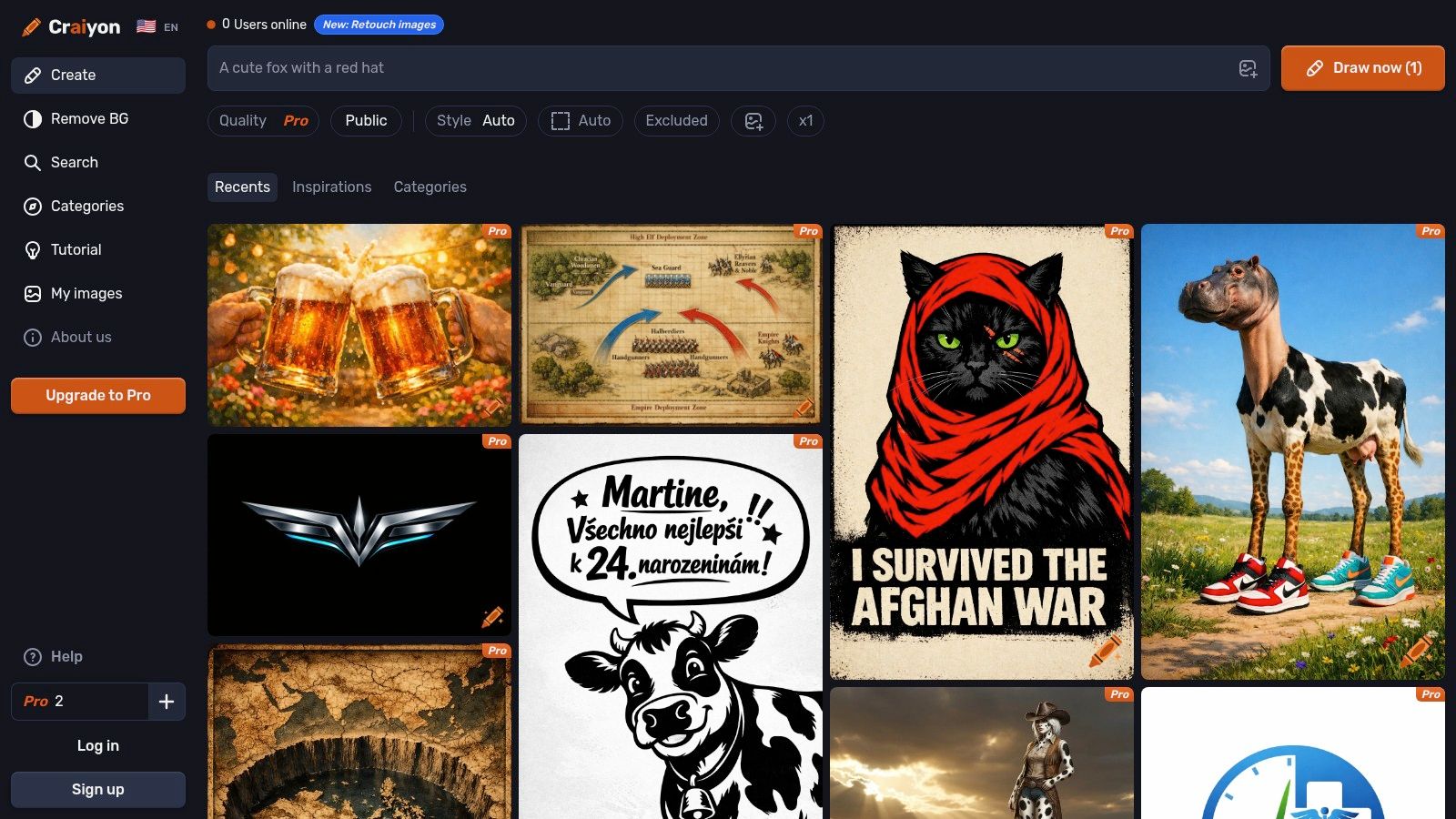
The platform generates a 3x3 grid of nine images for every prompt, providing a diverse set of initial concepts to build upon. Users can then select an image to upscale for better detail. Though the free tier includes ads and a watermark, it offers a truly frictionless entry point into AI art. For those needing more, optional paid tiers are available to remove these limitations and improve image quality.
Key Features & Limitations
- Free Tier Access: Truly unlimited image generations without requiring an account or sign-up. The service is supported by ads and generated images have a watermark.
- Underlying Model: Uses its own proprietary model, which is less sophisticated than leaders like DALL·E 3 but is highly effective for basic ideation and artistic exploration.
- Ease of Use: An extremely simple, browser-based interface where you just type a prompt and click "Draw." It is one of the fastest ways to test a concept.
- Usage Limits: The primary limitations are lower image fidelity on the free tier, the presence of watermarks, and potential wait times during peak hours. Commercial use on the free plan requires attribution.
Who Should Use It?
Craiyon is ideal for students, teachers, and hobbyists who need a quick, no-strings-attached tool for creative exploration. It's also great for marketers and designers in the early brainstorming phase who want to generate a wide array of low-fidelity concepts before moving to a more powerful generator for refinement.
Website: https://www.craiyon.com
10. Mage.space
Mage.space is a powerful web-based platform that brings the flexibility of open-source models like Stable Diffusion directly to your browser. It stands out by offering advanced features typically reserved for local installations, such as LoRA and ControlNet support, without requiring any complex setup. This makes it one of the best free AI art generators for users who want to move beyond basic prompting and gain more precise control over their creations, from character consistency to specific poses.
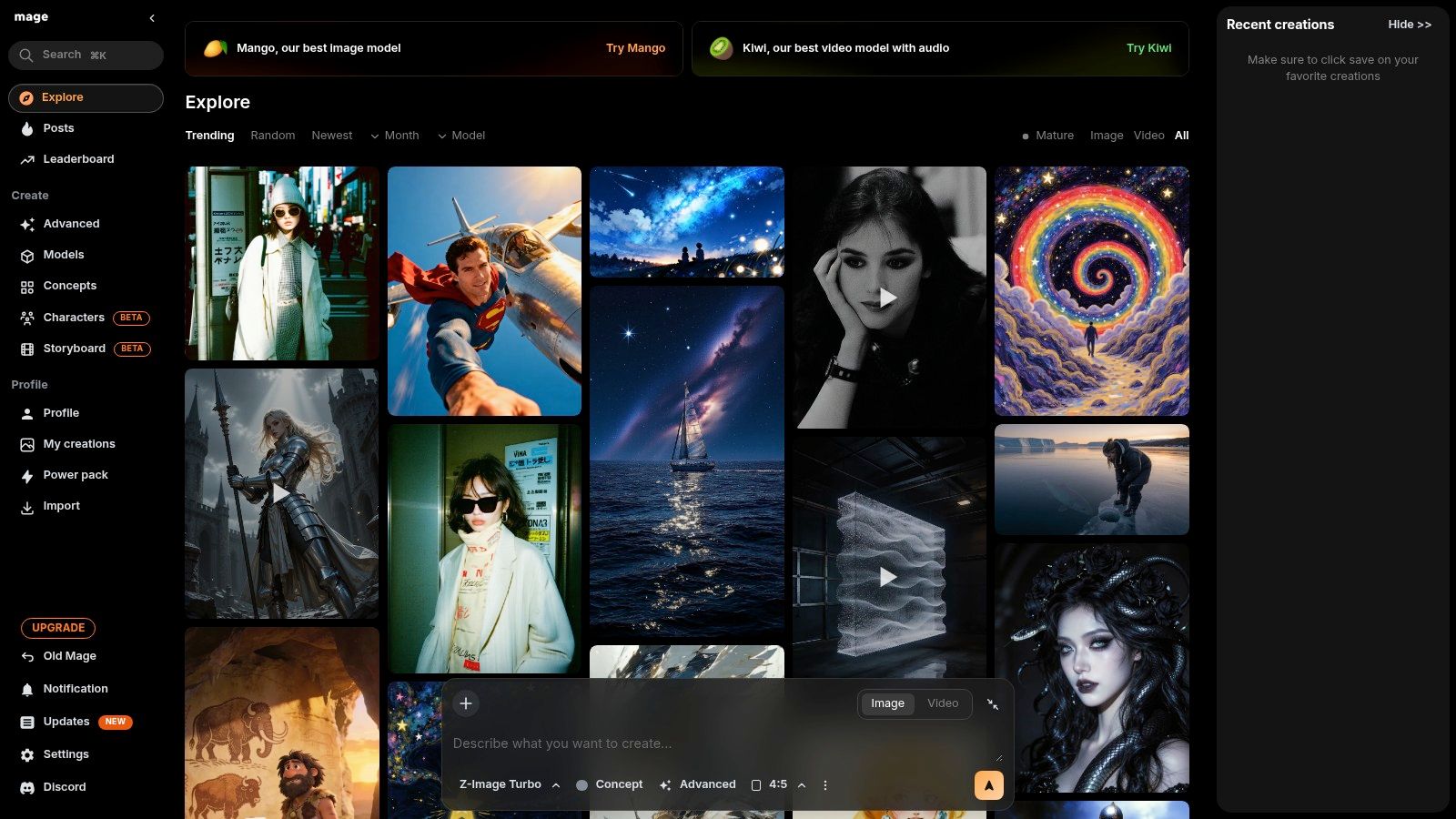
The platform provides access to a large "model zoo," including different versions of Stable Diffusion, SDXL, and the newer Flux model, giving artists a wide array of styles to experiment with. Its free tier is quite generous, allowing for unlimited creations, though with some limitations on speed and access to the most advanced models. The user interface also features an "explore" feed, which is excellent for finding inspiration and discovering new prompts and model combinations from the community.
Key Features & Limitations
- Free Tier Access: Unlimited image generations on the free plan, with access to a solid selection of Stable Diffusion models.
- Underlying Model: Primarily based on Stable Diffusion, SDXL, and Flux, with extensive support for community-trained models and LoRAs for stylistic fine-tuning.
- Integration: Features in-browser tools like inpainting and upscaling. The community feed serves as a built-in inspiration and learning tool.
- Usage Limits: The free tier has slower generation speeds and may include ads or a queue. Access to premium models, faster GPUs, video generation, and higher resolutions requires a paid subscription.
Who Should Use It?
Mage.space is ideal for hobbyists and aspiring AI artists who want to experiment with the advanced capabilities of Stable Diffusion without the technical hurdles of a local setup. It’s perfect for users who need to apply specific styles (LoRAs) or control composition precisely (ControlNet) for character design, fan art, or complex scenes.
Website: https://www.mage.space
11. Picsart AI Image Generator
Picsart moves beyond simple generation by integrating its AI Image Generator into a comprehensive, user-friendly design suite. This makes it one of the best free AI art generators for users who need to create an image and immediately start editing it for a specific project. It’s an all-in-one platform where you can generate artwork, then seamlessly use powerful tools to remove backgrounds, add text overlays, apply filters, and incorporate assets from a vast template library, streamlining the entire creative workflow.
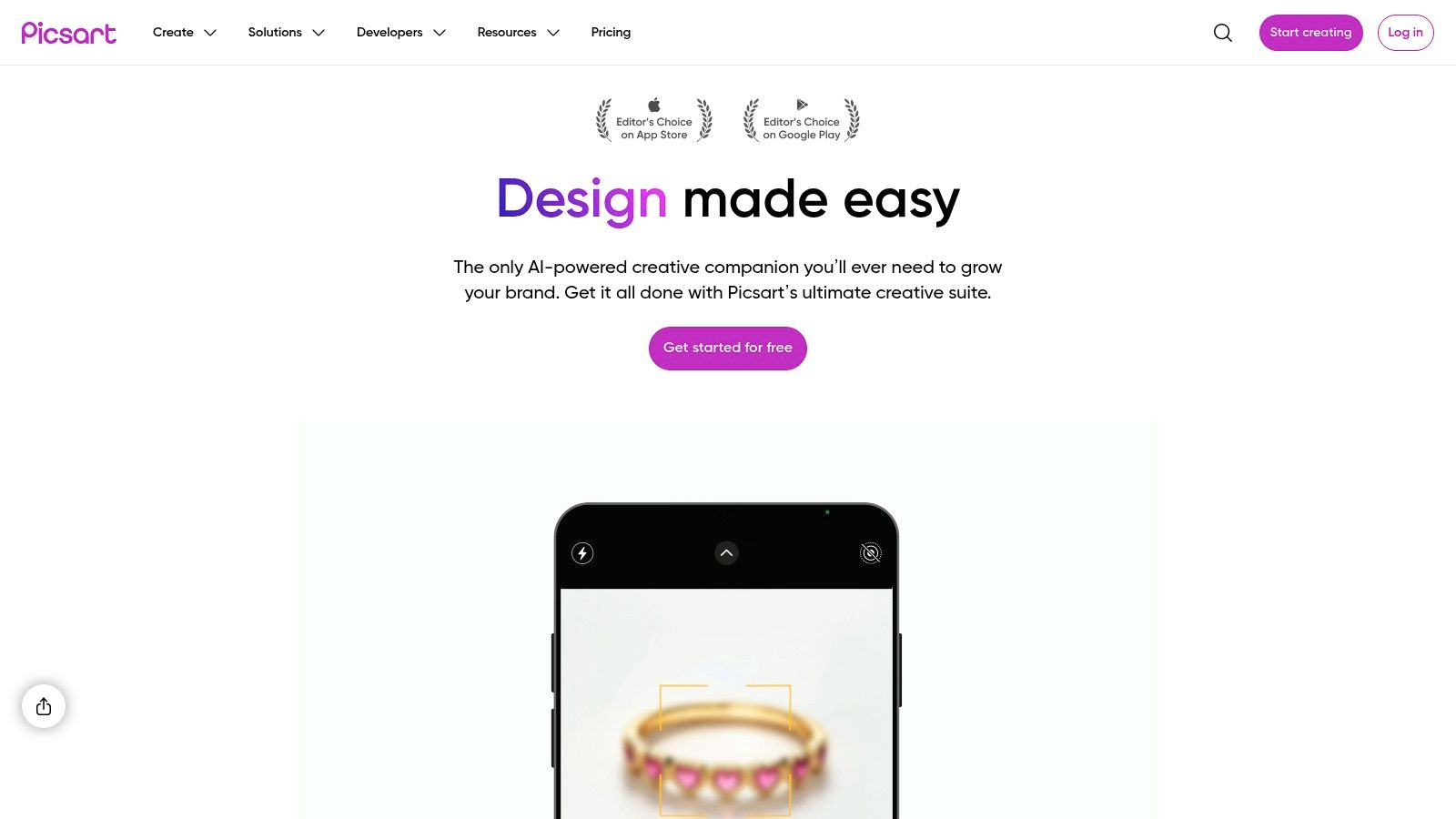
The platform is designed for both consumers and professionals, offering a solid free tier with a weekly allotment of AI credits. These credits can be used across various AI tools, not just image generation. For businesses and creators needing more, Picsart provides paid tiers that increase credit quotas and unlock advanced features like brand kits and batch editing tools, positioning it as a scalable solution from hobbyist use to professional marketing campaigns.
Key Features & Limitations
- Free Tier Access: Provides a limited number of free credits per week that can be used for AI image generation and other AI-powered editing tools.
- Integrated Editing Suite: Its core strength is the combination of AI generation with a full-featured photo editor, including background removal, templates, and a large media library.
- Platform & API: Available as a web tool and mobile app, with developer API options for businesses looking to integrate its creative tools into their own platforms.
- Usage Limits: The free credit system is quite limited and shared across multiple features, often pushing users toward a paid Plus or Pro subscription for consistent use. The credit system itself can be confusing to navigate at first.
Who Should Use It?
Picsart is ideal for social media creators, small business owners, and marketers who require a unified platform for both generating and editing visuals. Its integrated toolset is perfect for creating polished marketing assets, product mockups, or ad creatives without needing to switch between different applications.
Website: https://picsart.com
12. DeepAI
DeepAI stands out as one of the most straightforward and developer-friendly options among the best free AI art generators. It offers an incredibly simple web interface that allows users to generate an image immediately without needing to sign up for an account. This no-barrier-to-entry approach makes it perfect for quick tests, one-off image needs, or for users who value privacy and don't want to create yet another login. While its interface is more basic than integrated creative suites, its core function is fast and accessible.
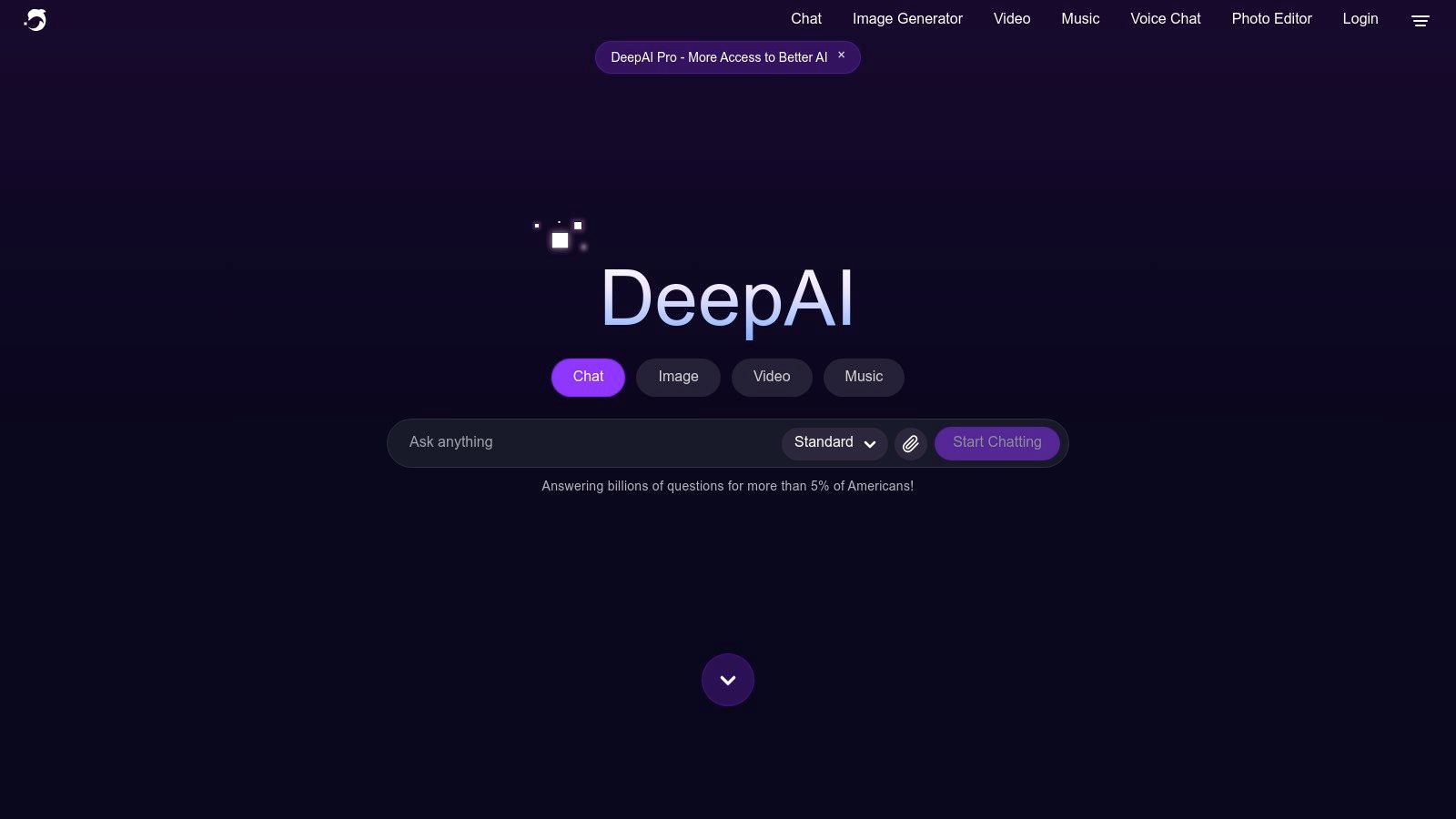
The platform is particularly appealing to developers and those looking for budget-conscious API access. DeepAI provides clear, transparent pricing with monthly credit allowances and low pay-as-you-go overage rates for its Pro plans. This model is ideal for integrating AI image generation into applications or workflows without committing to expensive, high-volume subscriptions. Its public API documentation is easy to follow, reinforcing its position as a practical tool for technical projects.
Key Features & Limitations
- Free Tier Access: Generous and immediate access to the standard text-to-image generator without any sign-up required.
- Underlying Model: Offers a variety of models, with free access to a standard quality generator. Pro plans unlock HD and higher-quality modes.
- Integration: Primarily focused on its API, making it a strong choice for developers looking to build AI features into their own applications.
- Usage Limits: The free version is for standard-quality images. The feature set is more streamlined and lacks the advanced in-painting, out-painting, or canvas-style tools found in more comprehensive platforms.
Who Should Use It?
DeepAI is ideal for developers seeking a simple and affordable image generation API, students learning about AI, or anyone needing a quick, no-hassle image without creating an account. Its transparent, pay-as-you-go model makes it a low-risk option for small businesses or startups experimenting with programmatic image creation.
Website: https://deepai.org
Top 12 Free AI Art Generators Comparison
| Product | Core features | Best for | Bulk & scaling | Unique selling point | Pricing / limits |
|---|---|---|---|---|---|
| Microsoft Bing Image Creator (Designer/Copilot) | Multiple models (DALL·E3, GPT‑4o, MAI‑Image‑1); web + Copilot; basic mobile video | Casual users, quick social graphics, experiments | Fast/standard modes; daily fast-creation caps limit high-volume | Free, widely available default with model variety | Free with Microsoft account; daily caps; Rewards boosts |
| Adobe Firefly | Text-to-image, Generative Fill, upscaling, partner models via credits; Creative Cloud integration | Professional designers & enterprises | Credits shared across Firefly/Photoshop/Express; enterprise credit options | Tight Creative Cloud integration + commercial-safe models | Credit-based; paid plans/credits; premium features cost |
| Canva (Magic Media / AI Image Generator) | In-canvas image & video generation, templates, brand kit, one-click placement | Marketers, SMBs, non-designers needing publish-ready assets | One-click template placement; free lifetime uses limited; Pro adds monthly quotas | End-to-end generate→edit→publish workflow | Free (small quota); Pro subscription increases AI quotas |
| Ideogram | Strong text rendering/typography, canvas for in/out‑painting, batch CSV on paid tiers | Logos, posters, branding assets that need legible text | Batch generation on Pro/Team; free tier has slow queues | Best-in-class text-in-image consistency | Freemium with credit/top-up model; paid tiers for priority |
| Leonardo.ai | Multiple models, upscalers, personal model/LoRA training, prompt tooling, community | Creators wanting model variety, custom models and advanced controls | API plans available; free users face daily token caps | Personal model training + rich quality controls | Freemium; paid for commercial-friendly ownership & higher caps |
| NightCafe | SDXL/Flux support, animation, community challenges, daily credit top-ups | Casual creators, hobbyists, community-driven projects | Daily credits with streak bonuses; PRO for heavier use | Reliable free entry via daily credits + active community | Free daily credits; paid credit packs & PRO plans |
| Krea.ai | Real-time generation, multiple models, LoRA training, 4K upscaling | Rapid iteration, bulk concepting, experimentation | Generous daily free compute units; compute-unit accounting | Instant feedback + generous free compute for exploration | Freemium; advanced features on paid tiers |
| Playground AI | Layered editor, multiple models, upscaling, background removal | Users needing layered editing and flexible purchases | Flexible buying: subscriptions, day passes, credit packs; free limits tight | Layered editor with editing tools + flexible purchase options | Free plan (strict limits); paid plans/day passes/credits |
| Craiyon | Always-free base generation, 9-image grids, optional upscaling | Brainstorming, education, quick concepting | Unlimited base generations but lower fidelity; ads/watermark | Truly free, no-login quick experimentation | Free with watermark/ads; paid tiers remove ads/watermark |
| Mage.space | In-browser SDXL/Flux studio, LoRA/ControlNet, inpainting, video | Advanced users who want browser access to diffusion controls | Model imports and queues; faster GPU access needs paid membership | Low-friction in-browser access to modern diffusion + model imports | Freemium; paid membership for high-speed GPU and features |
| Picsart AI Image Generator | AI generation + strong editing, background/object removal, templates | SMBs and creators needing generation + post-production | Weekly free AI credits; Pro/Ultra add higher quotas and batch tools | Combines generation with bulk editing and brand/campaign tools | Freemium with credits; Pro/Ultra for higher quotas |
| DeepAI | Simple web text-to-image, Pro HD allowances, public API, pay-as-you-go | Developers and budget-conscious API users | Pay-as-you-go and monthly allowances; clear overage pricing | Developer-friendly, transparent pricing and easy API access | Free trials/no-login; Pro plans and pay-as-you-go overages |
Beyond Free Tools: When to Scale Your AI Art Production
You've now explored a comprehensive landscape of the best free AI art generators available today, each with its unique strengths and ideal applications. From the accessible, DALL-E 3 powered results of Microsoft Bing Image Creator to the ethically trained and commercially safe outputs of Adobe Firefly, the power to create stunning visuals is literally at your fingertips. We've seen how tools like Canva and Picsart seamlessly integrate AI into existing design workflows, while platforms like Leonardo.ai and Playground AI offer deeper customization for those who want to fine-tune every detail.
The key takeaway is that the "best" tool is entirely dependent on your specific goal. A social media manager might find Canva's Magic Media perfect for quickly generating on-brand post visuals, whereas a game developer prototyping assets will likely gravitate towards Leonardo.ai for its training models and consistent character features. An educator creating coloring pages might prefer the reliable and simple outputs from Ideogram or Craiyon. Your ideal choice hinges on a balance of usability, creative control, and the specific limitations of each free tier.
Choosing Your Starting Point: A Quick Recap
Before you move forward, consider these core questions to pinpoint the right generator for your immediate needs:
- For Ease of Use and High-Quality Text: If your priority is generating coherent text within images for posters or social media graphics, Ideogram is an unmatched starting point. For overall simplicity and top-tier image quality without much fuss, Microsoft Bing Image Creator is an excellent choice.
- For Integration and Commercial Safety: If you're already working within a design ecosystem or require images that are guaranteed to be commercially safe, Adobe Firefly and Canva are your most reliable options. They are built with professional use cases in mind.
- For Maximum Creative Control and Community Features: For users who want to dive deeper, train custom models, or leverage community-tuned settings, Leonardo.ai and Playground AI offer the most robust free tiers with advanced features that reward experimentation.
Knowing When to Upgrade Your Creative Arsenal
The free tools we've covered are phenomenal for experimentation, learning the craft of prompt engineering, and handling small-scale projects. However, you will inevitably encounter limitations as your needs grow more demanding. The moment you find yourself consistently frustrated by daily credit caps, waiting in generation queues, or needing resolutions higher than what's offered, it’s a clear signal to consider upgrading.
Paid plans on many of these platforms unlock critical professional features: faster GPU access, priority generation, higher image resolutions, private creation modes, and expanded commercial usage rights. But what happens when even a premium individual plan isn't enough?
Consider a scenario where you need to create 500 unique product mockup images for an e-commerce store, or a thousand distinct character portraits for a gaming project. Generating these one by one, even with a paid plan, is a monumental waste of time and effort. This is where the workflow itself needs to evolve from single-image generation to mass creation. When scale is the primary objective, you need a tool built for volume. This is the crucial distinction that separates casual creation from professional, high-volume production. Your creative journey starts with these fantastic free tools, but knowing the path to scale is what will ultimately unlock your project's full potential.
Ready to move beyond one-off creations and generate visuals at a professional scale? When your project demands hundreds of high-quality, consistent images for e-commerce, marketing, or game development, a dedicated solution is essential. Bulk Image Generation is designed for precisely this challenge, allowing you to produce up to 100 images in seconds from a single description, saving you countless hours of manual work. Explore how you can elevate your production workflow at Bulk Image Generation.