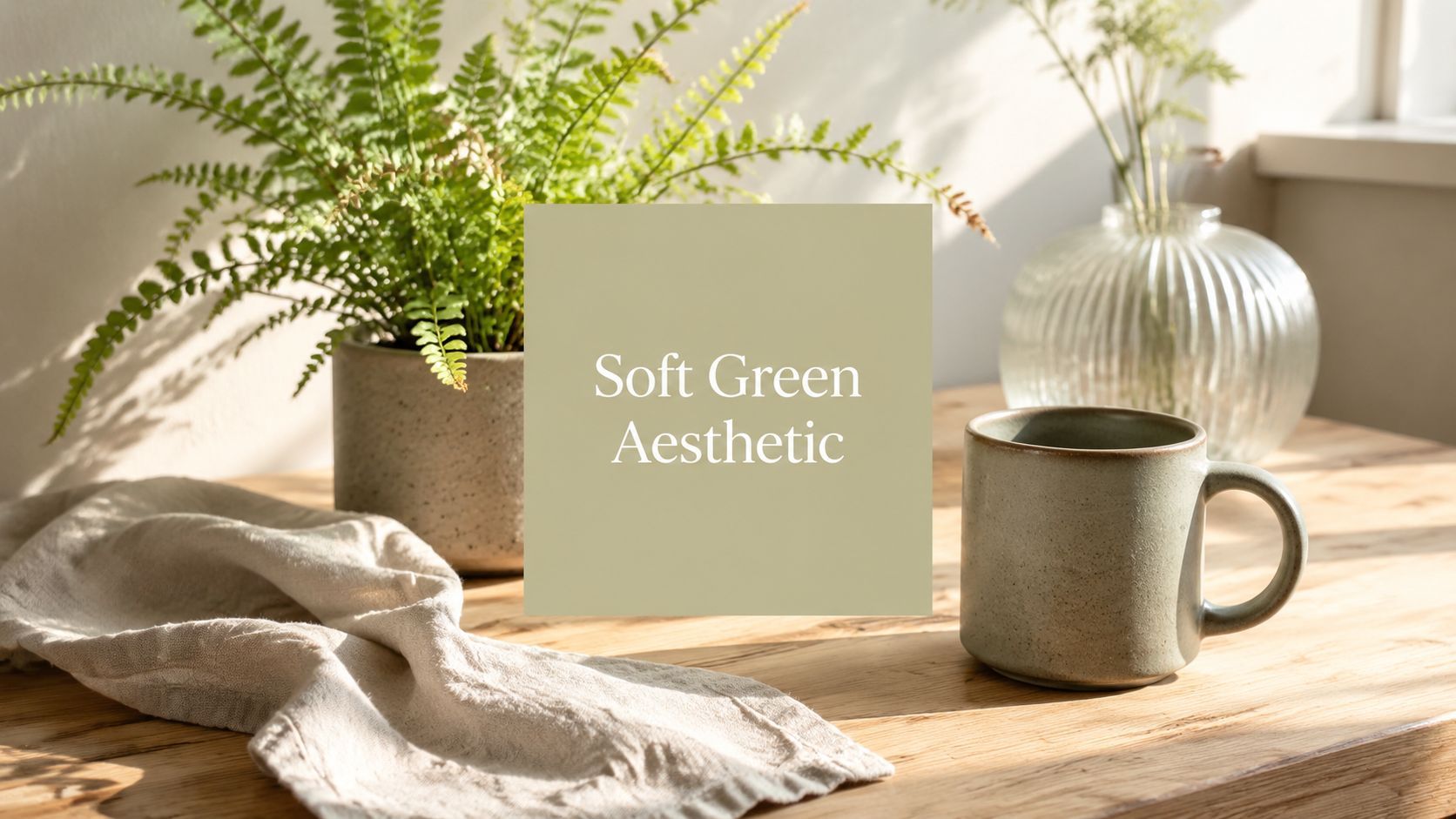
Soft Green Aesthetic: A Guide to Creating Calming Visuals

Ryan Bennett • June 14, 2026
Learn how to create a cohesive soft green aesthetic for your brand. This step-by-step guide covers color palettes, AI prompts, and batch editing tips.
You're probably seeing the same pattern across brand decks, social feeds, and product mockups. A muted green backdrop. Creamy light. Linen texture. One ceramic mug, one leaf, one quiet focal point. It looks effortless until you try to make it yourself and end up with something flat, yellow, or stock-photo generic.
That's where most soft green aesthetic advice falls apart. It gives you references, not a system. If you need one polished hero image, moodboards can help. If you need a repeatable look for social posts, product visuals, website banners, printables, or an entire campaign, you need a tighter framework for color, texture, lighting, and production.
Embracing the Calm of the Soft Green Aesthetic
The soft green aesthetic took hold because it solves a real visual problem. Feeds are crowded, product categories are noisy, and many brands feel overdesigned. A pale, restrained green gives the eye somewhere to rest. It reads as clean, calm, natural, and intentional without feeling clinical.
That's not just a designer's hunch. On TikTok, searches for soft green aesthetic surged by over 140% between 2023 and 2024, with more than 8.5 million associated videos created as of early 2024, according to TikTok search results for soft green aesthetic. When a visual language shows up at that scale, it stops being a niche taste and becomes a recognizable shorthand.
What people respond to isn't only the color green. It's the combination of green with softness. Lower contrast. lighter value, matte surfaces, breathable compositions, and materials that feel touched by daylight rather than polished for display.
Practical rule: Soft green works best when it feels slightly quiet. The moment it gets too glossy, too saturated, or too crowded, it loses the mood.
You can see that shift across wellness content, café interiors, stationery brands, skincare packaging, and minimalist home photography. The scenes usually share the same emotional promise: less friction, more air.
That's why this style deserves more than a trend roundup. If you're building visuals for a brand, a classroom resource, or a content library, the core job is consistency. One good image is easy. Fifty images that all feel like they belong together is the craft.
Deconstructing the Aesthetic Beyond Simple Color
The hardest part of the soft green aesthetic isn't finding green. It's making the work feel specific instead of interchangeable. That matters because the market is already saturated with green-themed stock imagery, so the true challenge isn't access. It's differentiation across branding, product photography, and social assets, as reflected by the volume of results in Adobe Stock searches for green aesthetic imagery.
Build the palette first
Start with a restrained palette and treat green as the lead, not the whole cast. Soft green looks stronger when it sits next to warm neutrals, chalky whites, muted stone tones, and one deeper grounding shade.
| Color Name | HEX Code | RGB Value |
|---|---|---|
| Sage Mist | #C7D3C0 | rgb(199, 211, 192) |
| Celadon Veil | #DCE8D3 | rgb(220, 232, 211) |
| Mint Wash | #D9EAD8 | rgb(217, 234, 216) |
| Moss Linen | #A8B59F | rgb(168, 181, 159) |
| Oat Cream | #EEE7DB | rgb(238, 231, 219) |
| Chalk White | #F7F5EF | rgb(247, 245, 239) |
| Stone Beige | #D8CCBE | rgb(216, 204, 190) |
| Soft Olive Accent | #8E9A78 | rgb(142, 154, 120) |
These codes aren't rules. They're anchors. If every asset in your set references two or three of them, the collection will hold together.
Texture does half the work
A lot of junior designers focus on hue and miss texture. That's why their images look green but not soft.
Use surfaces that absorb light rather than bounce it:
- Matte ceramics for mugs, vases, trays, and dispensers
- Unbleached linen for drape, folds, and backdrop softness
- Ribbed or frosted glass to catch light without sharp reflections
- Brushed stone such as travertine or pale limestone
- Soft-grain wood in ash, birch, or bleached oak tones
If you add too many glossy objects, chrome accents, or hard black lines, the aesthetic turns editorial or modernist. That can be useful, but it's no longer the same mood.
Materials decide whether it feels lived in
Materials make the difference between “nice palette” and “complete visual world.”
A useful mix looks like this:
- Organic base materials such as linen, cotton paper, wood, and stone
- Living elements like herbs, eucalyptus, potted plants, or stems with irregular shape
- Refined accents kept minimal, such as brushed brass, thin gold edging, or clear glass
The best soft green visuals usually combine one living texture, one woven texture, and one hard natural surface.
That combination keeps the work from looking too flat or too synthetic. If everything is smooth and pastel, the image often becomes generic.
Mastering Light and Composition
Soft green doesn't come alive under harsh light. It needs diffusion, shadow falloff, and enough empty space around the subject to feel calm.

Compose for breathing room
The first fix is usually subtraction. Remove one prop. Then remove another. The soft green aesthetic weakens when every corner of the frame is doing something.
Use these composition habits:
- Keep one clear subject whether that's a product, cup, notebook, chair, or stem
- Leave negative space around it so the frame can breathe
- Work in loose asymmetry instead of perfect centering every time
- Repeat shapes softly such as rounded ceramics, folded fabric, curved leaves
A good test is squinting at the image. If your eye doesn't know where to settle, the layout is too busy.
Light like a quiet interior
The best reference isn't studio flash. It's window light passing through a thin curtain.
Look for:
- Directional light from one side
- Soft shadow edges rather than hard outlines
- Low glare on ceramics, paper, and packaging
- A slight haze in highlights instead of stark white clipping
If you're shooting real objects, place the setup near a window and diffuse the light with sheer fabric or tracing paper. If you're generating visuals, prompt for overcast daylight, soft side lighting, and matte materials.
Camera angle changes the mood
Top-down flat lays work well for stationery, planners, ingredients, and small product groupings. Three-quarter angles work better for mugs, bottles, candles, skincare, and room scenes. Eye-level shots feel more intimate, but they're also less forgiving because clutter becomes obvious.
Use shallow depth of field carefully. A little blur behind the subject creates softness. Too much blur makes the image feel artificial or disconnected.
If the green is right but the image still feels wrong, check the shadows first. Hard contrast is the fastest way to break the softness.
Generating Soft Green Assets with AI
A lot of AI-generated green imagery fails for the same reason novice styling fails. The prompt asks for “soft green aesthetic,” but doesn't define what that means in terms of palette, light, surface, and composition.

A stronger workflow is more constrained. Verified production guidance for this style recommends generating with a soft light rendering engine, using global illumination set to 0.85 and a diffusion factor of 0.4. In that workflow, success rates reach 91% when the model is constrained to a pastel palette, compared with 45% when the model is left unconstrained.
Prompt structure that actually holds together
A reliable prompt has five parts:
- Subject
- Palette
- Materials and textures
- Lighting
- Composition and lens feel
Use a structure like this:
minimalist skincare bottle on matte stone tray, soft green aesthetic, sage and celadon palette, oat linen backdrop, frosted glass accent, diffused side window light, airy negative space, soft shadows, editorial product photography, shallow depth of field, natural textures, low saturation, clean premium wellness branding
That prompt works because it tells the model what to show, how it should feel, and what to avoid by implication.
Three prompt templates worth saving
Product backdrop
handcrafted candle on pale travertine pedestal, soft green aesthetic, celadon and cream palette, wrinkled linen, brushed ceramic vessel, overcast daylight, soft focus background, high-end wellness campaign, minimal styling, matte finish
Lifestyle flat lay
journal, matcha cup, eucalyptus stem, textured paper, sage green and warm beige palette, top-down composition, natural window light, subtle shadows, clean negative space, calm editorial styling
Website hero scene
serene bathroom counter with folded towels, ribbed glass bottle, pale green ceramic dish, chalk white walls, mint and oat tones, diffused morning light, uncluttered composition, premium minimalist interior photography
If you want help tightening raw ideas before generation, a dedicated free AI image prompt generator can help translate loose aesthetic language into cleaner prompt inputs.
Generate in sets, not singles
The smart move is to generate image families. Ask for the same scene in multiple crops, prop variations, and framing distances. That gives you options for carousels, ad variants, thumbnails, headers, and landing pages without rebuilding the look from scratch.
When evaluating models for this kind of work, it's useful to review top AI art generators so you can compare how different tools handle texture, realism, and prompt control.
What usually breaks the look
The failures tend to be predictable:
- Yellow drift that turns sage into avocado
- Plastic surfaces when you wanted matte ceramic or paper
- Overfilled scenes with too many props
- Heavy contrast that makes the frame feel commercial instead of calm
When that happens, don't rewrite the whole prompt immediately. Tighten one variable at a time. Start with material language, then lighting, then composition density.
Batch Editing for Perfect Cohesion
Generation gives you variety. Cohesion comes later.
A soft green set usually drifts in three places: hue, brightness, and undertone. One image leans mint, another leans olive, a third goes gray. That's normal. The fix is a batch editing pass that treats the set as a system, not as individual hero shots.

Lock the color before anything else
A professional workflow for this look starts with base saturation between 10–20% and hue between 90–110°, then adds a luminance boost of +15 to +20% to create that airy glow. The most common failure is muddy saturation from brown undertones.
That gives you a practical edit order:
- Correct hue first so every image sits in the celadon-to-mint range
- Reduce saturation if needed before raising brightness
- Lift luminance carefully to get softness without washing out detail
- Check neutrals so your whites stay creamy, not green
Workflow note: If the green looks dirty, don't keep adding brightness. Fix the undertone first.
Edit by groups, not one giant batch
Even within one aesthetic, product shots, room scenes, and flat lays often need slightly different treatment. Group them by lighting condition or subject type, then apply your preset adjustments inside those smaller sets.
Useful batch targets include:
- Backdrop consistency across e-commerce product images
- Highlight softness across social graphics
- Neutral balancing for mixed-material scenes
- Crop standardization for platform ratios
If you also need final delivery sizes aligned for social and web, a bulk image resizer keeps exports consistent without rebuilding files manually.
Keep your set from feeling processed
The danger with batch editing is over-unification. If every image has identical contrast, identical tint, and identical exposure, the work starts to feel templated.
Leave a little life in the set. Keep texture visible in linen folds. Let stone retain variation. Preserve some depth in shadows.
For creators who think in volume first and polish second, this broader guide to AI powered batch editing for Reels is a useful reference for building repeatable editing habits across fast-moving visual workflows.
Putting Your Soft Green Aesthetic to Work
The commercial appeal of this style is straightforward. It already has a strong place in royalty-free imagery for wellness branding, nature campaigns, and minimalist product photography, and its rise aligns with a 28% increase in demand for calming color palettes in commercial design between 2022 and 2024 in the verified dataset tied to Shutterstock green aesthetic imagery.

Where this style performs best
For digital marketing, soft green works well when a brand wants trust and ease rather than urgency. Think landing page headers, Pinterest creative, quote cards, packaging reveals, and email hero graphics with room to breathe.
For product photography, it gives eco-conscious, handmade, wellness, and home categories a background that supports rather than competes. A candle, soap bar, tea tin, or notebook often looks more premium against sage linen or matte stone than against bright white.
For educators and printable creators, soft green is useful when the content should feel calm and approachable. Planner covers, worksheet headers, habit trackers, classroom decor, and coloring-page packs benefit from a palette that's gentle without becoming childish.
If you're producing page headers, brand visuals, and section artwork for a site refresh, an AI website images generator can speed up concepting across multiple page types while keeping the visual language aligned.
One strong use case
A small wellness brand doesn't need elaborate styling to use this aesthetic well. It needs a limited palette, one or two dependable textures, soft directional light, and a repeatable image system. That same approach works for a teacher building printable resources or a social media manager planning a month of calm seasonal content.
Soft Green Aesthetic FAQs
What's the difference between sage, mint, and olive
Sage is muted and gray-based. It's the safest starting point for branding because it feels grounded and versatile.
Mint is lighter and fresher. It can feel younger, cleaner, and more playful, but it also drifts into candy-colored territory faster if saturation goes up too far.
Olive has more yellow and earth in it. Use it as an accent or anchor, not the whole palette, unless you want the mood to feel more rustic than airy.
Does soft green actually feel calming, or is that just trend language
The answer needs nuance. Better evidence from green-space research suggests that the benefits people associate with green depend on the quality and type of green exposure, not merely the presence of green itself, as discussed in this systematic review on green-space health effects. In design terms, that means color alone doesn't create calm. Light, clutter, contrast, texture, and context all shape the response.
How do I keep text readable on soft green backgrounds
Treat readability as a design constraint, not a finishing touch. Use darker text colors, increase weight slightly, and avoid placing fine serif type over mid-tone green with low contrast. If a green background is carrying body text, soften the green or lighten it further and test it on actual devices.
Soft green is forgiving for imagery. It's less forgiving for typography if the contrast is weak.
Can a bold brand still use the soft green aesthetic
Yes, but don't make it do every job. Use soft green as the base layer, then add one sharper accent through typography, product color, graphic shape, or a single brighter detail. That gives you calm without blandness.
What's the fastest way to make it look generic
Using green as a shortcut instead of a system. If the props are random, the textures are glossy, and the composition is crowded, the color won't save the image.
If you want to turn this aesthetic into a repeatable production workflow instead of a one-off experiment, Bulk Image Generation makes that much easier. You can generate large sets of visuals from natural-language prompts, then refine them in batches so your sage, mint, and celadon images stay consistent across campaigns, product pages, printables, and social content.
