12 Best Social Media Content Creation Tools for 2025

Ryan Bennett • November 6, 2025
Discover the 12 best social media content creation tools for 2025. Our list covers AI image generators, video editors, and design suites to boost your workflow.
In 2025, winning on social media means creating high-quality, engaging content faster than ever. The constant demand for fresh posts, stories, reels, and ads can quickly lead to burnout, stretching creative teams thin and making it difficult to maintain a consistent brand voice. That's where a strategic toolkit comes in. The right social media content creation tools don't just save time; they unlock new creative possibilities, ensure brand consistency, and ultimately drive better engagement.
From AI-powered image generators that produce campaign visuals in seconds to streamlined video editors that simplify short-form content, the platforms on this list are designed to solve the biggest challenges modern creators and marketers face. We've gone beyond surface-level features to give you a practical look at what each tool does best, its ideal use case, and its limitations. To truly scale your social strategy and make an impact, it's essential to understand and utilize the best video editing software for social media.
This comprehensive guide will help you build the perfect tech stack for your brand's unique needs. Whether you're a digital marketer managing multiple accounts, a small business owner handling your own branding, or an educator creating visual assets, you'll find solutions here to streamline your workflow. Each item on our list includes direct links and detailed analysis to help you make an informed decision, ensuring you can stop searching and start creating more effectively. We'll explore a curated selection of tools, including Canva, Adobe Express, CapCut, Descript, and many others designed to elevate your content production from a daily chore to a strategic advantage.
1. Bulk Image Generation
Bulk Image Generation establishes itself as a powerhouse among social media content creation tools by prioritizing one critical asset for modern creators: speed at scale. The platform is engineered for teams and individuals who need a high volume of professional visuals without the traditional bottlenecks of manual creation or complex AI prompting. It leverages advanced models like Flux 1.1 and GPT-Image-1 to produce up to 100 unique, high-quality images in as little as 15 seconds, a capability that fundamentally changes high-volume content workflows.
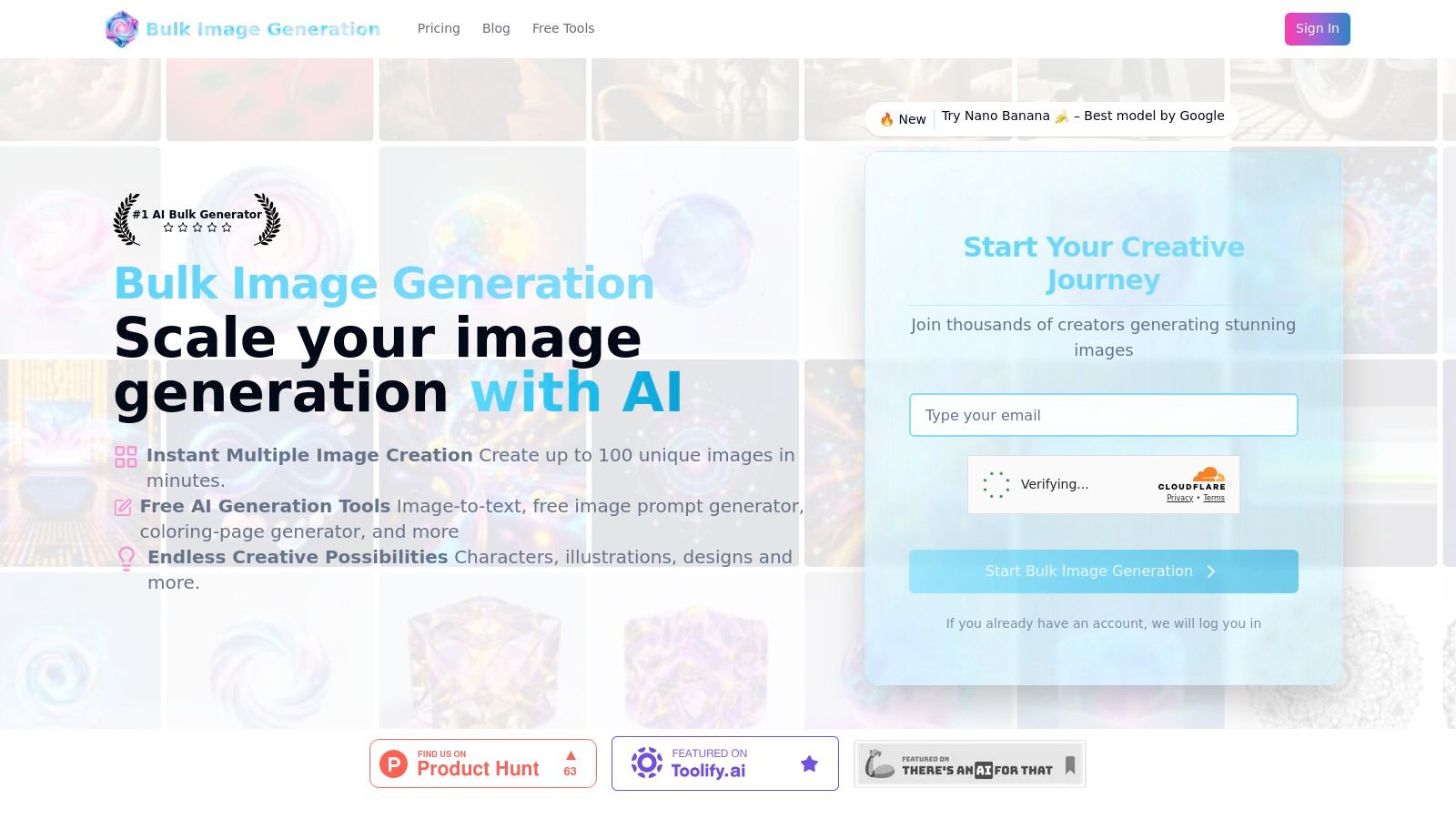
What truly sets it apart is its accessibility. Instead of requiring users to master intricate prompt engineering, the system translates simple, natural language goals into sophisticated visual outputs. A marketer can simply type “professional product photography for a new skincare line on a marble background,” and the AI handles the nuanced details of composition, lighting, and style variation automatically. This approach democratizes AI image creation, making it a practical tool for generating social media ads, blog post headers, and e-commerce assets without a steep learning curve.
Key Features and Use Cases
The platform's value extends beyond initial creation into post-production. Its integrated batch editor is a significant differentiator, allowing users to perform essential edits like background removal, face swaps, and resizing across entire image sets simultaneously. This feature is designed to reduce manual editing time by approximately 50%, often eliminating the need for external software like Photoshop for common social media prep tasks.
- Social Media Campaigns: Generate dozens of ad creative variations for A/B testing in minutes.
- E-commerce & Product Mockups: Create a wide array of product shots with different backgrounds and styles.
- Content & Branding: Produce unique visuals for blog posts, website banners, or brand style guides.
- Creative Projects: Quickly generate assets for games, coloring pages, or educational materials.
Limitations and Considerations
While incredibly powerful, users should note two key considerations. First, pricing and commercial licensing details are not prominently displayed; businesses must consult the pricing page or contact support to confirm usage rights and costs, which is a crucial step before deploying assets in commercial campaigns. Second, as with any AI tool, a final human review is recommended to ensure brand consistency and adherence to specific quality or legal standards.
Website: https://bulkimagegeneration.com
2. Canva
Canva has established itself as an indispensable asset in the world of social media content creation tools, democratizing design for millions. Its browser-based interface is famously intuitive, making it the go-to platform for marketers, small business owners, and creators who need to produce high-quality visuals without a steep learning curve. The platform's core strength lies in its vast library of templates, which covers virtually every social media format imaginable, from Instagram Stories and Reels to YouTube thumbnails and Twitter carousels.
This template-driven workflow allows for incredible speed. A user can find a relevant template, customize it with their brand colors and logo using the Brand Kit feature, and export a platform-ready asset in minutes. Recent integrations of AI tools, like the background remover and "Magic Write" for copy assistance, further streamline the creation process.
Key Features & Use Cases
- Best For: Rapidly creating a high volume of professional-looking social media graphics and short videos.
- Standout Feature: The "Magic Resize" tool (Pro feature) is a significant time-saver, allowing users to instantly adapt a single design for multiple platform dimensions.
- Implementation Tip: Create a comprehensive Brand Kit with your logos, color palettes, and fonts. Applying this kit to templates ensures brand consistency across all your social media content with a single click.
Canva excels by removing the technical barriers to design. It empowers non-designers to create visually compelling content that looks polished and professional, directly contributing to a stronger brand presence online.
Pros:
- Extremely gentle learning curve
- Robust free tier with extensive functionality
- Massive library of templates and stock assets
Cons:
- Lacks the advanced controls of professional video or photo editors
- The most useful features and premium assets are locked behind a Pro subscription
Pricing: Offers a powerful Free plan. Canva Pro starts at $14.99/month. Website: https://www.canva.com/
3. Adobe Express
Adobe Express positions itself as a powerful, all-in-one content creation tool that leverages the strength of the Adobe ecosystem for social media creators. It merges the simplicity of template-based design with the professional-grade assets Adobe is known for, such as Adobe Stock photos and Adobe Fonts. This makes it an excellent choice for users who want a streamlined workflow but also require high-quality creative elements and potential interoperability with more advanced Adobe Creative Cloud apps.
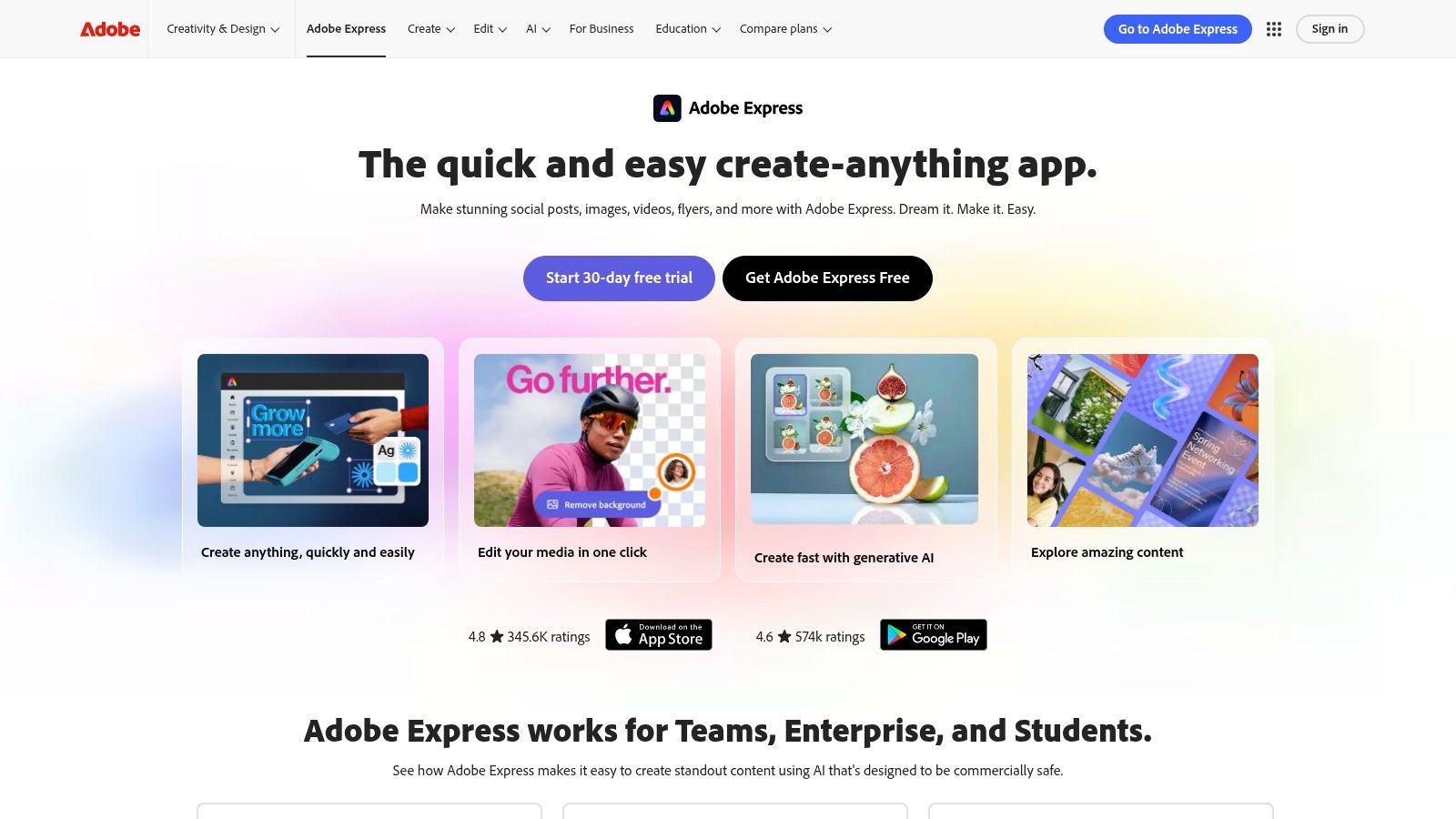
The platform is designed for rapid creation, featuring intuitive drag-and-drop functionality for both graphics and video. A key differentiator is its seamless integration of generative AI tools, allowing users to generate images and text effects directly within their projects. Combined with features like a one-click background remover and a built-in content scheduler, Adobe Express serves as a robust hub for an entire social media content creation and publishing workflow.
Key Features & Use Cases
- Best For: Creators and marketing teams who value access to the professional Adobe asset library and may need to sync with other Adobe apps like Photoshop.
- Standout Feature: The direct integration with Adobe Stock and Adobe Fonts provides access to a higher-caliber library of assets compared to many competitors, elevating the quality of final designs.
- Implementation Tip: Utilize the brand kit feature to its fullest by uploading not just logos and colors, but also brand-approved fonts and templates. This ensures consistency for teams and streamlines content creation for recurring formats like weekly updates or quotes.
Adobe Express shines by bringing Creative Cloud's power into an accessible format. It's the ideal social media tool for those who want professional-grade assets and AI-powered features without the steep learning curve of advanced design software.
Pros:
- Tight interoperability with Photoshop and Illustrator for asset handoff
- Extensive library of premium Adobe Stock photos and fonts
- Powerful generative AI features are integrated directly into the workflow
Cons:
- The best stock assets and most advanced features require a Premium subscription
- The interface can feel slightly more complex than some entry-level alternatives
Pricing: Offers a comprehensive Free plan. The Premium plan starts at $9.99/month. Website: https://www.adobe.com/express/
4. CapCut
CapCut has rapidly become a dominant force among social media content creation tools, specifically for short-form vertical video. Initially a mobile-first editor, its expansion to desktop and web apps offers a seamless, cross-device workflow perfectly suited for creating TikToks, Instagram Reels, and YouTube Shorts. The platform thrives by simplifying complex video editing tasks into a few clicks, making trendy effects and polished transitions accessible to everyone.
Its strength lies in a vast, community-driven ecosystem of templates and effects that keeps creators on-trend. AI-powered features like auto-captions, background removal, and noise reduction significantly accelerate the editing process. This focus on speed and trend-readiness makes it an essential tool for creators and brands needing to produce high-volume, engaging video content without the steep learning curve of professional software. Understanding the right dimensions is also key, and you can learn more about formatting with an aspect ratio calculator.
Key Features & Use Cases
- Best For: Quickly producing trend-focused short-form vertical videos for TikTok, Reels, and Shorts.
- Standout Feature: The "Auto Captions" tool is a game-changer, generating and stylizing subtitles with impressive accuracy, which is crucial for viewer retention and accessibility on social media.
- Implementation Tip: Browse the "Templates" tab within the app to see what’s currently trending. Using a popular template with your own clips is the fastest way to create relevant content that aligns with platform algorithms.
CapCut excels by bridging the gap between simple mobile editors and complex desktop software. It provides powerful, AI-driven features in an intuitive interface, empowering creators to produce viral-quality videos in minutes.
Pros:
- Extremely fast workflow designed for short-form video
- Large community and template ecosystem for on-trend effects
- Powerful free version with robust features
Cons:
- Advanced color grading and multi-cam features are limited compared to pro editors
- Some of the best AI features and effects require a Pro subscription
Pricing: Offers a highly capable Free plan. CapCut Pro starts at $7.99/month. Website: https://www.capcut.com/
5. Descript
Descript has revolutionized video and audio editing by transforming it into a process as simple as editing a text document. This AI-powered platform automatically transcribes your media, allowing you to edit your video or podcast by simply deleting or rearranging words in the transcript. This text-based approach is a game-changer for creators producing talking-head videos, interviews, or podcasts, making it one of the most innovative social media content creation tools available today. Its strength lies in its ability to dramatically speed up post-production workflows, especially when repurposing long-form content.

The platform is packed with powerful AI features that streamline common editing tasks. Features like automatic filler-word removal ("uhms" and "uhs") and Overdub, which can generate your voice to correct misspoken words, save countless hours. Creators can highlight a compelling section of a long transcript, and Descript will instantly generate a vertical video clip perfect for Reels or Shorts, complete with animated captions. Learn more about Descript's AI voice technology and similar tools.
Key Features & Use Cases
- Best For: Podcasters and video creators who need to quickly edit spoken-word content and repurpose it into social media clips.
- Standout Feature: The core text-based video editing engine is unparalleled, allowing you to edit complex video timelines by manipulating a transcript.
- Implementation Tip: Record your long-form videos or podcasts, import them into Descript for a master edit, and then use the "Find good clips" AI feature to identify and export multiple social-ready shorts from that single project.
Descript excels by making video editing accessible and incredibly fast. It removes the tedious parts of post-production, enabling creators to focus on their narrative and effortlessly multiply their content output for social media.
Pros:
- Huge time savings for talking-head editing and clipping
- Strong social repurposing and transcript-based workflows
- Intuitive "edit the text, edit the video" concept
Cons:
- There's a learning curve around the Drive model and plan allowances
- AI and transcription limits vary significantly by tier
Pricing: Offers a Free plan. Paid plans start at $15/month. Website: https://www.descript.com/
6. VEED
VEED has carved out a niche as one of the most accessible and powerful browser-based social media content creation tools specifically for video. It’s designed from the ground up for the fast-paced world of social media, where captions, quick cuts, and brand consistency are paramount. By eliminating the need for complex software installations, VEED empowers marketers and creators to produce platform-ready videos with remarkable speed and efficiency, directly within their web browser.
The platform's standout capability is its incredibly accurate and easy-to-use automatic subtitling feature. With social media feeds often viewed on mute, having visible, stylized captions is no longer a luxury but a necessity. VEED simplifies this entire workflow, from transcription and translation to customizing the look and feel of the text to match your brand's aesthetic.
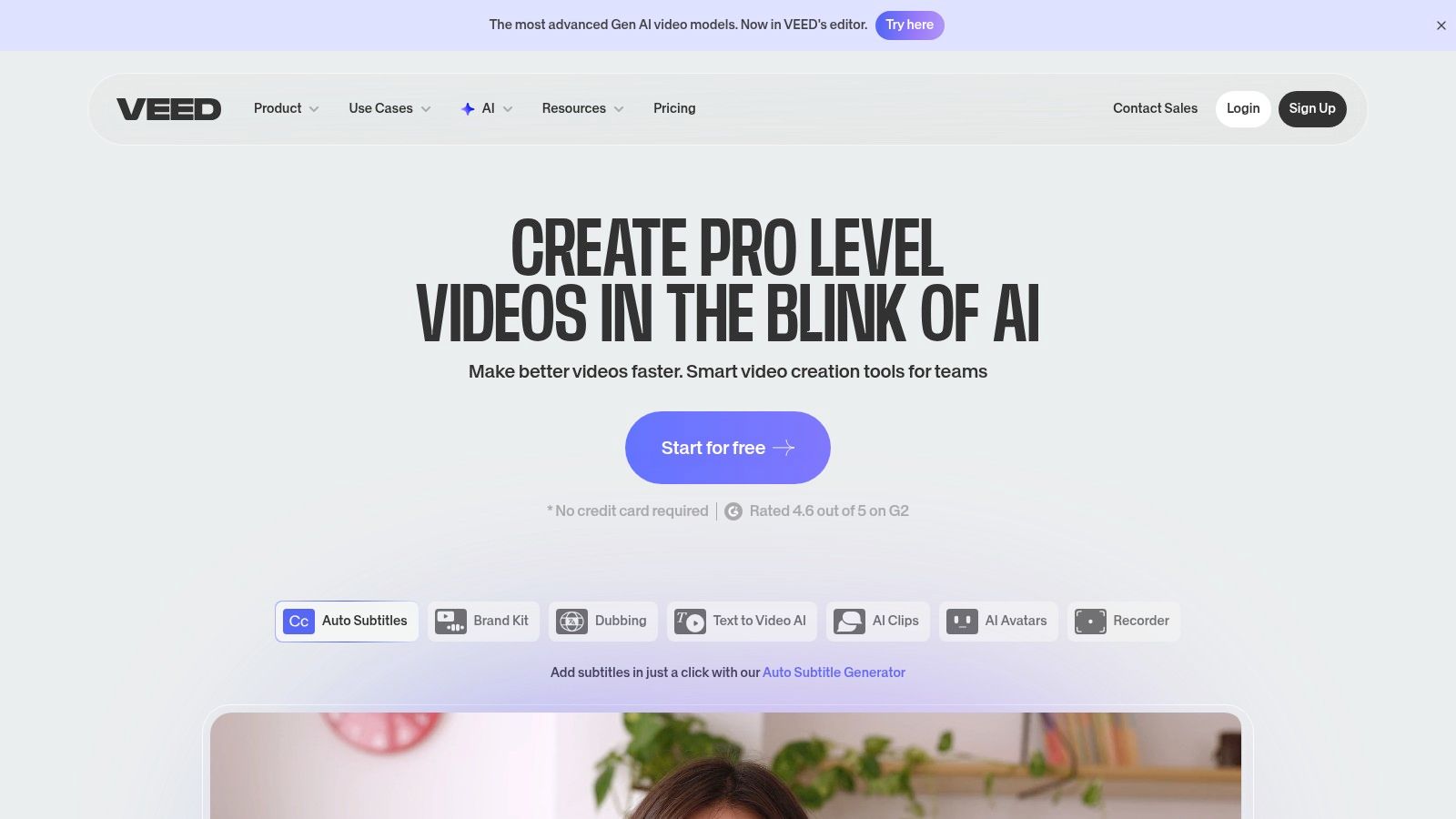
Key Features & Use Cases
- Best For: Creating short-form social videos like TikToks, Reels, and Shorts, with a strong emphasis on a caption-first editing workflow.
- Standout Feature: The Auto Subtitles and translation tools are best-in-class, allowing for rapid generation and localization of video content to reach a global audience.
- Implementation Tip: Use the screen recorder to create quick tutorials or reaction videos, then immediately add auto-captions and apply your Brand Kit for a polished final product in minutes.
VEED excels by making professional video editing features, especially subtitling and transcription, incredibly simple and fast. It removes technical friction, enabling creators to focus on messaging and engagement.
Pros:
- Excellent, user-friendly interface requiring no installation
- Powerful and accurate automatic captioning and translation
- Built-in stock libraries, screen recorder, and AI tools
Cons:
- Browser performance can lag with very long or complex video projects
- Many of the most powerful features are reserved for paid tiers
Pricing: Offers a Free plan with watermarks. Paid plans start with Lite at $18/month. Website: https://www.veed.io/
7. Envato Elements
Envato Elements operates on a different model from many other social media content creation tools, functioning as an all-you-can-download subscription service for creative assets. It's less a standalone creation tool and more a massive resource library for creators who use professional software like Adobe Premiere Pro, After Effects, or Photoshop. Instead of creating within the platform, users download templates, stock footage, music, photos, and graphics to use in their preferred editing suite.

This makes it an incredible value proposition for agencies, freelancers, and high-volume content creators who constantly need fresh assets. From video templates for Instagram Reels to professional LUTs for color grading and entire social media graphic packages, the catalog is vast. The simple, broad commercial license for all downloads removes the typical friction associated with sourcing and licensing individual assets, streamlining the creative workflow significantly.
Key Features & Use Cases
- Best For: High-volume creators and agencies needing a constant supply of diverse, high-quality creative assets for professional editing software.
- Standout Feature: The unlimited download model combined with a simple commercial license offers unparalleled value and creative freedom for a flat monthly fee.
- Implementation Tip: Use the platform's filtering options to narrow down templates by application (e.g., "Premiere Pro") and category ("Social Media") to quickly find assets compatible with your workflow. Register each download to a project for clear licensing records.
Envato Elements excels by providing a nearly endless, cost-effective firehose of creative assets. It empowers creators to elevate their production value without the prohibitive cost of licensing individual stock items.
Pros:
- Excellent value for frequent creators with a massive catalog
- Licensing remains valid for registered projects even after canceling
- Simple, comprehensive commercial license for peace of mind
Cons:
- Quality varies across items since it's an author-driven marketplace
- No direct support from asset authors; support is through Envato
- Can be overwhelming without a clear idea of what you're looking for
Pricing: Individual plans start at $16.50/month. Team and Enterprise plans are also available. Website: https://elements.envato.com/
8. Placeit by Envato
Placeit by Envato carves out a unique niche among social media content creation tools by focusing on one thing: mockups. It is an incredibly powerful, browser-based platform for instantly placing your designs, logos, or screenshots onto thousands of real-world items and digital screens. From placing your app interface on an iPhone screen for an Instagram post to seeing your new logo on a t-shirt for a promotional shot, Placeit automates what would otherwise be a complex Photoshop task.
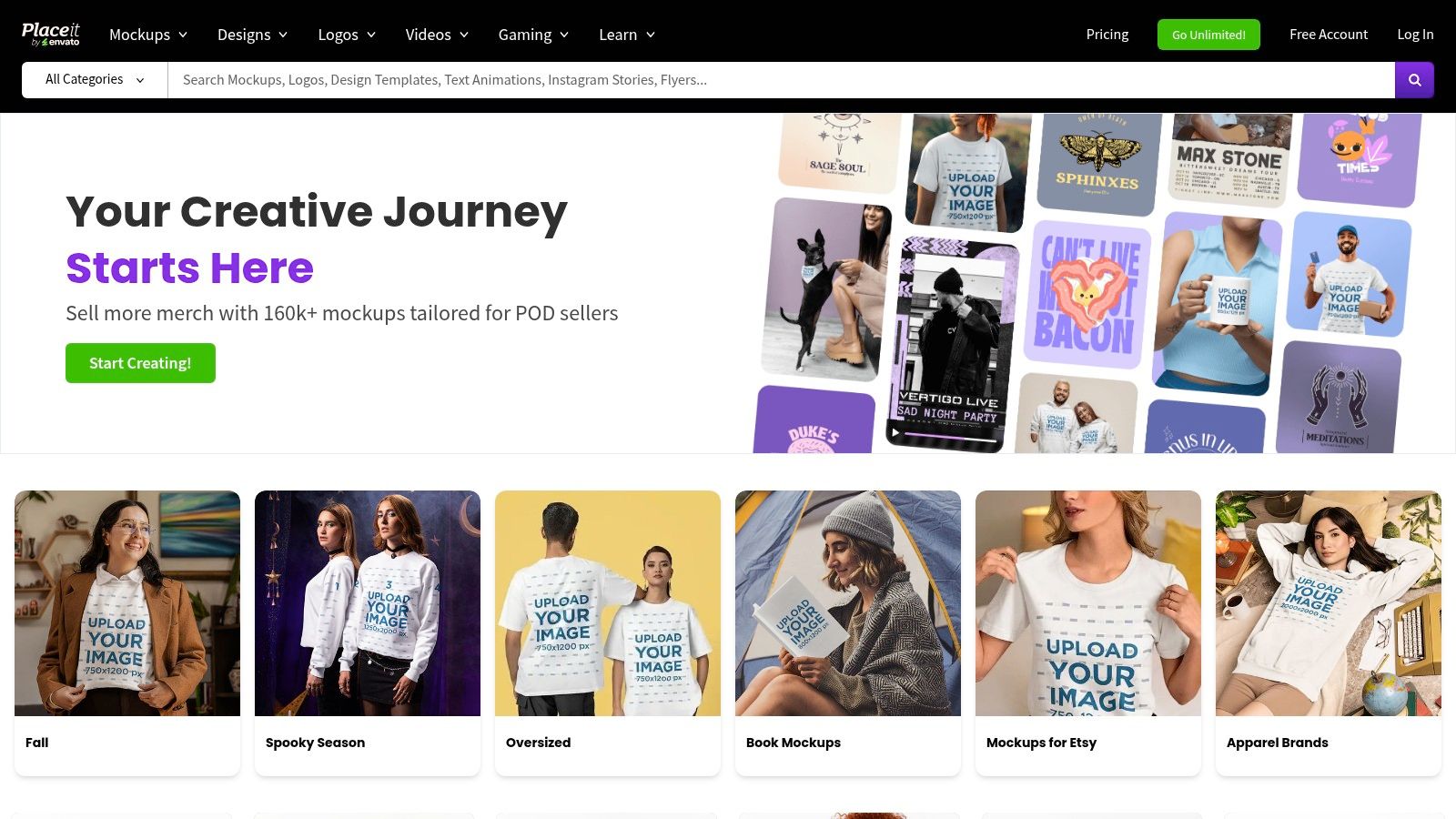
The platform also extends its template library to include logos, social media posts, and short video intros, making it a versatile tool for quick branding assets. Its primary strength is speed and simplicity. A creator can produce a high-fidelity product mockup for their social feed or a professional-looking video outro in just a few clicks, with no design software or technical skill required.
Key Features & Use Cases
- Best For: Creating high-quality mockups of digital products, merchandise, and branding assets for social media promotion.
- Standout Feature: The massive and diverse mockup library allows you to visualize your brand on everything from apparel and mugs to billboards and social media banners.
- Implementation Tip: Use Placeit to quickly test merchandise designs for your brand. You can generate multiple mockups with different designs and poll your audience on social media to see which they prefer before investing in production.
Placeit excels at bridging the gap between a digital design and a real-world product. It provides creators with a fast, affordable way to produce professional marketing visuals that build credibility and drive sales.
Pros:
- Extremely fast way to brand social channels and create visuals
- No design software required; everything renders in the cloud
- Vast library of mockups, videos, and design templates
Cons:
- Customization is template-driven and less granular than pro tools
- Best results depend on the template's fit for your brand
Pricing: Offers per-item pricing or an Unlimited Subscription starting at $7.47/month (billed annually). Website: https://placeit.net/
9. Epidemic Sound
For video-centric social media content, audio is just as crucial as visuals, and Epidemic Sound has become a dominant player in solving the music licensing puzzle. It offers a massive, high-quality library of royalty-free music and sound effects, making it an essential tool for creators on platforms like YouTube, Instagram, and TikTok. The service’s primary value is simplifying the often-complex world of music rights, allowing creators to monetize their content without fearing copyright strikes.

The platform’s user experience is built around discovery, with well-curated playlists, themes, and moods that make finding the perfect track straightforward. Unlike some stock music sites, Epidemic Sound offers stems (individual instrumental layers) for many tracks, giving editors greater creative control over the final mix. This flexibility makes it one of the most versatile audio-focused social media content creation tools available.
Key Features & Use Cases
- Best For: YouTube creators, podcasters, and social media managers who regularly produce video content and need a reliable source of high-quality, claim-free audio.
- Standout Feature: The channel safelisting automatically clears any content published on your connected social channels, protecting your videos from copyright claims and demonetization.
- Implementation Tip: Use the "Find Similar" feature when you discover a track you like. This will help you quickly build a collection of on-brand music that maintains a consistent tone across all your video content.
Epidemic Sound removes the single biggest headache for video creators: music licensing. Its vast, easily searchable library and worry-free safelisting empower creators to elevate their content's production value with professional audio.
Pros:
- Massive library of 50,000+ tracks and 200,000+ sound effects
- Simplifies music rights for monetized social content
- Videos published during an active subscription remain cleared forever
Cons:
- An active subscription is required to clear new content
- Using music for clients or in paid ads requires a more expensive commercial plan
Pricing: Personal plan starts at $9.99/month. Commercial and Enterprise plans are also available. Website: https://www.epidemicsound.com/
10. Apple App Store (US)
While not a creation tool itself, the Apple App Store is an essential gateway to the best mobile-first social media content creation tools available today. It serves as a secure, curated marketplace where creators can discover, download, and manage the powerful applications that transform their iPhones and iPads into portable production studios. For anyone creating on the go, this platform is the starting point for finding specialized apps like CapCut for video editing, Lightroom for photo enhancement, or Mojo for animated stories.
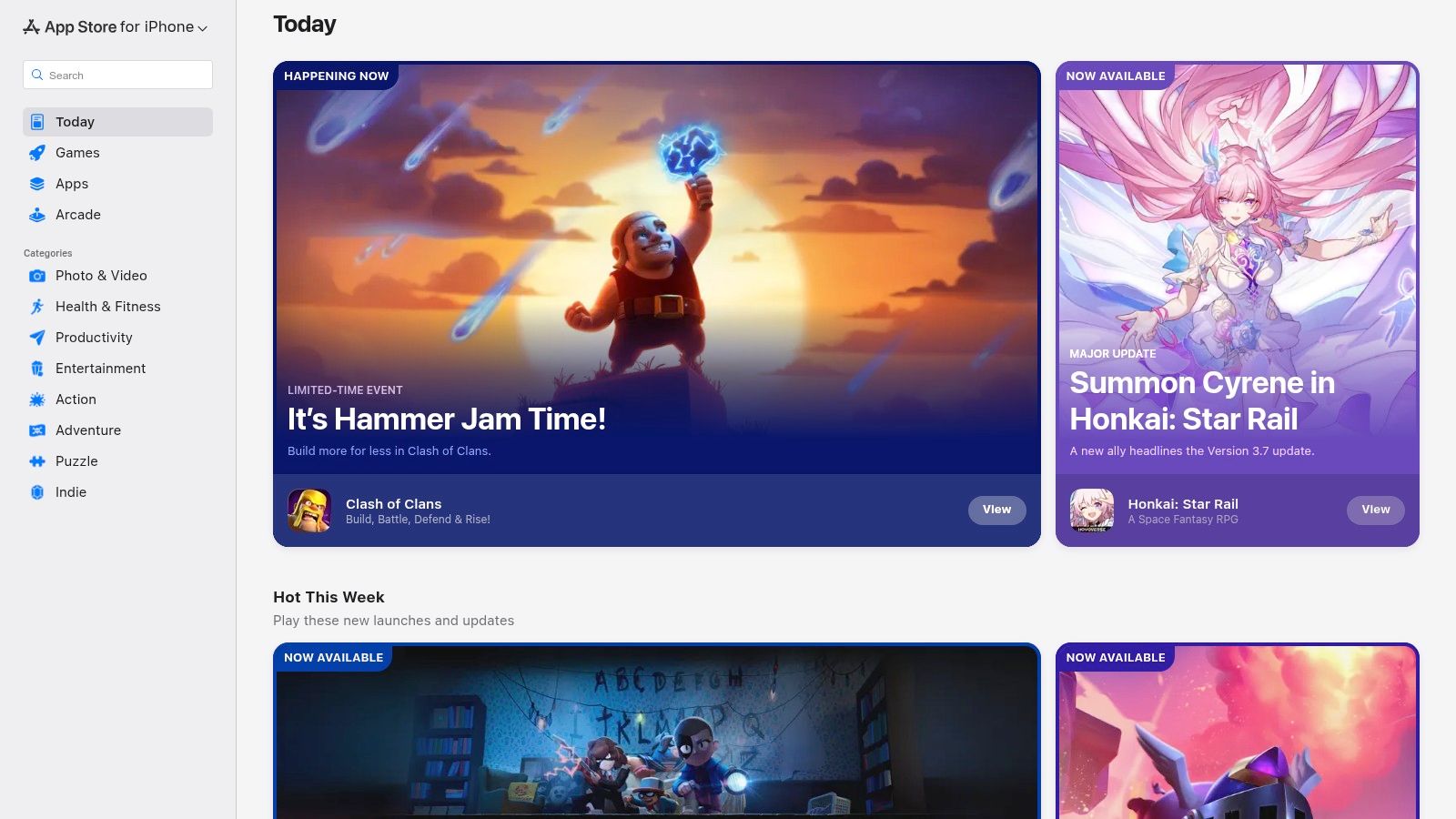
The App Store’s value lies in its ecosystem. Apple’s stringent review process provides a layer of security and quality control, while user ratings and editorial features help surface the most effective tools. The centralized system for handling subscriptions and in-app purchases simplifies billing management, allowing creators to easily track and control their software expenses across multiple apps from a single, trusted account.
Key Features & Use Cases
- Best For: Discovering and managing a suite of mobile-specific creation apps for on-the-go content production.
- Standout Feature: The centralized subscription management via Apple ID makes it incredibly easy to trial, subscribe to, and cancel various creative app subscriptions without having to visit multiple websites.
- Implementation Tip: Use the "Today" and "Apps" tabs to find editorially-curated collections and app recommendations. This is a great way to discover new and innovative tools you might otherwise miss.
The Apple App Store empowers mobile creators by providing a secure and organized ecosystem to build their perfect content creation toolkit, from professional video editors to niche graphic design apps.
Pros:
- Strong app vetting process enhances security and privacy
- Trusted, centralized payment and subscription handling
- User reviews and editorial curation aid in app discovery
Cons:
- Platform is exclusive to Apple devices (iPhone, iPad, Mac)
- Developers control in-app pricing, which can be inconsistent
- Finding the best tools can require sifting through many options
Pricing: The App Store is free to access. Apps vary from free with ads/in-app purchases to one-time payments or recurring subscriptions. Website: https://apps.apple.com/
11. Google Play Store
While not a creation tool itself, the Google Play Store is the essential gateway for Android users to access a massive ecosystem of social media content creation tools. It serves as the primary marketplace for discovering, downloading, and managing the very apps that power mobile-first content strategies, from powerful video editors like CapCut and InShot to professional photo enhancers like Lightroom Mobile. Its true value lies in its centralization and accessibility for creators on the go.
The platform streamlines the user experience by consolidating app updates, user reviews, and subscription management into a single, cohesive interface. This makes it easy to try new tools, compare user feedback, and handle all app-related billing through one trusted Google account, which is a significant advantage for creators who use multiple paid apps.
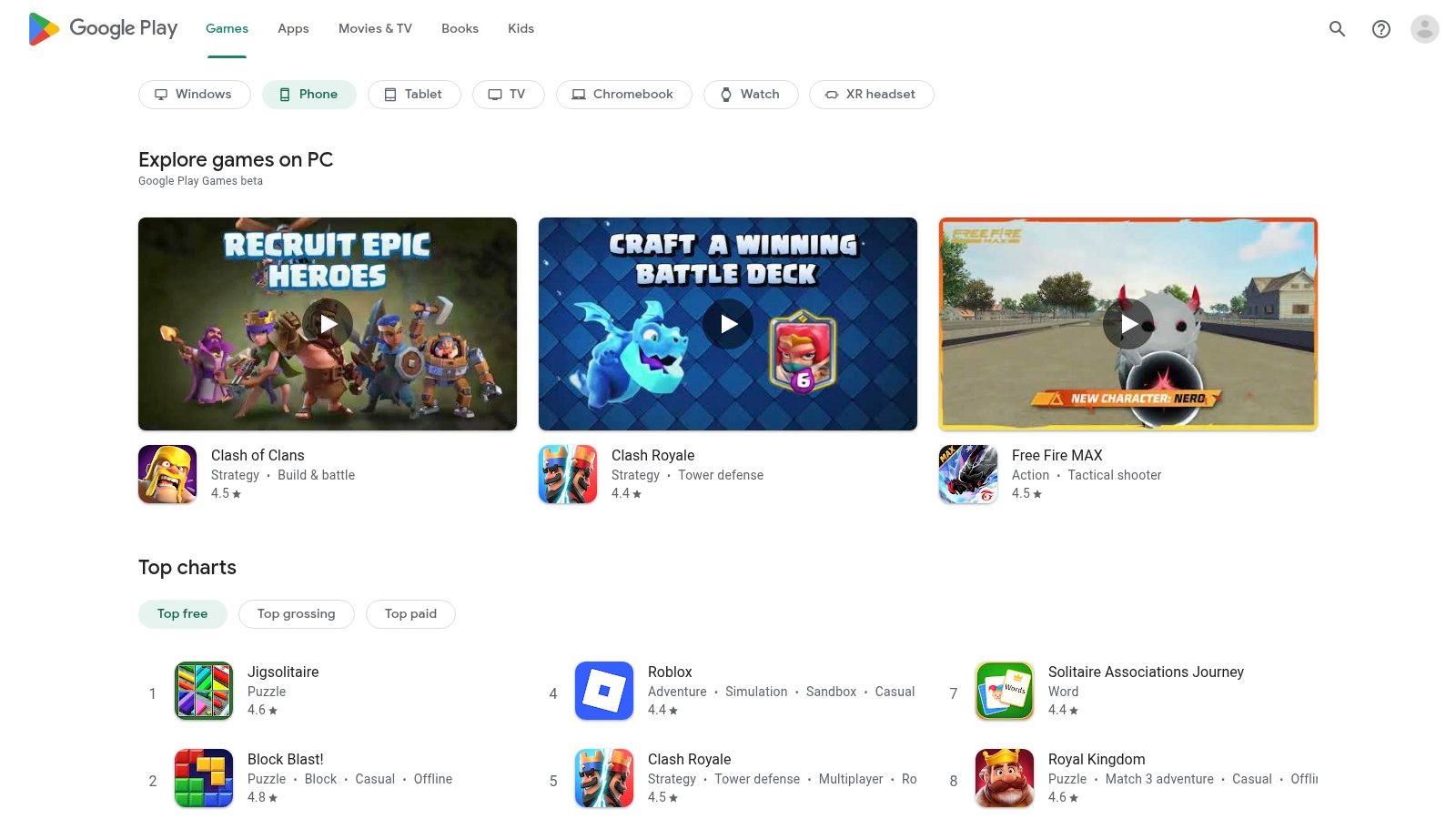
Key Features & Use Cases
- Best For: Android users seeking to discover, install, and manage a diverse suite of mobile-first content creation applications.
- Standout Feature: The centralized subscription management dashboard allows users to easily view, modify, or cancel all app subscriptions linked to their Google account in one place.
- Implementation Tip: Regularly check the "Editor's Picks" and "Top Charts" sections within relevant categories like "Video Players & Editors" or "Photography" to discover new and trending content creation apps you might have missed.
The Google Play Store is the foundational layer for mobile content creation on Android, providing a secure and organized portal to an ever-expanding universe of specialized creative tools.
Pros:
- Vast selection of apps for every creative need
- Simple and unified subscription and payment management
- User reviews and ratings help in vetting app quality
Cons:
- App quality can vary significantly between developers
- Users must be vigilant about app permissions and confusing in-app pricing models
Pricing: The platform is free to use; individual app pricing varies (free, freemium, or paid). Website: https://play.google.com/
12. Amazon (US)
While not a software tool itself, Amazon has become an indispensable marketplace for sourcing the physical gear that powers high-quality social media content. For creators needing everything from ring lights and tripods to microphones and webcams, Amazon serves as a comprehensive hub. Its massive selection covers every budget, from entry-level smartphone accessories to professional-grade studio equipment, making it a foundational resource for building or upgrading a production setup.
The platform's key advantages are convenience and choice. Creators can compare dozens of similar products side-by-side, leveraging user reviews and ratings to make informed purchasing decisions. For U.S.-based users, the availability of fast Prime shipping means essential gear can be acquired and put to use in a matter of days, sometimes even hours. This rapid turnaround is crucial when a piece of equipment breaks or a new content idea requires a specific prop or tool.
Key Features & Use Cases
- Best For: Sourcing and rapidly acquiring physical production gear like lighting, audio equipment, tripods, and backdrops.
- Standout Feature: The sheer breadth of inventory and price points combined with user reviews allows creators to find the exact gear for their needs and budget.
- Implementation Tip: Use curated "Creator Kits" or "Influencer Setup" lists on Amazon to find popular and well-regarded product combinations for your specific content niche, like vlogging or streaming.
Amazon excels by providing unparalleled access and speed for the hardware side of content creation. It empowers creators to build a functional production environment quickly and affordably, removing a significant barrier to entry.
Pros:
- One-stop shop to outfit a complete content setup
- Fast shipping and easy returns on many items for U.S. customers
- Extensive user reviews provide valuable real-world feedback
Cons:
- Quality varies significantly across listings; buyers must vet products carefully
- Return windows and policies can differ by category and seller
Pricing: Varies by product. An Amazon Prime membership ($14.99/month or $139/year in the U.S.) is required for the fastest shipping speeds. Website: https://www.amazon.com/
Top 12 Social Media Content Creation Tools: Feature Comparison
| Product | Core features | User experience & quality | Value / USP | Target audience | Price / Licensing |
|---|---|---|---|---|---|
| Bulk Image Generation | Flux 1.1 + GPT-Image-1, up to 100 images in ~15–20s, batch editor, prompt tools & templates | Natural-language prompts, auto style/composition, fast QA, reduces editing time ~50% | Ultra-fast bulk generation, no prompt engineering, end-to-end batch editing | Digital marketers, agencies, SMBs, game devs, educators, hobbyists | Pricing not clearly listed — contact sales; check commercial licensing |
| Canva | Millions of templates & stock, brand kits, basic video, AI tools (bg remover) | Template-driven, minimal learning curve, fast outputs | One-stop design suite with transparent asset licensing | Non-designers, social teams, small businesses | Free tier; Pro subscription for premium assets |
| Adobe Express | Templates, Adobe Stock/Fonts, generative AI credits, scheduling | Adobe ecosystem interoperability, familiar UX for Adobe users | Tight handoff to Photoshop/Illustrator, trusted brand & resources | Teams/creators using Adobe apps, agencies | Free + Premium/Teams plans; some features gated |
| CapCut | Short-form video editor, trend templates, auto captions, background removal | Mobile-first, fast trend-driven workflows, cross-device sync | Optimized for Reels/TikTok creation at scale | Short-form creators, social editors | Free core; Pro features require subscription |
| Descript | Text-based video/audio editing, transcription, overdub, clipping tools | Transcript-driven editing speeds up talking-head workflows | Huge time savings for repurposing long-form to social clips | Podcasters, creators repurposing long-form content | Free trial; tiered plans with transcription/AI limits |
| VEED | Auto-subtitles/translations, stock, AI avatars, brand kit, publishing | Browser-based, caption-first UI, easy publishing | Quick captioned social videos without installs | Creators & small teams focused on captions/localization | Free tier; Lite/Pro/Business subscription plans |
| Envato Elements | Unlimited downloads of templates, stock, music, fonts under commercial license | Massive catalog (quality varies), simple licensing model | Excellent value for frequent asset downloads | Frequent creators, agencies, studios | Subscription (unlimited downloads) |
| Placeit by Envato | In-browser mockups, logo maker, social & video templates, one-click renders | Fast template-driven rendering, minimal customization needed | Instant branding & mockups without design software | Small businesses, creators needing quick mockups | Subscription (Unlimited) or per-item purchases |
| Epidemic Sound | 50k+ tracks, 200k+ SFX, stems, channel safelisting, plugins | Streamlines music rights for monetized content, reliable catalog | Cleared music for social monetization and reduced copyright risk | Video creators, agencies, businesses | Creator/Pro/Business subscriptions; maintain active plan for coverage |
| Apple App Store (US) | Curated app discovery, ratings/reviews, secure Apple billing & refunds | Trusted storefront, curated editorial, Apple privacy rules | Safe app discovery and Apple-managed subscriptions/refunds | iOS users, mobile creators seeking apps | Free to browse; app prices & IAPs vary by developer |
| Google Play Store | Android app marketplace, subscriptions dashboard, broad device support | Wide app availability, simple refunds & updates | Broad distribution for Android apps and easy subscription management | Android users, app developers | Free to browse; app prices & IAPs vary by developer |
| Amazon (US) | Massive selection of creator gear, user reviews, fast Prime shipping | One-stop shopping, wide price ranges, easy returns | Quick procurement of hardware/accessories with fast delivery | Creators buying lights, audio, rigs, capture gear | Retail pricing by seller; return/shipping policies vary |
Choosing the Right Tools to Future-Proof Your Content
The digital landscape is in a constant state of flux, but navigating it doesn't have to be a reactive scramble. As we've explored, the right suite of social media content creation tools can transform your workflow from a series of disjointed tasks into a streamlined, strategic operation. The goal isn't just to produce more content; it's to produce better content more efficiently, freeing you to focus on high-level strategy and audience engagement.
We’ve seen how comprehensive platforms like Canva and Adobe Express serve as incredible all-in-one solutions for design, while specialized video editors like CapCut and VEED make professional-grade video accessible to everyone. Meanwhile, asset libraries such as Envato Elements and Epidemic Sound provide the raw materials needed to bring your creative vision to life without legal headaches. The key takeaway is that no single tool is a magic bullet for every creator. The most powerful toolkit is the one you build yourself, tailored specifically to your needs.
How to Select Your Ideal Content Creation Stack
Building an effective and sustainable content workflow begins with a simple audit. Before you commit to a new subscription, take a moment to critically evaluate your current process. This self-assessment will be your most valuable guide in choosing the right social media content creation tools from our list.
Ask yourself these critical questions:
- Where are my biggest bottlenecks? Identify the single most time-consuming part of your content creation. Is it sourcing unique images, editing podcast audio, or captioning video clips?
- What is my team's skill level? Be realistic about your team's technical abilities. A tool like Descript is fantastic for its simplicity, while a more complex editor might have a steeper learning curve that slows down adoption.
- What is my budget? Determine a realistic monthly or annual budget for your tools. Many powerful free options exist, but sometimes a strategic paid investment can yield a massive return in time saved and quality produced.
- Does this tool integrate with my existing workflow? The best tools play well with others. Consider how a new platform will fit with the software you already use daily to avoid creating more friction.
Answering these questions will help you move from a broad list of options to a targeted selection of one or two tools to test. For example, if you find that creating unique, on-brand visuals for daily posts is your biggest time sink, a tool like Bulk Image Generation could be a game-changer. If video editing is the primary challenge, starting with a user-friendly option like CapCut is a logical next step.
Implementing Your New Tools for Long-Term Success
Choosing a tool is only the first step; successful implementation is what drives results. Dedicate time for you and your team to learn the new software. Watch tutorials, experiment with its features, and don't be afraid to start small. Integrate one new tool at a time to avoid overwhelming your established process.
Furthermore, as you look toward the future, the role of artificial intelligence in content creation is becoming undeniable. When considering your long-term strategy for content, it's essential to understand this evolving landscape. To go deeper on this specific topic, you can explore the best AI tools for content creators and see how they can further augment your creative capabilities.
Ultimately, the best social media content creation tools are those that become invisible partners in your creative process. They should empower your brand, not complicate it. By strategically selecting and integrating the right software, you're not just buying a subscription; you're investing in a more agile, creative, and impactful future for your brand's online presence.
Ready to eliminate your biggest content bottleneck? If creating hundreds of unique, high-quality images is your challenge, Bulk Image Generation is the specialized tool you need. Stop spending hours on manual design and start generating entire campaigns worth of visuals in minutes with our powerful AI. Visit Bulk Image Generation to see how it can revolutionize your visual content strategy today.
