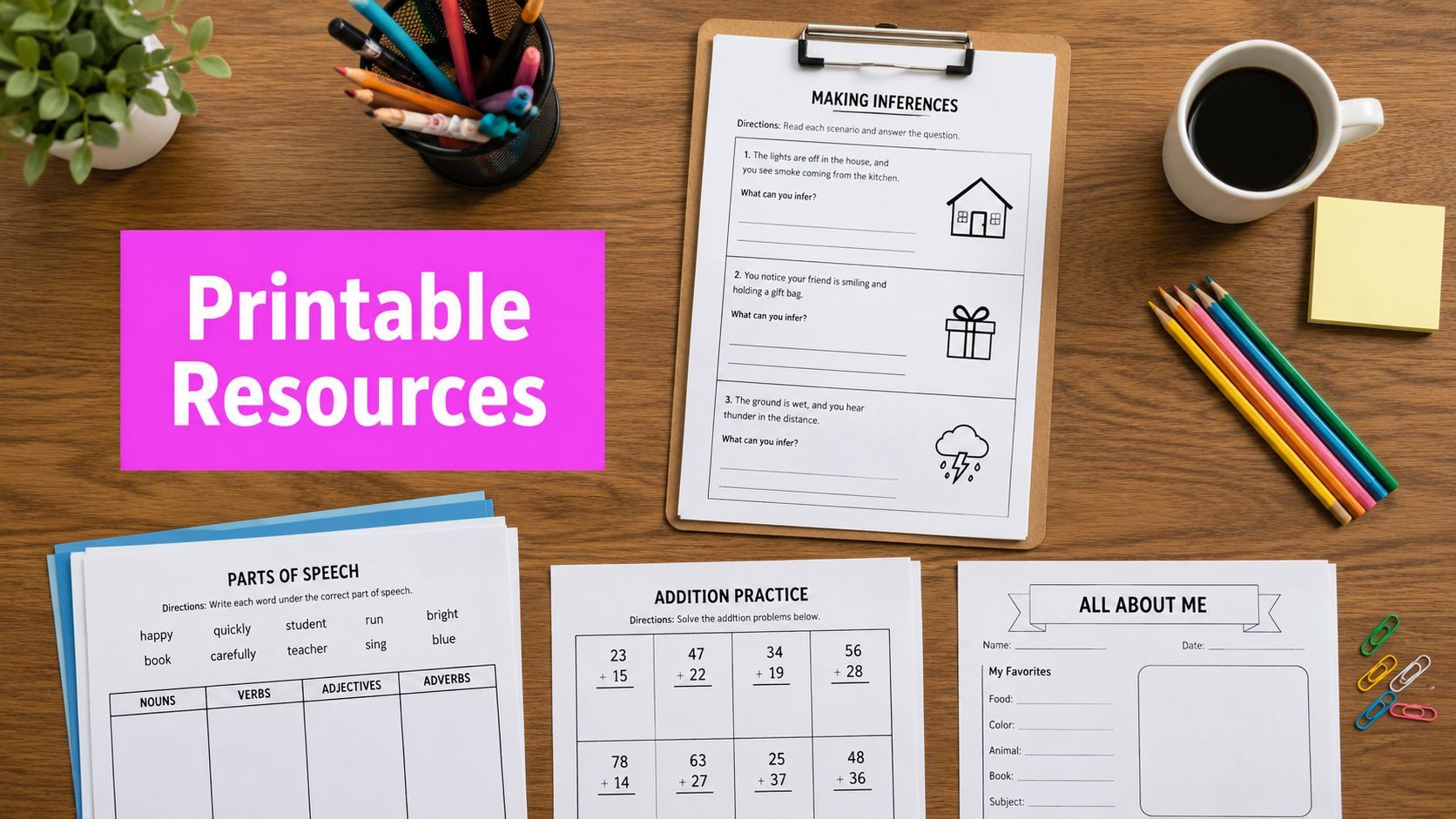
10 Best Printable Resources for Teachers (2026 Guide)

Ryan Bennett • June 9, 2026
Discover the top 10 printable resources for teachers. Our 2026 guide covers the best free and paid worksheets, generators, and AI tools to save time.
Your Ultimate Guide to Classroom-Ready Printable Resources
It's 9 PM on a Sunday, and the search begins. You need something you can print before first period. Not just any worksheet, but one that fits tomorrow's objective, won't confuse half the class, and doesn't look like it was made in 2007.
That's where most teachers lose time. Not on printing. On sorting through clutter, weak design, unclear standards alignment, and resources that look useful until you open the preview.
This guide cuts through that. It focuses on printable resources for teachers that are usable in real classrooms, including marketplaces, subscriptions, worksheet generators, and modern creation tools for custom visuals. If you're planning for younger learners, the same workflow thinking also helps when you plan kindergarten science activities and need fast, classroom-ready materials.
Printable teaching materials aren't a side category anymore. Major professional education ecosystems treat them as a normal part of classroom practice. The American Statistical Association's K to 12 educator hub includes classroom resources, publications, workshops, webinars, competitions, and peer-reviewed lesson plans, while the Royal Statistical Society also maintains teacher-facing collections. The ASA also connects resources to standards support, which matters when you need materials that fit curriculum, not just filler through its K to 12 educator resources.
1. Teachers Pay Teachers (TPT)
If you want the widest pool of printable resources for teachers in one place, start with Teachers Pay Teachers. It's still the first stop for many teachers because the range is hard to beat. You can find a targeted phonics sort, a full middle school ecology unit, or a sub plan packet in the same search session.
The upside is obvious once you use it well. Filters by grade, subject, and standards help narrow the mess, previews show whether the seller's style matches your classroom, and ratings usually reveal whether a resource was tested in real classrooms or just packaged nicely.

Where TPT works best
TPT is strongest when you need breadth, not consistency. A veteran teacher can scan a listing and tell quickly whether the file will hold up in class. Newer teachers sometimes overbuy because a pretty cover can hide weak directions, busy formatting, or tasks that don't match the standard as tightly as the description suggests.
- Best use case: Find a strong base resource quickly, then edit or supplement it for your students.
- What to check first: Preview pages, answer keys, font readability, and whether the activity requires extra materials you don't have.
- Where it can frustrate you: Quality varies by seller, and some districts don't love marketplace purchasing.
Practical rule: On TPT, buy from sellers whose previews show the student pages, not just the cover and credits.
If you create your own printable products for classroom use or school sharing, clean visuals matter more than teachers admit. This guide on creating digital product images with AI generators is useful when you want covers, thumbnails, or worksheet visuals that don't look generic.
2. Twinkl (USA)
Twinkl USA is the opposite of TPT in one important way. You give up some marketplace variety, but you gain consistency. That matters when you're building packets across a week and don't want every handout to feel like it came from a different planet.
For elementary classrooms, intervention groups, and special education support, Twinkl is often easier to deploy quickly. The formatting is usually clean, the collections are broad, and the differentiation approach is more visible than on many worksheet marketplaces.

Why teachers stick with it
Twinkl is useful when your planning brain is tired. You can stay inside one ecosystem, pull a display piece, matching practice pages, and extension tasks, then print without redesigning everything to match. That's a real advantage during busy weeks.
Its trade-off is sameness. If your team leans on it heavily, students can start to recognize the template structure. That isn't fatal, but it can make activities feel less fresh if you don't vary your routines.
Twinkl saves time when you want a coordinated set, not a hunt.
I like it most for thematic weeks, primary grades, and classes where visual consistency helps students understand instructions. It's less exciting for teachers who want highly original materials every time, but it's dependable, and dependable wins a lot of school mornings.
3. Education.com
Education.com lands in a practical middle zone between library and generator. It has a large grade-leveled collection for Pre-K through middle grades, but it's also useful when you need quick variations on a skill instead of one fixed worksheet.
That's what makes it handy during reteach cycles. If one version of a practice page wasn't enough, you can often pull a similar format with a different spin instead of rebuilding from scratch.

Best fit for elementary planning
The site works best for teachers who want grade-banded resources that feel organized by developmental level. That's especially helpful in elementary classrooms where you may need one activity for the main lesson, another for centers, and a simpler option for home practice.
There's also a broader trend behind tools like this. Open educational resources have moved into mainstream use in the U.S. Bay View Analytics reports that 64% of higher education faculty are aware of OER, 29% require an OER in their course, and 26% report using OER as required materials. In K to 12, about one-third of teachers are now aware of OER. That matters because schools increasingly want resources that fit adoption workflows, not just random free downloads according to Bay View Analytics.
- Good for: Elementary skill practice, homework, centers, and fast replacement worksheets.
- Less strong for: Teachers who want highly polished design or upper secondary depth.
- Workflow strength: You can move from lesson idea to printable practice without switching platforms constantly.
If your school values standardization and review, Education.com fits that conversation better than a loose collection of files from ten different websites.
4. Scholastic Teachables
Scholastic Teachables feels like the safe choice, and that's not a criticism. In primary grades, safe often means usable, age-appropriate, and easy to hand to students without rewriting directions.
Its strongest lane is Pre-K through upper elementary, especially for literacy, seasonal materials, mini-books, and skill practice. If you want resources with editorial oversight and a familiar classroom tone, Scholastic is still one of the easiest subscriptions to justify.
What it gets right in daily use
Some printable libraries give you volume but not trust. Scholastic gives you trust first. The pages generally look classroom-ready, the wording tends to be clear, and the mini-book format is particularly helpful for younger students who need something more tactile than a loose worksheet.
That said, once you move beyond elementary grades, the value drops. Middle school teachers can still find the occasional useful item, but this isn't the platform I'd rely on for older students unless I was adapting materials for intervention or support classes.
The best Scholastic printables usually aren't the flashiest ones. They're the pages you can print at 7 AM and use without fixing anything.
If your classroom depends on predictable routines, reading response pages, and simple print-and-go supports, Scholastic Teachables does that job well.
5. Super Teacher Worksheets
Super Teacher Worksheets is built for speed. It isn't trying to impress you with trendy design. It's trying to help you find a targeted elementary practice page, print it, and move on with your life.
That focus is exactly why so many teachers keep it in their toolkit. For core skill review, phonics, math fluency, grammar practice, science basics, and quick independent work, it's one of the fastest sites to use.
Fast, plain, effective
The layout is utilitarian, which some teachers dismiss too quickly. In actual classrooms, plain can be good. Students see the task clearly, answer keys are easy to use, and you don't burn toner on decorative borders that add nothing.
It's also a good reminder that printable resources for teachers don't always need to be elaborate. If your goal is routine practice, this site often gets there faster than more polished platforms.
- Strength: Quick-find elementary practice with answer keys.
- Weakness: Less useful for secondary content or display-worthy materials.
- Teacher reality: This is the site you use when the lesson needs reinforcement, not decoration.
If you want students to color or personalize a skill page after the core task, these AI coloring page tools pair well with straightforward worksheets and can help you add a custom extension without redesigning the full resource.
6. K5 Learning
K5 Learning is for teachers who want structured skill practice without a lot of noise. The site is organized by grade and subskill, which makes it practical when you know exactly what gap you're trying to address.
That organization matters more than flashy branding. If a student needs extra work on main idea, place value, or sentence structure, you can get specific quickly instead of digging through broad topic pages.

Who benefits most
This site fits intervention, homework, tutoring, and family support really well. The pages are printer-friendly, the answer keys are clear, and the design stays simple enough that students can focus on the content rather than decode the page layout first.
The downside is visual appeal. If you need a handout to hook reluctant learners on aesthetics alone, K5 Learning probably won't do the heavy lifting for you. But if your priority is targeted repetition, that plainness is often a feature.
There's also a bigger pattern here. The strongest gap in mainstream coverage of printables isn't finding worksheets. It's scaling them across a class without spending hours adapting each file. That need for rapid differentiation and bulk customization has become more visible as AI lesson-planning tools increasingly position themselves as alternatives to manual worksheet editing in this discussion of angle worksheet workflows.
K5 Learning isn't an AI tool, but it fits that same practical need for quick, targeted deployment.
7. WorksheetWorks.com (WorkSheetWorks)
WorksheetWorks.com is what I reach for when I need control. Not inspiration. Not themed design. Control.
If you want ten versions of a money worksheet, a handwriting sheet with custom text, a map activity, graphing paper, calendars, or a puzzle with specific settings, generator-driven platforms like this are hard to beat. You can tune the output to your class instead of settling for whatever someone else uploaded.

Why generator tools matter
Ready-made repositories are great until you need three leveled versions of the same task. That's where WorksheetWorks earns its spot. Fine-grained controls over difficulty and layout make differentiation more realistic, especially for mixed-ability groups.
One of the biggest weak spots in many printable ecosystems is accessibility. Generic activity libraries often stop at engagement and don't explain how to make the same page usable for English learners, students with learning differences, or students working at different grade levels. More detailed guidance points to supports like simplified vocabulary, formula reference blocks, visuals, sentence starters, and pre-drawn cues because the primary challenge is making a printable understandable, not just available as described in this worksheet accessibility example.
- Use it when: You need many variations of one concept.
- Skip it when: You want visually rich themed packs or bulletin board materials.
- Hidden advantage: It's excellent for small-group reteach because you can tighten difficulty without rebuilding the lesson.
The PDFs won't win design awards, but they do exactly what custom practice sheets need to do.
8. Teach Starter (US)
Teach Starter US is one of the better choices when you want printable resources for teachers that already look polished. The platform leans into classroom-ready design, standards mapping, and editable templates, which makes it appealing for teachers who want a cleaner visual finish without opening separate design software.
Its Studio tools are the differentiator. You're not just downloading a fixed worksheet. You're often adjusting labels, text, examples, or formatting inside the platform, which shortens the path from “almost right” to “ready to print.”

Better for polished classroom sets
Teach Starter works especially well for teachers who care about visual coherence across classroom displays, task cards, bulletin board pieces, and student handouts. That consistency helps in elementary rooms and intervention spaces where cluttered design can make directions harder to follow.
Its main limitation is catalog breadth. Compared with TPT or Twinkl, the library can feel smaller. But the individual resources often need less cleanup, and that's worth a lot.
A smaller library with cleaner files can save more time than a giant marketplace full of maybes.
If you regularly build standards-based lessons and want materials that look staff-meeting ready, parent-night ready, and classroom ready, Teach Starter is a strong fit.
9. Canva for Education
Canva for Education isn't a worksheet marketplace first. It's a design workspace, and that changes how you use it. Instead of searching for the perfect finished printable, you build or adapt one that matches your class, your visual style, and your pacing.
For many teachers, that's the point where printable resources stop being downloaded and start being owned. A simple worksheet template can become an intervention version, a bilingual support page, a cut-and-sort center, or a more visual handout in one editing session.

From template to teaching tool
Canva is best when the base idea already exists and you need to customize fast. Maybe you found a good concept on TPT, but the fonts are too small. Maybe your science handout needs icons, visual vocabulary, and larger spacing. Canva handles that kind of adaptation well.
There's also a strong market reason hybrid assets matter now. Market.us projects the digital learning resources market will reach USD 2,682.6 million by 2035, with an 18.6% CAGR. The same report says K to 12 holds 47.3% of demand, cloud-based SaaS accounts for 91.7% of deployment, and 68.4% of the market uses subscriptions. It also notes that around 69% of students worldwide prefer online, blended, or hybrid formats, which is why printable materials work best when paired with editable digital versions in the Market.us digital learning resources market report.
- Strongest use: Customizing printables, classroom signage, task cards, and differentiated student versions.
- Less ideal for: Teachers who want a huge bank of premade worksheet content without much editing.
- Big payoff: You can keep one branded, readable visual system across everything you print.
10. Bulk Image Generation
Third period starts in ten minutes. The worksheet is ready, but the visuals are a mess. One icon looks like it came from a corporate slide deck, another is too detailed for first graders, and the last one does not match the vocabulary students use. Bulk Image Generation helps solve that specific classroom problem.

Why it stands out for custom printables
This tool matters less as a worksheet source and more as a worksheet builder's shortcut. Teachers can write a plain-language prompt and generate sets of matching visuals for phonics cards, sorting mats, science diagrams, social studies artifact cards, coloring pages, or story sequence images. That saves time, but the bigger win is consistency. A full set can share the same style, level of detail, and tone, which is hard to get when pulling from random clipart sites.
For teachers creating original printables, that fills a gap the other resources on this list do not really address. Repositories help you find material. Canva helps you lay it out. Bulk Image Generation helps you make the missing image set that turns a decent handout into something that fits the lesson.
The practical use case is batch work. If a class needs twelve community helper cards in black and white, or twenty CVC picture prompts with the same visual style, generating them together is much faster than hunting one by one.
Where it fits in a teacher workflow
I would use this after the teaching objective is clear and before final page design. That order matters. It keeps the visuals tied to the task instead of becoming decorative extras you have to force into the worksheet later.
Here's where it earns its place:
- Vocabulary instruction: Generate multiple clean examples of the same concept, especially when textbook images are too abstract or inconsistent.
- Early learning printables: Create simple black-and-white illustrations that print clearly and do not waste ink.
- Differentiation: Make one version with fewer visual details and another with more context for students who need it.
- Games and manipulatives: Build matching card sets with one art style instead of combining unrelated images.
There is a trade-off. You still need Canva, Google Slides, Word, or another layout tool to turn the images into a finished printable. For most teachers, that is not a problem. It is usually better to keep image creation and page design separate, because it gives more control over spacing, directions, and answer lines.
Prompt quality also matters. Vague requests produce generic results. Specific classroom language usually works better, and the free AI image prompt generator for classroom visuals can help turn a rough idea into something usable.
Used well, this is not about novelty. It is a practical way to create custom visuals at scale, especially for teachers who have already moved from downloading printables to building their own.
Top 10 Printable Resources Comparison
| Resource | Core features | Quality & usability | Pricing / Access | Best for | Unique selling point |
|---|---|---|---|---|---|
| Teachers Pay Teachers (TPT) | Massive marketplace, searchable printables, previews & ratings | Classroom-tested variety; quality varies by seller | Mostly pay-per-item; many free downloads; TPT School Access for districts | Teachers needing wide range of ready-to-print materials | Largest community-driven catalog and seller reviews |
| Twinkl (USA) | 1M+ standards-aligned printables, consistent templates | High editorial consistency, easy state/standard filters | Membership subscription (annual plans) | Elementary & special education, standards-aligned planning | Deep US standards mapping and differentiation options |
| Education.com | PreK–8 printables, worksheet generator, lesson plans | Organized grade-leveled library; fast custom worksheets | Free tier with caps; premium = unlimited access | Elementary/middle teachers needing quick custom worksheets | On-demand worksheet generator + lesson integration |
| Scholastic Teachables | Vetted K–6 printables, mini-books, seasonal packs | Reliable Scholastic curation and consistent design | Individual or school subscription; free trial often available | Primary-grade ELA and seasonal activities | Scholastic-curated mini-books and trusted editorial quality |
| Super Teacher Worksheets | Extensive K–5 worksheets, printable generators, answer keys | Utilitarian, fast find-and-print workflow | Very affordable annual membership | Routine skills practice and drill for elementary grades | Low-cost access to focused practice materials and generators |
| K5 Learning | Structured K–5 skill practice by subskill, answer keys | Well-organized, printer-friendly, Google Classroom sharing | Budget-friendly membership; many free worksheets | Targeted remediation and skill-focused practice | Subskill organization and classroom integration tools |
| WorksheetWorks.com | On-demand generators (math, maps, puzzles), PDF output | Precise control over difficulty/layout; utilitarian design | Ultra-low cost membership for unlimited use | Teachers needing many unique variations/differentiation | Fine-grained generator controls and unlimited PDFs |
| Teach Starter (US) | Curriculum-aligned printables, Studio customization tools | Polished visuals, easy template edits | Subscription with tiers; some premium items higher-tier | Teachers wanting polished displays and editable templates | Built-in Studio editor for quick customization without design apps |
| Canva for Education | Thousands of templates, collaborative editor, LMS integration | Professional-quality design, easy customization | Free for verified K–12 teachers & students | Teachers who want on-brand, polished handouts and collaboration | Design power + LMS integrations and easy exports to print |
| Bulk Image Generation (Recommended) | Bulk AI image generation (up to 100 images <20s), natural-language prompts, batch editor (BG removal, face swaps, resizing) | High-speed, consistent AI visuals; reduces post-edit time by ~50% | Free AI tools (prompt generators, aspect-ratio calculators); image generation plans on site | Teachers needing custom clipart, coloring pages, flashcards in bulk | Generate hundreds of tailored visuals fast and edit in-batch for worksheet-ready assets |
From Finding to Creating Your New Printable Workflow
It is 9:15 p.m. You have tomorrow's lesson objective, half a worksheet, and a class that needs three different versions of the same activity. At that point, the job is not finding one perfect PDF. The job is having a workflow that gets a usable, readable, printable resource done fast.
The teachers who prep efficiently usually mix sources. They pull core practice from a repository, adjust the layout in a design tool, and add custom visuals only when the lesson benefits from them. That approach saves time because each tool does one job well.
Start with speed. TPT, Twinkl, Scholastic Teachables, Super Teacher Worksheets, and K5 Learning are strongest when the skill is clear and you need a solid draft you can print today. The trade-off is familiar. Ready-made resources often get you 80 percent of the way there, but directions, spacing, reading load, or visual design may still miss your students.
Then edit with purpose. Canva and Teach Starter help when the content is usable but the format is off. I use that stage to widen answer spaces, add sentence frames, strip out decorative clutter, swap in clearer fonts, and create alternate versions for support or extension. Those small edits matter more than teachers admit, especially for students who get overloaded by dense pages.
Official classroom programs show the same pattern. The U.S. Census Bureau's Statistics in Schools materials give teachers printable, data-based resources tied to real content, and the Statistics in Schools teacher guide points to QuickFacts and data.census.gov for downloadable local data. That is a useful model for printable design. Start with trustworthy content, then shape it into something students can use on paper.
Custom visuals come last, not first. AI image tools are most useful when you need a matched set of pictures for sorting, vocabulary, sequencing, flashcards, or coloring pages and cannot find clipart that fits the topic, age group, or tone. Bulk Image Generation fits that part of the process well, as noted earlier. It is practical for producing consistent image sets, then dropping them into Canva or a document editor for final layout.
The shift is simple. Build a printable system instead of collecting random worksheets.
A reliable setup looks like this: repository for base content, design tool for accessibility and differentiation, image tool for custom visuals when the page needs something specific. That workflow gives teachers more control, cleaner materials, and fewer last-minute compromises.
If you are refining that process, it helps to think in terms of standards-aligned worksheet creation, not just downloading printables. The goal is not a bigger folder. The goal is a repeatable method you can use on a Tuesday night when time is short and the resource still needs to fit your students.
