12 Best AI Tools for Small Business in 2025: A Deep Dive

Ryan Bennett • November 7, 2025
Discover the best AI tools for small business growth. Our 2025 guide covers 12 platforms for marketing, ops, and design to boost efficiency and ROI.
Navigating the crowded market of AI solutions can feel overwhelming, especially when you're looking for tools that deliver tangible results without a steep learning curve or enterprise-level budget. This guide cuts through the noise to provide a practical, in-depth analysis of the best AI tools for small business operations. We move beyond generic feature lists to give you a clear, honest assessment of what works, what doesn't, and how to implement these platforms effectively.
This resource is designed to help you make informed decisions quickly. For each tool, you'll find a detailed breakdown covering its ideal use cases, specific features that matter, and realistic pros and cons. We've included screenshots for a visual preview and direct links to get you started immediately. Whether your goal is to automate marketing tasks, streamline customer service, or enhance productivity, this list provides the critical insights you need to choose the right technology for your specific business challenges.
Our focus is on platforms that offer practical value for growth-minded small businesses. If your needs are more centered on generating marketing copy, social media updates, or video scripts, you may want to explore more specialized options. To delve deeper into tools specifically designed for generating content, explore these in-depth reviews of the 12 Best AI Content Creation Tools for a focused look at that category.
1. Bulk Image Generation
Best for: High-volume, rapid visual content creation for marketing and branding.
Bulk Image Generation stands out as one of the best AI tools for small business owners who need to create professional visuals at scale without a steep learning curve. Its core strength is its unparalleled speed and efficiency. The platform can generate up to 100 unique images from a single natural language description in roughly 15 to 20 seconds, eliminating the need for complex prompt engineering.
This tool is more than just a generator; it’s an end-to-end workflow solution. Its integrated batch editor is a significant time-saver, allowing users to perform background removal, face swaps, and enhancements on multiple images at once. This feature alone can cut post-production time in half, a massive advantage for busy teams. The extensive library of one-click templates for social media, product photography, and game assets makes it incredibly accessible for non-designers.
Key Features & Benefits
- Extreme Speed & Scale: Generate up to 100 images in under 20 seconds for rapid A/B testing and campaign development.
- No Prompt Engineering: Simply describe your goal, and the AI handles the artistic details, making it accessible to anyone.
- Integrated Batch Editor: Streamline post-production with tools for background removal, resizing, and enhancement, reducing manual effort significantly.
- Comprehensive Free Tools: Includes a suite of free resources like prompt generators for other platforms (MidJourney, DALL·E), an aspect ratio calculator, and a bulk resizer.
Pricing and Access
While the platform offers a suite of free tools, detailed pricing for high-volume or commercial use is not immediately available on the public site. Users may need to create an account or contact their sales team to understand the cost structure and usage limits for their specific needs.
Considerations
As with any AI generator, results can vary, and some outputs may contain minor artifacts or require human refinement for highly specific or complex artistic visions. Additionally, businesses should conduct their own legal review for commercial use, particularly concerning likeness and copyright issues.
Website: https://bulkimagegeneration.com
2. G2
G2 isn’t a single AI tool, but rather a B2B software marketplace that is invaluable for finding the right AI tools. For a small business owner overwhelmed by options, G2 provides a structured way to discover and vet solutions based on real, verified user reviews. Its curated "Best AI" lists and detailed category grids allow you to filter software by specific business needs, company size, and pricing models.
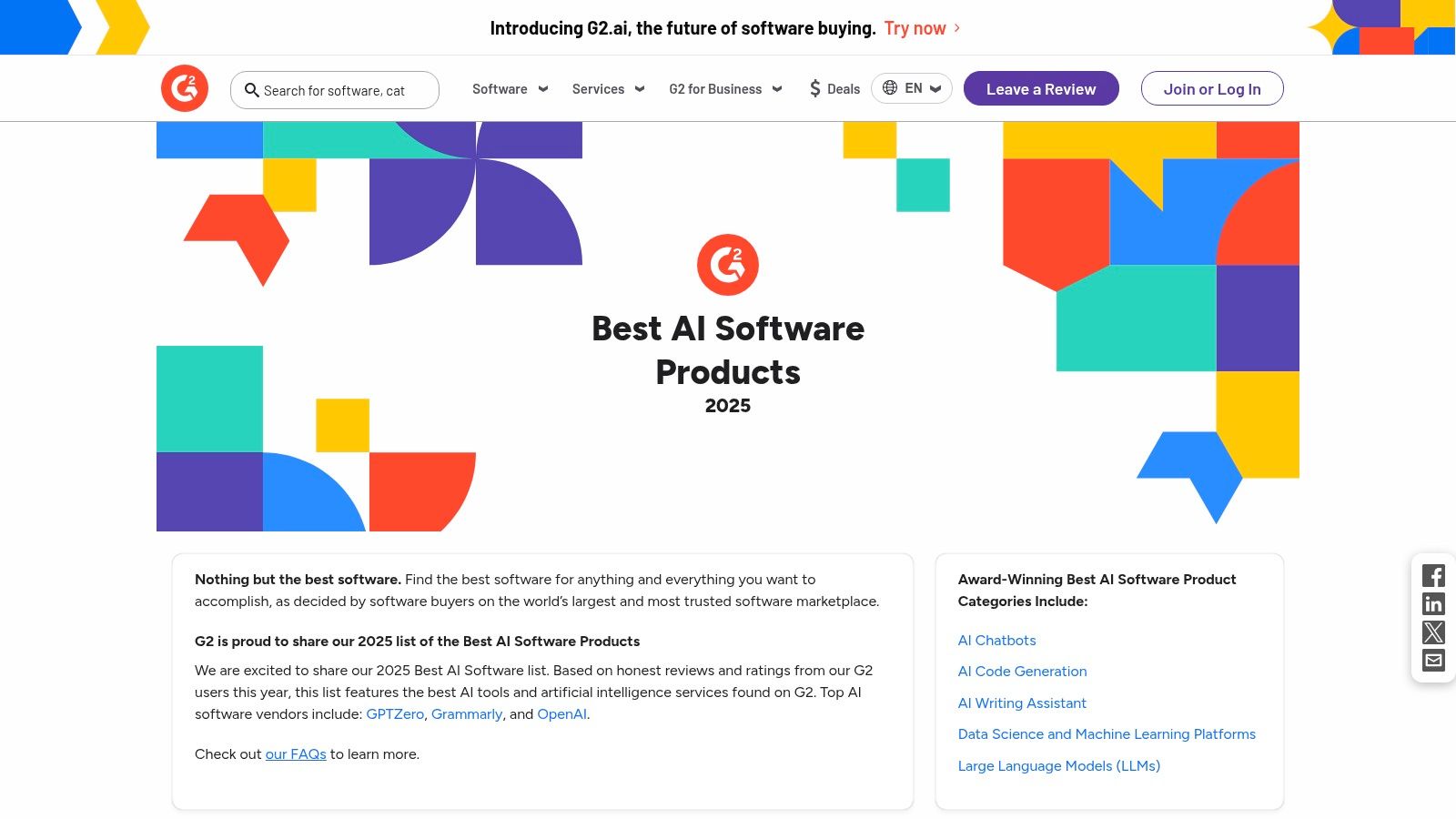
This platform excels at providing the social proof needed to make a confident purchasing decision. The side-by-side comparison feature is particularly useful, allowing you to quickly evaluate key players in a category like AI chatbots or marketing automation. By leveraging its detailed filters, you can find the best AI tools for your small business that are validated by peers.
Key Insights & Usage Tips
- Best For: Researching and comparing AI software using verified, in-depth user reviews before committing.
- Pricing: Free to browse and read reviews.
- Pro Tip: Pay close attention to the review filters. You can sort feedback by company size to see how a tool performs specifically for other small businesses, which is far more relevant than reviews from enterprise-level users.
- Limitation: Be aware that some vendors pay for higher visibility. Always cross-reference the "sponsored" tags with organic rankings and read the full methodology notes to get an unbiased view.
Website: https://www.g2.com/best-software-companies/top-ai
3. Capterra
Similar to G2, Capterra is a massive software directory where small businesses can research, compare, and discover AI tools. Owned by Gartner, it offers a catalog of over 1,000 AI solutions, making it a powerful starting point for broad-based research. Its strength lies in its extensive filtering system, which lets you narrow down options by features, pricing models, and business size to find the best AI tools for your specific operational needs.
Capterra excels at providing a high-level overview of the market, allowing you to see a wide array of vendors in one place. This makes it particularly useful for initial budget planning and creating a shortlist of potential candidates before diving deeper. The platform clearly discloses sponsored placements, so you can distinguish between paid listings and organic results, helping you make a more informed decision.
Key Insights & Usage Tips
- Best For: Broad initial research and discovering a wide range of AI software vendors across many categories.
- Pricing: Free to use for research and comparison.
- Pro Tip: Use the "Highest Rated" and "Most Reviews" sorting options to bypass initial sponsored listings and see what tools are genuinely popular and well-regarded by real users.
- Limitation: Vendor-provided information can sometimes be outdated. Always click through to the official vendor website to verify the most current pricing, features, and terms of service.
Website: https://www.capterra.com/artificial-intelligence-software/?utm_source=openai
4. Product Hunt
Product Hunt isn’t a single tool but a daily discovery platform for new tech, making it an essential resource for finding cutting-edge AI solutions. For small businesses wanting to stay ahead, it showcases the latest AI apps as soon as they launch, often with introductory deals. The community-driven upvote system and comment sections provide immediate, unfiltered feedback from early adopters and direct engagement with the product makers.
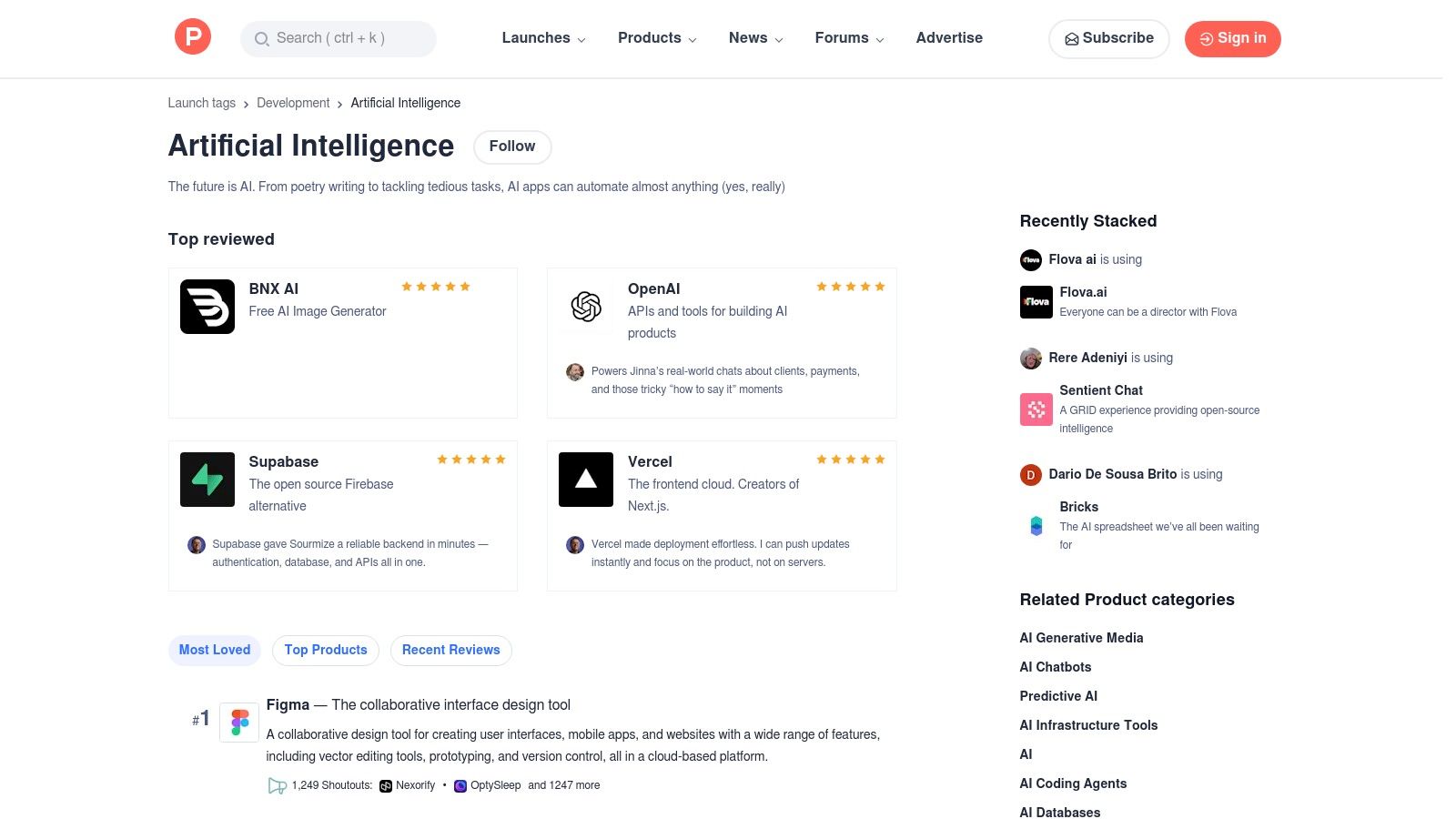
This platform is where you spot nascent trends and find niche AI tools before they become mainstream. Its dedicated "Artificial Intelligence" topic page curates all the latest launches, allowing you to see what’s new, what’s popular, and what problems developers are currently solving with AI. It's a goldmine for small businesses looking for innovative, and often more affordable, alternatives to established market players.
Key Insights & Usage Tips
- Best For: Discovering brand-new, emerging AI tools and accessing early adopter discounts.
- Pricing: Free to browse, comment, and discover products.
- Pro Tip: Read the comment section for each product. Here, you'll find genuine user questions, maker responses, and early feedback that won't appear in polished reviews, giving you a raw look at a tool's capabilities and support.
- Limitation: Many products are in their early stages. Be prepared for potential bugs, limited features, or pivots. Thoroughly vet any tool before integrating it into critical business operations.
Website: https://www.producthunt.com/topics/artificial-intelligence?utm_source=openai
5. Google Workspace Marketplace
For small businesses already embedded in the Google ecosystem, the Workspace Marketplace is less about finding a standalone platform and more about supercharging the tools you use daily. It’s an official app store filled with AI-powered add-ons that integrate directly into Gmail, Docs, Sheets, and Slides. This allows you to add specific AI capabilities, like a meeting summarizer in Google Meet or a formula generator in Sheets, without leaving your existing workflow.

This platform excels by offering a seamless, one-click installation process and centralized administrative controls, making it easy to deploy new tools across your team. Instead of juggling disparate apps, you can find and manage the best AI tools for your small business directly within your core productivity suite. This tight integration ensures a smoother user experience and minimizes the learning curve associated with adopting new software.
Key Insights & Usage Tips
- Best For: Small businesses using Google Workspace that want to add AI features directly into their existing workflows.
- Pricing: Many add-ons are free or have free tiers, but some require separate subscriptions or eligible Gemini/Workspace plans.
- Pro Tip: Use the "Works with" filter to find AI tools specific to the Google app you use most, like "Gmail" or "Sheets." Read recent reviews to check for compatibility and performance updates before installing.
- Limitation: The quality and feature sets of add-ons can vary widely. A powerful-looking tool might have a very limited free tier or require a separate, costly subscription to unlock its full potential.
Website: https://workspace.google.com/marketplace/?utm_source=openai
6. Microsoft Marketplace
For small businesses already integrated into the Microsoft ecosystem, the Microsoft Marketplace serves as a trusted and unified hub to find AI-powered applications. It consolidates offerings from AppSource and Azure Marketplace, providing a single catalog where you can discover, try, and deploy AI solutions that are vetted for security and designed to work seamlessly with tools like Microsoft 365, Dynamics 365, and Azure. This makes it one of the best AI tools for small business owners seeking enterprise-grade governance and straightforward procurement.

The platform excels at simplifying the buying and deployment process. Because the tools are built for the Microsoft environment, integration is often a one-click process that provisions the app directly into your existing company tenant. This streamlined workflow eliminates much of the technical overhead typically associated with adopting new software, allowing you to leverage powerful AI without complex setup procedures.
Key Insights & Usage Tips
- Best For: Businesses running on Microsoft 365 or Azure that need secure, compliant, and easily integrated AI solutions.
- Pricing: Varies by vendor; many apps offer free trials or tiered pricing plans that are integrated with Microsoft billing.
- Pro Tip: Use the "Works with Microsoft Copilot" filter to find AI tools and agents that can extend the functionality of your existing Copilot investment, creating a more powerful and connected AI assistant.
- Limitation: The selection can lean towards mid-market or enterprise-level solutions, which may have a higher complexity or cost than what a very small business requires.
Website: https://marketplace.microsoft.com/
7. Shopify App Store
For e-commerce small businesses, the Shopify App Store is less of a single tool and more of an essential AI ecosystem. It provides direct access to thousands of specialized AI applications designed to solve specific retail challenges, from generating compelling product descriptions to optimizing store SEO and personalizing customer recommendations. Shopify is also embedding its own native AI features, like Sidekick, to streamline store setup and management.
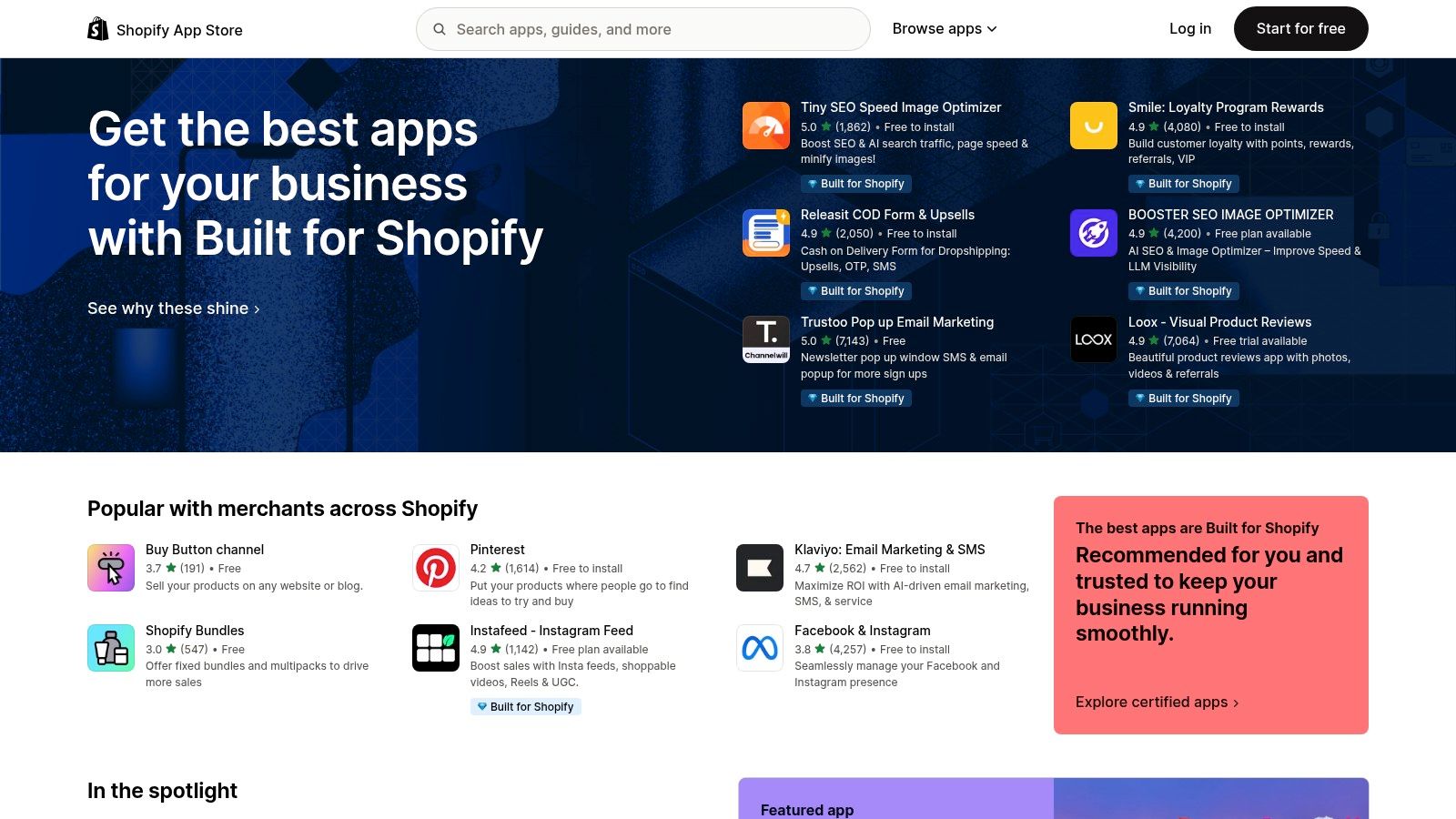
This platform excels by integrating AI directly into the e-commerce workflow, where the return on investment is immediately measurable in conversions and sales. Instead of searching for general tools, merchants can find apps tailored for tasks like AI-powered search, merchandising, and even creating stunning digital product images using AI generators. The seamless installation and billing within the Shopify dashboard make experimenting with these tools incredibly simple.
Key Insights & Usage Tips
- Best For: Shopify-based e-commerce businesses looking to boost conversions, automate marketing, and streamline operations.
- Pricing: Varies by app; many offer free plans or trial periods, with paid tiers unlocking advanced features.
- Pro Tip: Use the free trial periods to A/B test an app’s impact on a key metric like conversion rate or average order value before committing to a paid plan.
- Limitation: App quality and support can be inconsistent. Always check recent reviews and ratings, and be wary of apps that require expensive plans for core functionality.
Website: https://apps.shopify.com/
8. AWS Marketplace
For small businesses already integrated into the Amazon Web Services ecosystem, the AWS Marketplace is a powerful procurement hub for discovering and deploying AI solutions. Rather than a single tool, it’s a digital catalog where you can find, test, and buy thousands of software listings from popular vendors, including pre-trained machine learning models and AI-powered SaaS products. This centralized approach simplifies vendor management and billing significantly.

The platform streamlines the purchasing process with features like consolidated invoicing through your existing AWS bill and the ability to negotiate private offers. Its real value for a tech-savvy small business lies in its governance and direct deployment capabilities. You can find the best AI tools for your small business and integrate them seamlessly into your cloud infrastructure, often with just a few clicks.
Key Insights & Usage Tips
- Best For: Small businesses with an existing AWS footprint looking for a secure and governed way to procure and deploy third-party AI software.
- Pricing: Varies by vendor; many listings offer free trials, hourly rates, or annual subscriptions.
- Pro Tip: Use the "AI-powered view" feature on product comparison pages. It automatically summarizes user reviews and key features to help you quickly identify the most relevant differences between tools without reading dozens of pages.
- Limitation: Many offerings are highly technical and designed for developers or IT teams. A non-technical business owner may find the deployment process complex without AWS familiarity.
Website: https://aws.amazon.com/marketplace/
9. OpenAI (ChatGPT)
OpenAI’s ChatGPT is a foundational AI assistant platform that has become a go-to for countless knowledge-work tasks. For a small business, it serves as an incredibly versatile tool for everything from drafting marketing copy and creating business plans to analyzing data and generating code snippets. Its conversational interface allows for immediate productivity, requiring little to no technical setup.
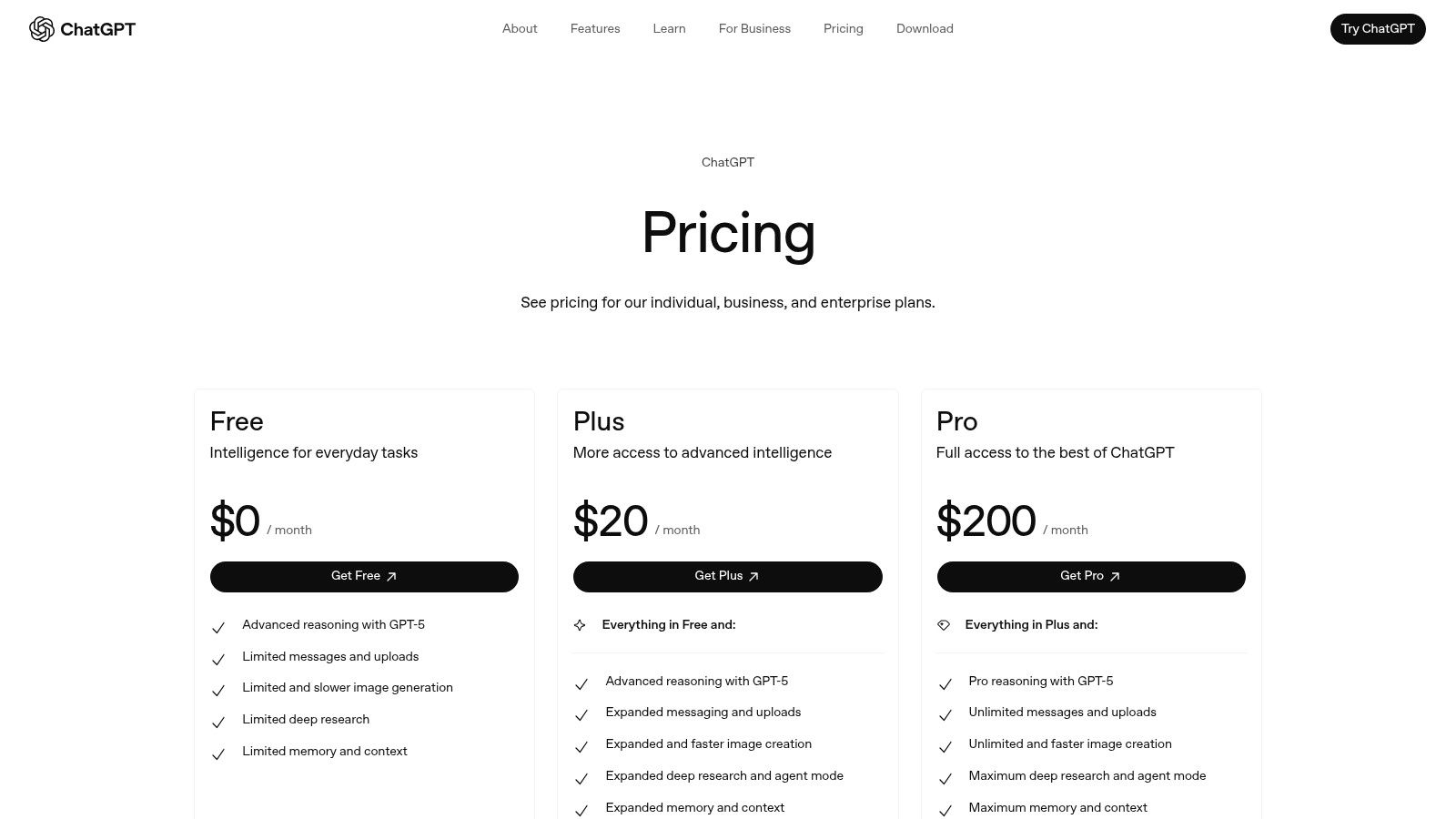
The platform stands out by offering dedicated business and team plans that provide essential data privacy controls, ensuring business data is not used for training. With features like custom GPTs, team workspaces, and integrations with services like Google Drive and Microsoft SharePoint, ChatGPT moves beyond a simple chatbot. It becomes a collaborative hub for creative and analytical tasks, making it one of the best AI tools for small business teams looking to augment their capabilities without a steep learning curve.
Key Insights & Usage Tips
- Best For: General-purpose content creation, research, data analysis, and brainstorming across all business functions.
- Pricing: Free plan available. Paid plans start at $20/user/month for Plus and $25/user/month for the Team plan.
- Pro Tip: Use the custom GPTs feature to create specialized assistants trained on your specific business information, like customer service guidelines or brand voice documents, for more consistent and relevant outputs.
- Limitation: While powerful, the free and lower-tier plans have usage limits. Costs can increase with heavy use or if you need the advanced security and administrative features of higher-tier plans.
Website: https://openai.com/chatgpt/pricing/?utm_source=openai
10. Zapier
Zapier is a no-code automation powerhouse that allows small businesses to connect over 7,000 different applications and build automated workflows. While not a standalone AI tool, its true strength lies in embedding AI capabilities directly into these workflows. You can add AI steps, like generating text with a prompt or using an AI copilot, to automate tasks across your marketing, operations, and support channels without needing any engineering resources.
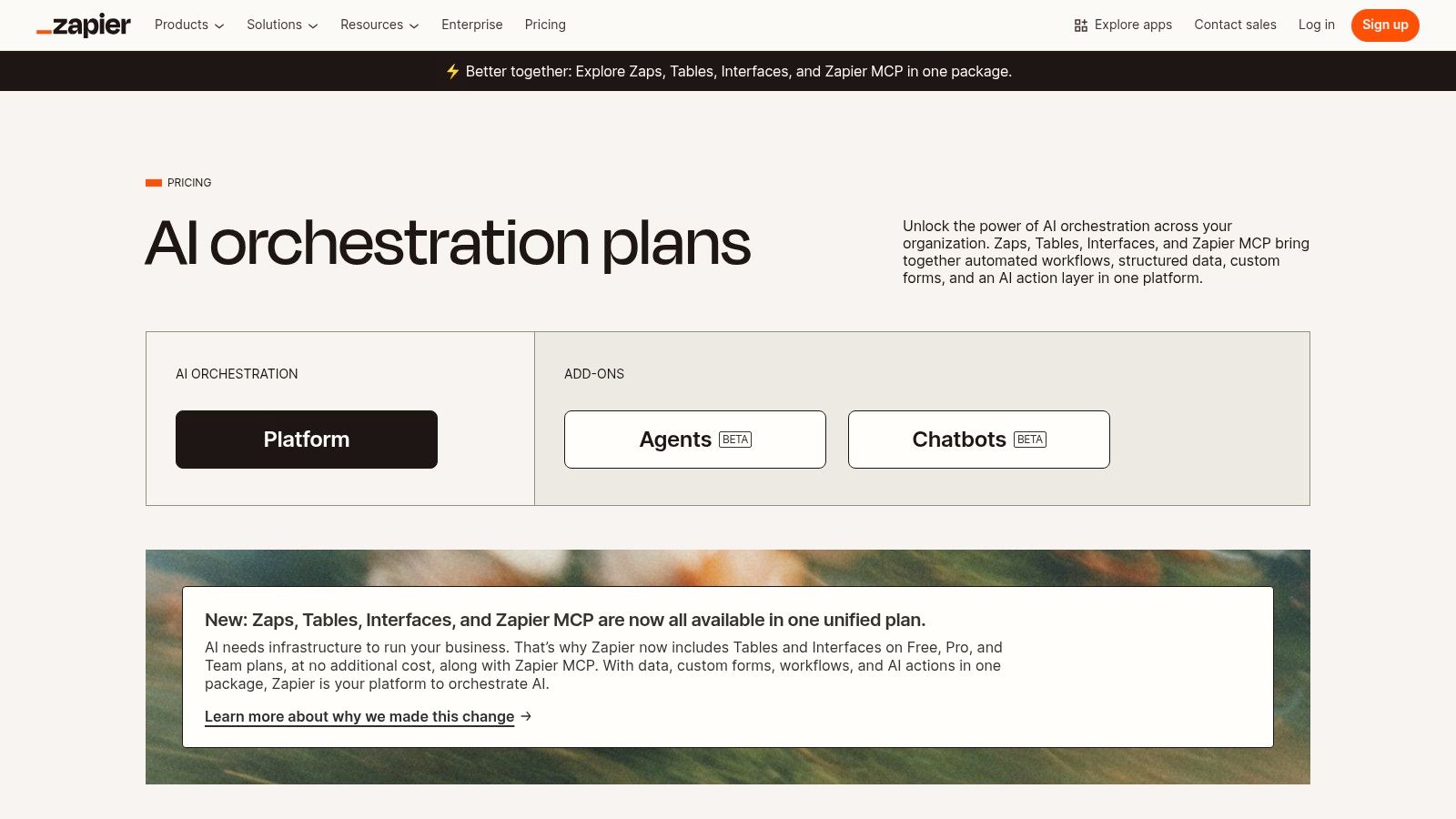
This platform makes complex automation accessible to non-technical users through its intuitive visual builder. For a small business, this means you can create a "Zap" that automatically drafts an AI-generated reply when a new lead comes in through your website, or categorizes customer support tickets using AI analysis. It’s one of the best AI tools for small business because it integrates AI into the practical, day-to-day processes you already use, saving significant time and effort.
Key Insights & Usage Tips
- Best For: Automating repetitive tasks across multiple apps by embedding AI actions into workflows without writing code.
- Pricing: Offers a generous free tier for basic automations. Paid plans start at $19.99/month (billed annually) for more tasks and features.
- Pro Tip: Start with simple, two-step "Zaps" to learn the platform. For example, connect your email to a spreadsheet and add an AI step to summarize incoming client feedback automatically.
- Limitation: Costs can increase quickly as your task volume grows or if you need premium features and multi-step Zaps. Monitor your task usage carefully to manage your subscription budget.
Website: https://zapier.com/pricing
11. Canva (Magic Studio)
Canva has long been a go-to for accessible design, but its Magic Studio suite transforms it into a powerful AI-driven content engine. For small businesses, this means the ability to generate on-brand social media posts, presentations, and ad creatives in seconds, even with no design experience. Its AI tools like Magic Design and Magic Write help overcome creative blocks, turning simple text prompts into polished visuals and copy.
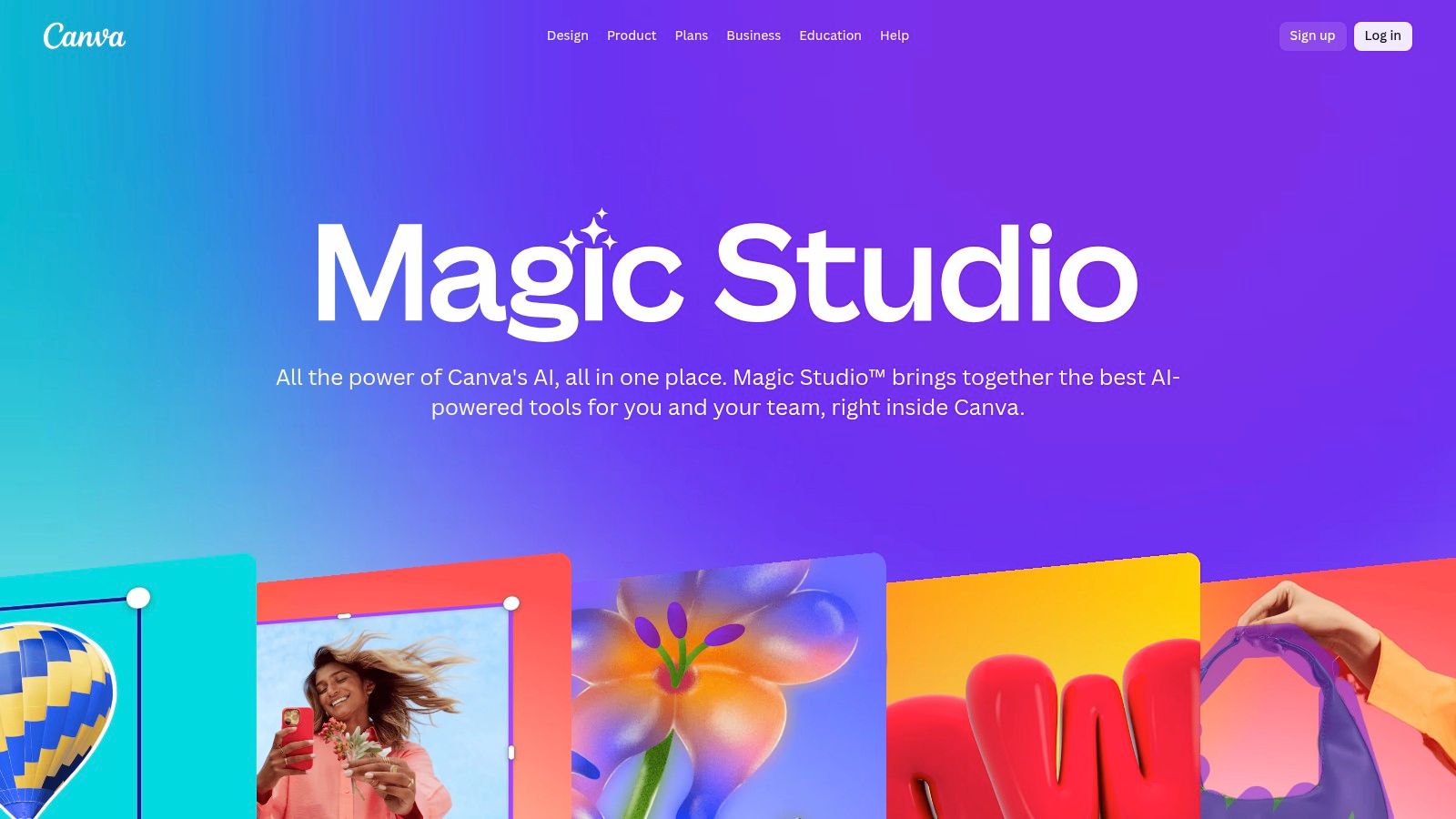
What makes Canva one of the best AI tools for small business is how it integrates these features into an already seamless workflow. You can use its Background Remover for clean product shots, apply your branding with a single click using Brand Kits, and collaborate with team members in real-time. This combination of speed and brand consistency is a game-changer for marketing teams needing to produce high-quality content at scale.
Key Insights & Usage Tips
- Best For: Creating professional-looking marketing assets, social media content, and presentations quickly without needing advanced design skills.
- Pricing: Free plan with limited AI credits; Paid plans (Pro and Teams) offer significantly more AI features and usage, starting around $14.99/month.
- Pro Tip: Use the Magic Switch feature (formerly Resize & Magic Switch) to instantly transform a single design into multiple formats, like turning an Instagram post into a Facebook banner and a presentation slide.
- Limitation: The AI features operate on a credit system, even for paid users, and the terms and credit amounts can change. Always check the current usage policy before starting a large project.
Website: https://www.canva.com/magic/?utm_source=openai
12. HubSpot
HubSpot is more than just a CRM; it's an AI-powered growth platform that unifies marketing, sales, and service tools. For small businesses seeking an integrated solution, HubSpot embeds AI features like content assistants and SEO guidance directly into its core hubs. This allows teams to create marketing materials, automate workflows, and manage customer data from a single, cohesive system, eliminating the need for multiple disconnected tools.
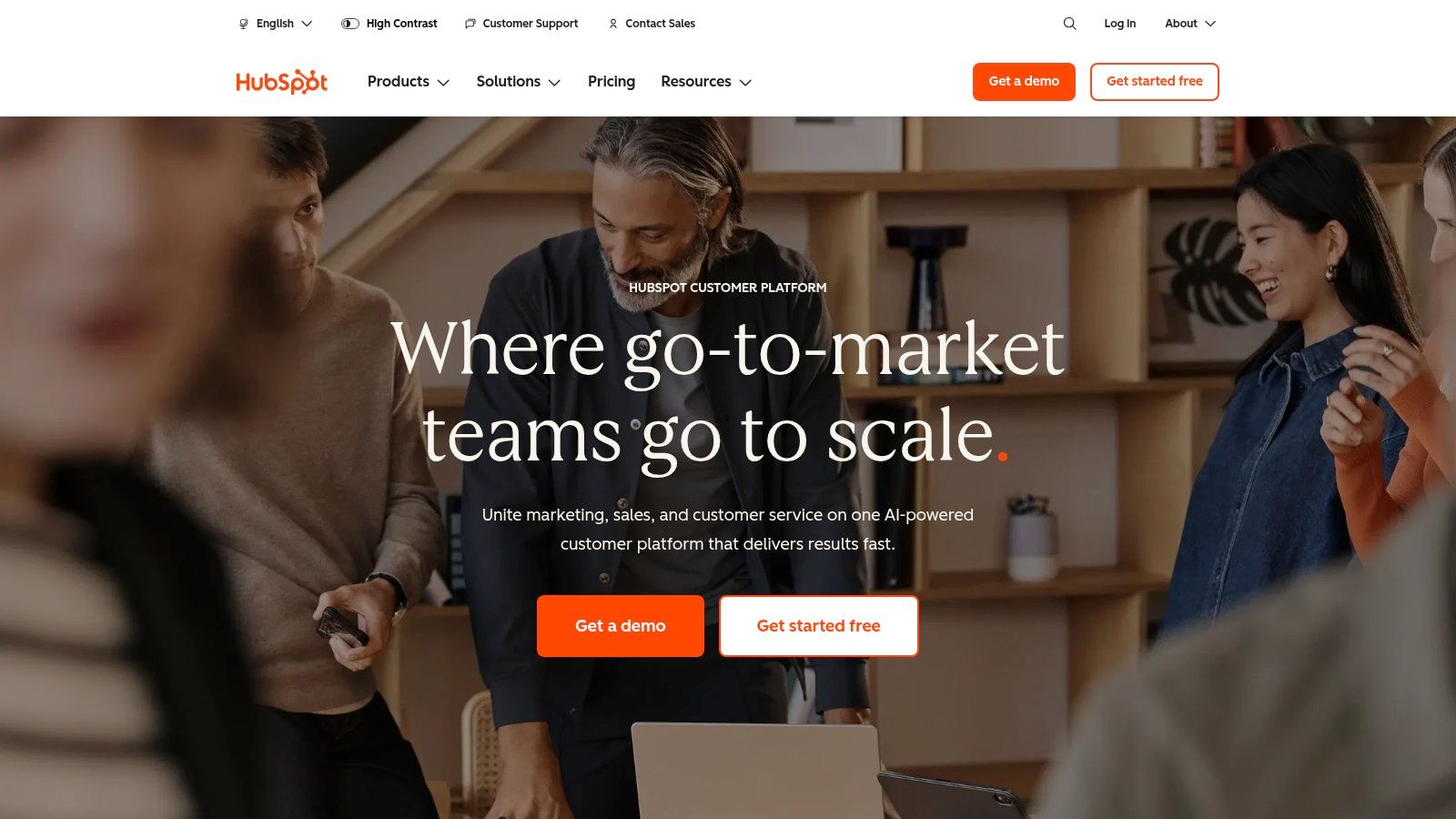
The platform's strength lies in its all-in-one nature and clear scalability. A small business can start with affordable bundles and free "View-Only" seats, then seamlessly upgrade to more powerful plans as it grows. By connecting AI-driven content and automation with a robust CRM, HubSpot provides a comprehensive foundation for scaling customer relationships. It's one of the best AI tools for small business owners who prioritize integration and a clear growth path.
Key Insights & Usage Tips
- Best For: SMBs that want an all-in-one platform to manage customer data, marketing, and sales with embedded AI features.
- Pricing: Offers free tools, with paid Starter bundles beginning at a discount. Costs scale with features and seat-based pricing.
- Pro Tip: Maximize the free educational resources in the HubSpot Academy. They provide excellent training on how to leverage the platform’s AI marketing software and other tools for business growth.
- Limitation: The most powerful AI features and advanced automation are locked behind the higher-tier Professional and Enterprise plans, which can become costly.
Website: https://www.hubspot.com/
Top 12 AI Tools for Small Business — Comparison
| Product / Source | Core features | UX & Quality | Value / USP | Best for / Audience | Pricing / Notes |
|---|---|---|---|---|---|
| Bulk Image Generation | Flux 1.1 + GPT‑Image‑1; up to 100 images in ~15–20s; batch editor & one‑click templates | No prompt engineering; fast iterations; cuts edit time ~50% | End‑to‑end bulk image creation + post‑production; natural‑language inputs; use‑case library | Digital marketers, social teams, agencies, SMBs, creators | Pricing not publicly detailed; free tools & templates included |
| G2 | Verified buyer reviews, curated "Best AI" lists, filters | Deep review data; side‑by‑side comparisons | Reliable social proof for vendor shortlists | SMBs vetting software | Free to browse; promoted vendors may appear higher |
| Capterra | Large software catalog, filters, vendor links | Broad comparisons; many listings | Extensive directory for research & budgeting | SMBs researching AI vendors | Free; sponsored listings present |
| Product Hunt | Daily launches, upvotes, community comments | Early adopter feedback; maker responses | Fast discovery of new tools and promos | Founders, early adopters, makers | Free; product maturity varies |
| Google Workspace Marketplace | Native add‑ons for Gmail/Docs/Sheets/Meet; one‑click installs | Seamless Workspace integration; admin controls | Tight in‑app integrations for Workspace users | Businesses using Google Workspace | Many free tiers; some add‑ons require subscriptions |
| Microsoft Marketplace | AppSource + Azure catalog; security/compliance reviews | Enterprise provisioning and governance | Procurement + tenant integration for Microsoft stack | Microsoft 365/Azure enterprises, IT teams | Variable enterprise pricing; may need tenant setup |
| Shopify App Store | Ecommerce AI apps (SEO, descriptions, recommendations) | Easy install, trials, app A/B testing | ROI‑focused tools for stores (conversions, SEO) | Shopify merchants & ecommerce teams | Many apps offer free trials; paid tiers common |
| AWS Marketplace | SageMaker models, ML packages, private offers | Consolidated billing; procurement features | Cloud deployment + governance for AWS customers | Teams on AWS and engineering groups | Consolidated AWS billing; technical setup required |
| OpenAI (ChatGPT) | Multimodal models, agents, custom GPTs, team workspaces | Versatile, fast productivity gains; connectors | General‑purpose AI assistant for varied tasks | Teams needing writing, research, automation | Tiered plans; usage limits and enterprise options |
| Zapier | No‑code automations, AI steps, visual workflow builder | Low‑code onboarding; broad app coverage | Automate workflows across 7,000+ apps without engineers | SMBs automating marketing/ops/support | Generous free tier; costs scale with task volume |
| Canva (Magic Studio) | Magic Design, Magic Write, BG remover, resize, templates | Template‑driven, collaborative, cross‑platform | Fast brand‑consistent visual + written content | Marketing teams, social creators, small teams | Free plan; advanced AI features often on paid plans |
| HubSpot | CRM + AI content assistants, SEO guidance, automation | Integrated growth stack; strong onboarding | Unified customer data + content + automation | SMBs scaling marketing, sales & service | Seat‑based tiers; costs increase with seats/features |
Choosing Your AI Toolkit: Strategy Over Hype
Navigating the expansive landscape of AI can feel overwhelming, but as we've explored, the right tools can be transformative for a small business. We've moved beyond generic platforms like OpenAI's ChatGPT and marketplaces like G2 and Capterra, delving into specific, actionable solutions like Canva's Magic Studio for design, Zapier for workflow automation, and HubSpot for integrated marketing. The key takeaway isn't just knowing what tools exist, but understanding how to strategically assemble them into a cohesive ecosystem that drives tangible results.
The best AI tools for your small business are not necessarily the ones with the most features or the biggest marketing budget. Instead, they are the ones that seamlessly integrate into your existing workflows, solve a specific, persistent problem, and provide a clear return on investment, whether that's measured in time saved, revenue generated, or customer satisfaction improved.
From Exploration to Implementation: Your Next Steps
The journey from awareness to adoption requires a methodical approach. Avoid the temptation to subscribe to every promising platform. Instead, follow a structured plan to ensure your investment pays off.
- Start with a Pain Point Audit: Before you even consider a tool, pinpoint your biggest operational bottlenecks. Is it content creation that slows you down? Is your customer service team overwhelmed? Are you struggling to analyze marketing data? Let the problem define the solution, not the other way around.
- Prioritize Integration: A powerful standalone tool can become an operational headache if it doesn't communicate with your existing software stack. Look for tools with robust integrations, like those offered by Zapier or found within ecosystems like Google Workspace and HubSpot. A connected toolkit is exponentially more powerful than a collection of isolated apps.
- Run Small, Focused Trials: Nearly every tool we've discussed offers a free trial or a freemium plan. Use this opportunity to run a pilot project. Assign a small team to test a tool for a specific task over a set period (e.g., one or two weeks). This allows you to assess its real-world value and user-friendliness without committing significant resources.
- Measure Everything: Define what success looks like before you implement a new tool. Key performance indicators (KPIs) could include a reduction in time spent on a task, an increase in lead generation, or a higher customer engagement rate. Track these metrics diligently to justify the continued use and cost of the tool.
Final Thoughts: Building Your Intelligent Business
Adopting AI is no longer a futuristic concept; it's a present-day competitive necessity for small businesses. By focusing on strategic implementation rather than chasing trends, you can build a powerful, customized AI toolkit. This approach empowers you to automate mundane tasks, unlock creative potential, and gain deeper insights into your operations and customers. The goal is not to replace the human element of your business but to augment it, freeing you and your team to focus on what truly matters: innovation, relationships, and sustainable growth. The journey starts now, one tool at a time.
Ready to supercharge your content creation pipeline? If you need to generate hundreds or thousands of unique, on-brand images for your marketing campaigns, e-commerce listings, or social media, look no further. Bulk Image Generation provides a powerful, streamlined solution specifically designed to help small businesses scale their visual content production effortlessly. See how it works at Bulk Image Generation.
