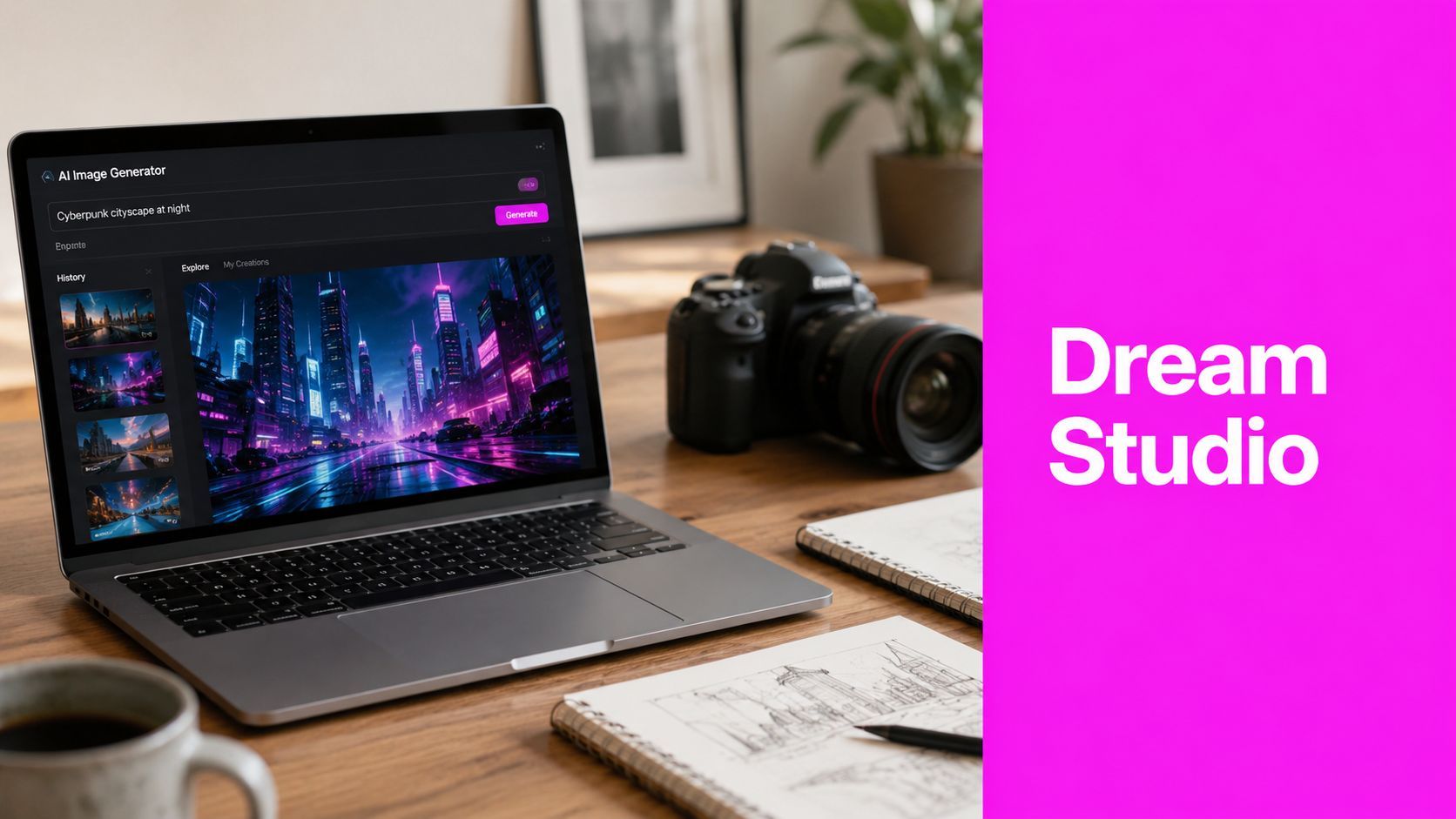
What Is the Dream Studio? a 2026 AI Art Guide

Ryan Bennett • May 29, 2026
Uncover what 'The Dream Studio' really means. This guide explains Stability AI's DreamStudio, its uses, and how bulk AI tools offer a faster workflow.
You search for the dream studio, expecting one clear answer. Instead you land on a recording studio, a studio tour, a course page, and a handful of unrelated brands that all sound plausible.
That confusion is normal. The phrase is broad, and search results often mix creative spaces, businesses, and AI tools into one messy pile. For those looking it up today, the underlying question isn't “what is a dream studio in general?” It's “which DreamStudio do people mean, what does it do, and is it enough for professional image work?”
That's the practical version of the topic, so that's the version worth answering.
Decoding The Dream Studio Confusion
The phrase The Dream Studio sounds specific. In practice, it isn't. Search results often pull in unrelated businesses and projects, including a recording studio in Austin and a YouTube studio tour, which is why many users hit confusion before they can even ask a useful follow-up question, as noted on The Dream Recording Studio about page.
Why the search feels broken
The problem isn't that you searched badly. The problem is that the term has weak identity.
One person means a physical workspace. Another means an aspirational personal setup. Someone else means Stability AI's DreamStudio. Search engines collapse all of that into one result set, so you end up comparing things that have nothing to do with each other.
That matters because workflow decisions change depending on which “dream studio” you mean. If you're a marketer, designer, educator, or small business owner, you probably aren't looking for acoustic treatment, camera shelves, or a studio renovation story. You're looking for a way to make images faster.
The fastest way to get clarity is to stop treating “the dream studio” as a single entity and ask what job you need it to do.
What most users are actually looking for
In current AI-image conversations, DreamStudio usually refers to Stability AI's image generation platform. That's the version tied to Stable Diffusion, prompt-based image creation, and editing tasks like inpainting.
Once you frame it that way, the rest gets easier. You're not trying to define a dreamy creative concept. You're evaluating a production tool.
A practical filter helps:
- If you need one polished image at a time, you're probably comparing prompt-based image generators.
- If you need many variations for campaigns or brand systems, you're really evaluating throughput.
- If you need repeatable creative output, you're not just looking for a tool. You're building a studio workflow.
That last point often presents a challenge. They start by asking about a product name, but the better question is how to turn ideas into usable visuals without spending the whole afternoon prompting, re-prompting, and cleaning up results.
The True Meaning of a Creative Studio
A real studio isn't just a room or an app. It's a system for producing creative work reliably.
That idea existed long before AI. The old Hollywood studio system, often called the original dream factory, relied on vertically integrated production at industrial scale and produced more than 100 films per year at its peak, according to Script Magazine's history of the dream factory. Its importance wasn't just volume. It was the combination of repeatable process and creative throughput.

The older meaning still fits
The term also showed up in a very different setting. An early Dream Studio in Coney Island operated as a souvenir photo business with numerous full-size props, including an early automobile and a Wright Brothers-style airplane, for staged visitor photography, as described by Coney Island History Project.
That example matters because it strips the romance away and shows the mechanics. People came in. They stepped into a prepared scene. The studio used repeatable setups to generate many distinct images quickly.
That is surprisingly close to modern AI image work.
What a studio should do now
A modern creative studio should give you three things:
- Repeatability: You shouldn't have to reinvent your style every session.
- Speed: Ideas need to become usable drafts quickly.
- Range: One concept should spin into multiple directions without starting from zero each time.
The old film studio did that with departments, crews, and physical production lines. The Coney Island photo setup did it with props and staged backgrounds. An AI studio does it with prompts, models, reference images, editing tools, and generation pipelines.
A studio earns the name when it helps you produce consistently, not when it merely gives you a place to experiment.
That's the useful definition to keep in mind. If a tool creates a nice image once, that's interesting. If it helps you build a repeatable visual system, that's a studio.
Exploring Stability AI's DreamStudio Platform
For most AI users, DreamStudio means Stability AI's web interface for working with Stable Diffusion. It's the accessible front door to the model, not just the model itself.

What powers it
Under the hood, DreamStudio uses a latent diffusion system. In plain language, that means the model doesn't build images by brute force at full detail from the start. It works through a compressed representation, which is a big reason it can move quickly. As summarized by Diffusion News on DreamStudio, the Stable Diffusion model behind it was trained on billions of images, can generate from text, modify existing images, and inpaint missing regions, and it was designed to run on consumer GPUs so outputs can arrive in seconds.
If you're new to the term, think of latent diffusion like sketching structure before painting details. The model forms a hidden blueprint, then resolves it into an image you can use.
What you can do inside DreamStudio
DreamStudio covers the core moves most users expect from an AI art tool:
- Text-to-image: Type a prompt and generate a fresh image from scratch.
- Image-to-image: Feed in a starting image and push it toward a new style, composition, or mood.
- Inpainting: Replace or repair part of an image without rebuilding the whole frame.
- Outpainting: Extend beyond the original borders to create a wider composition.
These are useful features. They're especially good for concept exploration, moodboards, rough art direction, and quick visual ideation.
If you want a simple entry point into prompt-based creation, an AI art generator workflow can help you compare what these tools are doing rather than judging them by brand names alone.
Where it works well and where it starts to strain
DreamStudio works well when you need to test ideas. It's good for finding a direction, trying styles, and learning how prompt changes affect output.
It gets slower when the job shifts from exploration to production. That happens when you need variant sets, campaign-ready dimensions, or consistent outputs across a batch of visuals.
Single-image generators are strong sketch tools. They become weaker production tools when volume and consistency matter more than novelty.
That doesn't make DreamStudio a bad platform. It just defines its lane. It's a strong creative sandbox. For many professional teams, though, the bigger problem isn't “can this make one good image?” It's “can this support the volume my workflow needs?”
Real-World Use Cases for AI Image Generation
The easiest way to judge a tool is to stop thinking in features and start thinking in jobs.
A marketer launching a seasonal campaign doesn't need “AI art.” They need a stream of visuals that fit a message, a product, and a posting schedule. An educator doesn't need a latent diffusion lecture. They need classroom materials that don't look generic. A small business owner doesn't need endless prompt experiments. They need brand mockups they can react to.
Marketing teams and campaign pressure
A social media manager usually runs into the same bottleneck. One campaign needs multiple looks, multiple crops, and multiple concepts before anyone signs off.
That's where AI image generation is useful even before you get to large-scale automation. You can test directions quickly, compare moods, and decide whether a product should look clean, playful, editorial, or dramatic. The broader principle isn't new. Hollywood's original dream factory scaled output by standardizing production and still managed creative throughput, producing over 100 films per year at its peak, as described in Script Magazine's historical overview.
The parallel is simple. Standardization doesn't kill creativity. It protects it from chaos.
Education and hobby projects
Teachers and hobbyists often need visuals that don't exist in stock libraries. A lesson about habitats might need a coloring page in a particular style. A reading activity might need custom character scenes that match a class theme.
AI helps because it creates visual material for narrow, specific needs. The output doesn't have to be gallery-grade. It has to be usable, clear, and adaptable.
Common wins include:
- Lesson visuals: Topic-specific scenes that match the unit instead of forcing the unit to match available images.
- Coloring pages: Clean, simple line-art concepts for classroom or home use.
- Activity sheets: Custom illustrations that fit a story, prompt, or age group.
Small brands and identity testing
Branding work often starts before the final identity exists. A small business owner may want to test product presentation, packaging mood, or content style before paying for a full shoot.
AI image generation is helpful here because it shortens the gap between “I have an idea” and “I can react to a visual.” You can try brand directions, create rough mockups, and identify what feels right before investing in deeper design work.
What doesn't work is expecting one generated image to solve the whole branding process. What does work is using AI to accelerate the messy early stage where options matter more than perfection.
From Single Images to a Bulk Generation Workflow
There's a clear point where single-image generation stops being enough. You feel it when the work becomes repetitive.
One prompt turns into ten. One useful result needs five related variations. Then every image needs resizing, cleanup, background edits, and brand adjustments. The tool still works, but the workflow doesn't.

Where single-image workflows break
A classic DreamStudio-style workflow usually looks like this:
- Write one prompt.
- Generate one small set of outputs.
- Pick one direction.
- Rewrite prompt details.
- Generate again.
- Export and edit manually.
That's fine for concepting. It's clumsy for production.
The biggest friction points are consistency, scale, and post-processing. Even when the model is capable, the operator ends up doing a lot of repetitive management work.
What changes in a bulk workflow
A bulk workflow treats image generation like a production run instead of a one-off creative event. The core shift is simple. You describe the objective once, generate many useful options, and then edit in batches.
That matters because the professional bottleneck is often throughput. The business context around bulk workflows highlights this gap directly: some systems generate up to 100 visuals in under 20 seconds and support batch edits that can halve editing time, which addresses the high-volume production problem single-image tools leave unresolved, according to DreamStudio consulting context on pricing, capacity, and throughput.
For social teams, that means campaign variants. For agencies, it means concept boards with real breadth. For ecommerce and branding, it means many usable options without rebuilding the process every time. A bulk social media image generator is one example of the kind of workflow built around output volume rather than one-image-at-a-time prompting.
Workflow comparison
| Feature | DreamStudio (Single-Image Workflow) | Bulk Image Generation (Bulk Workflow) |
|---|---|---|
| Primary mode | One prompt session at a time | Multi-image production from one objective |
| Best use | Ideation, testing, style exploration | Campaign assets, variations, repeated creative needs |
| Operator effort | Frequent manual re-prompting | More front-loaded setup, less repetition afterward |
| Consistency control | Harder across many outputs | Easier when generating around a shared brief |
| Editing approach | Individual cleanup per image | Batch editing and grouped refinement |
| Team fit | Solo experimentation and early concept work | Ongoing production for marketing, branding, and content pipelines |
Practical rule: If you need a handful of images, single generation is fine. If you need a system, switch to bulk.
What professionals usually learn the hard way
The first lesson is that image quality alone doesn't carry the workflow. A strong-looking output can still be inefficient if it takes too many cycles to get enough usable variants.
The second lesson is that consistency becomes the primary product. Teams don't just need “good art.” They need images that belong to the same campaign, product family, or brand voice.
That's why bulk generation is the stronger evolution for professional use. It moves the dream studio idea away from isolated sparks of inspiration and toward a production model that can keep up with deadlines.
Essential Tips for Quality AI Image Creation
Good results usually come from better instructions, not more hope. Most weak AI images start with prompts that are too vague, too overloaded, or too contradictory.
The fix is practical. Give the model clear subject matter, a visual style, and a purpose. Then refine from there instead of stuffing every idea into one line.

The prompt habits that actually help
Use this checklist when outputs keep missing:
- Define the subject clearly: Name the main object, person, or scene first. Don't bury it under style words.
- Specify the visual language: Say whether you want editorial photography, flat illustration, watercolor, packaging mockup, or something else.
- Control the mood: Lighting, color palette, and emotional tone shape the image as much as the subject does.
- Add composition cues: Mention close-up, wide shot, top-down, centered framing, or negative space when layout matters.
- Use negative prompts carefully: Exclude obvious unwanted elements, but don't build a giant blacklist that fights the prompt.
- Iterate with intent: Change one or two variables at a time so you can tell what improved the result.
Don't confuse detail with clarity
A longer prompt isn't automatically a better prompt. Dense prompts often create muddy outputs because they ask for too many competing decisions at once.
I've had better results by writing prompts like a brief to a junior designer. Start with the core ask. Add the style. Add the constraints. Stop before the prompt turns into a paragraph of panic.
A helpful way to improve that skill is to study examples built for repeatable workflows, especially when you need campaigns or product sets rather than one-off art. This guide to scalable AI image prompts is useful because it frames prompting around production needs, not just experimentation.
Learn from prompt libraries, not just from trial and error
You'll improve faster if you compare your prompts against working examples. That shortens the feedback loop and helps you spot patterns in style wording, scene structure, and output control.
For practical examples, a curated set of prompt ideas for AI image generators is useful because it gives you concrete starting points you can adapt to real tasks.
Good prompting is less like writing poetry and more like writing a clear creative brief.
Conclusion Building Your Modern Dream Studio
The phrase the dream studio sounds like it should point to one perfect tool. It doesn't. It points to a broader need.
Individuals often start with the name and end up needing a workflow. First they need clarity about the term. Then they need to understand DreamStudio as Stability AI's image platform. After that, they usually hit the core professional question: how do I move from generating interesting images to producing usable visual systems at scale?
That's where the modern meaning of a dream studio becomes practical. It isn't a room. It isn't a brand name. It's a repeatable setup for turning ideas into assets without wasting motion.
For some people, that setup starts with a single-image tool. For teams handling campaigns, branding, content calendars, or product visuals, it often needs bulk generation, batch editing, and a more production-minded pipeline. And once those assets are ready, they need somewhere to live. If you're packaging your work for clients, hiring managers, or collaborators, this guide to creating a professional online portfolio is a useful next step.
The best version of the dream studio is the one that matches how you work. Not how creative tools are marketed, but how your deadlines, revisions, and content needs really function.
If your image workflow has outgrown one-at-a-time prompting, Bulk Image Generation is worth evaluating as a production option. It supports high-volume image creation, natural-language prompting, and batch editing for teams that need more than isolated AI outputs.
