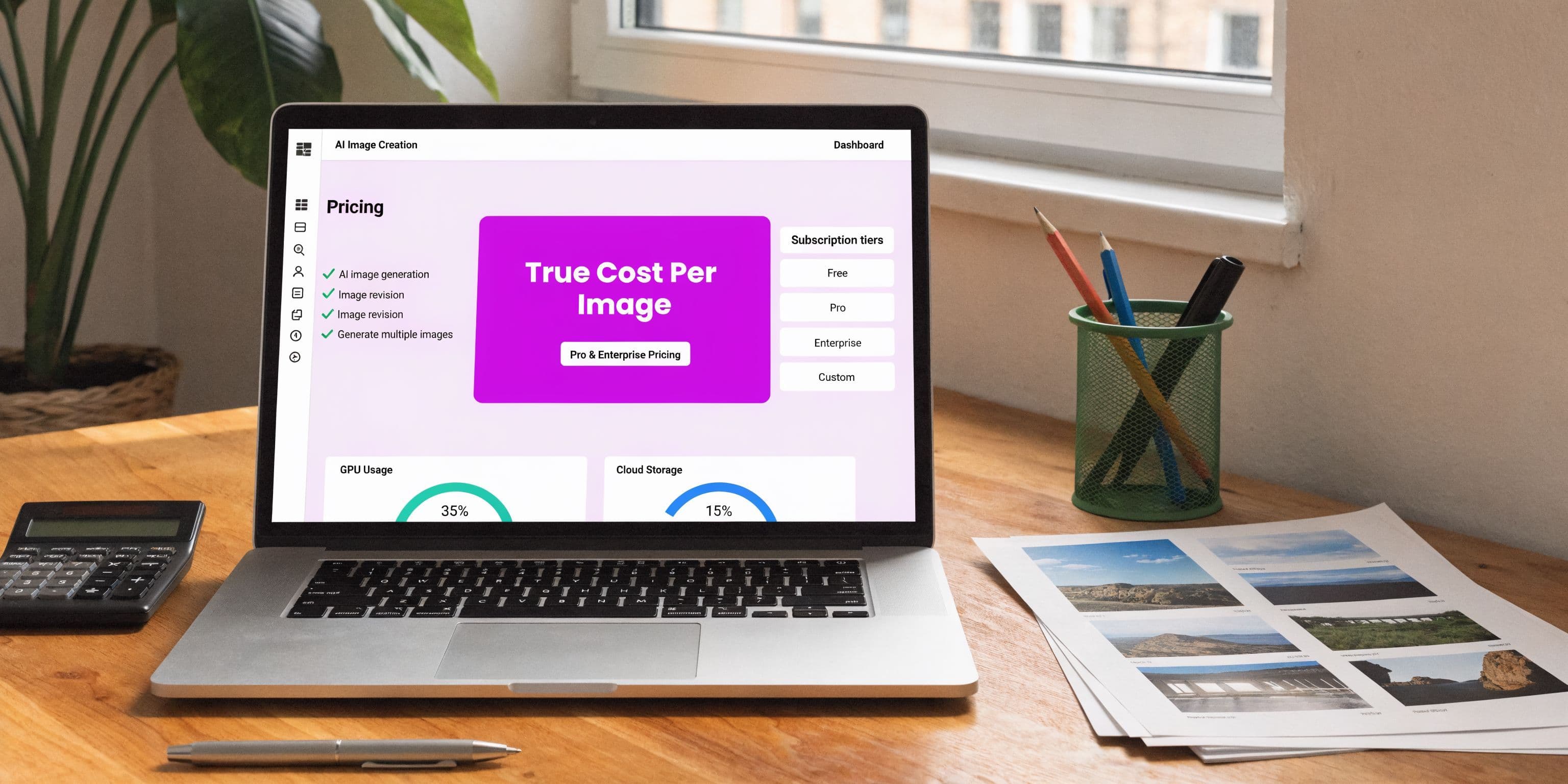
Midjourney AI Pricing 2026: The True Cost Per Image

Aarav Mehta • April 14, 2026
Get a full breakdown of Midjourney AI pricing for 2026. Learn the real cost per image, plan features, and when a bulk AI generator is a smarter choice.
If you're searching for midjourney ai pricing, you're probably not asking a casual question. You're trying to figure out whether the monthly fee is manageable, whether you'll hit a limit halfway through a client project, and whether Midjourney is still worth it once you're generating at volume.
That concern is justified.
Midjourney looks simple on the surface. Pick a plan, pay the subscription, start creating. In practice, the budget question isn't the sticker price. It's how many usable images you can get before Fast GPU time runs out, how much time you lose in prompt iteration, and whether public generation, queue delays, or licensing rules create friction that doesn't show up on the billing page.
I've seen this play out over and over. Midjourney is excellent when you need standout visuals, style exploration, or fast creative discovery. It gets less efficient when the work shifts from exploration to production. That's where the true cost shows up.
The Midjourney Paradox You Will Eventually Face
It's late. A campaign has to go live in the morning. You still need a pile of usable images, not just a few pretty experiments.
You start strong. Midjourney gives you great concepts in the first stretch. Then the message appears that every heavy user eventually sees. You're out of Fast GPU time. The problem isn't that Midjourney failed. The problem is that the monthly subscription didn't buy unlimited speed.

That moment is the core of Midjourney's pricing paradox. The fee looks fixed. Your production capacity isn't.
Midjourney has become a dominant platform because the output quality keeps pulling professionals back. Its business growth reflects that scale. Midjourney's revenue climbed from $200 million in 2023 to an estimated $500 million in 2025, driven by millions of users generating billions of images annually, according to Midjourney statistics from ElectroIQ. Plenty of marketers, educators, brand teams, and solo creators now treat it like a standard part of the visual stack.
Why the monthly fee can fool you
A subscription makes people think in flat-cost terms. That's not how Midjourney behaves in real work.
What you're buying is access to a limited pool of GPU time, plus a specific set of workflow privileges. Once that clicks, the pricing starts to make sense.
- If you're a casual user, the low entry plan can feel cheap because you aren't pushing enough volume to notice the cap.
- If you're producing assets daily, the limit becomes operational, not financial.
- If you're on deadlines, speed matters more than nominal plan price.
Practical rule: The moment your workflow depends on guaranteed turnaround, Midjourney stops being "just a subscription" and starts acting like a resource meter.
That gap matters most for social teams, agencies, and niche creators building repeatable outputs such as product scenes, ad variations, or educational printables. The broad trend is bigger than one tool, which you can see in this overview of AI image generation trends in 2025 and the next phase of creative workflows.
The real trade-off
Midjourney is strongest when you want original aesthetics and are willing to iterate. It gets harder to justify when you need consistency, volume, and low-friction throughput.
That's the tension behind most Midjourney pricing questions. You're not really choosing a monthly plan. You're choosing how much delay, iteration, and production pressure you're willing to absorb.
Decoding Midjourney Subscription Tiers for 2026
Midjourney has done something unusual in AI. It has kept the same four plan prices in place through 2026. According to SaaS Price Pulse's Midjourney pricing tracker, the monthly tiers remain $10, $30, $60, and $120, with Basic at 3.3 fast GPU hours and Standard at 15 fast GPU hours plus unlimited Relax mode.
That stability is good news for budgeting. It doesn't remove the need to choose carefully.

Midjourney Plan Comparison 2026
| Feature | Basic Plan | Standard Plan | Pro Plan | Mega Plan |
|---|---|---|---|---|
| Monthly price | $10 | $30 | $60 | $120 |
| Annual effective monthly price | $8 | $24 | $48 | $96 |
| Fast GPU time | 3.3 hours | 15 hours | 30 hours | 60 hours |
| Relax mode | No | Unlimited | Unlimited | Unlimited |
| Stealth mode | No | No | Yes | Yes |
What each tier is really for
The Basic plan is the testing ground. It's best for personal experimentation, occasional image generation, and users who want Midjourney's look without a serious production workload. The same pricing source notes that 3.3 fast GPU hours works out to roughly 200 images and about $0.05 per image when fully used. That's workable for casual use. It's tight for client work.
The Standard plan is where Midjourney starts becoming practical. You get more Fast time and unlimited Relax mode, which makes it a decent fit for freelancers, educators, and small teams that can tolerate slower queues for drafts. This is also the tier many people end up on after outgrowing Basic.
The Pro plan is the first business-safe option for many professional users. It adds Stealth Mode, more Fast time, and the privacy controls many agencies eventually realize they need.
The Mega plan is for sustained volume. If your team is generating at scale every week, this is the tier designed to reduce friction rather than just lower the advertised cost per image.
What the specs mean in practice
A plan isn't defined just by price. It's defined by what breaks first.
- Basic breaks on volume. It's easy to burn through a small monthly pool while testing styles, rewriting prompts, and upscaling the few versions you like.
- Standard breaks on urgency. Relax mode is useful, but it isn't a substitute for dependable fast output when a campaign is due.
- Pro breaks less often because privacy and more generous resources remove two common bottlenecks.
- Mega is the operational tier for teams that don't want generation caps dictating their schedule.
Standard is the sweet spot for many individuals. It isn't always the sweet spot for production teams.
Annual billing and upgrade pressure
Annual billing lowers the effective monthly rate across every tier. That's good value if you already know Midjourney is part of your stack all year.
But annual savings don't solve a mismatched plan. If you choose too low, you'll still feel constrained. If you choose too high before your workflow justifies it, you'll pay for headroom you don't use.
One practical way to sanity-check features before committing is to compare the official offer with third-party summaries such as the Midjourney tool page, then map those features to your actual output needs rather than your aspirational ones.
Quick buyer guide
If you need a fast read, use this filter:
- Choose Basic if you're learning, moodboarding, or generating occasional visuals.
- Choose Standard if Midjourney is part of your weekly workflow and you can separate drafts from final renders.
- Choose Pro if privacy matters or you work with clients and don't want your outputs public by default.
- Choose Mega if image generation is a production line, not a side task.
The wrong plan doesn't always look expensive on the invoice. It looks expensive in interruptions.
How to Calculate Your True Cost Per Image
The monthly fee is the visible cost. The hidden cost is how many generations it takes to get one image you can use.
Midjourney prices access in GPU time, not in finished assets. That difference matters. According to Eesel's breakdown of Midjourney pricing, each Fast Mode image consumes about 1 GPU-minute, so a Standard plan's 15 Fast hours equals about 900 images. The same source notes that once Fast time is gone, Relax Mode can involve queues of up to 30+ minutes during peak times.

Start with the simple formula
Use this working formula:
True cost per usable image = monthly plan cost + extra GPU purchases + editing time cost, divided by usable final images
You don't need a spreadsheet obsession to make this useful. You only need to stop counting total generations and start counting approved outputs.
A practical way to measure it
Track one project for a week and write down four things:
- Total generations created
- Final images delivered or published
- Fast GPU time consumed
- Time lost to waiting, rewriting prompts, and selecting variations
That gives you a realistic denominator. Users often overestimate output because they count every generation attempt as productive work.
Why advertised image volume isn't the same as usable output
If a plan can technically support a certain number of Fast images, that doesn't mean you'll keep all of them.
A real Midjourney workflow includes:
- Prompt exploration before you find the right style
- Regenerations because the composition is close but wrong
- Variations and upscales on promising outputs
- Manual cleanup outside Midjourney when details miss the mark
That means your effective image cost rises the more refinement you need.
If you're generating final ad creative, "one image" often means several discarded tries, one shortlisted draft, one upscale, and maybe one external edit.
Fast time and Relax time change the economics
Fast Mode is expensive in the sense that it burns your scarce monthly resource. Relax Mode is expensive in a different way. It costs you speed and predictability.
That's why two users on the same plan can experience completely different value.
| Workflow type | What matters most | Hidden cost pressure |
|---|---|---|
| Personal art exploration | Style range | Low urgency, iteration is acceptable |
| Social media production | Turnaround speed | Queue delays and repeat prompting |
| Client branding work | Privacy and control | Public outputs, revisions, approval cycles |
| Bulk content creation | Usable volume | Prompt waste and throughput limits |
Add your time cost, not just the subscription cost
A lot of people skip this. They shouldn't.
If Midjourney takes longer because you're waiting in Relax, rebuilding prompts, or manually handling each image one by one, the platform may still be affordable on paper while being expensive in labor.
For teams that already think in operational units, a framework like this guide to cost of units is useful because it forces you to price output in terms of what you're delivering, not just what the software subscription costs.
A realistic decision test
Ask three questions:
- How many final images do I need each month?
- How many generations do I usually burn to get one keeper?
- What does delay cost me when Fast time runs out?
If the answers stay modest, Midjourney can be cost-effective.
If you need large batches, stable turnaround, and consistent approvals, your real cost per image rises fast even when the subscription price looks reasonable. That's usually the tipping point people miss when they evaluate midjourney ai pricing by plan page alone.
Navigating Commercial Use and Image Licensing Rules
A lot of Midjourney users focus on image quality and skip the terms until a client asks the obvious question. Can we use this commercially?
In most everyday cases, yes. But there is one rule that changes the decision for established businesses. According to Checkthat.ai's Midjourney pricing and terms summary, companies with over $1M USD in annual gross revenue must use a Pro or Mega plan. Those tiers also add Stealth Mode and higher concurrency, including up to 12 fast jobs.

The revenue threshold matters more than many users expect
This isn't just a feature difference. It's a compliance line.
If your company is above that revenue threshold, this is not an optional upgrade for convenience. It's part of using the platform in line with the stated licensing requirement.
For solo creators and small studios below that threshold, the question is usually less about permission and more about risk management.
Public generation is the overlooked issue
Many users underestimate the importance of visibility settings.
Basic and Standard are fine for many use cases, but they don't include Stealth Mode. If you're developing campaign concepts, client brand directions, packaging ideas, or unreleased creative, public generation can be uncomfortable at best and a real workflow problem at worst.
That risk isn't abstract. A concept doesn't have to be fully polished to be sensitive. Rough drafts can still reveal product direction, brand positioning, or campaign timing.
Operational takeaway: If the prompt or output would make you nervous in a public gallery, you're already in Pro-plan territory.
Commercial use isn't the same as commercial safety
There's a difference between being allowed to use an image commercially and being comfortable doing so in a client-facing workflow.
Think through these situations:
- Freelancer work for local businesses usually fits comfortably if you're under the revenue threshold and the client doesn't require privacy.
- Agency concept development often pushes toward Stealth Mode because public visibility creates unnecessary exposure.
- Brand identity exploration needs more caution because unfinished ideas can still be valuable IP.
- Marketplace products such as printables or merch can be commercially allowed while still being inefficient to produce at scale.
If stock marketplaces are part of your workflow, it's worth reviewing examples of how teams think about AI-generated images and Adobe Stock submission considerations. The legal question is only one layer. Review standards and commercial practicality are another.
What actually works
For low-risk projects, Midjourney's default commercial access is often enough.
For client work, sensitive assets, or business use where privacy matters, Stealth Mode is usually the dividing line between "usable" and "professional." The extra cost isn't only paying for more GPU time. It's paying to keep your work from being public by default.
What doesn't work is treating all commercial use as if it carries the same risk. It doesn't. A personal printable, a client pitch deck, and a confidential brand concept are three very different situations, even if they all start with the same image generator.
Smart Strategies to Minimize Your Midjourney Spend
The fastest way to waste money on Midjourney is to use it like a slot machine. Enter prompt, reroll, reroll, reroll, keep one, repeat.
That habit gets expensive quickly in bulk niches. Midjourney's own plan comparison context highlights a common complaint from users in areas like coloring books: 50%+ of GPU time can be lost to prompt iteration and refinement because there are no native editing tools, which drives up the effective cost per usable image on lower tiers, as noted in this Midjourney plan comparison discussion.
Use a draft-to-final workflow
Don't spend Fast time on early uncertainty if you can avoid it.
A practical setup looks like this:
- Explore in lower-pressure mode when you're testing broad directions.
- Lock the prompt formula once the style is working.
- Use Fast time only for finals, deadline work, or assets that need quick review cycles.
This reduces the number of premium generations burned on indecision.
Build prompt systems, not one-off prompts
Most wasted spend comes from improvisation.
Instead of writing every prompt from scratch, keep a small library of reusable structures for your recurring use cases. Product mockups, editorial headers, quote graphics, and coloring pages all benefit from a repeatable skeleton.
That does two things:
- It shortens the path to acceptable output.
- It reduces the number of "almost right" generations.
Separate concepting from production
Midjourney is very good at style discovery. It isn't always the smoothest tool for repetitive production.
If you're using it for both tasks at once, costs blur together and the platform feels more expensive than it is. Keep concept development distinct from batch output work. That way you're not paying premium generation time to solve a problem that should have been settled upstream.
The more often you ask Midjourney to both invent and execute at the same time, the more GPU time disappears into refinement.
Watch the niche traps
Some use cases are notorious for hidden waste.
Coloring books are a prime example because users often need clean outlines, consistency, and many variations. Product photography concepts can create similar friction when details, angles, and background control need repeated correction.
A few habits help:
- Batch your prompt testing around one style before changing subjects.
- Stop chasing perfection too early. Pick a workable visual system first.
- Move finishing work elsewhere if an image is close enough and further rerolls are just nibbling at details.
Buy more carefully than you generate
The cheapest Midjourney plan isn't always the cheapest way to work.
If you constantly hit the wall on a lower tier, then buy extra time or lose hours to queue delays, the lower sticker price stops mattering. It's often cheaper to choose the tier that matches your actual production rhythm than to keep forcing a lighter plan to behave like a heavier one.
When Midjourney Is Not the Right Tool for Bulk Generation
Midjourney is excellent at visual discovery. It is not always efficient at scale.
That distinction matters because many people use one tool for two different jobs. They use Midjourney to find a creative direction, then keep using it long after the workflow has turned into repetitive production. That's where friction piles up.
The tipping point is operational, not artistic
Midjourney starts to strain when your job looks like this:
- You need a large set of social assets with consistent intent.
- You need many variations around a campaign theme.
- You need predictable throughput more than aesthetic exploration.
- You don't want to handcraft every prompt one by one.
For a social media manager producing a full campaign, the bottleneck isn't whether Midjourney can make a good image. It can. The bottleneck is how many prompt cycles, selections, and manual edits it takes to get the whole set ready.
For educators and printable creators, the problem is similar. Repetition becomes labor. Even when the monthly fee looks manageable, the process itself becomes expensive.
What usually breaks first
In high-volume use, one or more of these issues shows up:
| Workflow pressure | Why Midjourney struggles |
|---|---|
| Batch volume | Generation is still driven prompt by prompt |
| Consistency across many assets | Repetition requires active manual control |
| Speed under deadline | GPU limits and queue behavior create uncertainty |
| Editing efficiency | You often need additional tools for cleanup and reuse |
This is why Midjourney can feel cheap for inspiration and costly for production.
Where a dedicated bulk workflow wins
If your real goal is not "make one great image" but "generate a large usable set fast," then a bulk-first system is a better fit.
A dedicated workflow for batch creation removes three common Midjourney pain points:
- Manual prompt engineering on every asset
- One-by-one generation behavior
- Scattered post-production across separate tools
That's the difference between an art generator and a production engine. If your use case is campaign-heavy, a tool built for bulk social media image generation matches the job more closely than a Discord-style creative workflow.
What works and what doesn't
Midjourney works well when:
- You want distinctive visual style
- You can spend time iterating
- You need concept exploration more than throughput
It doesn't work as well when:
- You need many deliverables from a single brief
- You care more about output flow than prompt craft
- You need to remove production bottlenecks, not add creative possibilities
Midjourney shines when the image is the project. It weakens when the image is one line item in a larger production system.
That's the tipping point behind midjourney ai pricing for serious teams. The subscription itself may still be reasonable. The workflow cost may not be.
Frequently Asked Questions About Midjourney Pricing
Do Fast GPU hours roll over to the next month
No. Midjourney's Fast GPU time is tied to the billing cycle and does not roll over. If you don't use it, you lose it. That makes usage planning more important than many people expect.
Can you buy more Fast GPU time
Yes. If you run out, additional GPU hours are available as add-ons. That can rescue a deadline, but it also changes your real monthly cost, which is why tracking actual usage matters.
Is annual billing worth it
It can be, if Midjourney is a stable part of your workflow. Annual billing lowers the effective monthly rate. It isn't a fix for choosing the wrong tier, though. If your plan is too small for your workload, the discount won't solve the operational problem.
Which plan is best for most people
For many regular users, Standard is the practical starting point because it gives enough room to work plus access to Relax mode. But "best" depends on whether your bigger issue is volume, urgency, or privacy.
What happens if you cancel your subscription
You lose active subscription access, but your existing work history and account state are generally separate from the simple question of whether you're currently billed. For anything account-critical, check Midjourney's own current account documentation before cancelling, especially if client deliverables depend on archived generations.
Can you upgrade or downgrade mid-cycle
Plan changes are typically handled through Midjourney's account controls. In practice, the important point isn't the billing mechanics. It's timing. If you're about to enter a heavy production week, upgrade before the crunch rather than after you've already burned through your current allocation.
Is the Basic plan enough for selling digital products
Sometimes, but it depends on the workflow. If you're making occasional products and already know how to prompt efficiently, it can be enough. If you're producing in bulk and need many clean finals, lower tiers often become restrictive quickly.
Is Midjourney cheaper than pay-per-image tools
It can be for users who generate a lot and use the plan efficiently. It can also become less efficient than it appears if prompt waste, queue delays, and manual cleanup dominate the workflow. That's why plan price alone isn't a reliable comparison.
If you've hit the point where Midjourney is great for concepts but painful for production, Bulk Image Generation is worth a look. It was built for people who need many usable visuals fast, without spending hours on manual prompt engineering. You can generate large image sets from a single goal, then handle editing in batch instead of one file at a time. For marketers, agencies, educators, and creators working at volume, that's often the difference between "AI is helping" and "AI is finally saving time."