How to Generate a Full Coloring Book in Minutes with AI

Ryan Bennett • September 28, 2026
Learn how creators use bulk AI image generation to produce dozens of consistent, print-ready coloring book pages in one batch instead of commissioning each page separately.
How to Generate a Full Coloring Book in Minutes with AI
Coloring books are one of the most common things people build with bulk AI image generation — and for good reason. A sellable coloring book on Amazon KDP or Etsy needs 20-50 pages that all share the same line weight, the same "no shading, no gray tones" look, and a theme that holds together from cover to cover. Commissioning that by hand is slow and expensive. Generating it one prompt at a time, re-typing the same style instructions every time, is almost as slow.
Who's actually doing this, and why
This isn't a hobby request — it's a production step in a real workflow, and the prompts make the job-to-be-done obvious:
- Self-publishers shipping a KDP book. Real requests come in with trim size, series name, and book number already specified — "8.5x8.5 square, KDP paperback compatible, Book 1 of a themed series." That's someone building a specific product for a specific Amazon listing, not experimenting.
- Print-on-demand shop owners. The same "lock the style, vary the subject" batching shows up for Etsy listings — a themed set of pages meant to become a physical product for sale, not a one-off image.
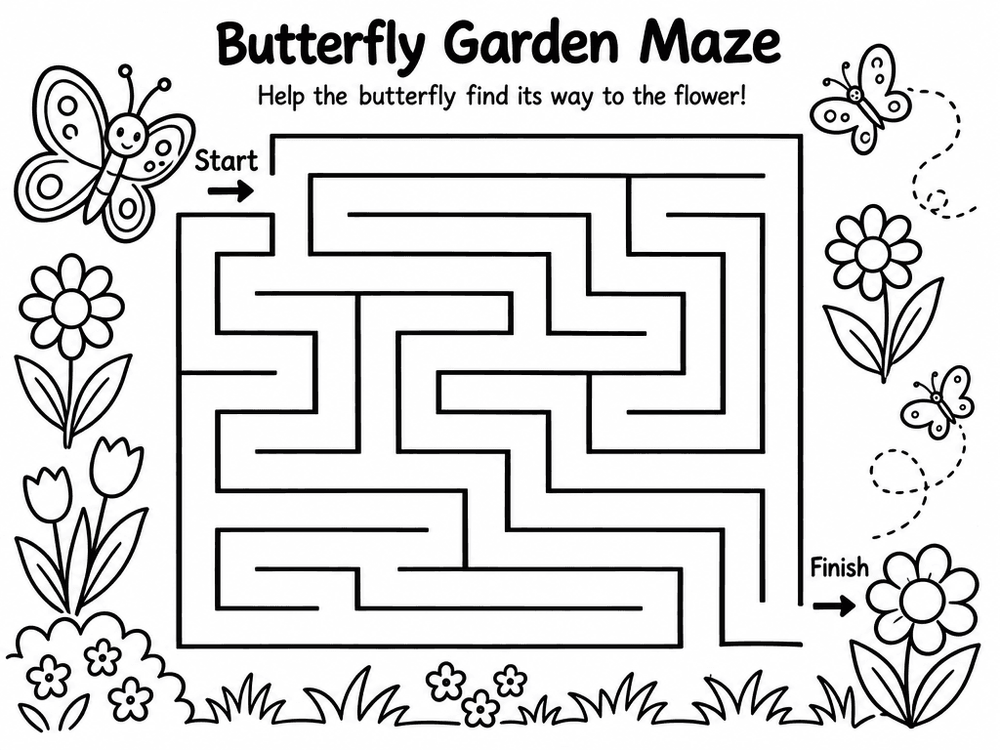
- Teachers and parents building worksheets, not books. A meaningful share of requests aren't coloring pages at all but the same line-art recipe applied to mazes, tracing sheets, and activity pages for a specific class or age group — printed once, not sold.
Knowing which of these three you are changes what to optimize for: a KDP book needs page-count discipline and trim-size accuracy; a worksheet needs age-appropriate difficulty; a POD listing needs a design distinct enough to stand out in an Etsy search.
The pattern
The requests that work best all follow the same shape:
- Lock the style once. "Black-and-white line art, thick clean bold outlines, simple flat shapes, no shading, no gray tones" — that exact kind of phrase, repeated in every prompt in the batch, is what keeps 30 pages feeling like one book instead of 30 unrelated drawings.
- Vary only the subject. Keep the style sentence fixed and swap out the scene: a fox family picnic, a wedding scene, an underwater adventure, a rainy afternoon at home. Each subject becomes one row in a bulk batch.
- Pick a theme and a difficulty level up front. Children's books use bigger shapes and fewer details; adult coloring books ("mandala," "cozy home," "wedding") lean into finer detail and more intricate line work. Decide this before you generate the batch, not page by page.
A working example
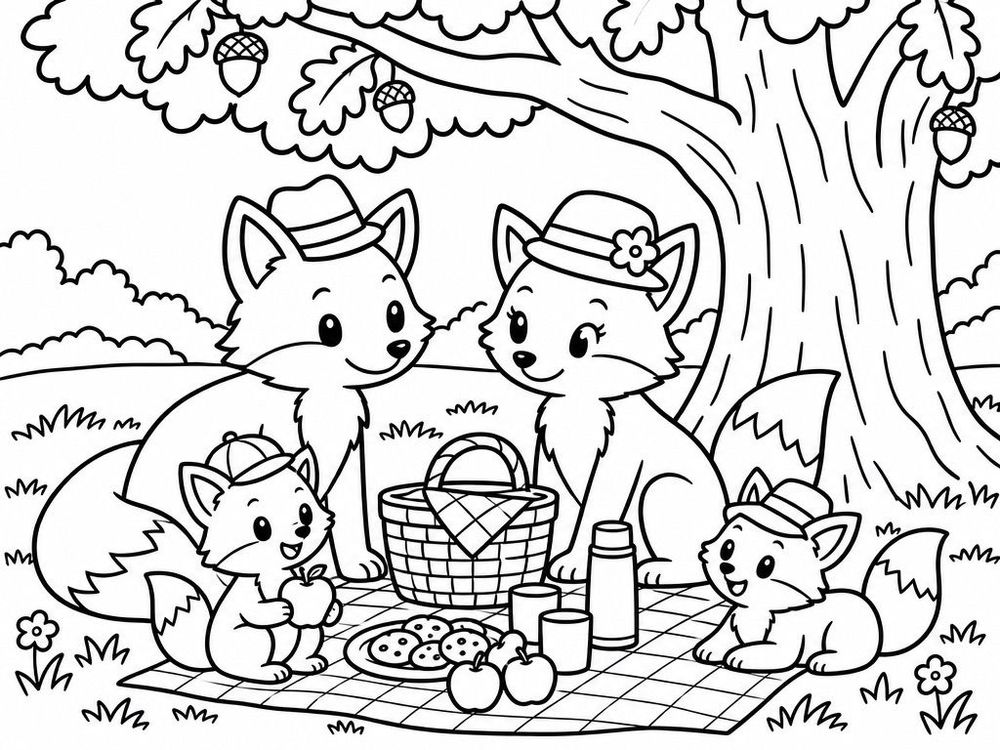
Here's a page generated from a fixed style prompt plus one subject line — no manual retouching:
Style (constant across the batch): Black-and-white line art coloring book page, thick clean bold outlines, simple shapes, flat areas ready to color, no shading, no gray tones. Subject (varies per row): A fox family having a picnic under a big oak tree, wearing tiny hats.
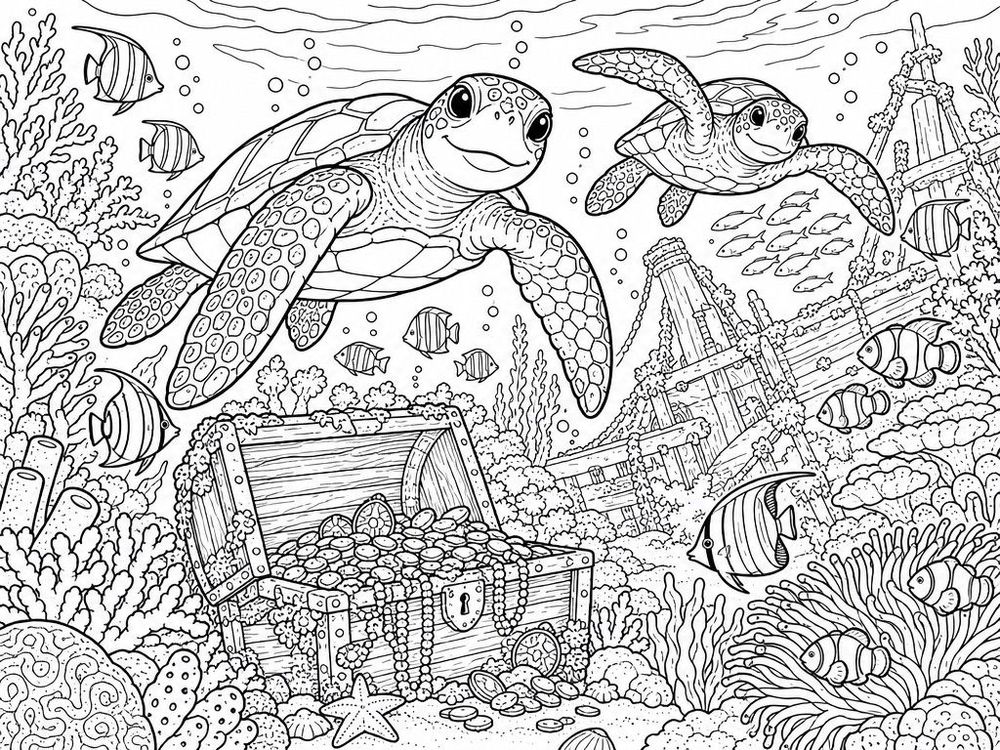
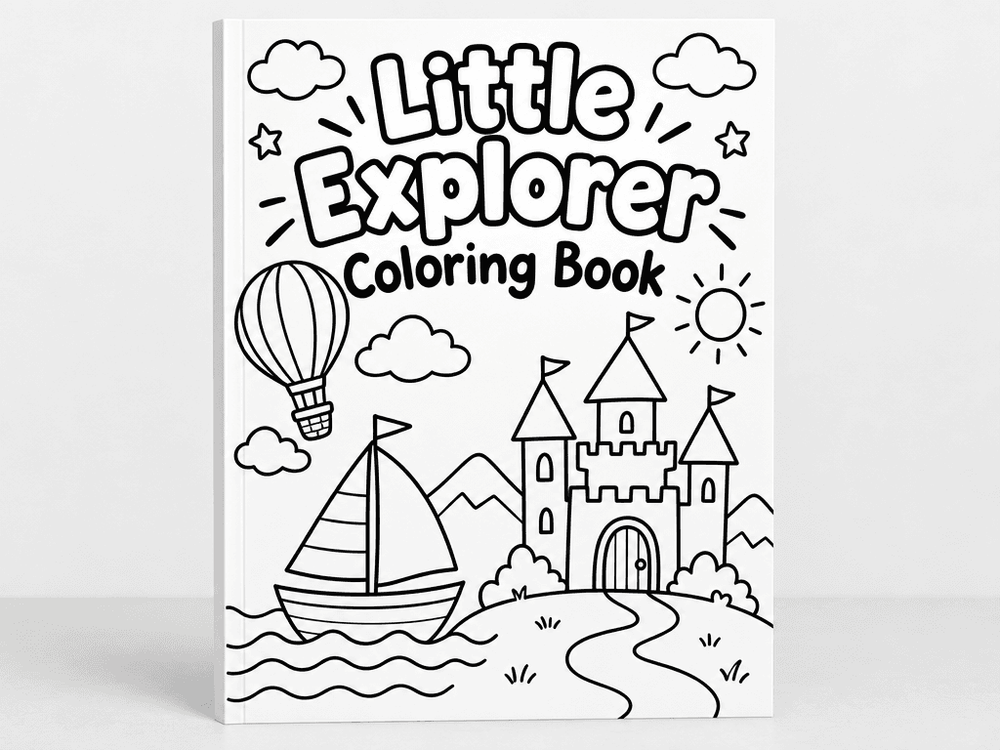
That's the whole prompt. Run the same style prefix against a list of 20-30 subject lines and you get a full, visually consistent coloring book in one pass — a picnic scene, an underwater adventure with sea turtles and a treasure chest, a "girl mom" themed page, a Halloween cottage — all sharing the same line weight and readability. The same recipe, pointed at a book-cover-style subject line instead of a page, gets you a matching mockup cover to preview the whole series before you commit to a print run.
Which model to use
For this style, Flux and Ideogram tend to produce the cleanest bold outlines with the least unwanted shading — pick either from the model dropdown before you generate the batch. If you've tried building a coloring book in Midjourney or Leonardo AI, you already know the problem: every image needs its style manually re-anchored, and getting the exact "no shading, no gray tones" look consistently across 30 pages takes constant re-prompting. Locking the style prefix once and running it as a batch — instead of prompting one page at a time in a chat interface — is the actual fix, not a different model.
Tips from real batches
- Keep subject lines specific but short. "A fox family picnic under an oak tree" generates a much cleaner page than "a cute animal scene." Vague prompts produce busy, hard-to-color pages.
- Say "no shading, no gray tones" explicitly, every time. Without it, models drift toward soft gradients that don't print cleanly for coloring.
- Batch by theme, not randomly. A "girl mom," "underwater," or "cozy autumn" themed batch reads as a real product; a grab-bag of unrelated scenes doesn't.
- State the format if it matters for print. If you're targeting KDP, say the trim size and orientation in the prompt — it won't get you exact pixel dimensions, but it keeps the model from defaulting to a layout that doesn't match your intended page.
- Generate 2-3x what you need. Even with a locked style prompt, a few pages per batch will be too busy or too sparse — pick your best 25 out of 30 rather than trying to make every single one work.
This is exactly the kind of job bulk image generation is built for: one style, many subjects, zero manual re-prompting between pages.