How to Turn a Video Script into a Full Storyboard with AI

Ryan Bennett • September 21, 2026
How creators turn a finished script into a complete set of scene images in one batch — the prompt structure, the style lock, and the mistakes that force a re-run.
How to Turn a Video Script into a Full Storyboard with AI
This is quietly one of the biggest jobs people bring to a bulk image generator, and almost nobody writes about it. You have a finished script — a five-minute story, a documentary segment, a 60-second explainer — and you need one image per beat. Twenty, thirty, sometimes a hundred and sixty of them. They have to look like they came from the same film, not from thirty different artists.
Doing that one prompt at a time in a chat window is where most people give up. The style drifts by scene six, the main character changes face by scene ten, and you're re-typing the same 40-word style description every single time.
Who's actually doing this, and why
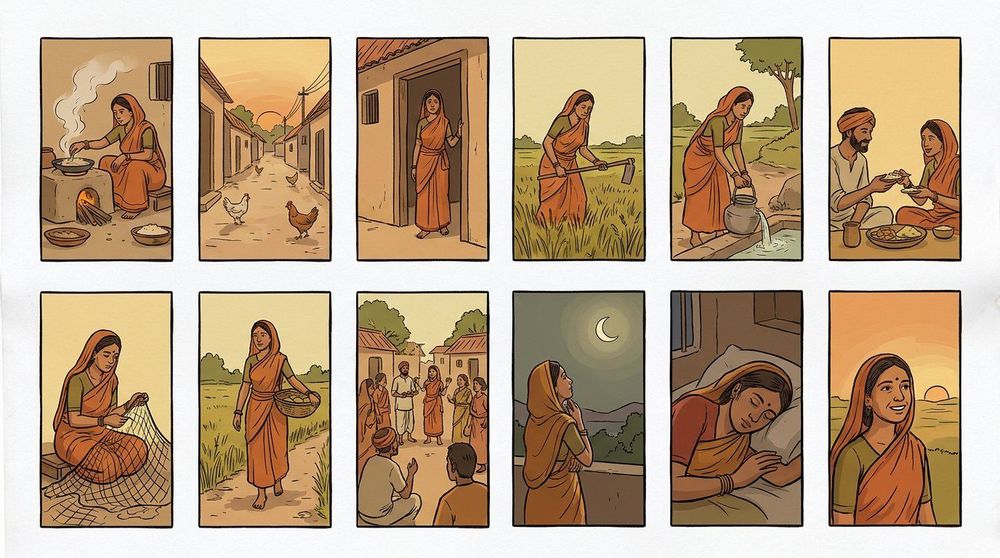
- Story channels on YouTube and Shorts. Horror retellings, village-life dramas, rags-to-riches arcs — scripts written first, then a scene image for every narration beat, almost always vertical 9:16 with "no text, no watermark" baked into every prompt because the captions get burned in later during editing.
- Explainer and documentary channels. Finance explainers, investigative segments, science breakdowns. Here the "character" is often a consistent visual treatment — a paper-collage look, an editorial ink style — applied across every beat so the video reads as one produced piece.
- Course and podcast producers. Building intro sequences and B-roll frames from a shot list: subject, camera angle, lens, lighting, mood — written like a cinematographer's notes rather than an art prompt.
- Automation builders. Several requests were literally instructions to an automation: "read the timestamped script and generate exactly one image for every timestamp, named 0s.png, 3s.png, 7s.png…" — people are wiring this into pipelines, not clicking buttons.
The prompt structure that works
Nearly every successful batch has the same three layers, in this order:
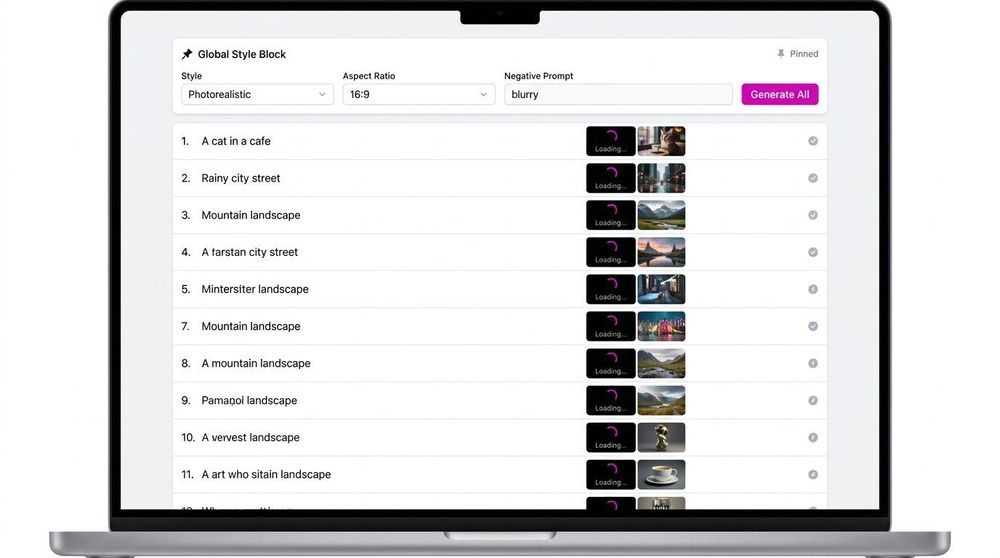
1. A global block that never changes. Format, aspect ratio, render style, palette, and the negative list. Written once, prepended to every row.
Format: 9:16 vertical, 4K, cinematic. Style: hand-drawn 2D illustration, thick ink outlines, warm earthy palette, soft film grain. No text, no captions, no watermark, no logos.
2. A lock block for anything that must repeat. Characters, a location, a prop. This is the part people forget, and it's the difference between a storyboard and a pile of unrelated pictures.
The same woman in every scene: mid-thirties, warm brown skin, oval face, dark expressive eyes, black hair in a low bun, the same faded red cotton sari with a dark green blouse, small nose pin, barefoot. Exact same face, hair, outfit and age in all 34 scenes.
3. One line per beat — just what changes.
Scene 7 — she kneels by the clay stove before dawn, blowing gently on the embers, faint orange light on her face, rest of the kitchen in darkness.
Three layers, one row per scene, one batch. That's the whole method.
Pair every image with its narration line
The batches that come back usable almost always carry the script text next to the prompt:
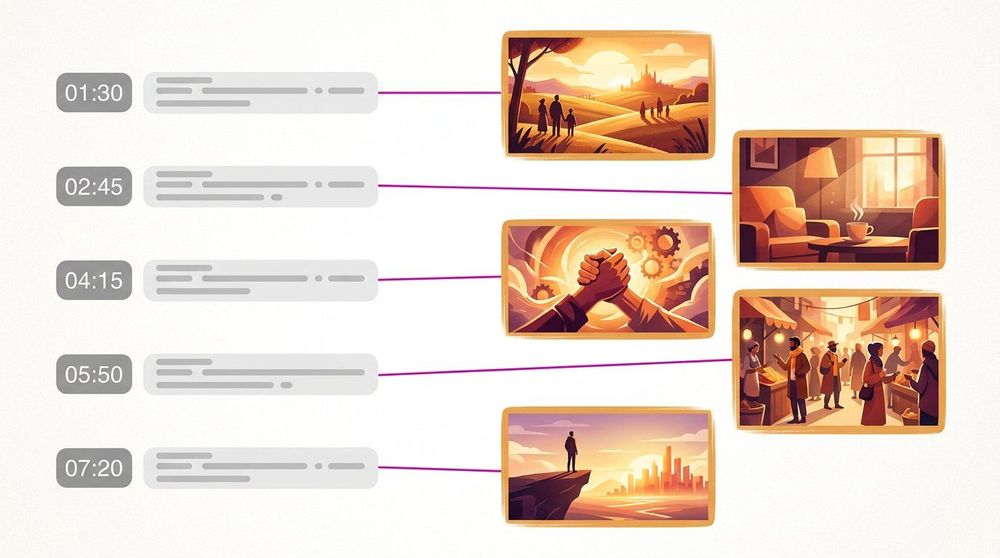
Beat 3. Narration: "He stood in the courtroom, alone." Image prompt: A monochrome halftone cutout of a man in a dark suit standing before a minimal courthouse backdrop, hand-torn paper collage texture, muted bone-white and charcoal palette with one burnt-copper accent.
Keeping narration and prompt side by side does two things: it stops you generating a beautiful image that doesn't match what the voiceover says, and it gives you the file order for the edit. Several people name files by timestamp for exactly this reason.
Which model to use
For long narrative batches, Flux and Seedance hold a consistent illustrated look across many generations better than most, which is what matters when thirty frames have to feel like one film. If your frames carry on-screen labels or signage, Ideogram or ChatGPT Image 2 render legible text where diffusion-only models usually produce gibberish. This is also the honest limitation of Midjourney for this job: it produces gorgeous single frames, but stitching thirty of them into one visually coherent sequence means fighting it prompt by prompt, and there's no batch row to edit. A shot list with one row per scene is simply a different tool shape than a chat box.
Tips from real batches
- Write the negative list once and never remove it. "No text, no watermark, no captions, no logos" appears in virtually every successful storyboard batch. Captions get added in the editor; burned-in AI text ruins the frame.
- State the aspect ratio in every row, not just the first. 9:16 for Shorts and Reels, 16:9 for long-form. Mixed ratios in one batch is the most common reason a set has to be re-run.
- Lock the environment too, not just the character. "Same village lane throughout", "identical ship design maintained", "keep the battlefield consistent" — recurring scenery drifts just as badly as faces do.
- Describe camera, not just content. "Wide establishing shot", "close-up, eye level, 50mm" gives the batch the rhythm of an actual edit: wides to open, close-ups for emotion.
- Generate in script order and name files in script order. Timestamps (
0s.png,7s.png) or scene numbers. You will thank yourself in the timeline. - Expect to re-run 10-20% of frames. Even with a tight lock block, a few scenes land wrong. Budget for it instead of trying to make every single row perfect on the first pass.