Bulk Product Photography and Packaging Mockups with AI

Ryan Bennett • September 30, 2026
How small brands generate dozens of consistent product shots and packaging mockups in one batch instead of booking a studio for every SKU.
Bulk Product Photography and Packaging Mockups with AI
Two very different groups end up needing the same thing from a bulk image generator: e-commerce sellers who need a clean, consistent product shot for every SKU in a catalog, and founders who need to see what their packaging design will actually look like before committing to a print run. Both are "generate the same shot format, many times, with one variable changing" jobs — which is exactly what batch generation is good at.
Who's actually doing this, and why
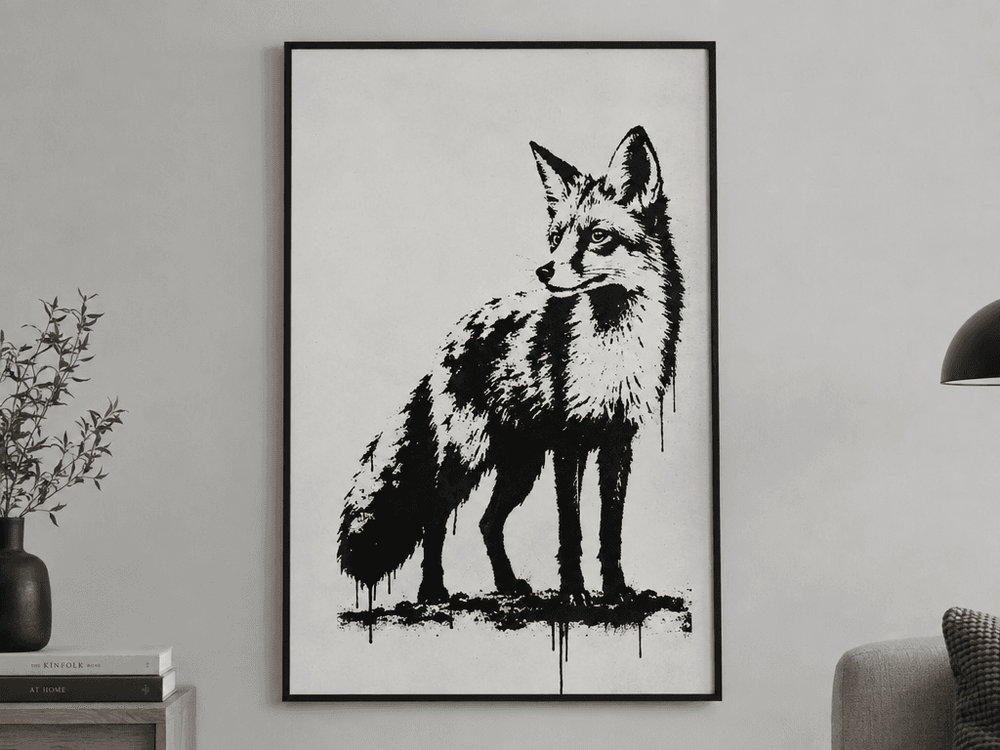
- Etsy and print-on-demand shop owners need to see a design as a finished product before it goes live — a wall-art design mocked up as a framed print on a wall, not just a flat file, so they can judge whether it'll actually sell as a listing photo.
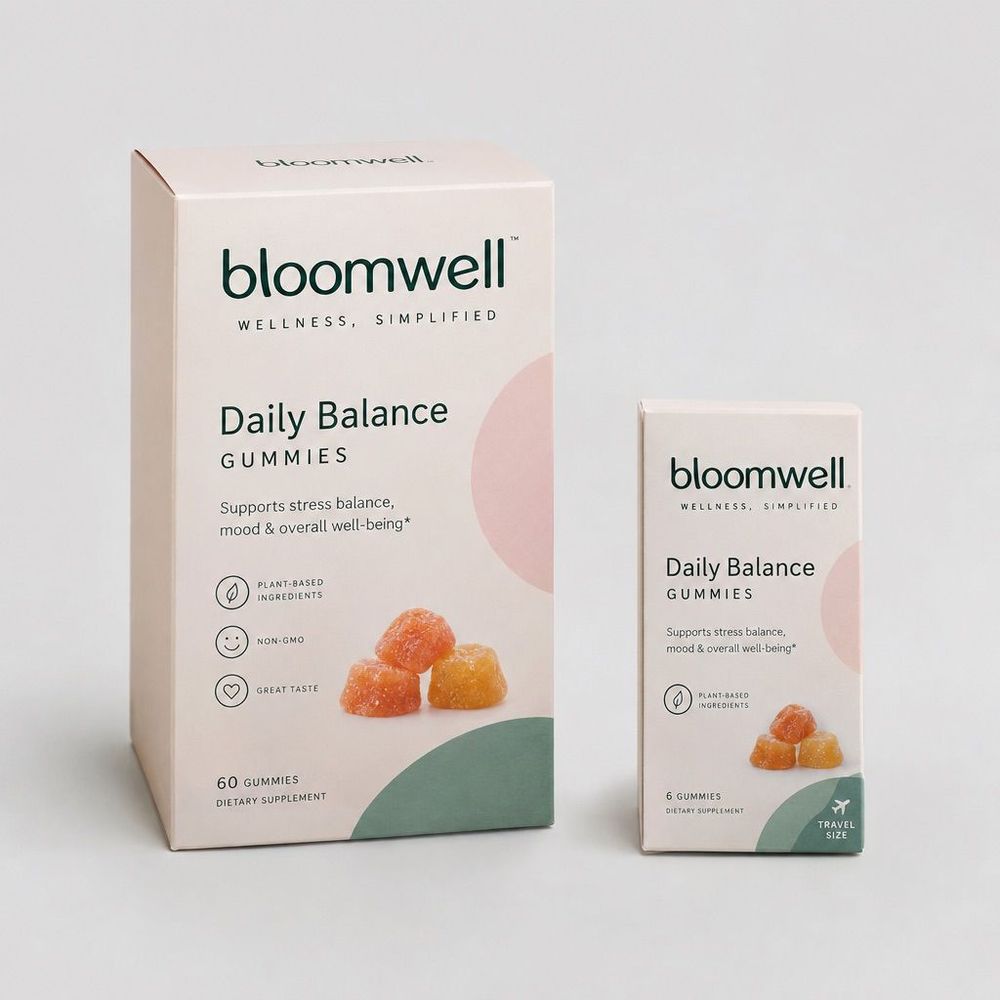
- Founders pre-production on a physical product use packaging mockups to check that a label design reads correctly across every SKU size — a full-size box and a travel-size box for the same brand, side by side — before paying for physical proofs from a printer.
- Catalog sellers with many near-identical SKUs (mugs, bowls, apparel in different colorways) need every product shot on the same background, same lighting, same angle, so the storefront looks like one coherent catalog instead of photos from different shoots.
The common thread: none of these three want a single "best" image. They want the same treatment applied consistently across many products or many sizes — which is a batching problem, not a photography-skill problem.
Pattern 1: catalog product shots
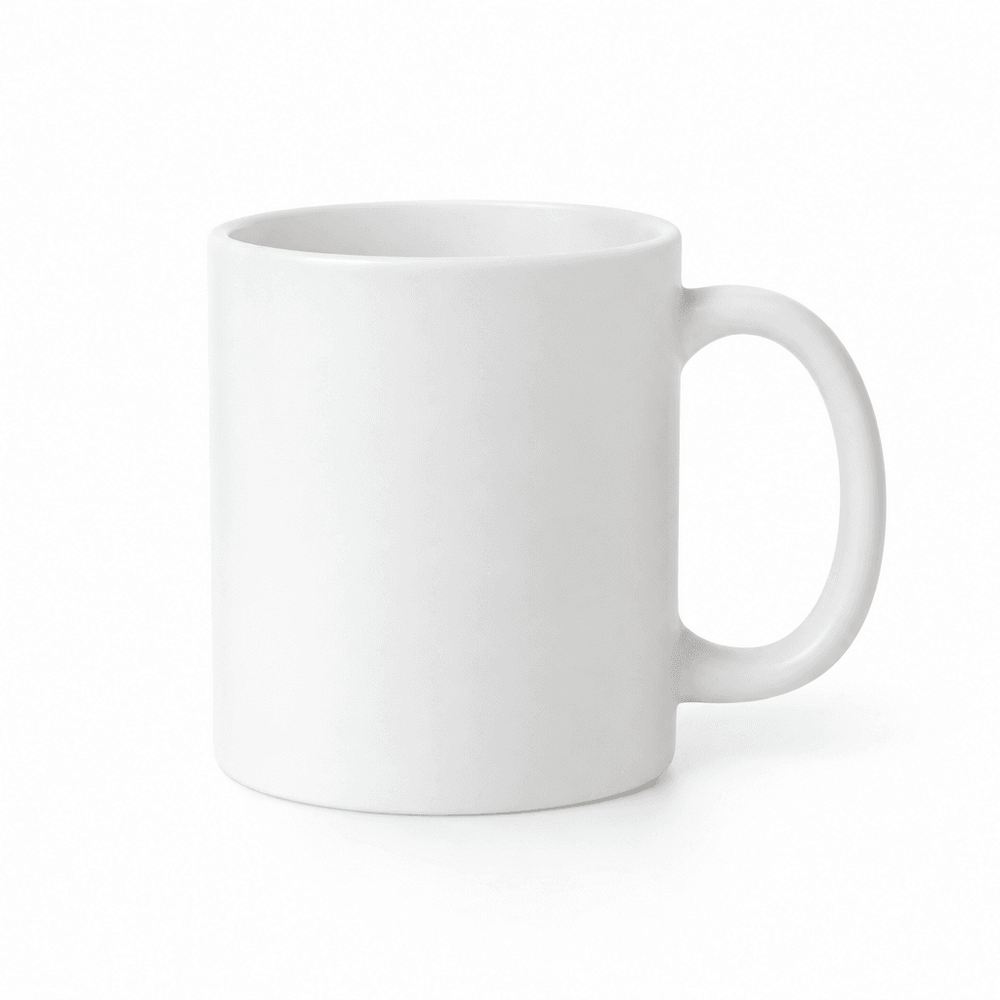
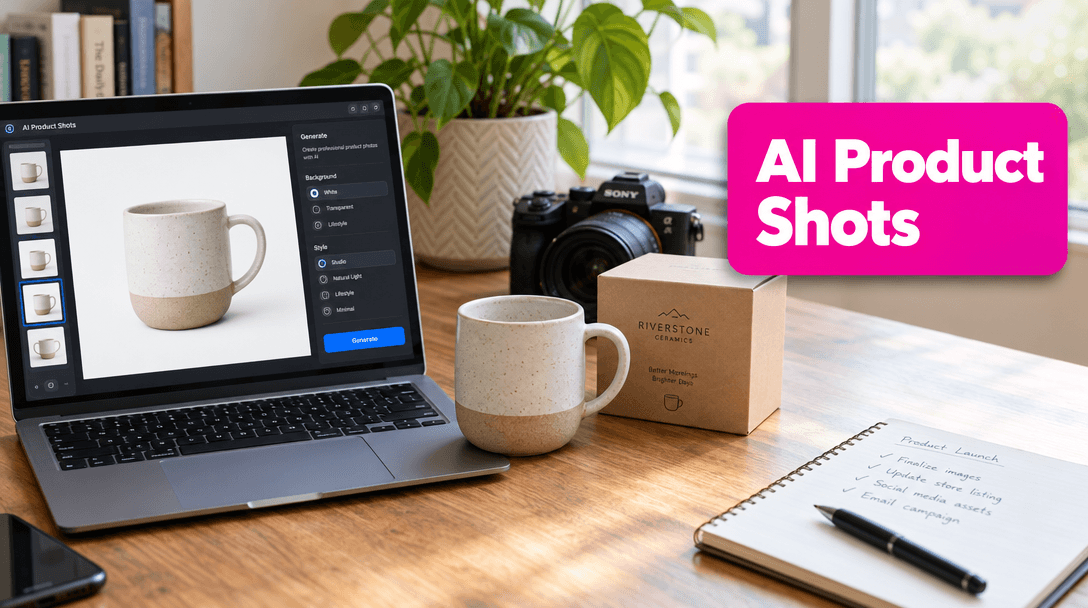
The most common request here is deceptively simple: put the product on a plain white background, studio lighting, consistent angle. The value isn't the individual image — it's that every product in a 40-item catalog gets the same background, same lighting, same shadow, without booking a photographer 40 times.
A minimalist matte white ceramic coffee mug centered on a clean seamless white background, soft studio lighting, subtle realistic shadow, e-commerce product photography style.
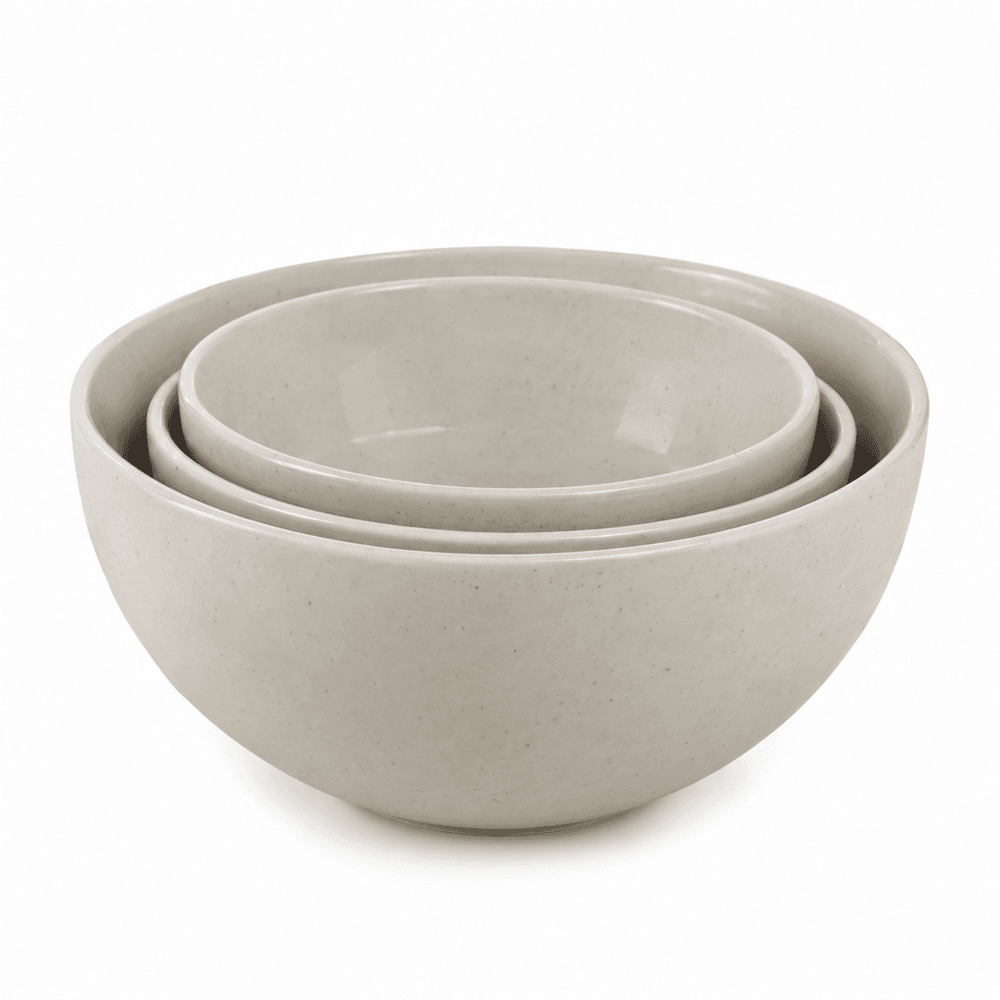
Swap "coffee mug" for each SKU and keep everything else fixed — that's the whole batch. The same approach extends to a single product line at different sizes: three nested bowls in one shot communicates "this comes in three sizes" more clearly than three separate photos ever would.
Pattern 2: packaging mockups before a print run
The second pattern is pre-production: seeing a label or box design rendered on an actual product shape before paying for physical samples. A common ask is two coordinated box sizes for the same brand — a full-size box and a smaller single-serving version — so the design can be checked for consistency across SKUs before it goes to a printer.
Photorealistic premium packaging design for a wellness gummy supplement brand: two matching product boxes side by side, one full-size bottle box and one single-serving travel box, clean modern minimalist branding with pastel colors, studio product photography on a light gray background.
Pattern 3: print-on-demand wall art, mocked up in context
A vertical illustration meant for an Etsy print listing gets judged very differently as a flat file versus hanging on a wall. Requests in this category ask for the artwork and a realistic framed-on-a-wall mockup in the same style pass, so the seller can preview the actual listing photo before uploading anything.
Photorealistic vertical wall art print mockup: a minimalist high-contrast black and white urban stencil-graffiti style illustration of a fox, shown as a framed print hanging on a light gray gallery wall.
Which model to use
For catalog shots, Nano Banana and Seedream tend to handle photorealistic materials, reflections, and shadows most reliably. For packaging with real label text, ChatGPT Image 2 (gpt-image-1) reads and renders legible text far more consistently than diffusion-only models — that matters a lot for a pre-print check, since the whole point is verifying the label reads correctly. This is exactly where Midjourney tends to fall short for this job: it's excellent at mood and lighting, but small label text usually comes out garbled, which is the one detail you actually need to trust in a packaging mockup.
Tips from real batches
- Name the background and lighting explicitly. "Plain white background, studio lighting" is what makes a batch look like one catalog. Leave it out and every shot drifts to a different mood.
- Generate multiple angles per product, not multiple products per angle, if angle consistency matters more than catalog size — decide which axis you're batching on before you start.
- For packaging, describe the relationship between pieces ("two matching boxes," "same branding, different sizes") so the model keeps them visually coordinated instead of generating two unrelated designs.
- For wall art or print listings, generate the in-context mockup, not just the flat art. A framed-on-a-wall version tells you in seconds whether a design will work as a listing photo.
- Mockups are for direction, not final print files. Use them to kill bad layout ideas early and get stakeholder sign-off — then move to your actual design tool for print-ready files.
This is the same underlying trick as the coloring-book use case: lock the format, vary the subject, and let the batch do in minutes what used to take a studio day.